Stage 01 · Write · Researched comparison
Best Rust Game Engines and Frameworks in 2026
Bevy is the first pick for most developers who want a full Rust-native engine with an ECS at its core and a large plugin ecosystem. Fyrox suits teams that want a more traditional editor-driven workflow with a scene editor and built-in scripting. macroquad is the lighter choice for 2D games and prototypes where fast builds and simple APIs matter more than a full editor.

By Shihab Mia
Published 28 Nov 2026 · 7 tools compared
We run no ads and no affiliate links at launch. The order of a list follows our published method. See how we score.
Prices are the starting prices vendors list publicly. Plans change, so confirm the current price on the vendor page before you buy.
Key takeaways
- Bevy, Fyrox, macroquad, ggez and Piston are free and open source, so cost is not the deciding factor.
- Bevy uses an entity component system and changes API between releases, so pin your version.
- Fyrox is the only Rust-native option here with a full scene editor and built-in scripting.
- Godot with godot-rust gdext gives you a mature editor and Rust gameplay code, but the engine core is C++.
Who each pick is for
- Developers who want a full Rust engine built around an ECSBevy
- Teams that want a Rust engine with a scene editorFyrox
- Fast 2D prototypes and small games with minimal setupmacroquad
- 2D games where a simple, guided API helpsggez
- Developers who want a modular, library-based approachPiston
- Rust developers who want the raylib API and C ecosystemraylib-rs
- Teams that want Godot's editor with Rust gameplay codeGodot with godot-rust gdext
Comparison
| Tool | Best for | Standout feature | Listed starting price | Free plan or trial |
|---|---|---|---|---|
| 1Bevy | Developers who want a full Rust engine built around an ECS | Data-driven ECS design | Free (open source) | Free plan |
| 2Fyrox | Teams that want a Rust engine with a scene editor | Full scene editor with 2D and 3D support | Free (open source) | Free plan |
| 3macroquad | Fast 2D prototypes and small games with minimal setup | Simple API with very fast compile times | Free (open source) | Free plan |
| 4ggez | 2D games where a simple, guided API helps | Clear API modeled on LÖVE | Free (open source) | Free plan |
| 5Piston | Developers who want a modular, library-based approach | Highly modular with separate crates | Free (open source) | Free plan |
| 6raylib-rs | Rust developers who want the raylib API and C ecosystem | Thin bindings over a well-known C library | Free (open source) | Free plan |
| 7Godot with godot-rust gdext | Teams that want Godot's editor with Rust gameplay code | Mature editor and 2D/3D tooling | Free (open source) | Free plan |
How we picked
We picked projects that are real, currently maintained and genuinely used to build games in Rust. Criteria were fit for the job, supported platforms, licence and price, how much tooling ships with each, and the main limits a developer will hit. Sources are vendor sites, project documentation and public repositories. Prices and maintenance status change, so confirm details on the official pages before you commit.
The tools, one by one
Bevy
Best for developers who want a full Rust engine built around an ECS
What it is and where it fits
Bevy is a general-purpose game engine written in Rust. Its core is an entity component system, which means game state lives in components and systems read and write that data. This design scales from small prototypes to larger projects and makes it easy to add plugins.
Bevy runs on Windows, macOS, Linux, and supports WebAssembly builds for the browser. It targets 2D and 3D. The project ships frequent releases, and APIs do change, so pin a version in your Cargo.toml and read the migration guides. There is no full visual editor yet; you build scenes in code or with community tools.
The engine is free under a permissive open-source licence, with no paid tier. It suits developers comfortable writing Rust and reading documentation. Skip it if you need a stable API for a long-lived project or a mature editor today.
Standout: Data-driven ECS design
Free (open source), as listed by the vendor (Bevy website). Confirm the current plan price before you buy.
Free plan. Plans change, so confirm on the vendor's pricing page before you buy.
Benefits
- Data-driven ECS design
- large plugin and community ecosystem
Drawbacks
- APIs change between releases
- 3D and editor tooling still maturing
Skip it if this limit matters to you: APIs change between releases.
Verdict. A sensible pick for developers who want a full Rust engine built around an ECS.
Fyrox
Best for teams that want a Rust engine with a scene editor
What it is and where it fits
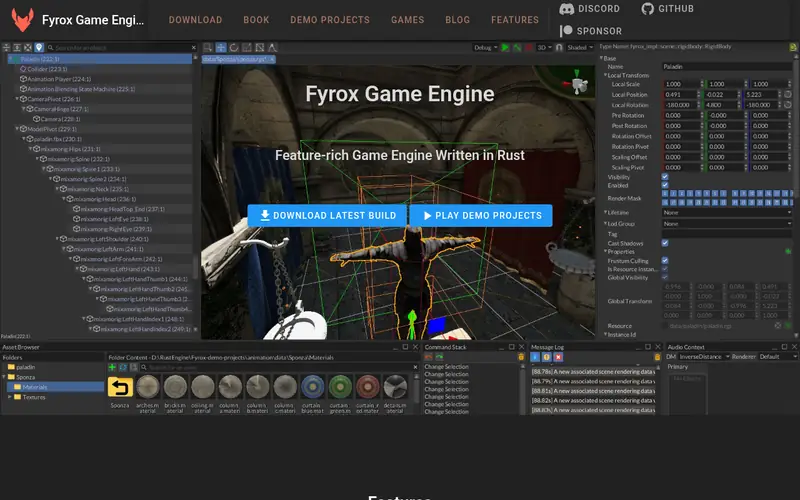
Fyrox is a Rust game engine with an integrated editor. The editor covers scene editing, asset management and a material editor, and the engine supports 2D and 3D rendering, physics and sound. Scripting is built in, so you can attach behavior to scene nodes without wiring everything in code.
The engine targets desktop platforms, primarily Windows, macOS and Linux. It is free and open source under the MIT licence. Documentation is thinner than what you find for larger engines, and the community is smaller, so expect to read source code when you hit edge cases.
Fyrox is a good fit if you prefer an editor-driven workflow and want to stay in Rust. It is a weaker fit if you need a large plugin ecosystem or extensive tutorials.
Standout: Full scene editor with 2D and 3D support
Free (open source), as listed by the vendor (Fyrox website). Confirm the current plan price before you buy.
Free plan. Plans change, so confirm on the vendor's pricing page before you buy.
Benefits
- Full scene editor with 2D and 3D support
- built-in scripting
Drawbacks
- Smaller community than Bevy
- fewer third-party plugins
Skip it if this limit matters to you: smaller community than Bevy.
Verdict. A sensible pick for teams that want a Rust engine with a scene editor.
macroquad
Best for fast 2D prototypes and small games with minimal setup
What it is and where it fits
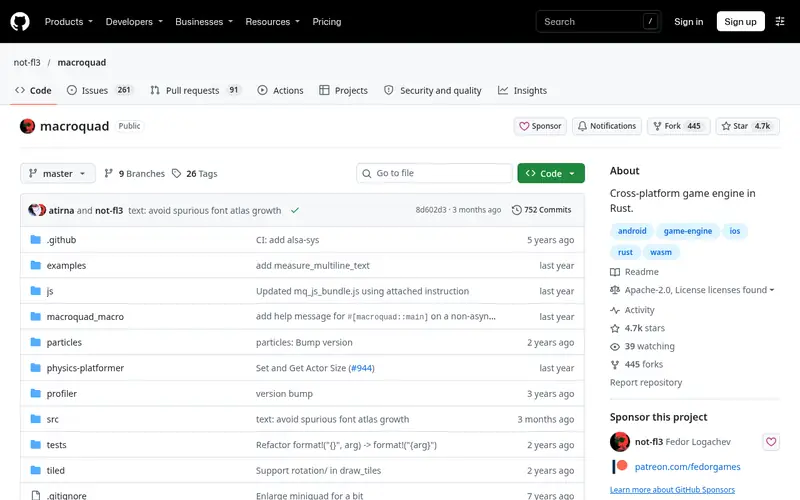
macroquad is a small cross-platform game framework for Rust. It focuses on a simple immediate-mode API: you draw shapes, sprites and text each frame without managing a scene graph. Compile times are short, which makes it good for prototyping and game jams.
It builds for Windows, macOS, Linux, the web via WebAssembly, Android and iOS. The library covers 2D well and has limited 3D support. There is no editor and no built-in scene system; you write your own game loop and state. Asset loading and audio are included.
macroquad is free and open source. It suits small 2D games and learning projects. Skip it if you need a full engine with an editor, advanced 3D rendering or a large standard library of game systems.
Standout: Simple API with very fast compile times
Free (open source), as listed by the vendor (macroquad website). Confirm the current plan price before you buy.
Free plan. Plans change, so confirm on the vendor's pricing page before you buy.
Benefits
- Simple API with very fast compile times
- easy cross-platform builds
Drawbacks
- Minimal tooling beyond the core library
- 3D support is basic
Skip it if this limit matters to you: minimal tooling beyond the core library.
Verdict. A sensible pick for fast 2D prototypes and small games with minimal setup.
ggez
Best for 2D games where a simple, guided API helps
What it is and where it fits
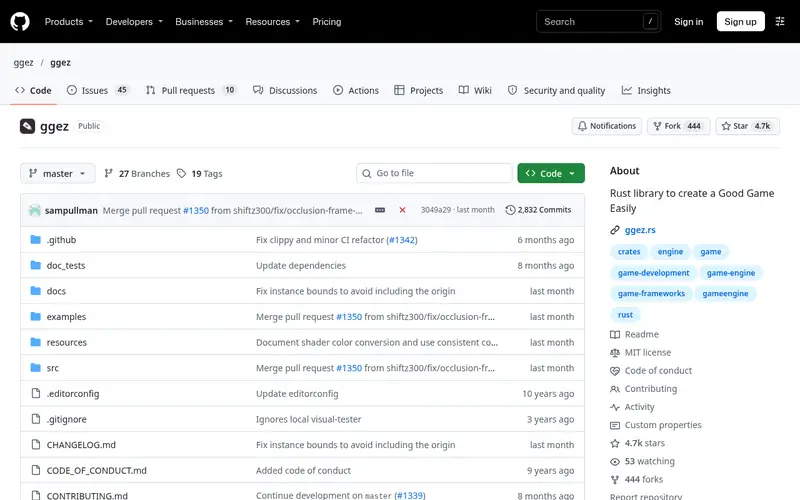
ggez is a lightweight 2D game framework for Rust inspired by the LÖVE framework for Lua. It provides a game loop, graphics, audio, input and resource loading, and it aims to make common 2D tasks straightforward.
It runs on Windows, macOS and Linux. The framework is 2D only and does not include an editor or a scene system. You structure your game around a state object and callbacks. The API is stable enough for small projects, and the documentation and examples are aimed at people new to game programming in Rust.
ggez is free and open source. It fits small 2D games, teaching projects and developers coming from LÖVE. It is not the right choice for 3D work or projects that need a large plugin ecosystem.
Standout: Clear API modeled on LÖVE
Free (open source), as listed by the vendor (ggez website). Confirm the current plan price before you buy.
Free plan. Plans change, so confirm on the vendor's pricing page before you buy.
Benefits
- Clear API modeled on LÖVE
- good documentation for beginners
Drawbacks
- 2D only
- smaller ecosystem than Bevy
Skip it if this limit matters to you: 2D only.
Verdict. A sensible pick for 2D games where a simple, guided API helps.
Piston
Best for developers who want a modular, library-based approach
What it is and where it fits
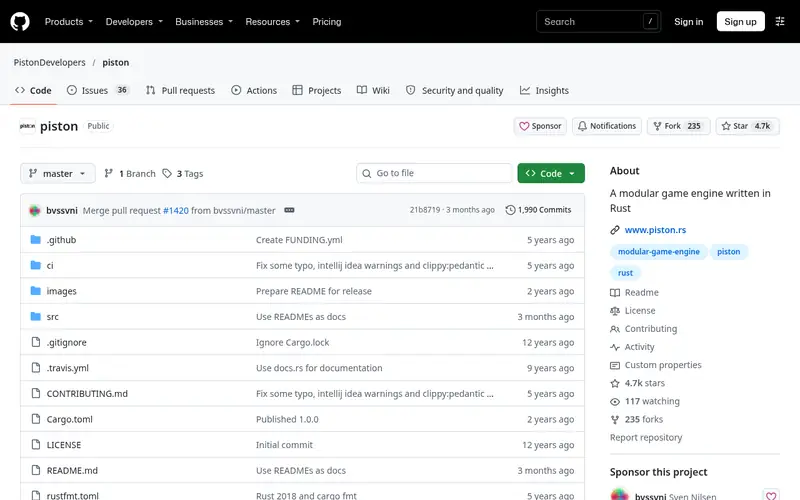
Piston is a modular game engine written in Rust. Rather than one large framework, it is a set of crates for windowing, graphics, input and events that you combine as needed. This gives fine control over what you include.
It runs on Windows, macOS and Linux. Because the pieces are separate, you choose your own rendering backend and supporting libraries. The trade-off is more setup work and fewer batteries included than Bevy or Fyrox.
Piston is free and open source. Maintenance has been slow in recent years, so check recent commit activity and issue responses before starting a new project. It suits developers who want a minimal core and are willing to assemble their own stack, and it is a poor fit for anyone who wants an actively developed all-in-one engine.
Standout: Highly modular with separate crates
Free (open source), as listed by the vendor (Piston website). Confirm the current plan price before you buy.
Free plan. Plans change, so confirm on the vendor's pricing page before you buy.
Benefits
- Highly modular with separate crates
- works across desktop platforms
Drawbacks
- Maintenance is slow
- more assembly required than full engines
Skip it if this limit matters to you: maintenance is slow.
Verdict. A sensible pick for developers who want a modular, library-based approach.
raylib-rs
Best for rust developers who want the raylib API and C ecosystem
What it is and where it fits
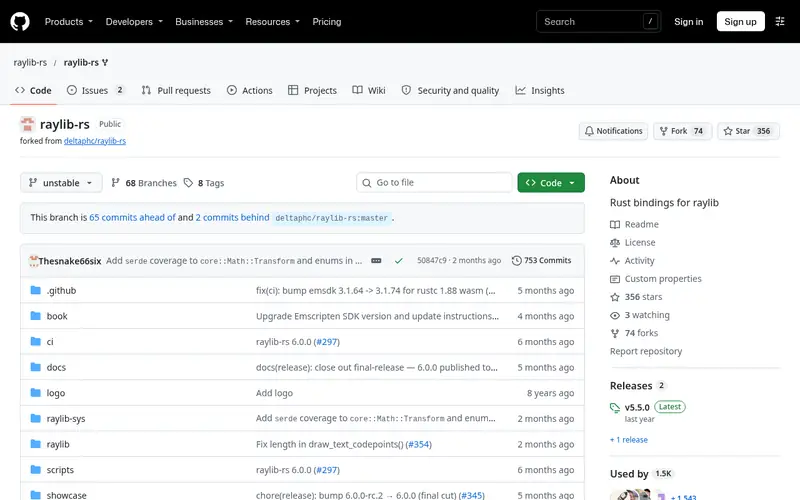
raylib-rs provides Rust bindings for raylib, a popular C library for games and graphical applications. You get raylib's simple API for drawing, input, audio and models, called from Rust.
It supports the platforms raylib supports, including Windows, macOS, Linux and the web via WebAssembly. The bindings track upstream raylib releases, so features arrive when raylib ships them. There is no editor and no ECS; you write the game loop yourself.
raylib-rs is free and open source. It suits developers who already know raylib or want its straightforward API and examples. It is a weaker fit if you want a fully Rust-native engine with Rust-style abstractions throughout.
Standout: Thin bindings over a well-known C library
Free (open source), as listed by the vendor (raylib-rs website). Confirm the current plan price before you buy.
Free plan. Plans change, so confirm on the vendor's pricing page before you buy.
Benefits
- Thin bindings over a well-known C library
- broad platform support
Drawbacks
- Tied to raylib's design and release cycle
- not a Rust-native engine
Skip it if this limit matters to you: tied to raylib's design and release cycle.
Verdict. A sensible pick for rust developers who want the raylib API and C ecosystem.
Godot with godot-rust gdext
Best for teams that want Godot's editor with Rust gameplay code
What it is and where it fits
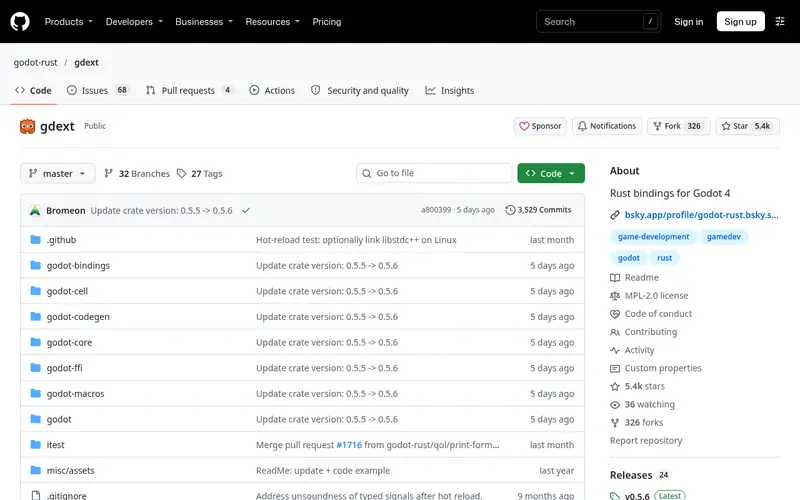
godot-rust gdext provides Rust bindings for Godot 4, letting you write game logic in Rust as extensions to the Godot engine. You keep Godot's editor, scene system and export pipeline while writing performance-sensitive code in Rust.
This is not a Rust-native engine. The engine itself is written in C++, and you work within Godot's node and object model. The bindings support the platforms Godot exports to, including desktop and the web, subject to Godot's own limitations.
Both Godot and gdext are free and open source. This option suits teams that want a proven editor and are willing to mix languages. Skip it if you want an engine written entirely in Rust or want to avoid the C++ engine layer.
Standout: Mature editor and 2D/3D tooling
Free (open source), as listed by the vendor (Godot with godot-rust gdext website). Confirm the current plan price before you buy.
Free plan. Plans change, so confirm on the vendor's pricing page before you buy.
Benefits
- Mature editor and 2D/3D tooling
- Rust for performance-critical code
Drawbacks
- Engine core is C++
- requires learning Godot's object model
Skip it if this limit matters to you: engine core is C++.
Verdict. A sensible pick for teams that want Godot's editor with Rust gameplay code.
Who should use what
If you want a full Rust-native engine with an ECS and a growing ecosystem, start with Bevy. If you prefer an editor-driven workflow and want to stay in Rust, look at Fyrox. For small 2D games, game jams and fast iteration, macroquad or ggez are simpler starting points. If you want a mature editor and are open to mixing languages, Godot with godot-rust gdext gives you that path. Piston and raylib-rs fit developers who want a minimal core or an existing C library API.
Questions to settle before you buy
What to check before you buy
- Pin the engine version in Cargo.toml and read the migration notes before upgrading.
- Check that your target platforms, including web or mobile, are supported by the engine and its dependencies.
- Confirm the licence fits your project, including any asset or runtime requirements.
- Review recent commit activity and issue response times to judge maintenance.
- Test build times and binary size on your own machine before committing to a large project.
FAQ
Is Bevy ready for production games?
Bevy is used for real projects, but its APIs change between releases. Pin a version, plan for migration work when you upgrade, and check that the features you need are stable in your chosen release.
Do I need an editor to make a game in Rust?
No. Bevy, macroquad, ggez, Piston and raylib-rs are code-first. Fyrox and Godot with gdext provide editors if you prefer a visual workflow.
Can I ship a Rust game to the web?
Yes, in some cases. Bevy, macroquad and raylib-rs support WebAssembly builds, and Godot can export to the web. Check each project's documentation for current browser support and limits.
Are these engines free?
All the projects listed here are free and open source. There are no paid tiers for the engines themselves, though you may pay for assets, tooling or hosting.
Which engine is best for a beginner?
macroquad and ggez have small APIs and good examples for 2D work. Bevy has more concepts to learn but a large community. Fyrox and Godot suit people who prefer an editor.
Sources we checked
Method: how we score · editorial policy.
Change log. First published 28 Nov 2026.