Stage 01 · Write · Researched comparison
Best Ruby Version Managers in 2026
rbenv is the first pick for most developers who want a small, predictable Ruby version manager that stays out of the way. It suits teams that prefer shims and a simple plugin model. RVM remains a strong alternative for people who want one tool that also handles gemsets and shell integration. asdf and mise fit developers who manage several languages, not just Ruby, from a single tool.

By Shihab Mia
Published 22 Nov 2026 · 6 tools compared
We run no ads and no affiliate links at launch. The order of a list follows our published method. See how we score.
Prices are the starting prices vendors list publicly. Plans change, so confirm the current price on the vendor page before you buy.
Key takeaways
- rbenv, RVM, chruby, asdf and mise are all free and open source, so cost is not the deciding factor.
- rbenv and chruby stay minimal and rely on separate build tools, while RVM bundles more features.
- asdf and mise manage multiple runtimes, which helps polyglot projects but adds a layer of configuration.
- Version managers run locally on your machine, so no project data is sent to a third-party web page.
Who each pick is for
- Developers who want a small, predictable Ruby switcherrbenv
- Users who want gemsets and shell integration in one toolRVM
- Polyglot developers managing several runtimes at onceasdf
- Teams that want runtime and task management togethermise
- Minimalists who want a small shell function, not shimschruby
- Users who need to compile Ruby versions for another managerruby-build
Comparison
| Tool | Best for | Standout feature | Listed starting price | Free plan or trial |
|---|---|---|---|---|
| 1rbenv | Developers who want a small, predictable Ruby switcher | Minimal design with shims | Free (open source) | Free plan |
| 2RVM | Users who want gemsets and shell integration in one tool | Installs Ruby and manages gemsets | Free (open source) | Free plan |
| 3asdf | Polyglot developers managing several runtimes at once | One tool for Ruby, Node, Python and more | Free (open source) | Free plan |
| 4mise | Teams that want runtime and task management together | Manages multiple runtimes and tasks | Free (open source) | Free plan |
| 5chruby | Minimalists who want a small shell function, not shims | Very small codebase | Free (open source) | Free plan |
| 6ruby-build | Users who need to compile Ruby versions for another manager | Installs many Ruby versions and forks | Free (open source) | Free plan |
How we picked
We compared tools on fit for installing and switching Ruby versions, platform support, licence and price, how much they modify the shell, and the main limits users hit. Sources are official project pages, vendor documentation and public repositories. All listed tools are free and open source. Prices and features can change, so confirm details on each project site before you commit.
The tools, one by one
rbenv
Best for developers who want a small, predictable Ruby switcher
What it is and where it fits
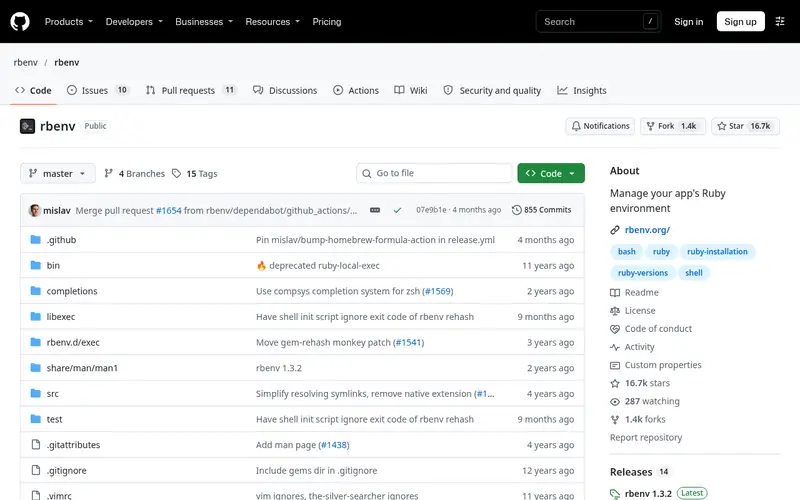
rbenv changes which Ruby your shell finds by placing shim scripts early in your PATH. It does not compile or install Ruby on its own; the ruby-build plugin handles that step. This split keeps the core small and easy to reason about. Configuration lives in a `.ruby-version` file per project, so teams can commit the version and get consistent results.
It runs on macOS and Linux, and works in most POSIX shells. Windows users typically rely on WSL. Because it is open source and free, there is no paid tier or seat limit. The main trade-off is that gemsets are not part of the design; you manage gems with Bundler instead. Developers who want one command to install, switch and isolate gems may prefer RVM. Those who want the smallest possible footprint usually pick rbenv.
Standout: Minimal design with shims
Free (open source), as listed by the vendor (rbenv website). Confirm the current plan price before you buy.
Free plan. Plans change, so confirm on the vendor's pricing page before you buy.
Benefits
- Minimal design with shims
- large plugin ecosystem
Drawbacks
- Does not install Ruby by itself
- needs ruby-build
Skip it if this limit matters to you: does not install Ruby by itself.
Verdict. A sensible pick for developers who want a small, predictable Ruby switcher.
RVM
Best for users who want gemsets and shell integration in one tool
What it is and where it fits
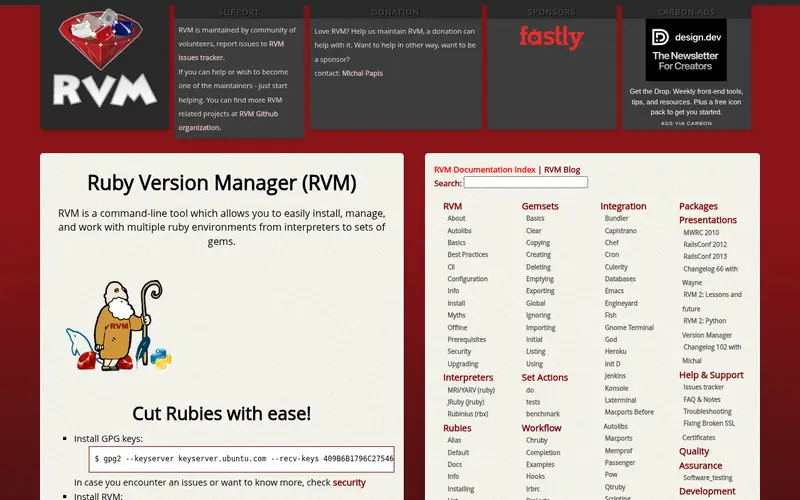
RVM installs Ruby versions, switches between them and manages gemsets, which let you keep separate gem collections per project or per Ruby. It hooks into your shell, so setup involves sourcing a script in your shell profile. The project has a long history and detailed documentation covering install, upgrade and troubleshooting.
It runs on macOS and Linux. Windows is not a supported target; use WSL if needed. RVM is free and open source with no paid plan. The extra features come with more shell integration than some developers want, and a few teams report friction when RVM conflicts with other tools that also modify PATH. If you only need to switch Ruby versions and prefer Bundler for gem isolation, rbenv or chruby may be simpler. If you want gemsets built in, RVM is a direct fit.
Standout: Installs Ruby and manages gemsets
Free (open source), as listed by the vendor (RVM website). Confirm the current plan price before you buy.
Free plan. Plans change, so confirm on the vendor's pricing page before you buy.
Benefits
- Installs Ruby and manages gemsets
- mature documentation
Drawbacks
- Heavier shell integration
- more moving parts than rbenv
Skip it if this limit matters to you: heavier shell integration.
Verdict. A sensible pick for users who want gemsets and shell integration in one tool.
asdf
Best for polyglot developers managing several runtimes at once
What it is and where it fits
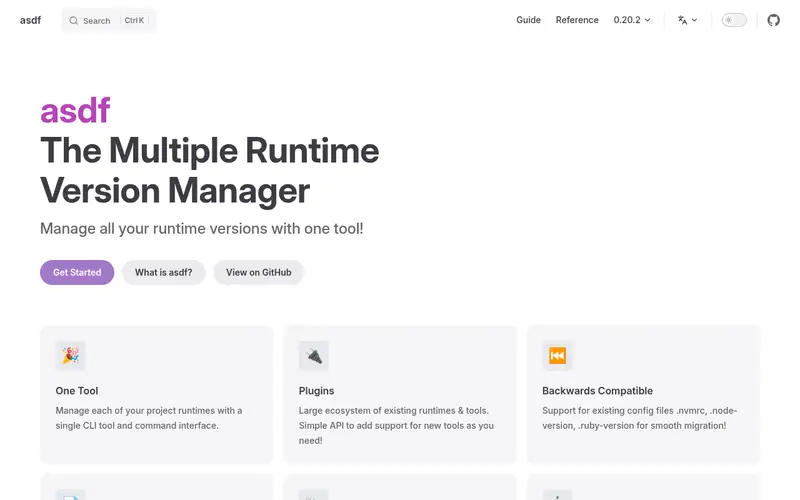
asdf is a multi-runtime version manager. Ruby support comes through a plugin, and the same pattern applies to Node.js, Python, Erlang and other tools. A `.tool-versions` file in each project records the versions you want, and asdf switches all of them together. That helps when a project depends on matching versions of several languages.
It runs on macOS and Linux, with community guidance for Windows through WSL. asdf is free and open source. The trade-off is indirection: you install plugins before you can install a runtime, and debugging a failed install means checking both asdf and the plugin. Developers who work in Ruby only may find rbenv or chruby more direct. Teams that already juggle several runtimes often prefer asdf because one configuration file covers the whole stack.
Standout: One tool for Ruby, Node, Python and more
Free (open source), as listed by the vendor (asdf website). Confirm the current plan price before you buy.
Free plan. Plans change, so confirm on the vendor's pricing page before you buy.
Benefits
- One tool for Ruby, Node, Python and more
- per-project version files
Drawbacks
- Plugin model adds setup steps
- not Ruby-specific
Skip it if this limit matters to you: plugin model adds setup steps.
Verdict. A sensible pick for polyglot developers managing several runtimes at once.
mise
Best for teams that want runtime and task management together
What it is and where it fits
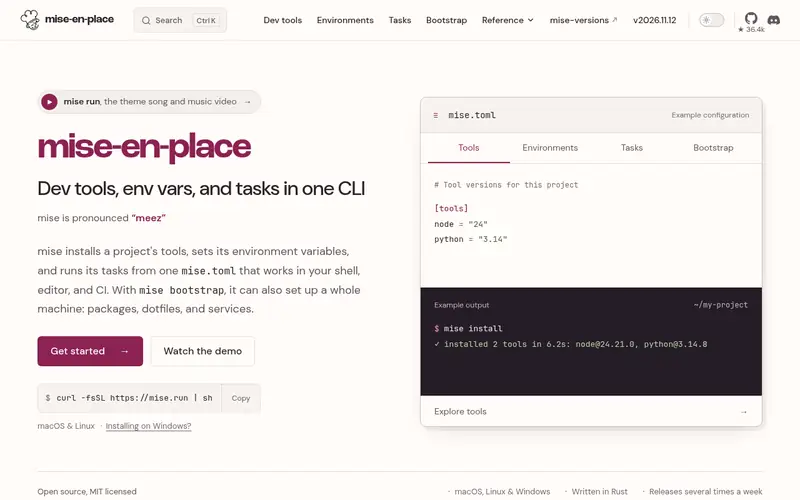
mise (formerly rtx) manages language runtimes and also runs project tasks and environment variables. It can read `.ruby-version`, `.tool-versions` and similar files, which makes migration from other managers easier. Ruby is one of many supported runtimes, so the same tool can pin Node, Python and Go versions alongside Ruby.
It runs on macOS and Linux, with Windows support through WSL. mise is free and open source. Because it does more than version switching, the configuration surface is larger than rbenv's, and teams should agree on which files are authoritative. Developers who want a single Ruby-focused tool with a long track record may prefer rbenv or RVM. Teams already using task runners may find mise reduces the number of tools they install.
Standout: Manages multiple runtimes and tasks
Free (open source), as listed by the vendor (mise website). Confirm the current plan price before you buy.
Free plan. Plans change, so confirm on the vendor's pricing page before you buy.
Benefits
- Manages multiple runtimes and tasks
- reads existing version files
Drawbacks
- Younger project than rbenv or RVM
- broader scope to learn
Skip it if this limit matters to you: younger project than rbenv or RVM.
Verdict. A sensible pick for teams that want runtime and task management together.
chruby
Best for minimalists who want a small shell function, not shims
What it is and where it fits
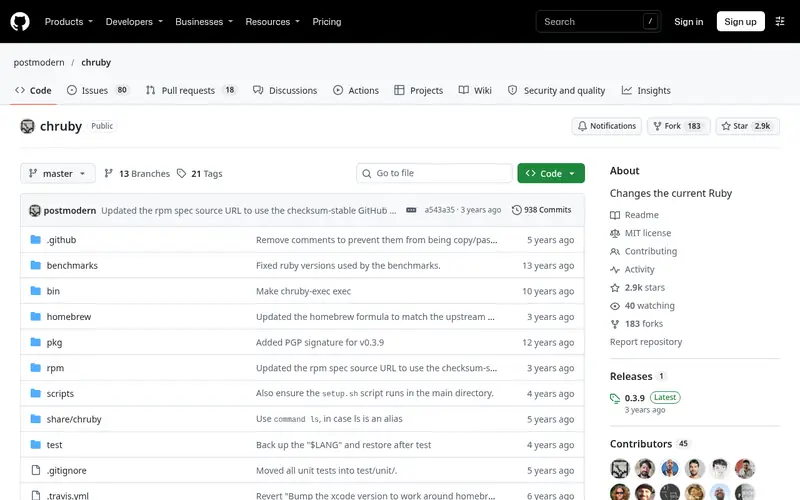
chruby changes the active Ruby by editing PATH and related variables in a shell function. It does not use shims, and it does not install Ruby; you build or install versions separately, often with ruby-build or ruby-install. The result is a small tool with little magic, which some developers prefer for debugging and predictability.
It runs on macOS and Linux in POSIX shells. chruby is free and open source. The lack of an installer means more manual steps: you must place Ruby versions where chruby expects them and keep them updated yourself. Developers who want one command to fetch and install Ruby should look at RVM or rbenv with ruby-build. Those who want the least possible interference with their shell often choose chruby.
Standout: Very small codebase
Free (open source), as listed by the vendor (chruby website). Confirm the current plan price before you buy.
Free plan. Plans change, so confirm on the vendor's pricing page before you buy.
Benefits
- Very small codebase
- no shims or shell hooks beyond PATH
Drawbacks
- Does not install Ruby
- fewer convenience features
Skip it if this limit matters to you: does not install Ruby.
Verdict. A sensible pick for minimalists who want a small shell function, not shims.
ruby-build
Best for users who need to compile Ruby versions for another manager
What it is and where it fits
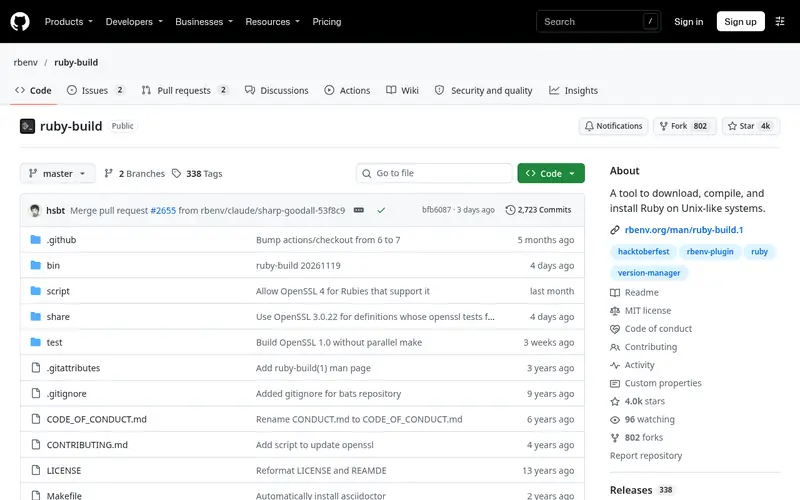
ruby-build is a command-line tool that compiles and installs Ruby from source or from defined build recipes. It is not a version switcher by itself, but it is the install step behind rbenv and a common companion for chruby. It supports many Ruby implementations and versions, and it can list available definitions.
It runs on macOS and Linux. ruby-build is free and open source. Because it compiles Ruby, installs can take several minutes and need build dependencies such as a compiler and OpenSSL headers. It does not change your active Ruby; pair it with rbenv or chruby for that. Developers who want a single tool that installs and switches should choose RVM or rbenv, which wraps ruby-build for them.
Standout: Installs many Ruby versions and forks
Free (open source), as listed by the vendor (ruby-build website). Confirm the current plan price before you buy.
Free plan. Plans change, so confirm on the vendor's pricing page before you buy.
Benefits
- Installs many Ruby versions and forks
- pairs with rbenv and chruby
Drawbacks
- Not a switcher on its own
- builds can take time
Skip it if this limit matters to you: not a switcher on its own.
Verdict. A sensible pick for users who need to compile Ruby versions for another manager.
Who should use what
If you want a small, predictable switcher and use Bundler for gems, start with rbenv. If you want gemsets and one tool that installs and switches Ruby, choose RVM. If your projects mix Ruby with Node, Python or Go, asdf or mise keeps all versions in one place. If you want the least shell interference and do not mind installing Ruby yourself, chruby fits. Anyone building Ruby for another manager should know ruby-build.
Questions to settle before you buy
What to check before you buy
- Confirm the tool supports your OS and shell, including WSL if you are on Windows.
- Check whether it installs Ruby itself or needs a separate build tool.
- Decide how project versions will be recorded and committed, such as `.ruby-version` or `.tool-versions`.
- Verify build dependencies like a compiler and OpenSSL headers are available for source installs.
- Review how the tool changes PATH and whether it conflicts with other version managers.
FAQ
Do I need a Ruby version manager?
Not always, but it helps when projects need different Ruby versions. A manager lets you pin a version per project and switch without editing PATH by hand. It also reduces "works on my machine" problems when the version file is committed with the code.
Is rbenv or RVM better?
rbenv is smaller and relies on plugins, while RVM bundles installation and gemsets. Choose rbenv if you want minimal shell changes and use Bundler. Choose RVM if you want gemsets and a single tool for install and switch. Both are free and open source.
Can I use these tools on Windows?
Most of these tools target macOS and Linux. On Windows, the common path is WSL, where rbenv, RVM and others can run. Native Windows support varies by project, so check the documentation for your chosen tool before relying on it.
Do version managers send my code anywhere?
No. These tools run locally and change your shell environment. They do not upload project files. The main external step is downloading Ruby source or binaries during install, so review where those come from if you have network restrictions.
Can I run two version managers at once?
It is possible but not recommended. Multiple tools that edit PATH can conflict and produce confusing results. Pick one manager per machine, remove the shell setup for the others, and keep version files consistent across the team.
Sources we checked
Method: how we score · editorial policy.
Change log. First published 22 Nov 2026.