Stage 01 · Write · Researched comparison
Best Ruby PDF Libraries in 2026
Prawn is the first pick for most teams that need to build PDFs in pure Ruby, because it is mature, well documented and has no external runtime dependency. Choose HexaPDF when you need to read and edit existing PDFs as well as create them. Choose Grover or WickedPDF when your layout already exists as HTML and CSS and you want to render it to PDF.

By Shihab Mia
Published 27 Nov 2026 · 6 tools compared
We run no ads and no affiliate links at launch. The order of a list follows our published method. See how we score.
Prices are the starting prices vendors list publicly. Plans change, so confirm the current price on the vendor page before you buy.
Key takeaways
- Prawn and HexaPDF are pure Ruby gems with no browser or system binary, so they deploy cleanly and run offline.
- Grover drives a real Chromium browser, which gives the best HTML and CSS support but adds a heavier install.
- WickedPDF depends on wkhtmltopdf, which is archived and no longer maintained upstream; treat it as legacy.
- pdf-reader handles parsing and text extraction, and CombinePDF merges and splits files; both are free and open source.
Who each pick is for
- Building PDFs directly from Ruby codePrawn
- Creating and editing existing PDFs in RubyHexaPDF
- Rendering HTML and CSS to PDF via ChromiumGrover
- Rails apps with existing HTML views and legacy setupsWickedPDF
- Reading PDFs and extracting text in Rubypdf-reader
- Merging, splitting and reordering PDF pagesCombinePDF
Comparison
| Tool | Best for | Standout feature | Listed starting price | Free plan or trial |
|---|---|---|---|---|
| 1Prawn | Building PDFs directly from Ruby code | Pure Ruby with no external binary | Free (open source) | Free plan |
| 2HexaPDF | Creating and editing existing PDFs in Ruby | Reads, edits and writes PDFs | Free (open source) | Free plan |
| 3Grover | Rendering HTML and CSS to PDF via Chromium | Full modern CSS support through Chromium | Free (open source) | Free plan |
| 4WickedPDF | Rails apps with existing HTML views and legacy setups | Simple Rails integration | Free (open source) | Free plan |
| 5pdf-reader | Reading PDFs and extracting text in Ruby | Pure Ruby parsing | Free (open source) | Free plan |
| 6CombinePDF | Merging, splitting and reordering PDF pages | Pure Ruby with no external tools | Free (open source) | Free plan |
How we picked
We looked at whether each library actually does the job in its category, which platforms and runtimes it needs, its licence and price, and its main limits. For HTML-to-PDF tools we noted the external browser or binary dependency, since that affects deployment and privacy. Sources are vendor pages, official documentation and project repositories. Prices and licences change, so confirm details on the vendor site before you commit.
The tools, one by one
Prawn
Best for building PDFs directly from Ruby code
What it is and where it fits
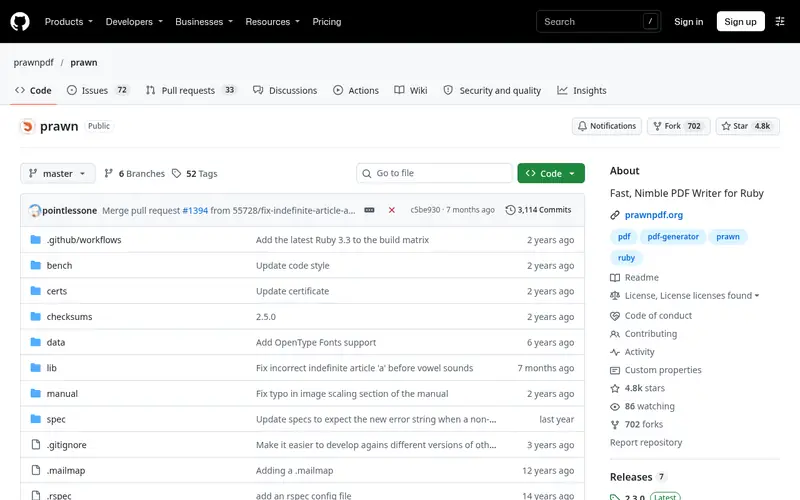
Prawn is a pure Ruby PDF generator. You write Ruby calls to place text, draw tables, embed images and set fonts, and it produces the PDF file. It runs anywhere Ruby runs, including servers and background jobs, with no browser or system library to install. The gem is released under a permissive open-source licence.
It suits invoices, reports, tickets and other documents where you control the layout in code. It does not parse HTML or CSS, so if your design lives in a web page you will need a different tool. Font handling requires you to register font files, and right-to-left and complex script support depends on the fonts you supply. Skip Prawn if your team already has HTML templates and wants to reuse them.
Standout: Pure Ruby with no external binary
Free (open source), as listed by the vendor (Prawn website). Confirm the current plan price before you buy.
Free plan. Plans change, so confirm on the vendor's pricing page before you buy.
Benefits
- Pure Ruby with no external binary
- clear API for text, tables and images
Drawbacks
- No HTML or CSS rendering
- complex layouts need manual positioning
Skip it if this limit matters to you: no HTML or CSS rendering.
Verdict. A sensible pick for building PDFs directly from Ruby code.
HexaPDF
Best for creating and editing existing PDFs in Ruby
What it is and where it fits
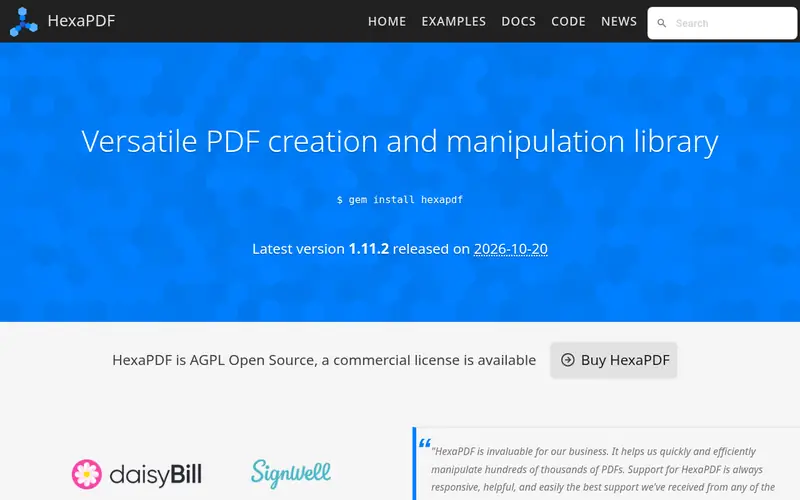
HexaPDF is a pure Ruby library for both creating and manipulating PDF documents. It can read an existing file, change pages, add annotations, fill form fields and write it back out. It also generates documents from scratch with a layout engine for text boxes and tables. It runs on standard Ruby with no external dependencies.
The core library is open source. Some optional components, such as certain layout and font features, are offered under a separate commercial licence, so check the project's licensing page before relying on them. The API is lower level than Prawn's and takes longer to learn. Choose HexaPDF when you need to modify or inspect existing PDFs, not just produce new ones.
Standout: Reads, edits and writes PDFs
Free (open source), as listed by the vendor (HexaPDF website). Confirm the current plan price before you buy.
Free plan. Plans change, so confirm on the vendor's pricing page before you buy.
Benefits
- Reads, edits and writes PDFs
- supports encryption and form fields
Drawbacks
- Some advanced features sit behind a commercial licence
- steeper learning curve
Skip it if this limit matters to you: some advanced features sit behind a commercial licence.
Verdict. A sensible pick for creating and editing existing PDFs in Ruby.
Grover
Best for rendering HTML and CSS to PDF via Chromium
What it is and where it fits
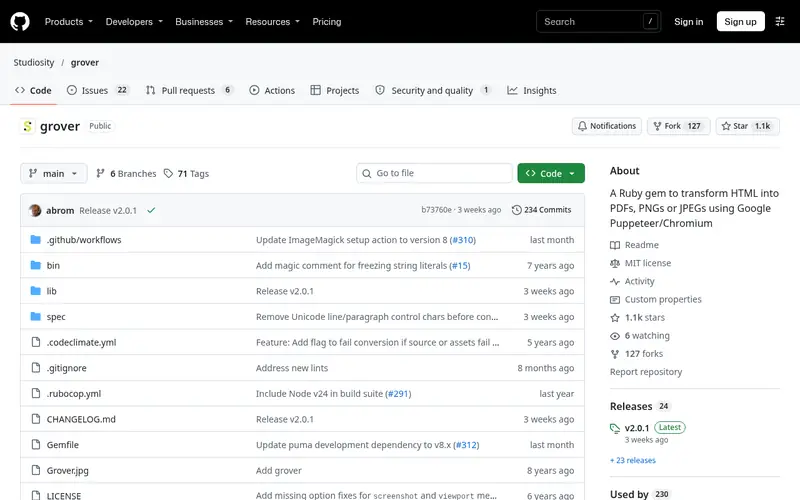
Grover converts HTML to PDF by driving a headless Chromium browser through the Chrome DevTools Protocol. Because it uses a real browser engine, modern CSS, web fonts and JavaScript-rendered content work as they do in the browser. You can pass a URL or an HTML string and get a PDF back.
It requires Node.js and a Chromium or Chrome install on the host, which makes container images larger and adds memory overhead per render. It is a good fit when your PDF layout is already a web page. For high-volume jobs, plan for process management and timeouts. Skip it if you cannot ship a browser binary in your deployment.
Standout: Full modern CSS support through Chromium
Free (open source), as listed by the vendor (Grover website). Confirm the current plan price before you buy.
Free plan. Plans change, so confirm on the vendor's pricing page before you buy.
Benefits
- Full modern CSS support through Chromium
- works with existing HTML views
Drawbacks
- Requires a Chromium or Chrome binary
- heavier memory use per render
Skip it if this limit matters to you: requires a Chromium or Chrome binary.
Verdict. A sensible pick for rendering HTML and CSS to PDF via Chromium.
WickedPDF
Best for rails apps with existing HTML views and legacy setups
What it is and where it fits
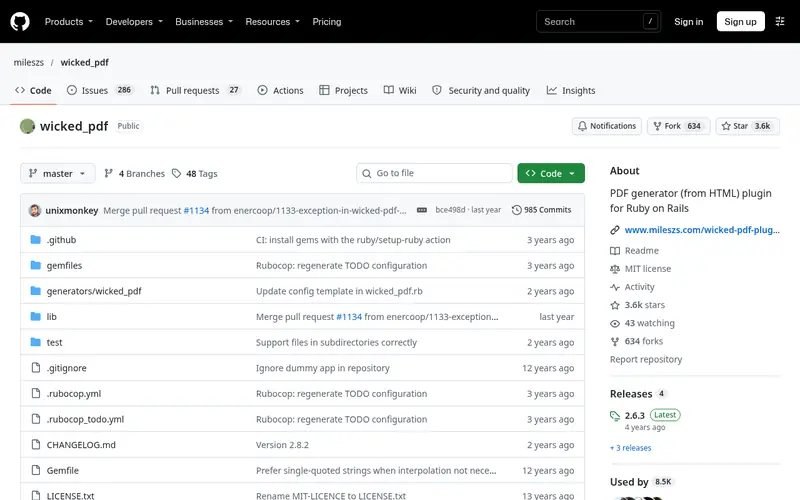
WickedPDF is a Rails gem that renders a view to PDF by calling the wkhtmltopdf command-line tool. It is easy to wire into a Rails controller and reuses your existing ERB templates. The gem itself is open source and free.
The important caveat is the dependency. wkhtmltopdf is archived and no longer maintained upstream, and it is based on an old WebKit engine. Modern CSS features such as flexbox and grid are unreliable, and security fixes are not expected. WickedPDF still works for simple layouts, but for new projects consider Grover instead. Choose it only when you are maintaining an existing app and cannot change the rendering stack.
Standout: Simple Rails integration
Free (open source), as listed by the vendor (WickedPDF website). Confirm the current plan price before you buy.
Free plan. Plans change, so confirm on the vendor's pricing page before you buy.
Benefits
- Simple Rails integration
- reuses existing ERB views
Drawbacks
- Depends on wkhtmltopdf, which is archived upstream
- limited modern CSS support
Skip it if this limit matters to you: depends on wkhtmltopdf, which is archived upstream.
Verdict. A sensible pick for rails apps with existing HTML views and legacy setups.
pdf-reader
Best for reading PDFs and extracting text in Ruby
What it is and where it fits
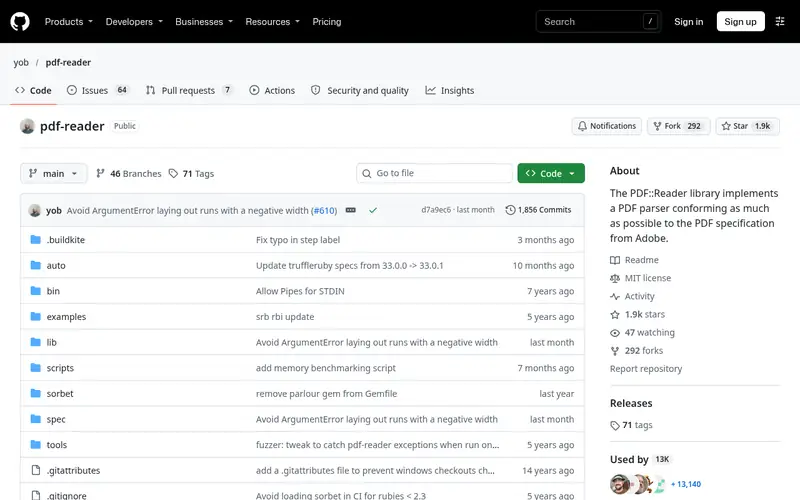
pdf-reader is a pure Ruby library for reading PDF files. It parses the document structure, exposes page content, and can extract text and metadata. It does not create or edit PDFs, so it is a complement to a generator rather than a replacement.
Text extraction depends on how the source PDF was produced. Files with unusual encodings or scanned images without a text layer will not yield clean text. It runs anywhere Ruby runs and has no external binary. Use it for indexing, search or data extraction pipelines. Pair it with a generator if you also need to produce documents.
Standout: Pure Ruby parsing
Free (open source), as listed by the vendor (pdf-reader website). Confirm the current plan price before you buy.
Free plan. Plans change, so confirm on the vendor's pricing page before you buy.
Benefits
- Pure Ruby parsing
- extracts text and metadata
Drawbacks
- Does not generate PDFs
- extraction quality varies by file
Skip it if this limit matters to you: does not generate PDFs.
Verdict. A sensible pick for reading PDFs and extracting text in Ruby.
CombinePDF
Best for merging, splitting and reordering PDF pages
What it is and where it fits
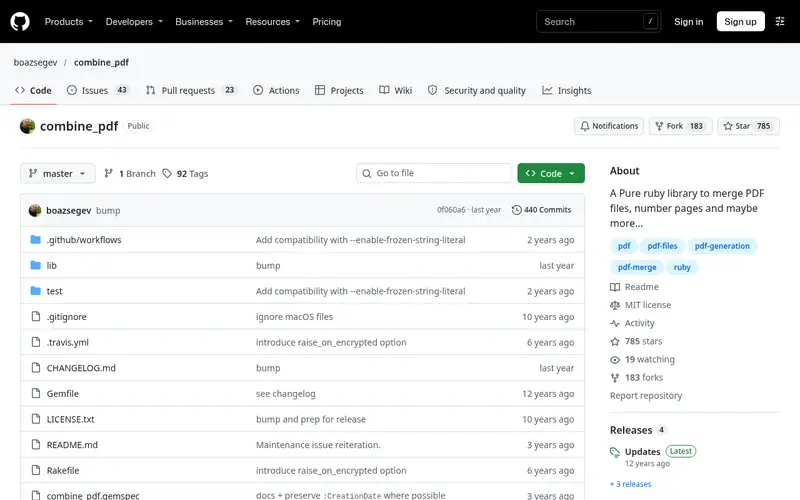
CombinePDF is a pure Ruby library focused on combining and manipulating existing PDF files. You can merge several documents, extract or reorder pages, and write the result back out. It has no external dependencies and runs wherever Ruby runs.
It is not a document generator and does not lay out text or draw content. Its strength is page-level operations on files you already have. For heavy editing, encryption or form work, HexaPDF covers more ground. CombinePDF is a good fit for assembling reports from parts or splitting large files in a background job.
Standout: Pure Ruby with no external tools
Free (open source), as listed by the vendor (CombinePDF website). Confirm the current plan price before you buy.
Free plan. Plans change, so confirm on the vendor's pricing page before you buy.
Benefits
- Pure Ruby with no external tools
- simple merge and split API
Drawbacks
- Not a layout or generation tool
- limited editing beyond page operations
Skip it if this limit matters to you: not a layout or generation tool.
Verdict. A sensible pick for merging, splitting and reordering PDF pages.
Who should use what
If you build documents from code, such as invoices or reports, start with Prawn and move to HexaPDF when you need to edit existing files. If your layout is already an HTML view, use Grover for modern CSS support, and keep WickedPDF only for existing apps you cannot migrate. If you need to read or extract text, use pdf-reader, and use CombinePDF to merge or split files.
Questions to settle before you buy
What to check before you buy
- Confirm whether the library generates PDFs, reads them, or both, and match that to your task.
- Check the runtime dependency: a pure Ruby gem versus a Chromium or wkhtmltopdf binary.
- Review the licence, especially for HexaPDF components offered under a commercial licence.
- Test your real layout, fonts and any non-Latin text before relying on the output.
- Plan memory and timeouts for HTML-to-PDF tools under load, and keep documents with sensitive data on your own infrastructure.
FAQ
Do I need a browser to make PDFs in Ruby?
No. Prawn, HexaPDF and CombinePDF are pure Ruby and need no browser. Grover and WickedPDF rely on an external browser or binary, which adds install size and memory use but gives better HTML and CSS support.
Is wkhtmltopdf still maintained?
No. The wkhtmltopdf project is archived and no longer maintained upstream. WickedPDF depends on it, so it is best treated as a legacy option. For new HTML-to-PDF work, a Chromium-based tool such as Grover is the safer choice.
Can these libraries read and edit existing PDFs?
HexaPDF can read, edit and write PDFs, including form fields and encryption. pdf-reader focuses on parsing and text extraction. CombinePDF handles merging, splitting and reordering pages. Prawn only generates new documents.
Are these libraries free?
Prawn, Grover, WickedPDF, pdf-reader and CombinePDF are free and open source. HexaPDF's core is open source, but some optional components are offered under a commercial licence, so check its licensing page.
Can I generate PDFs without sending data to a third party?
Yes. All the libraries listed run on your own servers or locally, so document data stays on your infrastructure. Avoid online PDF conversion websites for anything containing secrets, tokens or production data.
Sources we checked
Method: how we score · editorial policy.
Change log. First published 27 Nov 2026.