Stage 01 · Write · Researched comparison
Best Ruby Image Processing Libraries in 2026
image_processing is the first pick for most Rails and Ruby apps that need resizing, cropping and thumbnails, because it wraps the heavy work in a small, readable API. Choose ruby-vips when you want speed and low memory use on large files. Choose MiniMagick when you already depend on ImageMagick command-line behavior and want a thin wrapper. RMagick suits pixel-level work, and Active Storage variants cover Rails apps that store uploads and need built-in variant processing.

By Shihab Mia
Published 27 Nov 2026 · 5 tools compared
We run no ads and no affiliate links at launch. The order of a list follows our published method. See how we score.
Prices are the starting prices vendors list publicly. Plans change, so confirm the current price on the vendor page before you buy.
Key takeaways
- image_processing is a wrapper around ruby-vips or MiniMagick, so it adds a clean API but still needs one of those engines installed.
- ruby-vips needs the libvips system library; MiniMagick and RMagick need ImageMagick or GraphicsMagick installed on the host.
- All five options are free and open source, so the real cost is system dependencies, memory use and processing time.
- These are server-side libraries, not web pages, so image data stays on your own machines.
Who each pick is for
- Rails and Ruby apps that need a simple resize and crop APIimage_processing
- Large images and batch jobs where memory and speed matterruby-vips
- Teams that already rely on ImageMagick command-line behaviorMiniMagick
- Pixel-level editing, drawing and color work in RubyRMagick
- Rails apps that store uploads and need built-in variant processingActive Storage variants
Comparison
| Tool | Best for | Standout feature | Listed starting price | Free plan or trial |
|---|---|---|---|---|
| 1image_processing | Rails and Ruby apps that need a simple resize and crop API | Small, readable API for resize, crop, rotate and composite | Free (open source) | Free plan |
| 2ruby-vips | Large images and batch jobs where memory and speed matter | libvips processes images with low memory use and handles large files well | Free (open source) | Free plan |
| 3MiniMagick | Teams that already rely on ImageMagick command-line behavior | Thin wrapper over the ImageMagick and GraphicsMagick command-line tools | Free (open source) | Free plan |
| 4RMagick | Pixel-level editing, drawing and color work in Ruby | Broad API that exposes most of ImageMagick from Ruby | Free (open source) | Free plan |
| 5Active Storage variants | Rails apps that store uploads and need built-in variant processing | Built into Rails, with upload storage, variant URLs and caching handled for you | Free (open source) | Free plan |
How we picked
We picked libraries that are actively maintained and genuinely handle image processing in Ruby. Criteria were fit for common jobs (resize, crop, convert, pixel work), supported platforms and system dependencies, licence and price, and the main limits of each. Sources are vendor pages, official documentation and project repositories. Prices and plans change, so confirm details on the vendor site before you commit.
The tools, one by one
image_processing
Best for rails and Ruby apps that need a simple resize and crop API
What it is and where it fits
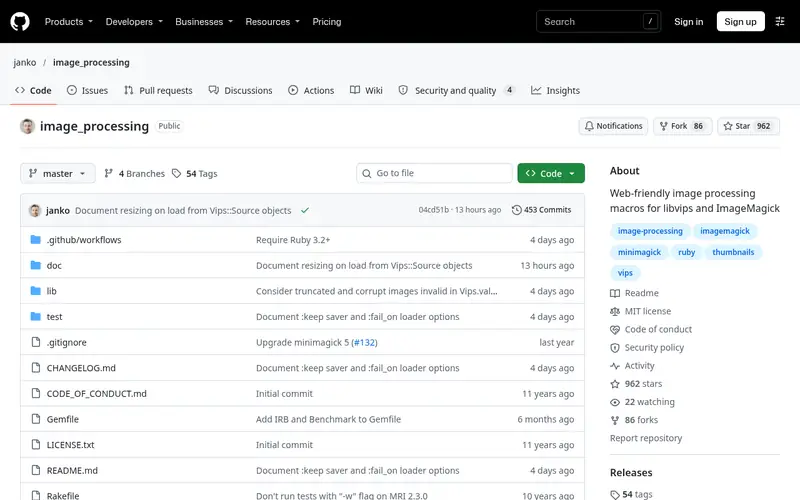
image_processing is a high-level wrapper for common image operations. You call methods such as resize_to_limit, resize_to_fill, crop and rotate, and it passes the work to ruby-vips or MiniMagick depending on which one you load. It is the library most Rails developers reach for when they want thumbnails without writing engine-specific code.
It runs anywhere Ruby runs, but the backend engine must be present: libvips for the vips path, ImageMagick or GraphicsMagick for the MiniMagick path. The gem is MIT licensed and free. It does not do pixel-level editing, color analysis or format encoding itself, so skip it if you need direct pixel access or a pure-Ruby pipeline.
Standout: Small, readable API for resize, crop, rotate and composite
Free (open source), as listed by the vendor (image_processing website). Confirm the current plan price before you buy.
Free plan. Plans change, so confirm on the vendor's pricing page before you buy.
Benefits
- Small, readable API for resize, crop, rotate and composite
- works with either ruby-vips or MiniMagick as the backend
Drawbacks
- Adds a dependency layer on top of an engine you still have to install
- not a pixel-editing library
Skip it if this limit matters to you: adds a dependency layer on top of an engine you still have to install.
Verdict. A sensible pick for rails and Ruby apps that need a simple resize and crop API.
Alternatives in this guide: ruby-vips, MiniMagick, RMagick
ruby-vips
Best for large images and batch jobs where memory and speed matter
What it is and where it fits
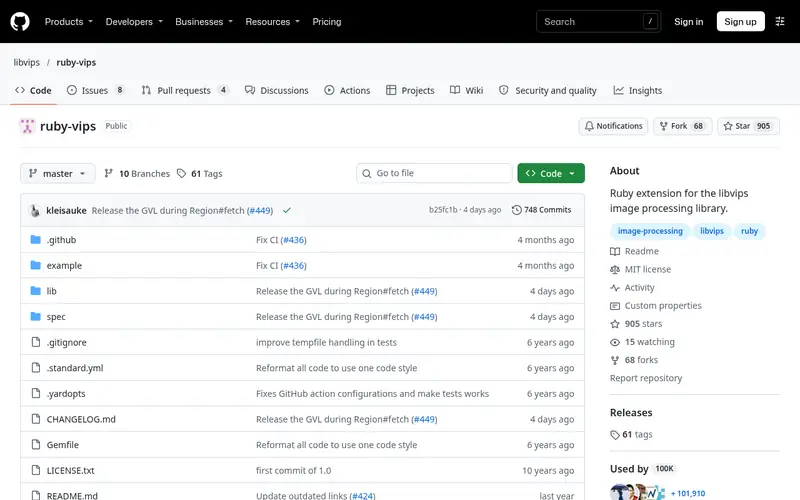
ruby-vips is the Ruby binding for libvips, a C image processing library known for streaming and low memory use. It handles resize, crop, rotate, color operations and format conversion, and it reads and writes many formats through libvips. It is a good fit for batch jobs, uploads of large photos and servers with tight memory budgets.
You must install libvips on the system before the gem works, which adds setup work on some hosts. The gem is MIT licensed and free. The API is closer to libvips concepts than to Rails helpers, so teams that want one-line thumbnails usually pair it with image_processing rather than calling it directly.
Standout: libvips processes images with low memory use and handles large files well
Free (open source), as listed by the vendor (ruby-vips website). Confirm the current plan price before you buy.
Free plan. Plans change, so confirm on the vendor's pricing page before you buy.
Benefits
- libvips processes images with low memory use and handles large files well
- supports many formats through libvips
Drawbacks
- Requires the libvips system library
- the API is lower level than image_processing
Skip it if this limit matters to you: requires the libvips system library.
Verdict. A sensible pick for large images and batch jobs where memory and speed matter.
Alternatives in this guide: image_processing, MiniMagick, RMagick
MiniMagick
Best for teams that already rely on ImageMagick command-line behavior
What it is and where it fits
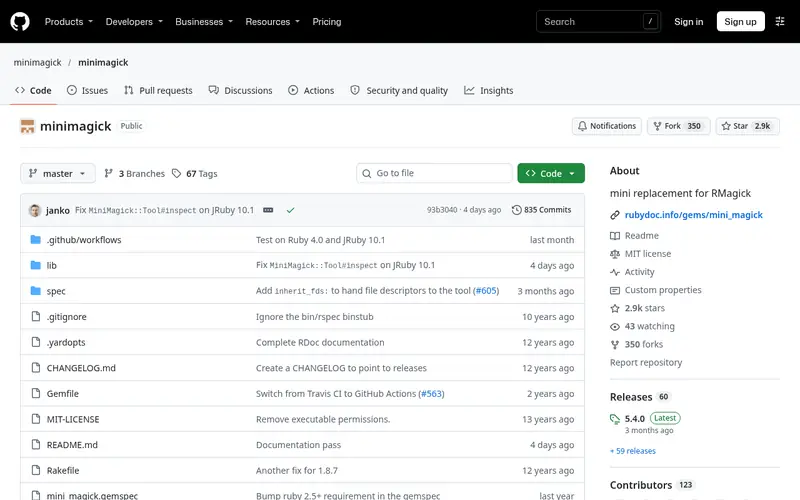
MiniMagick runs ImageMagick or GraphicsMagick as a subprocess and gives you a Ruby object to build commands. If your team already has ImageMagick recipes, moving them into Ruby is mostly mechanical. It supports resize, crop, format conversion, compositing and most operations the underlying tools provide.
The trade-off is process overhead: each operation starts a new command, which costs time on high-volume jobs. Output can also differ between ImageMagick versions, so pin the version in your deployment image. The gem is MIT licensed and free. Skip it if you need in-process speed on large batches; ruby-vips is the better fit there.
Standout: Thin wrapper over the ImageMagick and GraphicsMagick command-line tools
Free (open source), as listed by the vendor (MiniMagick website). Confirm the current plan price before you buy.
Free plan. Plans change, so confirm on the vendor's pricing page before you buy.
Benefits
- Thin wrapper over the ImageMagick and GraphicsMagick command-line tools
- easy to map existing shell commands to Ruby
Drawbacks
- Spawns a process per operation, which is slower for many small jobs
- behavior depends on the installed ImageMagick version
Skip it if this limit matters to you: spawns a process per operation, which is slower for many small jobs.
Verdict. A sensible pick for teams that already rely on ImageMagick command-line behavior.
Alternatives in this guide: image_processing, ruby-vips, RMagick
RMagick
Best for pixel-level editing, drawing and color work in Ruby
What it is and where it fits
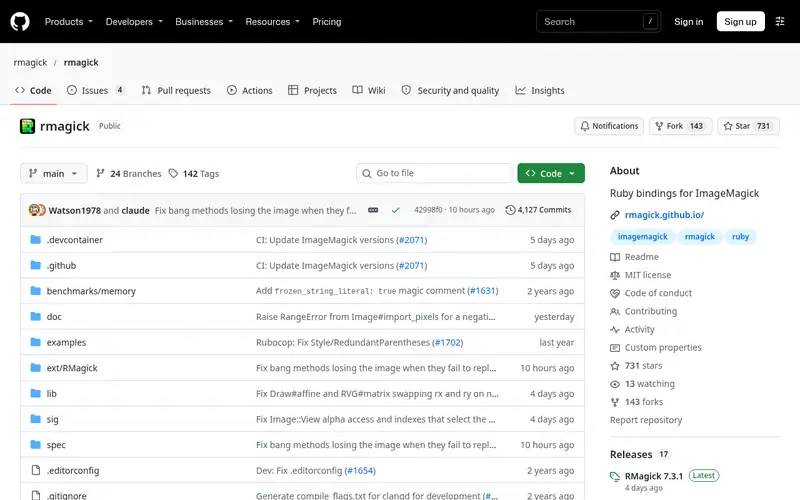
RMagick is a native binding to the ImageMagick libraries, not a command-line wrapper. That gives you direct access to pixels, drawing primitives, color handling and compositing. It suits tasks like generating charts, adding watermarks, reading pixel values or building images from scratch.
The cost is memory: loading large images into memory can be heavy, and long-running processes need care. Installation requires ImageMagick development packages and matching versions, which is the most common setup problem. The gem is MIT licensed and free. Skip it for simple thumbnails, where image_processing or ruby-vips use fewer resources.
Standout: Broad API that exposes most of ImageMagick from Ruby
Free (open source), as listed by the vendor (RMagick website). Confirm the current plan price before you buy.
Free plan. Plans change, so confirm on the vendor's pricing page before you buy.
Benefits
- Broad API that exposes most of ImageMagick from Ruby
- strong support for drawing, compositing and pixel access
Drawbacks
- Heavy memory use on large images
- installation is tied to ImageMagick development headers
Skip it if this limit matters to you: heavy memory use on large images.
Verdict. A sensible pick for pixel-level editing, drawing and color work in Ruby.
Alternatives in this guide: image_processing, ruby-vips, MiniMagick
Active Storage variants
Best for rails apps that store uploads and need built-in variant processing
What it is and where it fits
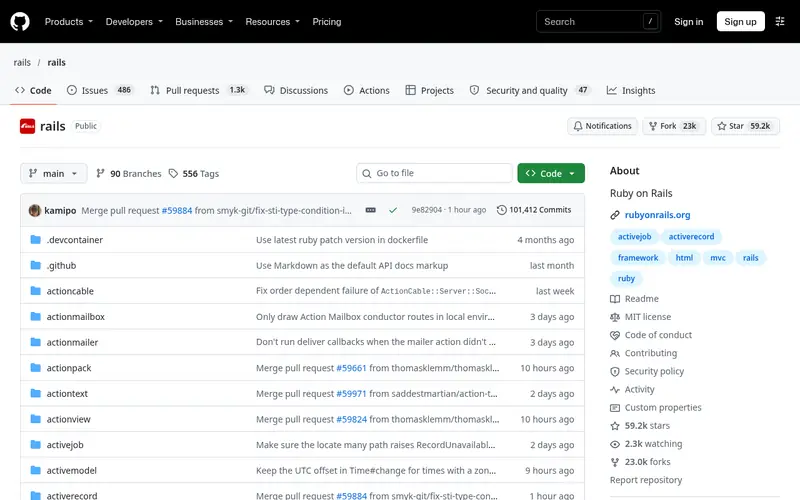
Active Storage is the Rails component for file uploads. Its variant feature generates resized or cropped versions of stored images and serves them through URLs, with caching handled by the framework. It depends on image_processing, which in turn uses ruby-vips or MiniMagick, so the engine still has to be installed.
It is the least work if you are already on Rails and want uploads plus thumbnails in one place. It is not a general image library: outside a Rails app it does nothing for you, and it does not cover pixel editing or format conversion beyond what the backend engine does. Rails is MIT licensed and free. Skip it if you need image processing outside a Rails request and storage setup.
Standout: Built into Rails, with upload storage, variant URLs and caching handled for you
Free (open source), as listed by the vendor (Active Storage variants website). Confirm the current plan price before you buy.
Free plan. Plans change, so confirm on the vendor's pricing page before you buy.
Benefits
- Built into Rails, with upload storage, variant URLs and caching handled for you
- uses image_processing under the hood
Drawbacks
- Only useful inside a Rails app
- still requires libvips or ImageMagick on the host
Skip it if this limit matters to you: only useful inside a Rails app.
Verdict. A sensible pick for rails apps that store uploads and need built-in variant processing.
Alternatives in this guide: image_processing, ruby-vips, MiniMagick
Who should use what
A Rails team adding thumbnails to uploads should start with Active Storage variants and image_processing. A backend service processing large photos in batches should use ruby-vips for memory and speed. A team with existing ImageMagick shell scripts should use MiniMagick to move them into Ruby with little change. A developer doing pixel-level drawing, watermarks or color analysis should use RMagick.
Questions to settle before you buy
What to check before you buy
- Confirm which system library the gem needs (libvips, ImageMagick or GraphicsMagick) and that your host or container can install it.
- Pin the engine version in your deployment image so output stays consistent between environments.
- Check memory use on your largest expected image, especially with RMagick.
- Confirm the formats you need are supported by the engine you choose.
- Review the licence and maintenance activity of the repository before adding it to production.
FAQ
Do I need ImageMagick or libvips installed?
Yes for most of these. image_processing, ruby-vips, MiniMagick, RMagick and Active Storage variants all call a system library.
Which library is fastest for large images?
ruby-vips is built on libvips, which is designed for low memory use and streaming. MiniMagick starts a process per operation, and RMagick loads images into memory, so both cost more on large batches. Test with your own files before deciding.
Can I use these libraries outside Rails?
Yes. image_processing, ruby-vips, MiniMagick and RMagick are plain Ruby gems. Active Storage variants are part of Rails and only make sense inside a Rails app.
Are these libraries free?
All five are free and open source under permissive licences. The real costs are system dependencies, server memory and processing time, not licence fees.
Is it safe to process user uploads with these libraries?
The libraries themselves run on your server, so files stay on your infrastructure. The risk is in the input: validate file types and sizes, keep the engine patched, and avoid passing untrusted filenames into shell commands with MiniMagick.
Sources we checked
Method: how we score · editorial policy.
Change log. First published 27 Nov 2026.