Stage 01 · Write · Researched comparison
Best Ruby CLI Libraries in 2026
Thor is the first pick for most teams building a Ruby command-line tool, because it handles commands, options, arguments and generators in one package and is the engine behind Rails generators. Choose dry-cli if you want a small, registry-based framework with no runtime dependencies. Choose OptionParser if you need a zero-dependency parser that ships with Ruby itself.

By Shihab Mia
Published 28 Nov 2026 · 6 tools compared
We run no ads and no affiliate links at launch. The order of a list follows our published method. See how we score.
Prices are the starting prices vendors list publicly. Plans change, so confirm the current price on the vendor page before you buy.
Key takeaways
- Thor, dry-cli, GLI, Commander and Samovar are all open source and free to use; OptionParser ships with Ruby itself.
- Thor is the most widely used option and suits multi-command tools that need generators and structured options.
- OptionParser is part of the standard library, so it adds nothing to your Gemfile.
- None of these libraries sends your code anywhere; they run locally in your Ruby process, so there is no data-sharing concern.
Who each pick is for
Comparison
| Tool | Best for | Standout feature | Listed starting price | Free plan or trial |
|---|---|---|---|---|
| 1Thor | Multi-command tools and Rails-style generators | Widely used and well documented | Free (open source) | Free plan |
| 2dry-cli | Small frameworks with a command registry | No runtime dependencies | Free (open source) | Free plan |
| 3OptionParser | Simple scripts with no extra dependencies | Part of the Ruby standard library | Free | Free plan |
| 4GLI | Git-style command suites with nested subcommands | Designed for git-like command suites | Free (open source) | Free plan |
| 5Commander | Quick single-file command-line tools | Small and easy to read | Free (open source) | Free plan |
| 6Samovar | Declarative command trees with typed options | Declarative definition of commands and options | Free (open source) | Free plan |
How we picked
We compared these libraries on fit for building Ruby command-line tools, supported platforms, license and price, dependency weight, and the main limits of each. Sources are the official project repositories, Ruby standard library documentation and vendor pages. None of these libraries sends your code to a third party; they run locally. Prices and maintenance activity change, so confirm the current state on the project page before you commit.
The tools, one by one
Thor
Best for multi-command tools and Rails-style generators
What it is and where it fits
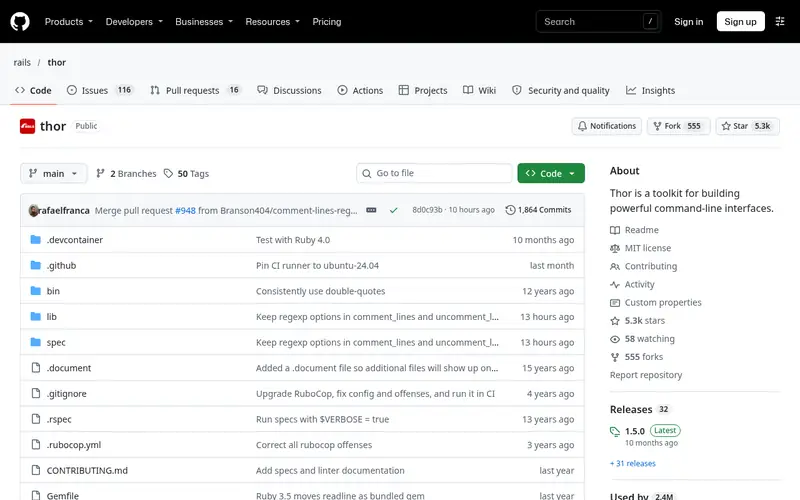
Thor is a toolkit for building command-line interfaces and file generators. You define a class, declare commands with `desc`, and Thor maps arguments, options and subcommands for you. It is the engine behind Rails generators, which is why its conventions will look familiar to many Ruby developers. It runs anywhere Ruby runs, on macOS, Linux and Windows.
The project is open source under the MIT license and is maintained by the Rails organization. It has no paid tier. Its main strength is structure: nested commands, option validation, and generator actions for creating and modifying files. The tradeoff is that Thor assumes a certain shape for your CLI, so a single-purpose script may not need it.
Skip Thor if your tool is one command with a few flags, or if you want to avoid the conventions. For anything with subcommands, it saves a lot of wiring.
Standout: Widely used and well documented
Free (open source), as listed by the vendor (Thor website). Confirm the current plan price before you buy.
Free plan. Plans change, so confirm on the vendor's pricing page before you buy.
Benefits
- Widely used and well documented
- built-in command, option and generator support
Drawbacks
- Larger surface area than minimal parsers
- conventions can feel heavy for small scripts
Skip it if this limit matters to you: larger surface area than minimal parsers.
Verdict. A sensible pick for multi-command tools and Rails-style generators.
Alternatives in this guide: dry-cli, OptionParser, GLI
dry-cli
Best for small frameworks with a command registry
What it is and where it fits
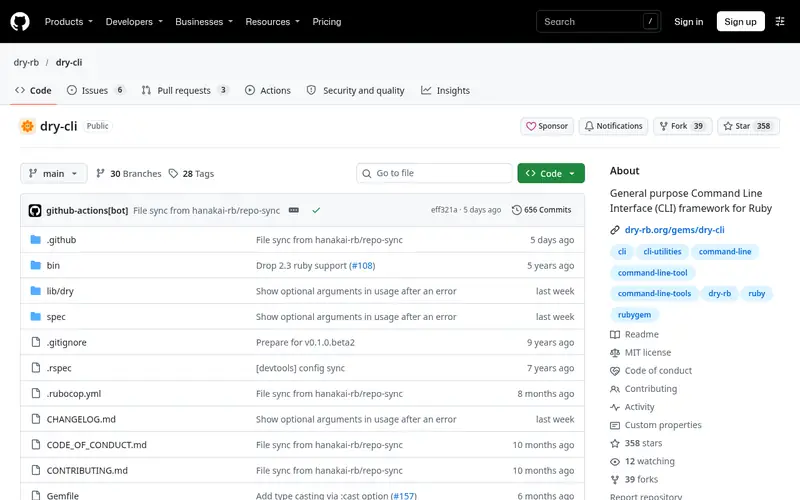
dry-cli is a general-purpose command-line interface framework from the dry-rb family. You register commands in a registry, and dry-cli resolves and runs them based on the arguments. It has no runtime dependencies, which keeps your gem footprint small.
The library is open source under the MIT license and runs wherever Ruby runs. It focuses on the command dispatch layer and leaves output formatting and prompts to other tools. Options and arguments are parsed per command.
dry-cli is a good fit if you like the dry-rb style and want explicit registration. It is less batteries-included than Thor, so expect to write more of the plumbing yourself. Skip it if you want generators and file actions out of the box.
Standout: No runtime dependencies
Free (open source), as listed by the vendor (dry-cli website). Confirm the current plan price before you buy.
Free plan. Plans change, so confirm on the vendor's pricing page before you buy.
Benefits
- No runtime dependencies
- simple registry for registering and resolving commands
Drawbacks
- Fewer built-in conveniences than Thor
- smaller ecosystem of examples
Skip it if this limit matters to you: fewer built-in conveniences than Thor.
Verdict. A sensible pick for small frameworks with a command registry.
Alternatives in this guide: Thor, OptionParser, GLI
OptionParser
Best for simple scripts with no extra dependencies
What it is and where it fits
OptionParser is the argument parser bundled with Ruby. It handles flags, switches, required and optional arguments, type conversion and help banners. Because it ships with the interpreter, there is nothing to add to your Gemfile.
It is documented in the Ruby standard library docs and is maintained as part of Ruby itself. It runs on every platform Ruby supports. For a single-command script with a handful of flags, it is often all you need, and it avoids a dependency entirely.
The limits are real: OptionParser parses options but does not give you subcommands, a command registry, generators or interactive prompts. For multi-command tools you build dispatch yourself or move to Thor, dry-cli or GLI. Many developers start with OptionParser and switch when the tool grows.
Standout: Part of the Ruby standard library
Free, as listed by the vendor (OptionParser website). Confirm the current plan price before you buy.
Free plan. Plans change, so confirm on the vendor's pricing page before you buy.
Benefits
- Part of the Ruby standard library
- no gem to install or version
Drawbacks
- No command registry or subcommand framework
- you write dispatch yourself
Skip it if this limit matters to you: no command registry or subcommand framework.
Verdict. A sensible pick for simple scripts with no extra dependencies.
GLI
Best for git-style command suites with nested subcommands
What it is and where it fits
GLI is a command-line framework built for tools that look like git, with a top-level command and nested subcommands. It provides option parsing, help text generation and a structure for splitting commands across files.
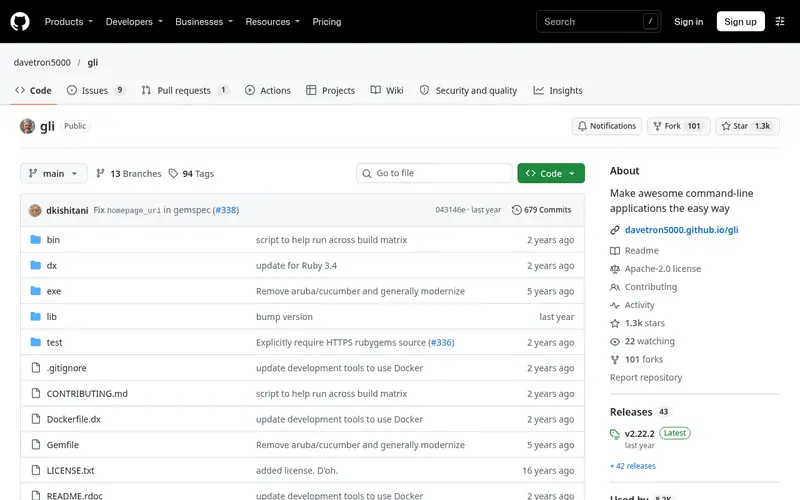
The project is open source and hosted on GitHub. It runs on standard Ruby platforms. GLI handles the common case of a suite with several subcommands well, and its help output is generated from your command definitions.
The main caveat is maintenance activity: check the repository's recent commits before adopting it for a long-lived project. If you need a large, actively developed ecosystem, Thor is the safer default. GLI still works well for internal tools where the command structure is stable.
Standout: Designed for git-like command suites
Free (open source), as listed by the vendor (GLI website). Confirm the current plan price before you buy.
Free plan. Plans change, so confirm on the vendor's pricing page before you buy.
Benefits
- Designed for git-like command suites
- built-in help and option parsing per command
Drawbacks
- Less active than Thor
- smaller community and fewer recent examples
Skip it if this limit matters to you: less active than Thor.
Verdict. A sensible pick for git-style command suites with nested subcommands.
Alternatives in this guide: Thor, dry-cli, OptionParser
Commander
Best for quick single-file command-line tools
What it is and where it fits
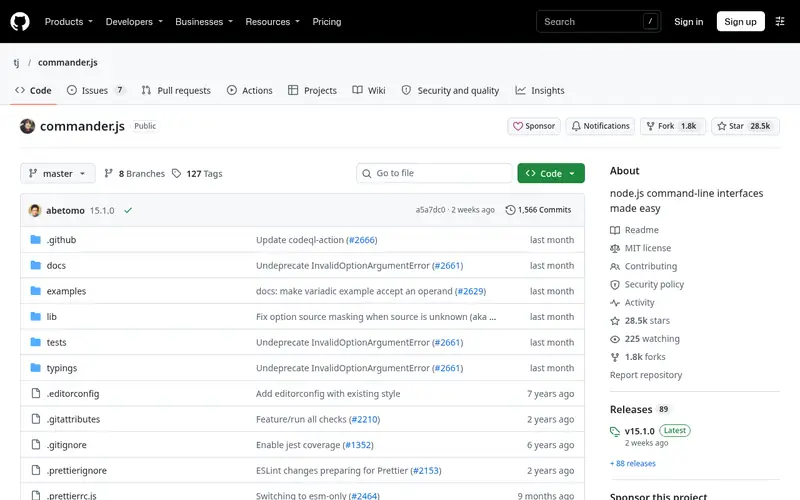
Commander is a lightweight library for building command-line tools in Ruby. You define global options and named commands, and Commander handles parsing and dispatch. The API is compact, which makes it easy to read a small CLI in one file.
It is open source and available on GitHub. It runs on standard Ruby platforms. Commander covers the basics well: flags, options with values, command aliases and auto-generated help. It does not aim to match Thor's generator features or dry-cli's registry model.
Choose Commander for small internal tools where you want minimal ceremony. For larger suites with many subcommands, or where you need long-term maintenance guarantees, compare recent commit activity against Thor before committing.
Standout: Small and easy to read
Free (open source), as listed by the vendor (Commander website). Confirm the current plan price before you buy.
Free plan. Plans change, so confirm on the vendor's pricing page before you buy.
Benefits
- Small and easy to read
- global and command options in a compact API
Drawbacks
- Less feature coverage than Thor
- limited built-in help customization
Skip it if this limit matters to you: less feature coverage than Thor.
Verdict. A sensible pick for quick single-file command-line tools.
Alternatives in this guide: Thor, dry-cli, OptionParser
Samovar
Best for declarative command trees with typed options
What it is and where it fits
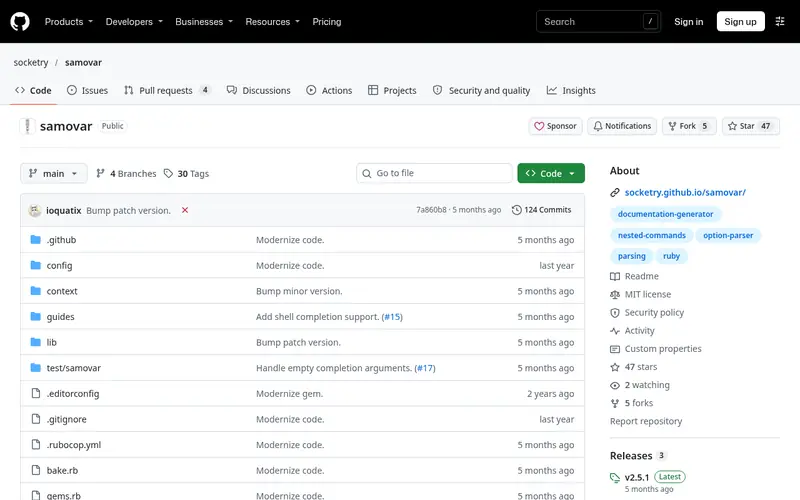
Samovar is a command-line parser that lets you declare a tree of commands and options, then parse arguments against that definition. It separates the command model from the code that runs, which keeps large CLIs organized.
The project is open source and maintained by Samuel Williams. It runs on standard Ruby platforms. Samovar supports nested commands, typed options and generated usage output. It is a good fit if you prefer a declarative style over class-based DSLs.
The tradeoff is community size: there are fewer examples and third-party write-ups than for Thor or OptionParser. Read the repository README and tests before adopting it. For teams that value explicit command definitions, it is a clean option.
Standout: Declarative definition of commands and options
Free (open source), as listed by the vendor (Samovar website). Confirm the current plan price before you buy.
Free plan. Plans change, so confirm on the vendor's pricing page before you buy.
Benefits
- Declarative definition of commands and options
- clean separation of parsing and execution
Drawbacks
- Smaller user base
- fewer tutorials and examples available
Skip it if this limit matters to you: smaller user base.
Verdict. A sensible pick for declarative command trees with typed options.
Alternatives in this guide: Thor, dry-cli, OptionParser
Who should use what
If you are building a multi-command tool with generators, start with Thor. If you want a small framework with no runtime dependencies and a clear command registry, use dry-cli. For a one-off script with a few flags, OptionParser is enough and adds nothing to your Gemfile. Teams building git-style suites should look at GLI, and anyone who prefers declarative command trees should read the Samovar docs.
Questions to settle before you buy
What to check before you buy
- Confirm the library is still maintained by checking recent commits and releases.
- Count your subcommands: single-command scripts rarely need a full framework.
- Check dependency weight, especially for gems shipped to end users.
- Verify the license matches your project's distribution model.
- Test help output and error messages on the platforms your users run.
FAQ
Do I need a framework if OptionParser is built in?
No. OptionParser handles flags and arguments for single-command scripts. Move to Thor, dry-cli or GLI when you need subcommands, a command registry or generated help across many commands.
Is Thor only for Rails?
No. Thor is maintained by the Rails organization and powers Rails generators, but it works as a general CLI framework in any Ruby project.
Can I use dry-cli with other output libraries?
Yes. dry-cli focuses on command dispatch, so you can pair it with separate gems for prompts and formatted output while dry-cli handles the command registry.
Are these libraries free?
Yes. Thor, dry-cli, GLI, Commander and Samovar are open source, and OptionParser ships with Ruby. There are no paid tiers for the libraries themselves.
Do these libraries send my data anywhere?
No. They parse arguments and render output inside your Ruby process. Nothing is transmitted to a third party by the library.
Sources we checked
Method: how we score · editorial policy.
Change log. First published 28 Nov 2026.