Stage 01 · Write · Researched comparison
Best React Native UI Component Libraries in 2026
React Native Paper is the first pick for most teams. It gives you Material Design 3 components, theming and broad platform support with an open-source license. Tamagui suits teams that want a compiler-driven styling system shared across native and web. gluestack-ui is a good fit if you want unstyled, accessible primitives that you style yourself with Tailwind-style tokens.

By Shihab Mia
Published 27 Nov 2026 · 7 tools compared
We run no ads and no affiliate links at launch. The order of a list follows our published method. See how we score.
Prices are the starting prices vendors list publicly. Plans change, so confirm the current price on the vendor page before you buy.
Key takeaways
- All seven libraries here are free and open source, so you can read the code and self-host it.
- React Native Paper and UI Kitten ship opinionated themes; Tamagui, gluestack-ui and NativeWind leave more styling to you.
- NativeWind is a styling layer, not a component set, so pair it with a component library.
- Check the React Native version each library supports before you start, since support lags new releases.
Who each pick is for
- Teams that want Material Design 3 components out of the boxReact Native Paper
- Teams sharing styled components between native apps and webTamagui
- Teams that want accessible primitives styled with their own tokensgluestack-ui
- Quick cross-platform components with a simple theme objectReact Native Elements
- Apps that need runtime theme switching with Eva DesignUI Kitten
- Teams that want Tailwind-style classes in React NativeNativeWind
- Teams that want shadcn-style copy-in components for nativeReact Native Reusables
Comparison
| Tool | Best for | Standout feature | Listed starting price | Free plan or trial |
|---|---|---|---|---|
| 1React Native Paper | Teams that want Material Design 3 components out of the box | Full Material Design 3 component set | Free (open source) | Free plan |
| 2Tamagui | Teams sharing styled components between native apps and web | Compiler optimizes styles at build time | Free (open source) | Free plan |
| 3gluestack-ui | Teams that want accessible primitives styled with their own tokens | Unstyled accessible primitives | Free (open source) | Free plan |
| 4React Native Elements | Quick cross-platform components with a simple theme object | Simple theme object for colors and spacing | Free (open source) | Free plan |
| 5UI Kitten | Apps that need runtime theme switching with Eva Design | Runtime theme switching | Free (open source) | Free plan |
| 6NativeWind | Teams that want Tailwind-style classes in React Native | Tailwind utility classes in native code | Free (open source) | Free plan |
| 7React Native Reusables | Teams that want shadcn-style copy-in components for native | Copy-in components you own and edit | Free (open source) | Free plan |
How we picked
We picked libraries that are actively maintained, open source and documented well enough to evaluate without installing them. Criteria were fit for building React Native interfaces, platform support (iOS, Android, web), license and price, how much styling control you get, and the main limits each project states in its docs. Sources are vendor pages, project repositories and official documentation. Prices and licenses change, so confirm on the vendor site before you commit.
The tools, one by one
React Native Paper
Best for teams that want Material Design 3 components out of the box
What it is and where it fits
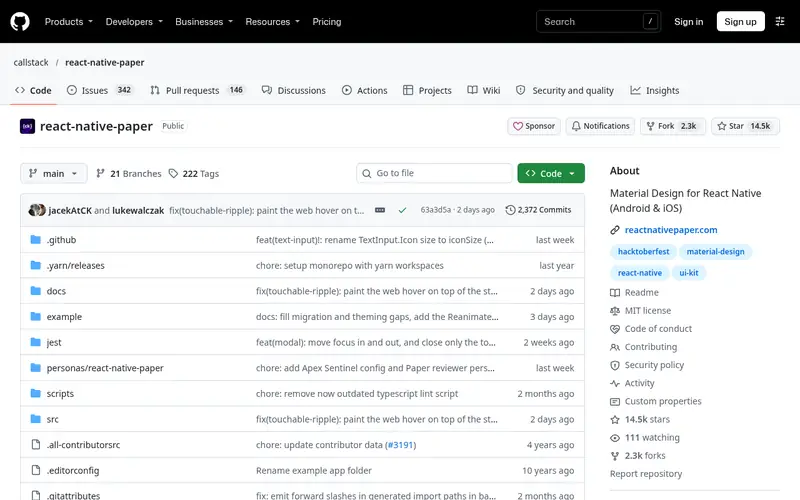
React Native Paper is maintained by Callstack and follows Material Design 3. It provides buttons, text inputs, cards, dialogs, app bars, data tables, snackbars and more, all with a shared theme provider. You can switch between light and dark themes and override colors, fonts and roundness through the theme object.
It runs on iOS, Android and web through React Native Web. The package is MIT licensed and free. The main limit is design: if your product does not follow Material Design, you will spend time overriding styles. It also depends on react-native-vector-icons for icons, which adds setup. Skip it if you need a fully custom design system with no Material influence.
Standout: Full Material Design 3 component set
Free (open source), as listed by the vendor (React Native Paper website). Confirm the current plan price before you buy.
Free plan. Plans change, so confirm on the vendor's pricing page before you buy.
Benefits
- Full Material Design 3 component set
- theming with light and dark support
Drawbacks
- Material look is hard to restyle fully
- some components are opinionated
Skip it if this limit matters to you: material look is hard to restyle fully.
Verdict. A sensible pick for teams that want Material Design 3 components out of the box.
Alternatives in this guide: Tamagui, gluestack-ui, React Native Elements
Tamagui
Best for teams sharing styled components between native apps and web
What it is and where it fits
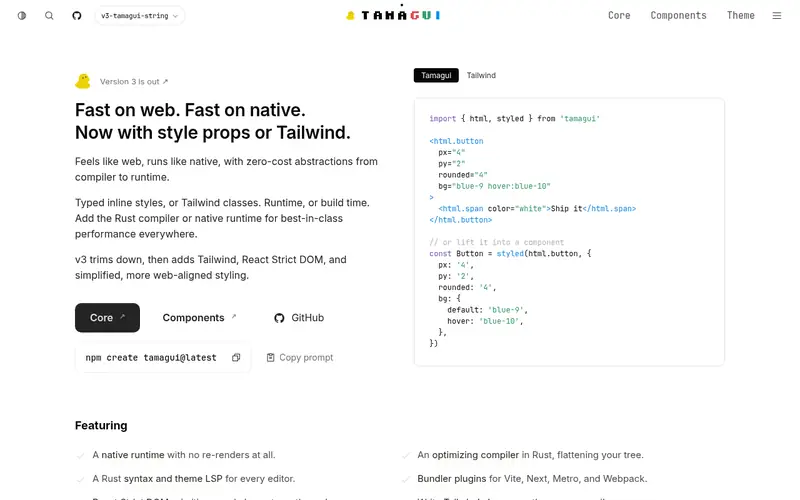
Tamagui is a UI kit and styling system built around a compiler. You write styled components with tokens and themes, and the compiler flattens much of the styling at build time. It targets React Native and web from one codebase, which helps teams that ship both.
The core packages are open source under the MIT license. Some parts of the ecosystem, such as certain prebuilt themes and templates, are offered as paid products on the vendor site. The setup is heavier than a plain component library: you configure a babel plugin, tokens and themes. Skip it for small apps where that overhead does not pay off.
Standout: Compiler optimizes styles at build time
Free (open source), as listed by the vendor (Tamagui website). Confirm the current plan price before you buy.
Free plan. Plans change, so confirm on the vendor's pricing page before you buy.
Benefits
- Compiler optimizes styles at build time
- large component and token set
Drawbacks
- Steep learning curve
- config and setup are involved
Skip it if this limit matters to you: steep learning curve.
Verdict. A sensible pick for teams sharing styled components between native apps and web.
Alternatives in this guide: React Native Paper, gluestack-ui, React Native Elements
gluestack-ui
Best for teams that want accessible primitives styled with their own tokens
What it is and where it fits
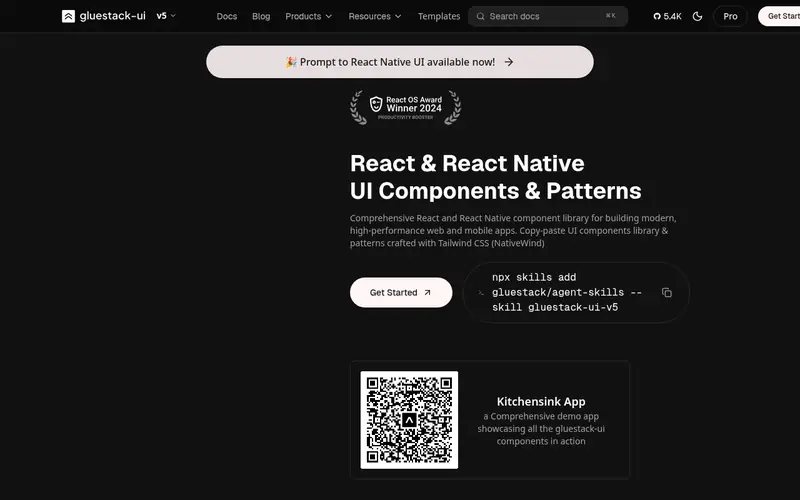
gluestack-ui is the successor to NativeBase. It provides accessible, unstyled primitives that you copy into your project and style with a token system. Because the component code lives in your repo, you can change behavior and styles without forking a package.
It supports React Native and React Native Web, and it works with the NativeWind styling approach. The project is open source. The trade-off is that you do more styling work than with an opinionated kit, and the documentation covers multiple setup paths, which can slow the first install. Skip it if you want a finished look with no design work.
Standout: Unstyled accessible primitives
Free (open source), as listed by the vendor (gluestack-ui website). Confirm the current plan price before you buy.
Free plan. Plans change, so confirm on the vendor's pricing page before you buy.
Benefits
- Unstyled accessible primitives
- copy-in components you own
Drawbacks
- More styling work up front
- docs cover several setup paths
Skip it if this limit matters to you: more styling work up front.
Verdict. A sensible pick for teams that want accessible primitives styled with their own tokens.
Alternatives in this guide: React Native Paper, Tamagui, React Native Elements
React Native Elements
Best for quick cross-platform components with a simple theme object
What it is and where it fits
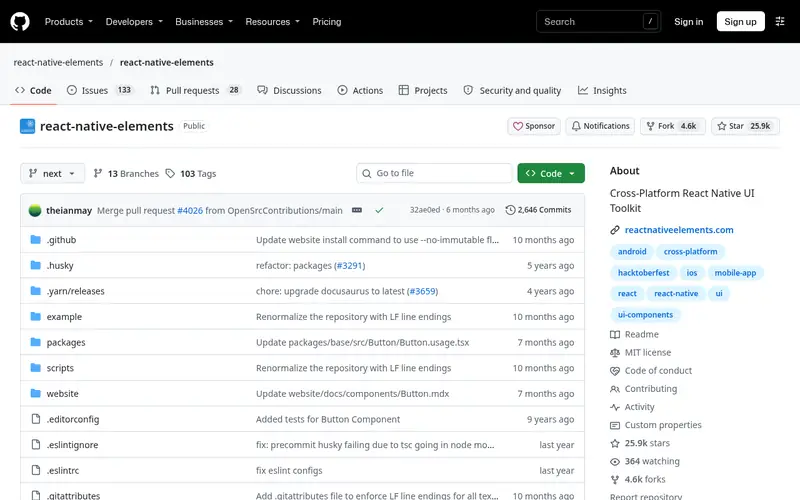
React Native Elements (RNE) is one of the older component kits for React Native. It offers buttons, inputs, cards, list items, avatars, badges and more, all themed through a single theme object. Setup is light compared with compiler-based systems.
It runs on iOS and Android, with React Native Web support for many components. The package is MIT licensed and free. The main limits are design and momentum: the default look is plainer than Material Design 3 kits, and releases are less frequent than for React Native Paper or Tamagui. It still suits internal tools and prototypes where speed matters more than a polished look.
Standout: Simple theme object for colors and spacing
Free (open source), as listed by the vendor (React Native Elements website). Confirm the current plan price before you buy.
Free plan. Plans change, so confirm on the vendor's pricing page before you buy.
Benefits
- Simple theme object for colors and spacing
- wide component set
Drawbacks
- Design feels dated
- release cadence is slower than some rivals
Skip it if this limit matters to you: design feels dated.
Verdict. A sensible pick for quick cross-platform components with a simple theme object.
Alternatives in this guide: React Native Paper, Tamagui, gluestack-ui
UI Kitten
Best for apps that need runtime theme switching with Eva Design
What it is and where it fits
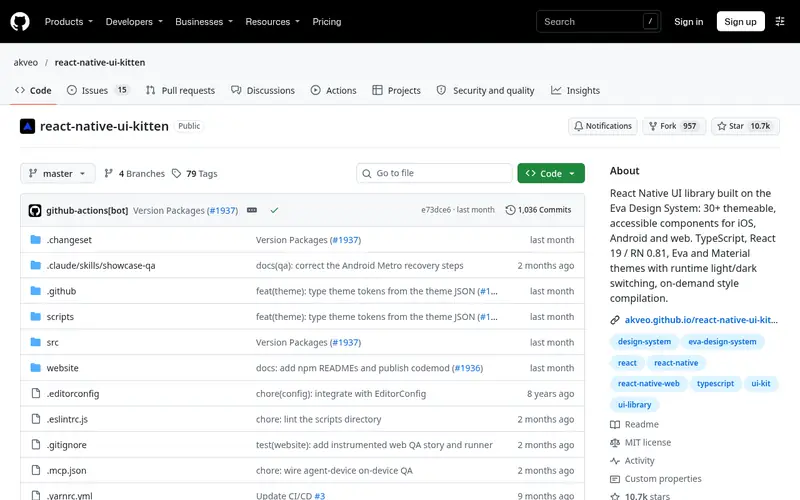
UI Kitten from Akveo is built on the Eva Design System. It provides a set of components and a theming engine that can switch themes at runtime, which suits apps that offer light, dark or branded themes to users.
It targets iOS and Android, with React Native Web support for parts of the kit. The package is MIT licensed and free. The component set is smaller than React Native Paper's, and updates have been less frequent in recent years. Check that it supports your React Native version before adopting it. It fits teams already using Eva Design or needing runtime theme swaps.
Standout: Runtime theme switching
Free (open source), as listed by the vendor (UI Kitten website). Confirm the current plan price before you buy.
Free plan. Plans change, so confirm on the vendor's pricing page before you buy.
Benefits
- Runtime theme switching
- Eva Design token system
Drawbacks
- Smaller component set
- fewer updates in recent years
Skip it if this limit matters to you: smaller component set.
Verdict. A sensible pick for apps that need runtime theme switching with Eva Design.
Alternatives in this guide: React Native Paper, Tamagui, gluestack-ui
NativeWind
Best for teams that want Tailwind-style classes in React Native
What it is and where it fits
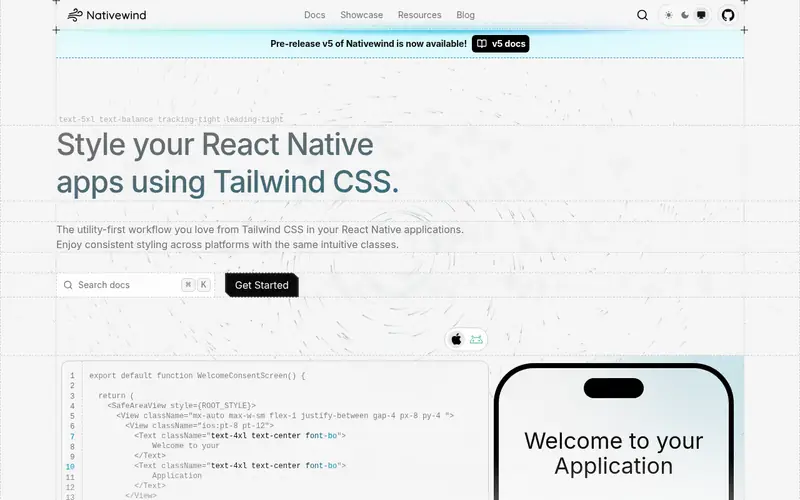
NativeWind brings Tailwind CSS utility classes to React Native. You write className strings and the build step converts them to styles. It is a styling layer, not a component library, so you pair it with components you write or with a kit like gluestack-ui or React Native Reusables.
It supports iOS, Android and web, and the project is open source. Setup involves a Tailwind config and a babel or bundler step. The main limit is scope: it gives you no buttons, inputs or dialogs. Skip it if your team does not already know Tailwind, since the class syntax adds a learning curve.
Standout: Tailwind utility classes in native code
Free (open source), as listed by the vendor (NativeWind website). Confirm the current plan price before you buy.
Free plan. Plans change, so confirm on the vendor's pricing page before you buy.
Benefits
- Tailwind utility classes in native code
- works with existing components
Drawbacks
- Styling layer only, no components
- build setup required
Skip it if this limit matters to you: styling layer only, no components.
Verdict. A sensible pick for teams that want Tailwind-style classes in React Native.
Alternatives in this guide: React Native Paper, Tamagui, gluestack-ui
React Native Reusables
Best for teams that want shadcn-style copy-in components for native
What it is and where it fits
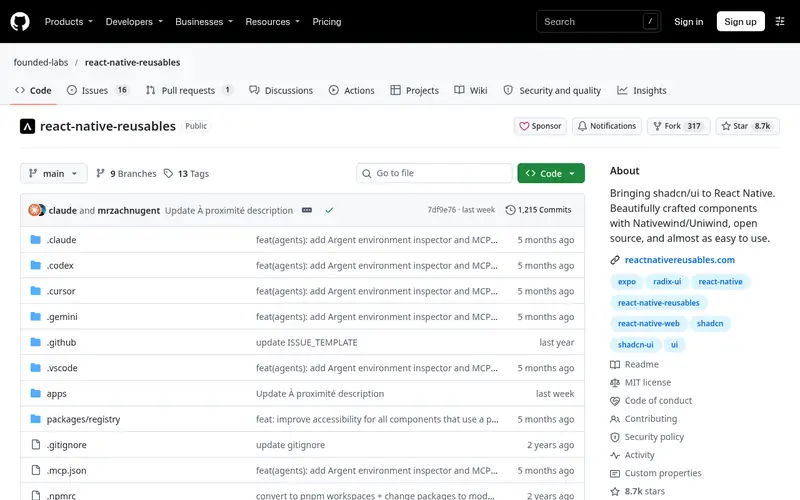
React Native Reusables brings the shadcn/ui approach to React Native. Components are copied into your project rather than installed as a dependency, so you own the code and can change it freely. It is built on NativeWind for styling and on accessible primitives for behavior.
It targets iOS, Android and web. The project is open source and free. As a younger project, its component set is smaller than React Native Paper's or Tamagui's, and APIs may change between releases. It suits teams that like the shadcn model and want full control over component code, not teams that want a large finished kit.
Standout: Copy-in components you own and edit
Free (open source), as listed by the vendor (React Native Reusables website). Confirm the current plan price before you buy.
Free plan. Plans change, so confirm on the vendor's pricing page before you buy.
Benefits
- Copy-in components you own and edit
- built on NativeWind and Radix primitives
Drawbacks
- Younger project
- smaller component set than mature kits
Skip it if this limit matters to you: younger project.
Verdict. A sensible pick for teams that want shadcn-style copy-in components for native.
Alternatives in this guide: React Native Paper, Tamagui, gluestack-ui
Who should use what
If you want a finished Material Design look and fast setup, use React Native Paper. If you ship native and web from one codebase and want compiler-optimized styles, use Tamagui. If you want accessible primitives you style and own, use gluestack-ui or React Native Reusables. If your team already writes Tailwind, add NativeWind as a styling layer and pair it with a component kit. For internal tools and prototypes where speed matters, React Native Elements or UI Kitten are lighter options.
Questions to settle before you buy
What to check before you buy
- Confirm the library supports your React Native version and your target platforms.
- Check the license and whether components are installed as packages or copied into your repo.
- Review the theming model and how much restyling your design needs.
- Check accessibility support for inputs, dialogs and navigation components.
- Look at release activity and open issues before depending on the project.
FAQ
Are these React Native UI libraries free?
Yes. All seven projects listed here are open source and free to use. Some, like Tamagui, also sell paid themes, templates or support on the vendor site, but the core libraries do not require payment.
What is the difference between a component library and a styling library?
A component library ships ready-made buttons, inputs and dialogs. A styling library such as NativeWind only handles how things look. NativeWind gives you no components, so you pair it with a component kit or your own components.
Can I use these libraries on web as well as native?
Most support React Native Web to some degree. React Native Paper, Tamagui, gluestack-ui and NativeWind document web support. Check each component you need, since web coverage varies and some components behave differently in a browser.
Is NativeBase still recommended?
NativeBase has been succeeded by gluestack-ui from the same team. For new projects, start with gluestack-ui rather than NativeBase, and check the migration notes if you maintain an existing NativeBase app.
Do these libraries work with Expo?
Most do. React Native Paper, Tamagui, gluestack-ui, NativeWind and React Native Reusables document Expo support. Libraries with native dependencies may need a development build rather than Expo Go, so read the setup docs first.
Sources we checked
Method: how we score · editorial policy.
Change log. First published 27 Nov 2026.