Stage 01 · Write · Researched comparison
Best Python Version Managers in 2026
pyenv is the first pick for most developers who want a single tool that installs and switches CPython versions on macOS and Linux, and it stays out of the way of your project tooling. uv is the better choice if you want one fast tool for both Python versions and dependencies. mise and asdf suit people who already manage several runtimes and want Python handled alongside them.

By Shihab Mia
Published 22 Nov 2026 · 6 tools compared
We run no ads and no affiliate links at launch. The order of a list follows our published method. See how we score.
Prices are the starting prices vendors list publicly. Plans change, so confirm the current price on the vendor page before you buy.
Key takeaways
- pyenv is free, open source and focused on installing and switching Python interpreters; it does not manage virtualenvs or packages for you.
- uv is free and open source and can install Python versions and manage project dependencies in one binary.
- mise and asdf are free, open source multi-runtime managers that handle Python through plugins.
- conda and PDM combine version handling with environment or package management, so pick them when you want that combined workflow.
Who each pick is for
- Developers who want simple per-project Python version switchingpyenv
- Teams that want fast Python installs plus dependency managementuv
- Developers managing Python alongside Node, Ruby and other runtimesmise
- Teams standardizing many runtime versions in one fileasdf
- Data science and scientific users who need binary package managementconda
- Developers who want PEP 582-style local packages and version pinningPDM
Comparison
| Tool | Best for | Standout feature | Listed starting price | Free plan or trial |
|---|---|---|---|---|
| 1pyenv | Developers who want simple per-project Python version switching | Widely used and well documented | Free (open source) | Free plan |
| 2uv | Teams that want fast Python installs plus dependency management | Installs Python versions and resolves dependencies in one tool | Free (open source) | Free plan |
| 3mise | Developers managing Python alongside Node, Ruby and other runtimes | Handles many languages in one config file | Free (open source) | Free plan |
| 4asdf | Teams standardizing many runtime versions in one file | Single .tool-versions file for all runtimes | Free (open source) | Free plan |
| 5conda | Data science and scientific users who need binary package management | Installs Python versions and binary packages together | Free (open source) | Free plan |
| 6PDM | Developers who want PEP 582-style local packages and version pinning | Can install Python versions with pdm python install | Free (open source) | Free plan |
How we picked
We picked tools that genuinely install or select Python interpreters, then compared them on fit for that job, supported platforms, licence and price, and main limits. We also noted whether each tool manages only versions or also dependencies and environments, since that changes daily workflow. Sources are vendor documentation, project repositories and public pricing pages. Prices and terms change, so confirm details on the vendor site before you commit.
The tools, one by one
pyenv
Best for developers who want simple per-project Python version switching
What it is and where it fits
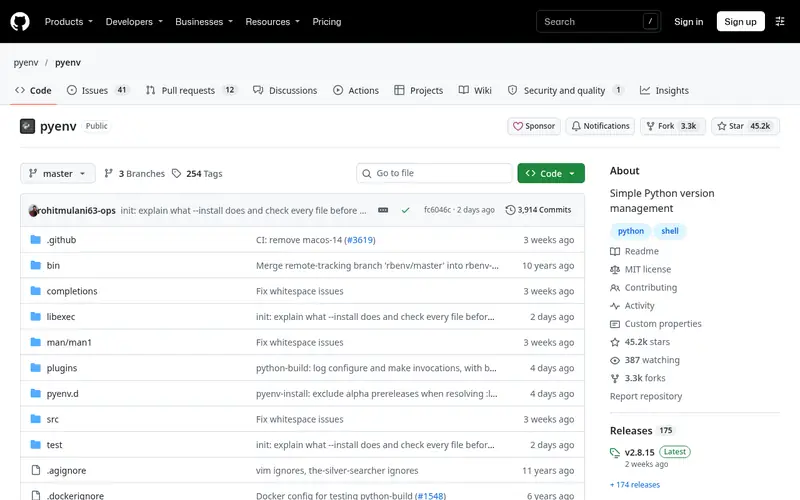
pyenv installs multiple Python versions and lets you pick one per shell, per directory or globally. It uses shims in your PATH, so commands like python and pip resolve to the selected version. You can set a version with a .python-version file in a project directory, which keeps teams on the same interpreter.
It runs on macOS and Linux. On Windows, the project points users to pyenv-win, a separate port. pyenv builds interpreters from source, so you need build dependencies installed first; the documentation lists them per platform. It does not create virtualenvs, though the pyenv-virtualenv plugin adds that. It also does not install packages.
pyenv is the right default if you want one job done well and you pair it with pip, venv or Poetry for dependencies. Skip it if you need a single tool that also resolves packages, or if you work mainly on Windows and want the mainline project.
Standout: Widely used and well documented
Free (open source), as listed by the vendor (pyenv website). Confirm the current plan price before you buy.
Free plan. Plans change, so confirm on the vendor's pricing page before you buy.
Benefits
- Widely used and well documented
- shim-based switching works with most shells and tools
Drawbacks
- No native Windows support
- does not manage virtualenvs or packages
Skip it if this limit matters to you: no native Windows support.
Verdict. A sensible pick for developers who want simple per-project Python version switching.
uv
Best for teams that want fast Python installs plus dependency management
What it is and where it fits
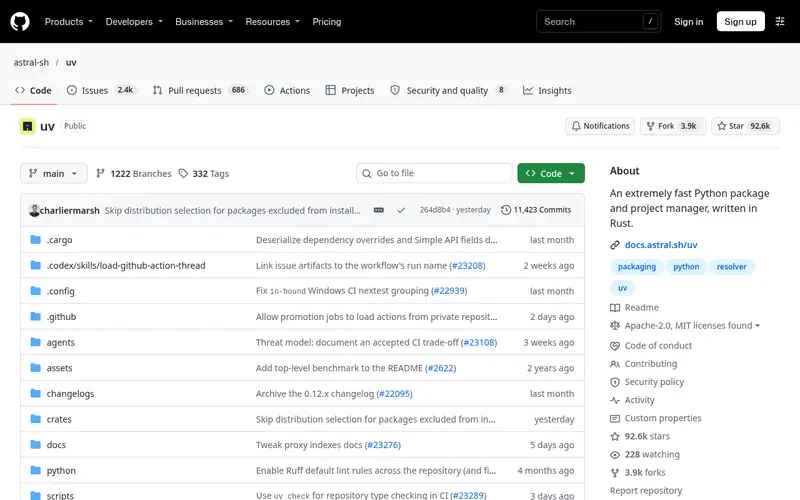
uv is a Python package and project manager written in Rust. It can download and install Python interpreters with uv python install, pin a version with uv python pin, and manage virtual environments and lockfiles for projects. That means one binary covers interpreter selection and dependency resolution.
It runs on macOS, Linux and Windows. The project is open source under a permissive licence and is developed in public on GitHub. Because it moves quickly, command flags and defaults have changed across releases; check the documentation for the version you install.
uv suits developers starting new projects or willing to adopt its workflow. It is a good fit when install speed matters, such as in CI. If you have an existing setup built around pyenv plus pip-tools, migration takes some work, and you may prefer to keep the tools separate.
Standout: Installs Python versions and resolves dependencies in one tool
Free (open source), as listed by the vendor (uv website). Confirm the current plan price before you buy.
Free plan. Plans change, so confirm on the vendor's pricing page before you buy.
Benefits
- Installs Python versions and resolves dependencies in one tool
- very fast resolver and installer
Drawbacks
- Newer project with a fast-moving feature set
- opinionated workflow compared with separate tools
Skip it if this limit matters to you: newer project with a fast-moving feature set.
Verdict. A sensible pick for teams that want fast Python installs plus dependency management.
mise
Best for developers managing Python alongside Node, Ruby and other runtimes
What it is and where it fits
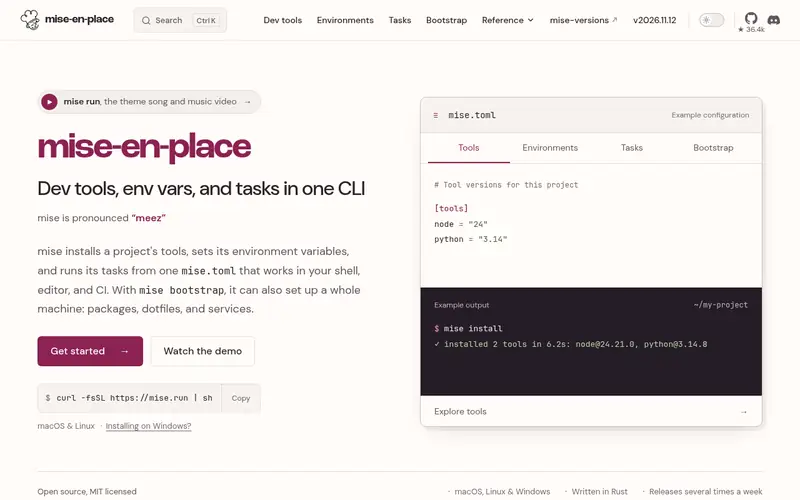
mise (formerly rtx) is a polyglot runtime manager. It reads a .mise.toml or .tool-versions file in a project and sets the right versions for each tool when you enter the directory. Python versions can be installed through its backends, including a core backend and asdf-style plugins.
It runs on macOS, Linux and Windows, with shell integration for bash, zsh, fish and others. The project is open source and free. Because Python handling is one feature among many, the Python-specific documentation is thinner than pyenv's, and some edge cases depend on which backend you choose.
Choose mise if you already juggle several runtimes and want one config file for all of them. If Python is your only language and you want the most established Python-specific tool, pyenv is the simpler pick.
Standout: Handles many languages in one config file
Free (open source), as listed by the vendor (mise website). Confirm the current plan price before you buy.
Free plan. Plans change, so confirm on the vendor's pricing page before you buy.
Benefits
- Handles many languages in one config file
- per-directory versions via a config file
Drawbacks
- Python support depends on backend plugins
- smaller Python-specific community than pyenv
Skip it if this limit matters to you: python support depends on backend plugins.
Verdict. A sensible pick for developers managing Python alongside Node, Ruby and other runtimes.
asdf
Best for teams standardizing many runtime versions in one file
What it is and where it fits
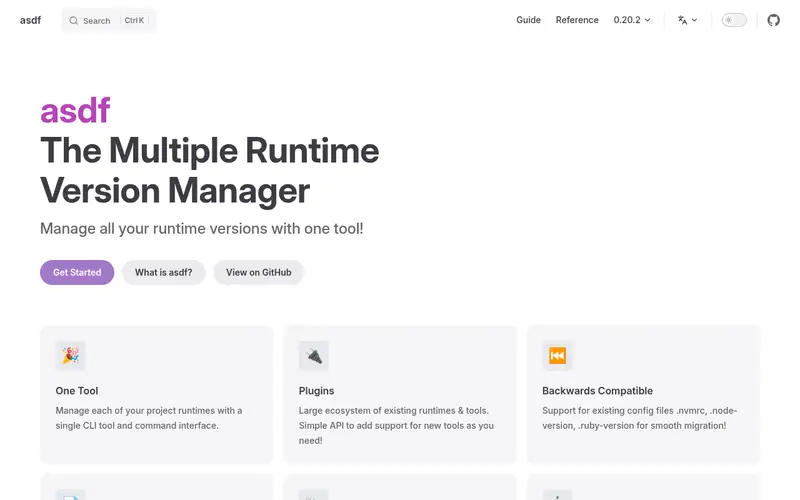
asdf is a multi-runtime version manager built around plugins. You add the Python plugin, then install and set versions with asdf install python and asdf local python. A .tool-versions file in the project directory records versions for every runtime the project needs.
It runs on macOS and Linux, with community guidance for Windows through WSL. The core is open source and free. Python behaviour, including which builds are available, depends on the plugin, so check the plugin repository for supported versions and open issues before relying on it.
asdf fits monorepos and teams that pin Node, Ruby, Python and more in one place. If you only manage Python, the extra plugin layer adds steps compared with pyenv, and the Python plugin may lag behind new CPython releases.
Standout: Single .tool-versions file for all runtimes
Free (open source), as listed by the vendor (asdf website). Confirm the current plan price before you buy.
Free plan. Plans change, so confirm on the vendor's pricing page before you buy.
Benefits
- Single .tool-versions file for all runtimes
- large plugin ecosystem
Drawbacks
- Python support comes from a plugin, not the core
- plugin quality varies
Skip it if this limit matters to you: python support comes from a plugin, not the core.
Verdict. A sensible pick for teams standardizing many runtime versions in one file.
conda
Best for data science and scientific users who need binary package management
What it is and where it fits
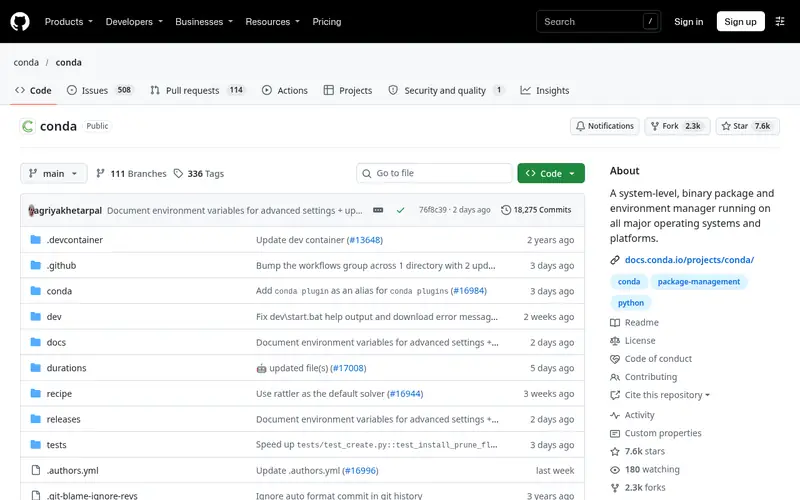
conda is a package and environment manager that also installs Python interpreters. You create an environment with a chosen Python version, and conda resolves packages from its channels, which include many prebuilt scientific and native libraries. That makes it useful when packages are hard to build from source.
The conda client is open source and free. Note that the default channels are operated by Anaconda, which has its own terms of service for some uses; check those terms if you use the default channels commercially. Community alternatives such as conda-forge exist.
conda suits data science, machine learning and users who need binary packages that pip struggles with. If your project is pure PyPI and you use venv or uv, conda adds a second package ecosystem and is usually unnecessary.
Standout: Installs Python versions and binary packages together
Free (open source), as listed by the vendor (conda website). Confirm the current plan price before you buy.
Free plan. Plans change, so confirm on the vendor's pricing page before you buy.
Benefits
- Installs Python versions and binary packages together
- strong for scientific and native dependencies
Drawbacks
- Separate ecosystem from PyPI-first workflows
- environment model differs from venv
Skip it if this limit matters to you: separate ecosystem from PyPI-first workflows.
Verdict. A sensible pick for data science and scientific users who need binary package management.
PDM
Best for developers who want PEP 582-style local packages and version pinning
What it is and where it fits
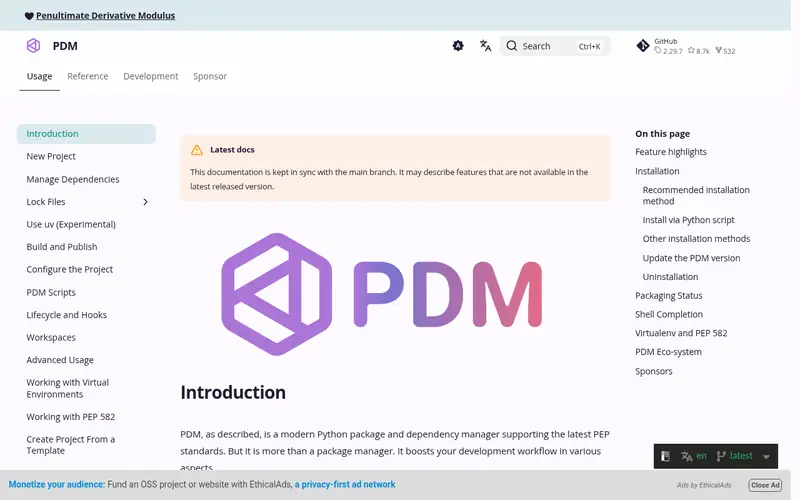
PDM is a package and project manager that follows modern Python packaging standards. It can install and select Python interpreters with pdm python install and pdm use, and it stores project metadata in pyproject.toml with a lockfile for reproducible installs.
It runs on macOS, Linux and Windows and is open source and free. PDM supports a local packages mode inspired by PEP 582, which keeps dependencies inside the project without a traditional virtualenv. That is convenient but differs from what many tools and IDEs expect.
PDM fits developers who want interpreter selection and dependency management in one tool and are comfortable with its conventions. If you need the widest tooling compatibility, pyenv plus venv or uv is the safer path.
Standout: Can install Python versions with pdm python install
Free (open source), as listed by the vendor (PDM website). Confirm the current plan price before you buy.
Free plan. Plans change, so confirm on the vendor's pricing page before you buy.
Benefits
- Can install Python versions with pdm python install
- supports modern packaging standards
Drawbacks
- Smaller user base than pyenv or Poetry
- workflow differs from venv conventions
Skip it if this limit matters to you: smaller user base than pyenv or Poetry.
Verdict. A sensible pick for developers who want PEP 582-style local packages and version pinning.
Who should use what
If you only need to switch CPython versions per project on macOS or Linux, use pyenv. If you want one fast tool for interpreters and dependencies, use uv. If you manage Node, Ruby and Python together, use mise or asdf with a shared config file. If you work in data science and need binary packages, use conda. If you want a lockfile-first project workflow, pair PDM with pyenv or uv for interpreter installs.
Questions to settle before you buy
What to check before you buy
- Confirm the tool supports your operating system, including Windows or WSL if you use them.
- Check whether it installs interpreters itself or expects them to be preinstalled.
- Decide if you want version switching only, or dependency and environment management too.
- Read the licence and any channel terms of service if you use conda's default channels.
- Test the tool against your CI setup and editor before migrating existing projects.
FAQ
Do I need a version manager if I use venv?
venv creates isolated environments but does not install Python interpreters. A version manager installs and selects the interpreter, and venv isolates packages for a project. Many developers use both: pyenv or uv to pick the version, venv or uv to isolate dependencies.
Can one tool handle both Python versions and packages?
Yes. uv, conda and PDM all combine interpreter selection with dependency or environment management to varying degrees. pyenv and asdf focus on versions and leave packages to other tools. Pick based on whether you want one workflow or separate, focused tools.
Does pyenv work on Windows?
The mainline pyenv project targets macOS and Linux. Windows users typically use pyenv-win, a separate port, or switch to uv, mise or conda, which support Windows directly. Check the documentation for the tool you choose before relying on it.
Are these tools free?
All six tools listed are open source and free to use. Some, like conda with default Anaconda channels, have separate terms of service for certain commercial uses. Confirm the current licence and terms on each project's site.
How do I keep a team on the same Python version?
Commit a version file to the repository: .python-version for pyenv, .tool-versions for asdf, .mise.toml for mise, or the Python constraint in pyproject.toml for uv and PDM. CI should read the same file so local and CI versions match.
Sources we checked
Method: how we score · editorial policy.
Change log. First published 22 Nov 2026.