Stage 01 · Write · Researched comparison
Best Python OCR Libraries in 2026
pytesseract is the default first pick for most Python developers. It wraps the Tesseract engine, installs quickly, and handles clean scanned text well. EasyOCR suits projects that need many languages or a simple deep-learning setup with GPU support. PaddleOCR is the stronger choice when you need layout analysis, table extraction, or document structure on top of plain text. All three are open source.

By Shihab Mia
Published 27 Nov 2026 · 8 tools compared
We run no ads and no affiliate links at launch. The order of a list follows our published method. See how we score.
Prices are the starting prices vendors list publicly. Plans change, so confirm the current price on the vendor page before you buy.
Key takeaways
- pytesseract, EasyOCR, PaddleOCR, docTR, Surya, tesserocr, OCRmyPDF and Kraken are all free and open source, so cost is not the deciding factor.
- Tesseract-based tools (pytesseract, tesserocr, OCRmyPDF) need the Tesseract binary installed separately from the Python package.
- Deep-learning libraries (EasyOCR, PaddleOCR, docTR, Surya) download model weights and run better with a GPU, but work on CPU.
- OCR runs locally in these libraries, so documents are not sent to a third-party web page, but check model download and telemetry behavior before using sensitive files.
Who each pick is for
- Simple Tesseract OCR from Python scriptspytesseract
- Multi-language OCR with a simple deep-learning APIEasyOCR
- Layout-aware OCR, tables and document structurePaddleOCR
- Document text detection and recognition pipelinesdocTR
- OCR plus layout, reading order and table detectionSurya
- Direct, fast access to the Tesseract C++ APItesserocr
- Adding a searchable text layer to scanned PDFsOCRmyPDF
- Historical and non-Latin document OCRKraken
Comparison
| Tool | Best for | Standout feature | Listed starting price | Free plan or trial |
|---|---|---|---|---|
| 1pytesseract | Simple Tesseract OCR from Python scripts | Thin wrapper over the widely used Tesseract engine | Free (open source) | Free plan |
| 2EasyOCR | Multi-language OCR with a simple deep-learning API | Supports around 80 languages | Free (open source) | Free plan |
| 3PaddleOCR | Layout-aware OCR, tables and document structure | Includes detection, recognition and layout/table analysis pipelines | Free (open source) | Free plan |
| 4docTR | Document text detection and recognition pipelines | Clean two-stage detection and recognition API | Free (open source) | Free plan |
| 5Surya | OCR plus layout, reading order and table detection | Combines OCR with layout, reading-order and table recognition | Free (open source) | Free plan |
| 6tesserocr | Direct, fast access to the Tesseract C++ API | Bypasses the subprocess call used by pytesseract | Free (open source) | Free plan |
| 7OCRmyPDF | Adding a searchable text layer to scanned PDFs | Produces searchable PDF/A files | Free (open source) | Free plan |
| 8Kraken | Historical and non-Latin document OCR | Strong for historical scripts and custom model training | Free (open source) | Free plan |
How we picked
We compared libraries on fit for common OCR jobs, supported platforms, license and dependency weight, whether processing stays local, and known limits such as language coverage, GPU needs and install complexity. Sources are vendor documentation, project repositories and public license files. Prices and licenses change, so confirm details on each project page before you commit.
The tools, one by one
pytesseract
Best for simple Tesseract OCR from Python scripts
What it is and where it fits
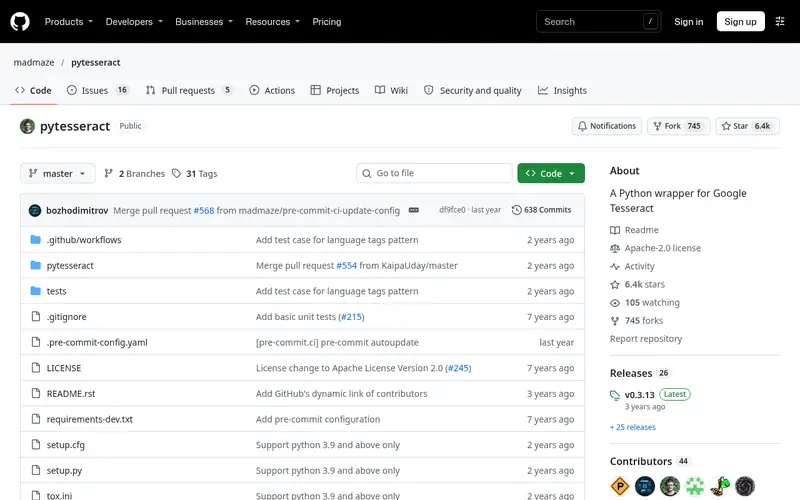
pytesseract is a Python wrapper around Google's Tesseract OCR engine. It exposes functions to read text from images and to return detailed data such as word boxes and confidence values. It runs on Windows, macOS and Linux, but you must install the Tesseract binary and language data yourself; the pip package alone is not enough.
It suits batch jobs on clean scans, receipts, and printed documents where Tesseract already performs well. Output can be plain text, hOCR, or a structured dictionary. It is licensed under Apache 2.0. Skip it if you need heavy layout analysis or handwriting, where deep-learning models usually do better.
Standout: Thin wrapper over the widely used Tesseract engine
Free (open source), as listed by the vendor (pytesseract website). Confirm the current plan price before you buy.
Free plan. Plans change, so confirm on the vendor's pricing page before you buy.
Benefits
- Thin wrapper over the widely used Tesseract engine
- supports bounding boxes, confidence data and many languages
Drawbacks
- Requires the Tesseract binary installed separately
- accuracy drops on noisy or complex layouts
Skip it if this limit matters to you: requires the Tesseract binary installed separately.
Verdict. A sensible pick for simple Tesseract OCR from Python scripts.
EasyOCR
Best for multi-language OCR with a simple deep-learning API
What it is and where it fits
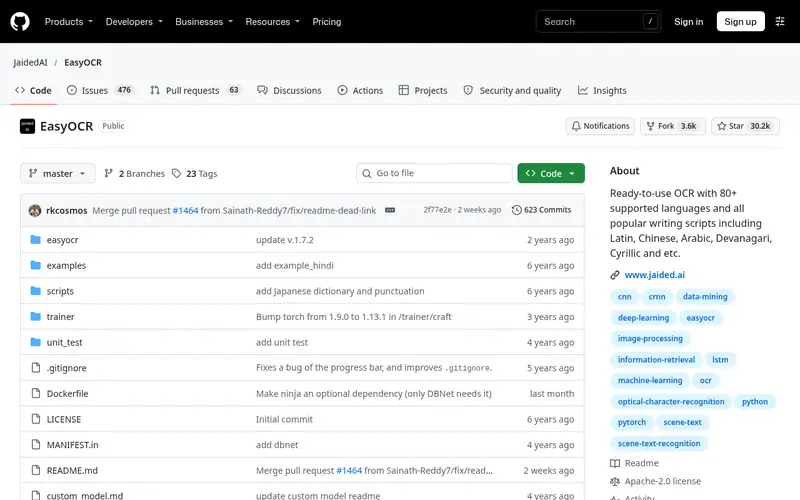
EasyOCR is a deep-learning OCR library built on PyTorch. You create a Reader for one or more languages, then call readtext on an image or a NumPy array. It returns text with bounding boxes and confidence scores. It runs on Windows, macOS and Linux, with optional CUDA acceleration.
The first run downloads detection and recognition models, so plan for disk space and network access. CPU inference works but is slower than GPU for high volume. It handles printed text across many scripts and does reasonably on some scene text. It is Apache 2.0 licensed. Skip it if you need strict table or layout reconstruction, which other tools handle better.
Standout: Supports around 80 languages
Free (open source), as listed by the vendor (EasyOCR website). Confirm the current plan price before you buy.
Free plan. Plans change, so confirm on the vendor's pricing page before you buy.
Benefits
- Supports around 80 languages
- simple reader API with optional GPU acceleration
Drawbacks
- Downloads model weights on first use
- slower on CPU for large batches
Skip it if this limit matters to you: downloads model weights on first use.
Verdict. A sensible pick for multi-language OCR with a simple deep-learning API.
Alternatives in this guide: pytesseract, PaddleOCR, docTR
PaddleOCR
Best for layout-aware OCR, tables and document structure
What it is and where it fits
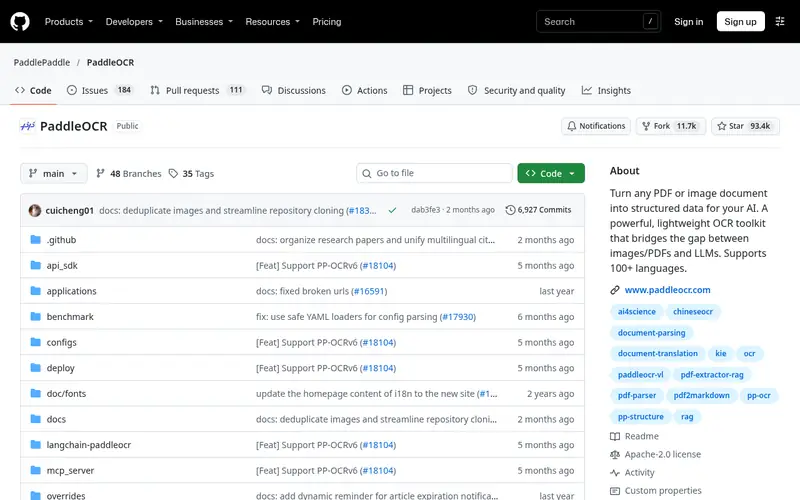
PaddleOCR is an OCR toolkit built on the PaddlePaddle framework. Beyond plain text extraction it ships pipelines for document layout analysis, table recognition and structure recovery, which makes it useful for forms and reports. It supports many languages and runs on Windows, macOS and Linux, with CPU and GPU options.
Installation pulls in PaddlePaddle plus model downloads, so the environment is larger than a Tesseract wrapper. The project moves quickly, so pin versions and read the release notes. It is Apache 2.0 licensed. Skip it if you only need a few lines of text from clean images and want the smallest possible setup.
Standout: Includes detection, recognition and layout/table analysis pipelines
Free (open source), as listed by the vendor (PaddleOCR website). Confirm the current plan price before you buy.
Free plan. Plans change, so confirm on the vendor's pricing page before you buy.
Benefits
- Includes detection, recognition and layout/table analysis pipelines
- strong multilingual coverage
Drawbacks
- Heavier dependency stack
- API surface is larger and changes between releases
Skip it if this limit matters to you: heavier dependency stack.
Verdict. A sensible pick for layout-aware OCR, tables and document structure.
Alternatives in this guide: pytesseract, EasyOCR, docTR
docTR
Best for document text detection and recognition pipelines
What it is and where it fits
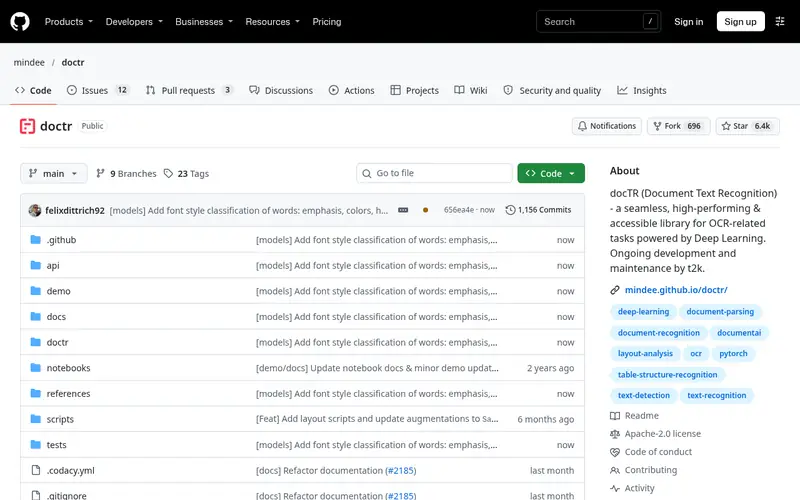
docTR, maintained by Mindee, is a deep-learning library for optical character recognition focused on documents. It separates text detection from recognition, so you can swap models or inspect intermediate results. It supports both TensorFlow and PyTorch backends and runs on Windows, macOS and Linux.
The API returns words, lines, and geometry, which helps when you need positions rather than a flat string. Pretrained models are downloaded on first use. It is Apache 2.0 licensed. Skip it if you need broad language coverage with minimal setup, or if you want a single binary dependency like Tesseract.
Standout: Clean two-stage detection and recognition API
Free (open source), as listed by the vendor (docTR website). Confirm the current plan price before you buy.
Free plan. Plans change, so confirm on the vendor's pricing page before you buy.
Benefits
- Clean two-stage detection and recognition API
- supports TensorFlow and PyTorch backends
Drawbacks
- Model downloads required
- fewer language packs than Tesseract out of the box
Skip it if this limit matters to you: model downloads required.
Verdict. A sensible pick for document text detection and recognition pipelines.
Alternatives in this guide: pytesseract, EasyOCR, PaddleOCR
Surya
Best for oCR plus layout, reading order and table detection
What it is and where it fits
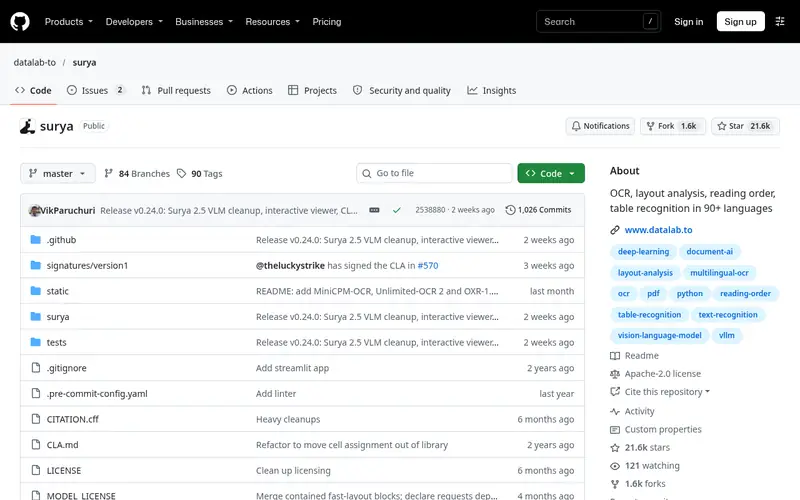
Surya is an open-source document OCR toolkit from Vik Paruchuri. It provides text recognition along with layout detection, reading order, and table recognition, which makes it useful for turning PDFs and scans into structured output. It runs on Windows, macOS and Linux with PyTorch.
It performs best with a GPU; CPU runs are possible but slow on large documents. Model weights are sizable, so check disk and memory before deploying. The license is GPL-3.0 with some components under different terms, so review it before commercial use. Skip it if you need a permissive license or a lightweight install.
Standout: Combines OCR with layout, reading-order and table recognition
Free (open source), as listed by the vendor (Surya website). Confirm the current plan price before you buy.
Free plan. Plans change, so confirm on the vendor's pricing page before you buy.
Benefits
- Combines OCR with layout, reading-order and table recognition
- handles many languages
Drawbacks
- Needs a GPU for good throughput
- model weights are large
Skip it if this limit matters to you: needs a GPU for good throughput.
Verdict. A sensible pick for OCR plus layout, reading order and table detection.
Alternatives in this guide: pytesseract, EasyOCR, PaddleOCR
tesserocr
Best for direct, fast access to the Tesseract C++ API
What it is and where it fits
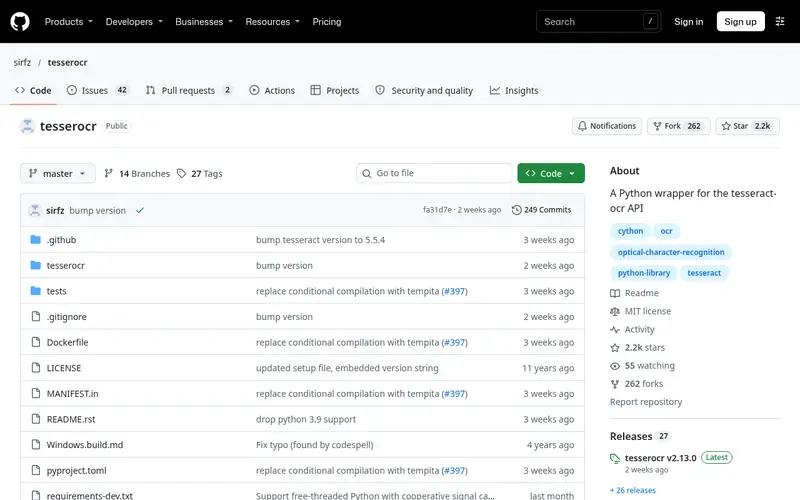
tesserocr is a Python wrapper around the Tesseract C++ API using Cython. Because it calls the library directly instead of spawning a process, it avoids the per-call overhead that pytesseract has, which helps in tight loops. It exposes iterator APIs for blocks, paragraphs, lines and words.
Installation is the main hurdle: you need Tesseract development headers and a compiler, and Windows setup is more involved than on Linux or macOS. It is MIT licensed. Choose it over pytesseract when you process many small images and want lower overhead, and skip it if a simple pip install matters more.
Standout: Bypasses the subprocess call used by pytesseract
Free (open source), as listed by the vendor (tesserocr website). Confirm the current plan price before you buy.
Free plan. Plans change, so confirm on the vendor's pricing page before you buy.
Benefits
- Bypasses the subprocess call used by pytesseract
- exposes more of the Tesseract API
Drawbacks
- Requires compiling against Tesseract headers
- trickier install on Windows
Skip it if this limit matters to you: requires compiling against Tesseract headers.
Verdict. A sensible pick for direct, fast access to the Tesseract C++ API.
Alternatives in this guide: pytesseract, EasyOCR, PaddleOCR
OCRmyPDF
Best for adding a searchable text layer to scanned PDFs
What it is and where it fits
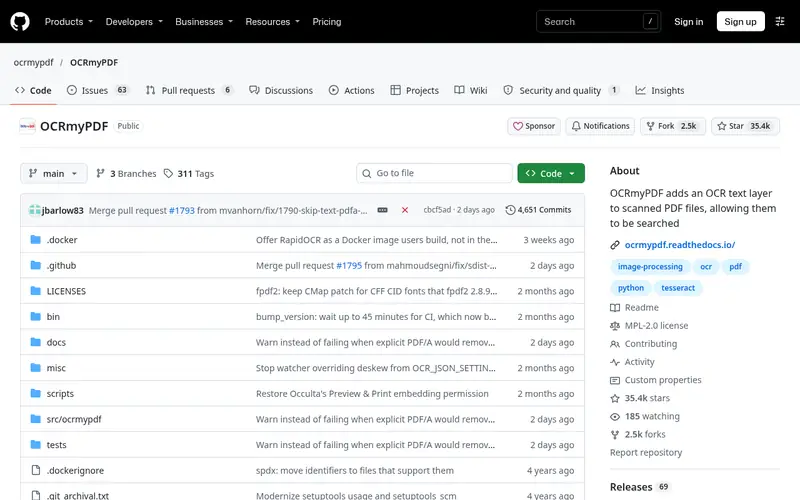
OCRmyPDF adds an OCR text layer to scanned PDFs, producing searchable files. It is primarily a command-line tool but can be called from Python. It uses Tesseract under the hood and adds preprocessing such as deskewing, cleaning and orientation correction. It runs on Linux, macOS and Windows.
It is the right tool when your input is a PDF and your goal is a searchable archive rather than raw text in memory. It depends on Tesseract, Ghostscript and other binaries. It is MPL-2.0 licensed. Skip it if you need OCR of individual images inside an application, where a library like pytesseract or EasyOCR fits better.
Standout: Produces searchable PDF/A files
Free (open source), as listed by the vendor (OCRmyPDF website). Confirm the current plan price before you buy.
Free plan. Plans change, so confirm on the vendor's pricing page before you buy.
Benefits
- Produces searchable PDF/A files
- handles deskew, rotation and cleanup
Drawbacks
- Built around Tesseract, so accuracy follows Tesseract
- not a general image OCR API
Skip it if this limit matters to you: built around Tesseract, so accuracy follows Tesseract.
Verdict. A sensible pick for adding a searchable text layer to scanned PDFs.
Alternatives in this guide: pytesseract, EasyOCR, PaddleOCR
Kraken
Best for historical and non-Latin document OCR
What it is and where it fits
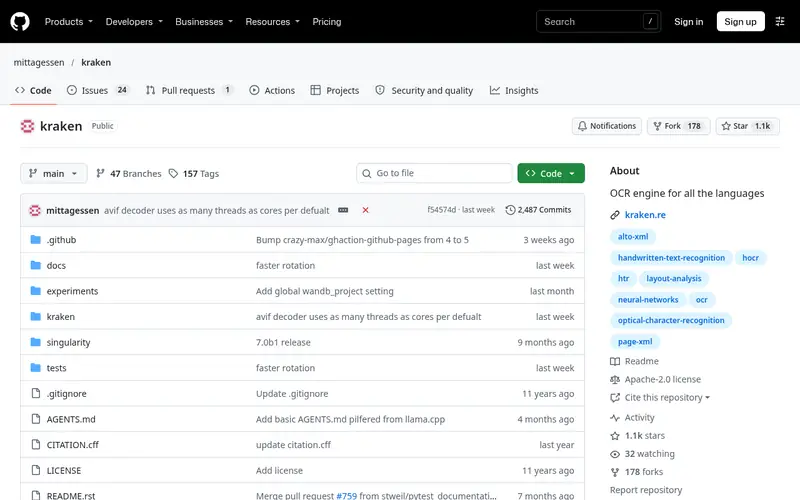
Kraken is an OCR engine aimed at historical documents and non-Latin scripts. It provides segmentation and recognition, and supports training custom models on your own transcriptions. It runs on Linux, macOS and Windows through Python, and is used in digital humanities projects.
The workflow is more involved than calling a single function: you manage models, segmentation settings and training data. Pretrained models cover several scripts, and you can fine-tune for specific typefaces. It is Apache 2.0 licensed. Skip it for routine business documents where Tesseract or a deep-learning library gives faster results with less setup.
Standout: Strong for historical scripts and custom model training
Free (open source), as listed by the vendor (Kraken website). Confirm the current plan price before you buy.
Free plan. Plans change, so confirm on the vendor's pricing page before you buy.
Benefits
- Strong for historical scripts and custom model training
- segmentation and recognition in one toolkit
Drawbacks
- Steeper learning curve
- geared toward research workflows rather than quick scripts
Skip it if this limit matters to you: steeper learning curve.
Verdict. A sensible pick for historical and non-Latin document OCR.
Alternatives in this guide: pytesseract, EasyOCR, PaddleOCR
Who should use what
If you have clean scans and want the smallest setup, use pytesseract. If you need many languages and a simple deep-learning API, use EasyOCR. If your documents have tables and layout, use PaddleOCR or Surya. If your input is a PDF and you want a searchable file, use OCRmyPDF. For historical or non-Latin material, use Kraken. For high-volume small-image loops, tesserocr reduces per-call overhead compared with pytesseract.
Questions to settle before you buy
What to check before you buy
- Confirm the OCR engine binary (for example Tesseract) is installed and on the PATH, not just the Python package.
- Check language coverage and whether you need to download extra language data or model weights.
- Review the license, especially GPL terms in Surya, before shipping in a commercial product.
- Test accuracy on your own sample documents, including noisy scans and rotated pages.
- Plan for GPU availability if you process large volumes with deep-learning libraries.
FAQ
Do these libraries send my documents to a server?
No. They run locally and process files on your machine. Some download model weights on first use, so check network behavior and any telemetry settings before handling sensitive documents.
Which library is best for scanned PDFs?
OCRmyPDF is built for this. It adds a searchable text layer to scanned PDFs and handles deskew and cleanup. For raw text from PDF pages, you can render pages to images and pass them to pytesseract or EasyOCR.
Do I need a GPU?
No, all listed libraries run on CPU. A GPU speeds up deep-learning libraries such as EasyOCR, PaddleOCR, docTR and Surya, especially at high volume, but small jobs work on CPU.
What is the difference between pytesseract and tesserocr?
Both wrap Tesseract. pytesseract calls the Tesseract binary as a subprocess, which is simple to install. tesserocr binds the C++ API directly, which is faster in loops but harder to install.
Can these libraries read handwriting?
Results vary. Deep-learning libraries handle some handwriting better than Tesseract, but none guarantee accurate handwriting recognition. Test on your own samples before relying on any of them.
Sources we checked
Method: how we score · editorial policy.
Change log. First published 27 Nov 2026.