Stage 01 · Write · Researched comparison
Best Python Logging Libraries in 2026
The standard library `logging` module is the first pick for most teams. It ships with Python, has no install step, and every framework integrates with it. Choose Loguru when you want simple setup and readable output for scripts and small services. Choose structlog when you need structured, machine-readable events that flow into JSON logs and log aggregators. All three are free and open source.

By Shihab Mia
Published 22 Nov 2026 · 7 tools compared
We run no ads and no affiliate links at launch. The order of a list follows our published method. See how we score.
Prices are the starting prices vendors list publicly. Plans change, so confirm the current price on the vendor page before you buy.
Key takeaways
- The standard library `logging` module is free, maintained with Python itself, and the default target for third-party integrations.
- Loguru and structlog are free open-source libraries with different designs: Loguru favors simple setup, structlog favors structured event data.
- Picologging is a free open-source drop-in replacement for parts of the standard library that targets speed; check compatibility before adopting it.
- Logging libraries write to files and streams locally, so secret handling depends on your handlers, not on a third-party web page.
Who each pick is for
- Most applications that want zero extra dependenciesPython standard library logging
- Scripts and small services that want simple setupLoguru
- Services that emit structured, machine-readable log eventsstructlog
- Projects that want a faster drop-in for stdlib loggingPicologging
- Applications that want a logging API separate from stdlibLogbook
- Systems that need causal traces of actions and failuresEliot
- Existing stdlib setups that need JSON outputPython JSON Logger
Comparison
| Tool | Best for | Standout feature | Listed starting price | Free plan or trial |
|---|---|---|---|---|
| 1Python standard library logging | Most applications that want zero extra dependencies | Ships with Python | Free (open source) | Free plan |
| 2Loguru | Scripts and small services that want simple setup | One import and a ready logger | Free (open source) | Free plan |
| 3structlog | Services that emit structured, machine-readable log events | Key-value event data | Free (open source) | Free plan |
| 4Picologging | Projects that want a faster drop-in for stdlib logging | Aims to match the standard logging API | Free (open source) | Free plan |
| 5Logbook | Applications that want a logging API separate from stdlib | Clean handler model | Free (open source) | Free plan |
| 6Eliot | Systems that need causal traces of actions and failures | Models logs as action trees | Free (open source) | Free plan |
| 7Python JSON Logger | Existing stdlib setups that need JSON output | Adds a JSON formatter to standard logging | Free (open source) | Free plan |
How we picked
We picked libraries that are maintained, documented and genuinely used for Python logging. Criteria were fit for the job, supported platforms, licence and price, how output can be routed to files and aggregators, and the main limits of each design. Sources are vendor documentation, project repositories and public licence pages. We did not run benchmarks or collect user reviews. Prices and licence terms can change, so confirm details on the vendor or repository page before you commit.
The tools, one by one
Python standard library logging
Best for most applications that want zero extra dependencies
What it is and where it fits
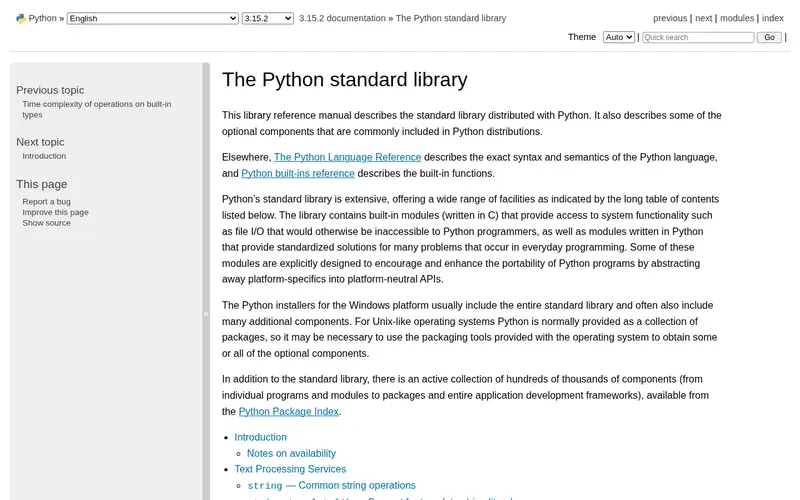
The `logging` module is part of CPython and needs no installation. It provides loggers, handlers, formatters and filters, plus configuration through code, dictConfig or fileConfig. Levels, propagation and hierarchical logger names let large applications separate noisy and important output. It runs wherever Python runs. Because most libraries and frameworks call `logging.getLogger(__name__)`, third-party output routes into your handlers without extra work. The trade-off is setup cost: a useful console and file configuration often takes more lines than a small script warrants. Skip it only if you want structured events by default or a simpler API for quick scripts. The licence follows the Python Software Foundation licence.
Standout: Ships with Python
Free (open source), as listed by the vendor (Python standard library logging website). Confirm the current plan price before you buy.
Free plan. Plans change, so confirm on the vendor's pricing page before you buy.
Benefits
- Ships with Python
- broad integration with frameworks and libraries
Drawbacks
- Verbose configuration
- handler and formatter setup takes boilerplate
Skip it if this limit matters to you: verbose configuration.
Verdict. A sensible pick for most applications that want zero extra dependencies.
Alternatives in this guide: Loguru, structlog, Picologging
Loguru
Best for scripts and small services that want simple setup
What it is and where it fits
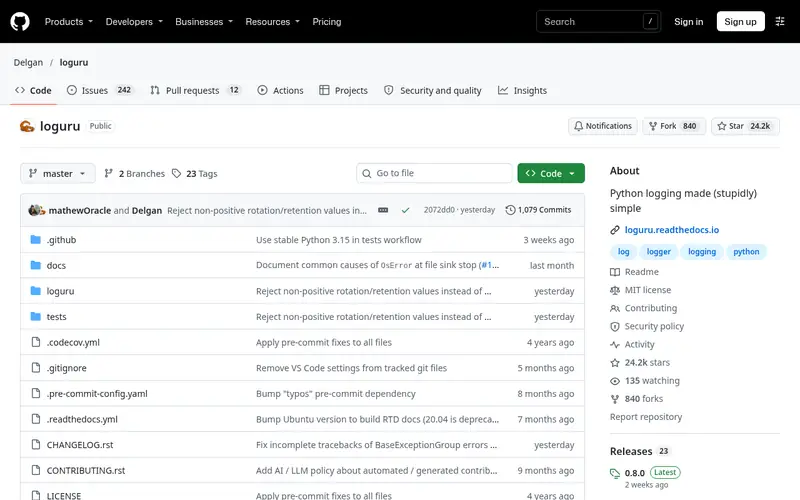
Loguru provides a preconfigured logger you can use immediately after `from loguru import logger`. It adds file rotation, retention and compression through `logger.add()`, plus formatted tracebacks and lazy message formatting. It runs on CPython and PyPy on the usual desktop and server platforms. The project is MIT licensed and free. The main limit is divergence from the standard library: code written against `logging` handlers and filters does not plug in directly, though Loguru can intercept standard logging output. Teams with heavy existing stdlib configuration should weigh the migration cost before switching.
Standout: One import and a ready logger
Free (open source), as listed by the vendor (Loguru website). Confirm the current plan price before you buy.
Free plan. Plans change, so confirm on the vendor's pricing page before you buy.
Benefits
- One import and a ready logger
- readable default output with colors
Drawbacks
- Non-standard API
- fewer hooks for existing stdlib-based tooling
Skip it if this limit matters to you: non-standard API.
Verdict. A sensible pick for scripts and small services that want simple setup.
Alternatives in this guide: Python standard library logging, structlog, Picologging
structlog
Best for services that emit structured, machine-readable log events
What it is and where it fits
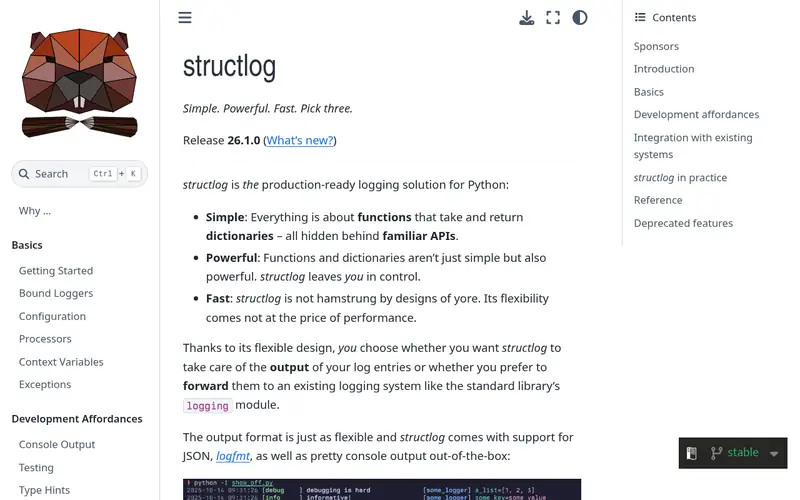
structlog treats each log call as an event with key-value context rather than a formatted string. A processor chain turns events into JSON, console output or another format, and bound context carries request IDs and user data through a call path. It integrates with the standard library so existing handlers keep working. It runs on CPython and PyPy and is dual licensed under Apache 2.0 and MIT. The cost is conceptual: processors, bound loggers and configuration need study before the output is right. Teams that only need plain text lines may find it heavier than necessary.
Standout: Key-value event data
Free (open source), as listed by the vendor (structlog website). Confirm the current plan price before you buy.
Free plan. Plans change, so confirm on the vendor's pricing page before you buy.
Benefits
- Key-value event data
- processors build JSON or console output
Drawbacks
- More concepts to learn
- configuration is explicit
Skip it if this limit matters to you: more concepts to learn.
Verdict. A sensible pick for services that emit structured, machine-readable log events.
Alternatives in this guide: Python standard library logging, Loguru, Picologging
Picologging
Best for projects that want a faster drop-in for stdlib logging
What it is and where it fits
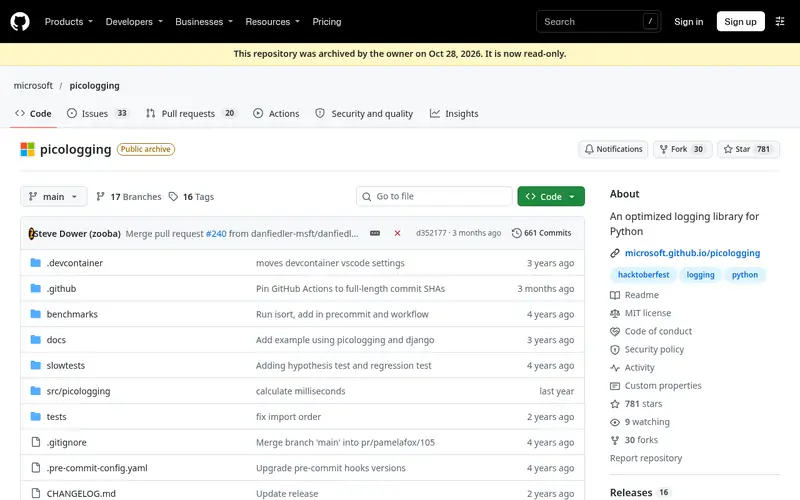
Picologging is a Microsoft project that reimplements core parts of the standard `logging` module as a C extension. The goal is lower logging overhead in hot paths while keeping a familiar API, so much existing code can switch with an import change. It is MIT licensed and free. It does not cover every feature of the standard module, and support depends on Python version and platform, so check the repository notes for your setup. Treat it as an optimization for code that has already measured logging cost, not as a default choice.
Standout: Aims to match the standard logging API
Free (open source), as listed by the vendor (Picologging website). Confirm the current plan price before you buy.
Free plan. Plans change, so confirm on the vendor's pricing page before you buy.
Benefits
- Aims to match the standard logging API
- written as a C extension
Drawbacks
- Not a complete stdlib replacement
- platform and version coverage varies
Skip it if this limit matters to you: not a complete stdlib replacement.
Verdict. A sensible pick for projects that want a faster drop-in for stdlib logging.
Alternatives in this guide: Python standard library logging, Loguru, structlog
Logbook
Best for applications that want a logging API separate from stdlib
What it is and where it fits
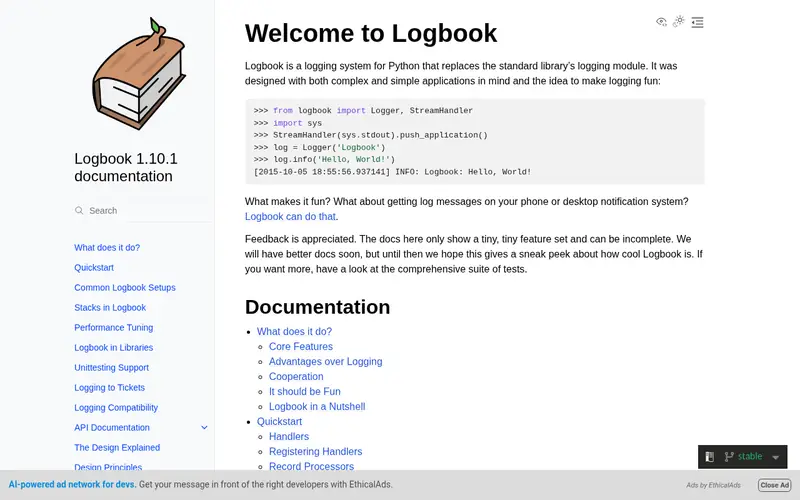
Logbook is a BSD-3-Clause licensed logging library with its own API. It offers loggers, handlers, formatters and a stack-based context model, plus handlers for files, streams, email and other targets. It runs on CPython and PyPy. The design is often easier to read than stdlib configuration for application code. The trade-off is ecosystem size: many frameworks assume the standard `logging` module, so you may need a bridge or extra setup. It suits projects that control their own logging stack and want a simpler model.
Standout: Clean handler model
Free (open source), as listed by the vendor (Logbook website). Confirm the current plan price before you buy.
Free plan. Plans change, so confirm on the vendor's pricing page before you buy.
Benefits
- Clean handler model
- useful for desktop and CLI applications
Drawbacks
- Smaller ecosystem than stdlib logging
- fewer framework integrations
Skip it if this limit matters to you: smaller ecosystem than stdlib logging.
Verdict. A sensible pick for applications that want a logging API separate from stdlib.
Alternatives in this guide: Python standard library logging, Loguru, structlog
Eliot
Best for systems that need causal traces of actions and failures
What it is and where it fits
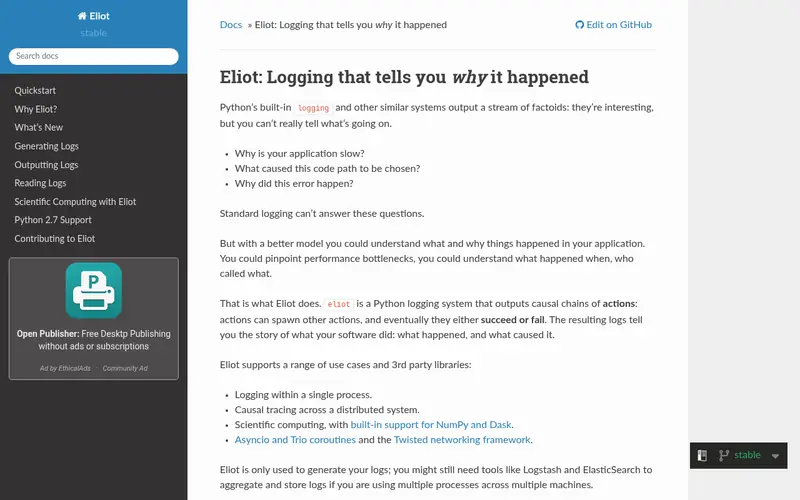
Eliot records structured messages tied to actions, so a request or task becomes a tree of start, success and failure events. That makes it easier to reconstruct what happened when something breaks. It is Apache 2.0 licensed and free, runs on CPython, and writes JSON that downstream tools can parse. The model differs from line-oriented logging, so teams need to adopt its conventions rather than drop it into existing code. It fits distributed services and complex workflows where causal tracing matters more than simple console output.
Standout: Models logs as action trees
Free (open source), as listed by the vendor (Eliot website). Confirm the current plan price before you buy.
Free plan. Plans change, so confirm on the vendor's pricing page before you buy.
Benefits
- Models logs as action trees
- strong story for tracing failures
Drawbacks
- Unusual model for teams used to line logs
- smaller community
Skip it if this limit matters to you: unusual model for teams used to line logs.
Verdict. A sensible pick for systems that need causal traces of actions and failures.
Alternatives in this guide: Python standard library logging, Loguru, structlog
Python JSON Logger
Best for existing stdlib setups that need JSON output
What it is and where it fits
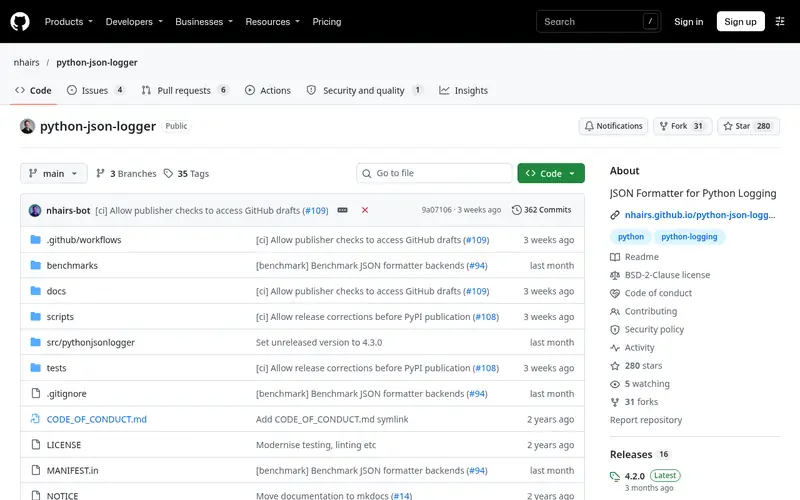
Python JSON Logger provides a formatter for the standard `logging` module that writes each record as a JSON object. It is BSD-2-Clause licensed and free, runs on CPython, and keeps your existing loggers and handlers. That makes it a low-risk way to feed log aggregators without moving to a new logging API. The scope is narrow: it formats records and does not add context binding, rotation or async support. Teams that need structured context across call paths should look at structlog instead. For a quick JSON switch on an existing stdlib configuration, it is a practical fit.
Standout: Adds a JSON formatter to standard logging
Free (open source), as listed by the vendor (Python JSON Logger website). Confirm the current plan price before you buy.
Free plan. Plans change, so confirm on the vendor's pricing page before you buy.
Benefits
- Adds a JSON formatter to standard logging
- minimal code change
Drawbacks
- Formatter only
- no new logging features beyond JSON output
Skip it if this limit matters to you: formatter only.
Verdict. A sensible pick for existing stdlib setups that need JSON output.
Alternatives in this guide: Python standard library logging, Loguru, structlog
Who should use what
A team maintaining a large application with existing stdlib configuration should stay on the standard `logging` module and add Python JSON Logger if it needs JSON output. A developer writing scripts or small services who wants fast setup should try Loguru. A backend team building services that feed a log aggregator should use structlog for bound context and JSON events. A team tracing failures across distributed tasks should evaluate Eliot. Anyone optimizing a measured logging hot path can test Picologging, but should confirm compatibility first.
Questions to settle before you buy
What to check before you buy
- Confirm the library supports your Python version and platform, especially for C extensions like Picologging.
- Check the licence and whether it fits your distribution model.
- Verify how output reaches your files, stdout and log aggregator, including rotation and retention.
- Test how the library interacts with third-party code that uses the standard `logging` module.
- Review how secrets and tokens are filtered before records reach files or remote handlers.
FAQ
Is the standard library logging module enough?
For many applications, yes. It ships with Python, integrates with most frameworks and supports handlers, formatters and filters. You only need a third-party library when you want simpler setup, structured events by default, or a different performance profile.
Is Loguru a replacement for the standard logging module?
Loguru is a separate library with its own API. It can intercept standard logging output, but code written against stdlib handlers and filters does not plug in directly. Many teams use it for scripts and small services rather than migrating large stdlib configurations.
When should I use structlog instead of plain logging?
Use structlog when you need key-value event data, bound context such as request IDs, and JSON output for a log aggregator. If you only need readable text lines, the standard module or Loguru is simpler.
Are these logging libraries free?
All the libraries listed here are free and open source under licences such as MIT, BSD, Apache 2.0 or the Python Software Foundation licence. There is no paid tier for the libraries themselves.
Do logging libraries send my data anywhere?
No. These libraries write to the handlers you configure, such as files, stdout or remote endpoints you set up. Data leaves your machine only if you add a handler that sends it. Review handler configuration before logging sensitive values.
Sources we checked
Method: how we score · editorial policy.
Change log. First published 22 Nov 2026.