Stage 01 · Write · Researched comparison
Best Python Graph Libraries in 2026
NetworkX is the first pick for most developers. It is pure Python, well documented and covers a wide range of graph algorithms, so it suits teaching, prototyping and small to medium graphs. For speed on large graphs, python-igraph and rustworkx are the alternatives to consider. For graph machine learning, PyTorch Geometric and DGL are the main choices.

By Shihab Mia
Published 27 Nov 2026 · 7 tools compared
We run no ads and no affiliate links at launch. The order of a list follows our published method. See how we score.
Prices are the starting prices vendors list publicly. Plans change, so confirm the current price on the vendor page before you buy.
Key takeaways
- NetworkX is free, open source and the easiest starting point, but it is slower than compiled libraries on large graphs.
- python-igraph and rustworkx offer faster core routines; graph-tool is fast but harder to install.
- PyTorch Geometric and DGL target graph neural networks, not general network analysis.
- The graphviz package draws graphs but does not run graph algorithms; use it alongside an analysis library.
Who each pick is for
- General network analysis and teaching in pure PythonNetworkX
- Faster network analysis with a C corepython-igraph
- High-performance analysis and statistical inference on large graphsgraph-tool
- Fast graph algorithms in a Rust-backed Python packagerustworkx
- Graph neural networks on top of PyTorchPyTorch Geometric
- Graph neural network training across several deep learning backendsDGL
- Rendering graphs to images from Pythongraphviz
Comparison
| Tool | Best for | Standout feature | Listed starting price | Free plan or trial |
|---|---|---|---|---|
| 1NetworkX | General network analysis and teaching in pure Python | Wide algorithm coverage | Free (open source) | Free plan |
| 2python-igraph | Faster network analysis with a C core | Fast C backend | Free (open source) | Free plan |
| 3graph-tool | High-performance analysis and statistical inference on large graphs | Very fast C++ core | Free (open source) | Free plan |
| 4rustworkx | Fast graph algorithms in a Rust-backed Python package | Fast Rust core | Free (open source) | Free plan |
| 5PyTorch Geometric | Graph neural networks on top of PyTorch | Large set of GNN layers and datasets | Free (open source) | Free plan |
| 6DGL | Graph neural network training across several deep learning backends | Backend options include PyTorch and TensorFlow | Free (open source) | Free plan |
| 7graphviz | Rendering graphs to images from Python | Simple API for DOT output | Free (open source) | Free plan |
How we picked
We picked libraries that are real, currently maintained projects and that genuinely perform graph analysis, graph machine learning or graph rendering in Python. Criteria were fit for the job, supported platforms, licence, install difficulty and documented limits. Sources are official project sites, documentation and repositories. Prices and licences can change, so confirm on the project site before you commit.
The tools, one by one
NetworkX
Best for general network analysis and teaching in pure Python
What it is and where it fits
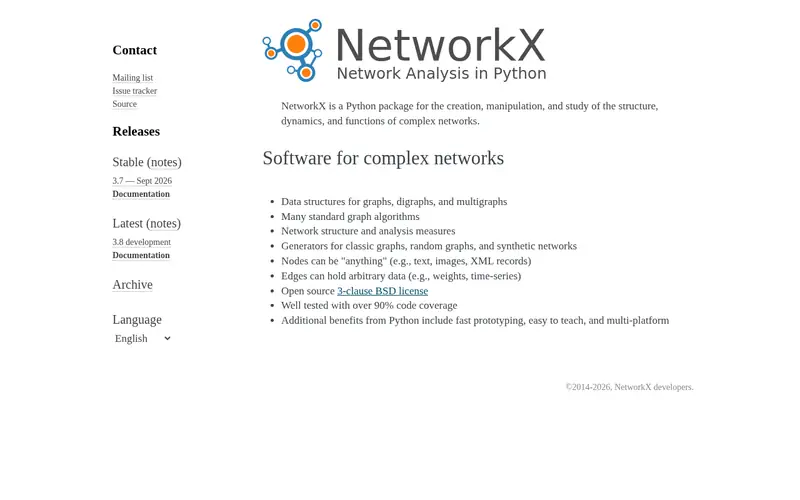
NetworkX is a pure Python package for creating, manipulating and studying graphs and networks. It includes algorithms for shortest paths, centrality, clustering, connectivity and flows, plus generators for standard graph types. It runs anywhere Python runs and installs from PyPI with pip.
The project is open source under a BSD licence and is maintained on GitHub. Its main limit is performance: because it is pure Python, large graphs can be slow and memory heavy. If your graph has millions of edges and you need speed, a compiled library is a better fit. NetworkX remains the reference library for readable code and quick experiments.
Standout: Wide algorithm coverage
Free (open source), as listed by the vendor (NetworkX website). Confirm the current plan price before you buy.
Free plan. Plans change, so confirm on the vendor's pricing page before you buy.
Benefits
- Wide algorithm coverage
- simple Python API and strong docs
Drawbacks
- Slower on large graphs
- memory use grows with graph size
Skip it if this limit matters to you: slower on large graphs.
Verdict. A sensible pick for general network analysis and teaching in pure Python.
Alternatives in this guide: python-igraph, graph-tool, rustworkx
python-igraph
Best for faster network analysis with a C core
What it is and where it fits
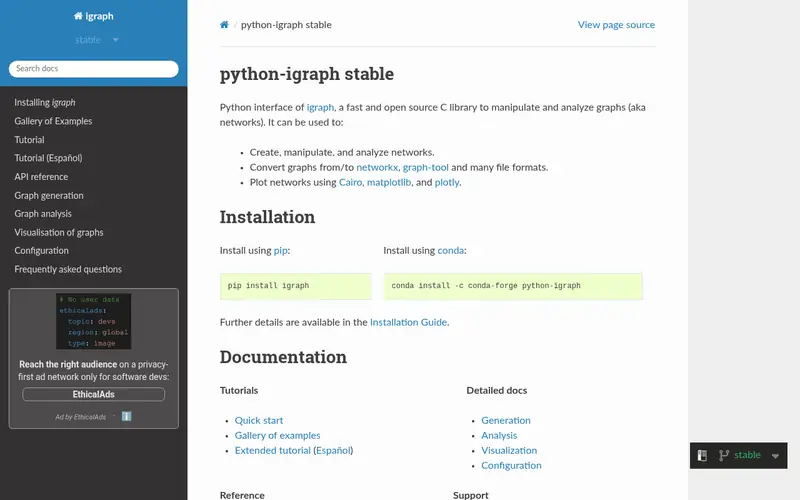
python-igraph is the Python interface to igraph, a C library for network analysis. It handles large graphs faster than pure Python code and covers community detection, centrality, paths and graph generation. It installs from PyPI and runs on Linux, macOS and Windows.
The library is open source under the GPL. The GPL matters if you redistribute software that links to it, so check licence compatibility for commercial products. The API is less Pythonic than NetworkX and uses integer vertex IDs, which takes adjustment. Choose it when speed matters and you are comfortable with a different style.
Standout: Fast C backend
Free (open source), as listed by the vendor (python-igraph website). Confirm the current plan price before you buy.
Free plan. Plans change, so confirm on the vendor's pricing page before you buy.
Benefits
- Fast C backend
- broad algorithm set
Drawbacks
- API differs from NetworkX
- some functions need care with vertex IDs
Skip it if this limit matters to you: API differs from NetworkX.
Verdict. A sensible pick for faster network analysis with a C core.
Alternatives in this guide: NetworkX, graph-tool, rustworkx
graph-tool
Best for high-performance analysis and statistical inference on large graphs
What it is and where it fits
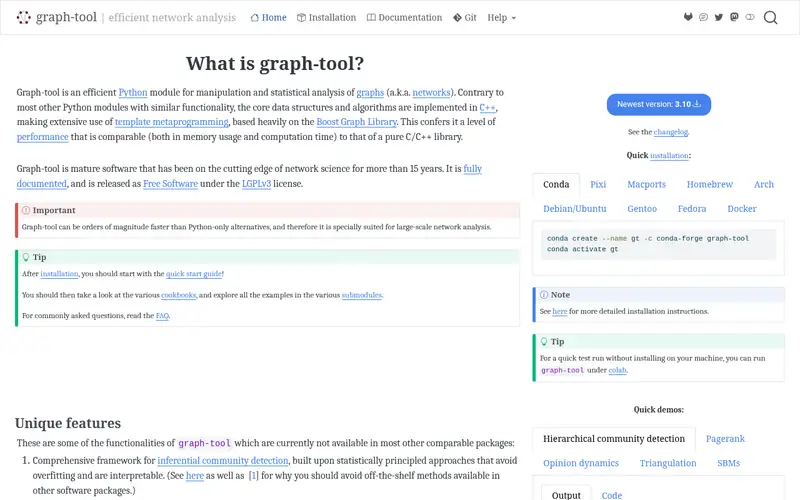
graph-tool is a Python module built on the C++ Boost Graph Library. It focuses on fast graph algorithms and statistical inference, including stochastic block models and community detection. It is open source under the GPL.
Installation is the main barrier. The project recommends installing from your distribution's package manager or building from source, and pip installs are not the supported path. This makes it a poor fit for quick setups or restricted environments. Choose it when you need its specific algorithms and can manage the install.
Standout: Very fast C++ core
Free (open source), as listed by the vendor (graph-tool website). Confirm the current plan price before you buy.
Free plan. Plans change, so confirm on the vendor's pricing page before you buy.
Benefits
- Very fast C++ core
- strong statistical and community detection tools
Drawbacks
- Hard to install
- fewer prebuilt packages
Skip it if this limit matters to you: hard to install.
Verdict. A sensible pick for high-performance analysis and statistical inference on large graphs.
Alternatives in this guide: NetworkX, python-igraph, rustworkx
rustworkx
Best for fast graph algorithms in a Rust-backed Python package
What it is and where it fits
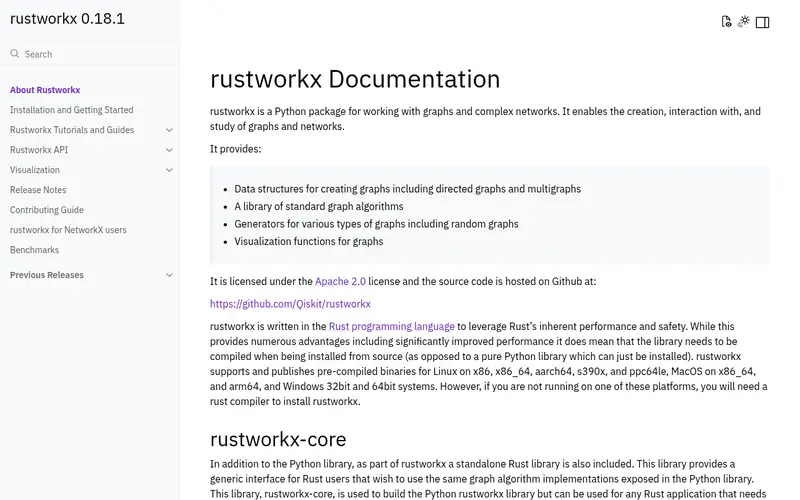
rustworkx is a general-purpose graph library with a Rust core and a Python API. It provides graph types, shortest paths, connectivity, centrality and other algorithms, and it installs from PyPI with prebuilt wheels for common platforms. It is open source under Apache 2.0.
It is a good middle ground when NetworkX is too slow but graph-tool is too hard to install. The algorithm coverage is narrower than NetworkX, and the API will feel different. Check the documented algorithm list against your needs before switching an existing codebase.
Standout: Fast Rust core
Free (open source), as listed by the vendor (rustworkx website). Confirm the current plan price before you buy.
Free plan. Plans change, so confirm on the vendor's pricing page before you buy.
Benefits
- Fast Rust core
- pip-installable wheels
Drawbacks
- Smaller algorithm set than NetworkX
- younger ecosystem
Skip it if this limit matters to you: smaller algorithm set than NetworkX.
Verdict. A sensible pick for fast graph algorithms in a Rust-backed Python package.
Alternatives in this guide: NetworkX, python-igraph, graph-tool
PyTorch Geometric
Best for graph neural networks on top of PyTorch
What it is and where it fits
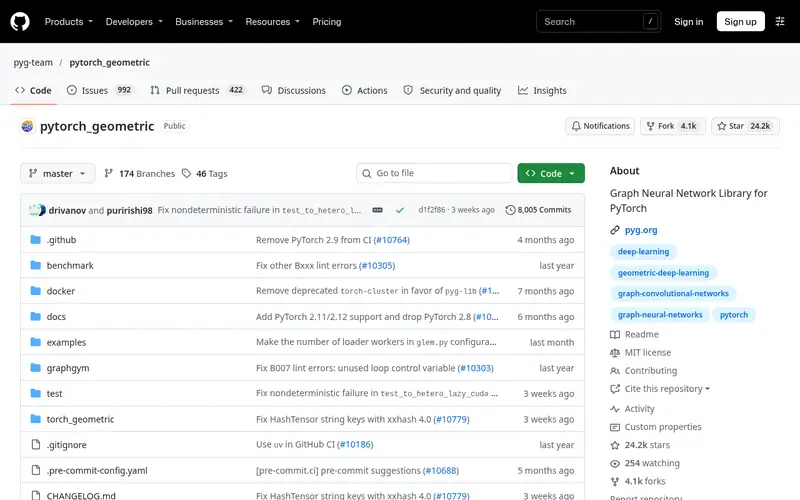
PyTorch Geometric (PyG) is a library for deep learning on graphs, point clouds and manifolds. It provides message-passing layers, sampling utilities, dataset loaders and transforms. It is open source under an MIT licence and installs alongside PyTorch.
This is not a replacement for NetworkX if you need classic algorithms like centrality or shortest paths. It targets graph machine learning: node classification, link prediction and graph classification. Setup depends on your PyTorch and CUDA versions, so follow the official install instructions. Skip it if you only need network statistics.
Standout: Large set of GNN layers and datasets
Free (open source), as listed by the vendor (PyTorch Geometric website). Confirm the current plan price before you buy.
Free plan. Plans change, so confirm on the vendor's pricing page before you buy.
Benefits
- Large set of GNN layers and datasets
- active development
Drawbacks
- Requires PyTorch
- not a general network analysis tool
Skip it if this limit matters to you: requires PyTorch.
Verdict. A sensible pick for graph neural networks on top of PyTorch.
Alternatives in this guide: NetworkX, python-igraph, graph-tool
DGL
Best for graph neural network training across several deep learning backends
What it is and where it fits
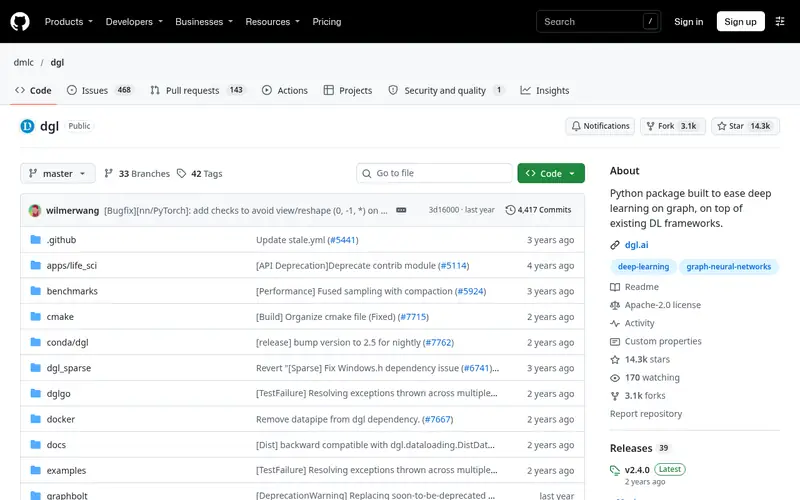
DGL (Deep Graph Library) is a framework for graph neural networks. It supports multiple tensor backends and provides graph objects, message passing and sampling for large graphs. It is open source under Apache 2.0.
Maintenance is the point to check. The project's release activity has slowed, so confirm the current release and compatibility with your framework version on the repository before adopting it for new work. For new graph ML projects, PyG is the more common default. DGL still suits teams with existing DGL code.
Standout: Backend options include PyTorch and TensorFlow
Free (open source), as listed by the vendor (DGL website). Confirm the current plan price before you buy.
Free plan. Plans change, so confirm on the vendor's pricing page before you buy.
Benefits
- Backend options include PyTorch and TensorFlow
- built-in graph APIs
Drawbacks
- Smaller community than PyG
- check current release activity
Skip it if this limit matters to you: smaller community than PyG.
Verdict. A sensible pick for graph neural network training across several deep learning backends.
Alternatives in this guide: NetworkX, python-igraph, graph-tool
graphviz
Best for rendering graphs to images from Python
What it is and where it fits
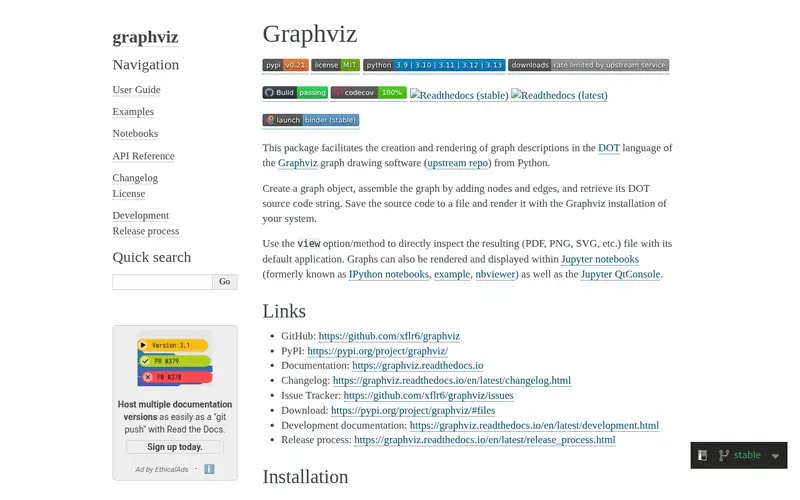
The graphviz Python package is a wrapper for Graphviz layout and rendering. You build a graph in Python, then write DOT source or render to PNG, SVG or PDF. It is open source under an MIT licence. It requires the Graphviz system binaries, which you install separately.
Use it for drawing, not analysis. It has no centrality, path or clustering algorithms, so pair it with NetworkX, igraph or rustworkx. Layout quality and speed depend on the Graphviz engine you choose. It is the standard way to turn a Python graph into a diagram.
Standout: Simple API for DOT output
Free (open source), as listed by the vendor (graphviz website). Confirm the current plan price before you buy.
Free plan. Plans change, so confirm on the vendor's pricing page before you buy.
Benefits
- Simple API for DOT output
- wide layout support through Graphviz
Drawbacks
- No graph algorithms
- needs the Graphviz binaries installed
Skip it if this limit matters to you: no graph algorithms.
Verdict. A sensible pick for rendering graphs to images from Python.
Alternatives in this guide: NetworkX, python-igraph, graph-tool
Who should use what
If you are learning graph concepts or prototyping, start with NetworkX. If your graphs are large and speed matters, try python-igraph or rustworkx, and consider graph-tool only if you can manage the install. If you are training graph neural networks, use PyTorch Geometric, and check DGL's release activity before choosing it. If you only need diagrams, use the graphviz package with an analysis library for the numbers.
Questions to settle before you buy
What to check before you buy
- Confirm the licence (BSD, MIT, Apache or GPL) fits how you distribute your code.
- Check that the library installs cleanly on your OS and Python version, especially graph-tool.
- Compare the documented algorithm list against the algorithms you actually need.
- Test performance on a graph the size of your real data, not a toy example.
- For graph ML, confirm compatibility with your PyTorch or TensorFlow version.
FAQ
Is NetworkX fast enough for large graphs?
NetworkX is pure Python, so it is slower and more memory hungry than compiled libraries on large graphs. It works well for teaching, prototyping and moderate graph sizes. For millions of edges with tight performance needs, test python-igraph, rustworkx or graph-tool instead.
What is the difference between NetworkX and PyTorch Geometric?
NetworkX provides classic graph algorithms such as shortest paths and centrality. PyTorch Geometric provides graph neural network layers and training utilities on top of PyTorch. They solve different problems and can be used together, for example to prepare data before training a model.
Can I draw graphs without Graphviz installed?
The graphviz Python package calls the Graphviz binaries, so you need them installed. NetworkX has basic drawing functions that use Matplotlib instead, which may be enough for simple figures. For polished layouts, install Graphviz.
Which library should I use for community detection?
python-igraph and graph-tool both include community detection methods, and graph-tool offers statistical approaches such as stochastic block models. NetworkX includes several community detection algorithms too, though it is slower. Match the method to your graph size and licence needs.
Are these libraries free for commercial use?
Most are permissive open source: NetworkX (BSD), rustworkx and DGL (Apache 2.0), PyTorch Geometric and graphviz (MIT). python-igraph and graph-tool use the GPL, which can affect redistribution. Check each licence with your legal team before shipping.
Sources we checked
Method: how we score · editorial policy.
Change log. First published 27 Nov 2026.