Stage 01 · Write · Researched comparison
Best Python Compression Libraries in 2026
The standard library is the first pick for most teams: zlib, gzip, bz2 and lzma ship with Python, need no install, and cover everyday file and stream compression. Reach for zstandard when you want a better speed-to-ratio trade-off on large data, and lz4 when decompression speed matters most. Brotli fits HTTP payloads, and py7zr handles 7z archives.

By Shihab Mia
Published 27 Nov 2026 · 7 tools compared
We run no ads and no affiliate links at launch. The order of a list follows our published method. See how we score.
Prices are the starting prices vendors list publicly. Plans change, so confirm the current price on the vendor page before you buy.
Key takeaways
- The standard library modules (zlib, gzip, bz2, lzma) are free, bundled with Python, and need no third-party dependency.
- zstandard and lz4 both ship as open-source C extensions with Python bindings, so install cost is a compiled wheel.
- Brotli is best suited to web content and HTTP responses, not general-purpose archive storage.
- Python 3.14 adds compression.zstd to the standard library, which changes the case for the zstandard package on newer interpreters.
Who each pick is for
- General-purpose deflate compression with no dependencieszlib
- Writing and reading .gz files in scripts and pipelinesgzip
- Smaller archives where compression time is not criticalbz2
- Maximum ratio for archives you compress oncelzma
- Fast compression with a tunable ratio on large datazstandard
- Very fast decompression in caches and data pipelineslz4
- Reading and writing 7z archives in pure Pythonpy7zr
Comparison
| Tool | Best for | Standout feature | Listed starting price | Free plan or trial |
|---|---|---|---|---|
| 1zlib | General-purpose deflate compression with no dependencies | Ships with Python | Free (open source) | Free plan |
| 2gzip | Writing and reading .gz files in scripts and pipelines | Part of the standard library | Free (open source) | Free plan |
| 3bz2 | Smaller archives where compression time is not critical | Standard library | Free (open source) | Free plan |
| 4lzma | Maximum ratio for archives you compress once | Standard library | Free (open source) | Free plan |
| 5zstandard | Fast compression with a tunable ratio on large data | Wide speed and ratio range | Free (open source) | Free plan |
| 6lz4 | Very fast decompression in caches and data pipelines | Fast decompression | Free (open source) | Free plan |
| 7py7zr | Reading and writing 7z archives in pure Python | Handles 7z containers with multiple files | Free (open source) | Free plan |
How we picked
We picked libraries that are currently maintained, have a clear official home, and do the job named here. Criteria were fit for common Python compression tasks, platform support, licence and price, dependency and build requirements, and known limits such as ratio, speed and memory. Sources are vendor documentation, Python documentation and project repositories. Prices and features change, so confirm details on the vendor or project site before you commit.
The tools, one by one
zlib
Best for general-purpose deflate compression with no dependencies
What it is and where it fits
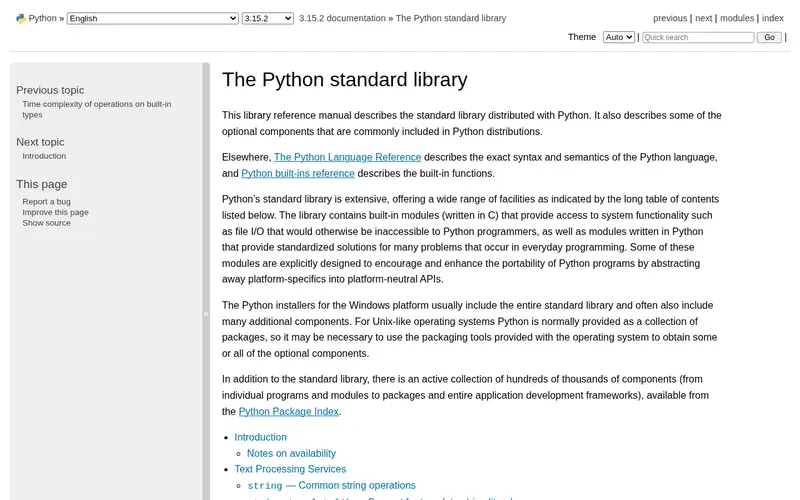
zlib is the compression module in the Python standard library. It exposes the deflate algorithm through compress and decompress functions plus streaming objects for chunked data. It runs anywhere Python runs, with no install step and no compiled dependency to manage. The format is the same one used inside gzip, PNG and ZIP, so output is broadly compatible.
The trade-off is ratio. Deflate is older than zstd, lz4 and Brotli, and on large text or log data it usually produces bigger output at similar speeds. zlib also compresses raw bytes only; it does not create archives with file names or directory structure. Use it when you need zero dependencies and a format every tool can read, and skip it when storage or bandwidth savings are the priority.
Standout: Ships with Python
Free (open source), as listed by the vendor (zlib website). Confirm the current plan price before you buy.
Free plan. Plans change, so confirm on the vendor's pricing page before you buy.
Benefits
- Ships with Python
- wraps the widely used deflate format
Drawbacks
- Modest ratio versus modern codecs
- no built-in archive container
Skip it if this limit matters to you: modest ratio versus modern codecs.
Verdict. A sensible pick for general-purpose deflate compression with no dependencies.
gzip
Best for writing and reading .gz files in scripts and pipelines
What it is and where it fits
gzip is the standard library module for .gz files. It builds on zlib and adds the gzip header, so output opens with gunzip, zcat and most log tooling. The module offers a file-like GzipFile class and open, compress and decompress helpers. It works on every platform Python supports and needs no installation.
The format stores one compressed stream, so you cannot seek into the middle of a large file without decompressing from the start. That makes it a poor fit for random-access workloads such as database pages or indexed logs. For plain file compression in scripts, backups and log rotation, it is the simplest option and needs no package management. Skip it when you need parallel decompression or fast random reads.
Standout: Part of the standard library
Free (open source), as listed by the vendor (gzip website). Confirm the current plan price before you buy.
Free plan. Plans change, so confirm on the vendor's pricing page before you buy.
Benefits
- Part of the standard library
- produces files Unix tools read directly
Drawbacks
- Single-stream format with no index
- slower than lz4 for random access
Skip it if this limit matters to you: single-stream format with no index.
Verdict. A sensible pick for writing and reading .gz files in scripts and pipelines.
bz2
Best for smaller archives where compression time is not critical
What it is and where it fits
bz2 wraps the bzip2 algorithm and ships with Python. It provides BZ2File plus compress and decompress functions, and it supports multi-stream files. On many text corpora it produces smaller output than gzip, which matters for long-term storage where you compress once and read rarely.
The cost is speed. bzip2 compresses and decompresses more slowly than zlib, zstd and lz4, and the gap grows on large inputs. Fewer tools handle .bz2 than .gz, so interchange can be awkward. It suits archival of text where size beats latency, and it is a poor choice for anything on a request path or for data you read often. If you need better ratio and speed together, look at zstandard or lzma.
Standout: Standard library
Free (open source), as listed by the vendor (bz2 website). Confirm the current plan price before you buy.
Free plan. Plans change, so confirm on the vendor's pricing page before you buy.
Benefits
- Standard library
- often beats gzip on ratio for text
Drawbacks
- Slow compression and decompression
- limited tooling compared with gzip
Skip it if this limit matters to you: slow compression and decompression.
Verdict. A sensible pick for smaller archives where compression time is not critical.
lzma
Best for maximum ratio for archives you compress once
What it is and where it fits
lzma is the standard library binding for the LZMA2 algorithm, the same family used by .xz and .7z files. It offers LZMAFile, LZMACompressor and preset levels that trade memory and time for ratio. On many datasets it produces the smallest output of the stdlib modules.
Default presets use a lot of memory, which can be a problem in containers or on small instances. Compression is slow, so it fits write-once archives, release artifacts and cold storage rather than live traffic. Decompression is faster than compression but still behind lz4 and zstd. Use it when size is the main goal and you control both ends of the pipeline.
Standout: Standard library
Free (open source), as listed by the vendor (lzma website). Confirm the current plan price before you buy.
Free plan. Plans change, so confirm on the vendor's pricing page before you buy.
Benefits
- Standard library
- strong ratio on text and structured data
Drawbacks
- High memory use at default settings
- slow compared with zstd and lz4
Skip it if this limit matters to you: high memory use at default settings.
Verdict. A sensible pick for maximum ratio for archives you compress once.
zstandard
Best for fast compression with a tunable ratio on large data
What it is and where it fits
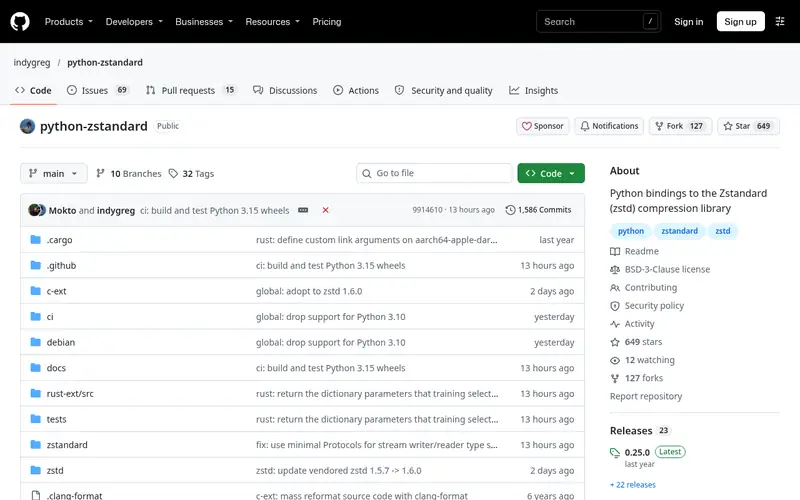
zstandard is the Python binding to Facebook's zstd library, maintained by Gregory Szorc. It exposes compressors, decompressors, streaming APIs and trained dictionaries. You can pick a level from fast to high-ratio, which makes one library cover hot-path caching and cold storage. It runs on Linux, macOS and Windows through prebuilt wheels.
The package is a C extension, so installs depend on a wheel for your platform and Python version. The API is bigger than zlib's, and dictionary training adds a setup step. Python 3.14 ships compression.zstd in the standard library, which covers basic use; the third-party package still offers more knobs and supports older interpreters. Skip it if you only need .gz files and want no dependencies.
Standout: Wide speed and ratio range
Free (open source), as listed by the vendor (zstandard website). Confirm the current plan price before you buy.
Free plan. Plans change, so confirm on the vendor's pricing page before you buy.
Benefits
- Wide speed and ratio range
- supports dictionaries and streaming
Drawbacks
- Needs a compiled wheel
- API surface is larger than the stdlib modules
Skip it if this limit matters to you: needs a compiled wheel.
Verdict. A sensible pick for fast compression with a tunable ratio on large data.
lz4
Best for very fast decompression in caches and data pipelines
What it is and where it fits
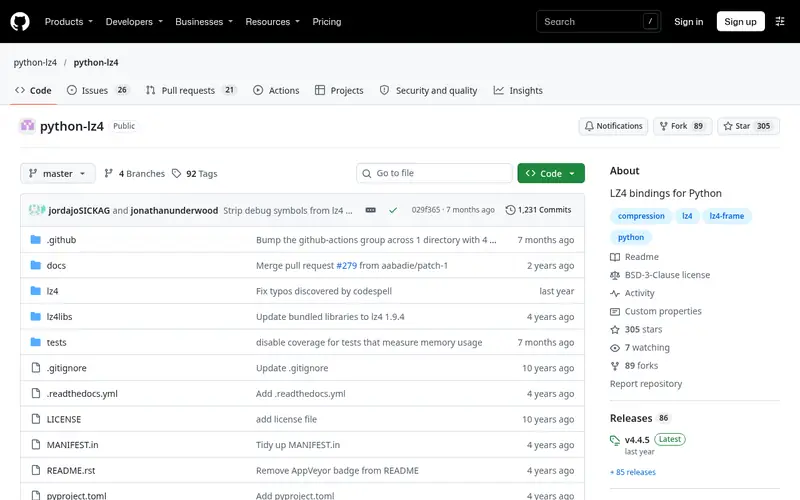
python-lz4 binds the LZ4 library and provides both the block format and the LZ4 frame format. Frame files are interoperable with the lz4 command-line tool and other language bindings. Decompression speed is the selling point: it is often several times faster than zlib, which helps when data is read far more often than written.
Ratio is lower than zstd and lzma at comparable settings, so it is not the choice for archival. The package needs a compiled wheel, and the block API requires you to track sizes yourself. It suits caches, in-memory stores, log shipping and columnar formats where read latency dominates. If you want a middle ground between speed and size, zstandard is usually the better default.
Standout: Fast decompression
Free (open source), as listed by the vendor (lz4 website). Confirm the current plan price before you buy.
Free plan. Plans change, so confirm on the vendor's pricing page before you buy.
Benefits
- Fast decompression
- frame format with block and streaming APIs
Drawbacks
- Lower ratio than zstd at similar speeds
- compiled dependency
Skip it if this limit matters to you: lower ratio than zstd at similar speeds.
Verdict. A sensible pick for very fast decompression in caches and data pipelines.
py7zr
Best for reading and writing 7z archives in pure Python
What it is and where it fits
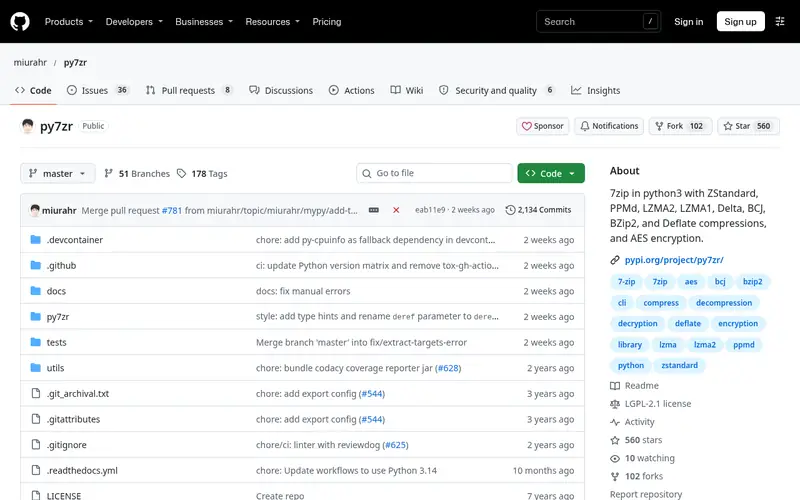
py7zr reads and writes 7z archives, including multi-file archives, encryption and several compression methods. It is written in pure Python, so it installs without a compiler, which helps on locked-down or unusual platforms. It can also read some 7z features that other Python libraries skip.
Because it is pure Python, throughput is lower than the C-backed modules. The 7z format is also less common than zip or tar.gz in build and deployment tooling, so check that your consumers can open the output. Use it when you must interoperate with existing 7z archives or need a dependency-free way to unpack them. For new archives, tar with zstd or gzip is usually simpler.
Standout: Handles 7z containers with multiple files
Free (open source), as listed by the vendor (py7zr website). Confirm the current plan price before you buy.
Free plan. Plans change, so confirm on the vendor's pricing page before you buy.
Benefits
- Handles 7z containers with multiple files
- pure Python, no C build step
Drawbacks
- Slower than C-backed codecs
- 7z is less common than zip or tar
Skip it if this limit matters to you: slower than C-backed codecs.
Verdict. A sensible pick for reading and writing 7z archives in pure Python.
Who should use what
If you need compression with no install step, start with zlib, gzip or lzma from the standard library. If you handle large data and want a tunable speed-to-ratio trade-off, use zstandard, and check whether Python 3.14's compression.zstd covers your needs first. If decompression latency is the bottleneck in caches or pipelines, use lz4. If you must open or create 7z archives, use py7zr, and if you compress HTTP payloads, evaluate Brotli through its Python bindings.
Questions to settle before you buy
What to check before you buy
- Confirm the library supports your Python version and platform with a prebuilt wheel, or that you can build it.
- Check the output format is readable by the other tools in your pipeline, not just by Python.
- Measure ratio and speed on a sample of your own data before choosing a level or codec.
- Review memory use at default settings, especially for lzma in containers.
- Read the licence and confirm it fits your distribution model.
FAQ
Do I need a third-party library for compression in Python?
No. zlib, gzip, bz2 and lzma are in the standard library. Add zstandard or lz4 only when you need a better speed-to-ratio trade-off or faster decompression than the stdlib modules provide.
What is compression.zstd in Python 3.14?
Python 3.14 adds a compression.zstd module to the standard library, giving basic zstd compression without a third-party package. The zstandard package still offers more options, such as dictionary training and broader version support. Check the docs for your interpreter version.
Which library gives the smallest output?
lzma and bz2 usually produce smaller output than gzip and zlib on text, and zstd at high levels is competitive. The best choice depends on your data and how often you read it. Test on a sample rather than assuming.
Can these libraries compress streaming data?
Yes. zlib, gzip, bz2, lzma, zstandard and lz4 all offer streaming or incremental APIs for data that arrives in chunks. Use those instead of one-shot calls for network streams and large files.
Are these libraries safe for sensitive data?
The libraries run locally in your process, so data is not sent to a third party. Avoid pasting secrets or production data into online compression or encoding web pages; prefer local libraries or tools that run offline in the browser.
Sources we checked
Method: how we score · editorial policy.
Change log. First published 27 Nov 2026.