Stage 01 · Write · Researched comparison
Best Python CLI Frameworks in 2026
Click is the first pick for most teams building Python command-line tools. It has a stable API, broad adoption and clear documentation for commands, options and groups. Typer suits developers who want type hints and less boilerplate, and it builds on Click. argparse is the right choice when you want no third-party dependency, since it ships with the Python standard library. All three are free and open source.

By Shihab Mia
Published 22 Nov 2026 · 8 tools compared
We run no ads and no affiliate links at launch. The order of a list follows our published method. See how we score.
Prices are the starting prices vendors list publicly. Plans change, so confirm the current price on the vendor page before you buy.
Key takeaways
- Click and Typer are free and open source, and Typer runs on top of Click rather than replacing it.
- argparse is part of the Python standard library, so it adds no install step and no third-party dependency.
- Python Fire, Cyclopts, Cleo and Cement are all free and open source; each targets a different style of CLI design.
- These are local libraries, so command-line arguments and any secrets passed to them stay on your machine.
Who each pick is for
- Teams that want a stable, widely used CLI toolkitClick
- Developers who want type-hint-driven CLIs with little boilerplateTyper
- Scripts that need no third-party dependencyargparse
- Turning existing Python functions and classes into CLIs quicklyPython Fire
- Type-hint CLIs that want a modern alternative to TyperCyclopts
- Python projects that want a structured command and IO layerCleo
- Larger applications that need a framework with structureCement
- Developers who want usage text to define the parserdocopt-ng
Comparison
| Tool | Best for | Standout feature | Listed starting price | Free plan or trial |
|---|---|---|---|---|
| 1Click | Teams that want a stable, widely used CLI toolkit | Mature API with commands, groups and options | Free (open source) | Free plan |
| 2Typer | Developers who want type-hint-driven CLIs with little boilerplate | Function signatures define arguments and options | Free (open source) | Free plan |
| 3argparse | Scripts that need no third-party dependency | Ships with Python | Free | Free plan |
| 4Python Fire | Turning existing Python functions and classes into CLIs quickly | Generates a CLI from almost any Python object | Free (open source) | Free plan |
| 5Cyclopts | Type-hint CLIs that want a modern alternative to Typer | Builds commands from type hints | Free (open source) | Free plan |
| 6Cleo | Python projects that want a structured command and IO layer | Command classes with arguments and options | Free (open source) | Free plan |
| 7Cement | Larger applications that need a framework with structure | Application framework with controllers, config and logging | Free (open source) | Free plan |
| 8docopt-ng | Developers who want usage text to define the parser | The usage message is the interface definition | Free (open source) | Free plan |
How we picked
We compared libraries on fit for building command-line apps, supported platforms, licence and price, and the main limits of each. We looked at how each one defines commands, options and help, and how much structure it imposes. Sources are vendor documentation, project repositories and public licence pages. All entries here are free and open source. Prices and features can change, so confirm details on the vendor site before you commit.
The tools, one by one
Click
Best for teams that want a stable, widely used CLI toolkit
What it is and where it fits
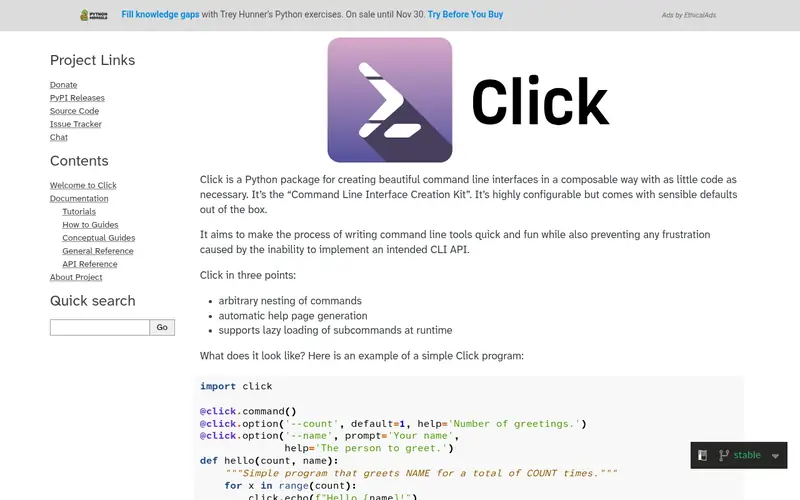
Click is a command-line toolkit that lets you build nested commands, options, arguments and prompts with decorators. It handles help text, subcommands and parameter validation. It runs on any platform where Python runs, including Linux, macOS and Windows. It is distributed under a BSD licence and has no paid tier.
Click suits projects that need a conventional CLI with subcommands and shared options. The decorator model keeps command definitions close to the function they call. Large projects often split commands across modules and register them on a group. The main cost is boilerplate: each option needs a decorator and a type declaration.
Skip Click if you prefer type hints to drive parsing, since Typer wraps Click and reduces that boilerplate. Skip it if you cannot add a dependency and argparse is enough.
Standout: Mature API with commands, groups and options
Free (open source), as listed by the vendor (Click website). Confirm the current plan price before you buy.
Free plan. Plans change, so confirm on the vendor's pricing page before you buy.
Benefits
- Mature API with commands, groups and options
- large ecosystem and many examples
Drawbacks
- Decorator-heavy style can feel verbose
- no built-in type-hint parsing
Skip it if this limit matters to you: decorator-heavy style can feel verbose.
Verdict. A sensible pick for teams that want a stable, widely used CLI toolkit.
Alternatives in this guide: Typer, argparse, Python Fire
Typer
Best for developers who want type-hint-driven CLIs with little boilerplate
What it is and where it fits
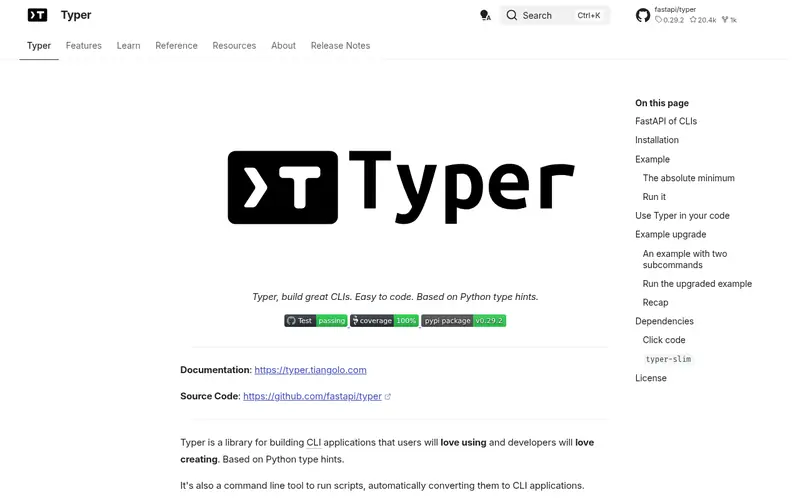
Typer builds command-line interfaces from standard Python type hints. You write a function with typed parameters, and Typer turns them into arguments, options and help text. It runs on top of Click, so it inherits Click's behavior and platform support. It is open source under the MIT licence.
The appeal is less code. A single typed function can become a working command with generated help. Subcommands are added with decorators on an app object. Because it depends on Click, teams already using Click can adopt Typer incrementally.
Skip Typer if you need fine control over parser internals or want to avoid the Click dependency. It also assumes a modern Python version, so check the supported range on the project page before committing.
Standout: Function signatures define arguments and options
Free (open source), as listed by the vendor (Typer website). Confirm the current plan price before you buy.
Free plan. Plans change, so confirm on the vendor's pricing page before you buy.
Benefits
- Function signatures define arguments and options
- builds on Click
Drawbacks
- Depends on Click and its conventions
- less control over low-level parsing
Skip it if this limit matters to you: depends on Click and its conventions.
Verdict. A sensible pick for developers who want type-hint-driven CLIs with little boilerplate.
Alternatives in this guide: Click, argparse, Python Fire
argparse
Best for scripts that need no third-party dependency
What it is and where it fits
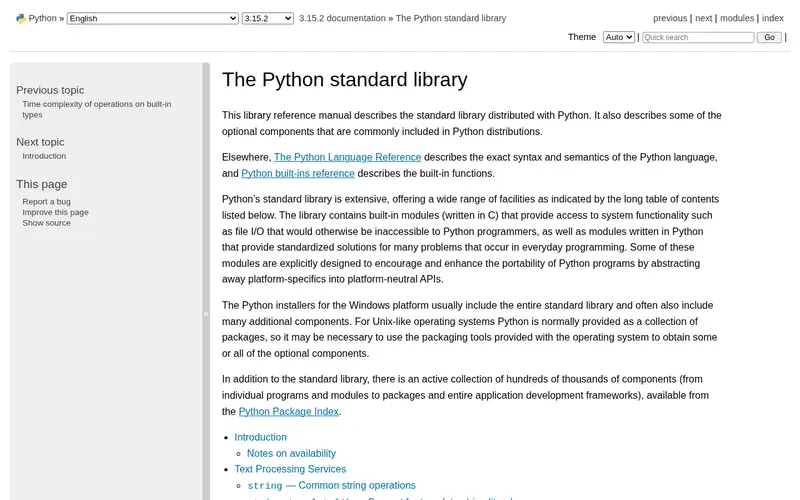
argparse is the argument parser in the Python standard library. It is available in every standard Python install, so it adds no dependency and no install step. It supports positional arguments, optional flags, subparsers and generated help text. It runs wherever Python runs.
For small scripts and tools that must stay dependency-free, argparse is often the simplest choice. It is also common in code that ships to constrained environments where adding packages is not possible. The tradeoff is verbosity: each argument needs an add_argument call, and subcommands need explicit parser setup.
Skip argparse for large CLIs with many subcommands, where Click or Typer reduce repetition. Skip it if you want type hints to define the interface automatically.
Standout: Ships with Python
Free, as listed by the vendor (argparse website). Confirm the current plan price before you buy.
Free plan. Plans change, so confirm on the vendor's pricing page before you buy.
Benefits
- Ships with Python
- handles arguments, subparsers and help
Drawbacks
- Verbose setup code
- no decorator or type-hint shortcuts
Skip it if this limit matters to you: verbose setup code.
Verdict. A sensible pick for scripts that need no third-party dependency.
Alternatives in this guide: Click, Typer, Python Fire
Python Fire
Best for turning existing Python functions and classes into CLIs quickly
What it is and where it fits
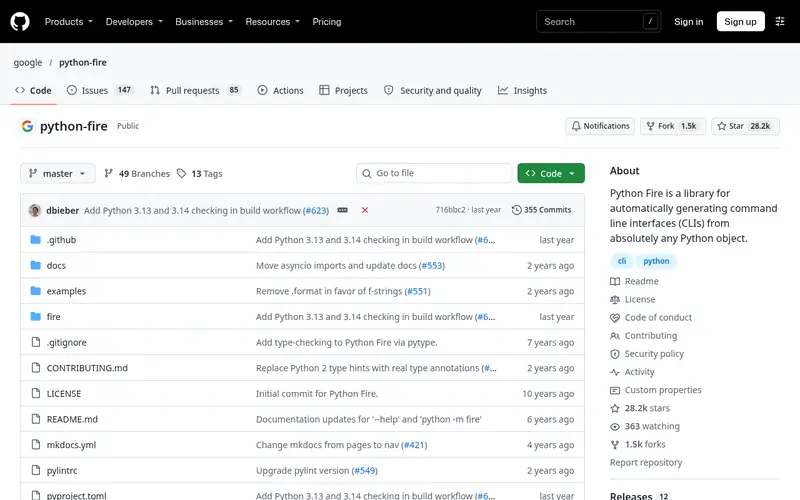
Python Fire is a library from Google that generates a command-line interface from any Python object. You pass a function, class or module to Fire, and it exposes the callable parts as commands. It is open source under the Apache 2.0 licence and runs on standard Python platforms.
The main benefit is speed. You can wrap an existing module and get a working CLI without writing parser code. Arguments map to function parameters, and nested objects become subcommands. This makes it useful for internal tools and quick scripts.
The tradeoff is predictability. Because the interface is inferred, help output and argument handling can differ from what users expect. For public tools with strict interfaces, an explicit parser like Click or argparse gives more control.
Standout: Generates a CLI from almost any Python object
Free (open source), as listed by the vendor (Python Fire website). Confirm the current plan price before you buy.
Free plan. Plans change, so confirm on the vendor's pricing page before you buy.
Benefits
- Generates a CLI from almost any Python object
- minimal setup
Drawbacks
- Generated interfaces can be surprising
- less explicit control over help and validation
Skip it if this limit matters to you: generated interfaces can be surprising.
Verdict. A sensible pick for turning existing Python functions and classes into CLIs quickly.
Cyclopts
Best for type-hint CLIs that want a modern alternative to Typer
What it is and where it fits
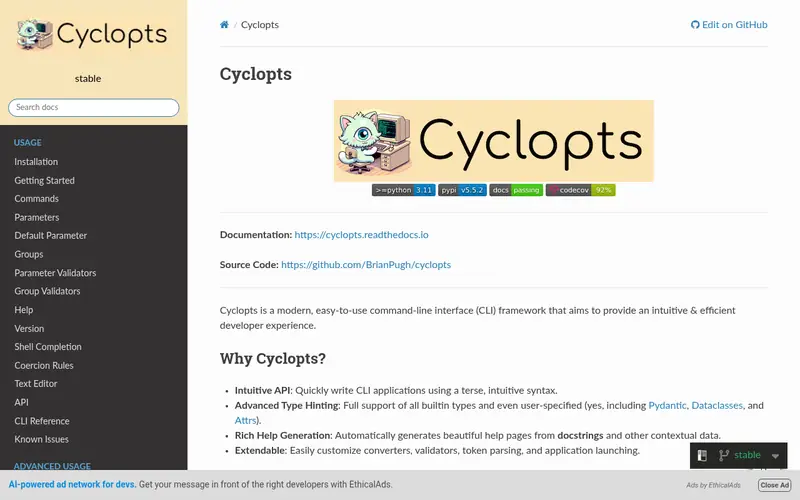
Cyclopts is a command-line framework that derives interfaces from Python type hints and function signatures. It supports nested commands, parameter validation and generated help. It is open source and runs on standard Python platforms.
It targets developers who like the Typer approach but want a different design, including support for more complex parameter types and command nesting. The API centers on decorating functions and registering them with an app object.
The main caution is maturity. Cyclopts has a smaller user base than Click or Typer, so fewer examples and third-party integrations exist. Check the project documentation for the supported Python versions and current feature set before adopting it for a long-lived tool.
Standout: Builds commands from type hints
Free (open source), as listed by the vendor (Cyclopts website). Confirm the current plan price before you buy.
Free plan. Plans change, so confirm on the vendor's pricing page before you buy.
Benefits
- Builds commands from type hints
- supports nested commands and validation
Drawbacks
- Smaller community than Click or Typer
- newer project with a shorter track record
Skip it if this limit matters to you: smaller community than Click or Typer.
Verdict. A sensible pick for type-hint CLIs that want a modern alternative to Typer.
Cleo
Best for python projects that want a structured command and IO layer
What it is and where it fits
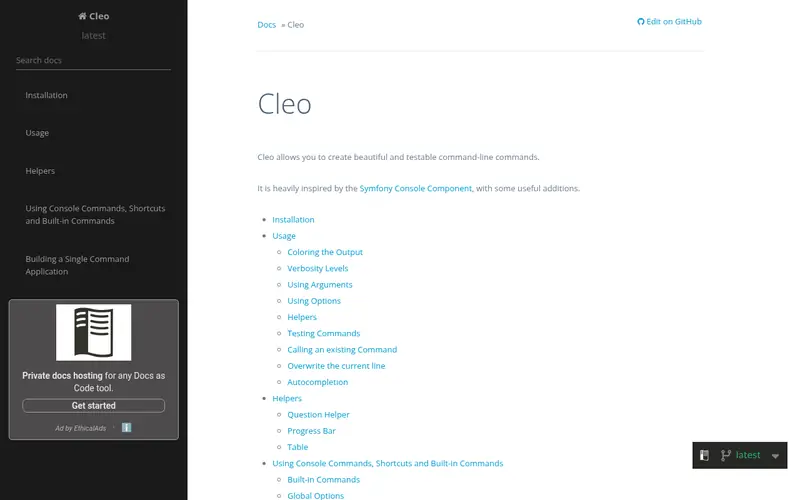
Cleo is a command-line library used by Poetry. It provides command classes, argument and option definitions, and helpers for input and output. It is open source and runs on standard Python platforms.
Cleo organizes a CLI as a set of command classes registered on an application object. Each command declares its arguments and options and implements a handle method. This structure suits applications with many commands that share setup and output formatting.
The library is less widely used than Click, so examples and community answers are fewer. Teams that already follow Poetry's conventions will find it familiar. Others may prefer Click or Typer for broader documentation and ecosystem support.
Standout: Command classes with arguments and options
Free (open source), as listed by the vendor (Cleo website). Confirm the current plan price before you buy.
Free plan. Plans change, so confirm on the vendor's pricing page before you buy.
Benefits
- Command classes with arguments and options
- includes input and output helpers
Drawbacks
- Less common outside Poetry's ecosystem
- smaller set of tutorials
Skip it if this limit matters to you: less common outside Poetry's ecosystem.
Verdict. A sensible pick for python projects that want a structured command and IO layer.
Cement
Best for larger applications that need a framework with structure
What it is and where it fits
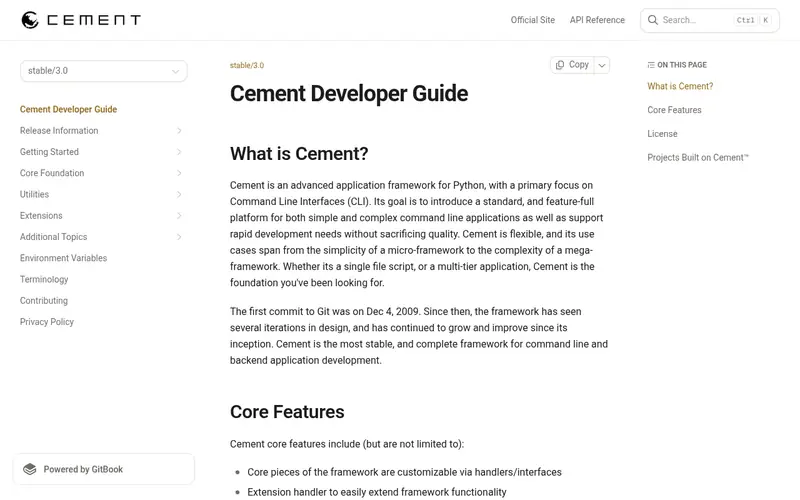
Cement is an application framework for Python CLIs rather than a bare argument parser. It provides an application object, controllers, configuration handling, logging and output interfaces. It is open source and runs on standard Python platforms.
It suits larger tools that need consistent structure across many commands, plus configuration files and logging without wiring each piece by hand. The framework defines where commands live and how they access shared state.
The cost is weight. Cement introduces more concepts than Click or argparse, so small scripts will feel overbuilt. Teams should review the documentation and confirm the supported Python versions before adopting it.
Standout: Application framework with controllers, config and logging
Free (open source), as listed by the vendor (Cement website). Confirm the current plan price before you buy.
Free plan. Plans change, so confirm on the vendor's pricing page before you buy.
Benefits
- Application framework with controllers, config and logging
- extensible
Drawbacks
- Heavier than a parser library
- more concepts to learn up front
Skip it if this limit matters to you: heavier than a parser library.
Verdict. A sensible pick for larger applications that need a framework with structure.
docopt-ng
Best for developers who want usage text to define the parser
What it is and where it fits
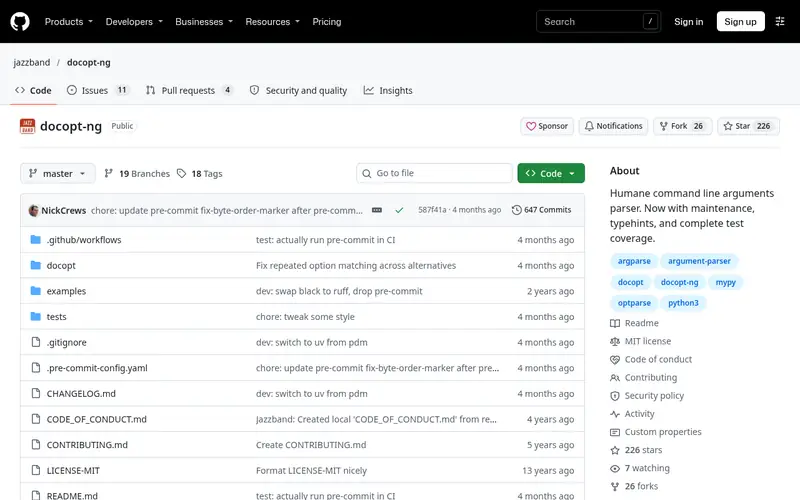
docopt-ng is a maintained fork of docopt, which was no longer maintained. You write the usage message, and the library parses arguments according to it. It is open source and runs on standard Python platforms.
The approach keeps documentation and parsing in one place: change the usage text and the accepted arguments change with it. That suits small tools where the usage string is short and stable.
The model is unusual for developers used to decorators or type hints, and error messages can be harder to shape. The community is smaller than Click's, so fewer examples exist. Check the repository for the current supported Python versions.
Standout: The usage message is the interface definition
Free (open source), as listed by the vendor (docopt-ng website). Confirm the current plan price before you buy.
Free plan. Plans change, so confirm on the vendor's pricing page before you buy.
Benefits
- The usage message is the interface definition
- keeps help and parsing in sync
Drawbacks
- Unusual model for teams used to decorators
- smaller community than Click
Skip it if this limit matters to you: unusual model for teams used to decorators.
Verdict. A sensible pick for developers who want usage text to define the parser.
Who should use what
If you are writing a small internal script and want no dependencies, use argparse. If you are building a public tool with subcommands and shared options, Click is the safe default. If you prefer type hints and less boilerplate, use Typer, or evaluate Cyclopts for a newer design. If you need to wrap existing functions fast, Python Fire is the quickest route. For larger applications that need config and logging built in, look at Cement.
Questions to settle before you buy
What to check before you buy
- Confirm the library supports the Python versions your team runs.
- Check the licence and whether it fits your distribution model.
- Read the help and error output behavior, since users see it first.
- Test how subcommands and shared options are organized in a real project.
- Check the project's recent commit activity and issue tracker.
FAQ
Is Click or Typer better?
Typer builds on Click and reduces boilerplate by using type hints. Click gives more direct control and has a longer track record. Teams that want minimal code often pick Typer; teams that want explicit decorators and broad examples often pick Click.
Do I need a third-party library at all?
No. argparse is in the standard library and handles arguments, subparsers and help. It is the right choice when you cannot add dependencies. Third-party libraries help when a CLI grows large or you want less setup code.
Are these frameworks free?
Yes. Click, Typer, Python Fire, Cyclopts, Cleo, Cement and docopt-ng are open source, and argparse ships with Python. There is no paid tier for the libraries themselves.
Can these libraries handle subcommands?
Yes. Click, Typer, Cyclopts, Cleo and Cement all support nested commands or groups. argparse supports subparsers. Python Fire exposes nested objects as subcommands. Check each project's docs for the exact pattern.
Is my data safe when using these tools?
These are local libraries, so arguments and secrets passed to them stay on your machine. That differs from online formatters or encoders, where you should not paste secrets, tokens or production data into third-party web pages.
Sources we checked
Method: how we score · editorial policy.
Change log. First published 22 Nov 2026.