Stage 01 · Write · Researched comparison
Best Python Build Backends for pyproject.toml in 2026
Hatchling is a good default for most pure-Python projects that want a modern backend with a small config surface. setuptools remains the safest pick for legacy layouts and broad plugin support. Choose maturin if you ship Rust extensions, or scikit-build-core or meson-python if your package wraps C or C++ code built with CMake or Meson.

By Shihab Mia
Published 28 Nov 2026 · 8 tools compared
We run no ads and no affiliate links at launch. The order of a list follows our published method. See how we score.
Prices are the starting prices vendors list publicly. Plans change, so confirm the current price on the vendor page before you buy.
Key takeaways
- All eight backends listed here are free and open source, so cost is not the deciding factor.
- The backend is declared under `[build-system]` in pyproject.toml, and switching is usually a small edit.
- Pure-Python projects rarely need anything beyond Hatchling, setuptools, Flit or PDM backend.
- Compiled extensions push you toward maturin, scikit-build-core or meson-python.
Who each pick is for
- Pure-Python projects that want a modern, low-config backendHatchling
- Legacy layouts, complex builds and maximum compatibilitysetuptools
- Small, simple pure-Python packages with minimal configFlit
- Projects using PDM that want a standalone PEP 517 backendPDM backend
- Projects already managed by PoetryPoetry core
- Python packages with Rust extensions built with PyO3maturin
- C and C++ extensions built with CMakescikit-build-core
- C and C++ extensions built with the Meson build systemmeson-python
Comparison
| Tool | Best for | Standout feature | Listed starting price | Free plan or trial |
|---|---|---|---|---|
| 1Hatchling | Pure-Python projects that want a modern, low-config backend | Small default config | Free (open source) | Free plan |
| 2setuptools | Legacy layouts, complex builds and maximum compatibility | Widest compatibility and plugin support | Free (open source) | Free plan |
| 3Flit | Small, simple pure-Python packages with minimal config | Very small config | Free (open source) | Free plan |
| 4PDM backend | Projects using PDM that want a standalone PEP 517 backend | Works without PDM installed | Free (open source) | Free plan |
| 5Poetry core | Projects already managed by Poetry | Standalone PEP 517 backend | Free (open source) | Free plan |
| 6maturin | Python packages with Rust extensions built with PyO3 | Builds and publishes Rust-backed wheels | Free (open source) | Free plan |
| 7scikit-build-core | C and C++ extensions built with CMake | CMake-driven builds with pyproject.toml config | Free (open source) | Free plan |
| 8meson-python | C and C++ extensions built with the Meson build system | Meson-driven builds with pyproject.toml config | Free (open source) | Free plan |
How we picked
We compared backends on fit for the job (pure-Python versus compiled extensions), supported platforms, licence and price, editable-install support, and the real limits each one documents. Sources are vendor pages, official documentation and project repositories. All listed projects are open source and free to use. Prices and features change, so confirm details on each project's site before you commit.
The tools, one by one
Hatchling
Best for pure-Python projects that want a modern, low-config backend
What it is and where it fits
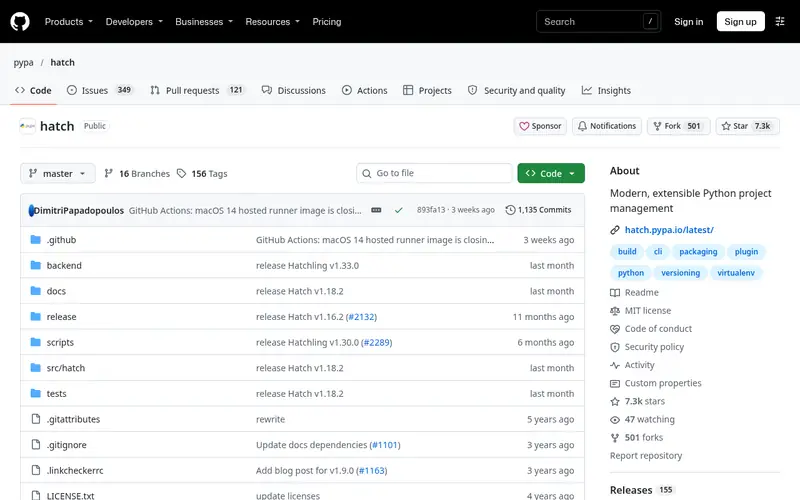
Hatchling is the build backend that ships with Hatch. It reads `[build-system]` and `[tool.hatch]` tables in pyproject.toml and builds wheels and sdists without a setup.py. Defaults follow common layouts, so a simple package often needs only the backend declaration and a project name. It supports versioning from files, environment variables and VCS tags through plugins.
It runs on any platform with a supported Python interpreter, since it is pure Python. The licence is MIT. Editable installs work through PEP 660. The main limit is that projects relying on setuptools-specific behaviour, such as certain custom commands or legacy namespace packages, may need extra work. Skip Hatchling if you depend heavily on setuptools entry points and command hooks you do not want to rewrite.
Standout: Small default config
Free (open source), as listed by the vendor (Hatchling website). Confirm the current plan price before you buy.
Free plan. Plans change, so confirm on the vendor's pricing page before you buy.
Benefits
- Small default config
- supports src layout, plugins and version from VCS
- good editable installs
Drawbacks
- Fewer legacy hooks than setuptools
- plugin ecosystem is smaller
Skip it if this limit matters to you: fewer legacy hooks than setuptools.
Verdict. A sensible pick for pure-Python projects that want a modern, low-config backend.
Alternatives in this guide: setuptools, Flit, PDM backend
setuptools
Best for legacy layouts, complex builds and maximum compatibility
What it is and where it fits
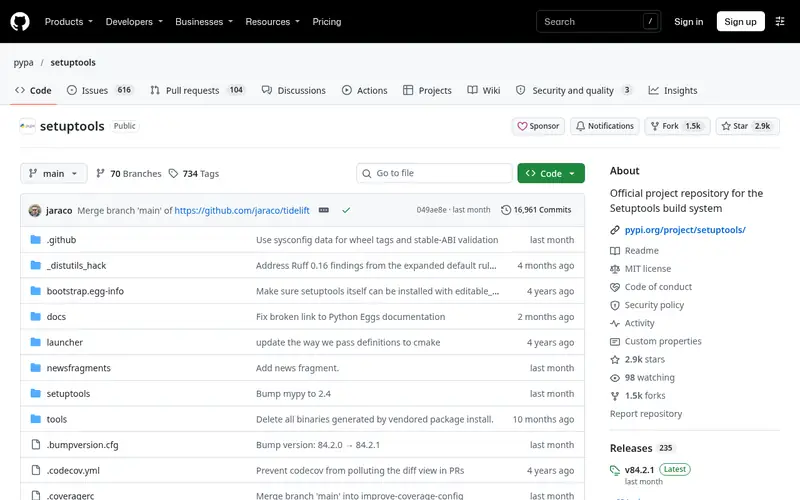
setuptools is the long-standing default backend. It supports pyproject.toml through `[tool.setuptools]` and still reads setup.py and setup.cfg for projects that have not migrated. It handles package data, entry points, namespace packages, C extensions through its build_ext command, and a large set of third-party plugins.
It runs on all major platforms. The licence is MIT. Because it carries years of backward compatibility, configuration can be verbose, and some defaults differ from newer backends. For new pure-Python projects it is often more than you need. Keep it when you have existing setup.py logic, unusual build steps, or dependencies that expect setuptools behaviour.
Standout: Widest compatibility and plugin support
Free (open source), as listed by the vendor (setuptools website). Confirm the current plan price before you buy.
Free plan. Plans change, so confirm on the vendor's pricing page before you buy.
Benefits
- Widest compatibility and plugin support
- handles most legacy layouts and custom commands
Drawbacks
- More configuration surface
- older patterns can be hard to migrate
Skip it if this limit matters to you: more configuration surface.
Verdict. A sensible pick for legacy layouts, complex builds and maximum compatibility.
Alternatives in this guide: Hatchling, Flit, PDM backend
Flit
Best for small, simple pure-Python packages with minimal config
What it is and where it fits
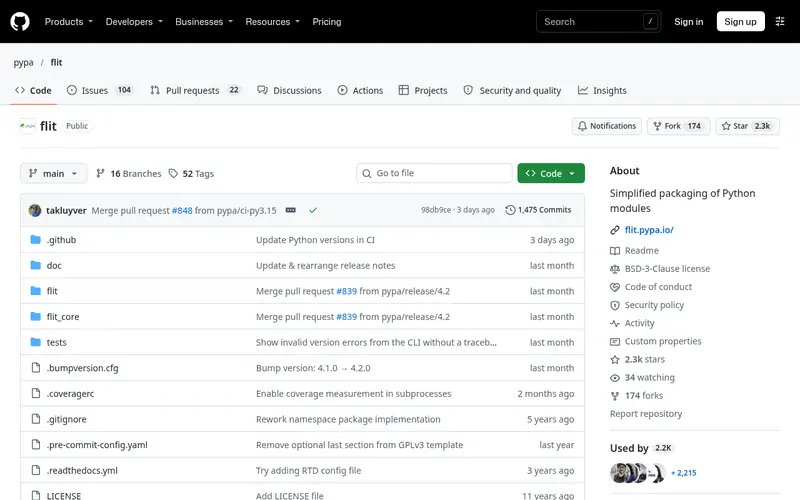
Flit is a build backend and publishing tool aimed at simple pure-Python projects. It reads metadata from pyproject.toml and expects a straightforward layout, either a single module or one package. It builds wheels and sdists and can upload to PyPI through its command line.
It is pure Python and runs on any platform with a supported interpreter. The licence is BSD. Flit deliberately avoids setup.py and complex build hooks, which keeps config short but limits flexibility. It does not target compiled extensions. Skip Flit if you need custom build steps, multiple top-level packages, or dynamic metadata beyond what it supports.
Standout: Very small config
Free (open source), as listed by the vendor (Flit website). Confirm the current plan price before you buy.
Free plan. Plans change, so confirm on the vendor's pricing page before you buy.
Benefits
- Very small config
- clear defaults for single-module and package layouts
- simple publishing flow
Drawbacks
- Limited to pure-Python use cases
- fewer extension hooks than larger backends
Skip it if this limit matters to you: limited to pure-Python use cases.
Verdict. A sensible pick for small, simple pure-Python packages with minimal config.
Alternatives in this guide: Hatchling, setuptools, PDM backend
PDM backend
Best for projects using PDM that want a standalone PEP 517 backend
What it is and where it fits
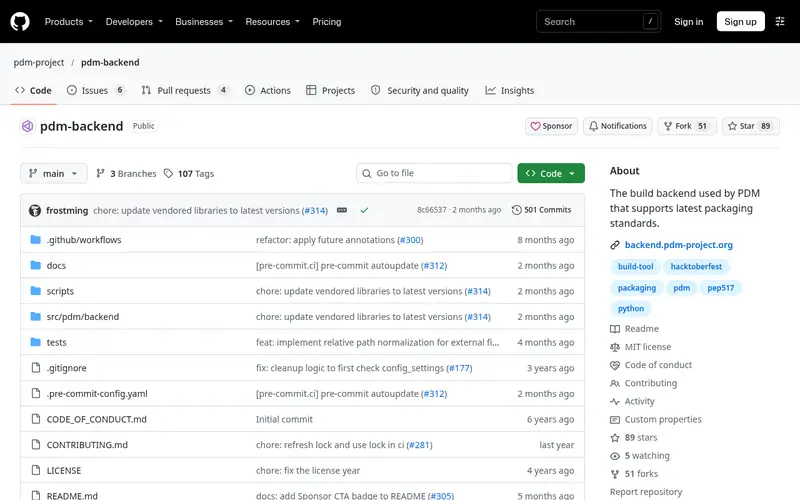
pdm-backend is the PEP 517 build backend used by the PDM package manager, but it can be used on its own. It reads `[tool.pdm.build]` in pyproject.toml and builds wheels and sdists. It supports dynamic version sources, including reading from files or SCM, and PEP 660 editable installs.
It is pure Python and runs on any platform with a supported interpreter. The licence is MIT. Because it is maintained alongside PDM, documentation often assumes PDM workflows, which can be a small hurdle if you use a different tool. It is a reasonable choice for pure-Python projects that want a modern backend without setuptools. Projects with heavy C extension builds should look at the compiled-extension options below.
Standout: Works without PDM installed
Free (open source), as listed by the vendor (PDM backend website). Confirm the current plan price before you buy.
Free plan. Plans change, so confirm on the vendor's pricing page before you buy.
Benefits
- Works without PDM installed
- supports dynamic version and editable installs
- handles pure-Python and some extension cases
Drawbacks
- Smaller community than setuptools
- some features are tied to PDM conventions
Skip it if this limit matters to you: smaller community than setuptools.
Verdict. A sensible pick for projects using PDM that want a standalone PEP 517 backend.
Alternatives in this guide: Hatchling, setuptools, Flit
Poetry core
Best for projects already managed by Poetry
What it is and where it fits
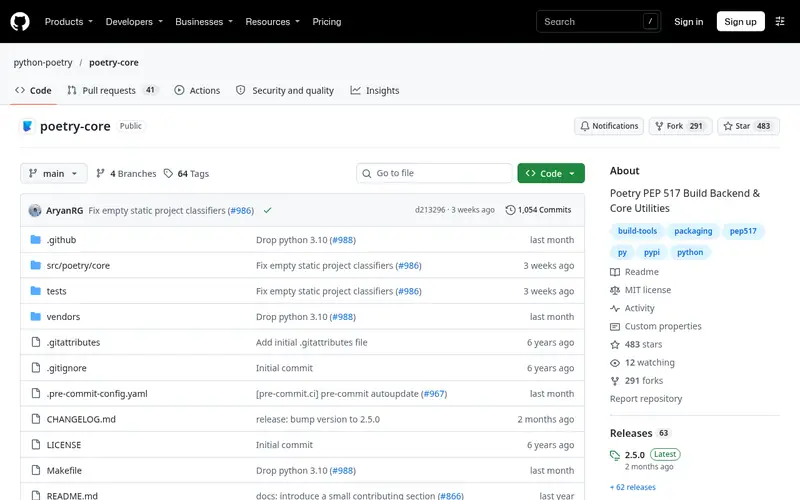
poetry-core is the build backend extracted from Poetry. It can build wheels and sdists as a standalone PEP 517 backend, so you do not need Poetry installed to build a package that declares it. Metadata comes from the `[tool.poetry]` table in pyproject.toml.
It is pure Python and runs on any platform with a supported interpreter. The licence is MIT. The main consideration is consistency: if your project already uses Poetry for dependency management, poetry-core keeps metadata in one place. If you use another tool, its table layout and conventions add a second config style to learn. It targets pure-Python packaging and is not aimed at compiled extensions.
Standout: Standalone PEP 517 backend
Free (open source), as listed by the vendor (Poetry core website). Confirm the current plan price before you buy.
Free plan. Plans change, so confirm on the vendor's pricing page before you buy.
Benefits
- Standalone PEP 517 backend
- consistent with Poetry metadata
- supports dynamic versioning
Drawbacks
- Config conventions differ from other backends
- less useful if you do not use Poetry
Skip it if this limit matters to you: config conventions differ from other backends.
Verdict. A sensible pick for projects already managed by Poetry.
Alternatives in this guide: Hatchling, setuptools, Flit
maturin
Best for python packages with Rust extensions built with PyO3
What it is and where it fits
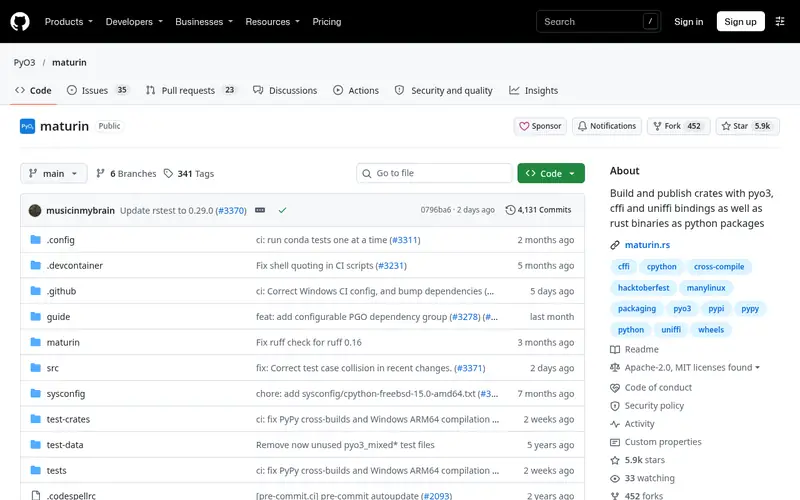
maturin is a build backend and command-line tool for Python packages that contain Rust code, typically through PyO3. It builds wheels and sdists, manages cross-compilation targets, and can publish to PyPI. It declares itself as the backend in `[build-system]` and reads metadata from pyproject.toml and Cargo.toml.
It runs on Linux, macOS and Windows and requires a Rust toolchain at build time. The licence is MIT or Apache-2.0. It also supports mixed projects with both Rust and Python code. The main limit is scope: it is built for Rust extensions, so pure-Python projects gain nothing from it. If your extension code is C or C++, use scikit-build-core or meson-python instead.
Standout: Builds and publishes Rust-backed wheels
Free (open source), as listed by the vendor (maturin website). Confirm the current plan price before you buy.
Free plan. Plans change, so confirm on the vendor's pricing page before you buy.
Benefits
- Builds and publishes Rust-backed wheels
- handles manylinux, macOS and Windows targets
- integrates with PyO3
Drawbacks
- Requires a Rust toolchain
- not intended for pure-Python packages
Skip it if this limit matters to you: requires a Rust toolchain.
Verdict. A sensible pick for python packages with Rust extensions built with PyO3.
Alternatives in this guide: Hatchling, setuptools, Flit
scikit-build-core
Best for c and C++ extensions built with CMake
What it is and where it fits
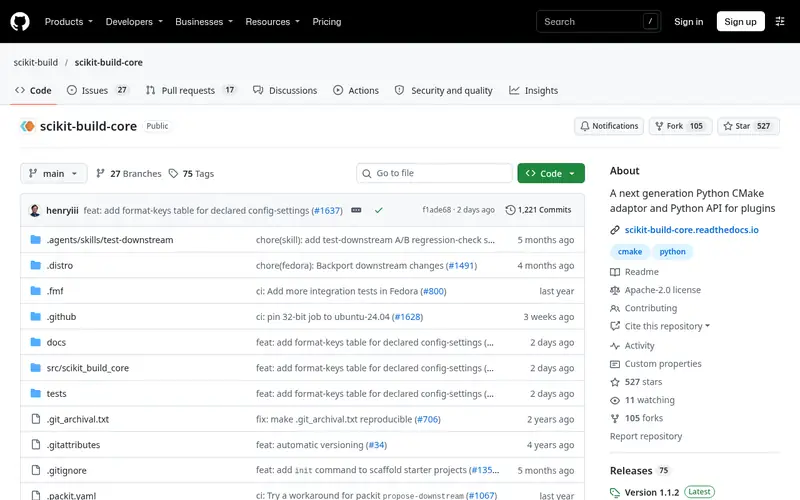
scikit-build-core is a PEP 517 build backend that drives CMake to build C and C++ extensions. It reads `[tool.scikit-build]` in pyproject.toml, generates wheels and sdists, and supports PEP 660 editable installs. It is the successor to the original scikit-build.
It runs on Linux, macOS and Windows and requires CMake and a C/C++ compiler at build time. The licence is Apache-2.0. It works with projects that already have CMakeLists.txt, including those wrapping libraries like pybind11 or nanobind. The trade-off is complexity: you maintain CMake files alongside Python packaging config. Pure-Python projects should not use it.
Standout: CMake-driven builds with pyproject.toml config
Free (open source), as listed by the vendor (scikit-build-core website). Confirm the current plan price before you buy.
Free plan. Plans change, so confirm on the vendor's pricing page before you buy.
Benefits
- CMake-driven builds with pyproject.toml config
- supports editable installs and cross-compilation
- works with many build systems
Drawbacks
- Requires CMake knowledge
- config is more involved than pure-Python backends
Skip it if this limit matters to you: requires CMake knowledge.
Verdict. A sensible pick for C and C++ extensions built with CMake.
Alternatives in this guide: Hatchling, setuptools, Flit
meson-python
Best for c and C++ extensions built with the Meson build system
What it is and where it fits
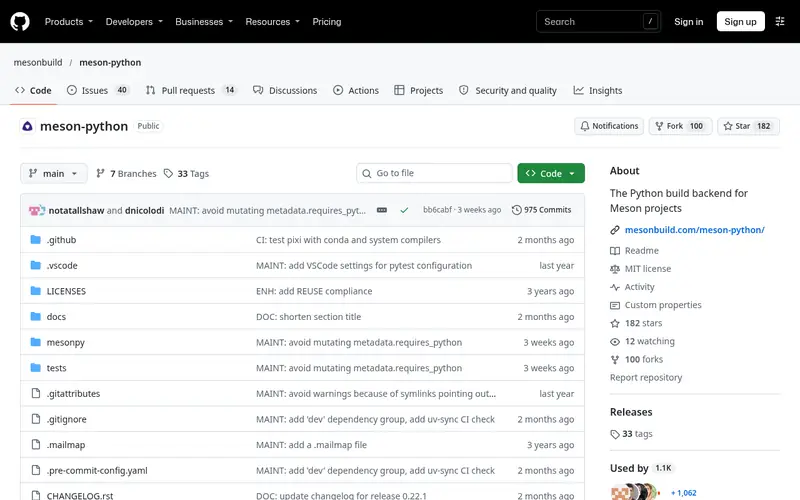
meson-python is a PEP 517 build backend that uses Meson to build Python packages with compiled extensions. It reads `[tool.meson-python]` in pyproject.toml and builds wheels and sdists, with support for editable installs. It is used by projects that already rely on Meson for their native build.
It runs on Linux, macOS and Windows and requires Meson and a compiler at build time. The licence is MIT. It is a good fit if your C or C++ code already has a Meson build definition. The main limit is that it assumes Meson knowledge and a Meson build file. If your project uses CMake, scikit-build-core is the closer match.
Standout: Meson-driven builds with pyproject.toml config
Free (open source), as listed by the vendor (meson-python website). Confirm the current plan price before you buy.
Free plan. Plans change, so confirm on the vendor's pricing page before you buy.
Benefits
- Meson-driven builds with pyproject.toml config
- supports editable installs
- used by several scientific packages
Drawbacks
- Requires Meson knowledge
- smaller user base than setuptools
Skip it if this limit matters to you: requires Meson knowledge.
Verdict. A sensible pick for C and C++ extensions built with the Meson build system.
Alternatives in this guide: Hatchling, setuptools, Flit
Who should use what
If you maintain a small pure-Python library, Hatchling or Flit keeps config short. If you have an older project with setup.py logic or custom commands, stay on setuptools. If you use Poetry for dependencies, poetry-core keeps metadata in one place, and PDM users can pick pdm-backend. If you ship Rust extensions, use maturin. If your C or C++ code already has CMake or Meson files, choose scikit-build-core or meson-python to match.
Questions to settle before you buy
What to check before you buy
- Confirm the backend is declared under `[build-system]` with a `build-backend` value and `requires` list.
- Check that editable installs work with your tools if you rely on `pip install -e`.
- Verify the backend supports your package layout, including src layout and multiple top-level packages.
- For compiled extensions, confirm your compiler, CMake or Meson version meets the backend's documented minimum.
- Test a wheel and sdist build in a clean environment before publishing.
FAQ
What is a Python build backend?
A build backend is the tool that turns your source tree into a wheel and an sdist. It is declared in the `[build-system]` table of pyproject.toml. Frontends like pip call the backend through the PEP 517 interface. The backend handles metadata, file selection and any compiled extension build steps.
Can I switch build backends later?
Yes. In most cases you change the `[build-system]` table and move metadata into the new backend's config section. Pure-Python projects usually migrate in a short session. Projects with custom build steps or compiled extensions need more care, so test wheel and sdist builds before publishing.
Do I need setuptools for a new project?
No. setuptools is the most compatible option, but newer backends like Hatchling, Flit and pdm-backend handle pure-Python packaging without it. Choose setuptools when you depend on legacy layouts, custom commands or plugins that expect it.
Which backend should I use for Rust or C extensions?
Use maturin for Rust extensions built with PyO3. Use scikit-build-core for C or C++ code with CMake, and meson-python for C or C++ code with Meson. These backends handle compiler flags, platform wheels and cross-compilation, which pure-Python backends do not.
Are these build backends free?
Yes. All eight backends listed here are open source and free to use. You pay only in setup time and the toolchain each one requires, such as Rust, CMake or Meson for compiled extensions.
Sources we checked
Method: how we score · editorial policy.
Change log. First published 28 Nov 2026.