Stage 01 · Write · Researched comparison
Best Python Audio Libraries for Developers in 2026
librosa is the first pick for most developers doing analysis, since it covers loading, feature extraction and time-frequency work in one package. Choose soundfile when you only need fast, reliable reading and writing of audio files. Choose python-sounddevice when you need live input and output from a microphone or speakers. All three are free and open source.

By Shihab Mia
Published 27 Nov 2026 · 8 tools compared
We run no ads and no affiliate links at launch. The order of a list follows our published method. See how we score.
Prices are the starting prices vendors list publicly. Plans change, so confirm the current price on the vendor page before you buy.
Key takeaways
- librosa, soundfile, torchaudio, pedalboard, python-sounddevice, PyAudio and Essentia are free and open source; pydub is free but has seen little recent maintenance.
- librosa and Essentia focus on analysis and feature extraction, while soundfile and pydub focus on file reading, writing and format conversion.
- torchaudio and pedalboard bring GPU acceleration and effects, and both build on PyTorch for model-backed audio work.
- python-sounddevice and PyAudio handle real-time I/O; python-sounddevice wraps PortAudio with a simpler API, and PyAudio exposes PortAudio more directly.
Who each pick is for
- Music and speech analysis, feature extractionlibrosa
- Fast, reliable reading and writing of audio filessoundfile (python-soundfile)
- Quick slicing, concatenation and format conversionpydub
- Audio pipelines inside PyTorch and GPU-accelerated transformstorchaudio
- Audio effects and plugin hosting in Pythonpedalboard
- Real-time playback and microphone capturepython-sounddevice
- Direct PortAudio access with callback controlPyAudio
- Music information retrieval and audio feature extractionEssentia
Comparison
| Tool | Best for | Standout feature | Listed starting price | Free plan or trial |
|---|---|---|---|---|
| 1librosa | Music and speech analysis, feature extraction | Broad feature set for spectral and rhythm analysis | Free (open source) | Free plan |
| 2soundfile (python-soundfile) | Fast, reliable reading and writing of audio files | Simple read and write API backed by libsndfile | Free (open source) | Free plan |
| 3pydub | Quick slicing, concatenation and format conversion | Concise API for cut, concat, fade and export | Free (open source) | Free plan |
| 4torchaudio | Audio pipelines inside PyTorch and GPU-accelerated transforms | Integrates with PyTorch tensors and GPU | Free (open source) | Free plan |
| 5pedalboard | Audio effects and plugin hosting in Python | Runs VST3 and Audio Unit plugins from Python | Free (open source) | Free plan |
| 6python-sounddevice | Real-time playback and microphone capture | Clean API over PortAudio for streams and devices | Free (open source) | Free plan |
| 7PyAudio | Direct PortAudio access with callback control | Long-standing PortAudio binding | Free (open source) | Free plan |
| 8Essentia | Music information retrieval and audio feature extraction | Large set of MIR algorithms and pretrained models | Free (open source) | Free plan |
How we picked
We picked libraries that cover the main audio jobs in Python: file I/O, analysis, effects, machine learning and real-time streaming. Criteria were fit for the named job, platform support, licence terms, dependency weight and known limits. Sources are official project pages, documentation and repositories. Prices and licences can change, so confirm on the vendor or project site before you commit.
The tools, one by one
librosa
Best for music and speech analysis, feature extraction
What it is and where it fits
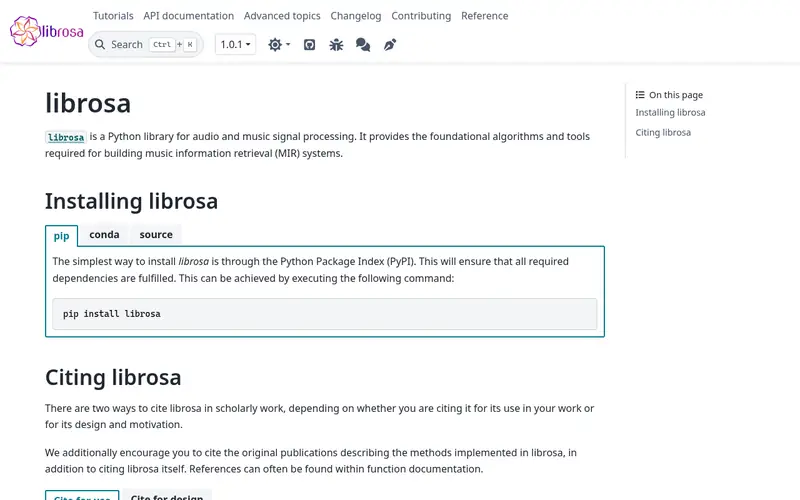
librosa is a Python package for music and audio analysis. It loads audio through soundfile or audioread, then provides tools for onset detection, tempo estimation, pitch tracking, mel spectrograms, chroma features and beat tracking. It runs on Windows, macOS and Linux wherever the scientific Python stack installs.
The library is released under the ISC licence and is free to use. It depends on NumPy, SciPy and soundfile, so install size is larger than a single-purpose reader. It is not a playback or real-time I/O library, and it does not handle live microphone streams. For batch analysis, feature pipelines and research code, it is the most complete single option. Skip it if you only need to convert file formats or play audio.
Standout: Broad feature set for spectral and rhythm analysis
Free (open source), as listed by the vendor (librosa website). Confirm the current plan price before you buy.
Free plan. Plans change, so confirm on the vendor's pricing page before you buy.
Benefits
- Broad feature set for spectral and rhythm analysis
- works with NumPy arrays and common audio formats
Drawbacks
- Not built for real-time playback
- heavier dependency stack than minimal readers
Skip it if this limit matters to you: not built for real-time playback.
Verdict. A sensible pick for music and speech analysis, feature extraction.
Alternatives in this guide: soundfile (python-soundfile), pydub, torchaudio
soundfile (python-soundfile)
Best for fast, reliable reading and writing of audio files
What it is and where it fits
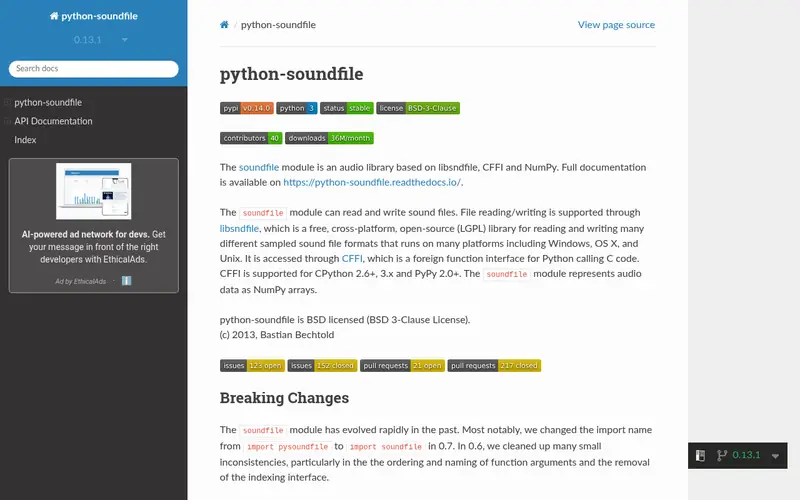
python-soundfile is a thin Python wrapper around libsndfile. It reads audio into NumPy arrays and writes arrays back to disk. It supports WAV, FLAC, OGG, AIFF and other formats that libsndfile handles, and it exposes sample rate, channels and subtype metadata.
The project is BSD-3-Clause licensed and free. It runs on Windows, macOS and Linux, and libsndfile ships with the wheel on most platforms. It does no resampling, feature extraction or playback, so it is usually paired with librosa or a playback library. Use it when file I/O is the whole job and you want a small, stable dependency. Skip it if you need MP3 support, which depends on the libsndfile build.
Standout: Simple read and write API backed by libsndfile
Free (open source), as listed by the vendor (soundfile (python-soundfile) website). Confirm the current plan price before you buy.
Free plan. Plans change, so confirm on the vendor's pricing page before you buy.
Benefits
- Simple read and write API backed by libsndfile
- supports WAV, FLAC, OGG and many other formats
Drawbacks
- No analysis or effects
- no real-time streaming
Skip it if this limit matters to you: no analysis or effects.
Verdict. A sensible pick for fast, reliable reading and writing of audio files.
Alternatives in this guide: librosa, pydub, torchaudio
pydub
Best for quick slicing, concatenation and format conversion
What it is and where it fits
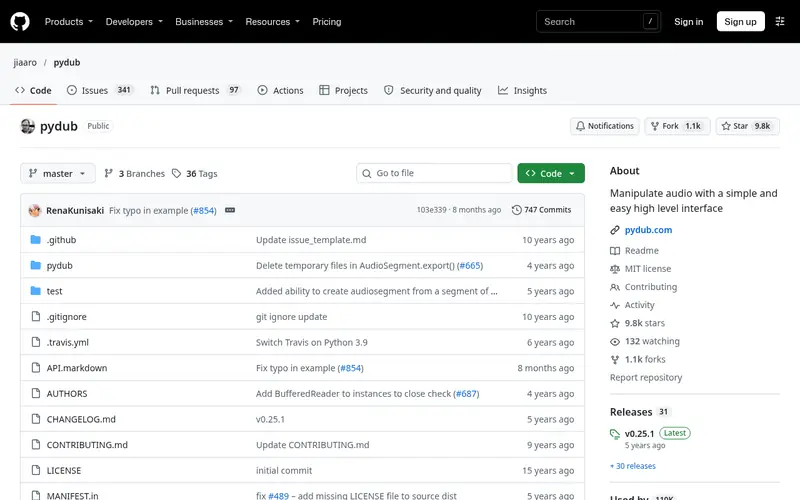
pydub offers a high-level API for common editing tasks: slicing, concatenation, volume changes, fades and format conversion. It reads and writes many formats by calling ffmpeg, so MP3 support works when ffmpeg is on the system path.
The project is MIT licensed and free. It runs on Windows, macOS and Linux. Maintenance has been light in recent years, so check open issues before relying on it for new production code. It is a reasonable choice for scripts and one-off conversions. For long-lived projects, soundfile or ffmpeg-python may be a safer base. Skip it if you need active maintenance guarantees or real-time processing.
Standout: Concise API for cut, concat, fade and export
Free (open source), as listed by the vendor (pydub website). Confirm the current plan price before you buy.
Free plan. Plans change, so confirm on the vendor's pricing page before you buy.
Benefits
- Concise API for cut, concat, fade and export
- handles MP3 through ffmpeg
Drawbacks
- Repository has seen little recent maintenance
- MP3 and other formats require ffmpeg installed separately
Skip it if this limit matters to you: repository has seen little recent maintenance.
Verdict. A sensible pick for quick slicing, concatenation and format conversion.
Alternatives in this guide: librosa, soundfile (python-soundfile), torchaudio
torchaudio
Best for audio pipelines inside PyTorch and GPU-accelerated transforms
What it is and where it fits
torchaudio is part of the PyTorch project. It provides audio I/O, resampling, spectrogram transforms and datasets, and it runs on CPU and CUDA GPUs. It is aimed at machine learning workflows where audio becomes model input.
The library is BSD-2-Clause licensed and free. It runs on Windows, macOS and Linux, and GPU support depends on the PyTorch build. Because it tracks PyTorch releases, some APIs have moved between versions, so pin versions in production. It is not a general editing or playback tool. Choose it when you are already training or running models in PyTorch. Skip it for simple file conversion or analysis outside ML.
Standout: Integrates with PyTorch tensors and GPU
Free (open source), as listed by the vendor (torchaudio website). Confirm the current plan price before you buy.
Free plan. Plans change, so confirm on the vendor's pricing page before you buy.
Benefits
- Integrates with PyTorch tensors and GPU
- includes datasets, transforms and pretrained models
Drawbacks
- Requires PyTorch
- API has changed across releases
Skip it if this limit matters to you: requires PyTorch.
Verdict. A sensible pick for audio pipelines inside PyTorch and GPU-accelerated transforms.
Alternatives in this guide: librosa, soundfile (python-soundfile), pydub
pedalboard
Best for audio effects and plugin hosting in Python
What it is and where it fits
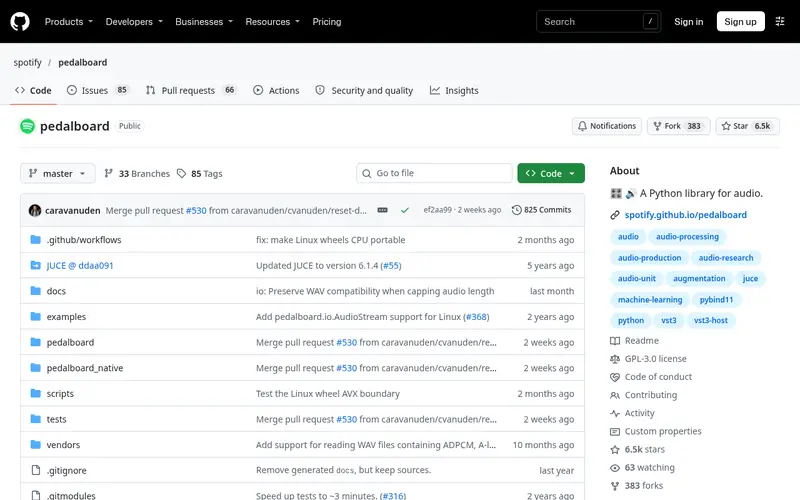
pedalboard is a Spotify project for applying audio effects and hosting plugins in Python. It includes built-in effects such as reverb, compression, chorus and filters, and it can load VST3 and Audio Unit plugins. It reads and writes audio files and works with NumPy arrays.
The project is GPL-3.0 licensed and free. It runs on Windows, macOS and Linux. Plugin hosting depends on the platform and the plugin format. It is not an analysis library and does not cover feature extraction. Use it when you need to apply effects chains or reuse existing plugins in a script. Skip it if you only need file I/O or spectrograms.
Standout: Runs VST3 and Audio Unit plugins from Python
Free (open source), as listed by the vendor (pedalboard website). Confirm the current plan price before you buy.
Free plan. Plans change, so confirm on the vendor's pricing page before you buy.
Benefits
- Runs VST3 and Audio Unit plugins from Python
- fast C++ core with NumPy input and output
Drawbacks
- Focused on effects rather than analysis
- plugin support varies by platform
Skip it if this limit matters to you: focused on effects rather than analysis.
Verdict. A sensible pick for audio effects and plugin hosting in Python.
Alternatives in this guide: librosa, soundfile (python-soundfile), pydub
python-sounddevice
Best for real-time playback and microphone capture
What it is and where it fits
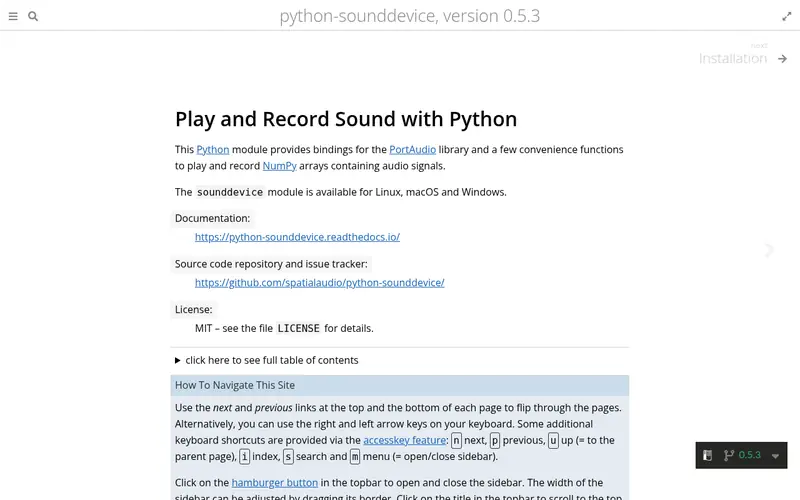
python-sounddevice wraps the PortAudio library and provides playback, recording and duplex streams. It lists input and output devices, plays NumPy arrays and captures microphone input in blocking or callback mode.
The project is MIT licensed and free. It runs on Windows, macOS and Linux. PortAudio must be installed, and on some Linux distributions that means a system package. It does no decoding or encoding, so pair it with soundfile for file-based work. Use it for live monitoring, recording and simple real-time effects. Skip it if you only process files offline.
Standout: Clean API over PortAudio for streams and devices
Free (open source), as listed by the vendor (python-sounddevice website). Confirm the current plan price before you buy.
Free plan. Plans change, so confirm on the vendor's pricing page before you buy.
Benefits
- Clean API over PortAudio for streams and devices
- supports NumPy buffers and callback mode
Drawbacks
- Requires a working PortAudio install
- no file format handling
Skip it if this limit matters to you: requires a working PortAudio install.
Verdict. A sensible pick for real-time playback and microphone capture.
Alternatives in this guide: librosa, soundfile (python-soundfile), pydub
PyAudio
Best for direct PortAudio access with callback control
What it is and where it fits
PyAudio is a Python binding for PortAudio. It supports playback and recording streams, device enumeration and callback-based processing. It has been used in Python audio projects for many years.
The project is MIT licensed and free. It runs on Windows, macOS and Linux. Installation can require PortAudio development headers, and wheels are not available for every platform and Python version. It offers less abstraction than python-sounddevice, which means more code for the same stream. Use it when you need direct PortAudio behavior or are maintaining existing code. Skip it for new projects that can use python-sounddevice.
Standout: Long-standing PortAudio binding
Free (open source), as listed by the vendor (PyAudio website). Confirm the current plan price before you buy.
Free plan. Plans change, so confirm on the vendor's pricing page before you buy.
Benefits
- Long-standing PortAudio binding
- fine control over stream callbacks
Drawbacks
- Build can require PortAudio headers
- API is lower level than python-sounddevice
Skip it if this limit matters to you: build can require PortAudio headers.
Verdict. A sensible pick for direct PortAudio access with callback control.
Alternatives in this guide: librosa, soundfile (python-soundfile), pydub
Essentia
Best for music information retrieval and audio feature extraction
What it is and where it fits
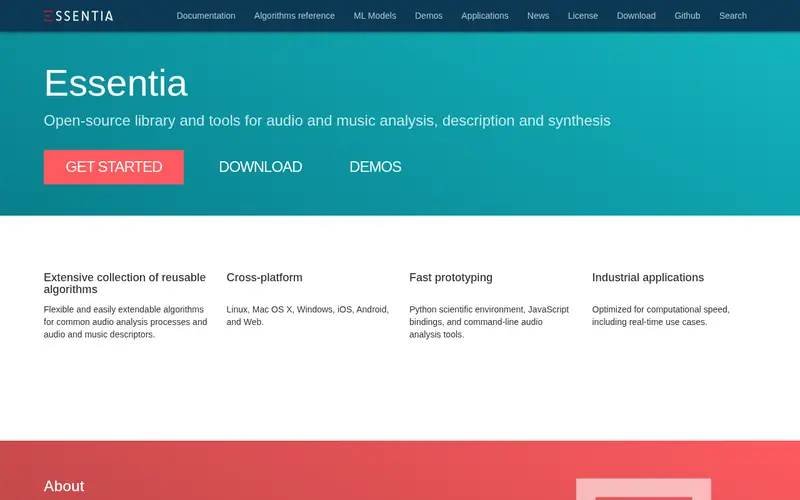
Essentia is an audio analysis library from the Music Technology Group at Universitat Pompeu Fabra. It covers onset detection, key and tempo estimation, loudness, spectral features and pretrained models for classification and tagging. Python bindings expose the C++ core.
The project is AGPL-3.0 licensed and free. It runs on Windows, macOS and Linux, with install instructions that vary by platform. The AGPL terms matter if you distribute software built on it, so check them for commercial use. It overlaps with librosa but offers more MIR-specific algorithms and models. Use it for research and music analysis pipelines. Skip it for simple file conversion or playback.
Standout: Large set of MIR algorithms and pretrained models
Free (open source), as listed by the vendor (Essentia website). Confirm the current plan price before you buy.
Free plan. Plans change, so confirm on the vendor's pricing page before you buy.
Benefits
- Large set of MIR algorithms and pretrained models
- C++ core with Python bindings
Drawbacks
- Steeper learning curve
- install can be involved on some platforms
Skip it if this limit matters to you: steeper learning curve.
Verdict. A sensible pick for music information retrieval and audio feature extraction.
Alternatives in this guide: librosa, soundfile (python-soundfile), pydub
Who should use what
If you are building an analysis pipeline for music or speech, start with librosa and add soundfile for I/O. If you are training or running models in PyTorch, use torchaudio so audio stays in tensors end to end. If you need live microphone input or playback, use python-sounddevice, and keep PyAudio for existing code. If you need effects or plugin hosting, use pedalboard. For quick editing scripts, pydub works but check its maintenance status first.
Questions to settle before you buy
What to check before you buy
- Confirm the library handles the formats you need, including MP3, which often depends on ffmpeg or libsndfile builds.
- Check the licence, especially AGPL for Essentia and GPL for pedalboard, against how you distribute your code.
- Verify platform support and whether binary wheels exist for your Python version and OS.
- Check whether you need real-time I/O, since analysis libraries do not provide it.
- Pin versions in production, because torchaudio and other libraries change APIs between releases.
FAQ
Do I need more than one audio library?
Often yes. A common stack is soundfile for reading and writing, librosa for analysis and python-sounddevice for playback. Each library does one job well, and combining them avoids pulling a large dependency for a small task.
Which library should I use to convert audio formats?
soundfile handles WAV, FLAC, OGG and similar formats through libsndfile. For MP3 and other formats, pydub or ffmpeg-python call ffmpeg, which must be installed separately. Check the licence and maintenance status of each before relying on it.
Can these libraries process audio in real time?
python-sounddevice and PyAudio provide real-time input and output through PortAudio. librosa, soundfile and Essentia work on files or arrays and are not designed for live streams. torchaudio and pedalboard can process buffers but are usually used offline or in model pipelines.
Is pydub still maintained?
The pydub repository has seen little recent activity. It still works for many scripts, but for new production code consider soundfile for I/O and ffmpeg-python for format conversion. Check the repository issues before depending on it long term.
Are these libraries free for commercial use?
Most are permissive: librosa is ISC, soundfile is BSD-3-Clause, torchaudio is BSD-2-Clause, and python-sounddevice and PyAudio are MIT. pedalboard is GPL-3.0 and Essentia is AGPL-3.0, so review those terms carefully if you distribute software built on them.
Sources we checked
Method: how we score · editorial policy.
Change log. First published 27 Nov 2026.