Stage 01 · Write · Researched comparison
Best Project Scaffolding Tools in 2026
Vite is the first pick for most frontend developers who want a fast, well-maintained scaffolding tool for JavaScript and TypeScript projects. Cookiecutter suits teams that need language-agnostic templates driven by simple variables, and Yeoman fits developers who want a large library of community generators. All three are open source and free to use.

By Shihab Mia
Published 22 Nov 2026 · 7 tools compared
We run no ads and no affiliate links at launch. The order of a list follows our published method. See how we score.
Prices are the starting prices vendors list publicly. Plans change, so confirm the current price on the vendor page before you buy.
Key takeaways
- Vite, Cookiecutter, Copier, Yeoman and Nx are free and open source; only Nx has paid cloud features.
- Vite covers frontend frameworks and runs on Node.js; Cookiecutter and Copier work with any language.
- Scaffolding tools generate files locally, so no project data is sent to a third-party web page.
- Check that a generator is still maintained before you build a workflow around it.
Who each pick is for
- Frontend developers starting JavaScript and TypeScript projectsVite
- Teams that want language-agnostic templates with simple variablesCookiecutter
- Projects that need to pull template updates laterCopier
- Developers who want a large library of community generatorsYeoman
- Teams scaffolding and managing monoreposNx
- Java and Kotlin developers starting Spring Boot projectsSpring Initializr
- .NET developers who want built-in project templates.NET CLI templates
Comparison
| Tool | Best for | Standout feature | Listed starting price | Free plan or trial |
|---|---|---|---|---|
| 1Vite | Frontend developers starting JavaScript and TypeScript projects | Fast dev server and build | Free (open source) | Free plan |
| 2Cookiecutter | Teams that want language-agnostic templates with simple variables | Works with any language | Free (open source) | Free plan |
| 3Copier | Projects that need to pull template updates later | Supports updating generated projects from the template | Free (open source) | Free plan |
| 4Yeoman | Developers who want a large library of community generators | Large generator ecosystem | Free (open source) | Free plan |
| 5Nx | Teams scaffolding and managing monorepos | Generates apps and libraries inside a monorepo | See vendor pricing page | Free plan |
| 6Spring Initializr | Java and Kotlin developers starting Spring Boot projects | Official Spring project generator | Free | Free plan |
| 7.NET CLI templates | .NET developers who want built-in project templates | Ships with the .NET SDK | Free | Free plan |
How we picked
We picked tools that generate a new project from a template or generator and are currently maintained. Criteria were fit for the scaffolding job, supported platforms and languages, licence and price, whether generation happens locally, and the main limits users hit. Sources are vendor documentation, project repositories and public pricing pages. Prices and plan details change, so confirm them on the vendor site before you commit.
The tools, one by one
Vite
Best for frontend developers starting JavaScript and TypeScript projects
What it is and where it fits
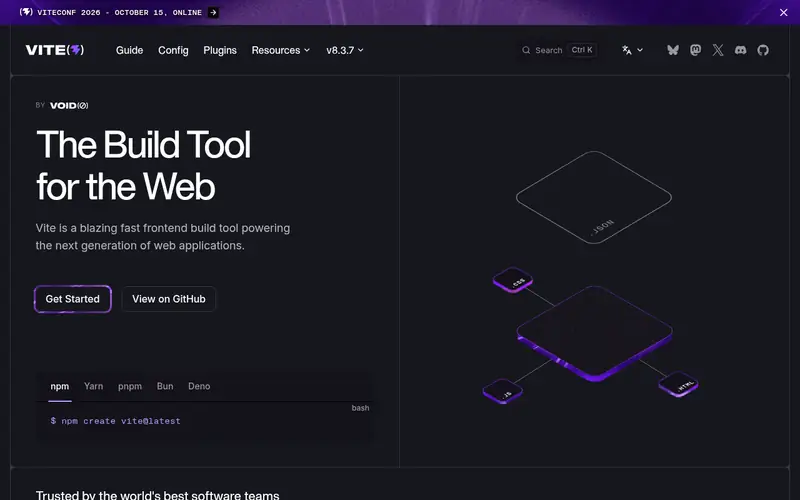
Vite scaffolds frontend projects through its create command, which pulls an official template for React, Vue, Svelte, Solid, Preact or a plain vanilla setup. It runs on Node.js and works on macOS, Linux and Windows. The generated project includes a dev server, a production build and sensible defaults for TypeScript and CSS.
Vite is released under the MIT licence and is free. It does not have a paid tier. The template list is curated by the project, so it covers common frontend stacks rather than every possible setup. If you need a custom template, you can write your own or use a community starter.
Skip Vite if you are scaffolding a backend service, a Python package or a monorepo with many apps; other tools on this list fit those jobs better. For frontend work it is the most direct path from an empty folder to a running app.
Standout: Fast dev server and build
Free (open source), as listed by the vendor (Vite website). Confirm the current plan price before you buy.
Free plan. Plans change, so confirm on the vendor's pricing page before you buy.
Benefits
- Fast dev server and build
- official templates for React, Vue, Svelte and more
Drawbacks
- Frontend-focused
- no built-in template system for other languages
Skip it if this limit matters to you: frontend-focused.
Verdict. A sensible pick for frontend developers starting JavaScript and TypeScript projects.
Alternatives in this guide: Cookiecutter, Copier, Yeoman
Cookiecutter
Best for teams that want language-agnostic templates with simple variables
What it is and where it fits
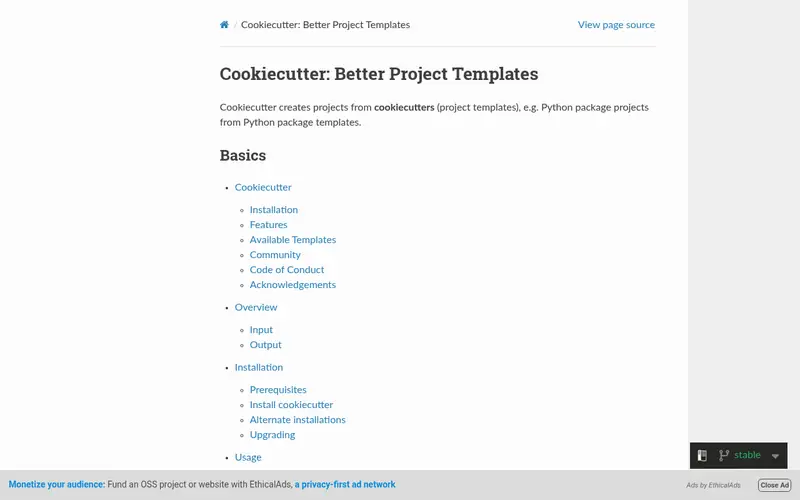
Cookiecutter creates projects from templates that are ordinary directories containing a cookiecutter.json file. It prompts for variable values and renders file and folder names from them. Because templates are not tied to a language, you can use it for Python packages, Go services, Terraform modules or documentation sites.
It runs on Python and is installed with pip or pipx. The project is open source under a BSD licence and free to use. There is no hosted service and no paid plan. Templates live in Git repositories, so you point Cookiecutter at a repository URL or a local path.
The main limit is that Cookiecutter does not maintain a central, vetted template catalog. You find templates through community lists and repositories, and you should review a template before running it. Skip it if you want a guided, framework-specific setup; choose it when you need one templating approach across many languages.
Standout: Works with any language
Free (open source), as listed by the vendor (Cookiecutter website). Confirm the current plan price before you buy.
Free plan. Plans change, so confirm on the vendor's pricing page before you buy.
Benefits
- Works with any language
- templates are plain directories with a JSON config
Drawbacks
- No built-in template registry
- template quality varies by author
Skip it if this limit matters to you: no built-in template registry.
Verdict. A sensible pick for teams that want language-agnostic templates with simple variables.
Copier
Best for projects that need to pull template updates later
What it is and where it fits
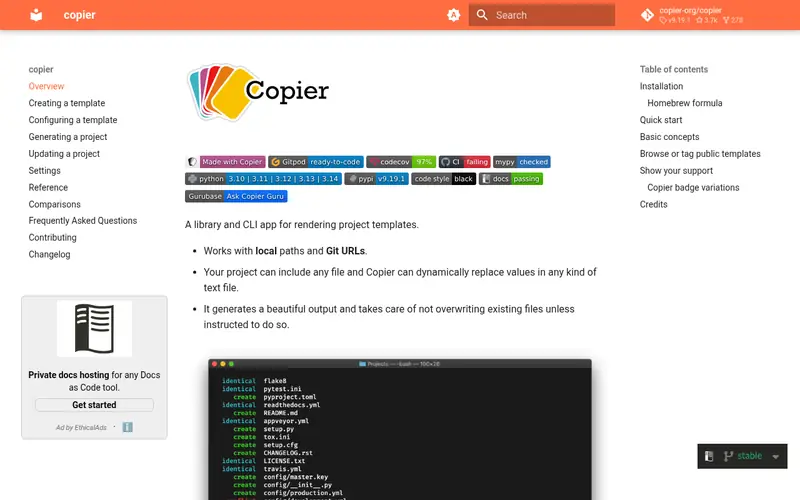
Copier generates projects from Git-based templates and, unlike most scaffolding tools, can apply later template changes to an existing project. That makes it useful for shared service templates, internal standards and anything that evolves. Templates use Jinja2 syntax and a copier.yml configuration file.
It runs on Python and installs with pip or pipx. Copier is open source and free, with no paid tier. It works on macOS, Linux and Windows wherever Python runs. The update feature is the reason many platform teams pick it over simpler generators.
The tradeoff is a smaller public template ecosystem and a learning curve around template versioning and migrations. Skip Copier if you only need a one-time scaffold and never plan to update it; a simpler generator will do. Choose it when consistency across many repositories matters.
Standout: Supports updating generated projects from the template
Free (open source), as listed by the vendor (Copier website). Confirm the current plan price before you buy.
Free plan. Plans change, so confirm on the vendor's pricing page before you buy.
Benefits
- Supports updating generated projects from the template
- uses Jinja2 for rendering
Drawbacks
- Smaller template ecosystem than Cookiecutter
- requires Python
Skip it if this limit matters to you: smaller template ecosystem than Cookiecutter.
Verdict. A sensible pick for projects that need to pull template updates later.
Alternatives in this guide: Vite, Cookiecutter, Yeoman
Yeoman
Best for developers who want a large library of community generators
What it is and where it fits
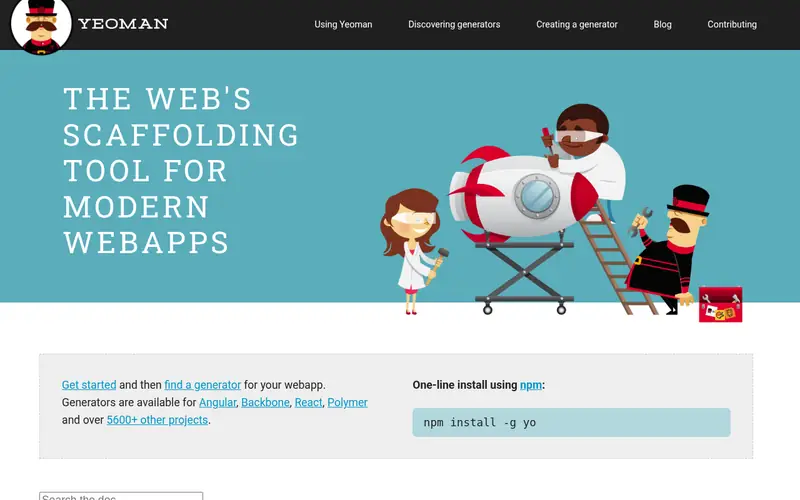
Yeoman is a scaffolding framework built on Node.js. You install generators from npm and run them with the yo command. Generators exist for many frameworks, libraries and tooling setups, and each one walks you through prompts before writing files.
Yeoman is open source and free, with no paid plan. It runs on Node.js across macOS, Linux and Windows. The strength is breadth: if a framework has a community generator, you can often scaffold it with one command. The weakness is consistency, since each generator is maintained by its own author.
Check a generator's last publish date and open issues before relying on it. Skip Yeoman if you want an officially maintained template for a specific framework; the framework's own CLI is usually a safer bet. Use it when you need a generator for a niche stack or an internal tool.
Standout: Large generator ecosystem
Free (open source), as listed by the vendor (Yeoman website). Confirm the current plan price before you buy.
Free plan. Plans change, so confirm on the vendor's pricing page before you buy.
Benefits
- Large generator ecosystem
- interactive prompts guide setup
Drawbacks
- Generator quality and maintenance vary
- older generators may be stale
Skip it if this limit matters to you: generator quality and maintenance vary.
Verdict. A sensible pick for developers who want a large library of community generators.
Alternatives in this guide: Vite, Cookiecutter, Copier
Nx
Best for teams scaffolding and managing monorepos
What it is and where it fits
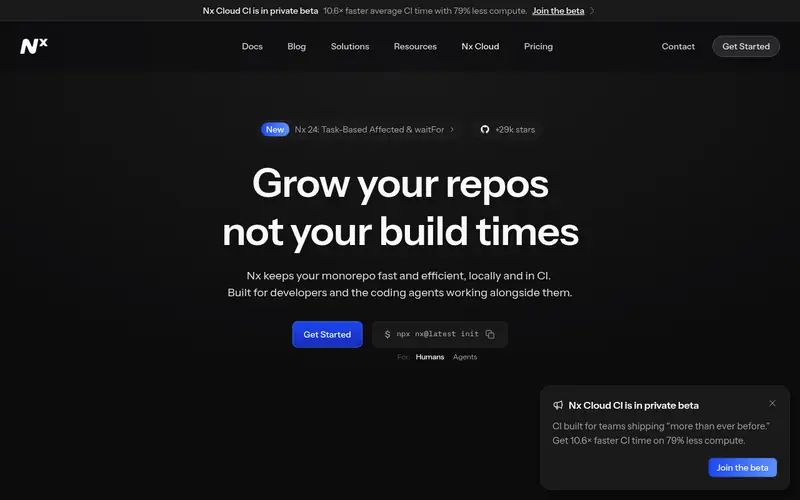
Nx scaffolds and manages monorepos. Its generators create applications, libraries and configuration inside a workspace, with plugins for React, Angular, Node, Nest and others. It runs on Node.js and works on macOS, Linux and Windows.
The core tooling is open source and free. Nx also offers paid cloud features for things like remote caching and CI, so check the vendor pricing page for current plans and limits. For local scaffolding and project structure, the free tier is enough for many teams.
Nx adds more structure than a single-project generator: workspace configuration, project graph and task running. That is a benefit in a monorepo and overhead in a small project. Skip it for a one-off script or a single small app; choose it when you expect many projects that share code.
Standout: Generates apps and libraries inside a monorepo
See vendor pricing page, as listed by the vendor (Nx website). Confirm the current plan price before you buy.
Free plan. Plans change, so confirm on the vendor's pricing page before you buy.
Benefits
- Generates apps and libraries inside a monorepo
- plugins for many frameworks
Drawbacks
- Heavier setup than a single-project generator
- some features are tied to paid plans
Skip it if this limit matters to you: heavier setup than a single-project generator.
Verdict. A sensible pick for teams scaffolding and managing monorepos.
Alternatives in this guide: Vite, Cookiecutter, Copier
Spring Initializr
Best for java and Kotlin developers starting Spring Boot projects
What it is and where it fits
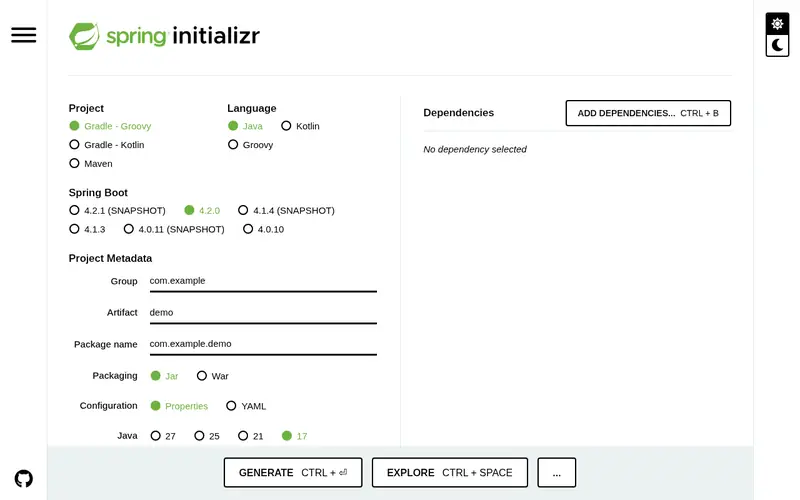
Spring Initializr generates Spring Boot projects. You pick the build tool, language, Spring Boot version and dependencies, then download a zip or generate from the command line. It supports Maven and Gradle and Java, Kotlin and Groovy.
The hosted service at start.spring.io is free. The project is open source, so you can also run your own instance. It works in any browser and the generated project runs wherever the JDK runs. The web form sends your selections to the server, so avoid entering anything sensitive in project metadata.
The tool is specific to Spring. Skip it for non-Spring Java work or other languages. For Spring Boot, it is the standard starting point and keeps dependency versions aligned with the chosen Boot release.
Standout: Official Spring project generator
Free, as listed by the vendor (Spring Initializr website). Confirm the current plan price before you buy.
Free plan. Plans change, so confirm on the vendor's pricing page before you buy.
Benefits
- Official Spring project generator
- choose dependencies and build tool in the browser
Drawbacks
- Limited to the Spring ecosystem
- web form sends your selections to the server
Skip it if this limit matters to you: limited to the Spring ecosystem.
Verdict. A sensible pick for java and Kotlin developers starting Spring Boot projects.
Alternatives in this guide: Vite, Cookiecutter, Copier
.NET CLI templates
Best for .NET developers who want built-in project templates
What it is and where it fits
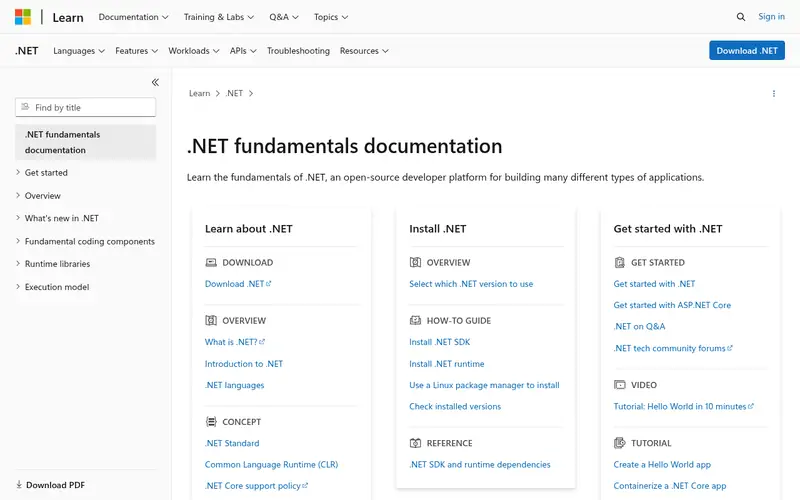
The dotnet new command is part of the .NET SDK and scaffolds projects from built-in templates. It covers console apps, web apps, class libraries, test projects and more, and you can install additional template packs. It runs on Windows, macOS and Linux wherever the SDK is installed.
It is free with the SDK. There is no separate paid tier. Templates are created locally, so no project data leaves your machine. You can list, search and install templates from the command line.
The scope is .NET. Skip it for other stacks. For .NET work it removes the need for a separate scaffolding tool, and template packs let teams standardize internal project layouts.
Standout: Ships with the .NET SDK
Free, as listed by the vendor (.NET CLI templates website). Confirm the current plan price before you buy.
Free plan. Plans change, so confirm on the vendor's pricing page before you buy.
Benefits
- Ships with the .NET SDK
- templates for console, web, library and test projects
Drawbacks
- Tied to the .NET ecosystem
- custom templates need extra setup
Skip it if this limit matters to you: tied to the .NET ecosystem.
Verdict. A sensible pick for .NET developers who want built-in project templates.
Alternatives in this guide: Vite, Cookiecutter, Copier
Who should use what
Frontend developers starting a React, Vue or Svelte app should use Vite. Teams that need one templating approach across Python, Go, infrastructure and docs should use Cookiecutter, or Copier if generated projects must receive template updates. Developers who need a generator for a niche stack should check Yeoman, after confirming the generator is maintained. Teams building a monorepo should use Nx, and Java developers starting Spring Boot should use Spring Initializr. .NET developers can rely on the templates built into the SDK.
Questions to settle before you buy
What to check before you buy
- Confirm the generator or template is actively maintained, with recent commits or releases.
- Check which languages and frameworks the tool supports before standardizing on it.
- Review the licence and any paid tiers, especially for monorepo and cloud features.
- Read the template files before running a third-party generator, since it writes to your project.
- Decide whether you need one-time scaffolding or later template updates, which narrows the choice.
FAQ
Are project scaffolding tools free?
Most are. Vite, Cookiecutter, Copier, Yeoman and the .NET templates are open source and free. Nx has free core tooling plus paid cloud features. Spring Initializr is free to use online. Check each vendor page for current terms.
What is the difference between a scaffolding tool and a build tool?
A scaffolding tool creates the initial project files from a template. A build tool compiles, bundles and runs the project afterward. Some tools, like Vite and Nx, do both: they scaffold a project and provide the build and dev server.
Can I use Cookiecutter for non-Python projects?
Yes. Cookiecutter templates are plain directories with a JSON config, so they work for any language or file type. The tool itself runs on Python, but the projects it generates do not have to be Python.
Does scaffolding send my project data anywhere?
Local generators such as Vite, Cookiecutter, Copier, Yeoman and dotnet new write files on your machine. Hosted generators like Spring Initializr receive your selections on their server. Do not enter secrets or sensitive names in web forms.
How do I keep generated projects updated?
Most generators are one-time. Copier supports applying later template changes to an existing project. Nx manages shared configuration inside a workspace. For other tools, you update dependencies and config manually or regenerate and merge.
Sources we checked
Method: how we score · editorial policy.
Change log. First published 22 Nov 2026.