Stage 01 · Write · Researched comparison
Best Programming Fonts for Code Readability in 2026
JetBrains Mono is the first pick for most developers: it is free, open source, and designed for long coding sessions with tall lowercase letters and clear punctuation. If you want ligatures that turn operators into single glyphs, try Fira Code. If you prefer a classic bitmap-inspired look with no ligatures, use IBM Plex Mono. All three are free and work across major editors and operating systems.

By Shihab Mia
Published 22 Nov 2026 · 7 tools compared
We run no ads and no affiliate links at launch. The order of a list follows our published method. See how we score.
Prices are the starting prices vendors list publicly. Plans change, so confirm the current price on the vendor page before you buy.
Key takeaways
- Every font in this guide is free to download; most are open source under the SIL Open Font License.
- Ligature support varies: Fira Code, JetBrains Mono, Cascadia Code and Victor Mono offer it, while IBM Plex Mono and Source Code Pro do not.
- Fonts are local files, so there is no data sent anywhere when you type; privacy depends only on where you download them.
- Check that your editor and terminal support ligatures and font fallback before you switch, since support differs by app.
Who each pick is for
- Developers who want a balanced default coding fontJetBrains Mono
- Developers who want operator ligatures in codeFira Code
- Teams that want a clean monospace font without ligaturesIBM Plex Mono
- Windows terminal and editor users who want ligaturesCascadia Code
- Developers who want a neutral, widely supported monospace fontSource Code Pro
- Developers who want a distinctive font with cursive italicsVictor Mono
- Developers who want a clear font with no ligaturesHack
Comparison
| Tool | Best for | Standout feature | Listed starting price | Free plan or trial |
|---|---|---|---|---|
| 1JetBrains Mono | Developers who want a balanced default coding font | Tall x-height and clear punctuation | Free (open source) | Free plan |
| 2Fira Code | Developers who want operator ligatures in code | Extensive ligature set for common operators | Free (open source) | Free plan |
| 3IBM Plex Mono | Teams that want a clean monospace font without ligatures | Consistent design across the Plex family | Free (open source) | Free plan |
| 4Cascadia Code | Windows terminal and editor users who want ligatures | Designed with terminal use in mind | Free (open source) | Free plan |
| 5Source Code Pro | Developers who want a neutral, widely supported monospace font | Broad weight range | Free (open source) | Free plan |
| 6Victor Mono | Developers who want a distinctive font with cursive italics | Cursive italic style for comments and keywords | Free (open source) | Free plan |
| 7Hack | Developers who want a clear font with no ligatures | Designed for source code with clear glyph shapes | Free (open source) | Free plan |
How we picked
We selected fonts that are currently maintained, free to download and designed for source code. Criteria included monospace spacing, character clarity, ligature support, platform availability, licence terms and language coverage. We checked vendor pages, project repositories and documentation for each entry. We did not benchmark rendering speed or run readability tests. Prices and licence terms can change, so confirm details on the official site before you rely on them.
The tools, one by one
JetBrains Mono
Best for developers who want a balanced default coding font
What it is and where it fits
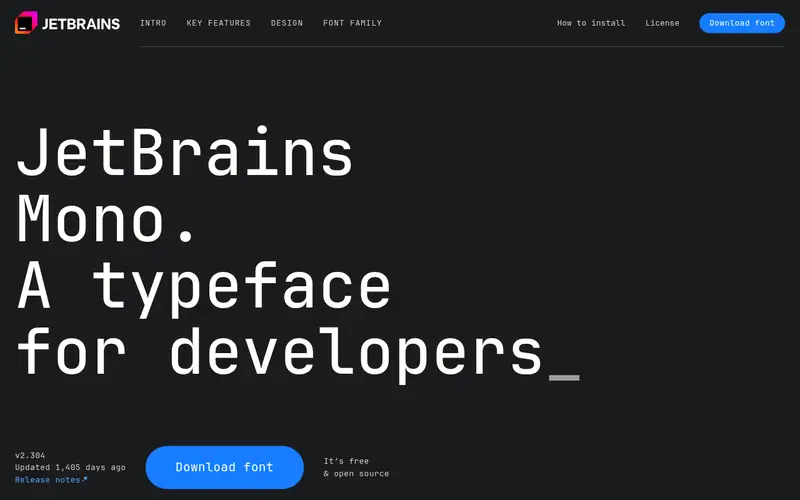
JetBrains Mono is a monospaced typeface released by JetBrains under the SIL Open Font License. It was designed for code, with taller lowercase letters and increased letter height to improve reading at small sizes. Punctuation and symbols are drawn to be distinct, which helps when scanning operators and brackets.
The font ships in several weights and includes ligatures for common operator combinations. It covers Latin, Greek and Cyrillic scripts and includes a large set of programming symbols. You can install it as a system font or bundle it with an editor. Because it is open source, you can modify and redistribute it under the licence terms.
Skip it if you dislike ligatures or need an extremely narrow font to fit more columns on screen. It works on Windows, macOS and Linux.
Standout: Tall x-height and clear punctuation
Free (open source), as listed by the vendor (JetBrains Mono website). Confirm the current plan price before you buy.
Free plan. Plans change, so confirm on the vendor's pricing page before you buy.
Benefits
- Tall x-height and clear punctuation
- wide language and symbol coverage
Drawbacks
- Ligatures are on by default in some editors
- not the narrowest option
Skip it if this limit matters to you: ligatures are on by default in some editors.
Verdict. A sensible pick for developers who want a balanced default coding font.
Alternatives in this guide: Fira Code, IBM Plex Mono, Cascadia Code
Fira Code
Best for developers who want operator ligatures in code
What it is and where it fits
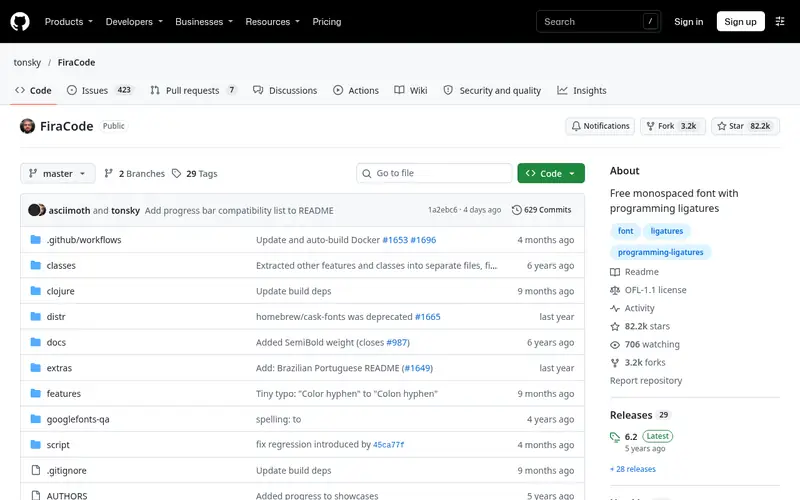
Fira Code is an extension of Fira Mono that adds programming ligatures. It turns sequences such as arrows, comparison operators and equality checks into single glyphs. The project is maintained on GitHub and released under the SIL Open Font License.
It is available for Windows, macOS and Linux, and many editors and terminals support it. Ligature rendering depends on the editor; some enable it by default, others require a setting. The font also includes a variant without ligatures if you want the same letterforms without combined glyphs.
Skip it if you read code in tools that do not support ligatures or if combined operators slow your reading. The repository documents installation and editor-specific notes.
Standout: Extensive ligature set for common operators
Free (open source), as listed by the vendor (Fira Code website). Confirm the current plan price before you buy.
Free plan. Plans change, so confirm on the vendor's pricing page before you buy.
Benefits
- Extensive ligature set for common operators
- active project with regular releases
Drawbacks
- Ligatures can confuse beginners
- some editors need manual setup
Skip it if this limit matters to you: ligatures can confuse beginners.
Verdict. A sensible pick for developers who want operator ligatures in code.
Alternatives in this guide: JetBrains Mono, IBM Plex Mono, Cascadia Code
IBM Plex Mono
Best for teams that want a clean monospace font without ligatures
What it is and where it fits
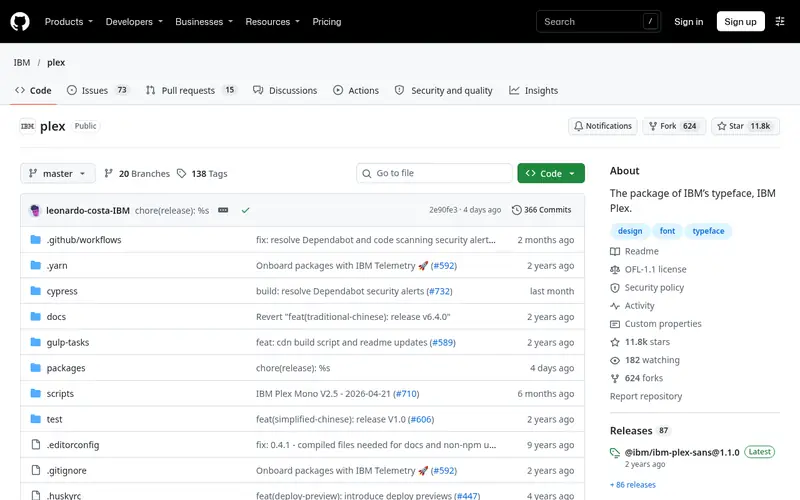
IBM Plex Mono is part of the IBM Plex type family, released under the SIL Open Font License. It is a monospaced design intended for code and technical text. The letterforms distinguish characters that often look alike, such as zero and capital O, and one, lowercase l and capital I.
The font is available in multiple weights and styles, and it works on Windows, macOS and Linux. It does not include programming ligatures, which suits developers who prefer plain operator sequences. The wider Plex family lets you match code and interface text if you use the same typeface across an application.
Skip it if ligatures are a requirement or if you want a very compact character width. The GitHub repository hosts the source files and release downloads.
Standout: Consistent design across the Plex family
Free (open source), as listed by the vendor (IBM Plex Mono website). Confirm the current plan price before you buy.
Free plan. Plans change, so confirm on the vendor's pricing page before you buy.
Benefits
- Consistent design across the Plex family
- clear distinction between similar characters
Drawbacks
- No programming ligatures
- fewer weights than some rivals
Skip it if this limit matters to you: no programming ligatures.
Verdict. A sensible pick for teams that want a clean monospace font without ligatures.
Alternatives in this guide: JetBrains Mono, Fira Code, Cascadia Code
Cascadia Code
Best for windows terminal and editor users who want ligatures
What it is and where it fits
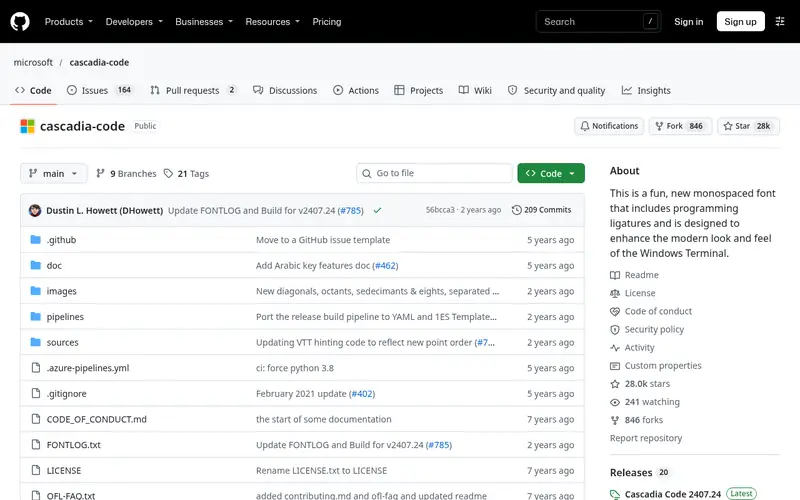
Cascadia Code is a monospaced font from Microsoft, released under the SIL Open Font License. It was designed for terminal and code editor use and ships in variants, including one with ligatures and one without. It also includes a powerline symbol set for terminal prompts.
The font works on Windows, macOS and Linux, though it is most associated with Windows Terminal and Visual Studio. Ligature rendering depends on the application; check your editor's font settings. The project is hosted on GitHub with release downloads and source files.
Skip it if you do not use Microsoft tools and want a font with a longer independent history. The repository documents variants and installation.
Standout: Designed with terminal use in mind
Free (open source), as listed by the vendor (Cascadia Code website). Confirm the current plan price before you buy.
Free plan. Plans change, so confirm on the vendor's pricing page before you buy.
Benefits
- Designed with terminal use in mind
- includes a ligature-free variant
Drawbacks
- Tied closely to Microsoft tooling
- ligature support depends on the host app
Skip it if this limit matters to you: tied closely to Microsoft tooling.
Verdict. A sensible pick for windows terminal and editor users who want ligatures.
Alternatives in this guide: JetBrains Mono, Fira Code, IBM Plex Mono
Source Code Pro
Best for developers who want a neutral, widely supported monospace font
What it is and where it fits
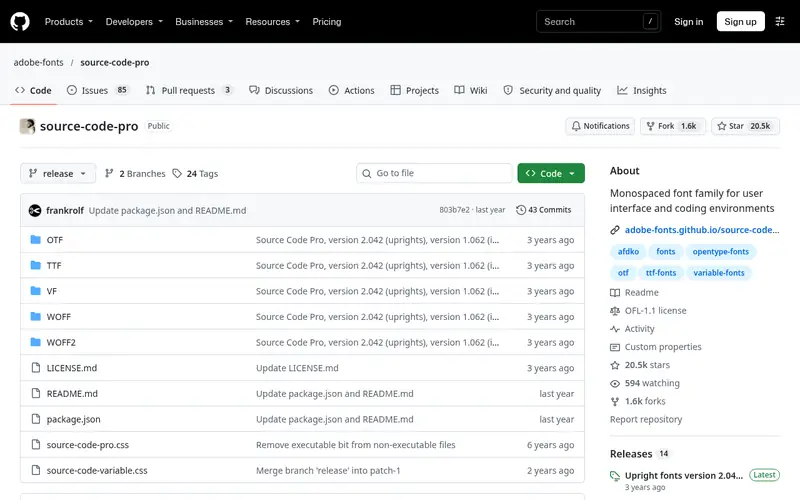
Source Code Pro is a monospaced typeface from Adobe, released under the SIL Open Font License. It was designed for coding environments and includes a range of weights and italic styles. The letterforms are neutral and aim to stay readable at small sizes.
It works on Windows, macOS and Linux and is bundled with or supported by many editors and terminals. It does not include programming ligatures. The GitHub repository hosts source files and release builds, and the font is also distributed through package managers.
Skip it if you want ligatures or a more distinctive look. It remains a safe default when you need a font that most tools already recognize.
Standout: Broad weight range
Free (open source), as listed by the vendor (Source Code Pro website). Confirm the current plan price before you buy.
Free plan. Plans change, so confirm on the vendor's pricing page before you buy.
Benefits
- Broad weight range
- stable and widely bundled
Drawbacks
- No ligatures
- design is less distinctive than newer fonts
Skip it if this limit matters to you: no ligatures.
Verdict. A sensible pick for developers who want a neutral, widely supported monospace font.
Alternatives in this guide: JetBrains Mono, Fira Code, IBM Plex Mono
Victor Mono
Best for developers who want a distinctive font with cursive italics
What it is and where it fits
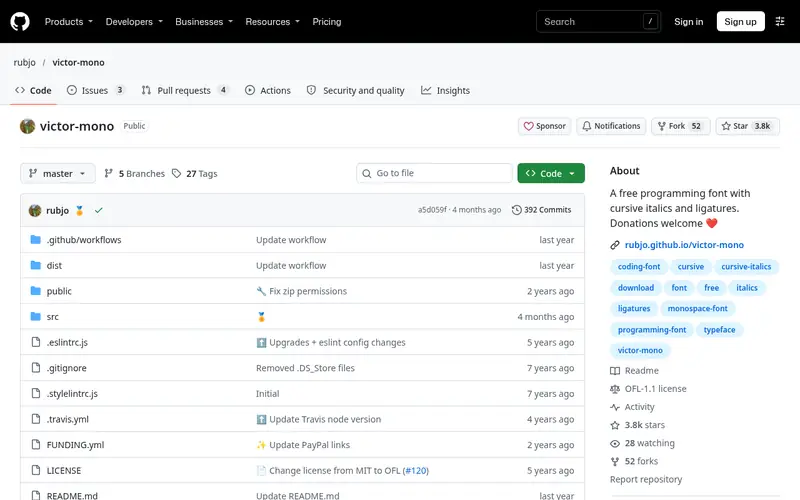
Victor Mono is a monospaced font released under the SIL Open Font License. It includes programming ligatures and a cursive italic style, which some developers use to distinguish comments and keywords from regular code. The font is available in several weights.
It works on Windows, macOS and Linux, and installation depends on your editor's font handling. Ligatures and italics render only if the application supports them. The GitHub repository provides release downloads and documentation.
Skip it if you dislike cursive italics or need a font with very broad script coverage. It is a stylistic choice more than a neutral default.
Standout: Cursive italic style for comments and keywords
Free (open source), as listed by the vendor (Victor Mono website). Confirm the current plan price before you buy.
Free plan. Plans change, so confirm on the vendor's pricing page before you buy.
Benefits
- Cursive italic style for comments and keywords
- includes ligatures
Drawbacks
- Cursive italics are divisive
- fewer weights than larger families
Skip it if this limit matters to you: cursive italics are divisive.
Verdict. A sensible pick for developers who want a distinctive font with cursive italics.
Alternatives in this guide: JetBrains Mono, Fira Code, IBM Plex Mono
Hack
Best for developers who want a clear font with no ligatures
What it is and where it fits
Hack is an open-source monospaced typeface derived from Bitstream Vera and DejaVu Sans Mono. It is released under the MIT licence and designed for source code, with clear distinctions between similar characters and a set of powerline symbols for terminal prompts.
It works on Windows, macOS and Linux and is supported by many editors and terminals. It does not include programming ligatures. The project website and GitHub repository host downloads and documentation.
Skip it if you need ligatures or frequent updates. It is a stable choice for developers who want plain, readable code text.
Standout: Designed for source code with clear glyph shapes
Free (open source), as listed by the vendor (Hack website). Confirm the current plan price before you buy.
Free plan. Plans change, so confirm on the vendor's pricing page before you buy.
Benefits
- Designed for source code with clear glyph shapes
- includes powerline symbols
Drawbacks
- No ligatures
- project releases are less frequent than some rivals
Skip it if this limit matters to you: no ligatures.
Verdict. A sensible pick for developers who want a clear font with no ligatures.
Alternatives in this guide: JetBrains Mono, Fira Code, IBM Plex Mono
Who should use what
If you want a balanced default with no setup fuss, start with JetBrains Mono. If you like ligatures that combine operators, choose Fira Code or Cascadia Code. If you work in a team that prefers plain operator sequences, IBM Plex Mono or Hack are safer. If you want a distinctive style with cursive italics, try Victor Mono, but check that your editor renders italics and ligatures correctly.
Questions to settle before you buy
What to check before you buy
- Confirm your editor and terminal support the font's ligatures if you plan to use them.
- Check that the font covers the scripts and symbols you actually type.
- Verify the licence allows your intended use, including bundling in an application.
- Test similar characters such as zero and O, and one, l and I, at your usual font size.
- Download from the official site or repository rather than a third-party mirror.
FAQ
Are programming fonts free?
Most fonts in this guide are free and open source under the SIL Open Font License or MIT licence. You can download and install them at no cost. Some commercial fonts exist, but they are not required for readable code. Always check the licence if you plan to redistribute a font.
Do I need ligatures for coding?
No. Ligatures are optional and change how operator sequences look. Some developers find them easier to scan; others find them confusing, especially when reading unfamiliar code. Editors and terminals vary in ligature support, so test before you commit.
Can I use these fonts in a commercial product?
It depends on the licence. Most entries here use the SIL Open Font License, which allows bundling and redistribution under certain conditions. The MIT licence on Hack is more permissive. Read the licence file in the repository before shipping a font with your software.
Do programming fonts work in terminals?
Most do, but terminal support for ligatures and font fallback varies. Check your terminal's documentation for font settings and ligature support. If a terminal does not support ligatures, choose a font variant without them or a font that does not rely on them.
Does font choice affect coding speed?
There is no single answer that applies to everyone. Readability depends on your screen, font size, editor theme and personal preference. The fonts here are designed for code, but you should test a few at your normal size and pick what you can read comfortably.
Sources we checked
Method: how we score · editorial policy.
Change log. First published 22 Nov 2026.