Stage 01 · Write · Researched comparison
Best PHP PDF Libraries in 2026
mPDF is the first pick for most teams that need HTML and CSS to PDF with good Unicode and RTL support, all in pure PHP. Pick Dompdf if you want a lighter HTML-to-PDF renderer with a simple Composer install. Pick TCPDF if you need fine control over low-level PDF features or you maintain an older codebase that already depends on it.

By Shihab Mia
Published 27 Nov 2026 · 7 tools compared
We run no ads and no affiliate links at launch. The order of a list follows our published method. See how we score.
Prices are the starting prices vendors list publicly. Plans change, so confirm the current price on the vendor page before you buy.
Key takeaways
- mPDF, Dompdf, TCPDF and FPDF are pure PHP libraries that install with Composer and need no external binaries.
- Snappy and Browsershot render HTML through an external engine, so they need wkhtmltopdf or headless Chrome on the host.
- Every library here is free and open source, so cost is not the deciding factor; engine dependencies and CSS support are.
- smalot/pdfparser reads and extracts PDF content but does not create PDFs, so pair it with a generator.
Who each pick is for
- HTML and CSS to PDF with Unicode and RTL textmPDF
- Lightweight HTML to PDF rendering in pure PHPDompdf
- Low-level PDF control and legacy PHP codebasesTCPDF
- Small, dependency-free PDFs built from codeFPDF and FPDI
- HTML to PDF through the wkhtmltopdf binarySnappy
- PDF output that matches modern browser renderingBrowsershot
- Reading and extracting text and metadata from PDFssmalot/pdfparser
Comparison
| Tool | Best for | Standout feature | Listed starting price | Free plan or trial |
|---|---|---|---|---|
| 1mPDF | HTML and CSS to PDF with Unicode and RTL text | Strong CSS and page-layout support | Free (open source) | Free plan |
| 2Dompdf | Lightweight HTML to PDF rendering in pure PHP | Simple Composer install | Free (open source) | Free plan |
| 3TCPDF | Low-level PDF control and legacy PHP codebases | Large feature set with fine control over PDF structure | Free (open source) | Free plan |
| 4FPDF and FPDI | Small, dependency-free PDFs built from code | Very small footprint | Free (open source) | Free plan |
| 5Snappy | HTML to PDF through the wkhtmltopdf binary | Renders real HTML and CSS through an external engine | Free (open source) | Free plan |
| 6Browsershot | PDF output that matches modern browser rendering | Uses headless Chrome, so modern CSS and JavaScript work | Free (open source) | Free plan |
| 7smalot/pdfparser | Reading and extracting text and metadata from PDFs | Pure PHP with no external binaries | Free (open source) | Free plan |
How we picked
We compared libraries on fit for common PHP PDF jobs, supported platforms and dependencies, licence and price, and the main limits each one documents. We also looked at whether a library generates or reads PDFs, since those are different tasks. Sources are vendor pages, project documentation and public repositories. Prices and licences can change, so confirm details on the vendor or repository page before you commit.
The tools, one by one
mPDF
Best for hTML and CSS to PDF with Unicode and RTL text
What it is and where it fits
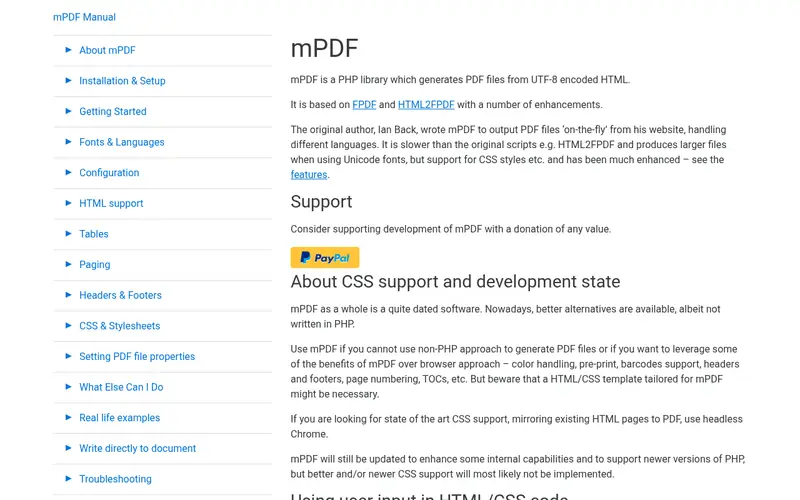
mPDF converts HTML and CSS into PDF files in pure PHP. It supports page headers and footers, page breaks, tables, columns and a wide range of CSS properties. It handles UTF-8 and non-Latin scripts, including Arabic and Hebrew, which many simpler libraries struggle with. It installs with Composer and needs no external binary.
The library is maintained on GitHub under the GPL and is free to use. Its main limits are memory and speed: very large documents or complex tables can hit PHP memory limits, and rendering is slower than lighter engines. It suits applications that need styled HTML output with international text. Teams with tight memory budgets or simple text-only PDFs may prefer a lighter option.
Standout: Strong CSS and page-layout support
Free (open source), as listed by the vendor (mPDF website). Confirm the current plan price before you buy.
Free plan. Plans change, so confirm on the vendor's pricing page before you buy.
Benefits
- Strong CSS and page-layout support
- handles Unicode, CJK and right-to-left scripts
Drawbacks
- Memory use grows on large documents
- slower than Dompdf on simple pages
Skip it if this limit matters to you: memory use grows on large documents.
Verdict. A sensible pick for HTML and CSS to PDF with Unicode and RTL text.
Alternatives in this guide: Dompdf, TCPDF, FPDF and FPDI
Dompdf
Best for lightweight HTML to PDF rendering in pure PHP
What it is and where it fits
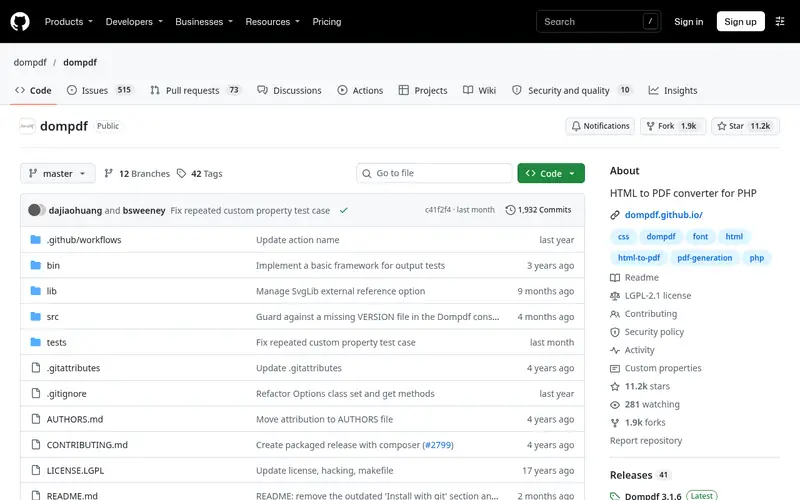
Dompdf is a pure PHP HTML-to-PDF renderer. It reads an HTML document and a stylesheet and produces a PDF, with support for tables, floats, page breaks and basic CSS. It is widely used in frameworks such as Laravel through wrapper packages. It installs with Composer and runs anywhere PHP runs, with no external binary.
The project is open source under the LGPL and free to use. Its CSS support is closer to CSS 2.1 than to modern CSS, so flexbox and grid layouts do not render as they would in a browser. JavaScript is not executed. It suits invoices, reports and simple documents. Teams that need modern CSS layouts should look at a headless-browser approach instead.
Standout: Simple Composer install
Free (open source), as listed by the vendor (Dompdf website). Confirm the current plan price before you buy.
Free plan. Plans change, so confirm on the vendor's pricing page before you buy.
Benefits
- Simple Composer install
- good CSS 2.1 support for common layouts
Drawbacks
- Limited CSS3 and JavaScript support
- large tables can be slow
Skip it if this limit matters to you: limited CSS3 and JavaScript support.
Verdict. A sensible pick for lightweight HTML to PDF rendering in pure PHP.
Alternatives in this guide: mPDF, TCPDF, FPDF and FPDI
TCPDF
Best for low-level PDF control and legacy PHP codebases
What it is and where it fits
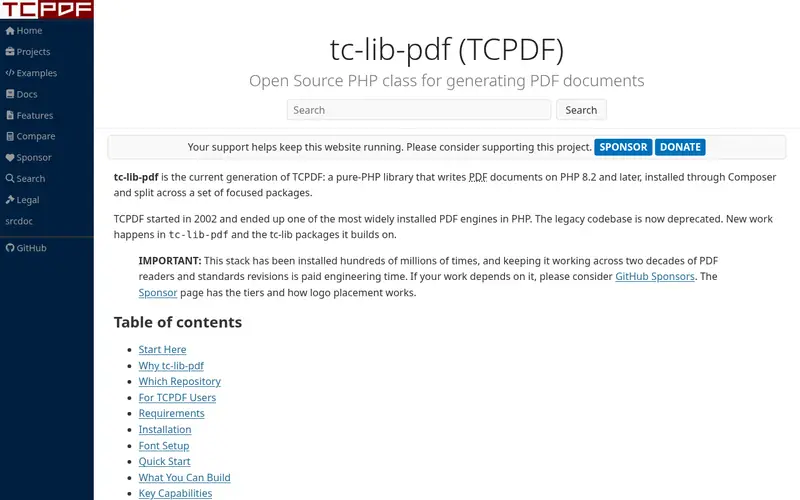
TCPDF is one of the older PHP PDF libraries and remains widely used. It gives direct control over pages, fonts, barcodes, images and document metadata. It supports many languages and font formats, and it can produce PDF/A and other structured output. It installs with Composer or as a standalone package.
TCPDF is free and open source under the LGPL. Its API is procedural and older in style, and its HTML support is more limited than mPDF or Dompdf, so complex CSS does not render well. It suits projects that need low-level control or that already depend on it. New projects that mainly need HTML-to-PDF should compare it against mPDF first.
Standout: Large feature set with fine control over PDF structure
Free (open source), as listed by the vendor (TCPDF website). Confirm the current plan price before you buy.
Free plan. Plans change, so confirm on the vendor's pricing page before you buy.
Benefits
- Large feature set with fine control over PDF structure
- barcode and font support built in
Drawbacks
- Older API
- HTML and CSS support is weaker than mPDF or Dompdf
Skip it if this limit matters to you: older API.
Verdict. A sensible pick for low-level PDF control and legacy PHP codebases.
Alternatives in this guide: mPDF, Dompdf, FPDF and FPDI
FPDF and FPDI
Best for small, dependency-free PDFs built from code
What it is and where it fits
FPDF is a minimal PHP class for building PDFs from code. You call methods to add pages, set fonts and write text, lines and images. It has no HTML parser and no CSS engine, so you position content yourself. FPDI is a companion library that imports existing PDF pages into an FPDF document, which is useful for templates and overlays.
FPDF is free and open source under a permissive licence. Its small size and lack of dependencies make it easy to deploy. The trade-off is that anything beyond simple text layout has to be coded by hand, and UTF-8 text needs extra font setup. It suits fixed-layout documents such as labels, tickets and simple certificates. Teams that need HTML rendering should use mPDF or Dompdf instead.
Standout: Very small footprint
Free (open source), as listed by the vendor (FPDF and FPDI website). Confirm the current plan price before you buy.
Free plan. Plans change, so confirm on the vendor's pricing page before you buy.
Benefits
- Very small footprint
- simple API for drawing text and shapes
Drawbacks
- No HTML or CSS rendering
- UTF-8 needs extra work
Skip it if this limit matters to you: no HTML or CSS rendering.
Verdict. A sensible pick for small, dependency-free PDFs built from code.
Snappy
Best for hTML to PDF through the wkhtmltopdf binary
What it is and where it fits
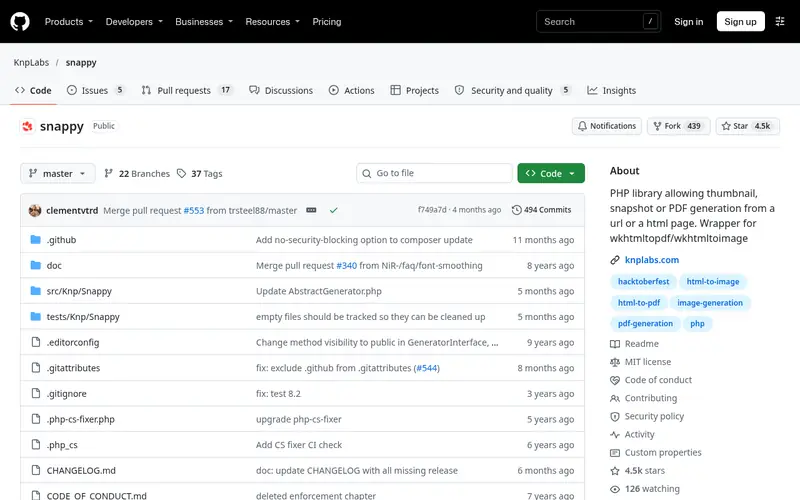
Snappy is a PHP wrapper around the wkhtmltopdf command-line tool. You pass it HTML or a URL, and it runs wkhtmltopdf to produce a PDF. Because rendering happens in an external engine, CSS support is broader than in pure PHP libraries, and it can render full web pages. It installs with Composer, but the wkhtmltopdf binary must be installed and available on the server.
Snappy is free and open source. The main limits come from wkhtmltopdf itself: it uses an old WebKit engine, so modern CSS features may not render correctly, and the binary adds a deployment dependency. It suits teams that already run wkhtmltopdf or need to render existing web pages. Projects that need current browser rendering should compare it with Browsershot.
Standout: Renders real HTML and CSS through an external engine
Free (open source), as listed by the vendor (Snappy website). Confirm the current plan price before you buy.
Free plan. Plans change, so confirm on the vendor's pricing page before you buy.
Benefits
- Renders real HTML and CSS through an external engine
- supports headers and footers
Drawbacks
- Requires the wkhtmltopdf binary on the host
- wkhtmltopdf uses an old WebKit engine
Skip it if this limit matters to you: requires the wkhtmltopdf binary on the host.
Verdict. A sensible pick for HTML to PDF through the wkhtmltopdf binary.
Browsershot
Best for pDF output that matches modern browser rendering
What it is and where it fits
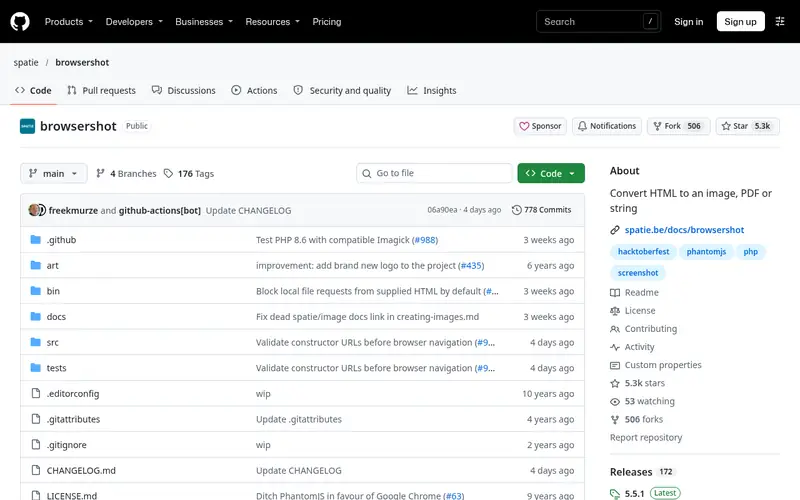
Browsershot is a PHP package from Spatie that drives headless Chrome through Puppeteer. You give it a URL or HTML, and it renders the page in Chrome and saves it as a PDF. Because it uses a current browser engine, modern CSS and JavaScript-driven pages render as they do in Chrome. It installs with Composer and needs Node.js plus a Chrome or Chromium binary on the host.
Browsershot is free and open source. The cost is operational: it needs Node.js, a browser binary and more memory and CPU than pure PHP libraries. Startup time per render is also higher. It suits teams that need pixel-accurate output from existing web pages or modern CSS. Small servers or shared hosting may not be able to run it.
Standout: Uses headless Chrome, so modern CSS and JavaScript work
Free (open source), as listed by the vendor (Browsershot website). Confirm the current plan price before you buy.
Free plan. Plans change, so confirm on the vendor's pricing page before you buy.
Benefits
- Uses headless Chrome, so modern CSS and JavaScript work
- good control over page size and margins
Drawbacks
- Requires Node.js and a headless Chrome install
- heavier resource use than pure PHP libraries
Skip it if this limit matters to you: requires Node.js and a headless Chrome install.
Verdict. A sensible pick for PDF output that matches modern browser rendering.
smalot/pdfparser
Best for reading and extracting text and metadata from PDFs
What it is and where it fits
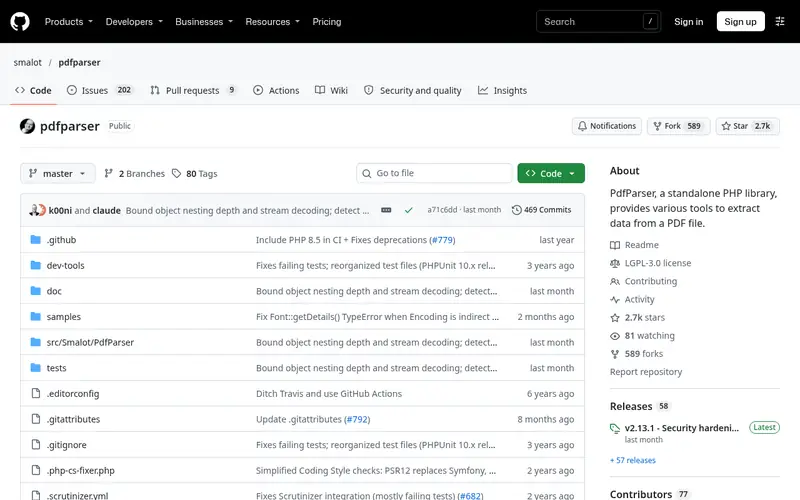
smalot/pdfparser is a pure PHP library for reading PDF files. It parses a PDF and exposes its pages, text, metadata and some structural details. Common uses include extracting text for search or indexing, reading form fields and pulling document properties. It installs with Composer and needs no external tools.
The library is free and open source under the MIT licence. It does not generate PDFs, so it is a complement to a generator rather than a replacement. Text extraction can be imperfect on scanned documents or PDFs with unusual encoding, and it does not perform OCR. It suits backend jobs that need to read uploaded PDFs. Teams that need OCR should add a separate OCR step.
Standout: Pure PHP with no external binaries
Free (open source), as listed by the vendor (smalot/pdfparser website). Confirm the current plan price before you buy.
Free plan. Plans change, so confirm on the vendor's pricing page before you buy.
Benefits
- Pure PHP with no external binaries
- extracts text and document metadata
Drawbacks
- Does not create PDFs
- extraction quality varies with PDF structure
Skip it if this limit matters to you: does not create PDFs.
Verdict. A sensible pick for reading and extracting text and metadata from PDFs.
Who should use what
If you need styled HTML invoices with Unicode and RTL text, start with mPDF. If you want a lightweight pure PHP renderer for simple documents, use Dompdf. If you need output that matches modern browser rendering and can run Node.js and Chrome, use Browsershot. If you only need to read uploaded PDFs and extract text, use smalot/pdfparser alongside whichever generator you pick.
Questions to settle before you buy
What to check before you buy
- Confirm the library runs in pure PHP or check which external binaries your host allows.
- Test your real templates, fonts and languages, especially non-Latin scripts and right-to-left text.
- Measure memory and render time on your largest expected document.
- Check the licence against your project's distribution requirements.
- Confirm the project is still maintained by checking recent commits and releases.
FAQ
Do I need an external binary to generate PDFs in PHP?
No. mPDF, Dompdf, TCPDF and FPDF are pure PHP and need no external binary. Snappy needs wkhtmltopdf, and Browsershot needs Node.js and a Chrome or Chromium binary. Pure PHP libraries are easier to deploy on shared hosting.
Which PHP PDF library has the best CSS support?
Browsershot, because it renders through headless Chrome and supports modern CSS and JavaScript. Among pure PHP libraries, mPDF has the broadest CSS support, followed by Dompdf. None of the pure PHP libraries match a current browser engine for modern layout features.
Can these libraries read PDFs as well as create them?
Only smalot/pdfparser is built for reading. The others generate PDFs. FPDI can import existing PDF pages into an FPDF document, which is useful for templates, but it is not a general text-extraction tool. Pair a generator with pdfparser if you need both.
Are these PHP PDF libraries free?
Yes. All the libraries listed here are free and open source under licences such as MIT, LGPL or GPL. Check the specific licence before distributing or modifying the code, since the terms differ between projects.
Can I generate PDFs from HTML with PHP?
Yes. mPDF, Dompdf, Snappy and Browsershot all accept HTML input. mPDF and Dompdf parse HTML and CSS in PHP. Snappy and Browsershot render HTML through an external engine, which gives broader CSS support but adds deployment dependencies.
Sources we checked
Method: how we score · editorial policy.
Change log. First published 27 Nov 2026.