Stage 01 · Write · Researched comparison
Best PHP Excel Libraries for Spreadsheet Work in 2026
PhpSpreadsheet is the first pick for most teams. It handles XLSX, XLS, ODS and CSV, supports formulas, styles and charts, and suits projects that need full control over file contents. OpenSpout is the better choice for large files because it streams rows and uses less memory. Laravel Excel fits Laravel applications that want an Eloquent-friendly wrapper around PhpSpreadsheet. All three are free and open source.

By Shihab Mia
Published 27 Nov 2026 · 6 tools compared
We run no ads and no affiliate links at launch. The order of a list follows our published method. See how we score.
Prices are the starting prices vendors list publicly. Plans change, so confirm the current price on the vendor page before you buy.
Key takeaways
- PhpSpreadsheet is the most complete option and covers reading, writing, formulas and styling, but it loads whole files into memory.
- OpenSpout streams rows for reading and writing, which keeps memory use low on large XLSX and CSV files.
- Laravel Excel wraps PhpSpreadsheet and adds imports, exports, queues and Blade-style views for Laravel projects.
- Every library listed here is free and open source, so the main trade-off is memory use, feature coverage and framework fit.
Who each pick is for
- Full-featured XLSX, ODS and CSV reading and writingPhpSpreadsheet
- Streaming large XLSX and CSV files with low memoryOpenSpout
- Laravel apps that need imports, exports and queued jobsLaravel Excel
- Fast XLSX writing with modest memory useFastExcelWriter
- Quick Laravel exports and imports backed by OpenSpoutfast-excel for Laravel
- Reading and writing CSV and XLSX with a simple streaming APISpatie simple-excel
Comparison
| Tool | Best for | Standout feature | Listed starting price | Free plan or trial |
|---|---|---|---|---|
| 1PhpSpreadsheet | Full-featured XLSX, ODS and CSV reading and writing | Wide format support including XLSX, XLS, ODS and CSV | Free (open source) | Free plan |
| 2OpenSpout | Streaming large XLSX and CSV files with low memory | Row-by-row streaming for reads and writes | Free (open source) | Free plan |
| 3Laravel Excel | Laravel apps that need imports, exports and queued jobs | Import and export classes, chunk reading and queue support | Free (open source) | Free plan |
| 4FastExcelWriter | Fast XLSX writing with modest memory use | Write-focused API with low memory overhead | Free (open source) | Free plan |
| 5fast-excel for Laravel | Quick Laravel exports and imports backed by OpenSpout | Simple API for exporting arrays and models | Free (open source) | Free plan |
| 6Spatie simple-excel | Reading and writing CSV and XLSX with a simple streaming API | Small, readable API for streaming reads and writes | Free (open source) | Free plan |
How we picked
We compared libraries on fit for common PHP spreadsheet jobs, supported formats, memory behavior, framework dependencies, licence and maintenance activity. All entries are free and open source. Details come from vendor documentation, project repositories and public package pages. Prices and plan terms can change, so confirm current details on each project page before you commit.
The tools, one by one
PhpSpreadsheet
Best for full-featured XLSX, ODS and CSV reading and writing
What it is and where it fits
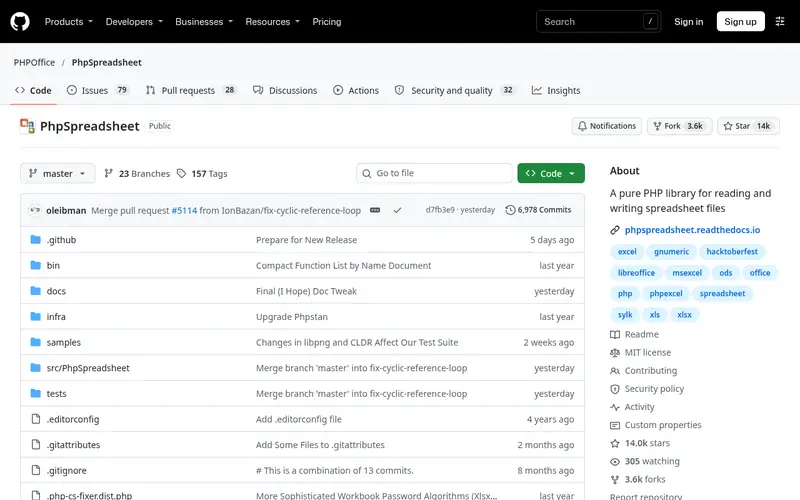
PhpSpreadsheet is the maintained successor to PHPExcel and the default choice when a project needs complete control over spreadsheet contents. It reads and writes XLSX, XLS, ODS and CSV, and it supports formulas, cell styling, merged cells, charts and worksheet protection. It runs on plain PHP with the required extensions, so it works in Laravel, Symfony or custom applications.
The main limit is memory. The library holds the workbook in memory, so very large files can exhaust the default PHP memory limit. Cell caching can reduce that pressure but adds configuration. For small and medium reports, or for files that need formatting and formulas, it is the most capable option. Teams that only stream large exports should look at OpenSpout instead.
Standout: Wide format support including XLSX, XLS, ODS and CSV
Free (open source), as listed by the vendor (PhpSpreadsheet website). Confirm the current plan price before you buy.
Free plan. Plans change, so confirm on the vendor's pricing page before you buy.
Benefits
- Wide format support including XLSX, XLS, ODS and CSV
- formulas, styles, charts and named ranges
Drawbacks
- Loads the whole workbook into memory
- heavier dependency footprint
Skip it if this limit matters to you: loads the whole workbook into memory.
Verdict. A sensible pick for full-featured XLSX, ODS and CSV reading and writing.
Alternatives in this guide: OpenSpout, Laravel Excel, FastExcelWriter
OpenSpout
Best for streaming large XLSX and CSV files with low memory
What it is and where it fits
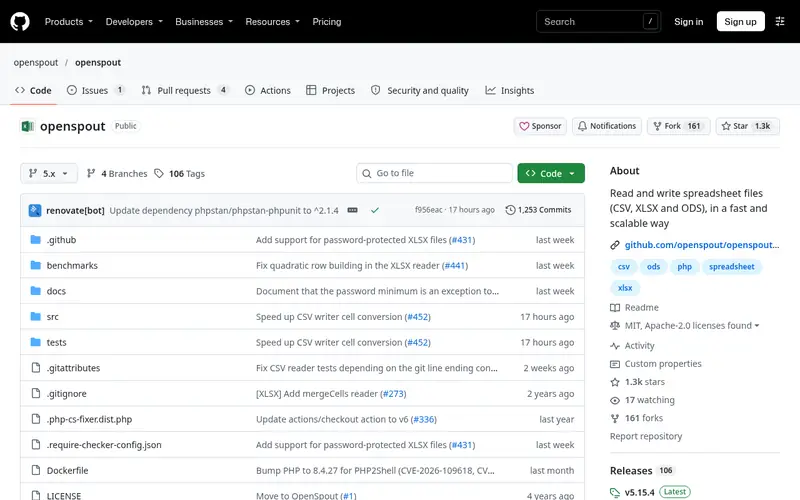
OpenSpout is a fork of the Box Spout project and focuses on speed and memory. It reads and writes XLSX, CSV and ODS by streaming rows, so it does not hold the whole file in memory. That makes it a good fit for exports of hundreds of thousands of rows, scheduled reports and import jobs that process data as it arrives.
The trade-off is feature depth. OpenSpout does not aim to replicate full spreadsheet styling or formula evaluation. If a report needs charts, conditional formatting or complex styles, PhpSpreadsheet is the better tool. OpenSpout is installed with Composer and works in any PHP project, including Laravel through a separate wrapper package.
Standout: Row-by-row streaming for reads and writes
Free (open source), as listed by the vendor (OpenSpout website). Confirm the current plan price before you buy.
Free plan. Plans change, so confirm on the vendor's pricing page before you buy.
Benefits
- Row-by-row streaming for reads and writes
- low memory use on large files
Drawbacks
- Fewer formatting and formula features than PhpSpreadsheet
- no XLS support
Skip it if this limit matters to you: fewer formatting and formula features than PhpSpreadsheet.
Verdict. A sensible pick for streaming large XLSX and CSV files with low memory.
Alternatives in this guide: PhpSpreadsheet, Laravel Excel, FastExcelWriter
Laravel Excel
Best for laravel apps that need imports, exports and queued jobs
What it is and where it fits
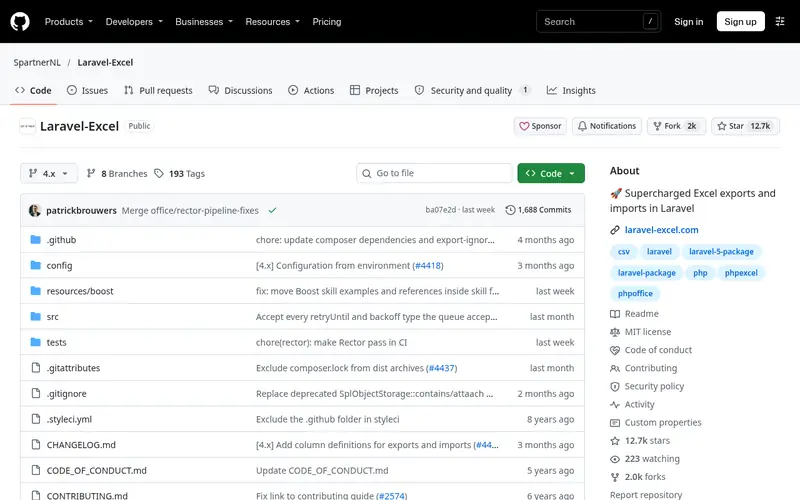
Laravel Excel wraps PhpSpreadsheet and adds Laravel conventions. You define import and export classes, map rows to models, and use chunk reading or queued exports for larger jobs. Exports can be rendered from Blade views, which keeps layout code separate from data code.
It requires Laravel and a supported PHP version, so it is not a fit for framework-agnostic code. Because it builds on PhpSpreadsheet, memory use follows the same pattern unless you use chunked or queued processing. Teams already in Laravel get less boilerplate and clearer structure. Teams outside Laravel should use PhpSpreadsheet or OpenSpout directly.
Standout: Import and export classes, chunk reading and queue support
Free (open source), as listed by the vendor (Laravel Excel website). Confirm the current plan price before you buy.
Free plan. Plans change, so confirm on the vendor's pricing page before you buy.
Benefits
- Import and export classes, chunk reading and queue support
- Blade views for export formatting
Drawbacks
- Tied to Laravel
- inherits PhpSpreadsheet memory behavior
Skip it if this limit matters to you: tied to Laravel.
Verdict. A sensible pick for laravel apps that need imports, exports and queued jobs.
Alternatives in this guide: PhpSpreadsheet, OpenSpout, FastExcelWriter
FastExcelWriter
Best for fast XLSX writing with modest memory use
What it is and where it fits
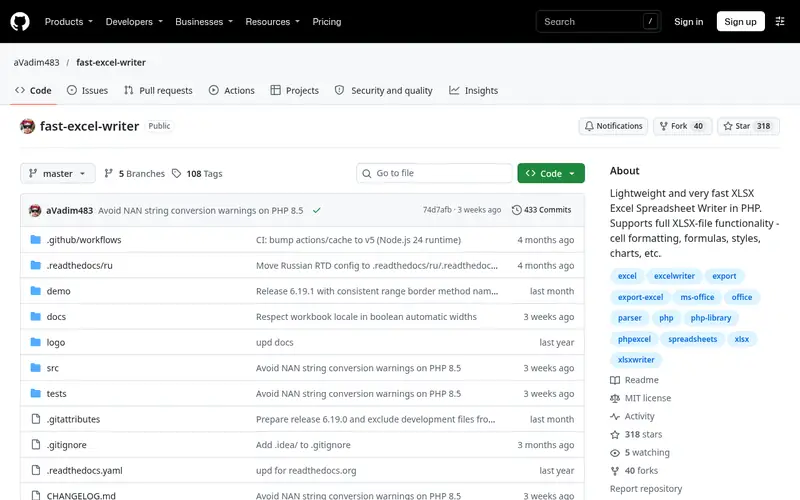
FastExcelWriter is a write-only library for generating XLSX files. It writes rows to disk as it goes, which keeps memory use low compared with loading a full workbook. It supports cell styles, number formats, formulas, merged cells and multiple worksheets, so it covers most report-generation needs.
It does not read spreadsheets. If a job needs both import and export, pair it with a reader or choose PhpSpreadsheet. The project is smaller and less widely used than PhpSpreadsheet, so check recent releases and open issues before adopting it for long-lived code. It installs with Composer and has no framework dependency.
Standout: Write-focused API with low memory overhead
Free (open source), as listed by the vendor (FastExcelWriter website). Confirm the current plan price before you buy.
Free plan. Plans change, so confirm on the vendor's pricing page before you buy.
Benefits
- Write-focused API with low memory overhead
- supports styles, formulas and multiple sheets
Drawbacks
- Writing only, no reading
- smaller community than PhpSpreadsheet
Skip it if this limit matters to you: writing only, no reading.
Verdict. A sensible pick for fast XLSX writing with modest memory use.
Alternatives in this guide: PhpSpreadsheet, OpenSpout, Laravel Excel
fast-excel for Laravel
Best for quick Laravel exports and imports backed by OpenSpout
What it is and where it fits
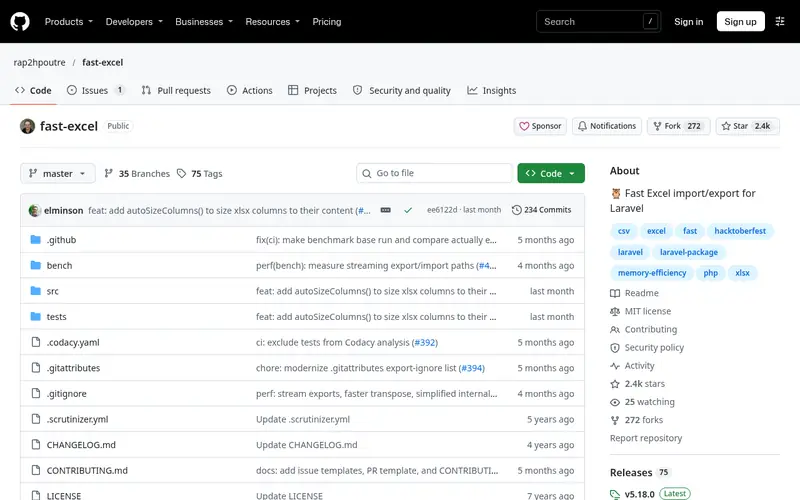
fast-excel is a small Laravel package for exporting and importing data with minimal code. It uses OpenSpout underneath, so exports stream rows instead of building a full workbook in memory. You can export arrays, collections or Eloquent queries and import rows back into arrays or models.
Styling is limited by design. It suits admin exports, data dumps and simple reports rather than formatted financial statements. It requires Laravel and a compatible PHP version. If you need Blade-rendered layouts or queued imports with validation, Laravel Excel covers more ground. For a fast, low-memory export in a Laravel app, it is a short path.
Standout: Simple API for exporting arrays and models
Free (open source), as listed by the vendor (fast-excel for Laravel website). Confirm the current plan price before you buy.
Free plan. Plans change, so confirm on the vendor's pricing page before you buy.
Benefits
- Simple API for exporting arrays and models
- built on OpenSpout for streaming
Drawbacks
- Laravel only
- limited styling compared with full spreadsheet libraries
Skip it if this limit matters to you: laravel only.
Verdict. A sensible pick for quick Laravel exports and imports backed by OpenSpout.
Alternatives in this guide: PhpSpreadsheet, OpenSpout, Laravel Excel
Spatie simple-excel
Best for reading and writing CSV and XLSX with a simple streaming API
What it is and where it fits
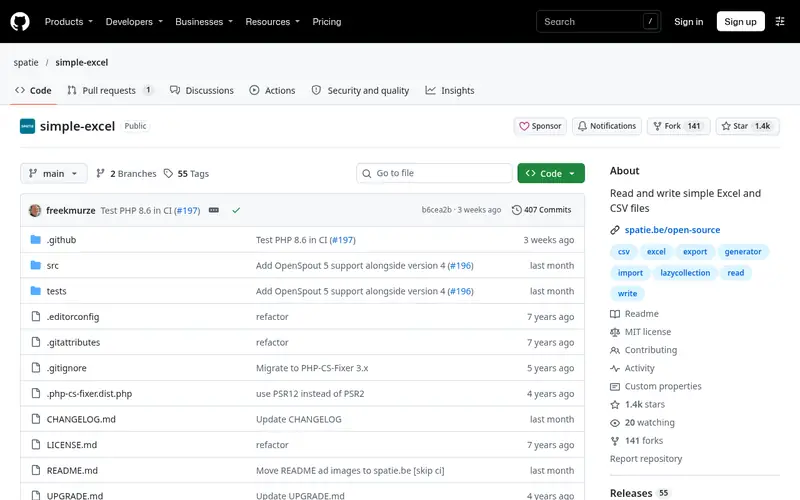
Spatie simple-excel provides a compact API for reading and writing CSV and XLSX files. It streams rows through a reader and writer, so memory stays low on large files. You can filter and transform rows as they pass through, which fits import pipelines and scheduled exports.
It is not a full spreadsheet toolkit. Formatting options are basic, and it does not evaluate formulas. It works in any PHP project, not just Laravel, and installs with Composer. Use it when the job is moving rows in and out of files. Use PhpSpreadsheet when the job is producing a formatted workbook with formulas and charts.
Standout: Small, readable API for streaming reads and writes
Free (open source), as listed by the vendor (Spatie simple-excel website). Confirm the current plan price before you buy.
Free plan. Plans change, so confirm on the vendor's pricing page before you buy.
Benefits
- Small, readable API for streaming reads and writes
- works outside Laravel
Drawbacks
- Basic styling support
- fewer features than PhpSpreadsheet
Skip it if this limit matters to you: basic styling support.
Verdict. A sensible pick for reading and writing CSV and XLSX with a simple streaming API.
Alternatives in this guide: PhpSpreadsheet, OpenSpout, Laravel Excel
Who should use what
If you need formatted reports with formulas and charts, use PhpSpreadsheet. If you export hundreds of thousands of rows and memory is the constraint, use OpenSpout. If you work in Laravel and want import and export classes with queues, use Laravel Excel. If you want a one-line export in Laravel, use fast-excel. For a small streaming API in any PHP project, use Spatie simple-excel. For write-only report generation, try FastExcelWriter.
Questions to settle before you buy
What to check before you buy
- Confirm the library supports every format you need to read and write, including XLSX, CSV and ODS.
- Estimate peak file size and check whether the library streams rows or loads the workbook into memory.
- Check the PHP version and required extensions against your runtime.
- Review recent releases and open issues to confirm the project is maintained.
- Verify the licence fits your project and read the docs for memory and chunking options.
FAQ
Do I need a paid licence for PHP Excel libraries?
No. The libraries listed here are free and open source under permissive licences. You can use them in commercial projects. Check the specific licence file in each repository if your organization has rules about open-source dependencies.
Which library handles large files best?
OpenSpout and the streaming libraries are built for large files because they process rows one at a time. PhpSpreadsheet loads the workbook into memory, so very large files need cell caching or a different tool. Test with a file close to your real maximum size.
Can I use these libraries outside Laravel?
PhpSpreadsheet, OpenSpout, FastExcelWriter and Spatie simple-excel work in any PHP project. Laravel Excel and fast-excel require Laravel. If you plan to reuse code across frameworks, pick one of the framework-agnostic options.
Do these libraries support formulas?
PhpSpreadsheet can read and write formulas and calculate some of them. Streaming libraries mainly write formula strings without evaluating them. If calculation matters, check the documentation for the specific function you need.
Is it safe to process uploaded spreadsheets with these libraries?
Treat uploaded files as untrusted input. Set file size limits, validate extensions and MIME types, and store files outside the web root. Keep the library updated, since parsing bugs are a common attack surface.
Sources we checked
Method: how we score · editorial policy.
Change log. First published 27 Nov 2026.