Stage 01 · Write · Researched comparison
Best PHP CLI Frameworks in 2026
Symfony Console is the first pick for most teams. It is the component many other PHP CLI tools build on, it is open source, and it works in any PHP project. Laravel Zero suits developers who want a full application structure with Laravel-style code. Laravel Prompts is the better fit when you only need interactive prompts inside an existing command.

By Shihab Mia
Published 28 Nov 2026 · 7 tools compared
We run no ads and no affiliate links at launch. The order of a list follows our published method. See how we score.
Prices are the starting prices vendors list publicly. Plans change, so confirm the current price on the vendor page before you buy.
Key takeaways
- Symfony Console is free, open source and framework-agnostic, which makes it the safest default for new PHP CLI tools.
- Laravel Zero is free and open source, but it pulls in Laravel components, so it suits Laravel developers best.
- Laravel Prompts, CLImate, minicli and Termwind are free and open source, and each covers a narrower part of the job.
- Robo is a free, open-source task runner rather than a general CLI framework, so pick it for build and automation tasks.
Who each pick is for
- General PHP projects that need structured commands and argumentsSymfony Console
- Laravel developers building standalone CLI applicationsLaravel Zero
- Adding interactive prompts to existing PHP commandsLaravel Prompts
- Terminal output with colors, tables and progress in plain PHPCLImate
- Small CLI apps that need a minimal dependency footprintminicli
- Task runners and build automation written in PHPRobo
- Styling CLI output with a Tailwind-like APITermwind
Comparison
| Tool | Best for | Standout feature | Listed starting price | Free plan or trial |
|---|---|---|---|---|
| 1Symfony Console | General PHP projects that need structured commands and arguments | Works without the full Symfony framework | Free (open source) | Free plan |
| 2Laravel Zero | Laravel developers building standalone CLI applications | Familiar Laravel structure and service container | Free (open source) | Free plan |
| 3Laravel Prompts | Adding interactive prompts to existing PHP commands | Clean prompt types such as text, select and confirm | Free (open source) | Free plan |
| 4CLImate | Terminal output with colors, tables and progress in plain PHP | Readable API for colors and formatting | Free (open source) | Free plan |
| 5minicli | Small CLI apps that need a minimal dependency footprint | Very small codebase with a simple command routing model | Free (open source) | Free plan |
| 6Robo | Task runners and build automation written in PHP | Task-oriented API for file operations, running commands and build steps | Free (open source) | Free plan |
| 7Termwind | Styling CLI output with a Tailwind-like API | Familiar utility-class style for terminal output | Free (open source) | Free plan |
How we picked
We picked libraries that are built for PHP command-line work and are currently maintained. Criteria were fit for the job, supported PHP versions, licence and cost, dependency weight, and how well each tool handles its stated scope. Sources are vendor pages, official documentation and project repositories. We did not run benchmarks or collect user reviews. Prices and licences can change, so confirm details on the vendor or repository page before you commit.
The tools, one by one
Symfony Console
Best for general PHP projects that need structured commands and arguments
What it is and where it fits
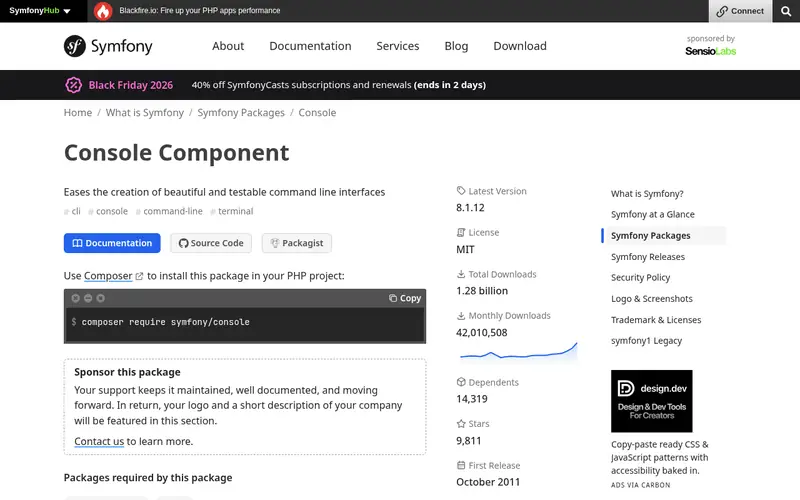
Symfony Console is a component for building command-line interfaces. You define commands as classes, declare arguments and options, and the component handles parsing, help output and exit codes. It runs on any PHP installation that meets the component's version requirements and does not require the Symfony framework. It is the base for many PHP CLI tools, including Composer and other widely used utilities.
The licence is MIT, so there is no cost and no usage limit. The main trade-off is boilerplate: a single command needs a class, a definition and a bootstrap file. For quick scripts, a plain PHP file may be simpler. Teams that expect to add commands over time get more value from the structure. Skip it if you want interactive prompts out of the box; pair it with Laravel Prompts or another prompt library instead.
Standout: Works without the full Symfony framework
Free (open source), as listed by the vendor (Symfony Console website). Confirm the current plan price before you buy.
Free plan. Plans change, so confirm on the vendor's pricing page before you buy.
Benefits
- Works without the full Symfony framework
- large ecosystem of tools built on it
Drawbacks
- Verbose setup for very small scripts
- styling options are basic compared with dedicated libraries
Skip it if this limit matters to you: verbose setup for very small scripts.
Verdict. A sensible pick for general PHP projects that need structured commands and arguments.
Alternatives in this guide: Laravel Zero, Laravel Prompts, CLImate
Laravel Zero
Best for laravel developers building standalone CLI applications
What it is and where it fits
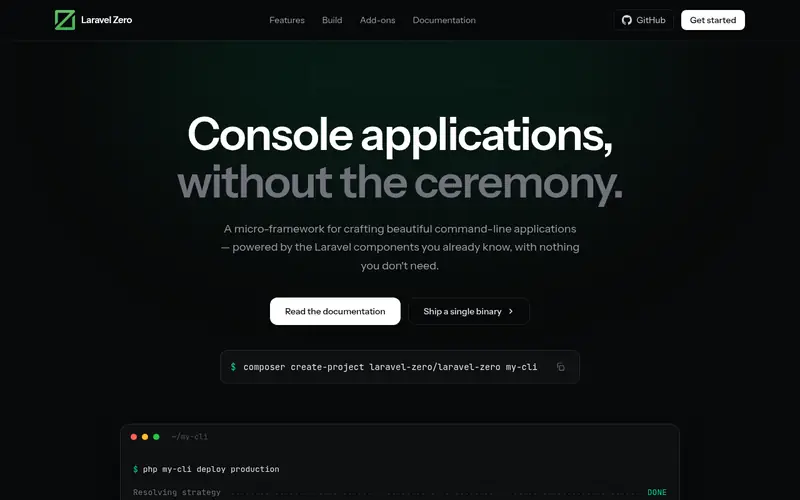
Laravel Zero is a micro-framework for console applications built on Laravel components. It gives you an application skeleton, a service container, configuration files and Artisan-style commands. You can add database access, logging, queues and other pieces when a project needs them. It runs on standard PHP and is distributed through Composer.
The project is MIT licensed and free to use. Because it builds on Laravel components, developers already working in Laravel will recognise the structure quickly. The cost is weight: a small utility ends up with more files and dependencies than a single Symfony Console command. Skip it if you do not use Laravel and want a minimal footprint, or if your tool must avoid framework dependencies entirely.
Standout: Familiar Laravel structure and service container
Free (open source), as listed by the vendor (Laravel Zero website). Confirm the current plan price before you buy.
Free plan. Plans change, so confirm on the vendor's pricing page before you buy.
Benefits
- Familiar Laravel structure and service container
- supports adding components as needed
Drawbacks
- Tied to Laravel conventions
- heavier than a single component for small tools
Skip it if this limit matters to you: tied to Laravel conventions.
Verdict. A sensible pick for laravel developers building standalone CLI applications.
Alternatives in this guide: Symfony Console, Laravel Prompts, CLImate
Laravel Prompts
Best for adding interactive prompts to existing PHP commands
What it is and where it fits
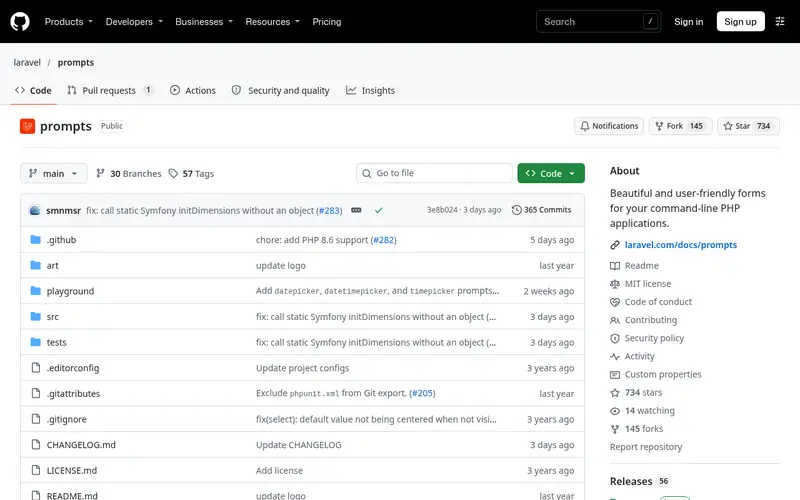
Laravel Prompts is a library for interactive command-line prompts. It covers text input, password fields, selects, multiselects, confirmations and searchable lists, with validation built in. Despite the name, it can be used in any PHP project through Composer, not only in Laravel applications. It is often paired with Symfony Console, where it replaces the plainer question helper.
The licence is MIT and there is no paid tier. The scope is deliberately narrow: it does not define commands, parse arguments or manage application structure. That makes it a good addition rather than a replacement. Skip it if your tool runs unattended in CI, where interactive prompts block execution, or if you need a complete CLI framework in one package.
Standout: Clean prompt types such as text, select and confirm
Free (open source), as listed by the vendor (Laravel Prompts website). Confirm the current plan price before you buy.
Free plan. Plans change, so confirm on the vendor's pricing page before you buy.
Benefits
- Clean prompt types such as text, select and confirm
- works outside Laravel
Drawbacks
- Focused on prompts only
- not a full command framework
Skip it if this limit matters to you: focused on prompts only.
Verdict. A sensible pick for adding interactive prompts to existing PHP commands.
Alternatives in this guide: Symfony Console, Laravel Zero, CLImate
CLImate
Best for terminal output with colors, tables and progress in plain PHP
What it is and where it fits
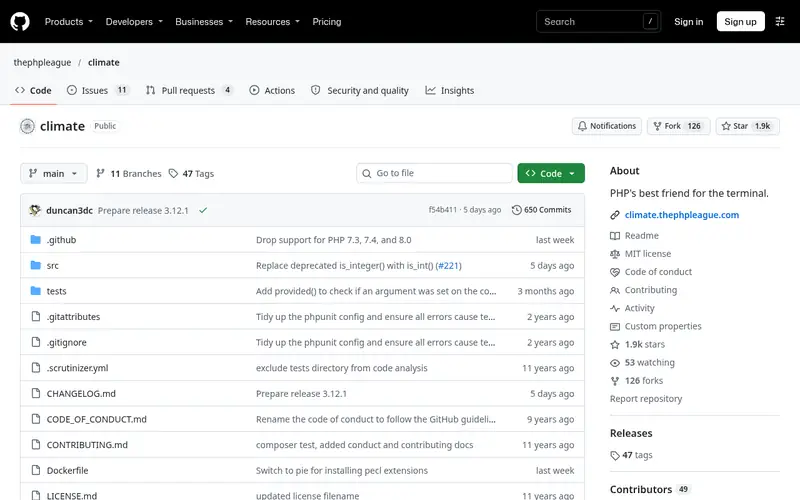
CLImate is a library from The PHP League for terminal output. It handles colored text, borders, tables, progress bars, spinners and art, and it detects terminal capabilities so output degrades on unsupported terminals. It works in any PHP project and installs through Composer. It is often used alongside a command framework to improve how output looks.
The licence is MIT and there is no cost. CLImate does not parse arguments or define commands, so it is not a full framework. Before adopting it, check the repository for recent commits and open issues, since maintenance activity matters for long-lived tools. Skip it if you need only basic output and want no extra dependency, or if your project already standardises on another styling library.
Standout: Readable API for colors and formatting
Free (open source), as listed by the vendor (CLImate website). Confirm the current plan price before you buy.
Free plan. Plans change, so confirm on the vendor's pricing page before you buy.
Benefits
- Readable API for colors and formatting
- includes tables, progress bars and spinners
Drawbacks
- Not a command framework
- maintenance activity should be checked before adopting
Skip it if this limit matters to you: not a command framework.
Verdict. A sensible pick for terminal output with colors, tables and progress in plain PHP.
Alternatives in this guide: Symfony Console, Laravel Zero, Laravel Prompts
minicli
Best for small CLI apps that need a minimal dependency footprint
What it is and where it fits
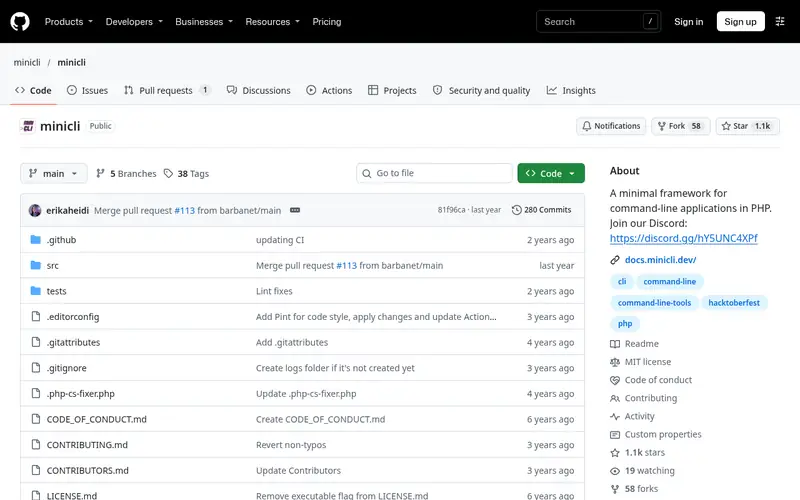
minicli is a minimalist framework for PHP command-line applications. It provides command routing, a simple controller structure and helpers for output, with a deliberately small dependency footprint. It installs through Composer and runs on standard PHP. It suits small tools, internal scripts and developers who prefer to read the whole framework source.
The licence is MIT and there is no paid version. Because the framework is small, you will write more of the supporting code yourself: argument handling, validation and output formatting are lighter than in larger frameworks. The community and third-party add-ons are also smaller. Skip it if you need extensive built-in features or long-term vendor-style support, and choose Symfony Console or Laravel Zero instead.
Standout: Very small codebase with a simple command routing model
Free (open source), as listed by the vendor (minicli website). Confirm the current plan price before you buy.
Free plan. Plans change, so confirm on the vendor's pricing page before you buy.
Benefits
- Very small codebase with a simple command routing model
- low dependency count
Drawbacks
- Smaller ecosystem than Symfony Console
- fewer built-in features
Skip it if this limit matters to you: smaller ecosystem than Symfony Console.
Verdict. A sensible pick for small CLI apps that need a minimal dependency footprint.
Alternatives in this guide: Symfony Console, Laravel Zero, Laravel Prompts
Robo
Best for task runners and build automation written in PHP
What it is and where it fits
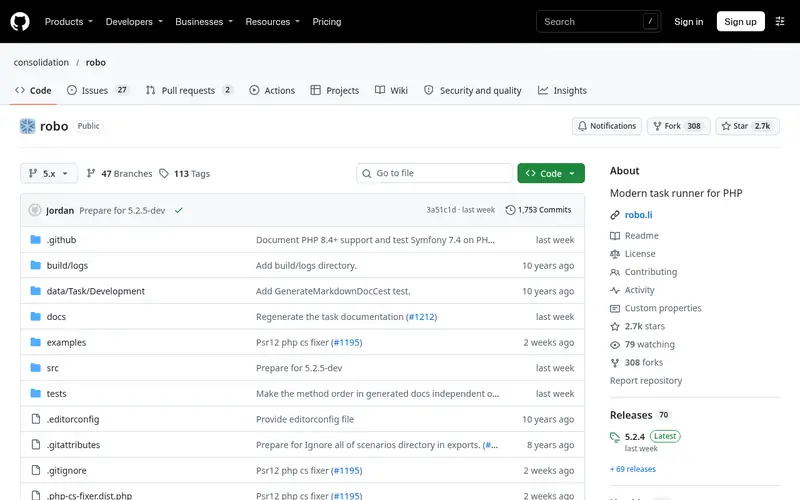
Robo is a PHP task runner. You write task classes and compose steps such as running shell commands, copying files, watching for changes and running test suites. It is closer to a build tool than to a general CLI framework, and it is used to automate project workflows in PHP repositories. It installs through Composer and runs on standard PHP.
The licence is MIT and there is no cost. Robo is a good fit when the job is automation: builds, releases, asset steps and repetitive maintenance. It is a weaker fit for a user-facing CLI application with rich argument parsing and interactive prompts. Check the repository for current release activity before standardising on it. Skip it if you need a framework for end-user commands rather than internal automation.
Standout: Task-oriented API for file operations, running commands and build steps
Free (open source), as listed by the vendor (Robo website). Confirm the current plan price before you buy.
Free plan. Plans change, so confirm on the vendor's pricing page before you buy.
Benefits
- Task-oriented API for file operations, running commands and build steps
- stack-based task composition
Drawbacks
- Aimed at automation, not general CLI apps
- less suited to user-facing tools
Skip it if this limit matters to you: aimed at automation, not general CLI apps.
Verdict. A sensible pick for task runners and build automation written in PHP.
Alternatives in this guide: Symfony Console, Laravel Zero, Laravel Prompts
Termwind
Best for styling CLI output with a Tailwind-like API
What it is and where it fits
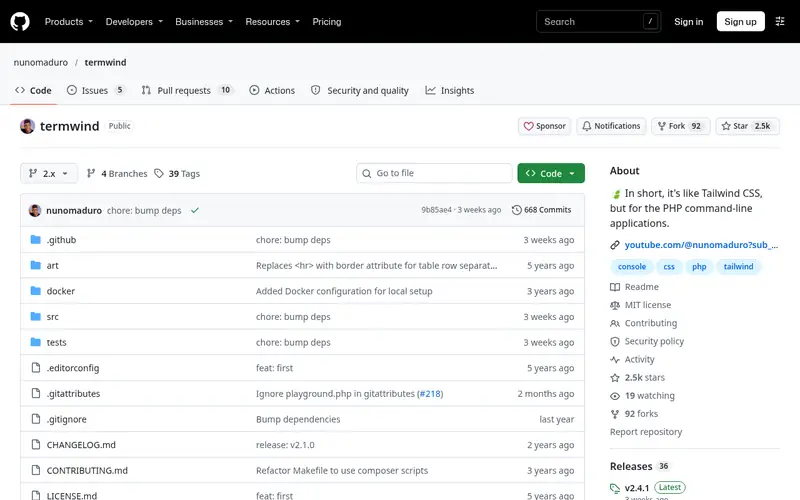
Termwind renders terminal output using an API modelled on Tailwind CSS utility classes. You build output with elements and classes for padding, color, width and alignment, and it handles terminal width. It installs through Composer and can be used inside Symfony Console or Laravel Zero commands. It is maintained by Nuno Maduro and is widely used in Laravel tooling.
The licence is MIT and there is no paid tier. Termwind does not parse arguments, define commands or manage application flow, so it complements a framework rather than replacing one. It also adds a dependency for what is essentially presentation. Skip it if your output is plain text, if you target minimal environments, or if your team already uses another styling library.
Standout: Familiar utility-class style for terminal output
Free (open source), as listed by the vendor (Termwind website). Confirm the current plan price before you buy.
Free plan. Plans change, so confirm on the vendor's pricing page before you buy.
Benefits
- Familiar utility-class style for terminal output
- works with existing command frameworks
Drawbacks
- Styling only, not a command framework
- adds a dependency for presentation
Skip it if this limit matters to you: styling only, not a command framework.
Verdict. A sensible pick for styling CLI output with a Tailwind-like API.
Alternatives in this guide: Symfony Console, Laravel Zero, Laravel Prompts
Who should use what
Choose Symfony Console if you are building a general-purpose CLI tool in any PHP project and want a stable base. Choose Laravel Zero if your team already works in Laravel and wants a full application structure with Artisan-style commands. Choose Laravel Prompts if you only need interactive input inside commands you already have. Choose Robo if the job is automation and build steps rather than an end-user tool. For output styling, add CLImate or Termwind to whichever framework you pick.
Questions to settle before you buy
What to check before you buy
- Confirm the library supports the PHP versions you deploy and test against.
- Check the repository for recent releases and open issues before adopting it.
- Review the dependency tree, since frameworks can pull in many packages.
- Decide whether you need a full framework or only prompts, styling or task running.
- Confirm the licence fits your project, and note that all options here are open source.
FAQ
Do I need a framework to write a PHP CLI tool?
No. A plain PHP script with readline and basic argument parsing works for small tools. A framework helps when you have several commands, shared options, help output and tests. Symfony Console is the common choice at that point.
Can I use Laravel Prompts outside Laravel?
Yes. Laravel Prompts is a standalone Composer package and works in any PHP project, including ones built on Symfony Console. It handles prompts only, so you still need something to define and route commands.
Is Symfony Console tied to the Symfony framework?
No. Symfony Console is a standalone component. You can install it with Composer in any PHP project without using the full framework. Many non-Symfony tools use it for command parsing and help output.
What is the difference between Robo and a CLI framework?
Robo is a task runner for automation such as builds, file operations and running commands. A CLI framework like Symfony Console is for building applications that users run with arguments and options. Some projects use both for different jobs.
Are these PHP CLI frameworks free?
Yes. All the libraries listed here are open source under the MIT licence, with no paid tiers. Costs come from your own hosting, CI and maintenance time, not from licensing.
Sources we checked
Method: how we score · editorial policy.
Change log. First published 28 Nov 2026.