Stage 01 · Write · Researched comparison
Best Node.js Terminal Color Libraries in 2026
chalk is the first pick for most teams because it has a wide color and style API, broad adoption and clear documentation. Choose picocolors if you want a very small dependency with a simple API. Choose Node.js built-in util.styleText if you want no dependency at all and can target a recent Node.js release. All five options here are open source and free.

By Shihab Mia
Published 28 Nov 2026 · 5 tools compared
We run no ads and no affiliate links at launch. The order of a list follows our published method. See how we score.
Prices are the starting prices vendors list publicly. Plans change, so confirm the current price on the vendor page before you buy.
Key takeaways
- chalk, picocolors, colorette and ansis are free open-source packages; util.styleText ships with Node.js.
- picocolors and colorette focus on small install size and a narrow API; chalk and ansis expose more color and style features.
- util.styleText removes a dependency but requires a Node.js version that includes it and offers a smaller API than the packages.
- None of these libraries send data anywhere; they only wrap strings in ANSI escape codes, so no terminal output leaves your machine.
Who each pick is for
- Teams that want a full-featured, widely used styling APIchalk
- Projects that want a tiny dependency with a simple APIpicocolors
- Minimal setups that need fast, simple color outputcolorette
- Projects that want a chalk-like API with broad color supportansis
- Projects that want styling with no extra dependencyNode.js util.styleText
Comparison
| Tool | Best for | Standout feature | Listed starting price | Free plan or trial |
|---|---|---|---|---|
| 1chalk | Teams that want a full-featured, widely used styling API | Large color and style API | Free (open source) | Free plan |
| 2picocolors | Projects that want a tiny dependency with a simple API | Very small install footprint | Free (open source) | Free plan |
| 3colorette | Minimal setups that need fast, simple color output | Small and fast | Free (open source) | Free plan |
| 4ansis | Projects that want a chalk-like API with broad color support | Supports 256-color and truecolor | Free (open source) | Free plan |
| 5Node.js util.styleText | Projects that want styling with no extra dependency | Built into Node.js | Free | Free plan |
How we picked
We picked libraries that are actively maintained, published as open-source packages or shipped with Node.js, and designed for terminal color and styling in Node.js. We compared API size, install footprint, CommonJS and ESM support, color depth options and documented limits. Sources are vendor pages, project repositories and Node.js documentation. Prices and version support change, so confirm details on the vendor site before you commit.
The tools, one by one
chalk
Best for teams that want a full-featured, widely used styling API
What it is and where it fits
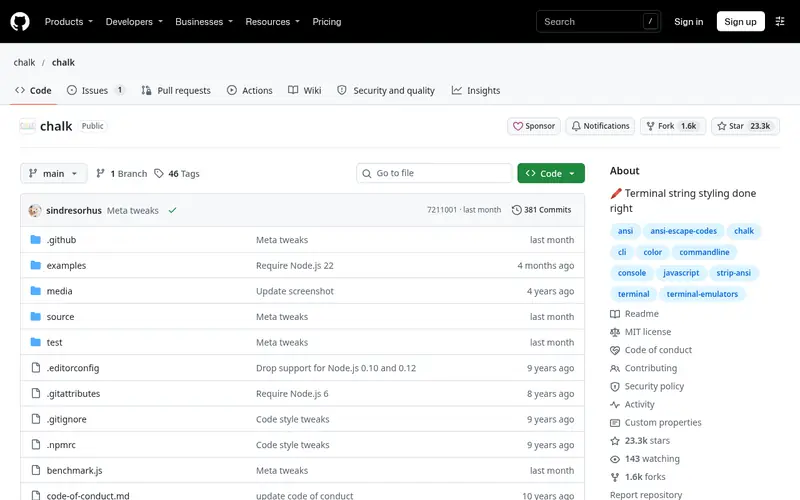
chalk is the most established terminal color library for Node.js. It supports 256-color and truecolor output, modifiers such as bold and underline, and template literals for readable styling. It detects color support and can be configured through environment variables and a level setting. Recent major versions are ESM-only, so CommonJS projects need an older major or a dynamic import. It suits projects that want many styling options and do not mind a larger dependency. Skip it if install size is a hard constraint.
Standout: Large color and style API
Free (open source), as listed by the vendor (chalk website). Confirm the current plan price before you buy.
Free plan. Plans change, so confirm on the vendor's pricing page before you buy.
Benefits
- Large color and style API
- template literal support and broad ecosystem use
Drawbacks
- Larger install than minimal libraries
- ESM-only in recent major versions
Skip it if this limit matters to you: larger install than minimal libraries.
Verdict. A sensible pick for teams that want a full-featured, widely used styling API.
Alternatives in this guide: picocolors, colorette, ansis
picocolors
Best for projects that want a tiny dependency with a simple API
What it is and where it fits
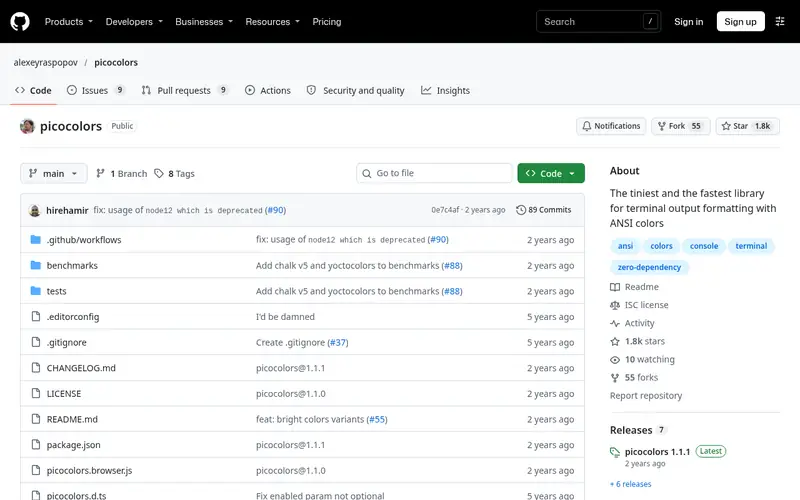
picocolors is a minimal color library. It exposes functions such as red, green and bold, and it detects color support automatically. The package is designed to stay small, which matters for CLI tools where startup time and install size count. It does not offer a template literal tag or the full set of modifiers that chalk provides. It works in CommonJS and ESM projects. Choose it when you need basic colors and want to keep dependencies lean.
Standout: Very small install footprint
Free (open source), as listed by the vendor (picocolors website). Confirm the current plan price before you buy.
Free plan. Plans change, so confirm on the vendor's pricing page before you buy.
Benefits
- Very small install footprint
- simple function-per-color API
Drawbacks
- No template literal tag
- fewer style modifiers than chalk
Skip it if this limit matters to you: no template literal tag.
Verdict. A sensible pick for projects that want a tiny dependency with a simple API.
colorette
Best for minimal setups that need fast, simple color output
What it is and where it fits
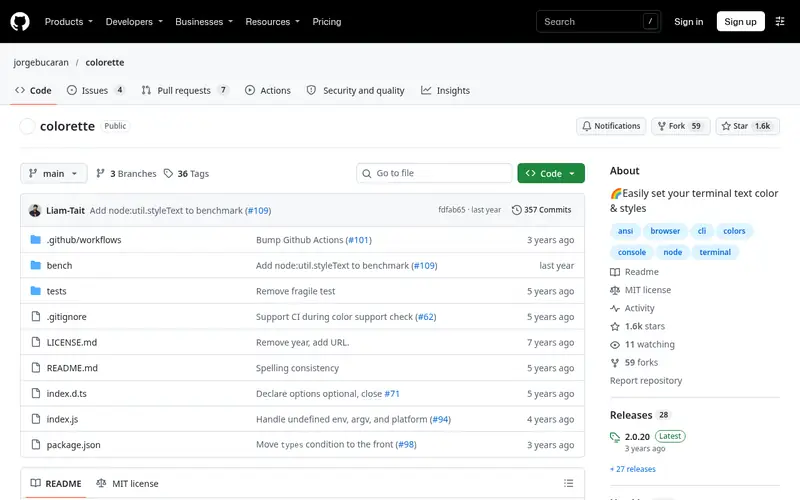
colorette is a lightweight color library that exposes named functions for colors and a few modifiers. It detects color support and keeps overhead low. The API is intentionally narrow, so it does not cover every style that chalk offers. It works in CommonJS and ESM projects. Use it when you want straightforward colors in a small CLI and do not need advanced styling. Skip it if you need truecolor helpers or many modifiers.
Standout: Small and fast
Free (open source), as listed by the vendor (colorette website). Confirm the current plan price before you buy.
Free plan. Plans change, so confirm on the vendor's pricing page before you buy.
Benefits
- Small and fast
- simple named color functions
Drawbacks
- Limited styling options
- no template literal tag
Skip it if this limit matters to you: limited styling options.
Verdict. A sensible pick for minimal setups that need fast, simple color output.
Alternatives in this guide: chalk, picocolors, ansis
ansis
Best for projects that want a chalk-like API with broad color support
What it is and where it fits
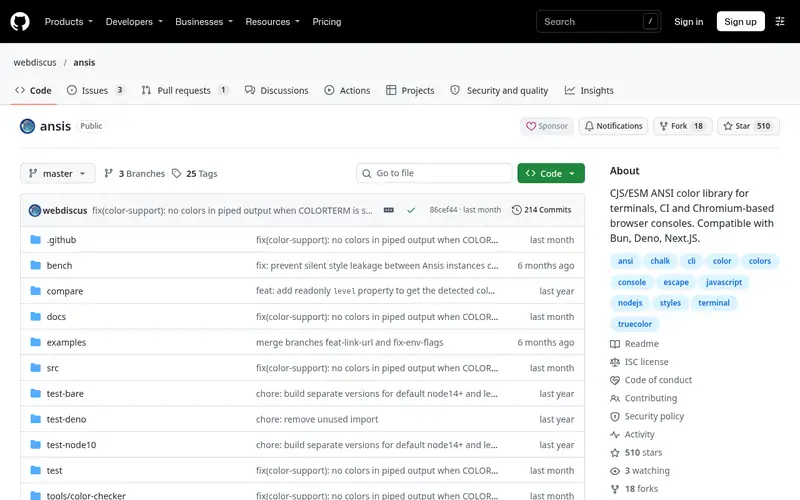
ansis is a color library that aims to cover common chalk use cases with a similar API. It supports 256-color and truecolor output, style modifiers and template literals, and it documents several import styles for CommonJS and ESM. It detects color support and allows configuration. Because it is less widely used than chalk, fewer third-party examples reference it. Choose it if you want a chalk-style API and are comfortable with a smaller ecosystem.
Standout: Supports 256-color and truecolor
Free (open source), as listed by the vendor (ansis website). Confirm the current plan price before you buy.
Free plan. Plans change, so confirm on the vendor's pricing page before you buy.
Benefits
- Supports 256-color and truecolor
- offers multiple import styles
Drawbacks
- Smaller community than chalk
- more API surface to learn
Skip it if this limit matters to you: smaller community than chalk.
Verdict. A sensible pick for projects that want a chalk-like API with broad color support.
Alternatives in this guide: chalk, picocolors, colorette
Node.js util.styleText
Best for projects that want styling with no extra dependency
What it is and where it fits
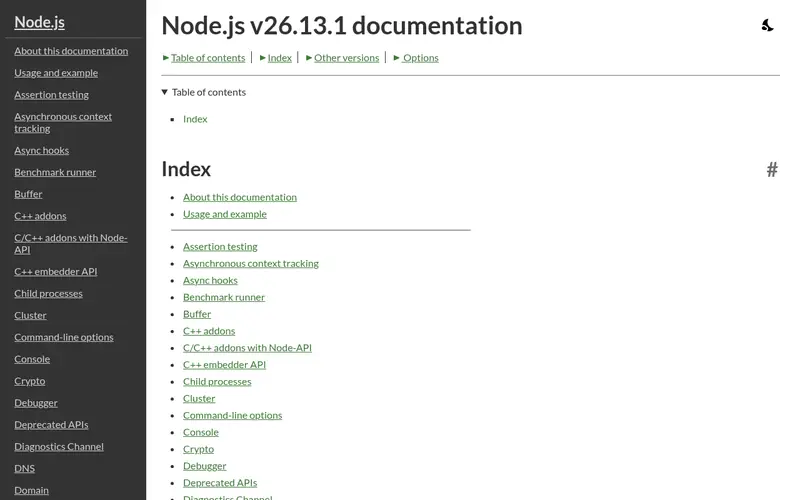
util.styleText is part of the Node.js util module. It applies ANSI styles to a string using a format list, and it respects color support detection. Because it ships with the runtime, it adds no dependency to your project. The tradeoff is version support: you need a Node.js release that includes the function, and older runtimes will not have it. The API is smaller than chalk or ansis. Use it when you control the Node.js version and want to avoid a color dependency.
Standout: Built into Node.js
Free, as listed by the vendor (Node.js util.styleText website). Confirm the current plan price before you buy.
Free plan. Plans change, so confirm on the vendor's pricing page before you buy.
Benefits
- Built into Node.js
- no dependency to install or audit
Drawbacks
- Requires a Node.js version that includes it
- smaller API than the packages
Skip it if this limit matters to you: requires a Node.js version that includes it.
Verdict. A sensible pick for projects that want styling with no extra dependency.
Alternatives in this guide: chalk, picocolors, colorette
Who should use what
If you maintain a large CLI and want many styling options, chalk or ansis fit. If install size and startup time matter, picocolors or colorette are better fits. If you control the Node.js version and want zero dependencies, use util.styleText. If you are migrating a CommonJS project, check ESM-only status on chalk before upgrading, and prefer a library that documents both module systems.
Questions to settle before you buy
What to check before you buy
- Confirm the library supports your module system (CommonJS or ESM).
- Check the minimum Node.js version against your supported runtimes.
- Decide whether you need 256-color or truecolor output or basic 16 colors.
- Review install size and dependency count for CLI startup cost.
- Confirm the license fits your project and check the release cadence on the repository.
FAQ
Are these terminal color libraries free?
Yes. chalk, picocolors, colorette and ansis are free open-source packages. util.styleText ships with Node.js at no cost. Check each project license before redistribution.
Which library is smallest?
picocolors and colorette are designed to stay small. Check current package sizes on the project pages, since sizes change between releases.
Can I avoid a dependency entirely?
Yes. Node.js util.styleText provides styling without an extra package, but only on Node.js versions that include it. Confirm your minimum supported version first.
Do these libraries send data anywhere?
No. They wrap strings in ANSI escape codes locally. No terminal output is transmitted by the library itself.
Does chalk work with CommonJS?
Recent chalk major versions are ESM-only. CommonJS projects can use an older major or a dynamic import. Check the chalk repository for the current guidance.
Sources we checked
Method: how we score · editorial policy.
Change log. First published 28 Nov 2026.