Stage 01 · Write · Researched comparison
Best Node.js Logging Libraries in 2026
Pino is the first pick for most Node.js services that want fast, structured JSON logs with low overhead. Winston suits teams that need many transports and a familiar configuration style. Log4js fits projects that want log4j-style categories and file appenders. All three are open source and free, and each writes to stdout, files or external services depending on how you configure it.

By Shihab Mia
Published 22 Nov 2026 · 6 tools compared
We run no ads and no affiliate links at launch. The order of a list follows our published method. See how we score.
Prices are the starting prices vendors list publicly. Plans change, so confirm the current price on the vendor page before you buy.
Key takeaways
- Pino, Winston, Log4js, tslog, consola and Roarr are all open source and free to use.
- Pino targets low overhead and JSON output; Winston and Log4js offer broader transport and appender options.
- Most libraries write to stdout, so log shipping and storage are handled by your platform, not the library.
- Logs often contain tokens, request bodies and personal data, so review what you emit and where it is stored.
Who each pick is for
- High-throughput services that want structured JSON logsPino
- Teams that need many transports and flexible configurationWinston
- Projects that want log4j-style categories and file appendersLog4js
- TypeScript projects that want typed log objectstslog
- Tools and frameworks that want a consistent console loggerconsola
- Universal JavaScript code that needs one logger across environmentsRoarr
Comparison
| Tool | Best for | Standout feature | Listed starting price | Free plan or trial |
|---|---|---|---|---|
| 1Pino | High-throughput services that want structured JSON logs | Low overhead design | Free (open source) | Free plan |
| 2Winston | Teams that need many transports and flexible configuration | Large transport ecosystem | Free (open source) | Free plan |
| 3Log4js | Projects that want log4j-style categories and file appenders | Familiar category and appender model | Free (open source) | Free plan |
| 4tslog | TypeScript projects that want typed log objects | Strong TypeScript typings | Free (open source) | Free plan |
| 5consola | Tools and frameworks that want a consistent console logger | Consistent output across environments | Free (open source) | Free plan |
| 6Roarr | Universal JavaScript code that needs one logger across environments | Works in Node.js and browsers | Free (open source) | Free plan |
How we picked
We compared libraries on fit for common Node.js logging jobs, supported platforms, licence and pricing, output format, transport or appender options and known limits. Sources are vendor pages, official documentation and project repositories. All entries are open source and free. Prices and licences can change, so confirm details on the project site before you commit.
The tools, one by one
Pino
Best for high-throughput services that want structured JSON logs
What it is and where it fits
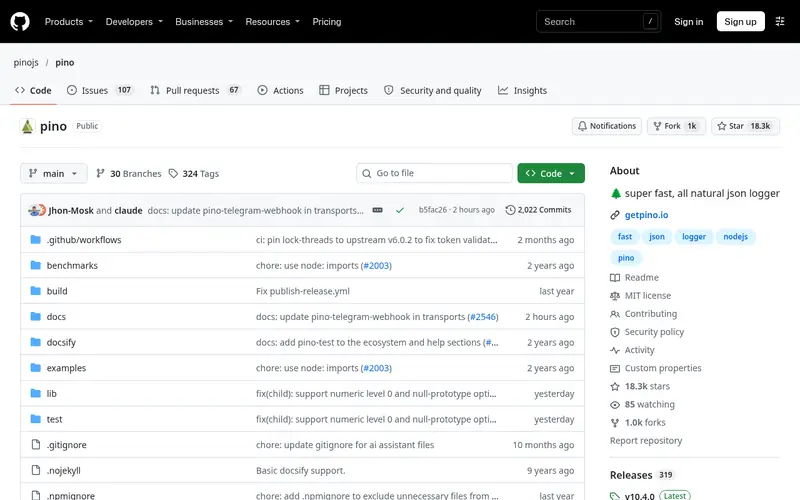
Pino writes newline-delimited JSON by default, which suits log collectors and query tools. It is designed to keep logging cost low in request-heavy services, and it supports child loggers so you can attach request IDs and other context. The project ships transports for files, pretty-printing and forwarding to other systems.
It runs anywhere Node.js runs, including serverless functions and containers. The licence is MIT. Pretty-printing is usually done in development through a separate transport, and in production you normally send raw JSON to your log pipeline. Teams that want a large set of built-in appenders or a config-file-driven setup may prefer Winston or Log4js. Teams already standardised on JSON logs will find Pino a natural fit.
Standout: Low overhead design
Free (open source), as listed by the vendor (Pino website). Confirm the current plan price before you buy.
Free plan. Plans change, so confirm on the vendor's pricing page before you buy.
Benefits
- Low overhead design
- JSON output by default
- wide transport ecosystem
Drawbacks
- JSON-first output needs a formatter for human reading
- configuration can feel low-level
Skip it if this limit matters to you: JSON-first output needs a formatter for human reading.
Verdict. A sensible pick for high-throughput services that want structured JSON logs.
Winston
Best for teams that need many transports and flexible configuration
What it is and where it fits
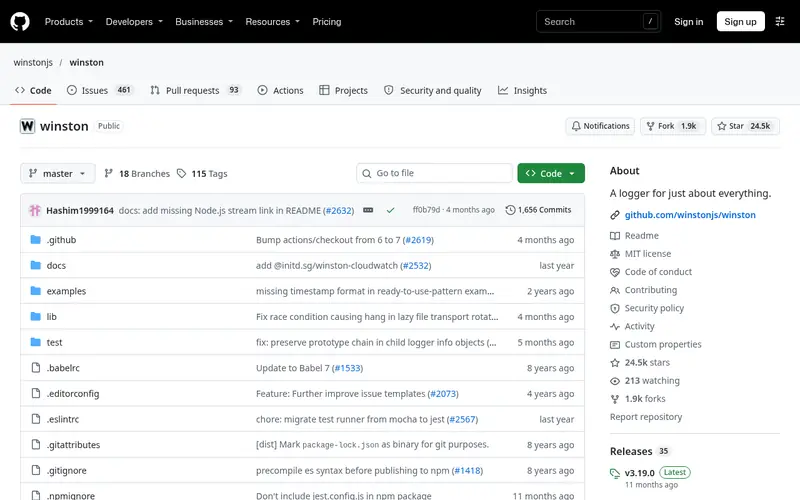
Winston is a general-purpose logger with a transport model: each transport decides where a log line goes, such as the console, a file or a remote service. It supports custom formats, multiple levels and child loggers. Many teams adopt it because examples and integrations are easy to find.
It runs in Node.js and works in containers and serverless environments, though file transports need a writable path. The licence is MIT. Because transports are pluggable, the library itself stays small, but a large transport stack adds overhead. If you only need JSON to stdout, a leaner logger may cost less. Winston suits applications that need several destinations or per-transport formatting rules.
Standout: Large transport ecosystem
Free (open source), as listed by the vendor (Winston website). Confirm the current plan price before you buy.
Free plan. Plans change, so confirm on the vendor's pricing page before you buy.
Benefits
- Large transport ecosystem
- multiple log levels and formats
- widely documented
Drawbacks
- More configuration than minimal loggers
- overhead higher than lean JSON loggers
Skip it if this limit matters to you: more configuration than minimal loggers.
Verdict. A sensible pick for teams that need many transports and flexible configuration.
Log4js
Best for projects that want log4j-style categories and file appenders
What it is and where it fits
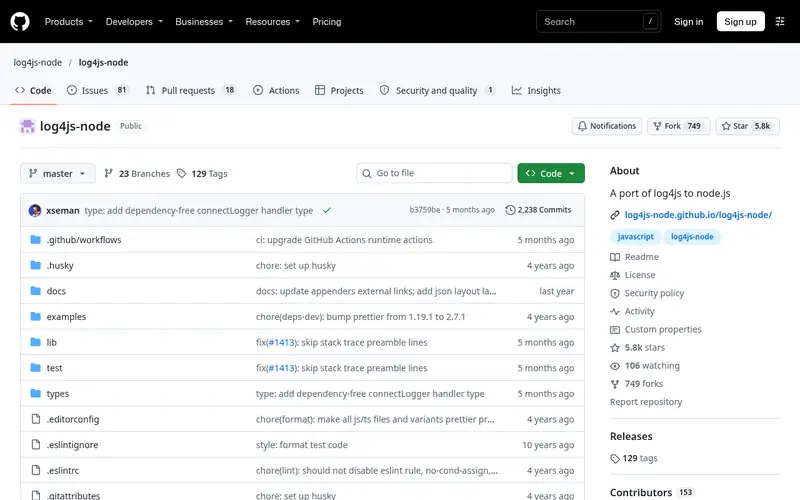
Log4js brings a log4j-like model to Node.js: named categories, levels and appenders. Appenders cover console, files, date-based files and network targets. File appenders support rotation, which helps when you write logs to disk rather than stdout.
It runs in Node.js and is licensed under Apache-2.0. Configuration can live in a JSON file or in code, and categories let you raise or lower verbosity per module. The model is powerful but takes more setup than a one-line logger. Teams migrating from Java or .NET logging stacks often find it familiar. Projects that only log JSON to stdout may not need the extra configuration surface.
Standout: Familiar category and appender model
Free (open source), as listed by the vendor (Log4js website). Confirm the current plan price before you buy.
Free plan. Plans change, so confirm on the vendor's pricing page before you buy.
Benefits
- Familiar category and appender model
- built-in file rotation
- configuration via JSON or code
Drawbacks
- Configuration can be verbose
- less common in newer projects
Skip it if this limit matters to you: configuration can be verbose.
Verdict. A sensible pick for projects that want log4j-style categories and file appenders.
tslog
Best for typeScript projects that want typed log objects
What it is and where it fits
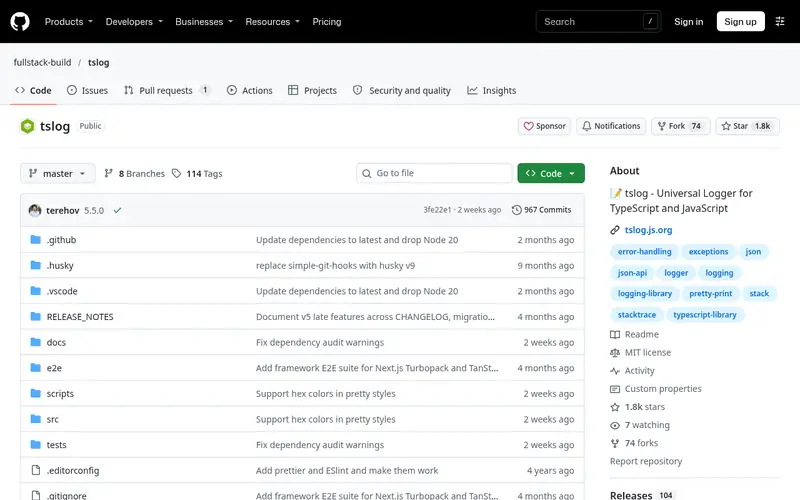
tslog is written in TypeScript and ships with typings for log methods and metadata. It can print readable output in development and structured output in production, and it supports custom transports for sending logs elsewhere. Child loggers let you attach context.
It runs in Node.js and modern browsers, and the licence is MIT. Because it targets TypeScript first, plain JavaScript projects gain less from it. The transport ecosystem is smaller than Winston's, so unusual destinations may need custom code. It suits TypeScript backends that want typed logging without adding a separate type package.
Standout: Strong TypeScript typings
Free (open source), as listed by the vendor (tslog website). Confirm the current plan price before you buy.
Free plan. Plans change, so confirm on the vendor's pricing page before you buy.
Benefits
- Strong TypeScript typings
- structured output with pretty console option
- pluggable transports
Drawbacks
- Smaller ecosystem than Pino or Winston
- mainly aimed at TypeScript users
Skip it if this limit matters to you: smaller ecosystem than Pino or Winston.
Verdict. A sensible pick for typeScript projects that want typed log objects.
consola
Best for tools and frameworks that want a consistent console logger
What it is and where it fits
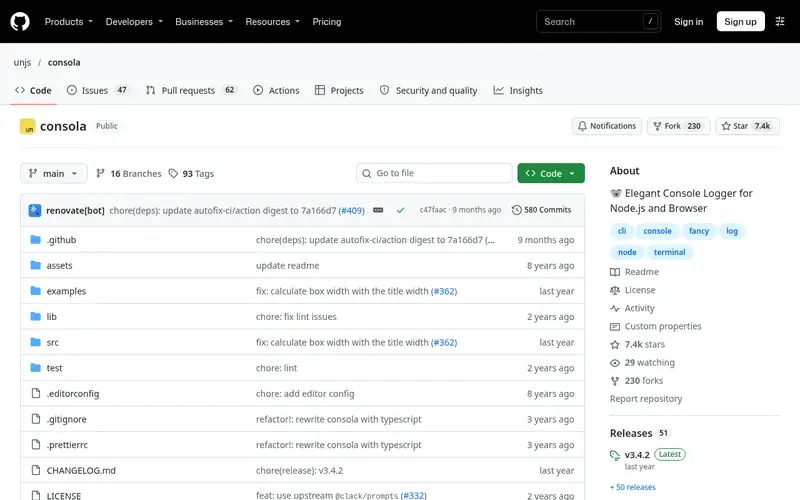
consola provides a console logger with log levels, scoped tags and reporters. Reporters control how output is rendered, so the same calls can produce plain text in a terminal or structured output elsewhere. It is used by several Node.js tools and frameworks.
It runs in Node.js and browsers, and the licence is MIT. The focus is developer-facing output rather than log shipping, so file rotation and multi-destination routing are not its main strengths. For CLI tools, dev servers and framework internals, it gives consistent output with little setup. Services that need durable, queryable logs should pair it with a shipping layer or use a structured logger.
Standout: Consistent output across environments
Free (open source), as listed by the vendor (consola website). Confirm the current plan price before you buy.
Free plan. Plans change, so confirm on the vendor's pricing page before you buy.
Benefits
- Consistent output across environments
- reporters can be swapped
- simple API
Drawbacks
- Not built for high-volume JSON pipelines
- fewer file and rotation features
Skip it if this limit matters to you: not built for high-volume JSON pipelines.
Verdict. A sensible pick for tools and frameworks that want a consistent console logger.
Roarr
Best for universal JavaScript code that needs one logger across environments
What it is and where it fits
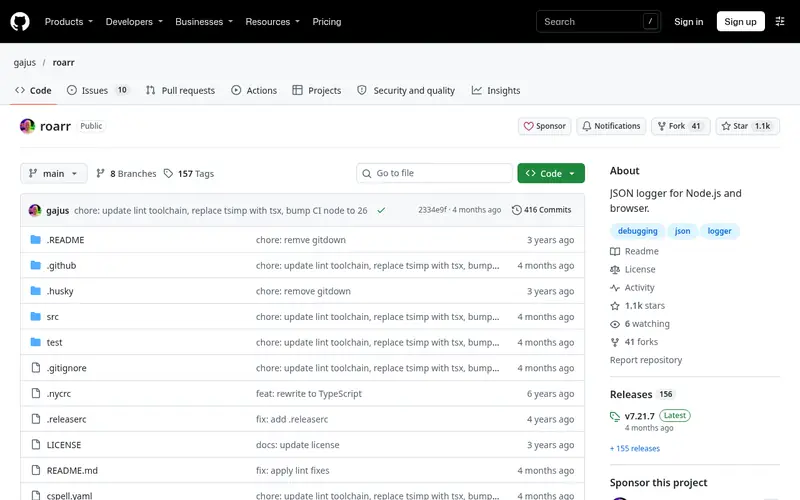
Roarr is a logger designed to work in both Node.js and browsers with the same API. It attaches context to log messages and lets the environment decide how output is formatted, which helps when shared code runs in several places. Output can be switched between human-readable and JSON forms.
It runs in Node.js and browsers, and the licence is BSD-3-Clause. The library is smaller in scope than transport-heavy loggers, so shipping logs to a backend is left to your own code or a separate package. It suits shared libraries and isomorphic code where one logging call must work everywhere. Server teams with complex transport needs may want a larger logger.
Standout: Works in Node.js and browsers
Free (open source), as listed by the vendor (Roarr website). Confirm the current plan price before you buy.
Free plan. Plans change, so confirm on the vendor's pricing page before you buy.
Benefits
- Works in Node.js and browsers
- structured context support
- output controlled by environment
Drawbacks
- Smaller community than Pino or Winston
- fewer built-in transports
Skip it if this limit matters to you: smaller community than Pino or Winston.
Verdict. A sensible pick for universal JavaScript code that needs one logger across environments.
Who should use what
High-traffic APIs that ship JSON to a collector should start with Pino. Applications that need several destinations and per-transport formatting fit Winston. Teams with a Java or .NET background, or a need for file rotation, often prefer Log4js. CLI tools and scripts that want readable terminal output should look at consola. TypeScript backends that want typed log calls can use tslog, and shared code that runs in Node.js and the browser may suit Roarr.
Questions to settle before you buy
What to check before you buy
- Confirm the output format matches what your log collector can parse, such as JSON lines versus plain text.
- Check whether you need file rotation or whether your platform captures stdout.
- Review how the library handles errors, stack traces and circular objects.
- Decide how request IDs and user context will be attached, such as child loggers.
- Audit what you log so tokens, passwords and personal data stay out of log storage.
FAQ
Are these Node.js logging libraries free?
Yes. Pino, Winston, Log4js, tslog, consola and Roarr are all open source and free to use under their respective licences. You may still pay for the platform that stores and queries the logs, such as a hosted logging service.
Which library is fastest?
Pino is designed for low overhead and structured JSON output, which is why it is often chosen for high-volume services. Winston and Log4js do more work per call because of their transport and appender models. Measure in your own application rather than relying on general claims.
Can I use these in the browser?
Roarr, tslog and consola support browser environments as well as Node.js. Pino, Winston and Log4js target Node.js. If shared code must log in both places, check browser support before choosing.
Do I need a separate log shipping tool?
Usually yes. Most of these libraries write to stdout or files. Getting logs into a searchable store is handled by your hosting platform, a sidecar agent or a transport plugin. The library handles formatting and levels, not long-term storage.
How do I keep secrets out of logs?
Log only the fields you need, avoid dumping whole request bodies and headers, and redact known sensitive keys. Review log output in staging before production. Treat log storage as sensitive data, since logs often outlive the request that produced them.
Sources we checked
Method: how we score · editorial policy.
Change log. First published 22 Nov 2026.