Stage 01 · Write · Researched comparison
Best Node.js Image Processing Libraries in 2026
sharp is the first pick for most server-side work: it resizes, converts and composites images quickly through libvips and suits API backends and batch pipelines. Jimp is a good alternative when you want pure JavaScript with no native build step. node-canvas fits cases where you need to draw text, shapes and charts onto a canvas rather than just transform existing files.

By Shihab Mia
Published 27 Nov 2026 · 6 tools compared
We run no ads and no affiliate links at launch. The order of a list follows our published method. See how we score.
Prices are the starting prices vendors list publicly. Plans change, so confirm the current price on the vendor page before you buy.
Key takeaways
- sharp, Jimp, gm, @napi-rs/image, node-canvas and wasm-vips are all free and open source, so cost is not the deciding factor.
- sharp and @napi-rs/image rely on native binaries, which means prebuilt packages or a working build toolchain on your platform.
- Jimp and wasm-vips avoid native compilation, which helps on restricted or serverless hosts.
- These libraries run in your own process, so image data stays on your infrastructure; that is different from pasting files into a third-party web tool.
Who each pick is for
- High-throughput resizing and format conversion in server backendssharp
- Pure JavaScript image edits with no native build stepJimp
- Projects already standardised on GraphicsMagick or ImageMagickgm
- Rust-backed image transforms exposed through N-API@napi-rs/image
- Drawing text, shapes and charts onto a canvas in Node.jsnode-canvas
- libvips processing in WebAssembly without native buildswasm-vips
Comparison
| Tool | Best for | Standout feature | Listed starting price | Free plan or trial |
|---|---|---|---|---|
| 1sharp | High-throughput resizing and format conversion in server backends | Fast libvips-based pipeline | Free (open source) | Free plan |
| 2Jimp | Pure JavaScript image edits with no native build step | No native dependencies | Free (open source) | Free plan |
| 3gm | Projects already standardised on GraphicsMagick or ImageMagick | Exposes the full GraphicsMagick and ImageMagick command set | Free (open source) | Free plan |
| 4@napi-rs/image | Rust-backed image transforms exposed through N-API | Native speed with prebuilt N-API binaries | Free (open source) | Free plan |
| 5node-canvas | Drawing text, shapes and charts onto a canvas in Node.js | Implements the Canvas 2D API on the server | Free (open source) | Free plan |
| 6wasm-vips | libvips processing in WebAssembly without native builds | Same libvips engine as sharp, compiled to WebAssembly | Free (open source) | Free plan |
How we picked
We picked libraries that genuinely perform image processing in Node.js and are currently maintained. Criteria were fit for common jobs (resize, convert, composite, draw), supported platforms and install requirements, licence and price, and the main limits each project documents. Sources are vendor pages, project documentation and public repositories. All six are open source with no paid tier. Prices and maintenance status can change, so confirm on the project page before you commit.
The tools, one by one
sharp
Best for high-throughput resizing and format conversion in server backends
What it is and where it fits
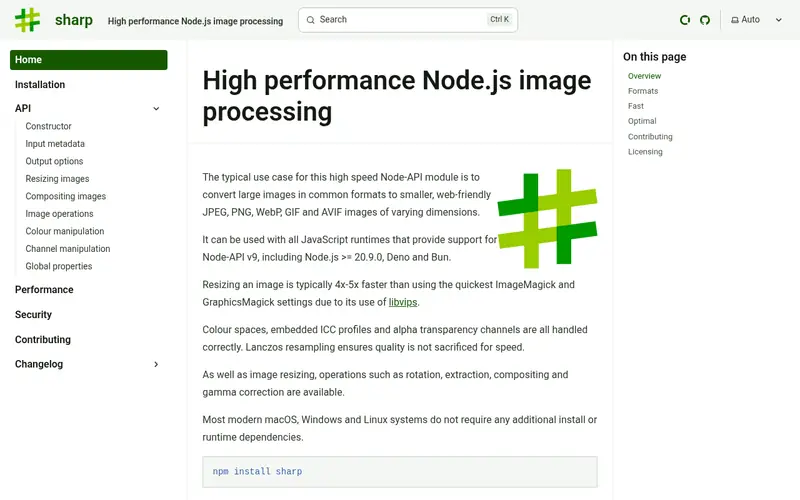
sharp wraps libvips, a C library that processes images with low memory use. It handles resize, crop, rotate, composite, colour adjustment and conversion between JPEG, PNG, WebP, AVIF, TIFF and other formats. It runs on Node.js on Linux, macOS and Windows, and ships prebuilt binaries for common platforms.
The licence is Apache-2.0. There is no paid tier and no usage limit; the project is maintained on GitHub. The main friction is the native binary: unusual architectures or older Node versions may need a build toolchain. If your pipeline is mostly "take an upload, resize it, convert it, store it," sharp is the default choice. Skip it if you cannot ship native modules to your host.
Standout: Fast libvips-based pipeline
Free (open source), as listed by the vendor (sharp website). Confirm the current plan price before you buy.
Free plan. Plans change, so confirm on the vendor's pricing page before you buy.
Benefits
- Fast libvips-based pipeline
- broad format support including AVIF and WebP
Drawbacks
- Native dependency can complicate some builds
- streaming API has a learning curve
Skip it if this limit matters to you: native dependency can complicate some builds.
Verdict. A sensible pick for high-throughput resizing and format conversion in server backends.
Alternatives in this guide: Jimp, gm, @napi-rs/image
Jimp
Best for pure JavaScript image edits with no native build step
What it is and where it fits
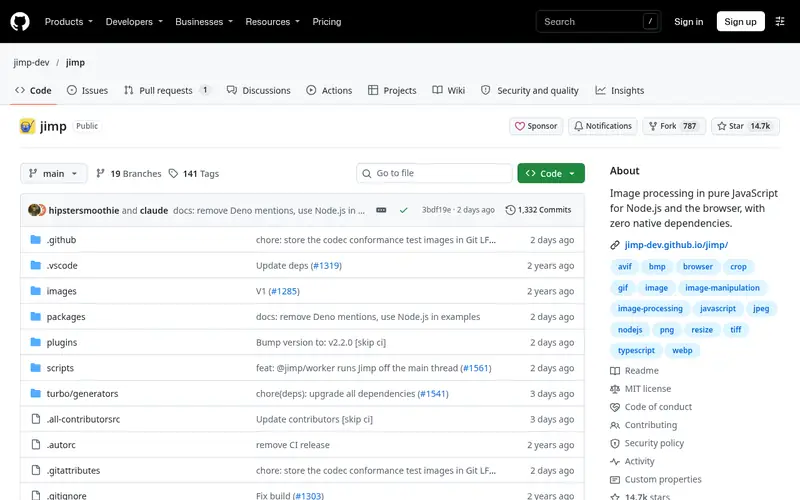
Jimp is written entirely in JavaScript, so it installs without compiling anything. It covers common operations: resize, crop, rotate, blur, colour filters, compositing and reading or writing PNG, JPEG, BMP and GIF. It runs anywhere Node.js runs, including environments where native modules are blocked.
The licence is MIT. It is maintained by the jimp-dev group on GitHub. Because it works in pure JS, throughput on large batches is lower than sharp, and memory use per image is higher. It suits scripts, small services and tools where portability matters more than raw speed. Skip it for high-volume pipelines with large source files.
Standout: No native dependencies
Free (open source), as listed by the vendor (Jimp website). Confirm the current plan price before you buy.
Free plan. Plans change, so confirm on the vendor's pricing page before you buy.
Benefits
- No native dependencies
- readable promise-based API
Drawbacks
- Slower on large images than libvips-based tools
- fewer advanced formats
Skip it if this limit matters to you: slower on large images than libvips-based tools.
Verdict. A sensible pick for pure JavaScript image edits with no native build step.
Alternatives in this guide: sharp, gm, @napi-rs/image
gm
Best for projects already standardised on GraphicsMagick or ImageMagick
What it is and where it fits
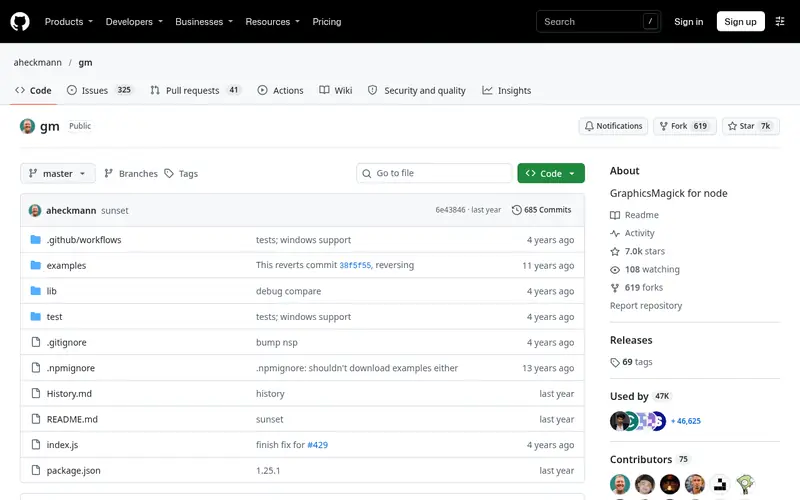
gm is a Node.js wrapper around the GraphicsMagick or ImageMagick command-line tools. It does not process pixels itself; it builds and runs commands against the installed binary. That gives you access to the full feature set of those tools, including resize, convert, composite, montage and format conversion.
The licence is MIT for the wrapper; GraphicsMagick and ImageMagick carry their own licences. You must install the binary on every host, which adds deployment work. The project is older and receives fewer updates than sharp or Jimp. It still fits teams that already run ImageMagick for other jobs and want one consistent toolchain. Skip it for new greenfield projects unless you need a specific ImageMagick feature.
Standout: Exposes the full GraphicsMagick and ImageMagick command set
Free (open source), as listed by the vendor (gm website). Confirm the current plan price before you buy.
Free plan. Plans change, so confirm on the vendor's pricing page before you buy.
Benefits
- Exposes the full GraphicsMagick and ImageMagick command set
- familiar CLI-style options
Drawbacks
- Requires the external binary installed
- older project with slower maintenance
Skip it if this limit matters to you: requires the external binary installed.
Verdict. A sensible pick for projects already standardised on GraphicsMagick or ImageMagick.
Alternatives in this guide: sharp, Jimp, @napi-rs/image
@napi-rs/image
Best for rust-backed image transforms exposed through N-API
What it is and where it fits
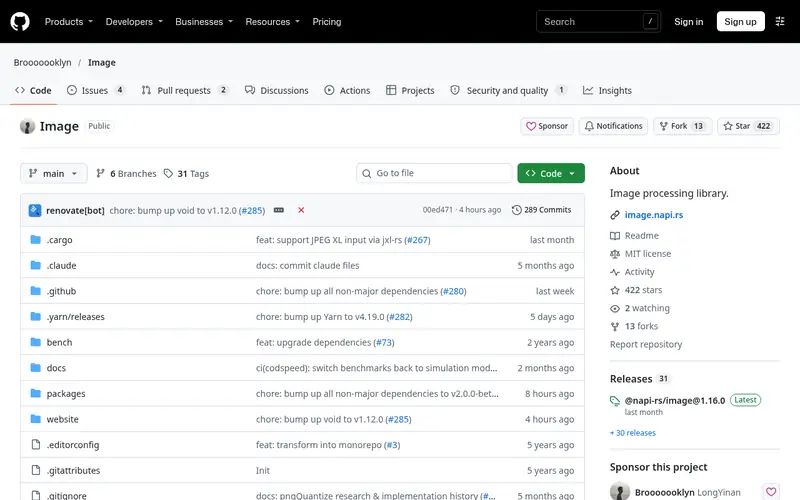
@napi-rs/image is a Rust image-processing library bound to Node.js through N-API. It provides resize, crop, rotate, blur and format conversion, with prebuilt binaries for major platforms so you usually do not compile Rust yourself. It is part of the napi-rs family of native Node modules.
The licence is MIT. The project is maintained on GitHub. It is a reasonable pick when you want native performance but a smaller, more focused API than sharp's libvips pipeline. The trade-off is a smaller community and fewer documented edge cases. Check that prebuilt binaries exist for your target platform and Node version before committing. Skip it if you need broad format support or a large body of examples.
Standout: Native speed with prebuilt N-API binaries
Free (open source), as listed by the vendor (@napi-rs/image website). Confirm the current plan price before you buy.
Free plan. Plans change, so confirm on the vendor's pricing page before you buy.
Benefits
- Native speed with prebuilt N-API binaries
- typed API for common transforms
Drawbacks
- Smaller ecosystem than sharp
- fewer format and pipeline options
Skip it if this limit matters to you: smaller ecosystem than sharp.
Verdict. A sensible pick for rust-backed image transforms exposed through N-API.
node-canvas
Best for drawing text, shapes and charts onto a canvas in Node.js
What it is and where it fits
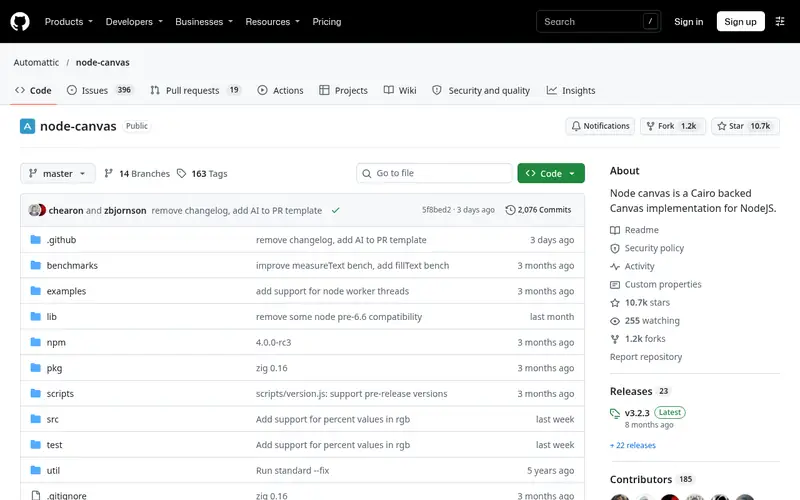
node-canvas provides a Cairo-backed implementation of the HTML Canvas 2D API for Node.js. You can draw text, shapes, paths and images, then export to PNG, JPEG or PDF buffers. It is the usual choice for server-side chart rendering, social card generation and watermarking with custom layout.
The licence is MIT. It runs on Linux, macOS and Windows but depends on native libraries (Cairo, Pango, and related packages), which you install through your OS package manager or prebuilt binaries. It is not designed as a bulk resize or format-conversion tool; pair it with sharp or Jimp for that. Skip it if all you need is resizing and conversion.
Standout: Implements the Canvas 2D API on the server
Free (open source), as listed by the vendor (node-canvas website). Confirm the current plan price before you buy.
Free plan. Plans change, so confirm on the vendor's pricing page before you buy.
Benefits
- Implements the Canvas 2D API on the server
- good for generated graphics
Drawbacks
- Needs system libraries such as Cairo
- not a batch image converter
Skip it if this limit matters to you: needs system libraries such as Cairo.
Verdict. A sensible pick for drawing text, shapes and charts onto a canvas in Node.js.
wasm-vips
Best for libvips processing in WebAssembly without native builds
What it is and where it fits
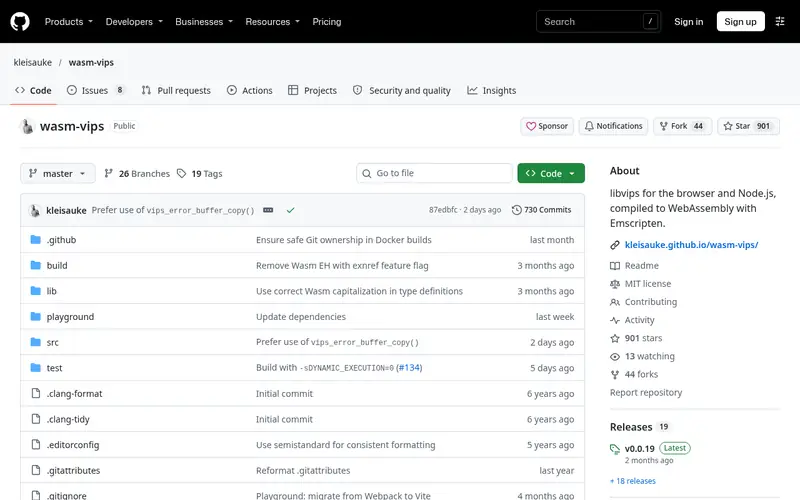
wasm-vips compiles libvips to WebAssembly so you can run the same processing engine in Node.js or the browser without native modules. It supports resize, crop, colour operations and conversion across common formats. It is useful where native binaries are blocked, such as some serverless or sandboxed runtimes.
The licence is MIT. The project is maintained on GitHub. The trade-offs are size and speed: the WebAssembly module is larger than a native addon and runs slower than sharp on the same hardware. Memory limits in constrained runtimes also apply. Skip it when native sharp works on your platform, and choose it when portability outweighs throughput.
Standout: Same libvips engine as sharp, compiled to WebAssembly
Free (open source), as listed by the vendor (wasm-vips website). Confirm the current plan price before you buy.
Free plan. Plans change, so confirm on the vendor's pricing page before you buy.
Benefits
- Same libvips engine as sharp, compiled to WebAssembly
- no native binary
Drawbacks
- Larger download and startup cost
- slower than native sharp
Skip it if this limit matters to you: larger download and startup cost.
Verdict. A sensible pick for libvips processing in WebAssembly without native builds.
Who should use what
For a typical upload pipeline in a container or VM, use sharp. If your host blocks native modules or you want a small script with no build step, use Jimp. If you need to draw text, charts or watermarks with precise layout, use node-canvas and pair it with sharp for conversion. If you already run ImageMagick across your stack, gm keeps one toolchain. If you want libvips behaviour in a sandboxed runtime, use wasm-vips.
Questions to settle before you buy
What to check before you buy
- Confirm prebuilt binaries or a build toolchain exist for your OS, architecture and Node version.
- Check which input and output formats you actually need, including AVIF and WebP.
- Measure memory use per image against your container limits, especially for large sources.
- Verify the licence fits your distribution model; all six here are permissive.
- Decide whether you need drawing (node-canvas) or transformation (sharp, Jimp, gm) before choosing.
FAQ
Do I need a paid licence for any of these libraries?
No. sharp, Jimp, gm, @napi-rs/image, node-canvas and wasm-vips are all open source under permissive licences (Apache-2.0 or MIT). There is no paid tier for the libraries themselves. You may still pay for hosting or for a commercial ImageMagick build if you use one.
Which library is fastest for resizing many images?
sharp is built on libvips, which is designed for low-memory, high-throughput processing, and is generally the fastest of these options for bulk resize and conversion. wasm-vips uses the same engine but runs in WebAssembly, so it is slower. Jimp is pure JavaScript and slower still on large files.
Can I process images without native dependencies?
Yes. Jimp is pure JavaScript, and wasm-vips runs libvips as WebAssembly. Both avoid native addons. sharp and @napi-rs/image ship prebuilt native binaries, and node-canvas and gm require system libraries or external binaries.
Can these libraries run in the browser?
wasm-vips is designed to run in both Node.js and the browser. The others target Node.js. If you want processing to stay on the client, wasm-vips is the relevant option; otherwise process on your own server so image data does not leave your infrastructure.
Is it safe to use an online image converter instead?
Online converters send your files to a third party. For anything private, such as user photos or unreleased assets, process locally with one of these libraries. Avoid pasting tokens or production data into third-party web pages, and prefer tools that run in your own process.
Sources we checked
Method: how we score · editorial policy.
Change log. First published 27 Nov 2026.