Stage 01 · Write · Researched comparison
Best Node JS CLI Spinner Libraries in 2026
ora is the first pick for most Node.js command-line tools that need a single spinner with minimal setup, and it suits scripts and small CLIs where a clean status line is enough. Choose Listr2 when the work is a sequence of named tasks that each need their own status. Choose @clack/prompts when the spinner needs to match interactive prompts.

By Shihab Mia
Published 28 Nov 2026 · 5 tools compared
We run no ads and no affiliate links at launch. The order of a list follows our published method. See how we score.
Prices are the starting prices vendors list publicly. Plans change, so confirm the current price on the vendor page before you buy.
Key takeaways
- ora is the most common choice for a single spinner and works on macOS, Linux and Windows terminals.
- Listr2 covers multi-task lists, which ora does not do on its own.
- All five libraries are free and open source, so cost is not a deciding factor here.
- Spinners render in the terminal only; none of these tools send your command output to a remote page.
Who each pick is for
- Single spinners in scripts and small CLIsora
- Multi-step task lists with per-task statusListr2
- Spinners combined with interactive prompts@clack/prompts
- A small spinner with minimal dependenciesnanospinner
- React-style terminal UIs with spinners and layoutInk
Comparison
| Tool | Best for | Standout feature | Listed starting price | Free plan or trial |
|---|---|---|---|---|
| 1ora | Single spinners in scripts and small CLIs | Simple API with start, succeed, fail and stop methods | Free (open source) | Free plan |
| 2Listr2 | Multi-step task lists with per-task status | Renders nested tasks with pending, running and done states | Free (open source) | Free plan |
| 3@clack/prompts | Spinners combined with interactive prompts | Spinner and prompt components share one visual style | Free (open source) | Free plan |
| 4nanospinner | A small spinner with minimal dependencies | Very small footprint | Free (open source) | Free plan |
| 5Ink | React-style terminal UIs with spinners and layout | Component model with state and layout | Free (open source) | Free plan |
How we picked
We compared these libraries on fit for terminal spinner and progress work, platform support, licence and price, and the main limits of each. We looked at vendor documentation, project repositories and public pricing pages. All five are free and open source. Prices and features change, so confirm details on the project page before you commit. None of these libraries send your data to a third-party web page; they draw in your own terminal.
The tools, one by one
ora
Best for single spinners in scripts and small CLIs
What it is and where it fits
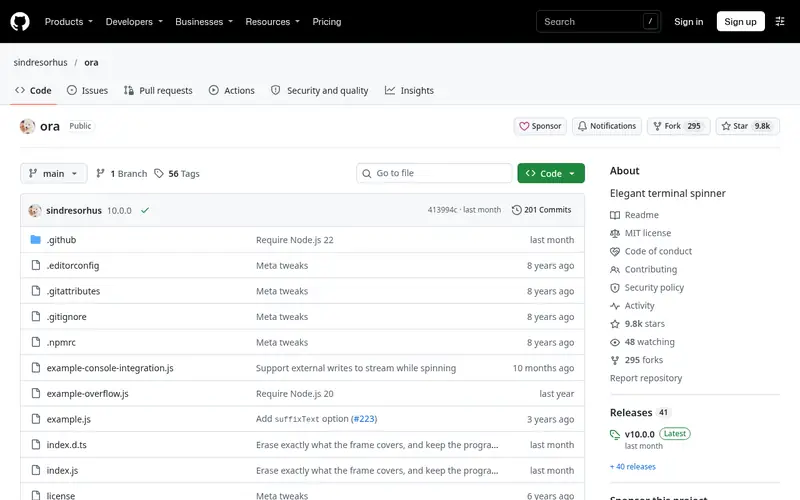
ora is a spinner library for Node.js command-line tools. You create a spinner with text, call start, then update it with succeed, fail, warn or info. It detects whether output is a TTY and falls back to plain lines when it is not, which matters for CI logs. It runs anywhere Node.js runs and is published under the MIT license.
The API is small, so it fits scripts that need one status line while a long step runs. It does not draw progress bars, percentages or multi-task lists. For those you pair it with another library or move to Listr2. Skip ora if you need to show several concurrent tasks with separate states.
Standout: Simple API with start, succeed, fail and stop methods
Free (open source), as listed by the vendor (ora website). Confirm the current plan price before you buy.
Free plan. Plans change, so confirm on the vendor's pricing page before you buy.
Benefits
- Simple API with start, succeed, fail and stop methods
- handles terminal fallbacks and non-TTY output
Drawbacks
- No built-in progress bar or task list
- one spinner per instance
Skip it if this limit matters to you: no built-in progress bar or task list.
Verdict. A sensible pick for single spinners in scripts and small CLIs.
Alternatives in this guide: Listr2, @clack/prompts, nanospinner
Listr2
Best for multi-step task lists with per-task status
What it is and where it fits
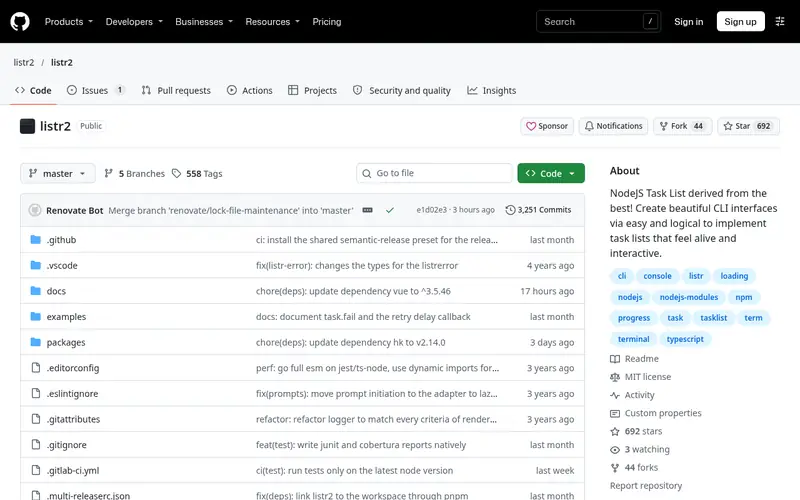
Listr2 renders a list of named tasks in the terminal, each with its own spinner and status. You define tasks as functions, and Listr2 runs them sequentially or concurrently and redraws the list as states change. It supports nested subtasks, so a build step can show its own children.
It runs on Node.js and is MIT licensed. The library is a good fit for installers, scaffolding tools and build scripts where users want to see which step is running and which failed. It is more structure than a one-line spinner needs, so skip it for short scripts with a single step. For a plain spinner without a task list, ora is lighter.
Standout: Renders nested tasks with pending, running and done states
Free (open source), as listed by the vendor (Listr2 website). Confirm the current plan price before you buy.
Free plan. Plans change, so confirm on the vendor's pricing page before you buy.
Benefits
- Renders nested tasks with pending, running and done states
- supports concurrent and sequential execution
Drawbacks
- More setup than a single spinner
- best suited to multi-task flows
Skip it if this limit matters to you: more setup than a single spinner.
Verdict. A sensible pick for multi-step task lists with per-task status.
Alternatives in this guide: ora, @clack/prompts, nanospinner
@clack/prompts
Best for spinners combined with interactive prompts
What it is and where it fits
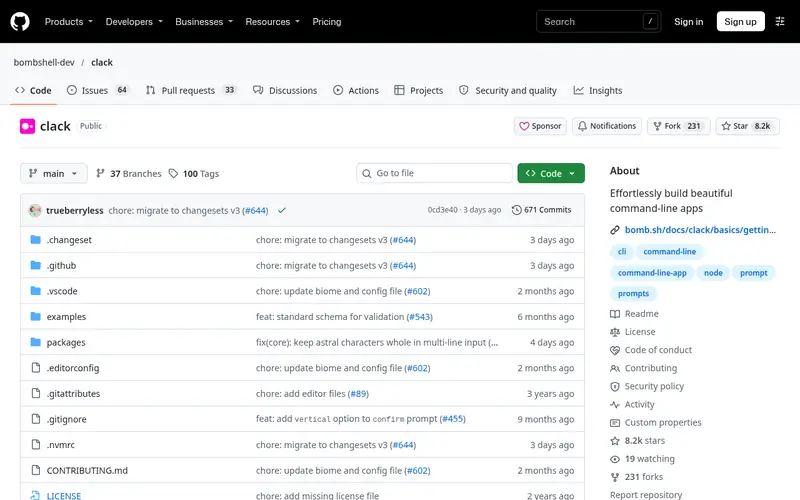
@clack/prompts is a prompt toolkit for Node.js CLIs that includes a spinner alongside text, select, confirm and other prompt types. The spinner uses the same symbols and colors as the prompts, so a tool that asks questions and then runs work keeps one consistent look.
It runs on Node.js and is MIT licensed. The package is a good fit for setup wizards and interactive scaffolding tools. If you only need a spinner, the prompt code is extra weight, and the visual style is fixed rather than neutral. Skip it when your CLI is non-interactive or when you want full control over every glyph.
Standout: Spinner and prompt components share one visual style
Free (open source), as listed by the vendor (@clack/prompts website). Confirm the current plan price before you buy.
Free plan. Plans change, so confirm on the vendor's pricing page before you buy.
Benefits
- Spinner and prompt components share one visual style
- includes text, select and confirm prompts
Drawbacks
- Larger surface than a spinner alone
- styling is opinionated
Skip it if this limit matters to you: larger surface than a spinner alone.
Verdict. A sensible pick for spinners combined with interactive prompts.
Alternatives in this guide: ora, Listr2, nanospinner
nanospinner
Best for a small spinner with minimal dependencies
What it is and where it fits
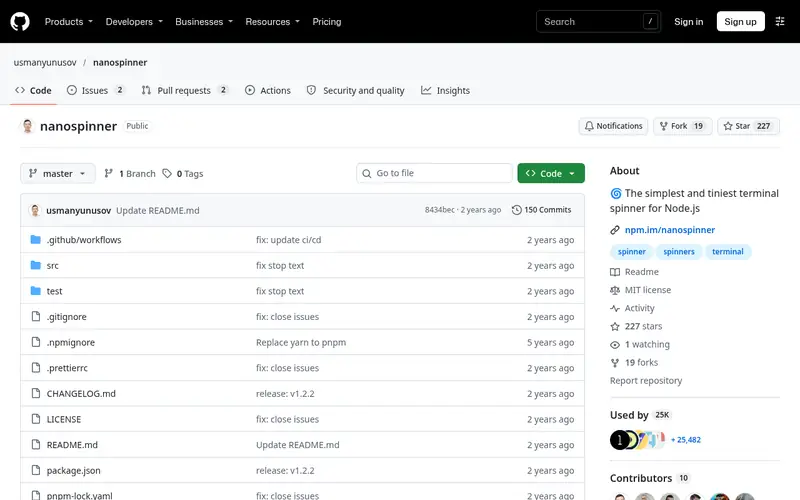
nanospinner is a lightweight spinner library for Node.js. You create a spinner with createSpinner, call start, then update it with success, error, warn or stop. The API is close to ora's but the package is smaller and has fewer dependencies, which suits tools that care about install size.
It runs on Node.js and is MIT licensed. It covers the common case of one status line during a long step. It does not draw progress bars or task lists, and it has fewer options for custom frames and symbols than ora. Choose it when you want a spinner with a small dependency tree and do not need the extra features.
Standout: Very small footprint
Free (open source), as listed by the vendor (nanospinner website). Confirm the current plan price before you buy.
Free plan. Plans change, so confirm on the vendor's pricing page before you buy.
Benefits
- Very small footprint
- simple create and update API
Drawbacks
- Fewer features than ora
- smaller ecosystem
Skip it if this limit matters to you: fewer features than ora.
Verdict. A sensible pick for A small spinner with minimal dependencies.
Alternatives in this guide: ora, Listr2, @clack/prompts
Ink
Best for react-style terminal UIs with spinners and layout
What it is and where it fits
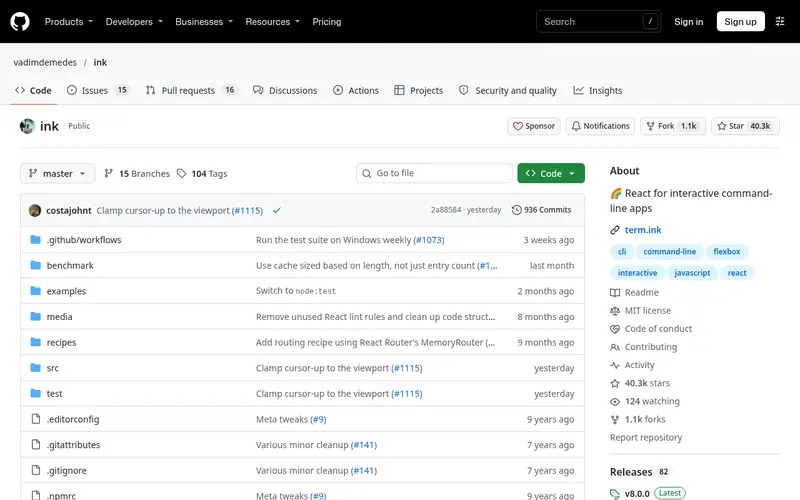
Ink lets you build terminal interfaces with React components. You render a tree, use state and effects, and Ink redraws the output. Spinners are one part of that: you can build a spinner component or use one from the ecosystem, then combine it with tables, lists and layout in the same view.
It runs on Node.js and is MIT licensed. It suits larger CLIs that need a persistent interface, such as dashboards or multi-panel tools. It is more than a spinner library, so skip it for a script that only needs one status line. For that case ora or nanospinner is simpler and has fewer dependencies.
Standout: Component model with state and layout
Free (open source), as listed by the vendor (Ink website). Confirm the current plan price before you buy.
Free plan. Plans change, so confirm on the vendor's pricing page before you buy.
Benefits
- Component model with state and layout
- can render spinners, tables and lists together
Drawbacks
- Requires React knowledge
- heavier than a single-purpose spinner
Skip it if this limit matters to you: requires React knowledge.
Verdict. A sensible pick for react-style terminal UIs with spinners and layout.
Alternatives in this guide: ora, Listr2, @clack/prompts
Who should use what
If you have a short script that runs one long step, use ora or nanospinner. If your tool runs several named steps and users need to see which one failed, use Listr2. If your CLI asks questions and then runs work, use @clack/prompts so the spinner and prompts match. If you are building a larger terminal interface with layout and state, use Ink.
Questions to settle before you buy
What to check before you buy
- Check that the library falls back to plain output when stdout is not a TTY, so CI logs stay readable.
- Confirm it works on the terminals your users run, including Windows.
- Check the dependency count if install size matters for your package.
- Confirm the licence fits your project, since all five here are MIT.
- Test how the spinner behaves when a task fails, so errors are not hidden.
FAQ
Do I need a spinner library at all?
No. You can write escape codes yourself, but libraries handle TTY detection, cursor movement and cleanup on exit. That saves bugs in CI and on Windows terminals.
Can these libraries show progress bars?
ora and nanospinner show spinners only. Listr2 and Ink can render bars or spinners inside their layouts.
Are these libraries free?
Yes. All five are open source under the MIT license, so there is no paid tier or per-seat cost.
Will a spinner break my CI logs?
Most of these libraries detect a non-TTY stream and print plain lines instead of redrawing. Check this behavior for the library you pick before relying on it.
Can I use more than one in the same CLI?
Yes, but keep the output consistent. Mixing two spinner libraries in one view can produce messy redraws. Pick one for the main output and use it throughout.
Sources we checked
Method: how we score · editorial policy.
Change log. First published 28 Nov 2026.