Stage 01 · Write · Researched comparison
Best Node.js CLI Frameworks in 2026
Commander is the first pick for most teams building a Node.js CLI. It has a small API, wide adoption and good docs, and it suits projects that want argument parsing and command routing without extra structure. For TypeScript-first projects that need typed options and generated help, oclif is the stronger alternative. For very small scripts where bundle size matters, yargs or a minimal parser such as minimist may fit better.

By Shihab Mia
Published 22 Nov 2026 · 6 tools compared
We run no ads and no affiliate links at launch. The order of a list follows our published method. See how we score.
Prices are the starting prices vendors list publicly. Plans change, so confirm the current price on the vendor page before you buy.
Key takeaways
- Commander, yargs and oclif are all free and open source, so cost is not a deciding factor between them.
- oclif adds a plugin system and command scaffolding, which suits larger multi-command tools.
- Ink targets terminal UI work rather than argument parsing, so it solves a different problem.
- Check the licence and current maintenance activity on each repository before you commit to one.
Who each pick is for
- General-purpose CLIs that need clear commands and optionsCommander
- CLIs that need flexible parsing and detailed help outputyargs
- Large TypeScript CLIs with plugins and many commandsoclif
- CLIs that need interactive terminal interfacesInk
- Tiny scripts that only need basic flag parsingminimist
- Lightweight CLIs that want a modern command APIcac
Comparison
| Tool | Best for | Standout feature | Listed starting price | Free plan or trial |
|---|---|---|---|---|
| 1Commander | General-purpose CLIs that need clear commands and options | Small API with good docs | Free (open source) | Free plan |
| 2yargs | CLIs that need flexible parsing and detailed help output | Rich parsing options and automatic help | Free (open source) | Free plan |
| 3oclif | Large TypeScript CLIs with plugins and many commands | Command scaffolding and plugin system | Free (open source) | Free plan |
| 4Ink | CLIs that need interactive terminal interfaces | React component model for terminal output | Free (open source) | Free plan |
| 5minimist | Tiny scripts that only need basic flag parsing | Very small and dependency-free | Free (open source) | Free plan |
| 6cac | Lightweight CLIs that want a modern command API | Concise command and option API | Free (open source) | Free plan |
How we picked
We picked frameworks that are actively maintained, open source and documented, and that genuinely handle CLI work such as argument parsing, command routing or terminal output. We looked at platform support, licence terms, setup effort, main limits and whether the project has a real repository and docs. Sources are vendor pages, official documentation and project repositories. Prices and plan details can change, so confirm current terms on the vendor site before you commit.
The tools, one by one
Commander
Best for general-purpose CLIs that need clear commands and options
What it is and where it fits
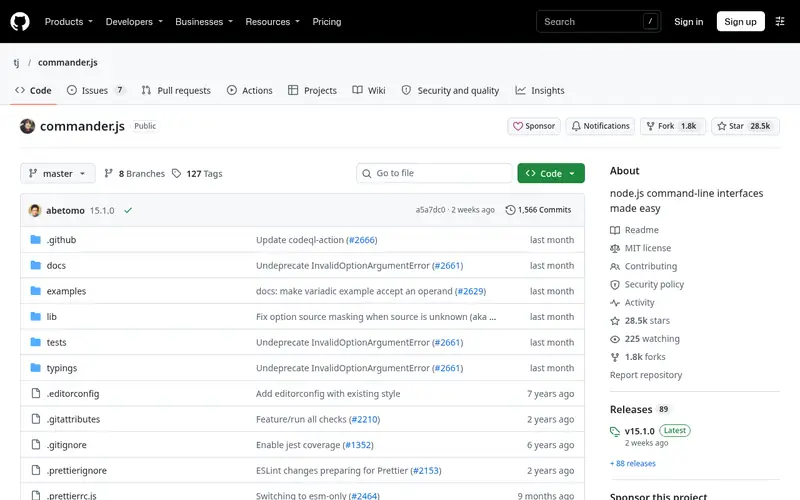
Commander is a command-line framework for Node.js. You define a program, add commands and options, and it handles parsing, validation and help text. It works with plain JavaScript and TypeScript and runs wherever Node.js runs. The package has no runtime dependencies, which keeps install size small.
The licence is MIT. There is no paid tier and no hosted service. Commander does not scaffold a project or manage plugins, so larger tools often add their own structure on top. Teams that want a single dependency for argument parsing and command routing tend to pick it. Teams that need plugin loading or command generation should look at oclif instead.
Standout: Small API with good docs
Free (open source), as listed by the vendor (Commander website). Confirm the current plan price before you buy.
Free plan. Plans change, so confirm on the vendor's pricing page before you buy.
Benefits
- Small API with good docs
- supports subcommands, option parsing and generated help
Drawbacks
- No built-in plugin system
- help formatting needs manual tuning for complex tools
Skip it if this limit matters to you: no built-in plugin system.
Verdict. A sensible pick for general-purpose CLIs that need clear commands and options.
yargs
Best for cLIs that need flexible parsing and detailed help output
What it is and where it fits
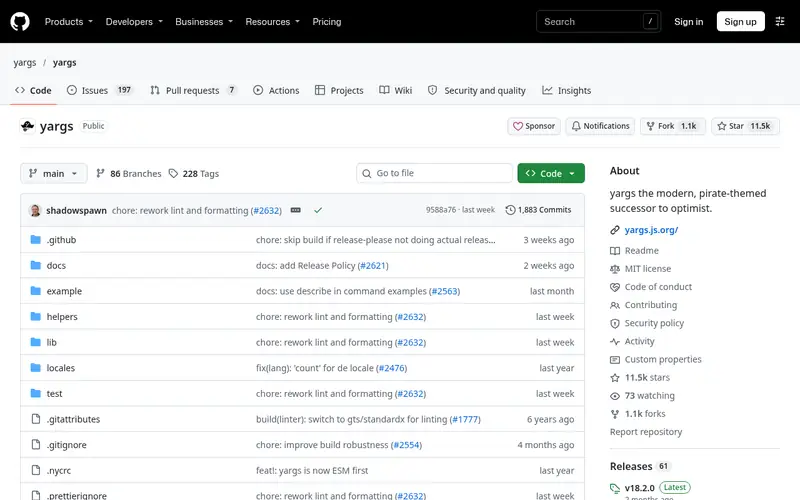
yargs is a command-line argument parser for Node.js. It handles positional arguments, flags, aliases, defaults and validation, and it builds help and usage output from your configuration. It supports command modules, so a large CLI can split commands across files. It runs on any platform where Node.js runs.
The project is MIT licensed and free to use. There is no paid plan. The trade-off is complexity: yargs exposes many options, and a small script can end up with more configuration than logic. It suits tools with many flags and subcommands, and teams that want parsing behavior spelled out explicitly. For a short script with two flags, Commander is usually quicker to set up.
Standout: Rich parsing options and automatic help
Free (open source), as listed by the vendor (yargs website). Confirm the current plan price before you buy.
Free plan. Plans change, so confirm on the vendor's pricing page before you buy.
Benefits
- Rich parsing options and automatic help
- strong support for nested commands
Drawbacks
- Configuration can get verbose
- API surface is larger than Commander
Skip it if this limit matters to you: configuration can get verbose.
Verdict. A sensible pick for CLIs that need flexible parsing and detailed help output.
oclif
Best for large TypeScript CLIs with plugins and many commands
What it is and where it fits
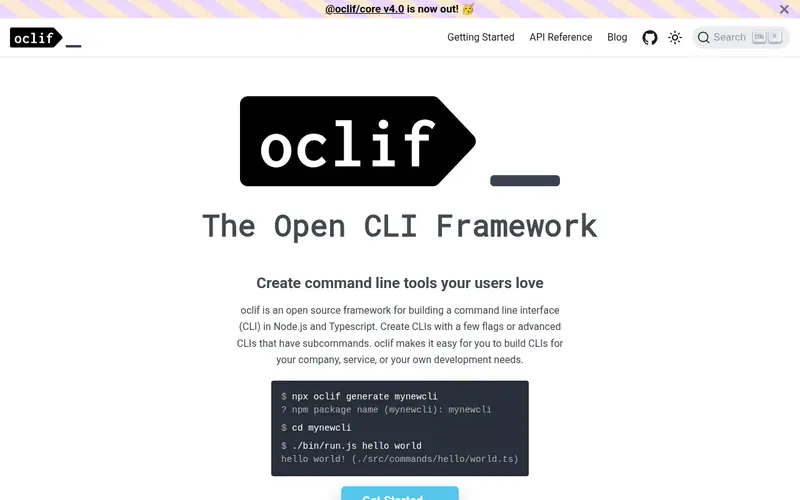
oclif is an open-source framework for building CLIs, maintained by Salesforce. It provides a project generator, a command class model, a plugin system and help generation. It is designed for TypeScript and ships type definitions. It runs on Node.js across macOS, Linux and Windows.
The core framework is MIT licensed and free. oclif also offers related hosted services for packaging and distribution, which are separate from the open-source framework and have their own pricing. The framework itself does not require those services. It suits tools with many commands, shared flags and optional plugins. For a single-command utility, the scaffolding and extra files are more than most projects need.
Standout: Command scaffolding and plugin system
Free (open source), as listed by the vendor (oclif website). Confirm the current plan price before you buy.
Free plan. Plans change, so confirm on the vendor's pricing page before you buy.
Benefits
- Command scaffolding and plugin system
- TypeScript-first with generated help
Drawbacks
- More structure than small tools need
- generated projects carry extra files
Skip it if this limit matters to you: more structure than small tools need.
Verdict. A sensible pick for large TypeScript CLIs with plugins and many commands.
Ink
Best for cLIs that need interactive terminal interfaces
What it is and where it fits
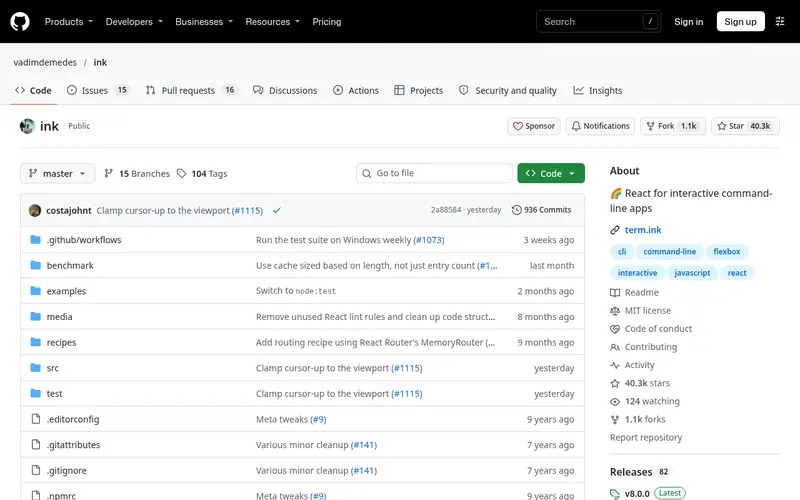
Ink is a library for building command-line interfaces with React components. It renders to the terminal and handles layout, input and updates. It is often paired with an argument parser such as Commander or yargs rather than used alone. It runs on Node.js on macOS, Linux and Windows.
The project is MIT licensed and free. It does not parse arguments, generate help or manage commands, so it is not a replacement for a CLI framework. It fits tools that show progress, tables, prompts or live-updating output. Teams that only need flags and subcommands should skip it and use a parser. Adding React to a small CLI increases dependency size, so weigh that against the interface work it saves.
Standout: React component model for terminal output
Free (open source), as listed by the vendor (Ink website). Confirm the current plan price before you buy.
Free plan. Plans change, so confirm on the vendor's pricing page before you buy.
Benefits
- React component model for terminal output
- good for interactive prompts and layouts
Drawbacks
- Not an argument parser
- adds React as a dependency
Skip it if this limit matters to you: not an argument parser.
Verdict. A sensible pick for CLIs that need interactive terminal interfaces.
minimist
Best for tiny scripts that only need basic flag parsing
What it is and where it fits
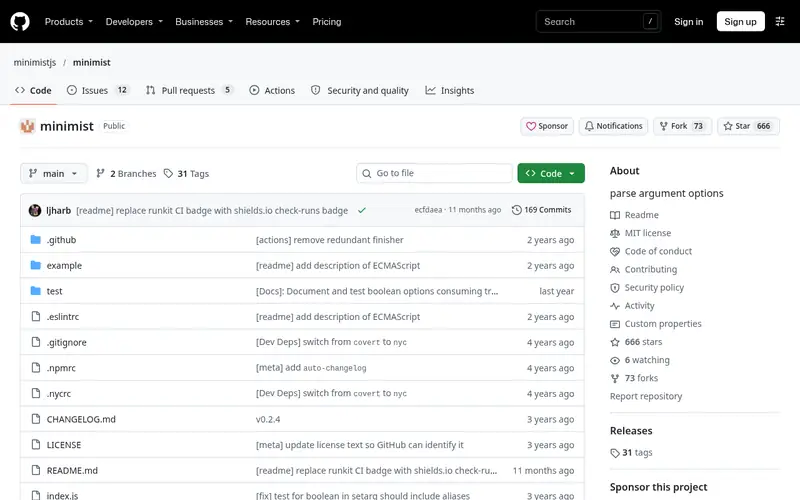
minimist is a small argument parser for Node.js. It turns process arguments into an object of flags and positionals. It does not provide commands, help text or validation beyond basic parsing. It runs anywhere Node.js runs.
The package is MIT licensed and free. Its scope is deliberately narrow, which makes it a good fit for build scripts and one-off utilities. It is a poor fit for a user-facing CLI that needs subcommands, generated help or typed options. If your tool will grow, starting with Commander or yargs avoids a later rewrite. Check the repository for current maintenance status before relying on it in a long-term project.
Standout: Very small and dependency-free
Free (open source), as listed by the vendor (minimist website). Confirm the current plan price before you buy.
Free plan. Plans change, so confirm on the vendor's pricing page before you buy.
Benefits
- Very small and dependency-free
- quick to drop into a script
Drawbacks
- No command routing or help generation
- minimal validation
Skip it if this limit matters to you: no command routing or help generation.
Verdict. A sensible pick for tiny scripts that only need basic flag parsing.
cac
Best for lightweight CLIs that want a modern command API
What it is and where it fits
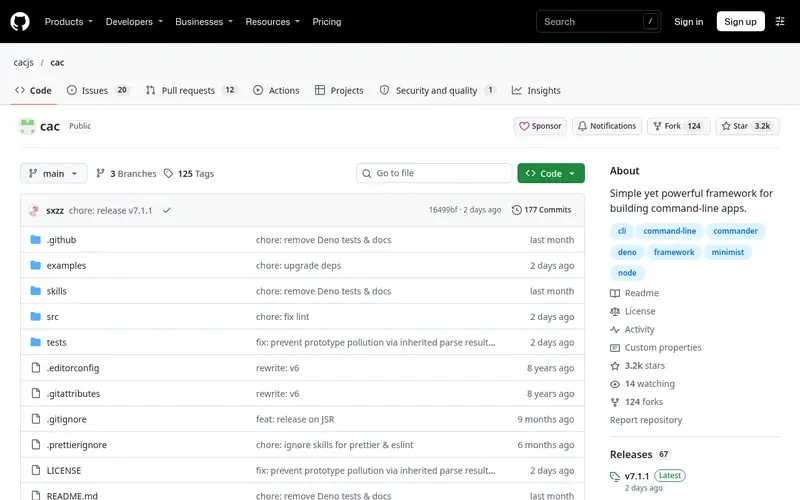
cac is a command-line framework for Node.js. It offers a compact API for commands, options, defaults and help output, and it ships TypeScript types. It is used by several build tools. It runs on Node.js on macOS, Linux and Windows.
The project is MIT licensed and free. It sits between minimist and Commander in scope: more structure than a bare parser, less configuration than yargs. The ecosystem and number of public examples are smaller, so unusual requirements may mean reading the source. It suits small to medium CLIs that want clean command definitions without a plugin system. Teams that need plugins or scaffolding should compare it with oclif.
Standout: Concise command and option API
Free (open source), as listed by the vendor (cac website). Confirm the current plan price before you buy.
Free plan. Plans change, so confirm on the vendor's pricing page before you buy.
Benefits
- Concise command and option API
- small footprint with TypeScript types
Drawbacks
- Smaller ecosystem than Commander
- fewer examples in the wild
Skip it if this limit matters to you: smaller ecosystem than Commander.
Verdict. A sensible pick for lightweight CLIs that want a modern command API.
Who should use what
If you are writing a first CLI with a few commands and flags, start with Commander. If your tool has many flags, aliases and nested commands, yargs gives you more control over parsing and help. If you are building a large TypeScript CLI with plugins and many commands, oclif provides the structure. If the interface itself is the product, such as a dashboard or interactive prompt flow, pair a parser with Ink. For throwaway scripts, minimist or cac keeps setup short.
Questions to settle before you buy
What to check before you buy
- Confirm the package is still maintained by checking recent commits and releases on the repository.
- Read the licence and check it fits your distribution model.
- Test the generated help output with your real commands and flags.
- Check TypeScript support if your project uses types.
- Measure install size and dependency count if startup time matters.
FAQ
Do I need a framework, or is a parser enough?
A parser handles flags and arguments. A framework adds command routing, help generation and sometimes plugins. For a script with a few flags, a parser is enough. For a user-facing tool with subcommands, a framework saves work.
Are these frameworks free?
Yes. Commander, yargs, oclif, Ink, minimist and cac are open source and free to use under their respective licences. oclif also offers separate hosted services with their own pricing, but the framework does not require them.
Which one works best with TypeScript?
oclif is built around TypeScript and generates typed command classes. Commander, yargs and cac also ship type definitions. The right choice depends on how much structure you want, not on type support alone.
Can I use these for interactive terminal apps?
Ink is built for terminal interfaces such as prompts, tables and full-screen layouts. Commander, yargs and cac handle parsing and commands. Many interactive tools combine one from each group.
How do I avoid breaking changes when I upgrade?
Pin the major version in your manifest, read the changelog before upgrading and run your CLI's tests against the new version. Frameworks with smaller API surfaces, such as Commander and cac, tend to produce fewer upgrade surprises.
Sources we checked
Method: how we score · editorial policy.
Change log. First published 22 Nov 2026.