Stage 01 · Write · Researched comparison
Best Neovim Distributions in 2026
LazyVim is the first pick for most developers who want a modern Neovim setup with sensible defaults and a fast plugin manager. It suits people who want to add features without assembling a config from scratch. NvChad is a good alternative if you want a fast, minimal base with a polished UI. AstroNvim fits teams that want a structured, extensible config with a clear plugin set.

By Shihab Mia
Published 22 Nov 2026 · 5 tools compared
We run no ads and no affiliate links at launch. The order of a list follows our published method. See how we score.
Prices are the starting prices vendors list publicly. Plans change, so confirm the current price on the vendor page before you buy.
Key takeaways
- All distributions listed here are free and open source, so cost is not a deciding factor.
- LazyVim uses lazy.nvim and ships defaults you can extend or trim per plugin.
- NvChad focuses on a light, fast base with a built-in UI and theme system.
- Distributions are plain Neovim configs, so you can read and edit every file locally.
Who each pick is for
- Developers who want modern defaults they can extendLazyVim
- Users who want a fast base with a polished UINvChad
- Teams that want a structured, extensible configAstroNvim
- Beginners who want to learn from a single filekickstart.nvim
- Users who want a general-purpose config with few decisionsNormalNvim
Comparison
| Tool | Best for | Standout feature | Listed starting price | Free plan or trial |
|---|---|---|---|---|
| 1LazyVim | Developers who want modern defaults they can extend | Built on lazy.nvim with per-plugin config | Free (open source) | Free plan |
| 2NvChad | Users who want a fast base with a polished UI | Light startup with a themed UI | Free (open source) | Free plan |
| 3AstroNvim | Teams that want a structured, extensible config | Clear plugin structure with user override layer | Free (open source) | Free plan |
| 4kickstart.nvim | Beginners who want to learn from a single file | One commented init.lua to read and edit | Free (open source) | Free plan |
| 5NormalNvim | Users who want a general-purpose config with few decisions | Broad default plugin set | Free (open source) | Free plan |
How we picked
We picked configurations that install on top of standard Neovim, run on Linux, macOS and Windows, and are free and open source. We checked each project's documentation and repository for its plugin manager, update model, licence and stated scope. We left out archived projects and configs that are no longer maintained. We did not benchmark startup times or test every plugin. Prices and licences can change, so confirm details on each project page before you commit.
The tools, one by one
LazyVim
Best for developers who want modern defaults they can extend
What it is and where it fits
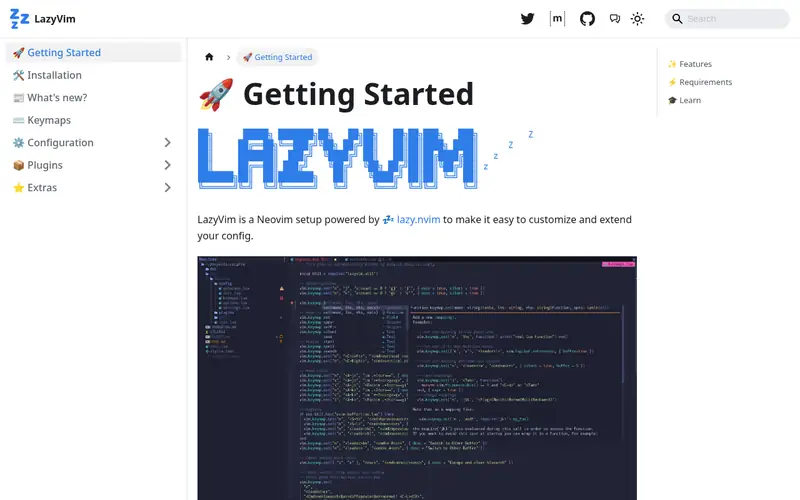
LazyVim is a Neovim setup built around lazy.nvim. It ships defaults for LSP, treesitter, telescope, completion and formatting, and lets you enable or disable features through small spec files. You install it as a starter config, then keep your own files under a separate directory so updates stay clean.
It runs wherever Neovim runs: Linux, macOS and Windows. The licence is Apache-2.0. The main limit is that it is opinionated. If you dislike its keymaps or plugin choices, you override them rather than starting from a blank file. Developers who want full control from an empty init.lua should skip it.
Standout: Built on lazy.nvim with per-plugin config
Free (open source), as listed by the vendor (LazyVim website). Confirm the current plan price before you buy.
Free plan. Plans change, so confirm on the vendor's pricing page before you buy.
Benefits
- Built on lazy.nvim with per-plugin config
- large set of optional extras
Drawbacks
- Defaults assume some Neovim knowledge
- extras can add setup time
Skip it if this limit matters to you: defaults assume some Neovim knowledge.
Verdict. A sensible pick for developers who want modern defaults they can extend.
Alternatives in this guide: NvChad, AstroNvim, kickstart.nvim
NvChad
Best for users who want a fast base with a polished UI
What it is and where it fits
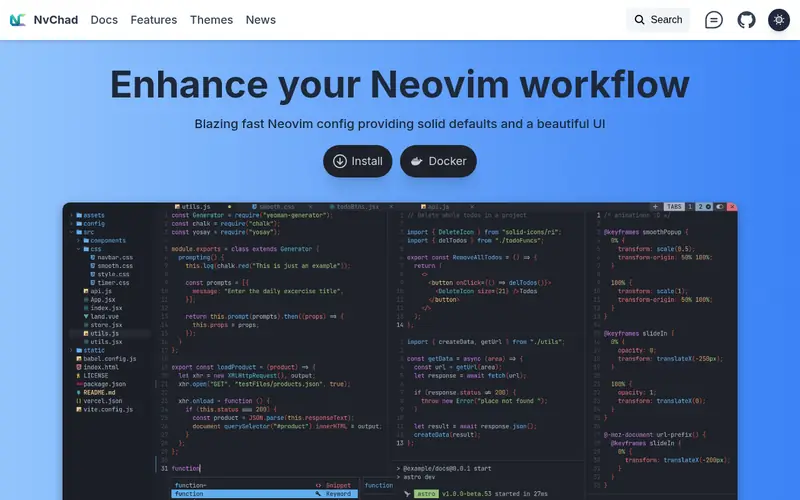
NvChad is a Neovim config aimed at speed and a clean interface. It includes a statusline, tabufline, theme system and a set of default plugins, with a base46 theme engine. You clone the starter, then keep your customisations in a separate directory.
It works on Linux, macOS and Windows with a recent Neovim. The project is GPL-3.0 licensed. NvChad stays closer to a minimal base than some distributions, so you add language tooling yourself. That suits people who want a fast starting point and do not mind wiring up LSP and formatters. It is a weaker fit if you want everything preconfigured out of the box.
Standout: Light startup with a themed UI
Free (open source), as listed by the vendor (NvChad website). Confirm the current plan price before you buy.
Free plan. Plans change, so confirm on the vendor's pricing page before you buy.
Benefits
- Light startup with a themed UI
- simple base config to fork
Drawbacks
- Fewer bundled language extras than some rivals
- UI changes need config edits
Skip it if this limit matters to you: fewer bundled language extras than some rivals.
Verdict. A sensible pick for users who want a fast base with a polished UI.
Alternatives in this guide: LazyVim, AstroNvim, kickstart.nvim
AstroNvim
Best for teams that want a structured, extensible config
What it is and where it fits
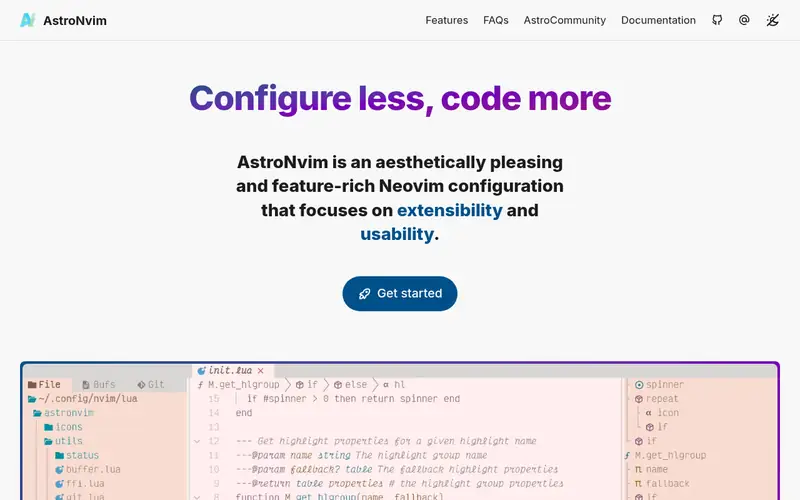
AstroNvim is a Neovim configuration with a defined layout: core plugins, a community plugin set, and a user config area you own. It bundles LSP, completion, treesitter, file explorer and git integrations, and documents how to override each piece.
It runs on Linux, macOS and Windows and is licensed under GPL-3.0. The structure helps when several people share a config, because overrides live in one place. The tradeoff is more concepts to learn before you are productive. Solo developers who want the smallest possible config may prefer a lighter base.
Standout: Clear plugin structure with user override layer
Free (open source), as listed by the vendor (AstroNvim website). Confirm the current plan price before you buy.
Free plan. Plans change, so confirm on the vendor's pricing page before you buy.
Benefits
- Clear plugin structure with user override layer
- community plugin set
Drawbacks
- More moving parts to learn
- upgrade steps need attention
Skip it if this limit matters to you: more moving parts to learn.
Verdict. A sensible pick for teams that want a structured, extensible config.
Alternatives in this guide: LazyVim, NvChad, kickstart.nvim
kickstart.nvim
Best for beginners who want to learn from a single file
What it is and where it fits
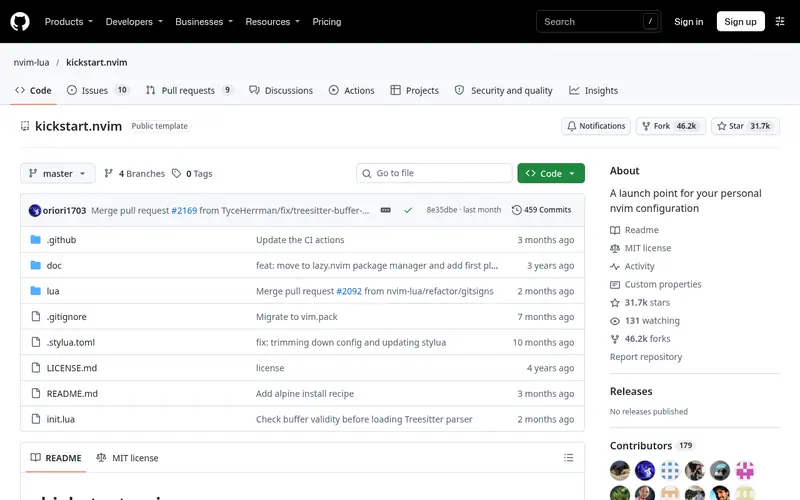
kickstart.nvim is a starting point rather than a full distribution. It is a single, heavily commented init.lua that sets up LSP, treesitter, telescope, completion and formatting. The goal is to teach how a Neovim config fits together.
It runs anywhere Neovim runs and is licensed under MIT. Because it is one file, you can read all of it and change anything. The limit is scope: it does not try to be a complete IDE-like setup, and it has no extras system. Developers who want a maintained feature set with toggles should pick LazyVim or AstroNvim instead.
Standout: One commented init.lua to read and edit
Free (open source), as listed by the vendor (kickstart.nvim website). Confirm the current plan price before you buy.
Free plan. Plans change, so confirm on the vendor's pricing page before you buy.
Benefits
- One commented init.lua to read and edit
- small and easy to audit
Drawbacks
- Not a full distribution
- you add features yourself
Skip it if this limit matters to you: not a full distribution.
Verdict. A sensible pick for beginners who want to learn from a single file.
NormalNvim
Best for users who want a general-purpose config with few decisions
What it is and where it fits
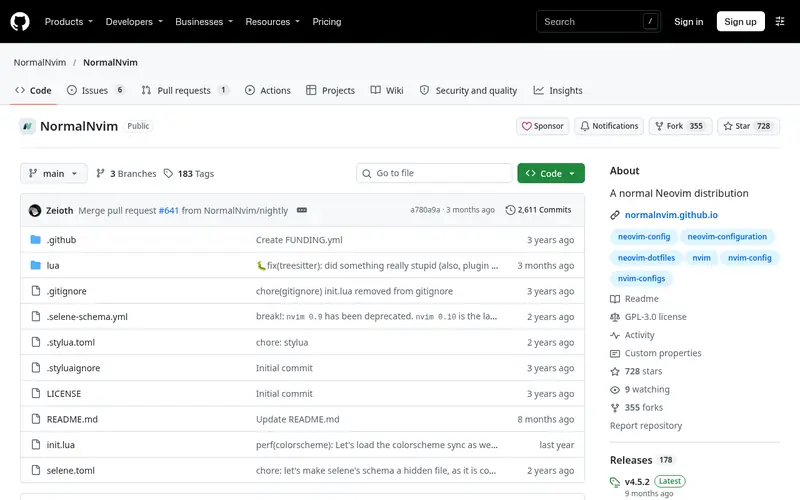
NormalNvim is a general-purpose Neovim config that aims to work well without much tuning. It bundles common plugins for editing, LSP, completion, git and file navigation, and installs through a short setup script.
It runs on Linux, macOS and Windows and is GPL-3.0 licensed. The appeal is fewer decisions: install it and start editing. The tradeoff is a smaller community, so fewer third-party guides exist when something breaks. It fits developers who want a ready setup and do not plan to customise heavily. People who want a large extras catalogue should look at LazyVim.
Standout: Broad default plugin set
Free (open source), as listed by the vendor (NormalNvim website). Confirm the current plan price before you buy.
Free plan. Plans change, so confirm on the vendor's pricing page before you buy.
Benefits
- Broad default plugin set
- simple install script
Drawbacks
- Smaller community than larger distributions
- fewer docs to search
Skip it if this limit matters to you: smaller community than larger distributions.
Verdict. A sensible pick for users who want a general-purpose config with few decisions.
Who should use what
If you want a modern setup with toggles for extra features, start with LazyVim. If you want a fast, minimal base with a themed UI, choose NvChad. If your team shares a config and needs a clear override structure, AstroNvim fits. If you are new to Neovim and want to learn how a config works, start with kickstart.nvim before adopting a larger distribution. Developers who dislike opinionated defaults should build their own config and use these projects only as references.
Questions to settle before you buy
What to check before you buy
- Confirm the project supports your Neovim version and your OS.
- Check the licence and whether it matches your team's policy.
- Read how updates work and whether your overrides survive them.
- Review the default keymaps for conflicts with your muscle memory.
- Check that required external tools, such as language servers, are documented.
FAQ
Are Neovim distributions free?
Yes. Every project listed here is free and open source, with licences such as Apache-2.0, MIT or GPL-3.0. You pay nothing to install or use them. Costs only appear if you add paid plugins or services, which are separate from the distribution itself.
Can I switch distributions later?
Yes. Each distribution is a set of Lua config files, so you can move your own overrides to another setup. Keep personal settings in a separate directory where the project supports it. Moving takes some work because keymaps and plugin names differ between projects.
Do these work on Windows?
Yes. LazyVim, NvChad, AstroNvim and the others listed run on Windows as well as Linux and macOS, provided you have a recent Neovim. Some plugins need extra tools such as a C compiler or ripgrep. Check each project's requirements page before installing.
Do distributions slow down Neovim?
Startup time depends on the plugins you enable, not on the distribution name. Most of these projects use lazy loading to defer plugins until needed. Measure your own startup with the built-in profiling commands rather than relying on general claims.
Should beginners use a distribution?
It depends. A distribution gets you editing quickly, but you may not understand what it configures. kickstart.nvim teaches the pieces first. Many developers start with a distribution and later trim it down as they learn.
Sources we checked
Method: how we score · editorial policy.
Change log. First published 22 Nov 2026.