Stage 01 · Write · Researched comparison
Best Markdown to HTML Converters in 2026
Pandoc is the first pick for most developers who need accurate, scriptable Markdown to HTML conversion across many input formats. It suits documentation pipelines and batch jobs. markdown-it is the better choice when you need conversion inside a JavaScript app and want control over plugins. For writers who prefer a visual editor, Typora exports Markdown to HTML without a command line.

By Shihab Mia
Published 22 Nov 2026 · 6 tools compared
We run no ads and no affiliate links at launch. The order of a list follows our published method. See how we score.
Prices are the starting prices vendors list publicly. Plans change, so confirm the current price on the vendor page before you buy.
Key takeaways
- Pandoc is free and open source and converts Markdown to HTML from the command line, including batch jobs.
- markdown-it is free and open source and runs in Node.js and the browser, so conversion can stay local.
- Typora is paid software with a live-preview editor and HTML export; check the vendor page for the current price.
- Online converters are convenient but send your text to a third party, so avoid pasting secrets or production data.
Who each pick is for
- Scripted and batch Markdown to HTML conversionPandoc
- Embedding Markdown to HTML conversion in JavaScript appsmarkdown-it
- Writers who want a live-preview editor with HTML exportTypora
- Client-side Markdown to HTML in web pagesShowdown
- Fast Markdown to HTML in JavaScript projectsmarked
- Quick Markdown to HTML in a browser without installing anythingDillinger
Comparison
| Tool | Best for | Standout feature | Listed starting price | Free plan or trial |
|---|---|---|---|---|
| 1Pandoc | Scripted and batch Markdown to HTML conversion | Handles many input and output formats | Free (open source) | Free plan |
| 2markdown-it | Embedding Markdown to HTML conversion in JavaScript apps | Runs in Node.js and the browser | Free (open source) | Free plan |
| 3Typora | Writers who want a live-preview editor with HTML export | Live preview while you write | See vendor pricing page | Free trial (15 days) |
| 4Showdown | Client-side Markdown to HTML in web pages | Small JavaScript library | Free (open source) | Free plan |
| 5marked | Fast Markdown to HTML in JavaScript projects | Low-level and fast | Free (open source) | Free plan |
| 6Dillinger | Quick Markdown to HTML in a browser without installing anything | No install | Free | Free plan |
How we picked
We picked tools that genuinely convert Markdown to HTML and are currently maintained. Criteria were fit for the job, supported platforms, price and license, whether conversion runs locally or sends text to a third party, and the main limits of each. Sources are vendor pages, official documentation and project repositories. Prices change, so confirm current terms on the vendor site before you buy.
The tools, one by one
Pandoc
Best for scripted and batch Markdown to HTML conversion
What it is and where it fits
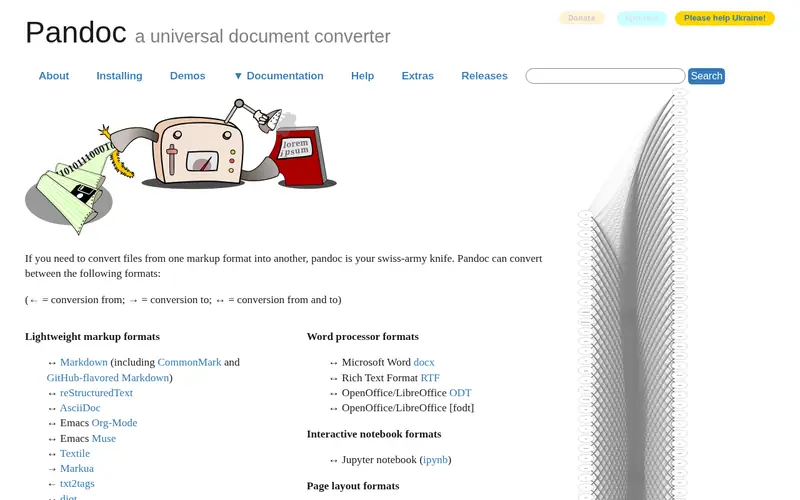
Pandoc is a universal document converter that reads Markdown and writes HTML, along with many other formats. You run it from a terminal, so it fits build scripts, documentation pipelines and one-off conversions. It supports several Markdown flavors and lets you pass options that control the HTML output. It runs on Windows, macOS and Linux.
The tool is free and open source under the GPL. There is no paid tier and no account. Because it runs locally, your Markdown never leaves your machine, which matters for internal docs. The main limit is that Pandoc produces HTML fragments or full documents but does not style them; you add CSS yourself. Developers who want a point-and-click editor should skip it.
Standout: Handles many input and output formats
Free (open source), as listed by the vendor (Pandoc website). Confirm the current plan price before you buy.
Free plan. Plans change, so confirm on the vendor's pricing page before you buy.
Benefits
- Handles many input and output formats
- works well in scripts and build pipelines
Drawbacks
- Command-line syntax takes time to learn
- HTML output needs styling added separately
Skip it if this limit matters to you: command-line syntax takes time to learn.
Verdict. A sensible pick for scripted and batch Markdown to HTML conversion.
Alternatives in this guide: markdown-it, Typora, Showdown
markdown-it
Best for embedding Markdown to HTML conversion in JavaScript apps
What it is and where it fits
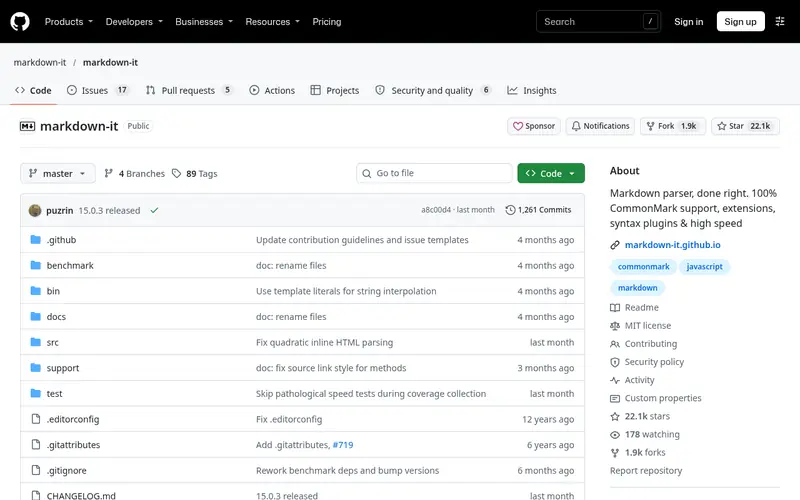
markdown-it is a JavaScript Markdown parser that outputs HTML. You call it from Node.js or in the browser, which means conversion can happen entirely on the client with no server round trip. It follows the CommonMark spec and supports plugins for tables, footnotes and other extensions. It is a library, not a standalone app.
The project is free and open source under the MIT license. There is no hosted service and no pricing tier. Because it runs locally in your app, pasted content stays in the browser when you use the client build. The limit is that you must build the surrounding interface and add CSS for the output. It suits developers building editors or docs tools, not people who want a ready-made converter.
Standout: Runs in Node.js and the browser
Free (open source), as listed by the vendor (markdown-it website). Confirm the current plan price before you buy.
Free plan. Plans change, so confirm on the vendor's pricing page before you buy.
Benefits
- Runs in Node.js and the browser
- plugin system for extra syntax
Drawbacks
- You write the integration code
- output styling is your responsibility
Skip it if this limit matters to you: you write the integration code.
Verdict. A sensible pick for embedding Markdown to HTML conversion in JavaScript apps.
Typora
Best for writers who want a live-preview editor with HTML export
What it is and where it fits
Typora is a Markdown editor with a live preview that hides the syntax as you type. It can export a document to HTML, along with PDF and other formats. It runs on Windows, macOS and Linux. The app is aimed at writers and note-takers rather than build pipelines.
Typora is paid software sold as a license, with a free trial period. The vendor sets the price, so check the official page for current terms. Conversion happens locally on your machine, so your text is not sent to a third party. The limit is that it is a desktop editor, not a scriptable converter, so it does not fit automated builds. Developers who need batch conversion should use Pandoc instead.
Standout: Live preview while you write
See vendor pricing page, as listed by the vendor (Typora website). Confirm the current plan price before you buy.
Free trial (15 days). Plans change, so confirm on the vendor's pricing page before you buy.
Benefits
- Live preview while you write
- exports Markdown to HTML directly
Drawbacks
- Paid license after the trial
- desktop app only
Skip it if this limit matters to you: paid license after the trial.
Verdict. A sensible pick for writers who want a live-preview editor with HTML export.
Alternatives in this guide: Pandoc, markdown-it, Showdown
Showdown
Best for client-side Markdown to HTML in web pages
What it is and where it fits
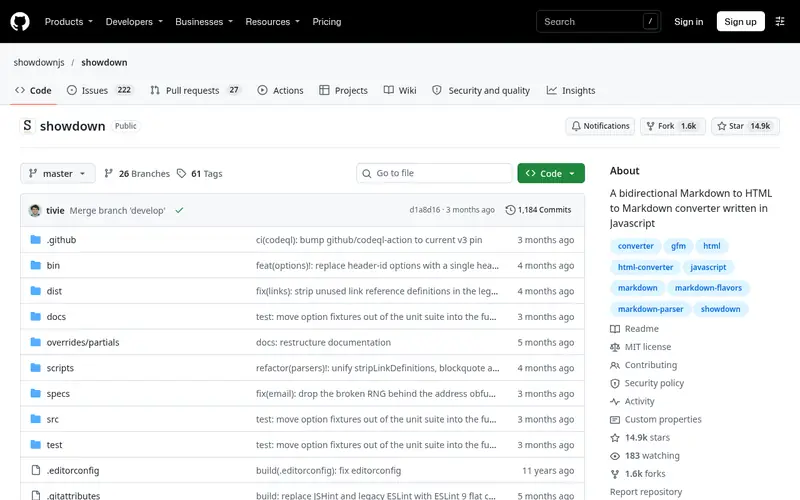
Showdown is a JavaScript library that converts Markdown to HTML. It runs in the browser and in Node.js, so you can add a live preview to a web page without a server. It supports common Markdown syntax and some extensions through options. It is used in many small web tools.
The library is free and open source under the MIT license. There is no paid tier. Because it runs client-side, pasted text stays in the browser when you host the page yourself. The limit is that the project sees less active development than markdown-it, and its extension set is smaller. It suits simple in-page conversion, not complex documentation pipelines.
Standout: Small JavaScript library
Free (open source), as listed by the vendor (Showdown website). Confirm the current plan price before you buy.
Free plan. Plans change, so confirm on the vendor's pricing page before you buy.
Benefits
- Small JavaScript library
- converts in the browser
Drawbacks
- Fewer extensions than some parsers
- project activity is slower than in the past
Skip it if this limit matters to you: fewer extensions than some parsers.
Verdict. A sensible pick for client-side Markdown to HTML in web pages.
Alternatives in this guide: Pandoc, markdown-it, Typora
marked
Best for fast Markdown to HTML in JavaScript projects
What it is and where it fits
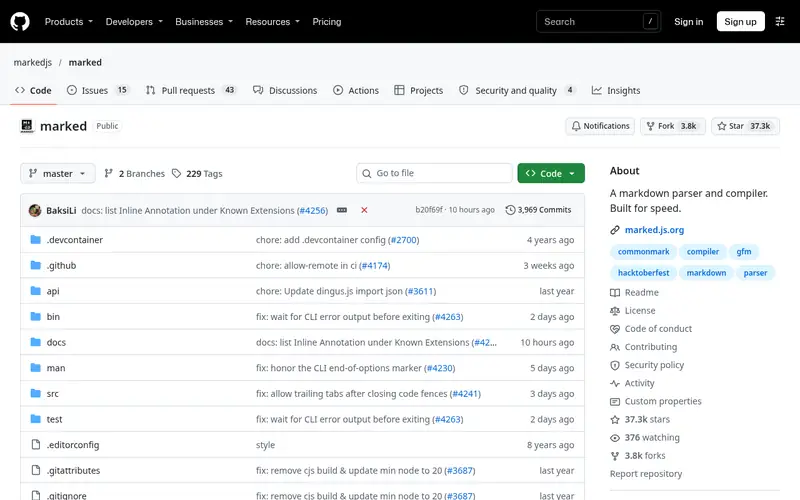
marked is a Markdown parser and compiler written in JavaScript. It converts Markdown to HTML in Node.js or the browser and is designed to be small and fast. It follows CommonMark closely and exposes options for small tweaks. Many static site tools and editors use it under the hood.
The project is free and open source under the MIT license. There is no hosted service or paid plan. It runs locally, so client-side use keeps content in the browser. The limit is that marked does less for you than markdown-it: fewer plugins and no built-in sanitizing, so you must handle untrusted input carefully. It suits developers who want a lean parser and will manage security themselves.
Standout: Low-level and fast
Free (open source), as listed by the vendor (marked website). Confirm the current plan price before you buy.
Free plan. Plans change, so confirm on the vendor's pricing page before you buy.
Benefits
- Low-level and fast
- works in Node.js and the browser
Drawbacks
- Minimal built-in extensions
- you handle sanitizing output
Skip it if this limit matters to you: minimal built-in extensions.
Verdict. A sensible pick for fast Markdown to HTML in JavaScript projects.
Alternatives in this guide: Pandoc, markdown-it, Typora
Dillinger
Best for quick Markdown to HTML in a browser without installing anything
What it is and where it fits
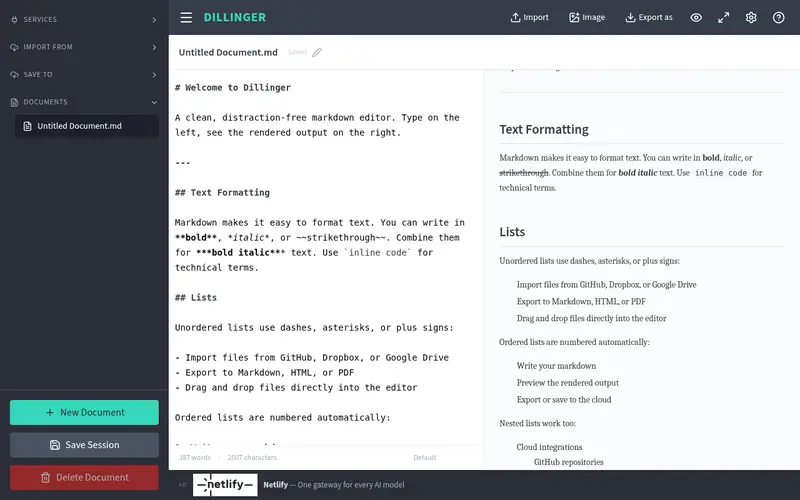
Dillinger is an online Markdown editor with a live preview and export options, including HTML. You open the site, type or paste Markdown, and download or copy the HTML. It also connects to cloud storage services for saving files. It runs in any modern browser.
The service is free to use and open source. Because it is a hosted web page, the text you paste is sent to a third party. Do not paste secrets, tokens or production data. The limit is that it depends on a network connection and the operator's service. It suits quick, non-sensitive conversions; for private content, use a local tool like Pandoc or a client-side library.
Standout: No install
Free, as listed by the vendor (Dillinger website). Confirm the current plan price before you buy.
Free plan. Plans change, so confirm on the vendor's pricing page before you buy.
Benefits
- No install
- live preview and HTML export
Drawbacks
- Hosted service, so text goes to a third party
- not for private data
Skip it if this limit matters to you: hosted service, so text goes to a third party.
Verdict. A sensible pick for quick Markdown to HTML in a browser without installing anything.
Alternatives in this guide: Pandoc, markdown-it, Typora
Who should use what
For automated docs builds and batch jobs, use Pandoc. For conversion inside a JavaScript app or browser tool, use markdown-it or marked. For writing and exporting by hand, use Typora. For a quick one-off conversion of non-sensitive text, use Dillinger. Match the tool to whether the job is scripted, embedded or manual, and keep private content on local tools.
Questions to settle before you buy
What to check before you buy
- Confirm the tool outputs the HTML you need: fragment, full document or styled page.
- Check which Markdown flavor and extensions it supports, such as tables and footnotes.
- Decide whether conversion must run offline or locally for private content.
- Review the license and any paid terms before relying on it in a product.
- Test a sample document with your real syntax before adopting the tool.
FAQ
Do I need to pay for a Markdown to HTML converter?
No. Pandoc, markdown-it, marked and Showdown are free and open source. Typora is paid after a trial. Online editors like Dillinger are free but hosted.
Is it safe to paste private Markdown into an online converter?
Only if you accept that the text goes to a third party. Avoid pasting secrets, tokens or production data. Prefer tools that run locally, such as Pandoc, or client-side libraries you host yourself.
Which tool is best for converting many files at once?
Pandoc is built for scripts and batch jobs, so it handles many files from the command line. Editors like Typora convert one document at a time. Libraries like markdown-it need code you write to loop over files.
Can I convert Markdown to HTML in the browser?
Yes. markdown-it, marked and Showdown run in the browser. When you host the page yourself, conversion stays on the client. Hosted editors like Dillinger also work in the browser but send text to their servers.
Does Markdown to HTML conversion keep my formatting?
It depends on the parser and options. Common syntax like headings, lists and links converts reliably. Tables and footnotes need extension support. Check the tool's documentation for the syntax you use.
Sources we checked
Method: how we score · editorial policy.
Change log. First published 22 Nov 2026.