Stage 01 · Write · Researched comparison
Best Lua Linters and Static Analysis Tools in 2026
Luacheck is the first pick for most teams working in standard Lua. It is mature, configurable and fits CI easily. Selene is the better choice if you want fast, modern linting with a clear rule set and Luau support. Lua Language Server diagnostics suit editors that already use LuaLS, because warnings appear inline without a separate tool. StyLua handles formatting rather than linting.

By Shihab Mia
Published 28 Nov 2026 · 5 tools compared
We run no ads and no affiliate links at launch. The order of a list follows our published method. See how we score.
Prices are the starting prices vendors list publicly. Plans change, so confirm the current price on the vendor page before you buy.
Key takeaways
- Luacheck is free and open source and remains the most widely used Lua linter for standard Lua 5.x code.
- Selene is free and open source, written in Rust, and supports both Lua and Luau projects.
- Lua Language Server is free and open source and reports diagnostics inside the editor through its language server.
- StyLua is a formatter, not a linter, and is usually paired with a linter rather than replacing one.
Who each pick is for
- Standard Lua 5.x projects that need a mature, configurable linterLuacheck
- Teams that want fast linting with Lua and Luau supportSelene
- Editor users who want inline warnings without a separate toolLua Language Server diagnostics
- Teams that want a deterministic Lua code formatterStyLua
- Luau and Roblox projects that want type-aware analysisLuau analyzer
Comparison
| Tool | Best for | Standout feature | Listed starting price | Free plan or trial |
|---|---|---|---|---|
| 1Luacheck | Standard Lua 5.x projects that need a mature, configurable linter | Long-established and widely used | Free (open source) | Free plan |
| 2Selene | Teams that want fast linting with Lua and Luau support | Fast compiled binary | Free (open source) | Free plan |
| 3Lua Language Server diagnostics | Editor users who want inline warnings without a separate tool | Diagnostics appear directly in the editor | Free (open source) | Free plan |
| 4StyLua | Teams that want a deterministic Lua code formatter | Consistent formatting with few options | Free (open source) | Free plan |
| 5Luau analyzer | Luau and Roblox projects that want type-aware analysis | Type checking built for Luau | Free (open source) | Free plan |
How we picked
We picked tools that genuinely perform linting, static analysis or formatting for Lua and are currently maintained. Criteria were fit for the job, supported platforms and editors, licence and price, whether analysis runs locally, and known limits such as Luau-only or formatter-only scope. Sources are vendor pages, official documentation and project repositories. Prices and features change, so confirm details on the vendor site before you commit.
The tools, one by one
Luacheck
Best for standard Lua 5.x projects that need a mature, configurable linter
What it is and where it fits
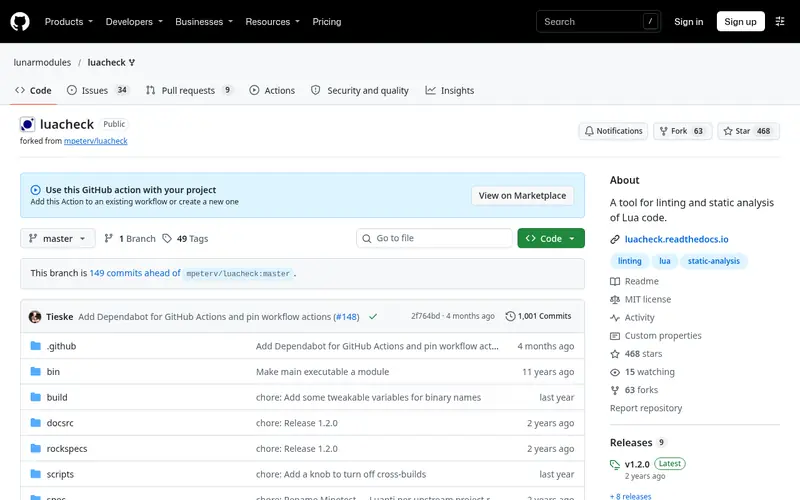
Luacheck is a static analyzer and linter for Lua. It reports unused variables, unused arguments, shadowed variables, access to undefined globals and other common problems. It runs as a command-line tool and can be installed through LuaRocks or your system package manager. Configuration lives in a `.luacheckrc` file, where you set allowed globals, ignore patterns and warning codes.
The tool targets standard Lua and is the usual choice for projects that do not use Luau. It integrates with CI through its exit codes and supports several output formats, including plain text and machine-readable options. Because it is written in Lua, large codebases can take longer to check than with compiled linters. Teams that want a stable, well-documented rule set and do not need Luau support should start here.
Standout: Long-established and widely used
Free (open source), as listed by the vendor (Luacheck website). Confirm the current plan price before you buy.
Free plan. Plans change, so confirm on the vendor's pricing page before you buy.
Benefits
- Long-established and widely used
- configurable warnings and globals per project
Drawbacks
- Written in Lua and slower than newer tools
- rule set is older in style
Skip it if this limit matters to you: written in Lua and slower than newer tools.
Verdict. A sensible pick for standard Lua 5.x projects that need a mature, configurable linter.
Alternatives in this guide: Selene, Lua Language Server diagnostics, StyLua
Selene
Best for teams that want fast linting with Lua and Luau support
What it is and where it fits
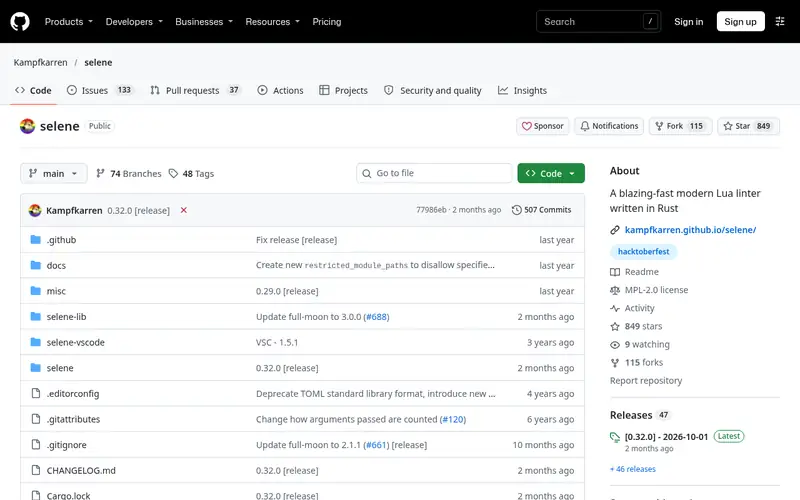
Selene is a command-line linter for Lua and Luau written in Rust. It ships as a single binary, which makes it easy to drop into CI or a pre-commit hook. Rules have readable names, and you enable or disable them in a `selene.toml` file. It also supports standard library definitions so that globals from your runtime or framework are recognized.
Selene is a good fit for Roblox and Luau projects, and for teams that want quick feedback without a Lua runtime installed. It reports issues with file and line references and returns a non-zero exit code when problems are found. The rule set is focused rather than exhaustive, so some teams run it alongside other checks. Projects that depend on very specific Luacheck behavior may need to adjust configuration when switching.
Standout: Fast compiled binary
Free (open source), as listed by the vendor (Selene website). Confirm the current plan price before you buy.
Free plan. Plans change, so confirm on the vendor's pricing page before you buy.
Benefits
- Fast compiled binary
- clear rule names and Luau support
Drawbacks
- Smaller rule set than some older linters
- configuration differs from Luacheck
Skip it if this limit matters to you: smaller rule set than some older linters.
Verdict. A sensible pick for teams that want fast linting with Lua and Luau support.
Alternatives in this guide: Luacheck, Lua Language Server diagnostics, StyLua
Lua Language Server diagnostics
Best for editor users who want inline warnings without a separate tool
What it is and where it fits
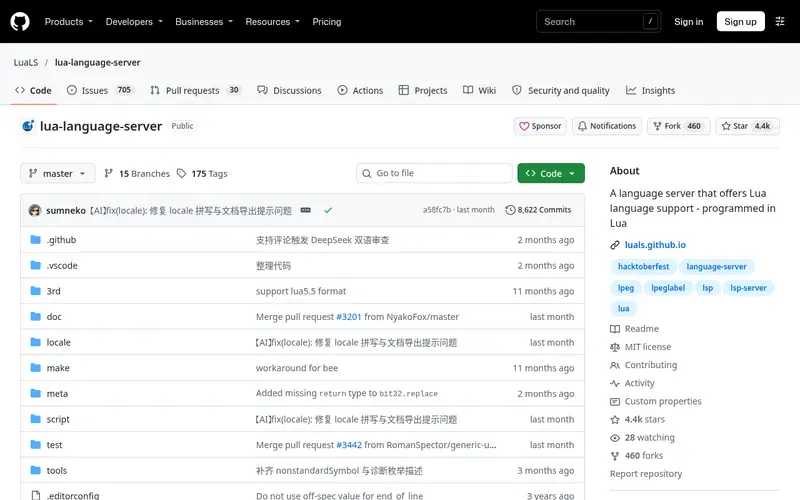
Lua Language Server, often called LuaLS, is a language server for Lua. It provides completion, go-to-definition, hover information and diagnostics. The diagnostics cover type mismatches, undefined fields, unused locals and other issues, and they appear inline in any editor that supports the language server protocol.
For many developers this is the first linting they see, because it runs while they type. It works with VS Code, Neovim, Emacs and other clients. The depth of analysis depends on how much type annotation you add and which diagnostic settings you enable. It is not primarily a batch CI linter, so teams that need a single command with a fixed exit code usually pair it with Luacheck or Selene. It suits editor-first workflows and projects willing to annotate types.
Standout: Diagnostics appear directly in the editor
Free (open source), as listed by the vendor (Lua Language Server diagnostics website). Confirm the current plan price before you buy.
Free plan. Plans change, so confirm on the vendor's pricing page before you buy.
Benefits
- Diagnostics appear directly in the editor
- broad editor support through the language server protocol
Drawbacks
- Not a standalone CI linter by default
- diagnostic coverage depends on annotations and settings
Skip it if this limit matters to you: not a standalone CI linter by default.
Verdict. A sensible pick for editor users who want inline warnings without a separate tool.
StyLua
Best for teams that want a deterministic Lua code formatter
What it is and where it fits
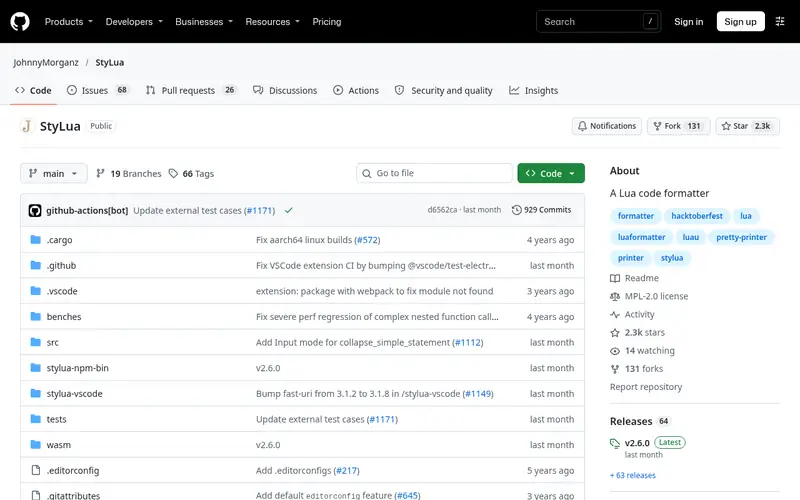
StyLua is a code formatter for Lua and Luau. It rewrites files into a consistent style, which removes formatting debates and keeps diffs small. It runs as a command-line tool and is available as a prebuilt binary, through package managers and as editor integrations. It supports Lua 5.1 through 5.4 and Luau.
StyLua is not a linter. It does not report unused variables or undefined globals, so it is normally used next to Luacheck or Selene. Configuration is intentionally small, with settings for line width, indentation and quote style. Running it once on an existing codebase produces a large diff, so plan that change separately from feature work. Teams that want a single formatting standard across Lua and Luau files will find it a good fit.
Standout: Consistent formatting with few options
Free (open source), as listed by the vendor (StyLua website). Confirm the current plan price before you buy.
Free plan. Plans change, so confirm on the vendor's pricing page before you buy.
Benefits
- Consistent formatting with few options
- supports Lua and Luau
Drawbacks
- Formats code rather than detecting bugs
- opinionated output can require a one-time reformat
Skip it if this limit matters to you: formats code rather than detecting bugs.
Verdict. A sensible pick for teams that want a deterministic Lua code formatter.
Alternatives in this guide: Luacheck, Selene, Lua Language Server diagnostics
Luau analyzer
Best for luau and Roblox projects that want type-aware analysis
What it is and where it fits
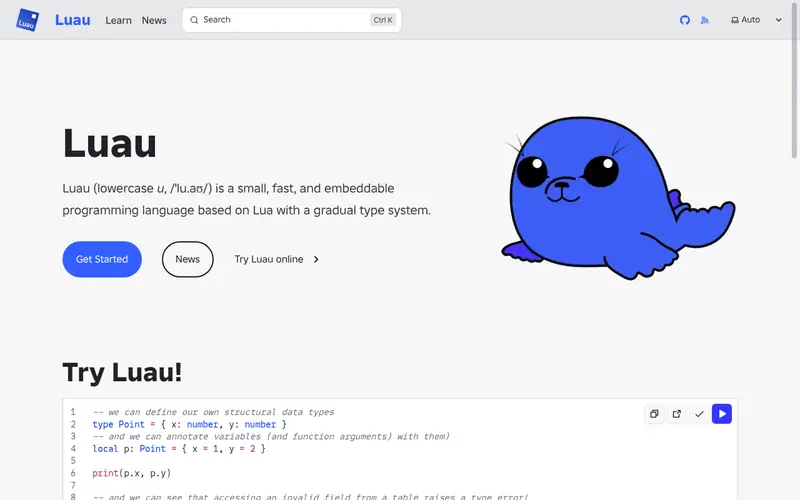
Luau is a typed dialect of Lua used widely on Roblox. Its toolchain includes an analyzer that performs type checking and reports type errors, along with related command-line tools. The analyzer understands Luau's type annotations and reports mismatches, which goes beyond what syntax-focused linters catch.
This is the right choice when your code is Luau, not standard Lua. The analyzer ships with the Luau project and is used through its command-line tools and editor integrations. It does not lint standard Lua 5.x code, so mixed projects need a second tool such as Luacheck or Selene. Teams new to Luau should expect to add type annotations before the analyzer is useful, since untyped code produces fewer findings.
Standout: Type checking built for Luau
Free (open source), as listed by the vendor (Luau analyzer website). Confirm the current plan price before you buy.
Free plan. Plans change, so confirm on the vendor's pricing page before you buy.
Benefits
- Type checking built for Luau
- part of the Luau toolchain
Drawbacks
- Only applies to Luau, not standard Lua
- setup differs from standalone linters
Skip it if this limit matters to you: only applies to Luau, not standard Lua.
Verdict. A sensible pick for luau and Roblox projects that want type-aware analysis.
Alternatives in this guide: Luacheck, Selene, Lua Language Server diagnostics
Who should use what
Standard Lua 5.x projects that want a stable, configurable linter should use Luacheck. Teams that want a fast compiled linter and may work in Luau should use Selene. Developers who mostly want warnings inside the editor should rely on Lua Language Server diagnostics, optionally with a CI linter. Luau and Roblox projects should use the Luau analyzer and add Selene for style rules. Teams that need consistent formatting should add StyLua.
Questions to settle before you buy
What to check before you buy
- Confirm the tool supports your Lua version or Luau, since coverage differs.
- Check that it runs locally or in CI without sending source code to a third party.
- Review how configuration is stored and whether it can be committed with the project.
- Verify editor and CI integration, including exit codes for failing builds.
- Decide whether you need a formatter as well as a linter, and plan the first reformat as a separate change.
FAQ
Do I need both a linter and a formatter?
They solve different problems. A linter reports likely bugs and suspicious code, while a formatter rewrites layout and spacing. Many teams run Luacheck or Selene for linting and StyLua for formatting, with each tool handling one job.
Does Selene work with Roblox and Luau?
Yes. Selene supports Luau and is commonly used in Roblox projects. It also supports standard Lua. You configure standard library definitions so globals from your runtime are recognized, which reduces false warnings.
Can Lua Language Server replace a command-line linter?
Not entirely. It reports diagnostics in the editor, but it is not built as a batch CI linter with a fixed exit code. Teams that need consistent checks in CI usually keep Luacheck or Selene there as well.
Are these tools free?
Luacheck, Selene, Lua Language Server, StyLua and the Luau analyzer are all free and open source. You can install and run them without a paid licence. Support comes from project maintainers and community channels rather than a commercial plan.
Is it safe to run a Lua linter on private code?
These tools run locally or in your own CI, so source code is not uploaded to a third party. Avoid pasting proprietary code into random online linting pages. Prefer local installs or tools that run in the browser without sending data.
Sources we checked
Method: how we score · editorial policy.
Change log. First published 28 Nov 2026.