Stage 01 · Write · Researched comparison
Best Lua IDEs and Editors in 2026
ZeroBrane Studio is the first pick for plain Lua work: it is a free, open-source IDE built for Lua, with a debugger and no setup. VS Code with the Lua Language Server extension suits developers who already use VS Code and want one editor for many languages. Defold and Roblox Studio are the right choices when your Lua runs inside a specific game engine.

By Shihab Mia
Published 28 Nov 2026 · 6 tools compared
We run no ads and no affiliate links at launch. The order of a list follows our published method. See how we score.
Prices are the starting prices vendors list publicly. Plans change, so confirm the current price on the vendor page before you buy.
Key takeaways
- ZeroBrane Studio is free and open source and is the most Lua-focused option in this list.
- VS Code and Neovim are general editors that get Lua support from the Lua Language Server extension or plugin.
- IntelliJ IDEA needs a paid IDE licence for full use; the EmmyLua plugin itself is separate from that licence.
- Defold and Roblox Studio bundle their own Lua editors and only make sense for projects built on those engines.
Who each pick is for
- Plain Lua projects that need a ready-made debuggerZeroBrane Studio
- Developers who want one editor for Lua and other languagesVS Code with Lua Language Server
- Teams already working inside JetBrains IDEsIntelliJ IDEA with EmmyLua
- Terminal-first developers who want Lua-based configurationNeovim
- Lua game projects built on the Defold engineDefold
- Luau scripting on the Roblox platformRoblox Studio
Comparison
| Tool | Best for | Standout feature | Listed starting price | Free plan or trial |
|---|---|---|---|---|
| 1ZeroBrane Studio | Plain Lua projects that need a ready-made debugger | Built for Lua with an integrated debugger | Free (open source) | Free plan |
| 2VS Code with Lua Language Server | Developers who want one editor for Lua and other languages | Strong completion, diagnostics and type hints for Lua | Free (open source) | Free plan |
| 3IntelliJ IDEA with EmmyLua | Teams already working inside JetBrains IDEs | Code insight and refactoring in a full IDE | See vendor pricing page | Free trial (30 days) |
| 4Neovim | Terminal-first developers who want Lua-based configuration | Lua is the built-in configuration and plugin language | Free (open source) | Free plan |
| 5Defold | Lua game projects built on the Defold engine | Editor and engine are free with no royalties | Free | Free plan |
| 6Roblox Studio | Luau scripting on the Roblox platform | Built-in script editor with Luau support and live testing | Free | Free plan |
How we picked
We picked tools that genuinely support Lua development and are currently maintained. Criteria were fit for the job (editing, completion, debugging), platform coverage, price and licence, whether code analysis runs locally, and the main limits of each option. Sources are vendor pages, project documentation and public repositories. Prices and plan terms change, so confirm details on the vendor site before you buy.
The tools, one by one
ZeroBrane Studio
Best for plain Lua projects that need a ready-made debugger
What it is and where it fits
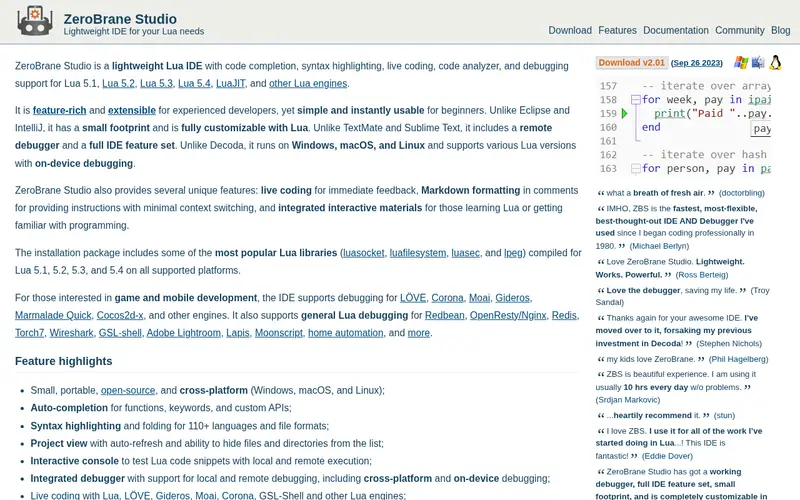
ZeroBrane Studio is a lightweight IDE written for Lua. It ships with a debugger that supports local and remote debugging, so you can attach to a running Lua process, including embedded interpreters in game engines. It runs on Windows, macOS and Linux and supports several Lua versions plus LuaJIT.
The project is open source and free to use. It includes code completion, a project tree, a live coding mode and syntax checking. Setup is minimal: install it and open a file. The trade-off is scale. The extension ecosystem is small, the interface is plain, and you will not get the plugin range of VS Code or IntelliJ IDEA.
Choose ZeroBrane when you want a Lua-first tool with debugging out of the box and no configuration. Skip it if you need deep integration with a large framework or a modern editor UI.
Standout: Built for Lua with an integrated debugger
Free (open source), as listed by the vendor (ZeroBrane Studio website). Confirm the current plan price before you buy.
Free plan. Plans change, so confirm on the vendor's pricing page before you buy.
Benefits
- Built for Lua with an integrated debugger
- runs on Windows, macOS and Linux
Drawbacks
- Small community compared with general editors
- interface feels dated
Skip it if this limit matters to you: small community compared with general editors.
Verdict. A sensible pick for plain Lua projects that need a ready-made debugger.
Alternatives in this guide: VS Code with Lua Language Server, IntelliJ IDEA with EmmyLua, Neovim
VS Code with Lua Language Server
Best for developers who want one editor for Lua and other languages
What it is and where it fits
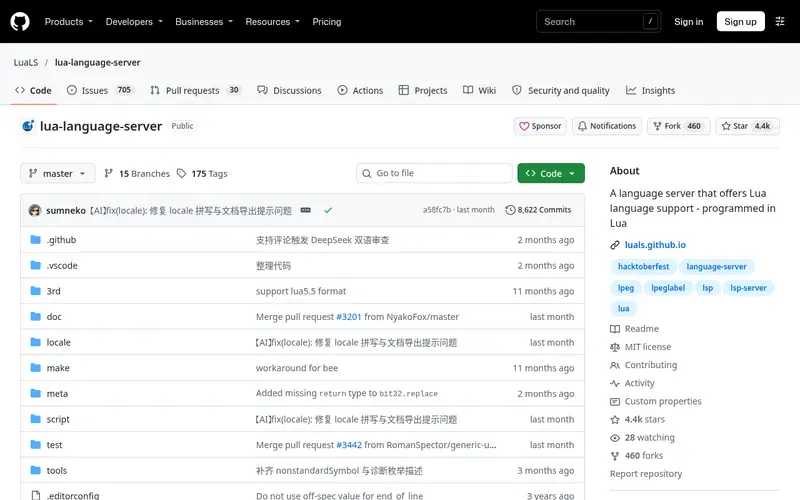
Visual Studio Code is a general code editor, and the Lua Language Server extension by the LuaLS project adds Lua support. The server provides code completion, go-to-definition, diagnostics, hover information and support for LuaDoc annotations. It understands multiple Lua versions and LuaJIT.
The language server is open source and free. VS Code itself is free to download. You install the extension from the marketplace, and the server runs locally in the background. Because the analysis runs on your machine, your code is not sent to a third party for parsing.
This is the practical choice if you already use VS Code. The cost is setup time: you need to point the server at the right Lua runtime and configure library paths for engine APIs. If you want a debugger, you add a separate extension. Skip this route if you want a single install with everything included.
Standout: Strong completion, diagnostics and type hints for Lua
Free (open source), as listed by the vendor (VS Code with Lua Language Server website). Confirm the current plan price before you buy.
Free plan. Plans change, so confirm on the vendor's pricing page before you buy.
Benefits
- Strong completion, diagnostics and type hints for Lua
- works on Windows, macOS and Linux
Drawbacks
- Requires installing and configuring an extension
- heavier than a dedicated Lua editor
Skip it if this limit matters to you: requires installing and configuring an extension.
Verdict. A sensible pick for developers who want one editor for Lua and other languages.
Alternatives in this guide: ZeroBrane Studio, IntelliJ IDEA with EmmyLua, Neovim
IntelliJ IDEA with EmmyLua
Best for teams already working inside JetBrains IDEs
What it is and where it fits
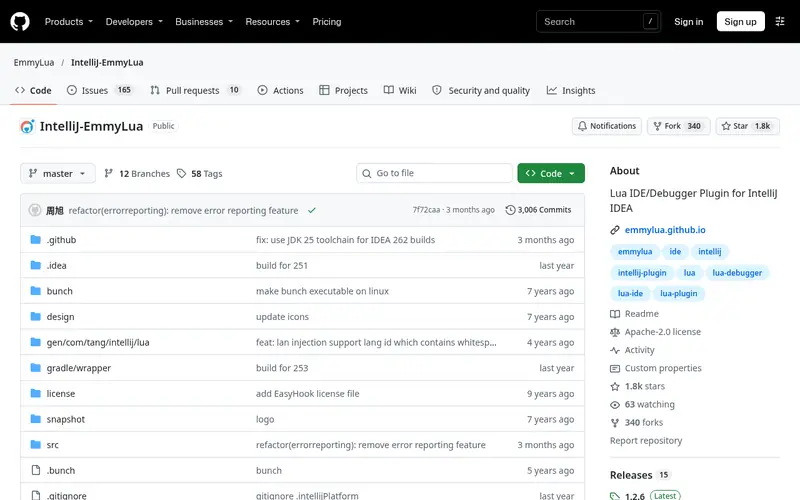
The EmmyLua plugin adds Lua support to IntelliJ IDEA. It provides code completion, syntax highlighting, formatting, go-to-definition and debugging through a Lua debug adapter. It works with standard Lua and with Lua dialects used by game engines.
The plugin is open source. The host IDE is a commercial product from JetBrains with a free community edition and paid editions; check the vendor pricing page for current terms. Some plugin features and debugging work best in the paid editions, so confirm what your edition supports before you commit.
This option suits developers who already pay for JetBrains tools and want Lua inside the same environment as Java, Kotlin or web work. It is a poor fit if you only write Lua occasionally, because the licence cost and IDE weight are hard to justify for a single language.
Standout: Code insight and refactoring in a full IDE
See vendor pricing page, as listed by the vendor (IntelliJ IDEA with EmmyLua website). Confirm the current plan price before you buy.
Free trial (30 days). Plans change, so confirm on the vendor's pricing page before you buy.
Benefits
- Code insight and refactoring in a full IDE
- integrates with other JetBrains tooling
Drawbacks
- Full IDE use requires a paid licence
- plugin setup adds steps
Skip it if this limit matters to you: full IDE use requires a paid licence.
Verdict. A sensible pick for teams already working inside JetBrains IDEs.
Alternatives in this guide: ZeroBrane Studio, VS Code with Lua Language Server, Neovim
Neovim
Best for terminal-first developers who want Lua-based configuration
What it is and where it fits
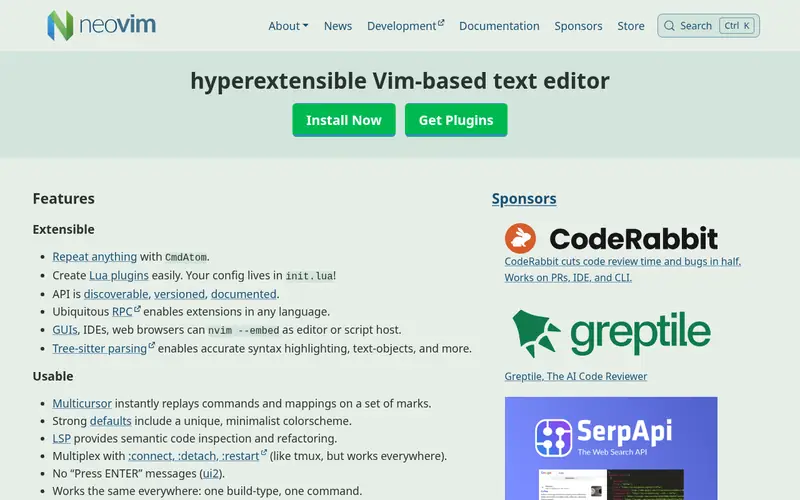
Neovim is a modal text editor with Lua built in as its configuration and plugin language. That makes it a natural home for Lua work: you can script the editor in the same language you write code in. With the Lua Language Server connected through a language client plugin, you get completion, diagnostics and go-to-definition.
Neovim is free and open source and runs on Windows, macOS and Linux. It is fast and works over SSH, which matters on remote servers. The catch is configuration. You assemble completion, linting and debugging from separate plugins, and the result depends on how much time you invest.
Pick Neovim if you already live in a terminal and want full control. Skip it if you want a working Lua setup within minutes rather than an afternoon of plugin tuning.
Standout: Lua is the built-in configuration and plugin language
Free (open source), as listed by the vendor (Neovim website). Confirm the current plan price before you buy.
Free plan. Plans change, so confirm on the vendor's pricing page before you buy.
Benefits
- Lua is the built-in configuration and plugin language
- fast and runs in a terminal
Drawbacks
- Requires manual setup for completion and debugging
- steep learning curve
Skip it if this limit matters to you: requires manual setup for completion and debugging.
Verdict. A sensible pick for terminal-first developers who want Lua-based configuration.
Alternatives in this guide: ZeroBrane Studio, VS Code with Lua Language Server, IntelliJ IDEA with EmmyLua
Defold
Best for lua game projects built on the Defold engine

What it is and where it fits
Defold is a game engine with its own editor, and Lua is its primary scripting language. The editor includes a code view with syntax highlighting, and you can connect an external editor if you prefer. The engine and editor are free to download and use, with no royalties or subscription for the core tool.
The editor runs on Windows, macOS and Linux. Because the editor is tied to the engine, it is not a place to write standalone Lua scripts or work on non-game code. Its value is the tight loop between script, scene and build.
Choose Defold when your Lua runs inside a Defold game. Skip it for any other Lua work; a general editor or ZeroBrane will serve you better.
Standout: Editor and engine are free with no royalties
Free, as listed by the vendor (Defold website). Confirm the current plan price before you buy.
Free plan. Plans change, so confirm on the vendor's pricing page before you buy.
Benefits
- Editor and engine are free with no royalties
- Lua is the main scripting language
Drawbacks
- Only useful for Defold projects
- not a general Lua IDE
Skip it if this limit matters to you: only useful for Defold projects.
Verdict. A sensible pick for lua game projects built on the Defold engine.
Alternatives in this guide: ZeroBrane Studio, VS Code with Lua Language Server, IntelliJ IDEA with EmmyLua
Roblox Studio
Best for luau scripting on the Roblox platform
What it is and where it fits
Roblox Studio is the official tool for building on Roblox, and it includes a script editor for Luau, the typed Lua dialect Roblox uses. The editor offers syntax highlighting, autocomplete and inline diagnostics, and you can test scripts in a running session without leaving the tool.
Studio is free to download and use and runs on Windows and macOS. It is tied to the Roblox platform: scripts, assets and publishing all live inside that ecosystem. There is no way to use it for standalone Lua or for other engines.
This is the only sensible choice if you build on Roblox, and a non-starter if you do not. For learning Luau outside Roblox, use a general editor with a Luau-aware language server instead.
Standout: Built-in script editor with Luau support and live testing
Free, as listed by the vendor (Roblox Studio website). Confirm the current plan price before you buy.
Free plan. Plans change, so confirm on the vendor's pricing page before you buy.
Benefits
- Built-in script editor with Luau support and live testing
- free to use
Drawbacks
- Only works with Roblox projects
- requires a Roblox account
Skip it if this limit matters to you: only works with Roblox projects.
Verdict. A sensible pick for luau scripting on the Roblox platform.
Alternatives in this guide: ZeroBrane Studio, VS Code with Lua Language Server, IntelliJ IDEA with EmmyLua
Who should use what
If you write plain Lua scripts or embed Lua in a C application, start with ZeroBrane Studio for its built-in debugger. If you already use VS Code for other languages, add the Lua Language Server extension and keep one editor. If your team pays for JetBrains tools, the EmmyLua plugin keeps Lua inside IntelliJ IDEA. If you work over SSH or want an editor you script in Lua itself, use Neovim. For game work, use the editor that ships with your engine: Defold for Defold projects, Roblox Studio for Luau on Roblox.
Questions to settle before you buy
What to check before you buy
- Confirm the tool supports the Lua version you target, including LuaJIT or Luau if you use them.
- Check that debugging works with your setup, especially for Lua embedded in a host application.
- Verify platform support for your OS, and whether a terminal or remote workflow is needed.
- Check the licence terms: some plugins are free but the host IDE is paid.
- Confirm where code analysis runs, and avoid pasting secrets or production data into third-party web tools.
FAQ
Is there a free Lua IDE?
Yes. ZeroBrane Studio is free and open source and includes a debugger. VS Code with the Lua Language Server extension and Neovim are also free. Defold and Roblox Studio are free but only work with their own engines.
Can I use VS Code for Lua?
Yes. Install the Lua Language Server extension from the LuaLS project. It adds completion, diagnostics and go-to-definition. You configure the Lua runtime and library paths yourself, and a debugger needs a separate extension.
Which editor is best for Roblox Luau?
Roblox Studio is the official choice because it is built for the platform and includes a Luau script editor with testing. Other editors can edit Luau files, but they cannot run or publish Roblox projects.
Do these tools send my code to a server?
ZeroBrane Studio, the Lua Language Server, Neovim and the EmmyLua plugin run analysis locally. Check the settings of any extension you add. Do not paste secrets or production data into third-party web pages that format or validate code.
What about Decoda?
Decoda was a Lua IDE but it is no longer actively maintained, so we left it out. Use ZeroBrane Studio or a general editor with a current Lua language server instead.
Sources we checked
Method: how we score · editorial policy.
Change log. First published 28 Nov 2026.