Stage 01 · Write · Researched comparison
Best Kotlin Logging Libraries in 2026
kotlin-logging is the first pick for most JVM and multiplatform Kotlin projects that already use SLF4J, because it adds lazy message evaluation and a clean Kotlin API on top of a backend you choose. For Android-only apps, Timber is the common choice. For Kotlin Multiplatform code that targets iOS, Kermit from Touchlab covers the most platforms with one API.

By Shihab Mia
Published 27 Nov 2026 · 6 tools compared
We run no ads and no affiliate links at launch. The order of a list follows our published method. See how we score.
Prices are the starting prices vendors list publicly. Plans change, so confirm the current price on the vendor page before you buy.
Key takeaways
- kotlin-logging is a thin wrapper over SLF4J, so you still pick a backend such as Logback or Log4j 2.
- Timber is Android-focused and routes calls through a planted tree, which suits app logging on Android.
- Kermit and Napier both target Kotlin Multiplatform, but Kermit supports more platforms including JavaScript and native targets.
- All six options listed here are free and open source, with no paid tiers.
Who each pick is for
- JVM and multiplatform Kotlin projects already using SLF4Jkotlin-logging
- Android apps that want simple, extensible loggingTimber
- Kotlin Multiplatform projects that need a small logging APINapier
- Kotlin Multiplatform projects targeting Android, iOS, JVM and JSKermit
- JVM services that need a full logging backendSLF4J with Logback
- JVM projects that want Log4j 2 with a Kotlin-friendly APILog4j 2 Kotlin API
Comparison
| Tool | Best for | Standout feature | Listed starting price | Free plan or trial |
|---|---|---|---|---|
| 1kotlin-logging | JVM and multiplatform Kotlin projects already using SLF4J | Lazy message evaluation avoids string work when a level is off | Free (open source) | Free plan |
| 2Timber | Android apps that want simple, extensible logging | Small API with a planted Tree that controls output | Free (open source) | Free plan |
| 3Napier | Kotlin Multiplatform projects that need a small logging API | Multiplatform API with platform-specific loggers | Free (open source) | Free plan |
| 4Kermit | Kotlin Multiplatform projects targeting Android, iOS, JVM and JS | One API across many KMP targets | Free (open source) | Free plan |
| 5SLF4J with Logback | JVM services that need a full logging backend | Mature backend with XML configuration | Free (open source) | Free plan |
| 6Log4j 2 Kotlin API | JVM projects that want Log4j 2 with a Kotlin-friendly API | Log4j 2 includes a Kotlin API module | Free (open source) | Free plan |
How we picked
We picked libraries that genuinely handle logging for Kotlin code and are currently maintained. Criteria were fit for the job, supported platforms, licence and price, and the main limits of each option. Sources are vendor pages, official documentation and project repositories. All six options are free and open source. Prices and plan details can change, so confirm on the vendor site before you commit.
The tools, one by one
kotlin-logging
Best for jVM and multiplatform Kotlin projects already using SLF4J
What it is and where it fits
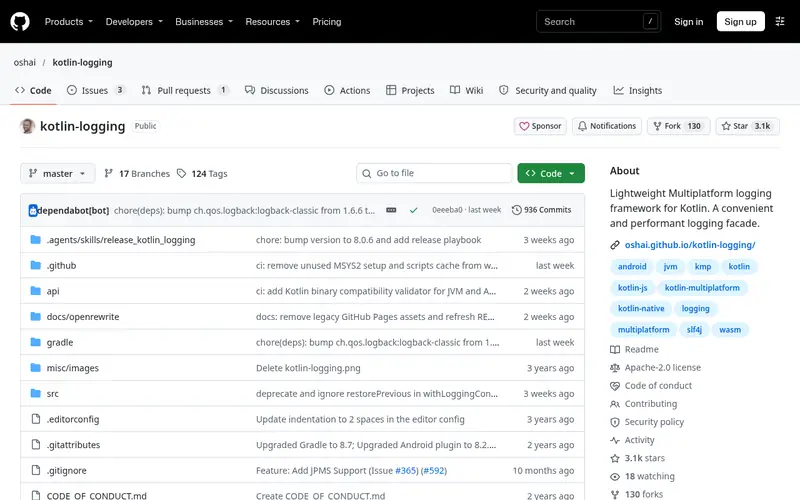
kotlin-logging gives Kotlin code a concise logger with `KotlinLogging` and extension functions on `Any`. Messages are built as lambdas, so string concatenation only runs when the log level is enabled. That matters in hot paths where debug logging is usually off.
The library is a wrapper over SLF4J. You still add a backend such as Logback or Log4j 2, and configuration happens in that backend. It runs on the JVM and on Kotlin Multiplatform targets that SLF4J-style logging can reach. The project is open source under the Apache 2.0 licence.
Skip it if you want a single dependency that includes its own appenders and configuration. In that case use Logback or Log4j 2 directly.
Standout: Lazy message evaluation avoids string work when a level is off
Free (open source), as listed by the vendor (kotlin-logging website). Confirm the current plan price before you buy.
Free plan. Plans change, so confirm on the vendor's pricing page before you buy.
Benefits
- Lazy message evaluation avoids string work when a level is off
- small API that wraps SLF4J
- works with any SLF4J backend
Drawbacks
- Requires a separate SLF4J backend
- adds one dependency layer over plain SLF4J
Skip it if this limit matters to you: requires a separate SLF4J backend.
Verdict. A sensible pick for JVM and multiplatform Kotlin projects already using SLF4J.
Timber
Best for android apps that want simple, extensible logging
What it is and where it fits
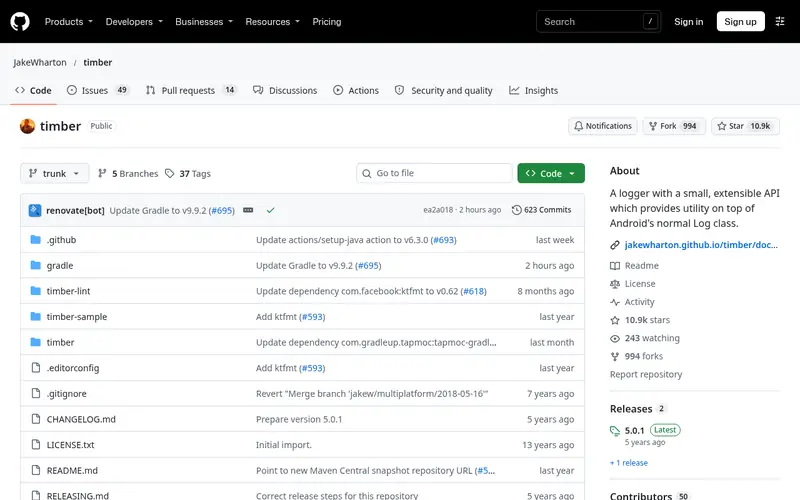
Timber is an Android logging library from Jake Wharton. You call `Timber.d`, `Timber.e` and similar methods, and a planted `Tree` decides where the output goes. A `DebugTree` prints to Logcat, and you can add trees that forward to crash reporters or files.
The library is Android only. It does not target the JVM, iOS or JavaScript. It is open source under the Apache 2.0 licence and is distributed through Maven Central. The API is small, so the main work is writing or choosing the trees you plant.
Skip it for non-Android targets. For shared Kotlin Multiplatform code, use Kermit or Napier instead.
Standout: Small API with a planted Tree that controls output
Free (open source), as listed by the vendor (Timber website). Confirm the current plan price before you buy.
Free plan. Plans change, so confirm on the vendor's pricing page before you buy.
Benefits
- Small API with a planted Tree that controls output
- easy to add custom trees for crash reporting
- widely used in Android projects
Drawbacks
- Android only
- not maintained for JVM or multiplatform targets
Skip it if this limit matters to you: android only.
Verdict. A sensible pick for android apps that want simple, extensible logging.
Alternatives in this guide: kotlin-logging, Napier, Kermit
Napier
Best for kotlin Multiplatform projects that need a small logging API
What it is and where it fits
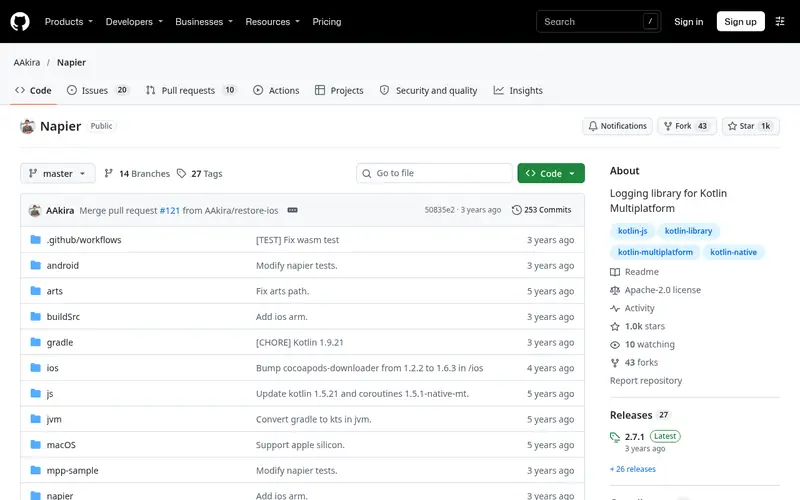
Napier is a Kotlin Multiplatform logging library. It exposes a common API and maps it to platform loggers, such as Logcat on Android, NSLog on Apple platforms, and console output on the JVM and JavaScript. You can also register your own loggers.
The library is open source and published for common Kotlin Multiplatform targets. It supports log levels and lets you filter output. Configuration is done in code rather than in external files.
Skip it if you need broad platform coverage or a larger set of integrations. Kermit covers more targets and has more documentation.
Standout: Multiplatform API with platform-specific loggers
Free (open source), as listed by the vendor (Napier website). Confirm the current plan price before you buy.
Free plan. Plans change, so confirm on the vendor's pricing page before you buy.
Benefits
- Multiplatform API with platform-specific loggers
- supports custom loggers and log levels
- small surface area
Drawbacks
- Smaller ecosystem than Kermit
- fewer platform targets than Kermit
Skip it if this limit matters to you: smaller ecosystem than Kermit.
Verdict. A sensible pick for kotlin Multiplatform projects that need a small logging API.
Alternatives in this guide: kotlin-logging, Timber, Kermit
Kermit
Best for kotlin Multiplatform projects targeting Android, iOS, JVM and JS
What it is and where it fits
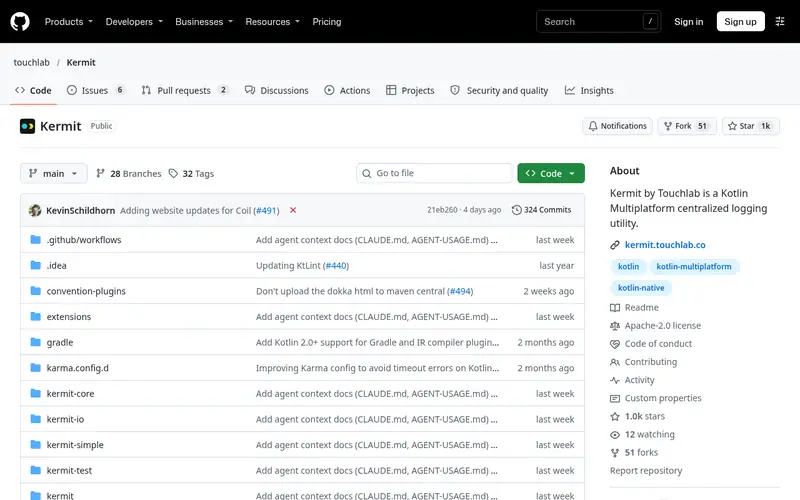
Kermit is a Kotlin Multiplatform logging library from Touchlab. It provides a common `Logger` API across Android, iOS, JVM, JavaScript and native targets. You set a minimum severity and attach `LogWriter` instances that decide where messages go.
The library is open source under the Apache 2.0 licence and is published to Maven Central. It is used in shared KMP modules where a single logging call must compile for every target. Platform-specific writers let you send output to Logcat, NSLog or the console.
Skip it if your project is Android only, where Timber is simpler, or if you only need a JVM backend and no shared code.
Standout: One API across many KMP targets
Free (open source), as listed by the vendor (Kermit website). Confirm the current plan price before you buy.
Free plan. Plans change, so confirm on the vendor's pricing page before you buy.
Benefits
- One API across many KMP targets
- configurable log writers and severity levels
- maintained by Touchlab with active releases
Drawbacks
- Adds a dependency to shared modules
- setup differs per platform for some writers
Skip it if this limit matters to you: adds a dependency to shared modules.
Verdict. A sensible pick for kotlin Multiplatform projects targeting Android, iOS, JVM and JS.
Alternatives in this guide: kotlin-logging, Timber, Napier
SLF4J with Logback
Best for jVM services that need a full logging backend
What it is and where it fits
SLF4J is the logging facade, and Logback is a native implementation of it. Kotlin code calls the SLF4J API, and Logback handles appenders, layouts, rolling file policies and level configuration through an XML file. This is the standard stack for JVM services.
Logback is open source under the EPL and LGPL licences. It runs on the JVM only. Setup means adding the dependencies and writing a `logback.xml` file. You can pair it with kotlin-logging to get lazy message evaluation in Kotlin code.
Skip it if you want zero configuration, or if you target Android or iOS. For Android, use Timber. For multiplatform shared code, use Kermit.
Standout: Mature backend with XML configuration
Free (open source), as listed by the vendor (SLF4J with Logback website). Confirm the current plan price before you buy.
Free plan. Plans change, so confirm on the vendor's pricing page before you buy.
Benefits
- Mature backend with XML configuration
- appenders for files, rolling policies and console
- SLF4J facade is the common Kotlin and Java standard
Drawbacks
- Configuration is more involved than a wrapper library
- JVM only
Skip it if this limit matters to you: configuration is more involved than a wrapper library.
Verdict. A sensible pick for JVM services that need a full logging backend.
Alternatives in this guide: kotlin-logging, Timber, Napier
Log4j 2 Kotlin API
Best for jVM projects that want Log4j 2 with a Kotlin-friendly API
What it is and where it fits
Log4j 2 is an Apache logging framework with appenders, layouts, filters and asynchronous loggers. It ships a Kotlin API module so Kotlin code can call Log4j 2 without going through the Java API style. Configuration can be XML, JSON, YAML or properties.
The project is open source under the Apache 2.0 licence and runs on the JVM. It is a full backend, so you choose it instead of Logback when you want its async logging or plugin model. Setup involves adding the core, API and Kotlin API modules.
Skip it if you want the smallest possible dependency set. kotlin-logging with Logback is a lighter starting point for many JVM projects.
Standout: Log4j 2 includes a Kotlin API module
Free (open source), as listed by the vendor (Log4j 2 Kotlin API website). Confirm the current plan price before you buy.
Free plan. Plans change, so confirm on the vendor's pricing page before you buy.
Benefits
- Log4j 2 includes a Kotlin API module
- supports async loggers and flexible configuration
- part of the Apache Logging project
Drawbacks
- More modules and configuration than a simple wrapper
- JVM only
Skip it if this limit matters to you: more modules and configuration than a simple wrapper.
Verdict. A sensible pick for JVM projects that want Log4j 2 with a Kotlin-friendly API.
Alternatives in this guide: kotlin-logging, Timber, Napier
Who should use what
If you have a JVM service that already uses SLF4J, start with kotlin-logging over Logback. If you build an Android-only app, Timber keeps logging simple and lets you add crash-reporting trees. If you share code across Android, iOS and the JVM, Kermit gives one API for every target, and Napier is a smaller alternative. If you need async logging or the Log4j 2 plugin model on the JVM, use the Log4j 2 Kotlin API.
Questions to settle before you buy
What to check before you buy
- Confirm the library supports every target you build for, including iOS or JavaScript if you use Kotlin Multiplatform.
- Check whether the library is only a facade and needs a backend such as Logback or Log4j 2.
- Decide how you will configure levels and appenders: code, XML, or platform defaults.
- Check that lazy message evaluation is available if you log in hot paths.
- Review the licence and the release activity in the project repository.
FAQ
Does kotlin-logging include its own backend?
No. kotlin-logging wraps SLF4J, so you add a backend such as Logback or Log4j 2 and configure logging there. The library adds a Kotlin API and lazy message evaluation on top.
Can I use Timber outside Android?
No. Timber targets Android and relies on Android logging. For JVM or multiplatform code, use kotlin-logging, Kermit or Napier instead.
What is the difference between Kermit and Napier?
Both are Kotlin Multiplatform logging libraries. Kermit supports more targets and has more documentation and integrations. Napier has a smaller API and fewer platform targets. Both are free and open source.
Should I use Logback or Log4j 2 as the backend?
Both are mature JVM backends. Logback is a common default with SLF4J. Log4j 2 offers asynchronous loggers and a plugin model, plus a Kotlin API module. Pick based on the features you need.
Are these logging libraries free?
Yes. All six options listed here are free and open source. There are no paid tiers for the libraries themselves.
Sources we checked
Method: how we score · editorial policy.
Change log. First published 27 Nov 2026.