Stage 01 · Write · Researched comparison
Best Kotlin IDEs for Android and JVM Work in 2026
IntelliJ IDEA is the first pick for most Kotlin work. It comes from JetBrains, the company that maintains Kotlin, and its Community edition is free and open source. Android Studio is the better fit if you build Android apps, since it bundles the Android SDK, emulator and layout tools. Visual Studio Code with the Kotlin extension suits developers who want one lightweight editor for many languages and do not need deep Android tooling.

By Shihab Mia
Published 22 Nov 2026 · 6 tools compared
We run no ads and no affiliate links at launch. The order of a list follows our published method. See how we score.
Prices are the starting prices vendors list publicly. Plans change, so confirm the current price on the vendor page before you buy.
Key takeaways
- IntelliJ IDEA Community is free and open source; the Ultimate edition is paid and adds web, database and Spring support.
- Android Studio is free and is the official IDE for Android, built on the IntelliJ platform.
- Visual Studio Code is free and needs the Kotlin extension for language support; it is lighter than JetBrains IDEs.
- Gradle and the Kotlin compiler do the actual builds, so editor choice affects tooling and refactoring more than build output.
Who each pick is for
- Full Kotlin development on JVM, Android and multiplatformIntelliJ IDEA
- Android app development in KotlinAndroid Studio
- Lightweight editing across many languages, including KotlinVisual Studio Code
- Teams already standardized on Eclipse for JavaEclipse
- Terminal-first developers who want Kotlin LSP supportNeovim
- Fast editing of Kotlin files without a full IDESublime Text
Comparison
| Tool | Best for | Standout feature | Listed starting price | Free plan or trial |
|---|---|---|---|---|
| 1IntelliJ IDEA | Full Kotlin development on JVM, Android and multiplatform | Built by the Kotlin maintainer with deep language support | Free (open source) | Free plan |
| 2Android Studio | Android app development in Kotlin | Official Android IDE with emulator, layout editor and profilers | Free | Free plan |
| 3Visual Studio Code | Lightweight editing across many languages, including Kotlin | Fast startup and low memory use | Free | Free plan |
| 4Eclipse | Teams already standardized on Eclipse for Java | Free and open source | Free (open source) | Free plan |
| 5Neovim | Terminal-first developers who want Kotlin LSP support | Runs in the terminal and is highly configurable | Free (open source) | Free plan |
| 6Sublime Text | Fast editing of Kotlin files without a full IDE | Very fast startup | See vendor pricing page | Free trial |
How we picked
We picked tools that actually compile, run and debug Kotlin, then compared them on fit for Android, JVM and multiplatform work, supported operating systems, licence and price, and the depth of language support. We also noted setup effort and the main limits of each tool. Sources are vendor pages, official documentation and project repositories. Prices and free-plan terms change, so confirm details on the vendor site before you commit.
The tools, one by one
IntelliJ IDEA
Best for full Kotlin development on JVM, Android and multiplatform

What it is and where it fits
IntelliJ IDEA is the reference IDE for Kotlin. JetBrains develops Kotlin and ships language support in this IDE first, so code completion, inspections and refactoring tend to track new language features closely. It handles Gradle and Maven projects, JVM debugging, unit testing and Kotlin Multiplatform targets.
The Community edition is free and open source and covers core Kotlin and Java work. The Ultimate edition is paid and adds database tools, web framework support and Spring integration. Both run on Windows, macOS and Linux. The main limit is resource use: a large project needs a fair amount of RAM, and older laptops may feel slow. Skip it if you only edit a few Kotlin files and want a minimal editor.
Standout: Built by the Kotlin maintainer with deep language support
Free (open source), as listed by the vendor (IntelliJ IDEA website). Confirm the current plan price before you buy.
Free plan. Plans change, so confirm on the vendor's pricing page before you buy.
Benefits
- Built by the Kotlin maintainer with deep language support
- strong refactoring and debugger
Drawbacks
- Ultimate edition is paid
- heavier memory use than plain editors
Skip it if this limit matters to you: ultimate edition is paid.
Verdict. A sensible pick for full Kotlin development on JVM, Android and multiplatform.
Alternatives in this guide: Android Studio, Visual Studio Code, Eclipse
Android Studio
Best for android app development in Kotlin
What it is and where it fits
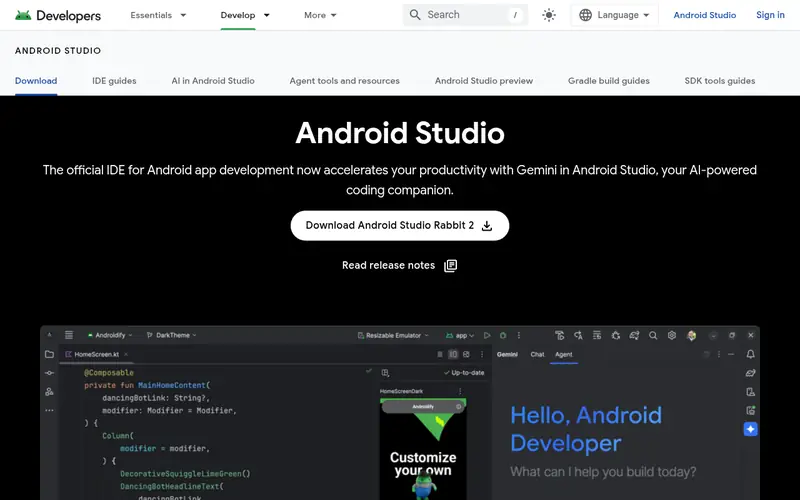
Android Studio is Google's official IDE for Android and is built on the IntelliJ platform, so Kotlin support is strong. It bundles the Android SDK manager, emulator, layout editor, Logcat and performance profilers. Kotlin is the recommended language for new Android projects, and the templates reflect that.
It is free and runs on Windows, macOS and Linux. The trade-off is size: the installer and SDK downloads are large, and the IDE wants a modern machine with plenty of RAM. It is a poor fit for server-side or desktop Kotlin that has nothing to do with Android. If you write Android apps, start here rather than with a general editor.
Standout: Official Android IDE with emulator, layout editor and profilers
Free, as listed by the vendor (Android Studio website). Confirm the current plan price before you buy.
Free plan. Plans change, so confirm on the vendor's pricing page before you buy.
Benefits
- Official Android IDE with emulator, layout editor and profilers
- free
Drawbacks
- Large download and high memory use
- overkill for non-Android Kotlin
Skip it if this limit matters to you: large download and high memory use.
Verdict. A sensible pick for android app development in Kotlin.
Alternatives in this guide: IntelliJ IDEA, Visual Studio Code, Eclipse
Visual Studio Code
Best for lightweight editing across many languages, including Kotlin
What it is and where it fits
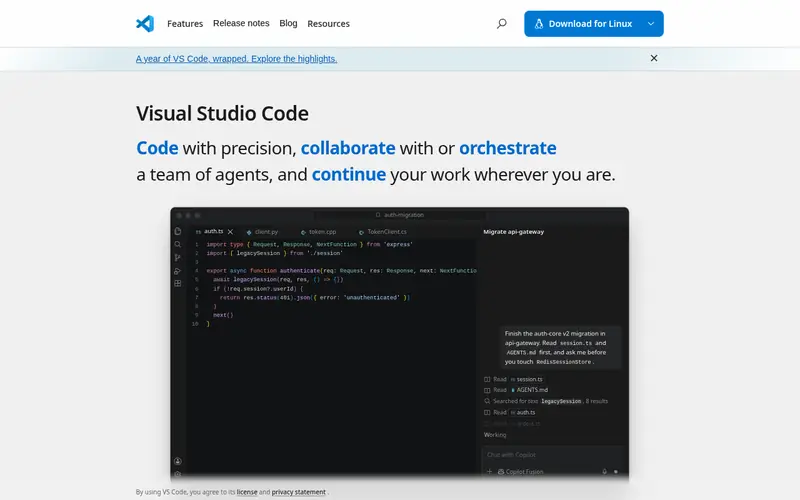
Visual Studio Code is a free editor from Microsoft that runs on Windows, macOS and Linux. Kotlin support comes from extensions, such as the Kotlin Language extension, which provides syntax highlighting and some language features through the Kotlin language server. Gradle tasks can run from the integrated terminal.
It suits developers who keep one editor open for several languages and do not need a full IDE. The limit is depth: refactoring, debugging and Android tooling are less complete than in IntelliJ IDEA or Android Studio. For large Kotlin codebases, expect to fall back to command-line tools or switch to a JetBrains IDE.
Standout: Fast startup and low memory use
Free, as listed by the vendor (Visual Studio Code website). Confirm the current plan price before you buy.
Free plan. Plans change, so confirm on the vendor's pricing page before you buy.
Benefits
- Fast startup and low memory use
- huge extension ecosystem
Drawbacks
- Kotlin support comes from extensions, not the core
- weaker Android tooling
Skip it if this limit matters to you: kotlin support comes from extensions, not the core.
Verdict. A sensible pick for lightweight editing across many languages, including Kotlin.
Alternatives in this guide: IntelliJ IDEA, Android Studio, Eclipse
Eclipse
Best for teams already standardized on Eclipse for Java
What it is and where it fits
Eclipse is a long-running open-source IDE with strong Java support. Kotlin is not built in; you add it through the Kotlin plugin for Eclipse, which provides an editor and compiler integration. It runs on Windows, macOS and Linux.
This is a reasonable choice only if your team already uses Eclipse and wants to avoid a second IDE. Kotlin tooling here lags behind IntelliJ IDEA: expect fewer inspections and less reliable refactoring. New Kotlin projects should look elsewhere first.
Standout: Free and open source
Free (open source), as listed by the vendor (Eclipse website). Confirm the current plan price before you buy.
Free plan. Plans change, so confirm on the vendor's pricing page before you buy.
Benefits
- Free and open source
- mature Java tooling
Drawbacks
- Kotlin support depends on a third-party plugin
- setup takes more work
Skip it if this limit matters to you: kotlin support depends on a third-party plugin.
Verdict. A sensible pick for teams already standardized on Eclipse for Java.
Alternatives in this guide: IntelliJ IDEA, Android Studio, Visual Studio Code
Neovim
Best for terminal-first developers who want Kotlin LSP support
What it is and where it fits
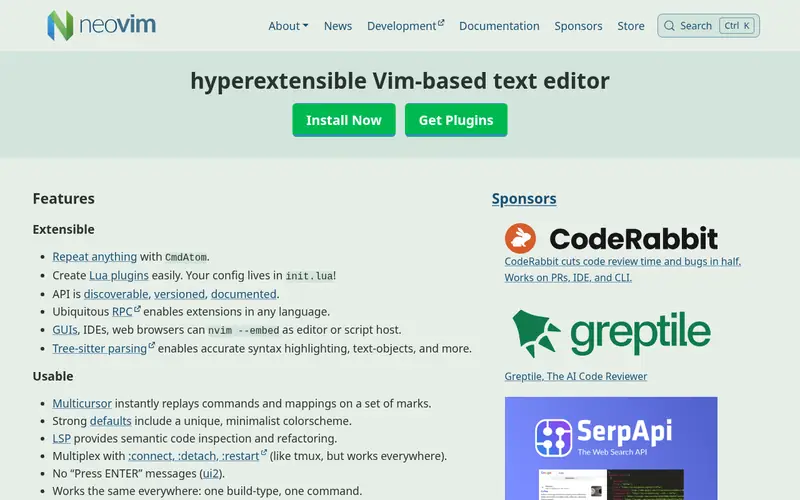
Neovim is a free, open-source terminal editor. Kotlin support comes from the built-in LSP client pointed at the Kotlin language server, plus plugins for completion and diagnostics. It runs on Linux, macOS and Windows.
It suits developers who already live in the terminal and are comfortable editing config files. The cost is setup time: nothing works until you wire up the language server, formatter and debugger yourself. There is no Android integration. Skip it unless you value keyboard-driven editing over out-of-the-box features.
Standout: Runs in the terminal and is highly configurable
Free (open source), as listed by the vendor (Neovim website). Confirm the current plan price before you buy.
Free plan. Plans change, so confirm on the vendor's pricing page before you buy.
Benefits
- Runs in the terminal and is highly configurable
- free and open source
Drawbacks
- Requires manual setup of LSP and plugins
- no built-in Android tooling
Skip it if this limit matters to you: requires manual setup of LSP and plugins.
Verdict. A sensible pick for terminal-first developers who want Kotlin LSP support.
Alternatives in this guide: IntelliJ IDEA, Android Studio, Visual Studio Code
Sublime Text
Best for fast editing of Kotlin files without a full IDE
What it is and where it fits
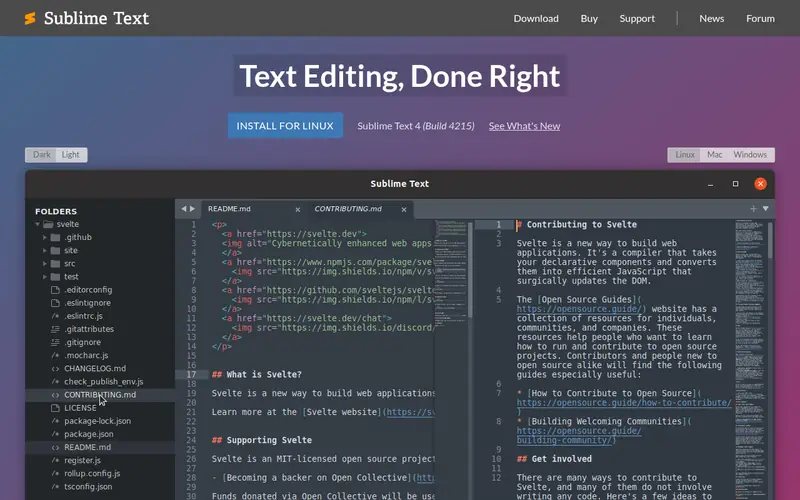
Sublime Text is a lightweight, fast editor. Kotlin support comes from community syntax packages, which give highlighting and basic editing but not full language intelligence. It is useful for quick edits, reading code or working on small scripts.
It is not a full Kotlin IDE: there is no built-in debugger, refactoring or Android tooling. The editor is paid after an evaluation period; check the vendor page for current terms. Use it as a companion editor, not as the main environment for a large Kotlin project.
Standout: Very fast startup
See vendor pricing page, as listed by the vendor (Sublime Text website). Confirm the current plan price before you buy.
Free trial. Plans change, so confirm on the vendor's pricing page before you buy.
Benefits
- Very fast startup
- works on Windows, macOS and Linux
Drawbacks
- Kotlin support is limited to syntax packages
- paid licence for continued use
Skip it if this limit matters to you: kotlin support is limited to syntax packages.
Verdict. A sensible pick for fast editing of Kotlin files without a full IDE.
Alternatives in this guide: IntelliJ IDEA, Android Studio, Visual Studio Code
Who should use what
If you build Android apps, use Android Studio; it is free and includes the SDK and emulator. If you write server-side, desktop or multiplatform Kotlin, use IntelliJ IDEA, starting with the free Community edition. If you want one lightweight editor for many languages, use Visual Studio Code with the Kotlin extension. If your team already runs Eclipse for Java, add the Kotlin plugin there rather than switching tools. Terminal users can set up Neovim with the Kotlin language server.
Questions to settle before you buy
What to check before you buy
- Confirm the IDE supports your target: Android, JVM server, desktop or Kotlin Multiplatform.
- Check the licence: Community editions are free, but some features sit behind a paid tier.
- Verify system requirements, since JetBrains IDEs and Android Studio need more RAM than plain editors.
- Confirm Gradle and JDK versions match what the IDE expects for your project.
- Check that debugging and test running work for your setup before moving a team over.
FAQ
Is IntelliJ IDEA Community enough for Kotlin?
Yes for most JVM and Kotlin Multiplatform work. It includes Kotlin language support, Gradle integration, debugging and testing. The paid Ultimate edition adds database tools, web frameworks and Spring support. Android developers usually get better results from Android Studio, which is free and bundles the Android tooling.
Do I need Android Studio to write Kotlin?
No. Kotlin runs on the JVM and in multiplatform projects without Android. You only need Android Studio if you build Android apps. For server, desktop or library code, IntelliJ IDEA or another editor with Kotlin support is enough.
Can I use Visual Studio Code for Kotlin?
Yes, with a Kotlin extension that provides language support through the Kotlin language server. It works for small and medium projects and mixed-language work. For large codebases or Android development, a JetBrains IDE gives deeper refactoring, debugging and tooling.
Is Kotlin IDE support free?
The main options are free to start. IntelliJ IDEA Community, Android Studio, Eclipse, Neovim and Sublime Text offer free or trial access. IntelliJ IDEA Ultimate and Sublime Text are paid. Check each vendor page for current terms and any feature limits on free tiers.
Which IDE is best for Kotlin Multiplatform?
IntelliJ IDEA is the usual choice, since JetBrains maintains both Kotlin and the IDE and supports multiplatform targets. Android Studio can also open multiplatform projects because it is built on the same platform, but IntelliJ IDEA gives the most complete setup for shared code across JVM, Android, iOS and other targets.
Sources we checked
Method: how we score · editorial policy.
Change log. First published 22 Nov 2026.