Stage 01 · Write · Researched comparison
Best Kotlin Dependency Injection Libraries in 2026
Hilt is the first pick for most Android teams. It builds on Dagger, integrates with Jetpack and AndroidX, and gives a standard structure for app-level injection. Choose Koin if you want a runtime DSL with no annotation processing and no KSP step. Choose kotlin-inject if you want compile-time safety from a lightweight, Kotlin-first library without the full Dagger stack. All three are open source and free to use.

By Shihab Mia
Published 27 Nov 2026 · 7 tools compared
We run no ads and no affiliate links at launch. The order of a list follows our published method. See how we score.
Prices are the starting prices vendors list publicly. Plans change, so confirm the current price on the vendor page before you buy.
Key takeaways
- Hilt, Dagger 2, Koin, Kodein-DI, kotlin-inject, Metro and Anvil are all free, open-source projects.
- Hilt and Dagger 2 resolve the graph at compile time through annotation processing or KSP; Koin and Kodein-DI resolve it at runtime.
- kotlin-inject and Metro are Kotlin-first options that use the compiler for graph checks without Dagger's component model.
- Anvil is a compiler plugin that extends Dagger; check its repository for current maintenance status before adopting it.
Who each pick is for
- Android apps that want a standard DI setup on top of DaggerHilt
- JVM and Android projects that need a compile-time-checked graphDagger 2
- Kotlin teams that want a runtime DSL with no annotation processingKoin
- Kotlin projects that want a flexible runtime container with multiplatform supportKodein-DI
- Kotlin-first projects that want compile-time checks without Daggerkotlin-inject
- Kotlin Multiplatform projects that want a compiler-plugin DI graphMetro
- Dagger users who want to reduce module and component boilerplateAnvil
Comparison
| Tool | Best for | Standout feature | Listed starting price | Free plan or trial |
|---|---|---|---|---|
| 1Hilt | Android apps that want a standard DI setup on top of Dagger | Official Android guidance and Jetpack integration | Free (open source) | Free plan |
| 2Dagger 2 | JVM and Android projects that need a compile-time-checked graph | Compile-time graph validation | Free (open source) | Free plan |
| 3Koin | Kotlin teams that want a runtime DSL with no annotation processing | Plain Kotlin DSL with no code generation | Free (open source) | Free plan |
| 4Kodein-DI | Kotlin projects that want a flexible runtime container with multiplatform support | Kotlin-idiomatic binding syntax | Free (open source) | Free plan |
| 5kotlin-inject | Kotlin-first projects that want compile-time checks without Dagger | Compile-time graph validation via KSP | Free (open source) | Free plan |
| 6Metro | Kotlin Multiplatform projects that want a compiler-plugin DI graph | Compiler plugin with compile-time graph checks | Free (open source) | Free plan |
| 7Anvil | Dagger users who want to reduce module and component boilerplate | Generates Dagger modules and components from annotations | Free (open source) | Free plan |
How we picked
We picked libraries that are real, currently maintained projects and that genuinely provide dependency injection for Kotlin or Android. Criteria were fit for the job, supported platforms (Android, JVM, Kotlin Multiplatform), licence and price, whether the graph is checked at compile time or runtime, and the main limits such as build-time cost or smaller ecosystems. Sources are vendor documentation, project repositories and public licence files. Prices and maintenance status change, so confirm details on the vendor or repository page before you commit.
The tools, one by one
Hilt
Best for android apps that want a standard DI setup on top of Dagger
What it is and where it fits
Hilt is a dependency injection library for Android built on Dagger. It generates and manages the component hierarchy for you, so you annotate classes with `@Inject`, `@Module` and `@InstallIn` instead of writing components by hand. It ships with predefined components tied to Android lifecycle classes such as `Application`, `Activity` and `ViewModel`, and it integrates with AndroidX libraries including WorkManager and Navigation.
Hilt runs on Android and JVM projects that use Gradle. It relies on KSP or KAPT for code generation, so build configuration matters. The project is open source under Apache 2.0 and is maintained alongside Dagger. There is no paid tier and no usage limit. Teams on multiplatform Kotlin, or projects that avoid code generation, should look at Koin or kotlin-inject instead.
Standout: Official Android guidance and Jetpack integration
Free (open source), as listed by the vendor (Hilt website). Confirm the current plan price before you buy.
Free plan. Plans change, so confirm on the vendor's pricing page before you buy.
Benefits
- Official Android guidance and Jetpack integration
- removes boilerplate Dagger component code
Drawbacks
- Requires annotation processing or KSP
- build times grow with module count
Skip it if this limit matters to you: requires annotation processing or KSP.
Verdict. A sensible pick for android apps that want a standard DI setup on top of Dagger.
Dagger 2
Best for jVM and Android projects that need a compile-time-checked graph
What it is and where it fits
Dagger 2 is a compile-time dependency injection framework for Java and Kotlin. It generates factory and component code during the build, so missing bindings and scope errors surface as compile errors rather than runtime crashes. It works on plain JVM projects as well as Android, which makes it a fit for backend services and shared Kotlin modules.
Dagger is open source under Apache 2.0 and maintained by Google. You define components, modules and scopes yourself, which gives fine control but more code than Hilt. On Android, most teams use Hilt to reduce that boilerplate. Dagger does not provide a runtime container, so there is no reflection cost at startup. Projects that want a runtime DSL with no code generation should skip it.
Standout: Compile-time graph validation
Free (open source), as listed by the vendor (Dagger 2 website). Confirm the current plan price before you buy.
Free plan. Plans change, so confirm on the vendor's pricing page before you buy.
Benefits
- Compile-time graph validation
- widely used with a large body of documentation
Drawbacks
- More boilerplate than Hilt on Android
- steeper learning curve
Skip it if this limit matters to you: more boilerplate than Hilt on Android.
Verdict. A sensible pick for JVM and Android projects that need a compile-time-checked graph.
Koin
Best for kotlin teams that want a runtime DSL with no annotation processing
What it is and where it fits
Koin is a dependency injection framework written in Kotlin. You declare modules with a DSL (`single`, `factory`, `scoped`) and start Koin with a list of modules. There is no annotation processing and no KSP step, so build times stay stable. It supports Android, JVM, Kotlin Multiplatform and Ktor.
Koin is open source under Apache 2.0. It resolves dependencies at runtime, which means a missing binding fails when the graph is first used rather than at build time. Koin has a verification API and test helpers to catch these problems early. It suits multiplatform projects and teams that want to avoid code generation. Teams that need compile-time guarantees should prefer Hilt, Dagger or kotlin-inject.
Standout: Plain Kotlin DSL with no code generation
Free (open source), as listed by the vendor (Koin website). Confirm the current plan price before you buy.
Free plan. Plans change, so confirm on the vendor's pricing page before you buy.
Benefits
- Plain Kotlin DSL with no code generation
- works across Android, JVM and Kotlin Multiplatform
Drawbacks
- Graph errors appear at runtime, not compile time
- reflection and startup cost
Skip it if this limit matters to you: graph errors appear at runtime, not compile time.
Verdict. A sensible pick for kotlin teams that want a runtime DSL with no annotation processing.
Kodein-DI
Best for kotlin projects that want a flexible runtime container with multiplatform support
What it is and where it fits
Kodein-DI is a dependency injection container for Kotlin. Bindings are declared in modules using a Kotlin DSL, and the container resolves them at runtime. It supports JVM, Android and Kotlin Multiplatform targets, and it offers scoping, lazy binding and a testing module.
Kodein-DI is open source under Apache 2.0. Like Koin, it does not check the graph at compile time, so binding mistakes show up at runtime. The documentation covers the core container and Android integration. It is a reasonable choice for small to mid-sized Kotlin projects that want a runtime container with a Kotlin-first API. Teams that need compile-time validation should look elsewhere.
Standout: Kotlin-idiomatic binding syntax
Free (open source), as listed by the vendor (Kodein-DI website). Confirm the current plan price before you buy.
Free plan. Plans change, so confirm on the vendor's pricing page before you buy.
Benefits
- Kotlin-idiomatic binding syntax
- supports JVM, Android and multiplatform targets
Drawbacks
- Smaller community than Koin or Dagger
- runtime resolution only
Skip it if this limit matters to you: smaller community than Koin or Dagger.
Verdict. A sensible pick for kotlin projects that want a flexible runtime container with multiplatform support.
kotlin-inject
Best for kotlin-first projects that want compile-time checks without Dagger
What it is and where it fits
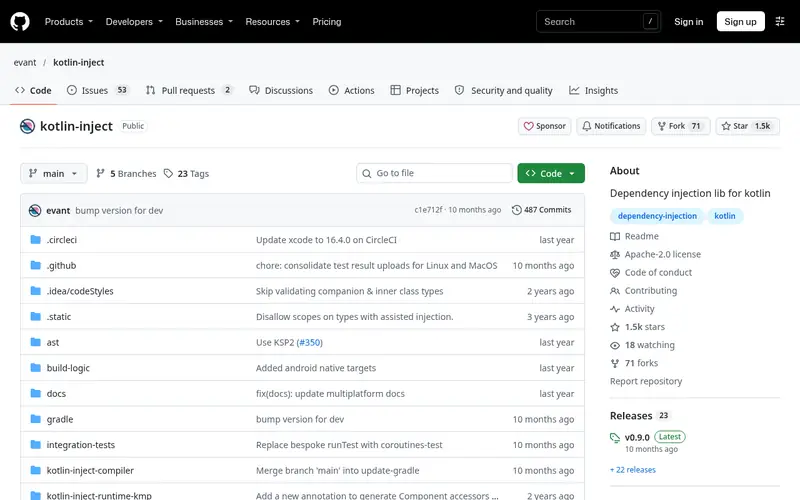
kotlin-inject is a dependency injection library for Kotlin that uses KSP to generate code at compile time. You annotate constructors with `@Inject` and define components as interfaces or abstract classes with `@Component`. The compiler generates the wiring and reports missing bindings as build errors.
It targets JVM, Android and Kotlin Multiplatform projects. The library is open source under Apache 2.0 and maintained by Evan Tatarka. Its API is smaller than Dagger's, which keeps the learning curve lower, but the surrounding ecosystem and third-party integrations are thinner. It fits teams that want compile-time safety and a Kotlin-native design without adopting the full Dagger or Hilt stack.
Standout: Compile-time graph validation via KSP
Free (open source), as listed by the vendor (kotlin-inject website). Confirm the current plan price before you buy.
Free plan. Plans change, so confirm on the vendor's pricing page before you buy.
Benefits
- Compile-time graph validation via KSP
- small API with no component boilerplate
Drawbacks
- Smaller ecosystem than Dagger
- requires KSP setup
Skip it if this limit matters to you: smaller ecosystem than Dagger.
Verdict. A sensible pick for kotlin-first projects that want compile-time checks without Dagger.
Metro
Best for kotlin Multiplatform projects that want a compiler-plugin DI graph
What it is and where it fits
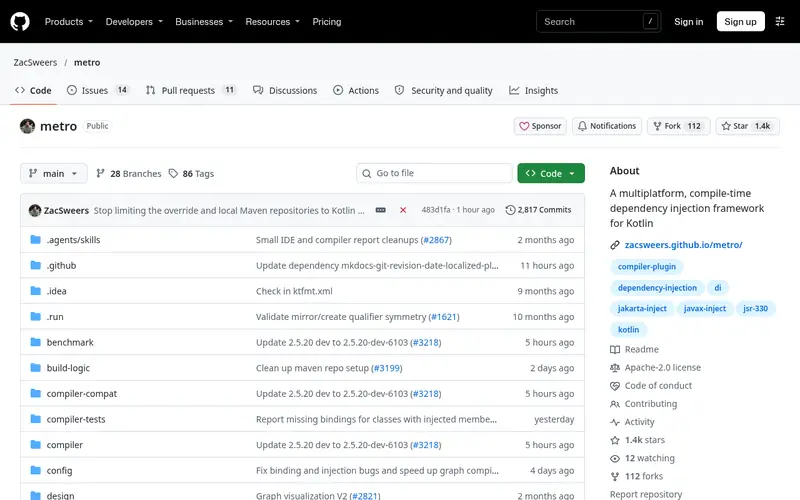
Metro is a dependency injection compiler plugin for Kotlin, developed by Zac Sweers. It generates the graph at compile time and is designed with Kotlin Multiplatform in mind. It uses a compiler plugin rather than KSP, which lets it analyze code more directly and report graph errors during compilation.
Metro is open source under Apache 2.0. Because it is a newer project, its API and documentation are still evolving, and the user base is smaller than Dagger's or Koin's. Check the repository for the current release status and compatibility with your Kotlin version before adopting it. It suits teams already on Kotlin Multiplatform that want compile-time checks and are comfortable with a younger tool.
Standout: Compiler plugin with compile-time graph checks
Free (open source), as listed by the vendor (Metro website). Confirm the current plan price before you buy.
Free plan. Plans change, so confirm on the vendor's pricing page before you buy.
Benefits
- Compiler plugin with compile-time graph checks
- designed for Kotlin Multiplatform
Drawbacks
- Newer project with a smaller user base
- API may change between releases
Skip it if this limit matters to you: newer project with a smaller user base.
Verdict. A sensible pick for kotlin Multiplatform projects that want a compiler-plugin DI graph.
Anvil
Best for dagger users who want to reduce module and component boilerplate
What it is and where it fits
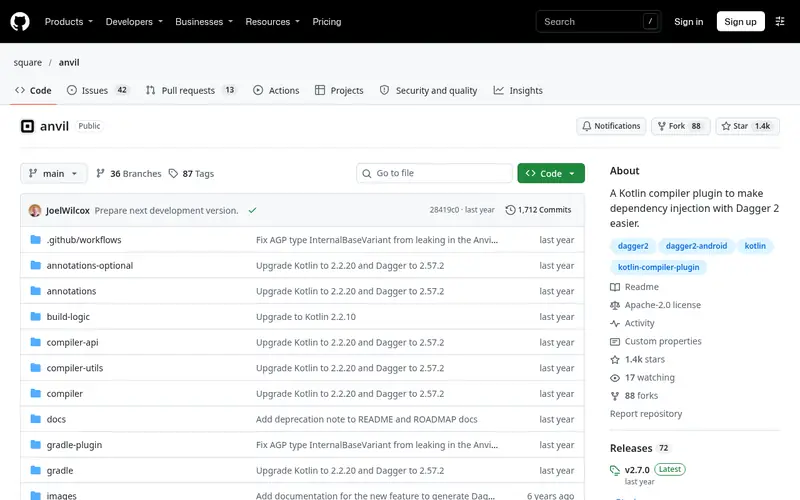
Anvil is a Kotlin compiler plugin from Square that generates Dagger modules and component interfaces from annotations such as `@ContributesBinding` and `@MergeComponent`. It reduces the amount of manual Dagger wiring in large Android codebases and works alongside Dagger 2 and Hilt.
Anvil is open source under Apache 2.0. It is not a standalone DI container; it extends Dagger, so you still need Dagger or Hilt in the project. Before adopting it, check the repository for the current maintenance status and Kotlin compiler compatibility, since compiler plugins track Kotlin releases closely. It suits large Dagger-based Android projects that already accept code generation.
Standout: Generates Dagger modules and components from annotations
Free (open source), as listed by the vendor (Anvil website). Confirm the current plan price before you buy.
Free plan. Plans change, so confirm on the vendor's pricing page before you buy.
Benefits
- Generates Dagger modules and components from annotations
- cuts manual wiring code
Drawbacks
- Adds a compiler plugin to the build
- maintenance status should be checked
Skip it if this limit matters to you: adds a compiler plugin to the build.
Verdict. A sensible pick for dagger users who want to reduce module and component boilerplate.
Who should use what
A new Android app that follows Google's guidance should start with Hilt. A backend or shared Kotlin module on the JVM that needs compile-time checks can use Dagger 2 directly. A Kotlin Multiplatform project that wants no annotation processing should look at Koin, and one that wants compile-time checks can evaluate kotlin-inject or Metro. A large existing Dagger codebase may benefit from Anvil to cut boilerplate, after checking its maintenance status.
Questions to settle before you buy
What to check before you buy
- Confirm the library supports your targets: Android only, JVM, or Kotlin Multiplatform.
- Decide whether you need compile-time graph validation or can accept runtime resolution.
- Check the build cost of annotation processing, KSP or compiler plugins in your module count.
- Verify compatibility with your Kotlin, Gradle and Android Gradle Plugin versions.
- Read the repository's recent commit activity and open issues before adopting a smaller project.
FAQ
Is Hilt the same as Dagger?
No. Hilt is built on Dagger and adds Android-specific components and boilerplate removal. Dagger 2 is the underlying compile-time framework and also works on plain JVM projects. You can use Dagger without Hilt, but on Android most teams use Hilt to avoid writing components by hand.
Which Kotlin DI library works without annotation processing?
Koin and Kodein-DI resolve dependencies at runtime and need no annotation processing or KSP. kotlin-inject and Metro use KSP or a compiler plugin for compile-time checks. Hilt, Dagger 2 and Anvil rely on code generation during the build.
Do these libraries cost anything?
All seven projects listed here are open source and free to use. There are no paid tiers or usage limits from the projects themselves. Your costs come from build infrastructure and developer time, not licence fees.
Can I use these in Kotlin Multiplatform projects?
Koin, Kodein-DI, kotlin-inject and Metro list Kotlin Multiplatform support. Hilt and Anvil are Android-focused, and Dagger 2 targets JVM and Android. Check each project's documentation for the current list of supported targets.
What is the main risk of runtime DI?
With runtime containers like Koin and Kodein-DI, a missing or misconfigured binding fails when the graph is first used, which may be in production. Compile-time libraries such as Dagger, Hilt and kotlin-inject catch these errors during the build instead.
Sources we checked
Method: how we score · editorial policy.
Change log. First published 27 Nov 2026.