Stage 01 · Write · Researched comparison
Best JSON Viewers for the Terminal in 2026
fx is the first pick for most developers who want to open a JSON file in the terminal, scroll through it and filter it without writing a query first. It suits people who want an interactive viewer with JavaScript expressions. jless is the better choice for read-only browsing of large documents with vim-style keys. jq is the right tool when you need scripted, repeatable queries rather than interactive viewing.

By Shihab Mia
Published 28 Nov 2026 · 6 tools compared
We run no ads and no affiliate links at launch. The order of a list follows our published method. See how we score.
Prices are the starting prices vendors list publicly. Plans change, so confirm the current price on the vendor page before you buy.
Key takeaways
- fx, jless, jnv, gron, jq and VisiData are all free and open source, so there is no licence cost to try any of them.
- jless and jnv are read-only viewers; fx can also transform and write output, and jq is built for pipelines and scripts.
- gron converts JSON into greppable assignment lines, which helps when you want to search rather than browse.
- All six run locally in your terminal, so your JSON is not sent to a third-party web page.
Who each pick is for
- Interactive browsing and filtering with JavaScript expressionsfx
- Read-only browsing of large JSON with vim-style keysjless
- Interactive jq filter building with a live previewjnv
- Turning JSON into greppable lines for searchgron
- Scripted queries and repeatable JSON processingjq
- Browsing JSON as tables with sorting and frequency countsVisiData
Comparison
| Tool | Best for | Standout feature | Listed starting price | Free plan or trial |
|---|---|---|---|---|
| 1fx | Interactive browsing and filtering with JavaScript expressions | Interactive tree view with keyboard navigation | Free (open source) | Free plan |
| 2jless | Read-only browsing of large JSON with vim-style keys | Fast navigation with vim keybindings | Free (open source) | Free plan |
| 3jnv | Interactive jq filter building with a live preview | Builds jq filters interactively with a live result preview | Free (open source) | Free plan |
| 4gron | Turning JSON into greppable lines for search | Output is plain assignment lines that work with grep and other text tools | Free (open source) | Free plan |
| 5jq | Scripted queries and repeatable JSON processing | A mature query language with wide adoption | Free (open source) | Free plan |
| 6VisiData | Browsing JSON as tables with sorting and frequency counts | Treats JSON records as rows and columns for sorting and summarising | Free (open source) | Free plan |
How we picked
We compared tools on fit for terminal JSON work, supported platforms, licence and price, whether data stays local, and the main practical limits of each. Sources are vendor pages, project repositories and documentation. No hands-on testing or benchmarks were run. Prices and features change, so confirm details on the vendor site before you rely on them.
The tools, one by one
fx
Best for interactive browsing and filtering with JavaScript expressions
What it is and where it fits
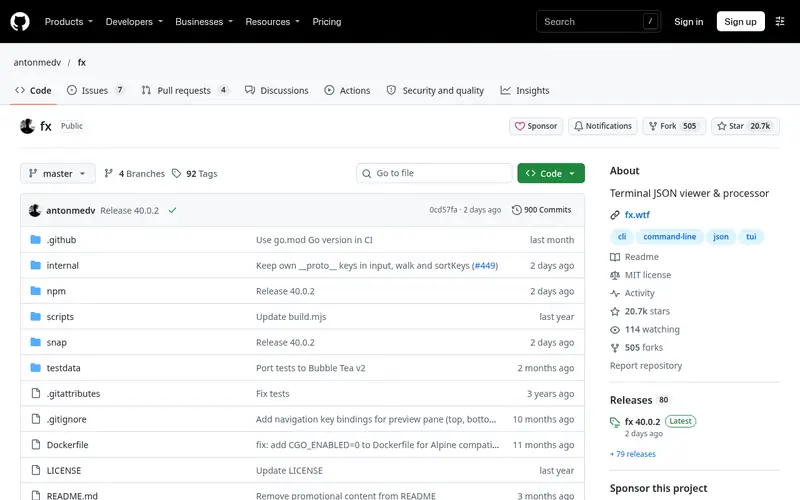
fx is a terminal JSON viewer that opens a document in an interactive tree and lets you move through it with the arrow keys. You can collapse and expand nodes, and you can type a JavaScript expression to filter or reshape the data. Because the filter language is JavaScript, anyone comfortable with Node.js can write expressions without learning a new syntax.
It runs on macOS, Linux and Windows, and is distributed as an npm package as well as standalone binaries. The project is open source and free. The main practical limit is that it depends on a Node.js runtime, which adds install weight on minimal systems. It is a good fit for developers who want to explore an API response quickly. Skip it if you need a viewer with no runtime dependency, or if your workflow is already built around jq filters.
Standout: Interactive tree view with keyboard navigation
Free (open source), as listed by the vendor (fx website). Confirm the current plan price before you buy.
Free plan. Plans change, so confirm on the vendor's pricing page before you buy.
Benefits
- Interactive tree view with keyboard navigation
- filters use plain JavaScript instead of a custom query syntax
Drawbacks
- Requires a Node.js runtime
- the JavaScript expression model is less familiar than jq to shell-heavy users
Skip it if this limit matters to you: requires a Node.js runtime.
Verdict. A sensible pick for interactive browsing and filtering with JavaScript expressions.
jless
Best for read-only browsing of large JSON with vim-style keys
What it is and where it fits
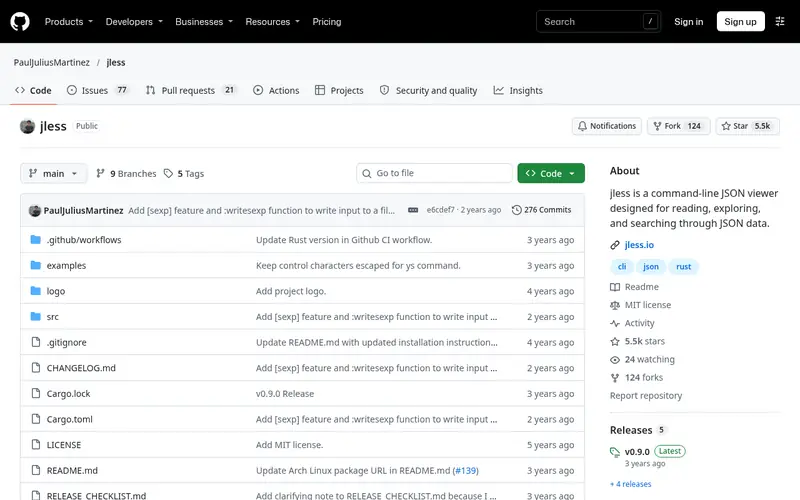
jless is a command-line JSON viewer focused on reading. It opens a file or piped input and shows the structure as an expandable tree. Navigation uses vim-style keys, including movement, search and folding, which makes it quick for people already used to that model.
It is written in Rust and ships as a single binary for macOS and Linux, with Windows support through the project's releases. It is free and open source. The tool is deliberately read-only: it does not transform data or write files, so it complements jq rather than replacing it. The limit to know is that it is a viewer only. Choose it when you need to inspect a large payload, and choose something else when you need to produce a modified document.
Standout: Fast navigation with vim keybindings
Free (open source), as listed by the vendor (jless website). Confirm the current plan price before you buy.
Free plan. Plans change, so confirm on the vendor's pricing page before you buy.
Benefits
- Fast navigation with vim keybindings
- handles large documents and shows a clear structural view
Drawbacks
- Read-only, so it cannot edit or write output
- vim-style keys take a moment to learn if you do not use vim
Skip it if this limit matters to you: read-only, so it cannot edit or write output.
Verdict. A sensible pick for read-only browsing of large JSON with vim-style keys.
jnv
Best for interactive jq filter building with a live preview
What it is and where it fits
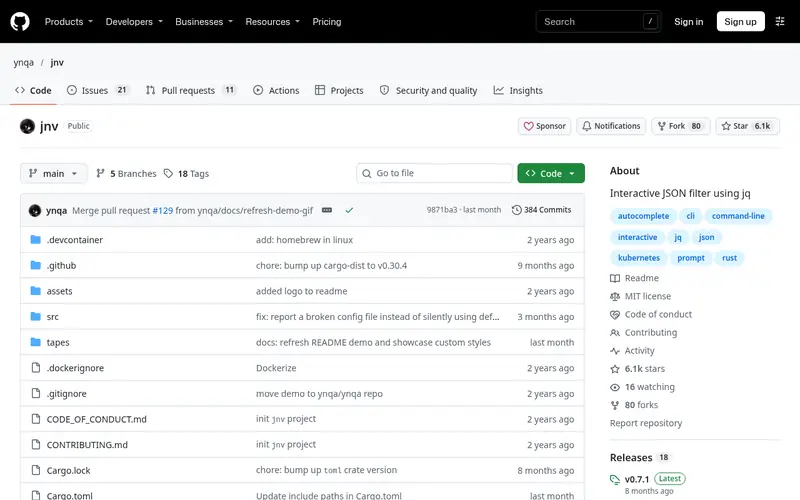
jnv is an interactive tool for writing jq filters. You load JSON, type a filter, and see the result update as you type. It shows suggestions and a preview pane, so you can build a query step by step instead of guessing and rerunning a command.
It is written in Rust and distributed as a binary, and it is free and open source. The tool assumes you have jq installed and understand its basic model, so it is not the first stop for someone who has never used jq. Its strength is the feedback loop: you see what a filter does before you commit it to a script. If you only need to read a document, jless or fx is simpler. If you are learning or debugging jq filters, jnv is the most direct option.
Standout: Builds jq filters interactively with a live result preview
Free (open source), as listed by the vendor (jnv website). Confirm the current plan price before you buy.
Free plan. Plans change, so confirm on the vendor's pricing page before you buy.
Benefits
- Builds jq filters interactively with a live result preview
- helps users learn jq syntax as they go
Drawbacks
- Focused on filtering rather than full document browsing
- requires comfort with jq concepts
Skip it if this limit matters to you: focused on filtering rather than full document browsing.
Verdict. A sensible pick for interactive jq filter building with a live preview.
gron
Best for turning JSON into greppable lines for search
What it is and where it fits
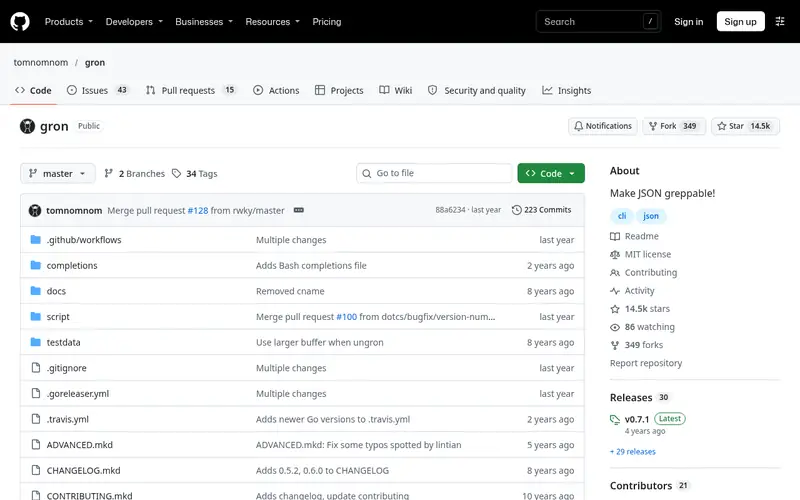
gron flattens a JSON document into a list of assignment statements, one per line, such as a path followed by a value. That makes the structure searchable with grep and readable in a normal pager. It also supports the reverse direction, turning the assignment lines back into JSON.
It is a small Go binary, free and open source, and runs on macOS, Linux and Windows. It is not a viewer in the interactive sense: there is no tree to navigate. The benefit is that it fits existing text workflows, including grep, sed and diff. The cost is verbosity, since large nested documents produce many lines. Use it when you want to search a payload or compare two payloads as text, and use an interactive viewer when you want to explore.
Standout: Output is plain assignment lines that work with grep and other text tools
Free (open source), as listed by the vendor (gron website). Confirm the current plan price before you buy.
Free plan. Plans change, so confirm on the vendor's pricing page before you buy.
Benefits
- Output is plain assignment lines that work with grep and other text tools
- reversible back to JSON with the ungron option
Drawbacks
- Not an interactive viewer
- output is verbose for deeply nested documents
Skip it if this limit matters to you: not an interactive viewer.
Verdict. A sensible pick for turning JSON into greppable lines for search.
jq
Best for scripted queries and repeatable JSON processing
What it is and where it fits
jq is the baseline JSON processor for the command line. It reads JSON, applies a filter, and writes the result, which makes it the standard choice for scripts, CI steps and one-off shell commands. It can pretty-print, select fields, reshape arrays and combine documents.
It is free and open source, written in C, and available through package managers on macOS, Linux and Windows. It is not an interactive viewer, so browsing a document means piping it through a pager or combining it with another tool. The main limit is the learning curve for its filter language, though most everyday queries are short. Use jq when the query needs to be saved and rerun. Use an interactive viewer when you are still working out what the data looks like.
Standout: A mature query language with wide adoption
Free (open source), as listed by the vendor (jq website). Confirm the current plan price before you buy.
Free plan. Plans change, so confirm on the vendor's pricing page before you buy.
Benefits
- A mature query language with wide adoption
- works well in pipelines and shell scripts
Drawbacks
- No interactive tree view
- the filter syntax has a learning curve
Skip it if this limit matters to you: no interactive tree view.
Verdict. A sensible pick for scripted queries and repeatable JSON processing.
VisiData
Best for browsing JSON as tables with sorting and frequency counts
What it is and where it fits
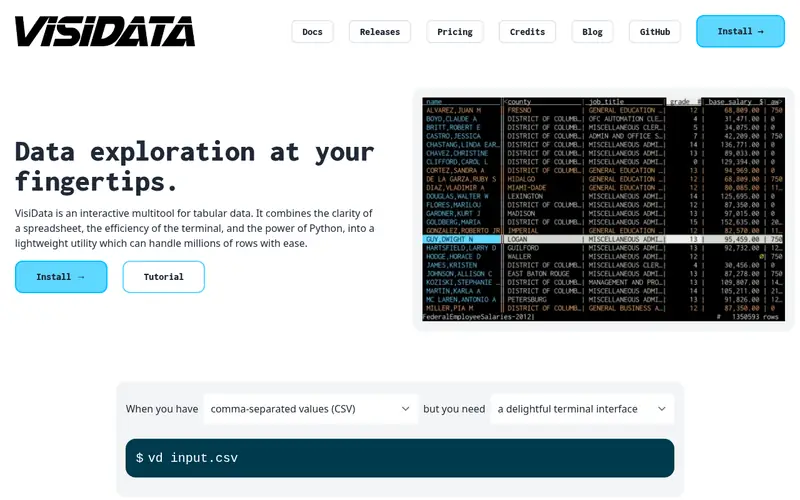
VisiData is a terminal data browser. It can open JSON, including newline-delimited JSON, and present records as rows and columns, which makes sorting, filtering and frequency counts straightforward. It also opens CSV, TSV and other formats, so the same interface covers several file types.
It is free and open source, written in Python, and installable through pip and common package managers on macOS and Linux. The interface uses its own key bindings, which take more time to learn than a simple tree viewer. The benefit is that it handles tabular questions, such as which values appear most often in a field, that a tree viewer does not answer directly. Choose it for record-oriented JSON. Choose jless or fx for inspecting a single nested document.
Standout: Treats JSON records as rows and columns for sorting and summarising
Free (open source), as listed by the vendor (VisiData website). Confirm the current plan price before you buy.
Free plan. Plans change, so confirm on the vendor's pricing page before you buy.
Benefits
- Treats JSON records as rows and columns for sorting and summarising
- handles many file formats beyond JSON
Drawbacks
- Heavier interface to learn than a simple viewer
- aimed at tabular data rather than raw tree inspection
Skip it if this limit matters to you: heavier interface to learn than a simple viewer.
Verdict. A sensible pick for browsing JSON as tables with sorting and frequency counts.
Who should use what
If you want to open a JSON file and click through it with the keyboard, start with fx. If you mainly read large documents and already use vim keys, jless is the lighter choice. If your problem is writing the right jq filter, use jnv to build it interactively, then move the result into a script. If you need to search a payload with grep or compare two payloads as text, gron converts JSON into lines that suit those tools. For saved, repeatable queries in scripts and CI, jq remains the standard. For record-oriented JSON that you want to sort and summarise as a table, VisiData covers that case.
Questions to settle before you buy
What to check before you buy
- Confirm the tool runs on your OS and install method, whether that is a package manager, a single binary or a runtime like Node.js or Python.
- Check whether you need read-only browsing or the ability to transform and write output.
- Decide whether you want interactive exploration or a query you can save and rerun in scripts.
- Confirm the tool processes data locally and does not send your JSON to a remote service.
- Read the licence and check that the project is still maintained before depending on it in a workflow.
FAQ
Do I need jq if I use an interactive JSON viewer?
Not necessarily, but they solve different problems. An interactive viewer like fx or jless helps you explore a document. jq gives you a query you can save, review and rerun in scripts and CI. Many developers keep both: one for exploring, one for repeatable processing.
Can these tools handle large JSON files?
jless is built for reading large documents and is a good starting point. fx and jnv also handle sizable inputs, though very large files depend on available memory and the tool's parsing. gron output grows with nesting depth, so it is less convenient for very large documents.
Is my JSON sent anywhere when I use these tools?
No. fx, jless, jnv, gron, jq and VisiData run locally in your terminal. That is different from pasting JSON into a third-party web viewer, which sends your data to someone else's server. Avoid pasting secrets or production data into web pages.
Which tool is best for newline-delimited JSON?
VisiData opens newline-delimited JSON and presents records as rows, which suits sorting and counting. jq also handles it well in pipelines. For quick reading, jless and fx can open the file, though the record structure is easier to work with in a tabular view.
Are these tools free?
Yes. All six are free and open source. There is no paid tier for the tools themselves, though you may pay indirectly through the runtime they need, such as Node.js for fx or Python for VisiData.
Sources we checked
Method: how we score · editorial policy.
Change log. First published 28 Nov 2026.