Stage 01 · Write · Researched comparison
Best JavaScript Tree View Libraries in 2026
react-arborist is the first pick for most React apps that need a tree with drag-and-drop, search and virtualization out of the box. Teams still on jQuery should look at jsTree or Fancytree. Projects that want full control over markup and styling should consider react-complex-tree or Headless Tree, which ship logic without a fixed visual layer.

By Shihab Mia
Published 28 Nov 2026 · 7 tools compared
We run no ads and no affiliate links at launch. The order of a list follows our published method. See how we score.
Prices are the starting prices vendors list publicly. Plans change, so confirm the current price on the vendor page before you buy.
Key takeaways
- react-arborist, react-complex-tree, Headless Tree and Wunderbaum are free and open source; jsTree and Fancytree are also free and open source.
- jsTree and Fancytree depend on jQuery, so they fit legacy pages better than modern React or Vue codebases.
- AG Grid tree data is an enterprise feature, so check the vendor pricing page before you plan around it.
- These libraries render data you supply; keep secrets and production data out of any third-party demo page you test with.
Who each pick is for
- React apps that need a full-featured tree componentreact-arborist
- React apps that need accessible, customizable tree logicreact-complex-tree
- Teams that want tree state logic without any UI layerHeadless Tree
- Modern apps that want a feature-rich tree widgetWunderbaum
- jQuery projects that need a mature tree pluginjsTree
- jQuery apps that need advanced tree featuresFancytree
- Data grids that need tree rows alongside columnsAG Grid tree data
Comparison
| Tool | Best for | Standout feature | Listed starting price | Free plan or trial |
|---|---|---|---|---|
| 1react-arborist | React apps that need a full-featured tree component | Built-in drag-and-drop, search and virtualization | Free (open source) | Free plan |
| 2react-complex-tree | React apps that need accessible, customizable tree logic | Strong keyboard and accessibility support | Free (open source) | Free plan |
| 3Headless Tree | Teams that want tree state logic without any UI layer | Framework-agnostic state and behavior core | Free (open source) | Free plan |
| 4Wunderbaum | Modern apps that want a feature-rich tree widget | Rich feature set including lazy loading and editing | Free (open source) | Free plan |
| 5jsTree | jQuery projects that need a mature tree plugin | Long-standing, widely used plugin with many options | Free (open source) | Free plan |
| 6Fancytree | jQuery apps that need advanced tree features | Extensive feature set including lazy loading and editing | Free (open source) | Free plan |
| 7AG Grid tree data | Data grids that need tree rows alongside columns | Tree rows combine with sorting, filtering and column features | See vendor pricing page | Free trial (30 days) |
How we picked
We compared libraries on fit for rendering hierarchical data, supported frameworks and platforms, licence and pricing, how much UI control they give you, and their main limits such as jQuery dependence or enterprise-only features. Sources are vendor pages, official documentation and project repositories. Prices and plan terms change, so confirm details on the vendor site before you commit.
The tools, one by one
react-arborist
Best for react apps that need a full-featured tree component
What it is and where it fits
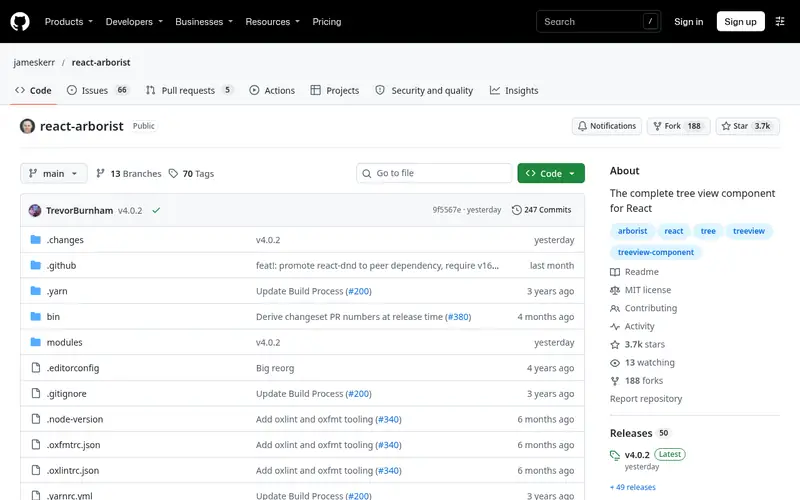
react-arborist is a React component for rendering large trees with virtualization, so long lists stay responsive. It supports drag-and-drop reordering, inline renaming, keyboard navigation and a search filter. You pass a data array and a render function for each row, which keeps markup under your control.
The library is published on npm under an open-source license. It works in any React app and does not require a specific state manager. Because it is headless in layout terms, you write the row UI and CSS yourself, which is more work than a themed widget but avoids fighting preset styles.
Skip it if you are not using React or if you need a ready-made visual theme with no styling effort. Teams that want a simpler API with fewer features may prefer react-complex-tree.
Standout: Built-in drag-and-drop, search and virtualization
Free (open source), as listed by the vendor (react-arborist website). Confirm the current plan price before you buy.
Free plan. Plans change, so confirm on the vendor's pricing page before you buy.
Benefits
- Built-in drag-and-drop, search and virtualization
- controlled and uncontrolled data modes
Drawbacks
- React only
- styling needs custom work beyond the defaults
Skip it if this limit matters to you: react only.
Verdict. A sensible pick for react apps that need a full-featured tree component.
Alternatives in this guide: react-complex-tree, Headless Tree, Wunderbaum
react-complex-tree
Best for react apps that need accessible, customizable tree logic
What it is and where it fits
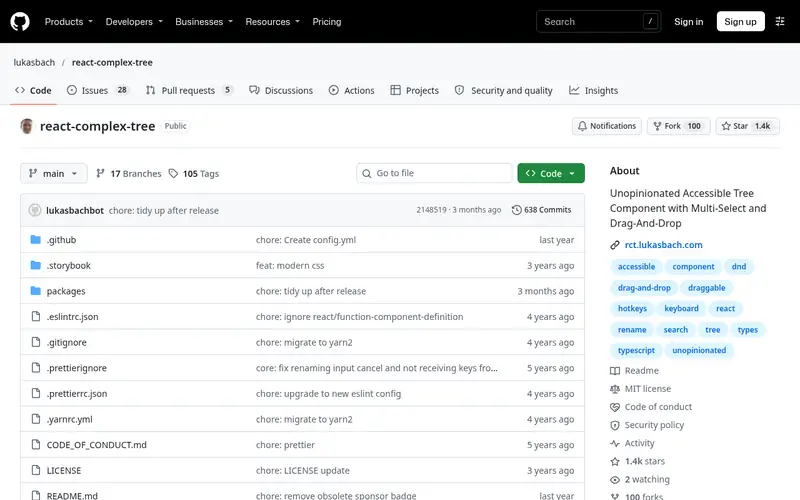
react-complex-tree is a React library focused on accessible tree interaction. It handles keyboard navigation, focus management, selection, renaming and drag-and-drop, and it lets you render the tree with your own components. It supports multiple views over the same data, such as a sidebar tree and a main panel.
The project is open source and distributed on npm. It does not impose a visual design, so you supply the CSS. Documentation covers controlled and uncontrolled usage, and the API is typed for TypeScript projects.
Choose it when accessibility and keyboard behavior matter more than a polished default look. Skip it if you want a drop-in styled widget or you are not working in React.
Standout: Strong keyboard and accessibility support
Free (open source), as listed by the vendor (react-complex-tree website). Confirm the current plan price before you buy.
Free plan. Plans change, so confirm on the vendor's pricing page before you buy.
Benefits
- Strong keyboard and accessibility support
- flexible rendering with multiple tree views
Drawbacks
- More configuration than simpler components
- React only
Skip it if this limit matters to you: more configuration than simpler components.
Verdict. A sensible pick for react apps that need accessible, customizable tree logic.
Alternatives in this guide: react-arborist, Headless Tree, Wunderbaum
Headless Tree
Best for teams that want tree state logic without any UI layer
What it is and where it fits
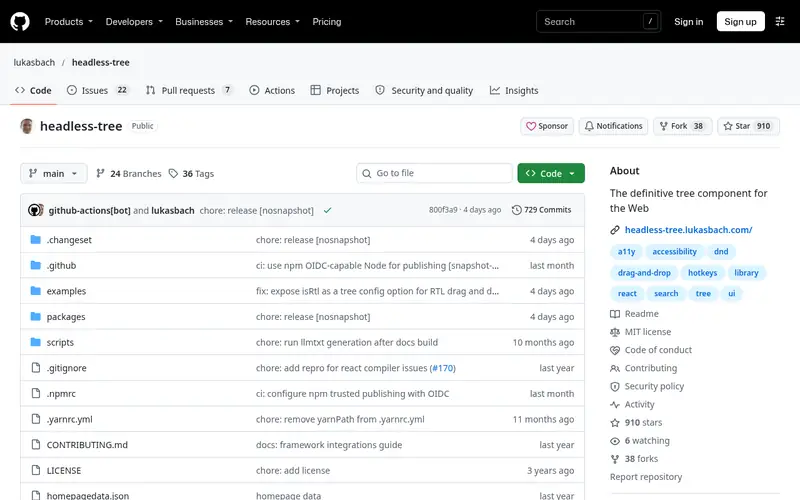
Headless Tree provides the state and interaction logic for hierarchical data without shipping a visual component. You get expansion, selection, focus, drag-and-drop and keyboard handling as a core you wire into your own renderer. That makes it usable across frameworks rather than tied to one.
It is open source and published on npm. Because there is no default UI, the integration work is larger than with a full component, but the result matches your design system exactly. Documentation and examples show how to connect the core to a view layer.
Pick it if you have a design system and want tree behavior without adopting someone else's markup. Skip it if you need a working tree on screen quickly with minimal code.
Standout: Framework-agnostic state and behavior core
Free (open source), as listed by the vendor (Headless Tree website). Confirm the current plan price before you buy.
Free plan. Plans change, so confirm on the vendor's pricing page before you buy.
Benefits
- Framework-agnostic state and behavior core
- full control over rendering
Drawbacks
- You build all markup and styles
- fewer visual examples than full components
Skip it if this limit matters to you: you build all markup and styles.
Verdict. A sensible pick for teams that want tree state logic without any UI layer.
Alternatives in this guide: react-arborist, react-complex-tree, Wunderbaum
Wunderbaum
Best for modern apps that want a feature-rich tree widget
What it is and where it fits
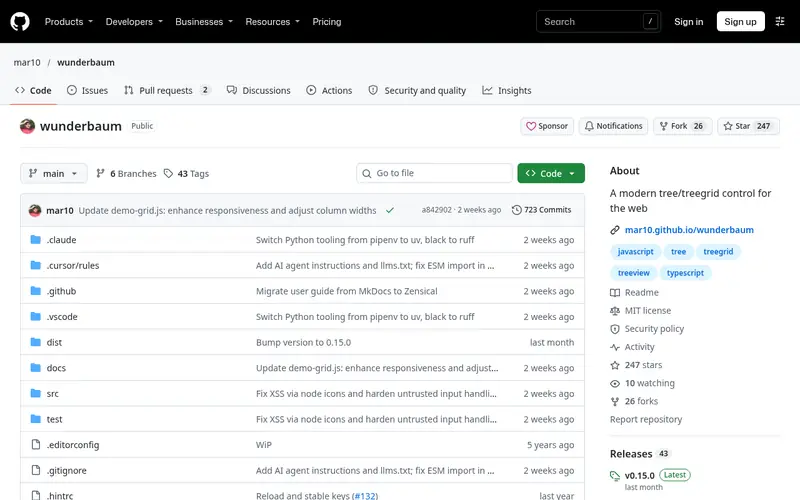
Wunderbaum is a JavaScript tree widget and the successor to Fancytree. It offers lazy loading, inline editing, drag-and-drop, filtering and keyboard support, and it works without jQuery. It renders its own DOM, so you get a working tree with less wiring than a headless library.
The project is open source and available on npm. It targets modern browsers and can be used with plain JavaScript or inside framework apps. Configuration is done through options objects, and themes are handled with CSS.
Consider it when you want a complete widget rather than a headless core. Skip it if you need React-native rendering patterns or want zero built-in markup.
Standout: Rich feature set including lazy loading and editing
Free (open source), as listed by the vendor (Wunderbaum website). Confirm the current plan price before you buy.
Free plan. Plans change, so confirm on the vendor's pricing page before you buy.
Benefits
- Rich feature set including lazy loading and editing
- successor to Fancytree
Drawbacks
- Heavier than minimal components
- styling takes some setup
Skip it if this limit matters to you: heavier than minimal components.
Verdict. A sensible pick for modern apps that want a feature-rich tree widget.
Alternatives in this guide: react-arborist, react-complex-tree, Headless Tree
jsTree
Best for jQuery projects that need a mature tree plugin
What it is and where it fits
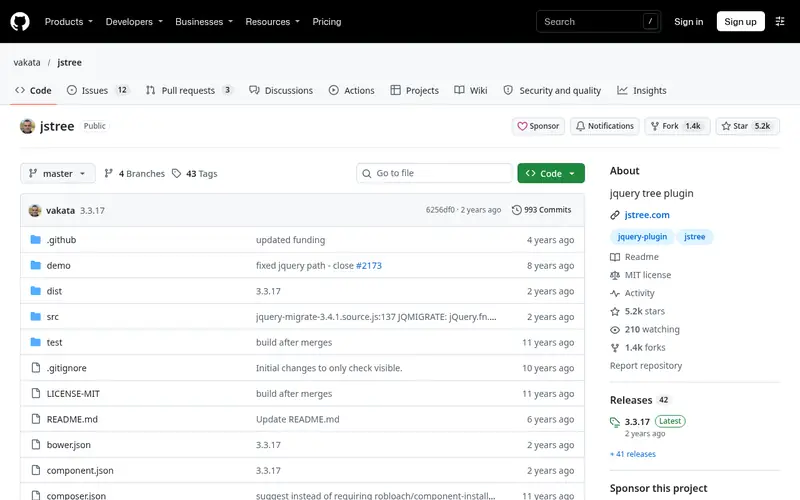
jsTree is a jQuery plugin for interactive trees. It supports JSON and HTML data sources, lazy loading, drag-and-drop, checkboxes, search and context menus. It has been used in many projects, so examples and answers are easy to find.
The plugin is open source and distributed on npm and through its repository. It depends on jQuery, which makes it a natural fit for older server-rendered pages but a poor match for a new React or Vue codebase. Theming is handled with CSS and bundled themes.
Use it when jQuery is already in the stack and you want a proven plugin. Skip it for greenfield apps that avoid jQuery or need virtualized rendering for very large trees.
Standout: Long-standing, widely used plugin with many options
Free (open source), as listed by the vendor (jsTree website). Confirm the current plan price before you buy.
Free plan. Plans change, so confirm on the vendor's pricing page before you buy.
Benefits
- Long-standing, widely used plugin with many options
- supports HTML and JSON data sources
Drawbacks
- Requires jQuery
- older API style compared with modern components
Skip it if this limit matters to you: requires jQuery.
Verdict. A sensible pick for jQuery projects that need a mature tree plugin.
Alternatives in this guide: react-arborist, react-complex-tree, Headless Tree
Fancytree
Best for jQuery apps that need advanced tree features
What it is and where it fits
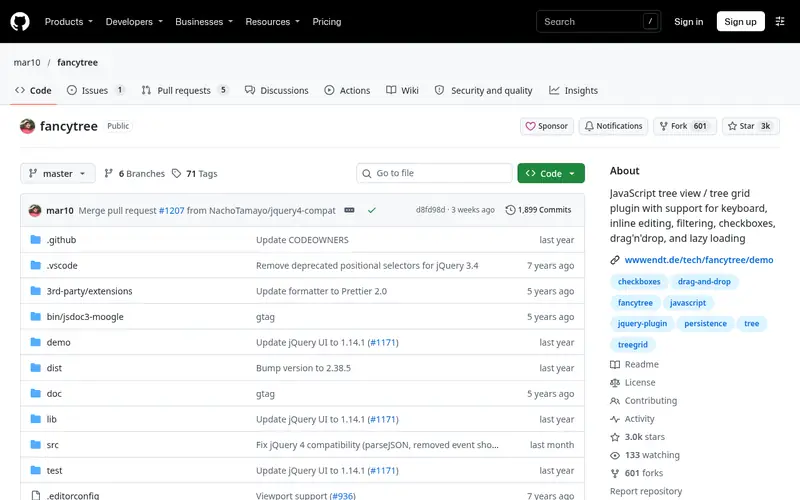
Fancytree is a jQuery tree plugin with support for lazy loading, checkboxes, drag-and-drop, inline editing, filtering and keyboard navigation. It handles both HTML and JSON sources and offers several extensions for common needs.
It is open source and published on npm. The same maintainer now develops Wunderbaum as the successor, so new projects should weigh that before starting on Fancytree. Existing jQuery apps with Fancytree already in place can keep using it.
Choose it for maintenance work on jQuery pages where the plugin is already installed. Skip it for new builds where Wunderbaum or a React component would be a better long-term fit.
Standout: Extensive feature set including lazy loading and editing
Free (open source), as listed by the vendor (Fancytree website). Confirm the current plan price before you buy.
Free plan. Plans change, so confirm on the vendor's pricing page before you buy.
Benefits
- Extensive feature set including lazy loading and editing
- active documentation
Drawbacks
- Requires jQuery
- new work is directed to its successor Wunderbaum
Skip it if this limit matters to you: requires jQuery.
Verdict. A sensible pick for jQuery apps that need advanced tree features.
Alternatives in this guide: react-arborist, react-complex-tree, Headless Tree
AG Grid tree data
Best for data grids that need tree rows alongside columns
What it is and where it fits
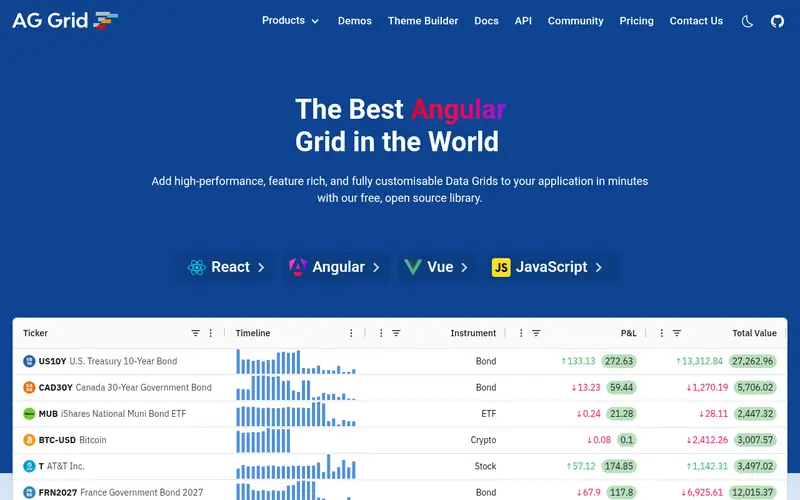
AG Grid is a data grid library, and its tree data feature renders hierarchical rows inside the grid. That suits cases where the tree is one column structure among many, such as file lists with size and date columns. It supports several frameworks, including React, Angular and Vue.
Tree data is part of the enterprise offering, so it is not in the free community edition. Pricing and trial terms are on the vendor site, and the free trial length should be confirmed there before you commit. The grid is heavier than a single-purpose tree component.
Pick it when you need a grid and a tree together. Skip it if you only need a simple tree view, where a smaller library will be easier to maintain.
Standout: Tree rows combine with sorting, filtering and column features
See vendor pricing page, as listed by the vendor (AG Grid tree data website). Confirm the current plan price before you buy.
Free trial (30 days). Plans change, so confirm on the vendor's pricing page before you buy.
Benefits
- Tree rows combine with sorting, filtering and column features
- works with several frameworks
Drawbacks
- Tree data is an enterprise feature
- larger bundle than a standalone tree component
Skip it if this limit matters to you: tree data is an enterprise feature.
Verdict. A sensible pick for data grids that need tree rows alongside columns.
Alternatives in this guide: react-arborist, react-complex-tree, Headless Tree
Who should use what
A React team building a file browser should start with react-arborist for its built-in drag-and-drop and virtualization. A team with a strict design system should look at Headless Tree or react-complex-tree, which separate behavior from markup. A legacy jQuery admin page is best served by jsTree or Fancytree, with Wunderbaum as the forward-looking choice. A product that needs tree rows inside a full data grid should evaluate AG Grid tree data and confirm enterprise pricing first.
Questions to settle before you buy
What to check before you buy
- Confirm the library supports your framework and does not pull in a dependency you have dropped, such as jQuery.
- Check how it handles large trees: virtualization, lazy loading or neither.
- Verify keyboard navigation and accessibility behavior against your requirements.
- Review the licence and, for commercial grids, which features sit behind the enterprise tier.
- Test with sample data only, and keep secrets and production records out of third-party demo pages.
FAQ
Do I need jQuery for these tree libraries?
No. react-arborist, react-complex-tree, Headless Tree and Wunderbaum work without jQuery. jsTree and Fancytree require it, which is why they suit existing jQuery pages more than new framework apps.
Which library handles the largest trees?
Libraries with virtualization or lazy loading cope best. react-arborist virtualizes rows, and Wunderbaum, jsTree and Fancytree support lazy loading. AG Grid also virtualizes rows, but tree data is an enterprise feature.
Is AG Grid tree data free?
Tree data is part of AG Grid's enterprise offering, not the free community edition. Check the vendor pricing page and trial terms before you plan around it.
Can I use these libraries outside React?
Yes. Wunderbaum, jsTree, Fancytree and AG Grid work with plain JavaScript or multiple frameworks. Headless Tree separates logic from rendering, so you can wire it into other view layers. react-arborist and react-complex-tree are React only.
Are these libraries safe for sensitive data?
The libraries run in your app, so your data stays in your code. The risk is demo pages and online sandboxes. Do not paste secrets, tokens or production records into third-party pages; use local samples instead.
Sources we checked
Method: how we score · editorial policy.
Change log. First published 28 Nov 2026.