Stage 01 · Write · Researched comparison
Best JavaScript SVG Libraries in 2026
SVG.js is the first pick for most teams that want a small, focused library to create and animate SVG in the browser. It suits dashboards, editors and interactive graphics. D3 is the better choice when data-driven charts and complex selections are the main job. Rough.js fits projects that need a hand-drawn look, and svg-path-commander is the practical pick for path math and editing.

By Shihab Mia
Published 28 Nov 2026 · 5 tools compared
We run no ads and no affiliate links at launch. The order of a list follows our published method. See how we score.
Prices are the starting prices vendors list publicly. Plans change, so confirm the current price on the vendor page before you buy.
Key takeaways
- SVG.js, D3, Two.js, Rough.js and svg-path-commander are free and open source.
- D3 is the broadest option but has the steepest learning curve, while SVG.js offers a smaller API for direct DOM-style drawing.
- Two.js and Paper.js can render to canvas as well as SVG, which matters when performance or export format is a concern.
- All five libraries run client-side, so SVG data stays in the browser unless your own code sends it elsewhere.
Who each pick is for
- Small, focused SVG drawing and animation in the browserSVG.js
- Data-driven SVG charts and complex selectionsD3
- One API that renders to SVG, canvas or WebGLTwo.js
- Hand-drawn, sketch-style SVG graphicsRough.js
- Parsing, converting and editing SVG path datasvg-path-commander
Comparison
| Tool | Best for | Standout feature | Listed starting price | Free plan or trial |
|---|---|---|---|---|
| 1SVG.js | Small, focused SVG drawing and animation in the browser | Compact API for creating and animating SVG elements | Free (open source) | Free plan |
| 2D3 | Data-driven SVG charts and complex selections | Powerful data binding and scales | Free (open source) | Free plan |
| 3Two.js | One API that renders to SVG, canvas or WebGL | Swap renderers without rewriting scene code | Free (open source) | Free plan |
| 4Rough.js | Hand-drawn, sketch-style SVG graphics | Distinctive sketch aesthetic with simple options | Free (open source) | Free plan |
| 5svg-path-commander | Parsing, converting and editing SVG path data | Handles path parsing, normalization and transforms | Free (open source) | Free plan |
How we picked
We picked libraries that genuinely create or manipulate SVG in the browser and are currently maintained. Criteria were fit for the job, supported platforms, licence and price, whether processing stays client-side, and main limits. Sources are vendor sites, official documentation and project repositories. Prices and maintenance status change, so confirm details on the vendor or repository page before you commit.
The tools, one by one
SVG.js
Best for small, focused SVG drawing and animation in the browser
What it is and where it fits
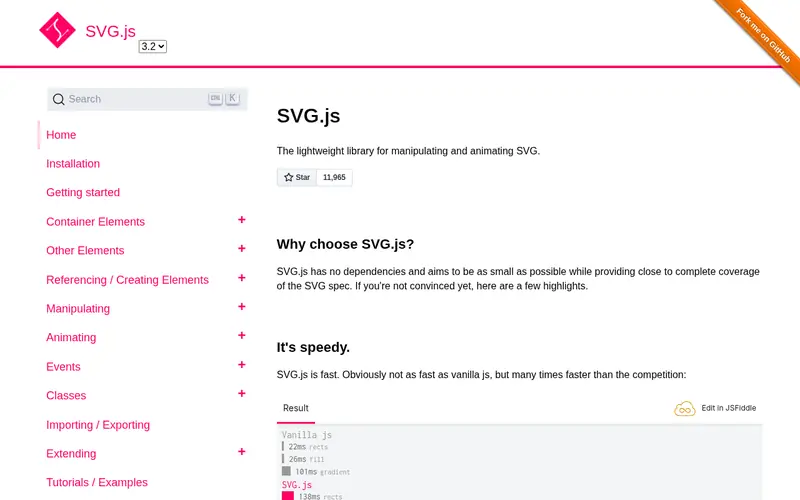
SVG.js is a lightweight library for creating, manipulating and animating SVG directly in the DOM. You can build shapes, groups, gradients and text with a chainable API, and animate attributes or transforms without pulling in a full animation framework. It runs in modern browsers and works with plain script tags or bundlers.
The project is MIT licensed and free. The core stays small, and optional plugins add features such as dragging, easing and path editing. Documentation is solid for common tasks, though the community is smaller than D3's, so fewer third-party examples exist.
Choose SVG.js when you want direct control over SVG elements without a data-binding layer. Skip it if your main need is data-driven charting or if you depend on a large plugin ecosystem.
Standout: Compact API for creating and animating SVG elements
Free (open source), as listed by the vendor (SVG.js website). Confirm the current plan price before you buy.
Free plan. Plans change, so confirm on the vendor's pricing page before you buy.
Benefits
- Compact API for creating and animating SVG elements
- modular plugins for extra features
Drawbacks
- Smaller ecosystem than D3
- advanced charting needs more manual work
Skip it if this limit matters to you: smaller ecosystem than D3.
Verdict. A sensible pick for small, focused SVG drawing and animation in the browser.
D3
Best for data-driven SVG charts and complex selections
What it is and where it fits
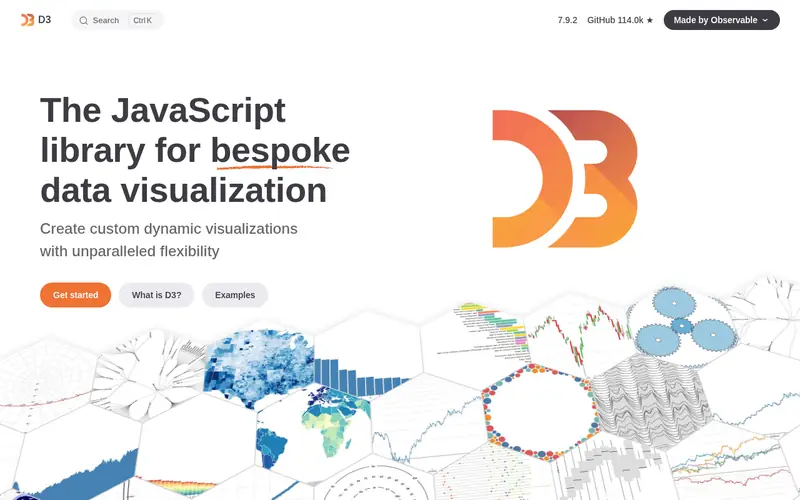
D3 is a general-purpose library for binding data to the DOM, and SVG is one of its main output targets. Selections, scales, axes, transitions and shape generators make it the standard choice for custom charts and data visualizations. It runs in browsers and can also run in Node with a DOM implementation.
D3 is free and open source under the ISC licence. It is modular, so you can import only the packages you need. The trade-off is complexity: the API is large and assumes comfort with data joins and functional patterns.
Pick D3 for bespoke visualizations where you control every mark. Skip it for simple icon drawing or small animations where SVG.js is faster to learn.
Standout: Powerful data binding and scales
Free (open source), as listed by the vendor (D3 website). Confirm the current plan price before you buy.
Free plan. Plans change, so confirm on the vendor's pricing page before you buy.
Benefits
- Powerful data binding and scales
- huge ecosystem of examples and modules
Drawbacks
- Steep learning curve
- overkill for simple static SVG
Skip it if this limit matters to you: steep learning curve.
Verdict. A sensible pick for data-driven SVG charts and complex selections.
Two.js
Best for one API that renders to SVG, canvas or WebGL
What it is and where it fits
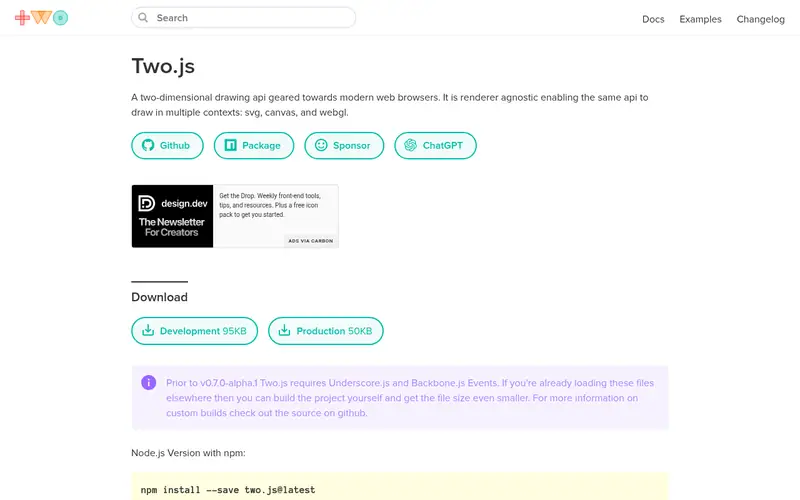
Two.js is a two-dimensional drawing API with a scene graph that can render to SVG, canvas or WebGL. You define shapes and groups once, then choose a renderer. That helps when you want SVG output for crisp vector display but need canvas or WebGL for heavier scenes.
The project is MIT licensed and free. It includes a built-in animation loop and supports gradients, groups and paths. It runs in modern browsers.
Use Two.js when renderer flexibility matters, such as interactive scenes that may need to scale up. Skip it if you need deep SVG-specific control like filters or fine-grained path editing.
Standout: Swap renderers without rewriting scene code
Free (open source), as listed by the vendor (Two.js website). Confirm the current plan price before you buy.
Free plan. Plans change, so confirm on the vendor's pricing page before you buy.
Benefits
- Swap renderers without rewriting scene code
- built-in animation loop
Drawbacks
- Smaller community than D3 or SVG.js
- fewer advanced SVG-specific features
Skip it if this limit matters to you: smaller community than D3 or SVG.js.
Verdict. A sensible pick for one API that renders to SVG, canvas or WebGL.
Rough.js
Best for hand-drawn, sketch-style SVG graphics
What it is and where it fits
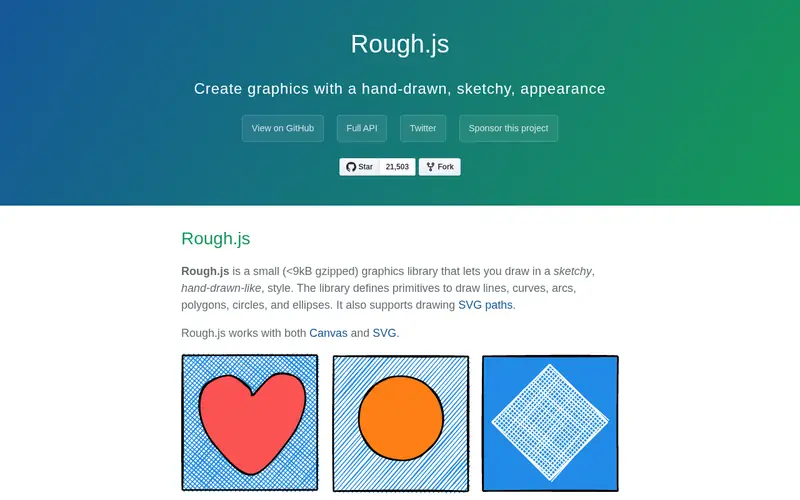
Rough.js draws shapes with a hand-drawn, sketchy style. It generates SVG paths (or canvas output) that look rough and informal, with options for roughness, bowing and fill style. It is often used for diagrams, annotations and playful UI elements.
The library is MIT licensed and free. It focuses on shape generation rather than scene management, so you typically pair it with your own layout code or another library.
Choose Rough.js when the visual style is the point. Skip it for precise charts, CAD-style drawings or anything that needs exact geometry.
Standout: Distinctive sketch aesthetic with simple options
Free (open source), as listed by the vendor (Rough.js website). Confirm the current plan price before you buy.
Free plan. Plans change, so confirm on the vendor's pricing page before you buy.
Benefits
- Distinctive sketch aesthetic with simple options
- works with SVG and canvas
Drawbacks
- Not a general drawing framework
- limited for precise technical diagrams
Skip it if this limit matters to you: not a general drawing framework.
Verdict. A sensible pick for hand-drawn, sketch-style SVG graphics.
svg-path-commander
Best for parsing, converting and editing SVG path data
What it is and where it fits
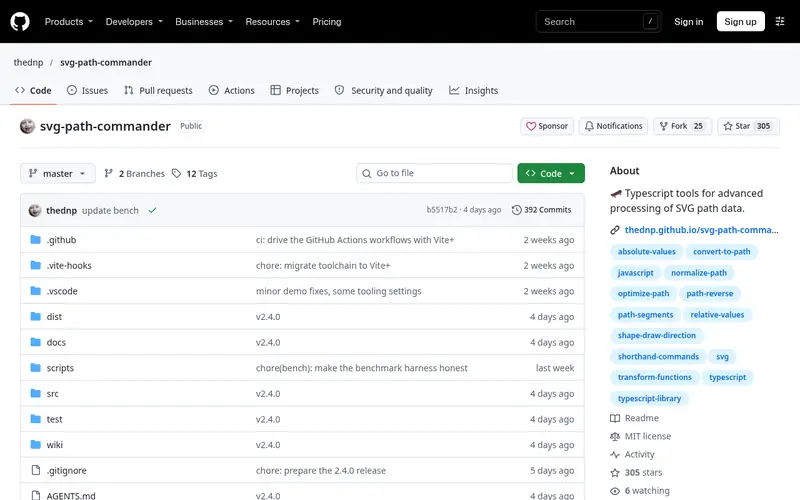
svg-path-commander is a focused library for working with SVG path data. It parses path strings, converts between absolute and relative commands, normalizes paths, applies transforms and reverses paths. That makes it useful for path morphing, animation prep and editor tools.
It is MIT licensed and free, and runs in browsers and Node. It does not draw shapes or manage a scene; it complements libraries like SVG.js or D3 when path math is the hard part.
Use it when path data manipulation is central to your feature. Skip it if you only need to draw basic shapes.
Standout: Handles path parsing, normalization and transforms
Free (open source), as listed by the vendor (svg-path-commander website). Confirm the current plan price before you buy.
Free plan. Plans change, so confirm on the vendor's pricing page before you buy.
Benefits
- Handles path parsing, normalization and transforms
- useful for path animation prep
Drawbacks
- Focused on paths only
- not a full drawing or scene library
Skip it if this limit matters to you: focused on paths only.
Verdict. A sensible pick for parsing, converting and editing SVG path data.
Who should use what
If you are building an interactive editor or dashboard with direct SVG control, start with SVG.js. If your work is data-driven charting, D3 is the stronger fit despite the learning curve. If you need one scene to render to SVG, canvas or WebGL, Two.js avoids a rewrite. For sketch-style diagrams, Rough.js is the direct choice, and svg-path-commander helps when path math is the hard part.
Questions to settle before you buy
What to check before you buy
- Confirm the library is actively maintained and check the date of the latest release.
- Check the licence matches your product's distribution model.
- Verify it supports the browsers and platforms you target.
- Test whether it handles your hardest case, such as path morphing or large scenes.
- Confirm SVG processing stays in the browser and no data leaves the client unless intended.
FAQ
Do I need a library to work with SVG?
No. The DOM API lets you create and edit SVG elements directly. Libraries help with animation, data binding, path math or renderer switching, which saves time on larger projects.
Which library is best for charts?
D3 is the common choice for custom data-driven charts because of its scales, axes and data binding. SVG.js works for simpler graphics but requires more manual chart code.
Can these libraries run offline?
Yes. They are client-side JavaScript libraries, so they run in the browser without a network connection once loaded. That also keeps SVG data local unless your own code sends it out.
Which library should I pick for path editing?
svg-path-commander is the focused choice for parsing, normalizing and transforming path data. Pair it with SVG.js or D3 when you also need drawing or scene management.
Do any of these cost money?
All five listed libraries are free and open source. Costs come from your own hosting, support or related tooling, not from the libraries themselves.
Sources we checked
Method: how we score · editorial policy.
Change log. First published 28 Nov 2026.