Stage 01 · Write · Researched comparison
Best JavaScript Scroll Animation Libraries in 2026
GSAP with ScrollTrigger is the first pick for most teams that need precise, timeline-based scroll animation across browsers. It suits projects where control over triggers, pinning and scrubbing matters. Lenis is a lighter choice when you mainly want smooth scrolling. Motion is a good fit for React projects that want a small animation API with scroll hooks. All three are free to use under their current licenses.

By Shihab Mia
Published 28 Nov 2026 · 6 tools compared
We run no ads and no affiliate links at launch. The order of a list follows our published method. See how we score.
Prices are the starting prices vendors list publicly. Plans change, so confirm the current price on the vendor page before you buy.
Key takeaways
- GSAP and its ScrollTrigger plugin are free to use, including for commercial projects, under the license published on gsap.com.
- Lenis is an open-source smooth scroll library and does not include a full scroll-trigger animation system on its own.
- AOS and ScrollReveal are older reveal-on-scroll libraries; check maintenance activity and license terms before adopting them.
- Native CSS scroll-driven animations need no library but have limited browser support, so test your target browsers first.
Who each pick is for
- Teams needing precise, timeline-based scroll animationGSAP (ScrollTrigger)
- Developers who want smooth scrolling with a small APILenis
- Simple reveal-on-scroll effects with data attributesAOS (Animate On Scroll)
- Declarative element reveals configured in JavaScriptScrollReveal
- React and JavaScript projects wanting a small animation APIMotion (scroll)
- Teams that want scroll animation without a JavaScript libraryNative CSS scroll-driven animations
Comparison
| Tool | Best for | Standout feature | Listed starting price | Free plan or trial |
|---|---|---|---|---|
| 1GSAP (ScrollTrigger) | Teams needing precise, timeline-based scroll animation | Powerful timeline and trigger control | Free | Free plan |
| 2Lenis | Developers who want smooth scrolling with a small API | Small, focused smooth-scroll library | Free (open source) | Free plan |
| 3AOS (Animate On Scroll) | Simple reveal-on-scroll effects with data attributes | Quick to set up with HTML data attributes | Free (open source) | Free plan |
| 4ScrollReveal | Declarative element reveals configured in JavaScript | Simple JavaScript API for reveals | Free (open source) | Free plan |
| 5Motion (scroll) | React and JavaScript projects wanting a small animation API | Small API with scroll hooks | Free (open source) | Free plan |
| 6Native CSS scroll-driven animations | Teams that want scroll animation without a JavaScript library | No library payload | Free | Free plan |
How we picked
We picked libraries that genuinely handle scroll-driven animation or smooth scrolling, are currently maintained or widely used, and have a public repository or official documentation. We compared platform support, license and pricing model, the main limits of each, and whether the tool runs locally in the browser. Sources are vendor pages, project repositories and public documentation. Prices and licenses change, so confirm them on the vendor site before you commit.
The tools, one by one
GSAP (ScrollTrigger)
Best for teams needing precise, timeline-based scroll animation
What it is and where it fits
GSAP is a JavaScript animation library, and ScrollTrigger is its plugin for tying animations to scroll position. You can pin sections, scrub an animation to scroll progress, trigger timelines at set points and snap to positions. It runs in the browser on any framework or plain JavaScript.
As of 2025, GSAP and its plugins, including ScrollTrigger, are free to use under the license published on gsap.com, including for commercial work. Check the current license text on the site, since terms have changed over time. The library is large compared with CSS-only approaches, so bundle size matters on low-end devices.
Skip GSAP if you only need simple fade-in reveals and want the smallest possible payload. For complex, choreographed scroll sequences it is the most capable option in this list.
Standout: Powerful timeline and trigger control
Free, as listed by the vendor (GSAP (ScrollTrigger) website). Confirm the current plan price before you buy.
Free plan. Plans change, so confirm on the vendor's pricing page before you buy.
Benefits
- Powerful timeline and trigger control
- ScrollTrigger handles pinning, scrubbing and snap
Drawbacks
- Larger learning curve
- plugin ecosystem adds concepts to learn
Skip it if this limit matters to you: larger learning curve.
Verdict. A sensible pick for teams needing precise, timeline-based scroll animation.
Alternatives in this guide: Lenis, AOS (Animate On Scroll), ScrollReveal
Lenis
Best for developers who want smooth scrolling with a small API
What it is and where it fits
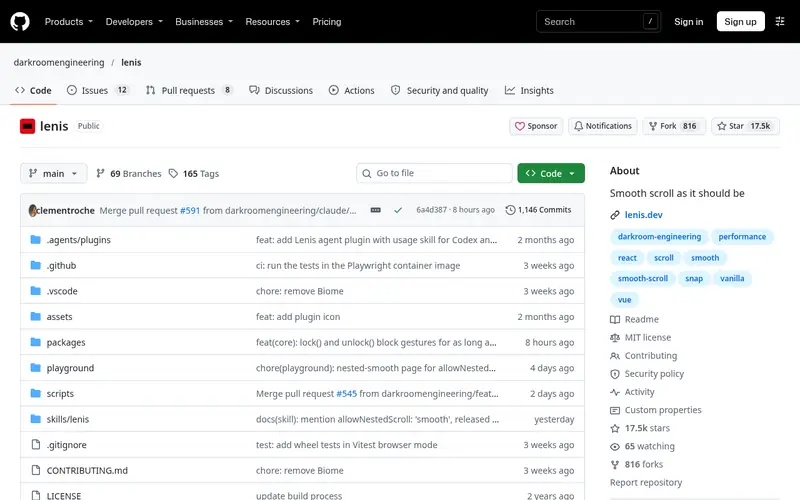
Lenis is an open-source smooth scroll library from Darkroom Engineering. It intercepts wheel and touch input and animates the scroll position for a smoother feel. It does not animate elements on its own; you pair it with GSAP ScrollTrigger, Motion or your own code.
It runs in the browser and works with plain JavaScript and common frameworks. The project is maintained on GitHub under an MIT license. Because it changes how scrolling behaves, test accessibility settings and reduced-motion preferences, and make sure keyboard and anchor navigation still work.
Skip Lenis if you want native scroll behavior untouched, or if you need scroll-triggered animation without adding another library.
Standout: Small, focused smooth-scroll library
Free (open source), as listed by the vendor (Lenis website). Confirm the current plan price before you buy.
Free plan. Plans change, so confirm on the vendor's pricing page before you buy.
Benefits
- Small, focused smooth-scroll library
- Works with GSAP ScrollTrigger and other tools
Drawbacks
- Does not provide scroll-trigger animation by itself
- Smoothing can conflict with native scroll behavior if misconfigured
Skip it if this limit matters to you: does not provide scroll-trigger animation by itself.
Verdict. A sensible pick for developers who want smooth scrolling with a small API.
Alternatives in this guide: GSAP (ScrollTrigger), AOS (Animate On Scroll), ScrollReveal
AOS (Animate On Scroll)
Best for simple reveal-on-scroll effects with data attributes
What it is and where it fits
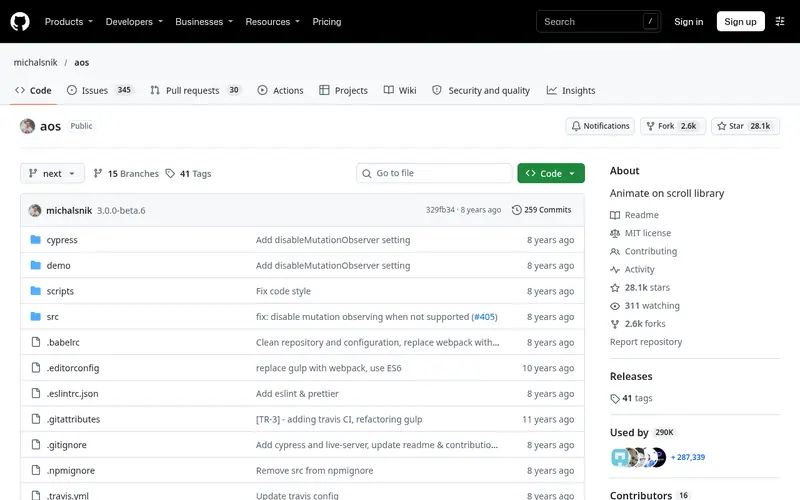
AOS is an open-source library that adds reveal animations as elements enter the viewport. You add data-aos attributes to your markup and the library handles the rest. It is popular in older projects and simple marketing pages.
The project is on GitHub under an MIT license. Maintenance has been slow in recent years, so check the repository for recent commits and open issues before adopting it for a new build. It covers fade, slide and zoom-style reveals but not scrubbed timelines or pinning.
Skip AOS for complex scroll choreography or for projects that need active maintenance and frequent releases. It remains a reasonable choice for a small site that only needs basic reveals.
Standout: Quick to set up with HTML data attributes
Free (open source), as listed by the vendor (AOS (Animate On Scroll) website). Confirm the current plan price before you buy.
Free plan. Plans change, so confirm on the vendor's pricing page before you buy.
Benefits
- Quick to set up with HTML data attributes
- Small API for common reveal effects
Drawbacks
- Maintenance has been slow
- Limited to reveal-style effects
Skip it if this limit matters to you: maintenance has been slow.
Verdict. A sensible pick for simple reveal-on-scroll effects with data attributes.
Alternatives in this guide: GSAP (ScrollTrigger), Lenis, ScrollReveal
ScrollReveal
Best for declarative element reveals configured in JavaScript
What it is and where it fits
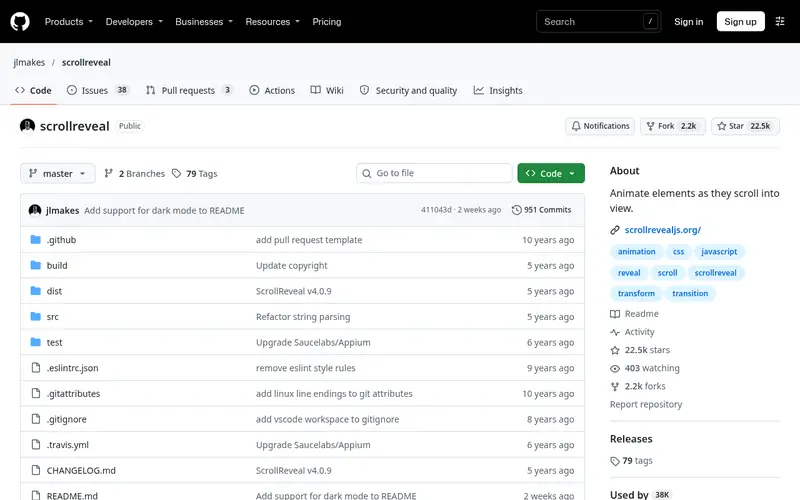
ScrollReveal is an open-source library that reveals elements as they scroll into view. You configure it in JavaScript, and it applies transitions to elements when they enter the viewport. It supports staggering and interval options for sequencing.
The project is on GitHub. Its license has changed over time, so read the current license file in the repository before using it in commercial work. It handles reveal-style effects, not scroll-linked timelines or pinning.
Skip ScrollReveal if you need scroll-progress-driven animation or if the current license does not fit your project. For basic reveals it is small and quick to configure.
Standout: Simple JavaScript API for reveals
Free (open source), as listed by the vendor (ScrollReveal website). Confirm the current plan price before you buy.
Free plan. Plans change, so confirm on the vendor's pricing page before you buy.
Benefits
- Simple JavaScript API for reveals
- Supports sequencing and reset options
Drawbacks
- License terms changed over the project's history, so verify them
- Not built for scrubbed or pinned sequences
Skip it if this limit matters to you: license terms changed over the project's history, so verify them.
Verdict. A sensible pick for declarative element reveals configured in JavaScript.
Alternatives in this guide: GSAP (ScrollTrigger), Lenis, AOS (Animate On Scroll)
Motion (scroll)
Best for react and JavaScript projects wanting a small animation API
What it is and where it fits
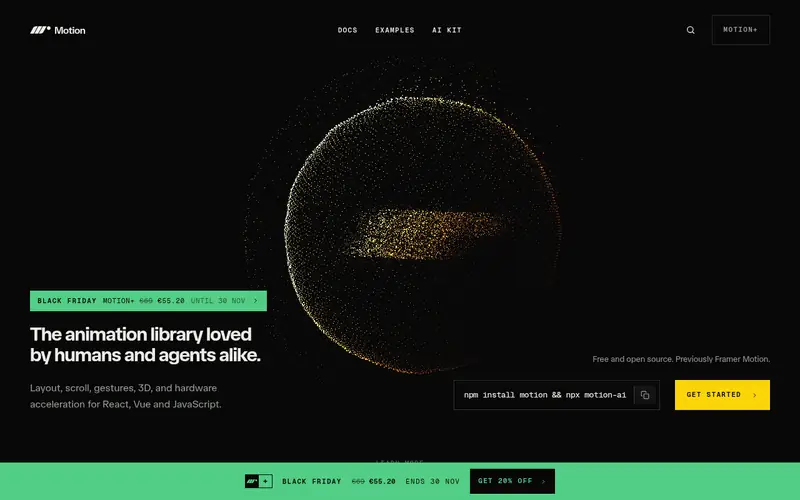
Motion is an open-source animation library with scroll-related hooks, including scroll progress tracking and in-view detection. It works with React and plain JavaScript and is the successor to the Framer Motion project name for standalone use.
It is published on GitHub and npm under an MIT license. The API is smaller than GSAP's, which keeps the learning curve shorter but limits complex choreography. Check the documentation for the current scroll hooks and their browser support.
Skip Motion if you need advanced pinning, scrubbing and snap behavior out of the box. It fits projects that want a compact animation layer with scroll awareness.
Standout: Small API with scroll hooks
Free (open source), as listed by the vendor (Motion (scroll) website). Confirm the current plan price before you buy.
Free plan. Plans change, so confirm on the vendor's pricing page before you buy.
Benefits
- Small API with scroll hooks
- Works with React and plain JavaScript
Drawbacks
- Fewer built-in scroll choreography features than GSAP
- Documentation assumes some animation knowledge
Skip it if this limit matters to you: fewer built-in scroll choreography features than GSAP.
Verdict. A sensible pick for react and JavaScript projects wanting a small animation API.
Alternatives in this guide: GSAP (ScrollTrigger), Lenis, AOS (Animate On Scroll)
Native CSS scroll-driven animations
Best for teams that want scroll animation without a JavaScript library
What it is and where it fits
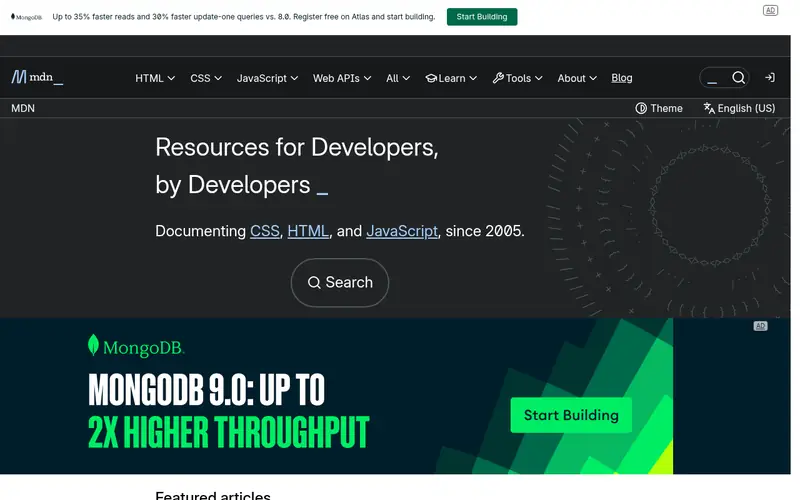
CSS scroll-driven animations are a native browser feature. You use properties such as animation-timeline and scroll() or view() to tie CSS animations to scroll progress. No JavaScript library is needed, and the work runs in the browser.
Support is not universal. Check the MDN compatibility table and test your target browsers before relying on it. Where support is missing, you need a fallback, which may mean a JavaScript library anyway.
This is the lightest option when it works, and a good default for simple progress and reveal effects. Skip it for complex choreography or when you must support browsers without the feature.
Standout: No library payload
Free, as listed by the vendor (Native CSS scroll-driven animations website). Confirm the current plan price before you buy.
Free plan. Plans change, so confirm on the vendor's pricing page before you buy.
Benefits
- No library payload
- Runs in the browser's rendering pipeline
Drawbacks
- Limited browser support, so test your targets
- Less control over complex sequencing than GSAP
Skip it if this limit matters to you: limited browser support, so test your targets.
Verdict. A sensible pick for teams that want scroll animation without a JavaScript library.
Alternatives in this guide: GSAP (ScrollTrigger), Lenis, AOS (Animate On Scroll)
Who should use what
If you need complex, choreographed scroll sequences with pinning and scrubbing, use GSAP with ScrollTrigger. If you mainly want smoother scrolling and already use an animation library, add Lenis. If you work in React and want a compact animation API with scroll hooks, try Motion. If your effects are simple reveals and you want no dependencies, start with native CSS scroll-driven animations and add a library only where browser support requires it.
Questions to settle before you buy
What to check before you buy
- Confirm the current license on the official repository or vendor page, since terms can change.
- Check browser support for the features you plan to use, including mobile browsers.
- Test with reduced-motion settings and keyboard navigation enabled.
- Measure the bundle size impact on your target devices.
- Verify the project has recent commits and responsive issue handling.
FAQ
Do I need a JavaScript library for scroll animations?
No. Native CSS scroll-driven animations can handle simple effects without JavaScript. Use a library when you need complex sequencing, pinning, scrubbing or broad browser support that CSS does not yet provide.
Is GSAP ScrollTrigger free?
GSAP and its plugins, including ScrollTrigger, are free to use under the license published on gsap.com, including for commercial projects. Check the current license text on the site, since the terms have changed over time.
What is the difference between Lenis and GSAP ScrollTrigger?
Lenis smooths the scroll itself. ScrollTrigger ties animations to scroll position. They are often used together, but each solves a different problem and neither replaces the other.
Can I use these libraries in React?
Yes. Motion is built with React in mind, and GSAP, Lenis and the others work in React projects with standard setup. Follow each library's documentation for framework-specific guidance.
Are older libraries like AOS still safe to use?
AOS and ScrollReveal still work, but check recent commits, open issues and the current license before adopting them. For new projects, weigh them against actively maintained options.
Sources we checked
Method: how we score · editorial policy.
Change log. First published 28 Nov 2026.