Stage 01 · Write · Researched comparison
Best JavaScript Screenshot Libraries in 2026
html2canvas is the most common starting point for capturing a DOM element to a canvas in the browser, and it suits teams that need broad community coverage. For a lighter, SVG-based approach, html-to-image is a strong alternative. For server-side full-page captures, Playwright screenshots are the most reliable choice. All three are free and open source.

By Shihab Mia
Published 28 Nov 2026 · 6 tools compared
We run no ads and no affiliate links at launch. The order of a list follows our published method. See how we score.
Prices are the starting prices vendors list publicly. Plans change, so confirm the current price on the vendor page before you buy.
Key takeaways
- html2canvas, html-to-image, modern-screenshot and dom-to-image-more run in the browser; Puppeteer and Playwright run on the server.
- All six options are free and open source, so cost is not the deciding factor.
- Browser libraries rebuild the page as SVG or canvas, so complex CSS, fonts and cross-origin images need testing.
- Server-side tools render the real page and handle full-page and element screenshots, but need a browser binary and more setup.
Who each pick is for
- Browser DOM-to-image capture with wide adoptionhtml2canvas
- SVG-based DOM capture with font and image handlinghtml-to-image
- Modern browser DOM capture with a small APImodern-screenshot
- Maintained fork of dom-to-image for legacy projectsdom-to-image-more
- Server-side screenshots with full Chrome controlPuppeteer page.screenshot
- Cross-browser server-side screenshots and testingPlaywright screenshots
Comparison
| Tool | Best for | Standout feature | Listed starting price | Free plan or trial |
|---|---|---|---|---|
| 1html2canvas | Browser DOM-to-image capture with wide adoption | Widely used and documented | Free (open source) | Free plan |
| 2html-to-image | SVG-based DOM capture with font and image handling | Generates SVG foreignObject output that can convert to PNG or JPEG | Free (open source) | Free plan |
| 3modern-screenshot | Modern browser DOM capture with a small API | Small, focused API with PNG, JPEG, SVG and WebP output | Free (open source) | Free plan |
| 4dom-to-image-more | Maintained fork of dom-to-image for legacy projects | Actively maintained fork with fixes over the original | Free (open source) | Free plan |
| 5Puppeteer page.screenshot | Server-side screenshots with full Chrome control | Renders the real page in headless Chrome | Free (open source) | Free plan |
| 6Playwright screenshots | Cross-browser server-side screenshots and testing | Works across Chromium, Firefox and WebKit | Free (open source) | Free plan |
How we picked
We picked libraries that genuinely capture a DOM element or page as an image, either in the browser or through a headless browser on the server. Criteria were fit for the job, platform support, licence and price, handling of fonts and cross-origin images, and the main limits of each approach. Sources are vendor pages, official documentation and project repositories. Prices and features change, so confirm details on the vendor site before you commit.
The tools, one by one
html2canvas
Best for browser DOM-to-image capture with wide adoption
What it is and where it fits
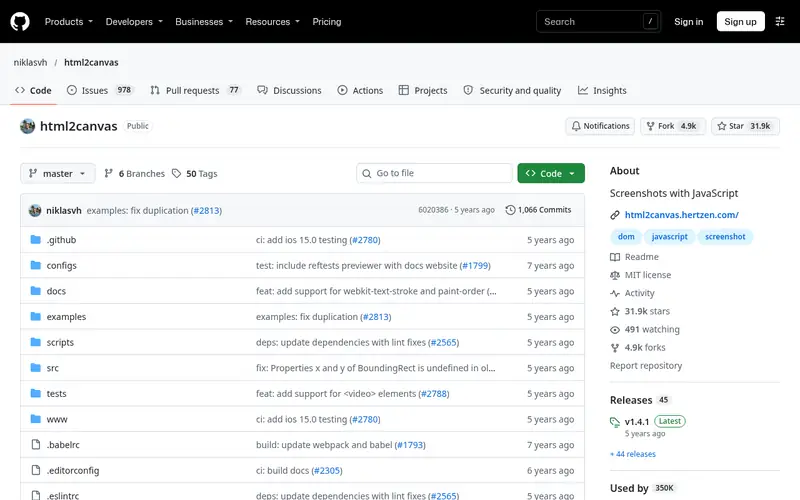
html2canvas walks the DOM and rebuilds it on a canvas element. You pass a target element and get a canvas back, which you can export to PNG or JPEG. It runs in the browser and has no server dependency, so it fits client-side export buttons and preview features.
The library does not take a true browser screenshot. It re-renders the DOM, so properties like box shadows, transforms and web fonts can differ from what the user sees. Images from other origins need CORS headers or a proxy. Test your specific layouts before shipping. It suits teams that want a mature, widely used browser library and can accept some rendering differences.
Standout: Widely used and documented
Free (open source), as listed by the vendor (html2canvas website). Confirm the current plan price before you buy.
Free plan. Plans change, so confirm on the vendor's pricing page before you buy.
Benefits
- Widely used and documented
- renders many CSS properties and supports element and full-page capture
Drawbacks
- Does not render the page as a real browser would
- cross-origin images and some CSS need workarounds
Skip it if this limit matters to you: does not render the page as a real browser would.
Verdict. A sensible pick for browser DOM-to-image capture with wide adoption.
Alternatives in this guide: html-to-image, modern-screenshot, dom-to-image-more
html-to-image
Best for sVG-based DOM capture with font and image handling
What it is and where it fits
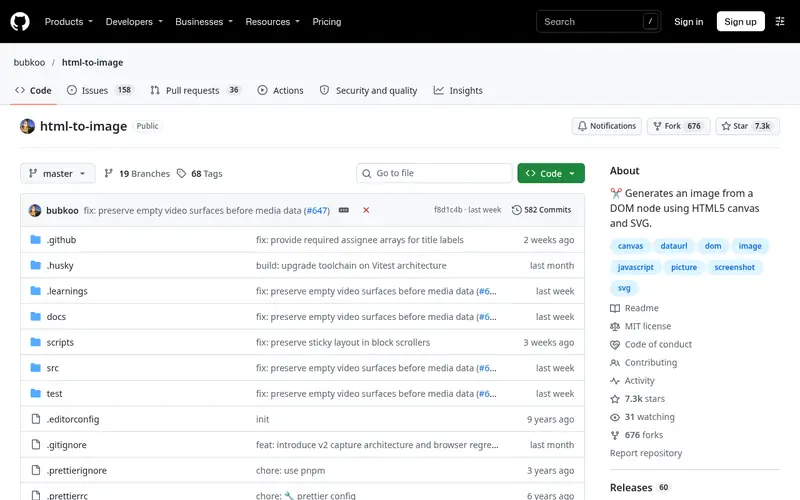
html-to-image serializes a DOM node into an SVG foreignObject, then draws it to a canvas for export. It offers helpers for toPng, toJpeg, toSvg and toBlob, and options for embedding fonts and inlining images. It runs in the browser and works with modern build tools.
Because it relies on the browser's own rendering of the serialized markup, results can be closer to the real page than canvas redraws, but support depends on the browser. Cross-origin images still need CORS. It suits teams that want an SVG-first pipeline or need font embedding.
Standout: Generates SVG foreignObject output that can convert to PNG or JPEG
Free (open source), as listed by the vendor (html-to-image website). Confirm the current plan price before you buy.
Free plan. Plans change, so confirm on the vendor's pricing page before you buy.
Benefits
- Generates SVG foreignObject output that can convert to PNG or JPEG
- handles web fonts and embedded images
Drawbacks
- Same re-render limits as other DOM libraries
- very complex CSS may not match the browser exactly
Skip it if this limit matters to you: same re-render limits as other DOM libraries.
Verdict. A sensible pick for SVG-based DOM capture with font and image handling.
Alternatives in this guide: html2canvas, modern-screenshot, dom-to-image-more
modern-screenshot
Best for modern browser DOM capture with a small API
What it is and where it fits
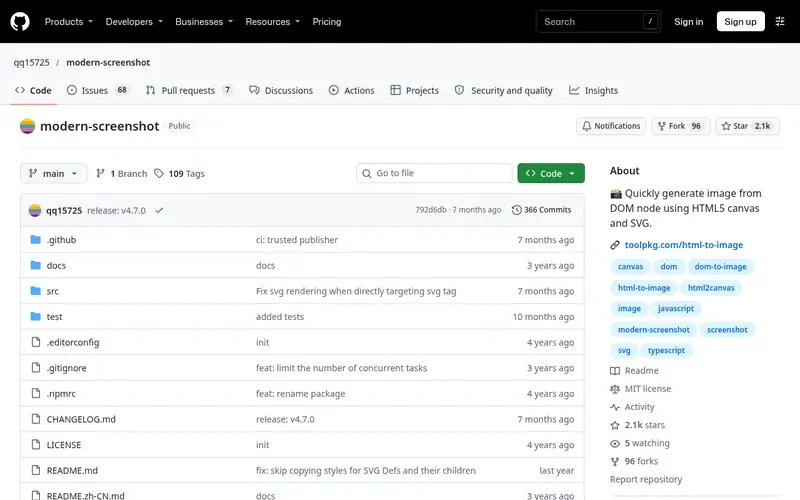
modern-screenshot captures a DOM node and returns an image in several formats. It is written in TypeScript and ships types, which helps in typed projects. The API is compact: pass an element and options, get an image back.
It runs in the browser and targets modern engines. As with other DOM libraries, the output is a reconstruction, so check fonts, shadows and cross-origin assets. It suits developers who want a small dependency and a clean typed API rather than the largest ecosystem.
Standout: Small, focused API with PNG, JPEG, SVG and WebP output
Free (open source), as listed by the vendor (modern-screenshot website). Confirm the current plan price before you buy.
Free plan. Plans change, so confirm on the vendor's pricing page before you buy.
Benefits
- Small, focused API with PNG, JPEG, SVG and WebP output
- TypeScript types included
Drawbacks
- Smaller community than html2canvas
- still subject to DOM re-render limits
Skip it if this limit matters to you: smaller community than html2canvas.
Verdict. A sensible pick for modern browser DOM capture with a small API.
Alternatives in this guide: html2canvas, html-to-image, dom-to-image-more
dom-to-image-more
Best for maintained fork of dom-to-image for legacy projects
What it is and where it fits
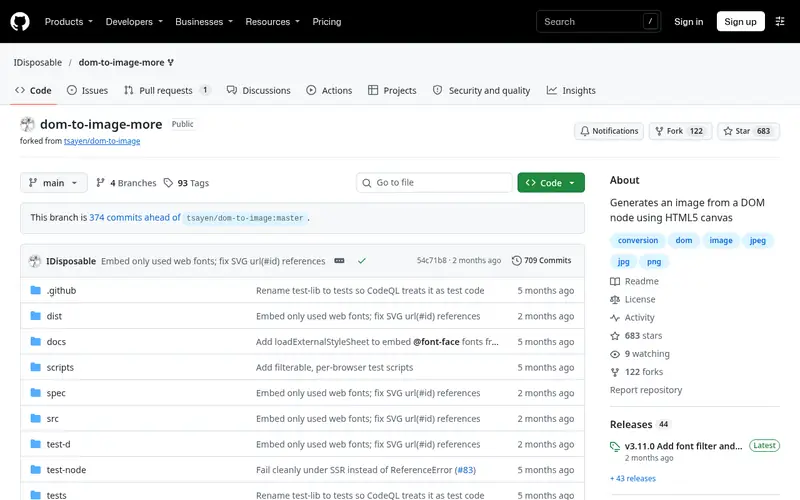
dom-to-image-more is a maintained fork of the original dom-to-image library. It turns a DOM node into an SVG foreignObject and then into an image. It keeps the original API, so projects already using dom-to-image can switch with little change.
It runs in the browser and covers the common export formats. The same caveats apply: cross-origin images need CORS, and complex CSS may not render exactly. It suits teams maintaining older code that depends on the dom-to-image API and want bug fixes without a rewrite.
Standout: Actively maintained fork with fixes over the original
Free (open source), as listed by the vendor (dom-to-image-more website). Confirm the current plan price before you buy.
Free plan. Plans change, so confirm on the vendor's pricing page before you buy.
Benefits
- Actively maintained fork with fixes over the original
- supports PNG, JPEG, SVG and blob output
Drawbacks
- Inherits the original design and its rendering limits
- less active than the largest libraries
Skip it if this limit matters to you: inherits the original design and its rendering limits.
Verdict. A sensible pick for maintained fork of dom-to-image for legacy projects.
Alternatives in this guide: html2canvas, html-to-image, modern-screenshot
Puppeteer page.screenshot
Best for server-side screenshots with full Chrome control
What it is and where it fits
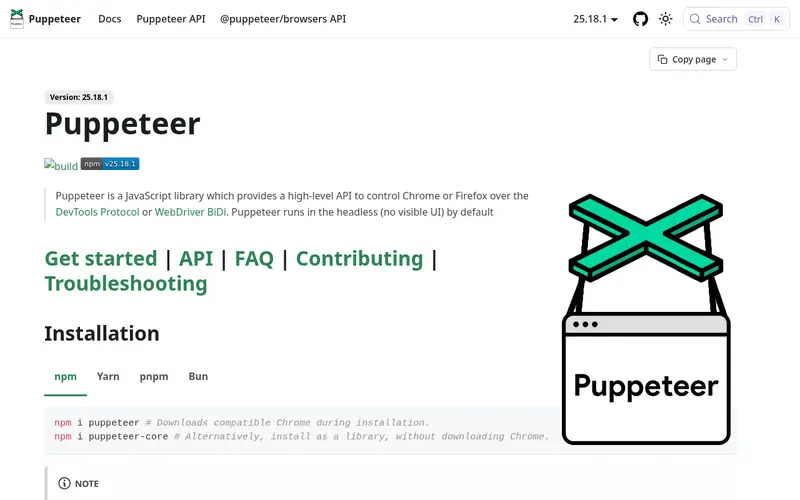
Puppeteer controls headless Chrome or Chromium from Node.js. The page.screenshot method captures the viewport, the full page or a specific element, and returns a buffer or writes a file. Because it drives a real browser, the output matches what Chrome renders.
It runs on the server, so you need to install a browser binary and manage memory and concurrency. It is not a fit for in-browser export buttons. It suits backend jobs such as report generation, visual checks and thumbnail creation where accuracy matters more than setup cost.
Standout: Renders the real page in headless Chrome
Free (open source), as listed by the vendor (Puppeteer page.screenshot website). Confirm the current plan price before you buy.
Free plan. Plans change, so confirm on the vendor's pricing page before you buy.
Benefits
- Renders the real page in headless Chrome
- supports full-page, element and clipped screenshots
Drawbacks
- Requires a browser binary and server resources
- heavier setup than browser libraries
Skip it if this limit matters to you: requires a browser binary and server resources.
Verdict. A sensible pick for server-side screenshots with full Chrome control.
Alternatives in this guide: html2canvas, html-to-image, modern-screenshot
Playwright screenshots
Best for cross-browser server-side screenshots and testing
What it is and where it fits
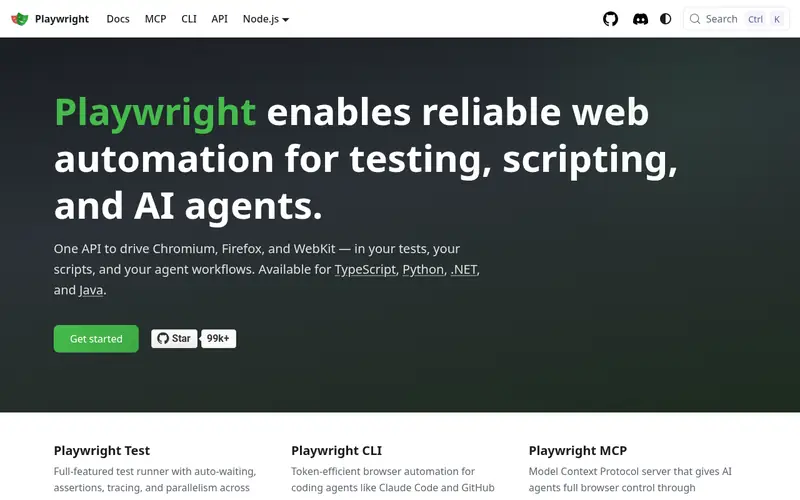
Playwright is a browser automation library with a screenshot API on the page and locator objects. You can capture the viewport, the full page or a single element, and mask or wait for elements before capture. It supports Chromium, Firefox and WebKit, so you can compare rendering across engines.
It runs on the server and installs its own browser builds. Resource use is higher than a DOM library, and it is not meant for in-browser export. It suits teams that already use Playwright for tests and want screenshots from the same stack, or that need cross-browser output.
Standout: Works across Chromium, Firefox and WebKit
Free (open source), as listed by the vendor (Playwright screenshots website). Confirm the current plan price before you buy.
Free plan. Plans change, so confirm on the vendor's pricing page before you buy.
Benefits
- Works across Chromium, Firefox and WebKit
- page and element screenshots with waiting and masking options
Drawbacks
- Requires browser binaries and a Node or other language runtime
- not for client-side capture
Skip it if this limit matters to you: requires browser binaries and a Node or other language runtime.
Verdict. A sensible pick for cross-browser server-side screenshots and testing.
Alternatives in this guide: html2canvas, html-to-image, modern-screenshot
Who should use what
If you need an in-browser export button and want the largest ecosystem, start with html2canvas. If you prefer an SVG-first pipeline with font embedding, use html-to-image. If you want a small typed API in a modern project, try modern-screenshot. If you maintain older code built on dom-to-image, use dom-to-image-more. For server-side jobs like reports or thumbnails, choose Puppeteer for Chrome-only work or Playwright when you need Firefox and WebKit as well.
Questions to settle before you buy
What to check before you buy
- Confirm whether you need in-browser capture or server-side rendering, since the two approaches solve different problems.
- Test your real layouts for fonts, shadows, transforms and cross-origin images before shipping.
- Check that remote images have CORS headers, or plan a proxy for browser libraries.
- For server tools, budget for browser binaries, memory and concurrency limits.
- Review the project's recent commit activity and open issues to judge maintenance.
FAQ
Do these libraries take a real browser screenshot?
Only Puppeteer and Playwright do, because they drive a real browser. html2canvas, html-to-image, modern-screenshot and dom-to-image-more rebuild the DOM as canvas or SVG, so output can differ from what the user sees.
Can I capture cross-origin images?
Browser libraries need CORS headers on the image server, or a proxy that serves the images from your own origin. Without that, images may be blank. Server-side tools load the page as a browser would, so they avoid most of this.
Which option works for full-page screenshots?
Puppeteer and Playwright support full-page capture directly. Browser libraries capture a specific element, so you can wrap your content in a container and capture that, but very tall pages may hit canvas size limits.
Are these libraries free?
Yes. All six are free and open source. Server-side tools still cost money in compute and browser binaries on your infrastructure.
Should I paste sensitive page content into online screenshot tools?
Avoid it. Use a library in your own app or a local tool instead, so page content, tokens and user data stay on your machine.
Sources we checked
Method: how we score · editorial policy.
Change log. First published 28 Nov 2026.