Stage 01 · Write · Researched comparison
Best JavaScript PDF Viewer Libraries in 2026
PDF.js is the first pick for most teams. It is open source, renders PDFs in the browser without a plugin, and works with plain JavaScript or with framework wrappers. Choose react-pdf if you build in React and want a component API on top of PDF.js. Choose a commercial SDK such as Nutrient Web SDK or Apryse WebViewer if you need annotation, forms, redaction or support contracts.

By Shihab Mia
Published 27 Nov 2026 · 8 tools compared
We run no ads and no affiliate links at launch. The order of a list follows our published method. See how we score.
Prices are the starting prices vendors list publicly. Plans change, so confirm the current price on the vendor page before you buy.
Key takeaways
- PDF.js is free and open source and is the rendering engine behind several other libraries on this list.
- react-pdf, ngx-extended-pdf-viewer and vue-pdf-embed are thin wrappers around PDF.js for React, Angular and Vue.
- PDFObject does not render PDFs itself. It embeds the browser's built-in viewer or a fallback.
- Commercial SDKs add annotation, forms, redaction and support, but they are paid and licensed per product.
Who each pick is for
- Teams that want a free, open-source renderer with full controlPDF.js
- React apps that need a component-based PDF viewerreact-pdf
- Embedding the browser's native PDF viewer with a fallbackPDFObject
- Framework-agnostic embedding with a prebuilt viewer UIEmbedPDF
- Angular applications that need a full-featured PDF viewerngx-extended-pdf-viewer
- Vue 3 apps that need a lightweight PDF embed componentvue-pdf-embed
- Teams that need annotation, forms and a support contractNutrient Web SDK
- Enterprises that need viewing plus editing and redaction in the browserApryse WebViewer
Comparison
| Tool | Best for | Standout feature | Listed starting price | Free plan or trial |
|---|---|---|---|---|
| 1PDF.js | Teams that want a free, open-source renderer with full control | Renders PDFs in the browser without plugins | Free (open source) | Free plan |
| 2react-pdf | React apps that need a component-based PDF viewer | Simple component API built on PDF.js | Free (open source) | Free plan |
| 3PDFObject | Embedding the browser's native PDF viewer with a fallback | Very small and simple | Free (open source) | Free plan |
| 4EmbedPDF | Framework-agnostic embedding with a prebuilt viewer UI | Open-source viewer built on PDF.js with a ready-made UI | Free (open source) | Free plan |
| 5ngx-extended-pdf-viewer | Angular applications that need a full-featured PDF viewer | Wraps PDF.js as an Angular component with many configurable options | Free (open source) | Free plan |
| 6vue-pdf-embed | Vue 3 apps that need a lightweight PDF embed component | Small Vue component built on PDF.js | Free (open source) | Free plan |
| 7Nutrient Web SDK | Teams that need annotation, forms and a support contract | Full viewer with annotation, forms, signatures and redaction | See vendor pricing page | Free trial (30 days) |
| 8Apryse WebViewer | Enterprises that need viewing plus editing and redaction in the browser | Broad feature set including annotation, forms, redaction and document comparison | See vendor pricing page | Free trial (available on request) |
How we picked
We picked libraries that render or display PDFs in the browser, not tools that generate PDFs. Criteria were fit for the viewing job, supported frameworks and browsers, licence and price model, whether documents stay on your own infrastructure, and the main limits of each option. Sources are vendor pages, official documentation and project repositories. Prices and licence terms change, so confirm them on the vendor site before you commit.
The tools, one by one
PDF.js
Best for teams that want a free, open-source renderer with full control
What it is and where it fits
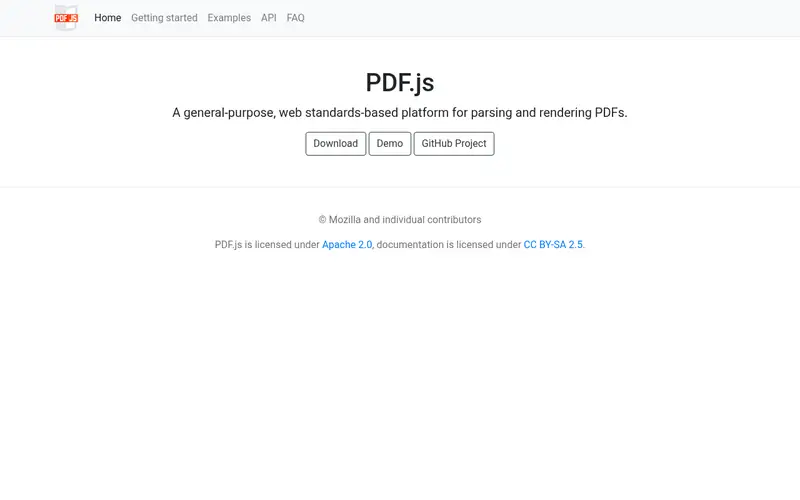
PDF.js is Mozilla's open-source PDF renderer written in JavaScript. It parses and draws PDF pages to a canvas in the browser, so users do not need a plugin or a native app. The project ships a complete viewer application and a core library you can embed in your own page. It runs in modern desktop and mobile browsers and also works in Node.js for server-side rendering tasks.
The licence is Apache 2.0, so you can use it in commercial products. You host the files yourself, which keeps documents on your own infrastructure. The trade-off is that the API is low-level: you handle page rendering, text layers, zoom and toolbar UI yourself, or you adopt the bundled viewer. Teams that need heavy customization often start here. Teams that want a ready-made component in a framework should look at the wrappers below.
Standout: Renders PDFs in the browser without plugins
Free (open source), as listed by the vendor (PDF.js website). Confirm the current plan price before you buy.
Free plan. Plans change, so confirm on the vendor's pricing page before you buy.
Benefits
- Renders PDFs in the browser without plugins
- ships a prebuilt viewer and a JavaScript API
Drawbacks
- Low-level API takes more setup than component wrappers
- large bundle if you include the full viewer
Skip it if this limit matters to you: low-level API takes more setup than component wrappers.
Verdict. A sensible pick for teams that want a free, open-source renderer with full control.
react-pdf
Best for react apps that need a component-based PDF viewer
What it is and where it fits
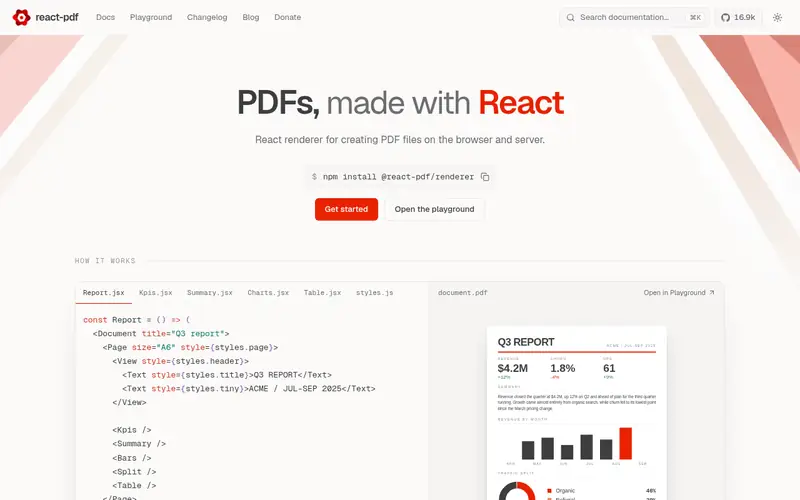
react-pdf is a React component library that wraps PDF.js. You render a Document component and Page components, and the library handles loading and drawing. It supports a text layer for selection and search, an annotation layer, custom render props and password-protected files. It is distributed under the MIT licence.
The package targets React and does not work in other frameworks. Setup involves pointing the library at a PDF.js worker file, which is a common source of errors for new users. It renders in the browser only, so very large documents can be slow on low-end devices. For React teams that want a viewer without building the UI from scratch, it is the shortest path. Teams on Angular or Vue should use the matching wrapper instead.
Standout: Simple component API built on PDF.js
Free (open source), as listed by the vendor (react-pdf website). Confirm the current plan price before you buy.
Free plan. Plans change, so confirm on the vendor's pricing page before you buy.
Benefits
- Simple component API built on PDF.js
- supports text layer and annotation layer rendering
Drawbacks
- React only
- you still configure PDF.js worker files yourself
Skip it if this limit matters to you: react only.
Verdict. A sensible pick for react apps that need a component-based PDF viewer.
PDFObject
Best for embedding the browser's native PDF viewer with a fallback
What it is and where it fits
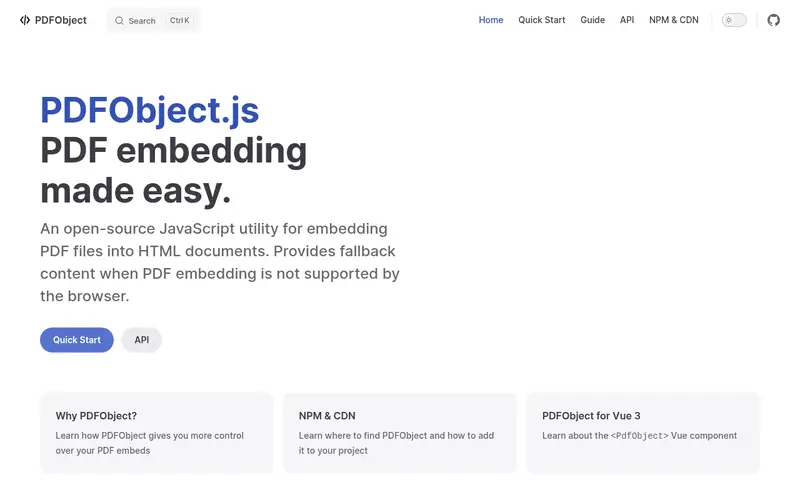
PDFObject is a small JavaScript utility that embeds a PDF in an HTML page. It checks whether the browser can display PDFs natively and inserts an embed element if it can. If not, it shows a fallback such as a download link or an iframe. It is MIT licensed and has no dependencies.
It does not render PDFs itself. The viewing experience comes from the browser, so toolbars, search and zoom differ between Chrome, Firefox, Safari and mobile browsers. That makes it a poor fit when you need a consistent UI or a text layer for search inside your own page. It is a good fit for simple document links, intranet pages and cases where you want the smallest possible script. For full control over rendering, use PDF.js instead.
Standout: Very small and simple
Free (open source), as listed by the vendor (PDFObject website). Confirm the current plan price before you buy.
Free plan. Plans change, so confirm on the vendor's pricing page before you buy.
Benefits
- Very small and simple
- detects native PDF support and falls back to an embed or link
Drawbacks
- Relies on the browser viewer, so features vary by browser
- no custom rendering or text layer
Skip it if this limit matters to you: relies on the browser viewer, so features vary by browser.
Verdict. A sensible pick for embedding the browser's native PDF viewer with a fallback.
EmbedPDF
Best for framework-agnostic embedding with a prebuilt viewer UI
What it is and where it fits
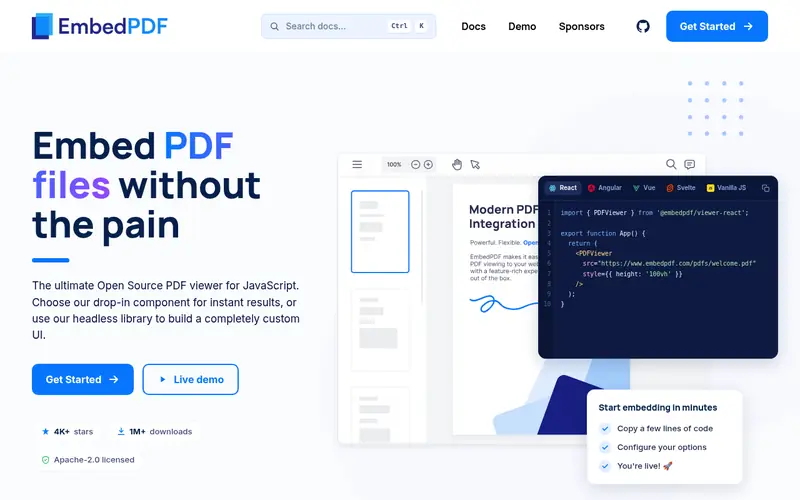
EmbedPDF is an open-source PDF viewer project built on top of PDF.js. It provides a prebuilt viewer interface and a core library you can embed in web apps, so you get toolbars and page controls without writing them yourself. The project targets modern browsers and is designed to work alongside common front-end frameworks rather than tying you to one.
Because it builds on PDF.js, rendering quality and browser support follow the same engine. The project is younger than PDF.js and react-pdf, so community answers and third-party examples are fewer. Check the repository for current release status and licence terms before adopting it in a long-lived product. It suits teams that want a ready UI but do not want a commercial licence. Teams that need vendor support should compare the commercial SDKs below.
Standout: Open-source viewer built on PDF.js with a ready-made UI
Free (open source), as listed by the vendor (EmbedPDF website). Confirm the current plan price before you buy.
Free plan. Plans change, so confirm on the vendor's pricing page before you buy.
Benefits
- Open-source viewer built on PDF.js with a ready-made UI
- framework-agnostic core
Drawbacks
- Smaller community than PDF.js
- fewer integrations and examples than older projects
Skip it if this limit matters to you: smaller community than PDF.js.
Verdict. A sensible pick for framework-agnostic embedding with a prebuilt viewer UI.
ngx-extended-pdf-viewer
Best for angular applications that need a full-featured PDF viewer
What it is and where it fits
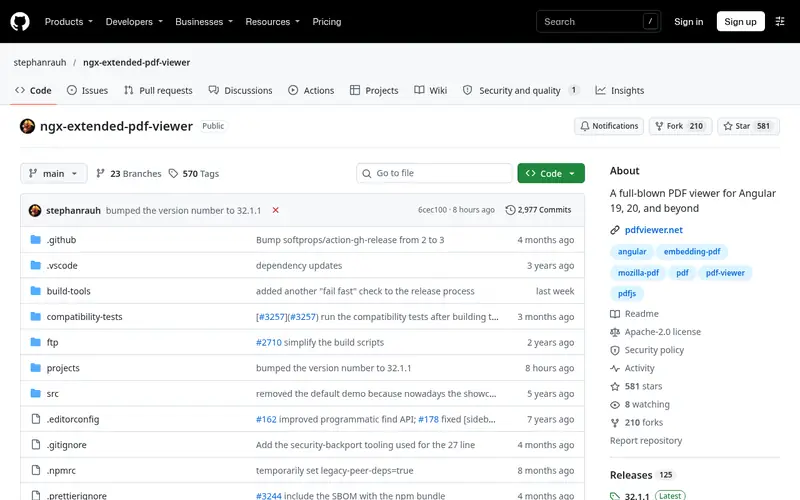
ngx-extended-pdf-viewer is an Angular component that wraps PDF.js. It provides a viewer with a toolbar, sidebar, zoom, search and page navigation, and exposes many input properties for configuration. It is published under the Apache 2.0 licence and is maintained as an open-source project.
The component is designed for Angular projects and does not apply to React or Vue. Because it exposes a large number of options, initial setup can take time, and version alignment between Angular and the library matters. It renders in the browser and depends on PDF.js worker files that the package helps you configure. It suits Angular teams that want a complete viewer without building the toolbar. Teams on other frameworks should use the matching wrapper.
Standout: Wraps PDF.js as an Angular component with many configurable options
Free (open source), as listed by the vendor (ngx-extended-pdf-viewer website). Confirm the current plan price before you buy.
Free plan. Plans change, so confirm on the vendor's pricing page before you buy.
Benefits
- Wraps PDF.js as an Angular component with many configurable options
- includes a toolbar and sidebar
Drawbacks
- Angular only
- configuration surface is large and can be hard to tune
Skip it if this limit matters to you: angular only.
Verdict. A sensible pick for angular applications that need a full-featured PDF viewer.
vue-pdf-embed
Best for vue 3 apps that need a lightweight PDF embed component
What it is and where it fits
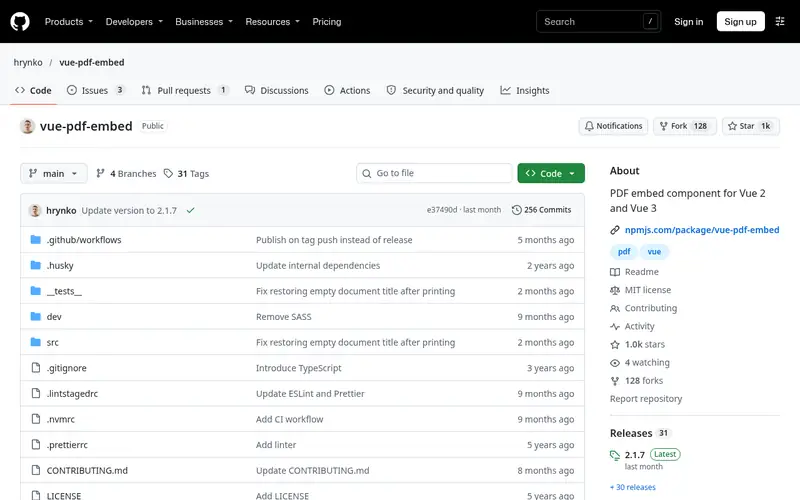
vue-pdf-embed is a Vue component for displaying PDFs, built on PDF.js. It renders pages to canvas and supports options such as page range, scale, rotation and a text layer for selection. It is MIT licensed and targets Vue 3.
The component is intentionally lightweight. It does not ship a full toolbar or sidebar, so you build navigation controls around it. That keeps the bundle smaller but means more work if you need a complete viewer UI. It renders client-side and needs the PDF.js worker configured. For Vue teams that want a small embeddable component, it is a direct fit. Teams that need annotation or forms should look at the commercial SDKs.
Standout: Small Vue component built on PDF.js
Free (open source), as listed by the vendor (vue-pdf-embed website). Confirm the current plan price before you buy.
Free plan. Plans change, so confirm on the vendor's pricing page before you buy.
Benefits
- Small Vue component built on PDF.js
- supports page selection and text layer
Drawbacks
- Vue only
- fewer built-in UI features than full viewer applications
Skip it if this limit matters to you: vue only.
Verdict. A sensible pick for vue 3 apps that need a lightweight PDF embed component.
Nutrient Web SDK
Best for teams that need annotation, forms and a support contract

What it is and where it fits
Nutrient Web SDK, formerly PSPDFKit for Web, is a commercial PDF SDK for the browser. It provides rendering plus editing features such as annotations, form filling, digital signatures and redaction. It supports common JavaScript frameworks and offers documentation and support plans. The company publishes a trial so you can evaluate it before buying.
The SDK is proprietary and licensed per product. Pricing is not published as a fixed list, so you request a quote. That makes it a poor fit for small projects with no budget, but a reasonable fit for products where document workflows are core and support matters. It renders in the browser and can run with server-side components for some features. Confirm current licensing terms and platform support on the vendor site before you commit.
Standout: Full viewer with annotation, forms, signatures and redaction
See vendor pricing page, as listed by the vendor (Nutrient Web SDK website). Confirm the current plan price before you buy.
Free trial (30 days). Plans change, so confirm on the vendor's pricing page before you buy.
Benefits
- Full viewer with annotation, forms, signatures and redaction
- runs in browsers and integrates with common frameworks
Drawbacks
- Commercial licence required for production
- cost scales with product and deployment
Skip it if this limit matters to you: commercial licence required for production.
Verdict. A sensible pick for teams that need annotation, forms and a support contract.
Apryse WebViewer
Best for enterprises that need viewing plus editing and redaction in the browser
What it is and where it fits
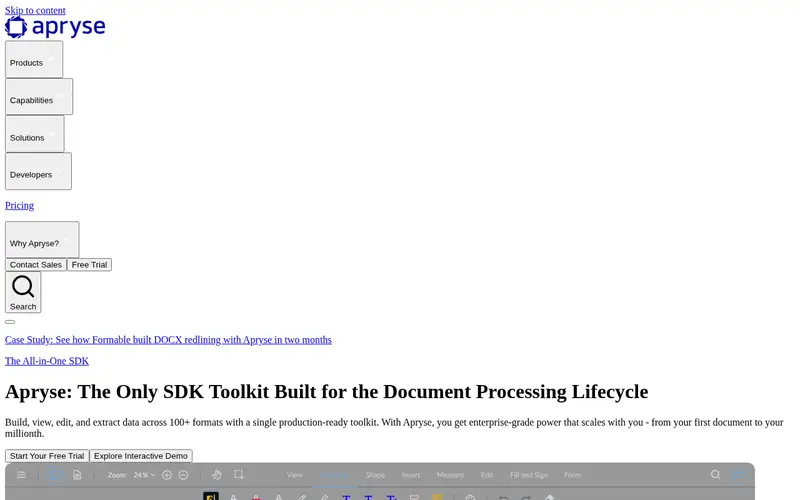
Apryse WebViewer, formerly PDFTron WebViewer, is a commercial JavaScript PDF viewer and editor. It renders PDFs and other document formats in the browser and adds annotation, form filling, redaction and page manipulation. It is aimed at enterprise document workflows and ships with documentation and support options.
The product is proprietary and priced by quote, so budget planning requires a sales conversation. Integration is more involved than dropping in an open-source component, and the feature set is larger than many apps need. It fits organizations that treat document handling as a core feature and need vendor support. Small teams that only need to display PDFs should start with PDF.js and move here only if requirements grow.
Standout: Broad feature set including annotation, forms, redaction and document comparison
See vendor pricing page, as listed by the vendor (Apryse WebViewer website). Confirm the current plan price before you buy.
Free trial (available on request). Plans change, so confirm on the vendor's pricing page before you buy.
Benefits
- Broad feature set including annotation, forms, redaction and document comparison
- runs in major browsers
Drawbacks
- Commercial licence with quote-based pricing
- heavier integration than an open-source renderer
Skip it if this limit matters to you: commercial licence with quote-based pricing.
Verdict. A sensible pick for enterprises that need viewing plus editing and redaction in the browser.
Who should use what
A React team building a document portal should start with react-pdf and fall back to PDF.js when it needs lower-level control. An Angular or Vue team should use ngx-extended-pdf-viewer or vue-pdf-embed to avoid rebuilding a viewer. A team that only needs to link or embed a PDF on a simple page can use PDFObject and rely on the browser viewer. A product where annotation, forms, signatures or redaction are core features should evaluate Nutrient Web SDK or Apryse WebViewer and confirm licensing costs first.
Questions to settle before you buy
What to check before you buy
- Confirm the licence allows your commercial use and check whether attribution is required.
- Check that the library supports the browsers and devices your users actually have.
- Decide whether you need only rendering or also annotation, forms, signatures and redaction.
- Verify how PDF.js worker files are loaded in your build and hosting setup.
- Confirm whether documents are processed in the browser or sent to a third-party service.
FAQ
Do I need a commercial SDK to view PDFs in the browser?
No. PDF.js is open source and renders PDFs in the browser without a plugin. Commercial SDKs matter when you need annotation, forms, redaction, support contracts or a vendor SLA. For plain viewing, an open-source library covers most needs.
Which library works with React?
react-pdf is the common choice for React. It wraps PDF.js and gives you Document and Page components. You still configure the PDF.js worker file. If you need lower-level control, you can use PDF.js directly inside a React component.
Can these libraries create or edit PDFs?
Most of them only render and display PDFs. PDF.js, react-pdf, PDFObject, ngx-extended-pdf-viewer and vue-pdf-embed are viewers. Editing features such as annotation, form filling and redaction come from commercial SDKs such as Nutrient Web SDK and Apryse WebViewer. For generation, use a separate library.
Is it safe to load confidential PDFs in a browser viewer?
It depends on where rendering happens. PDF.js and the wrappers on this list render in the browser, so the file is fetched from your server and drawn locally. Commercial SDKs may offer server-side processing. Check the vendor's data handling terms before you send confidential documents through any third-party service.
Why does PDF.js need a worker file?
PDF.js parses documents in a Web Worker so rendering does not block the main thread. The worker file must be served from your site and the library must be pointed at it. Missing or mismatched worker files are a common cause of setup errors in PDF.js and its wrappers.
Sources we checked
Method: how we score · editorial policy.
Change log. First published 27 Nov 2026.