Stage 01 · Write · Researched comparison
Best JavaScript Obfuscators for Production Code in 2026
javascript-obfuscator is the first pick for most teams. It is open source, runs on Node and in the browser, and covers string arrays, control-flow flattening and dead-code injection. For a commercial tool with a web UI and support, try Jscrambler. For a build-integrated option, use the Webpack or Rollup plugin. All of these change shipped code, so test the output before release.

By Shihab Mia
Published 22 Nov 2026 · 5 tools compared
We run no ads and no affiliate links at launch. The order of a list follows our published method. See how we score.
Prices are the starting prices vendors list publicly. Plans change, so confirm the current price on the vendor page before you buy.
Key takeaways
- javascript-obfuscator is free and open source, and can run locally so source code never leaves your machine.
- Jscrambler is a paid commercial platform; confirm current tiers on its pricing page.
- Webpack Obfuscator and Rollup Plugin Obfuscator are free and open source and run locally during your build.
- Obfuscation slows reverse engineering but does not make client-side code secret; never ship keys or credentials in it.
Who each pick is for
- Teams that want free, configurable obfuscation in their own buildjavascript-obfuscator
- Companies that want a commercial platform with supportJscrambler
- Webpack builds that need obfuscation as a pluginWebpack Obfuscator
- Rollup projects that want obfuscation in the buildRollup Plugin Obfuscator
- Projects that want advanced optimization and renamingClosure Compiler
Comparison
| Tool | Best for | Standout feature | Listed starting price | Free plan or trial |
|---|---|---|---|---|
| 1javascript-obfuscator | Teams that want free, configurable obfuscation in their own build | Wide set of transforms | Free (open source) | Free plan |
| 2Jscrambler | Companies that want a commercial platform with support | Managed web dashboard and build integrations | See vendor pricing page | Free trial (N days) |
| 3Webpack Obfuscator | Webpack builds that need obfuscation as a plugin | Fits existing Webpack config | Free (open source) | Free plan |
| 4Rollup Plugin Obfuscator | Rollup projects that want obfuscation in the build | Integrates with Rollup config | Free (open source) | Free plan |
| 5Closure Compiler | Projects that want advanced optimization and renaming | Strong optimization and dead-code removal | Free | Free plan |
How we picked
We picked tools that actually transform or protect shipped JavaScript, then compared them on fit for the job, supported platforms and build integrations, price and licence, whether code is processed locally or uploaded, and the main limits each one documents. Sources are vendor websites, official documentation and project repositories. We did not run benchmarks or collect user reviews. Prices and plan limits change, so confirm them on the vendor site before you buy.
The tools, one by one
javascript-obfuscator
Best for teams that want free, configurable obfuscation in their own build
What it is and where it fits
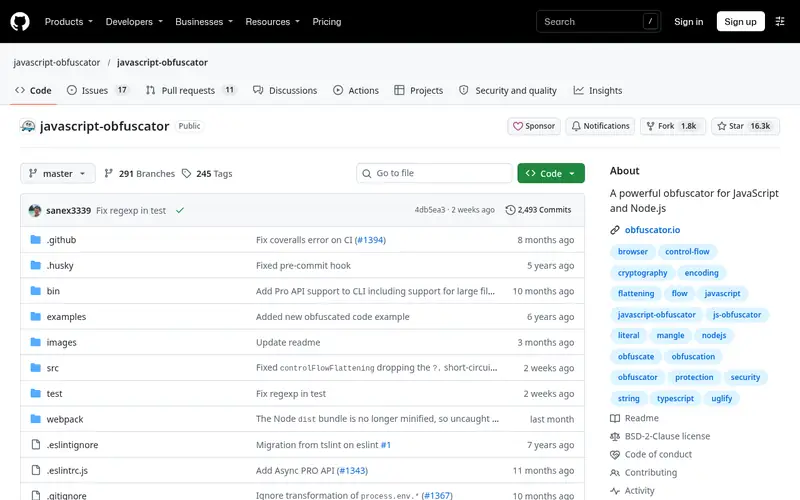
This is the most widely used open-source JavaScript obfuscator. It applies string array encoding, string splitting, control-flow flattening, dead-code injection and identifier renaming. You can run it as a Node CLI, as a library in a build script, or through a web UI. Because it runs locally, your source does not need to be uploaded to a third party. The project is maintained on GitHub under the BSD-2-Clause licence. Heavy options such as control-flow flattening and dead-code injection increase file size and can slow execution, so measure the output. It suits teams that want control and no licence cost. Skip it if you need vendor support or a managed dashboard.
Standout: Wide set of transforms
Free (open source), as listed by the vendor (javascript-obfuscator website). Confirm the current plan price before you buy.
Free plan. Plans change, so confirm on the vendor's pricing page before you buy.
Benefits
- Wide set of transforms
- runs locally on Node or in the browser
Drawbacks
- Aggressive settings slow runtime
- output needs testing
Skip it if this limit matters to you: aggressive settings slow runtime.
Verdict. A sensible pick for teams that want free, configurable obfuscation in their own build.
Alternatives in this guide: Jscrambler, Webpack Obfuscator, Rollup Plugin Obfuscator
Jscrambler
Best for companies that want a commercial platform with support
What it is and where it fits
Jscrambler is a commercial JavaScript protection platform. It combines obfuscation with features such as self-defending code, domain locking and code integrity checks. It integrates with common build tools and CI pipelines and offers a web dashboard for managing protection profiles. Pricing is tiered and changes over time, so check the vendor page for current plans and trial length. Because code is sent to a hosted service for processing, review the vendor's data handling terms if you work under strict rules. It suits organizations that want a supported product rather than a community project. Skip it for small hobby projects where a free local tool is enough.
Standout: Managed web dashboard and build integrations
See vendor pricing page, as listed by the vendor (Jscrambler website). Confirm the current plan price before you buy.
Free trial (N days). Plans change, so confirm on the vendor's pricing page before you buy.
Benefits
- Managed web dashboard and build integrations
- includes code integrity features
Drawbacks
- Paid product
- code is processed through a vendor service
Skip it if this limit matters to you: paid product.
Verdict. A sensible pick for companies that want a commercial platform with support.
Alternatives in this guide: javascript-obfuscator, Webpack Obfuscator, Rollup Plugin Obfuscator
Webpack Obfuscator
Best for webpack builds that need obfuscation as a plugin
What it is and where it fits
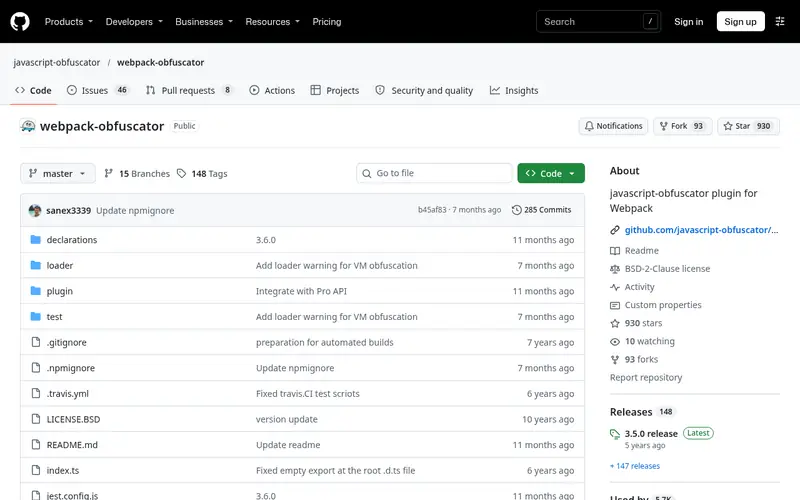
This plugin adds javascript-obfuscator to a Webpack build. You configure it in the plugins array and it transforms emitted bundles. It runs locally during the build, so source stays on your machine. It is free and open source, maintained alongside the core library. The main limit is that it only works with Webpack; projects on other bundlers should use the core library or a matching plugin. Aggressive settings still slow runtime, so test bundles. It suits teams already on Webpack that want obfuscation without a separate step.
Standout: Fits existing Webpack config
Free (open source), as listed by the vendor (Webpack Obfuscator website). Confirm the current plan price before you buy.
Free plan. Plans change, so confirm on the vendor's pricing page before you buy.
Benefits
- Fits existing Webpack config
- uses javascript-obfuscator under the hood
Drawbacks
- Tied to Webpack
- same runtime cost as the core library
Skip it if this limit matters to you: tied to Webpack.
Verdict. A sensible pick for webpack builds that need obfuscation as a plugin.
Alternatives in this guide: javascript-obfuscator, Jscrambler, Rollup Plugin Obfuscator
Rollup Plugin Obfuscator
Best for rollup projects that want obfuscation in the build
What it is and where it fits
This plugin brings javascript-obfuscator into Rollup builds. Add it to your plugins and it transforms output during bundling. It runs locally and is free and open source. Configuration mirrors the core library, so the same caveats apply: heavy transforms increase size and can slow execution. It is a narrow tool for Rollup users. If you use Vite, which builds on Rollup, check compatibility with your version before relying on it. Skip it if your project uses a different bundler.
Standout: Integrates with Rollup config
Free (open source), as listed by the vendor (Rollup Plugin Obfuscator website). Confirm the current plan price before you buy.
Free plan. Plans change, so confirm on the vendor's pricing page before you buy.
Benefits
- Integrates with Rollup config
- local processing
Drawbacks
- Rollup only
- inherits the core library's runtime cost
Skip it if this limit matters to you: rollup only.
Verdict. A sensible pick for rollup projects that want obfuscation in the build.
Alternatives in this guide: javascript-obfuscator, Jscrambler, Webpack Obfuscator
Closure Compiler
Best for projects that want advanced optimization and renaming
What it is and where it fits
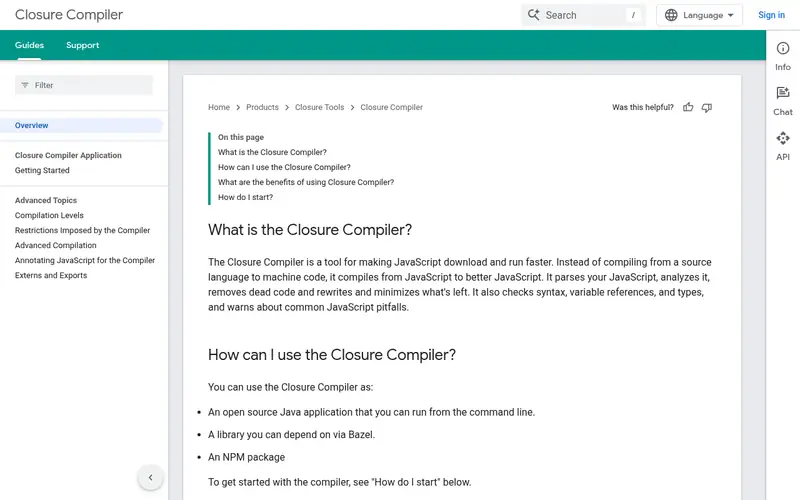
Closure Compiler is a JavaScript optimizer from Google. In advanced mode it renames properties, removes unused code and rewrites programs, which makes output hard to read. It is free and runs locally as a Java tool or via npm wrappers. Advanced mode requires code that follows its rules, and misconfiguration can break apps, so test thoroughly. It is not an obfuscator in the narrow sense, but it is a common choice when teams want optimization plus harder-to-read output. It suits larger codebases with teams willing to invest in setup. Skip it for small scripts where a simpler tool works.
Standout: Strong optimization and dead-code removal
Free, as listed by the vendor (Closure Compiler website). Confirm the current plan price before you buy.
Free plan. Plans change, so confirm on the vendor's pricing page before you buy.
Benefits
- Strong optimization and dead-code removal
- mature tool
Drawbacks
- Steep setup
- advanced mode needs careful code annotations
Skip it if this limit matters to you: steep setup.
Verdict. A sensible pick for projects that want advanced optimization and renaming.
Alternatives in this guide: javascript-obfuscator, Jscrambler, Webpack Obfuscator
Who should use what
If you want free obfuscation that runs in your own build, start with javascript-obfuscator. If your team is on Webpack or Rollup, use the matching plugin so obfuscation is one build step. If you need a supported commercial platform with a dashboard, look at Jscrambler and check its current pricing. If you mainly want advanced optimization and renaming, Closure Compiler is a strong free option. If you are just exploring settings, try javascript-obfuscator with sample code only, never real source.
Questions to settle before you buy
What to check before you buy
- Confirm the tool runs locally or review the vendor's data handling terms before uploading source.
- Test obfuscated output on every target browser and device; heavy transforms can change behavior.
- Measure bundle size and startup time after enabling aggressive options.
- Check the licence allows your use, especially for commercial or closed-source projects.
- Keep secrets, API keys and credentials out of client-side code entirely; obfuscation does not protect them.
FAQ
Does obfuscation make JavaScript secure?
No. Obfuscation raises the effort needed to read code, but a determined person can still analyze it. Keep secrets on the server. Use obfuscation to slow casual copying, not as a security boundary.
Can I obfuscate code without uploading it?
Yes. javascript-obfuscator, Closure Compiler and the Webpack and Rollup plugins all run locally. Avoid web pages that require pasting source unless the code is non-sensitive.
Will obfuscation slow my app?
It can. Control-flow flattening and dead-code injection add work at runtime. Measure before and after, and tune options per bundle rather than enabling everything.
Is minification the same as obfuscation?
No. Minifiers shorten names and remove whitespace. Obfuscators add transforms such as string encoding and control-flow changes. Many teams run both.
Which tool is best for a small project?
For a small project, javascript-obfuscator with moderate settings is usually enough, and it is free. If you only need advanced optimization and renaming, Closure Compiler is a solid free choice.
Sources we checked
Method: how we score · editorial policy.
Change log. First published 22 Nov 2026.