Stage 01 · Write · Researched comparison
Best JavaScript Image Compression Libraries in 2026
sharp is the first pick for server-side work in Node.js. It wraps libvips, handles JPEG, PNG, WebP and AVIF, and suits build pipelines and upload services. For compression inside the browser, Compressor.js is the simplest choice and runs without a server. If you need codec-level control in the browser, @jsquash exposes Squoosh codecs as modules. pica is the better fit when the main job is fast resizing.

By Shihab Mia
Published 27 Nov 2026 · 5 tools compared
We run no ads and no affiliate links at launch. The order of a list follows our published method. See how we score.
Prices are the starting prices vendors list publicly. Plans change, so confirm the current price on the vendor page before you buy.
Key takeaways
- sharp is the strongest general option for Node.js, but it needs native binaries and does not run in the browser.
- Compressor.js and pica run client-side, so files never leave the user's machine.
- @jsquash ports the Squoosh codecs to modules and supports WebP, AVIF, JPEG and PNG in the browser.
- imagemin is still widely used but its release cadence has slowed, so check recent commit activity before adopting it.
Who each pick is for
- Server-side image processing in Node.jssharp
- Simple client-side JPEG compressionCompressor.js
- Squoosh codecs as browser and worker modules@jsquash
- High-quality image resizing in the browserpica
- Batch optimization in build scriptsimagemin
Comparison
| Tool | Best for | Standout feature | Listed starting price | Free plan or trial |
|---|---|---|---|---|
| 1sharp | Server-side image processing in Node.js | Fast libvips backend | Free (open source) | Free plan |
| 2Compressor.js | Simple client-side JPEG compression | Small API surface | Free (open source) | Free plan |
| 3@jsquash | Squoosh codecs as browser and worker modules | Real codec control in the browser | Free (open source) | Free plan |
| 4pica | High-quality image resizing in the browser | Fast resizing with good quality | Free (open source) | Free plan |
| 5imagemin | Batch optimization in build scripts | Plugin system for many formats | Free (open source) | Free plan |
How we picked
We compared libraries on fit for client-side and server-side compression, supported formats, platform requirements, licence, and how much setup each needs. We also weighed whether processing happens locally, since browser libraries keep files on the user's machine while server libraries receive uploads. Sources are vendor documentation, project repositories and public licence files. Prices and maintenance status change, so confirm details on the project page before you commit.
The tools, one by one
sharp
Best for server-side image processing in Node.js
What it is and where it fits
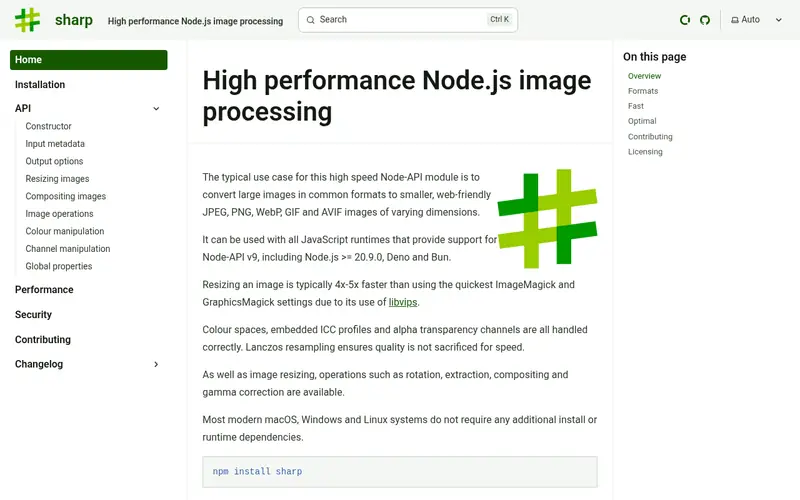
sharp is the most common choice for compressing images on a Node.js server. It uses libvips, a C library, so work happens outside the JavaScript heap and large images are handled without loading full bitmaps into memory. It reads and writes JPEG, PNG, WebP, AVIF, TIFF and GIF, and can resize, rotate, crop and change format in one pipeline.
Installation pulls prebuilt binaries for common platforms. On unusual architectures or in slim containers you may need to build from source, which adds time and system packages. Serverless platforms generally work but cold starts and bundle size need checking.
Licence is Apache-2.0. It is the right pick for upload endpoints, static site build steps and batch jobs. Skip it if your compression has to happen in the browser.
Standout: Fast libvips backend
Free (open source), as listed by the vendor (sharp website). Confirm the current plan price before you buy.
Free plan. Plans change, so confirm on the vendor's pricing page before you buy.
Benefits
- Fast libvips backend
- broad format support including AVIF and WebP
Drawbacks
- Native dependency complicates deployment
- no browser build
Skip it if this limit matters to you: native dependency complicates deployment.
Verdict. A sensible pick for server-side image processing in Node.js.
Alternatives in this guide: Compressor.js, @jsquash, pica
Compressor.js
Best for simple client-side JPEG compression
What it is and where it fits
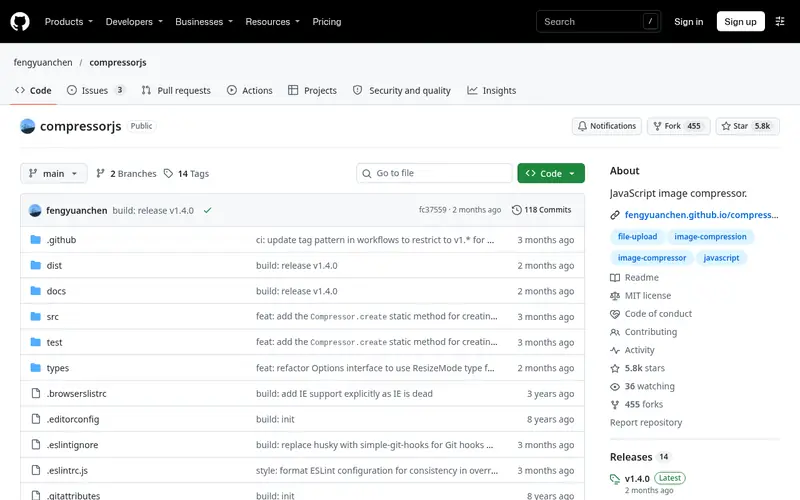
Compressor.js is a small browser library built on the canvas API. You give it a File or Blob and options like quality, maxWidth, maxHeight and mimeType, and it returns a compressed Blob. It is often used directly on a file input change event.
Its strength is simplicity. The API is short, the library is small, and it works in any browser with canvas support. The tradeoff is that canvas encoding is controlled by the browser, so output size and quality vary between engines. It is oriented toward JPEG, and WebP output depends on browser support.
Licence is MIT. It fits small projects that need a few lines of compression code. If you need precise control over encoders or AVIF output, use @jsquash or do the work on the server with sharp.
Standout: Small API surface
Free (open source), as listed by the vendor (Compressor.js website). Confirm the current plan price before you buy.
Free plan. Plans change, so confirm on the vendor's pricing page before you buy.
Benefits
- Small API surface
- integrates with file inputs and canvas
Drawbacks
- JPEG-focused
- fewer format options than alternatives
Skip it if this limit matters to you: JPEG-focused.
Verdict. A sensible pick for simple client-side JPEG compression.
@jsquash
Best for squoosh codecs as browser and worker modules
What it is and where it fits
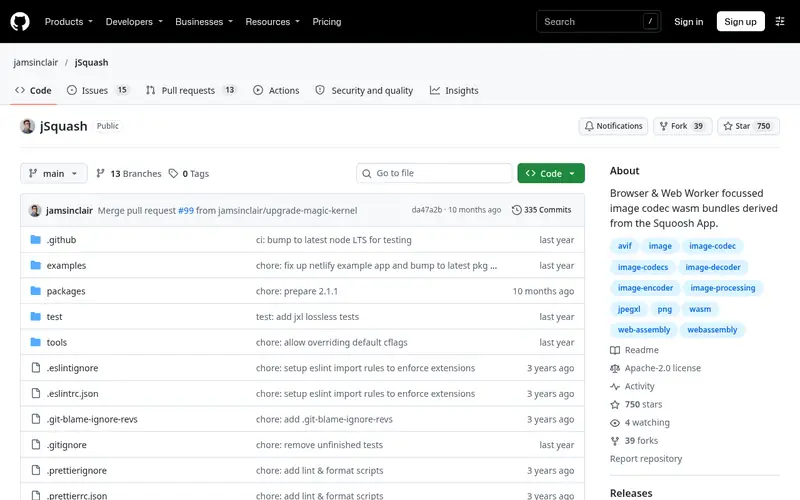
jSquash packages the codecs used by Squoosh as individual npm modules. You install only what you need, such as @jsquash/webp, @jsquash/avif, @jsquash/jpeg or @jsquash/png, and each exposes encode and decode functions that run in WebAssembly.
This gives browser code access to encoders that are normally server-only, including AVIF and WebP with quality settings. Each codec ships as a separate WebAssembly binary, so you load only the formats you use, but the first load of each is a real download.
Licence is Apache-2.0. It suits apps that need consistent output across browsers or want AVIF in the browser. It requires more wiring than Compressor.js and is not a drop-in file input handler.
Standout: Real codec control in the browser
Free (open source), as listed by the vendor (@jsquash website). Confirm the current plan price before you buy.
Free plan. Plans change, so confirm on the vendor's pricing page before you buy.
Benefits
- Real codec control in the browser
- separate packages per format
Drawbacks
- More setup than a single library
- WebAssembly payload per codec
Skip it if this limit matters to you: more setup than a single library.
Verdict. A sensible pick for squoosh codecs as browser and worker modules.
Alternatives in this guide: sharp, Compressor.js, pica
pica
Best for high-quality image resizing in the browser
What it is and where it fits
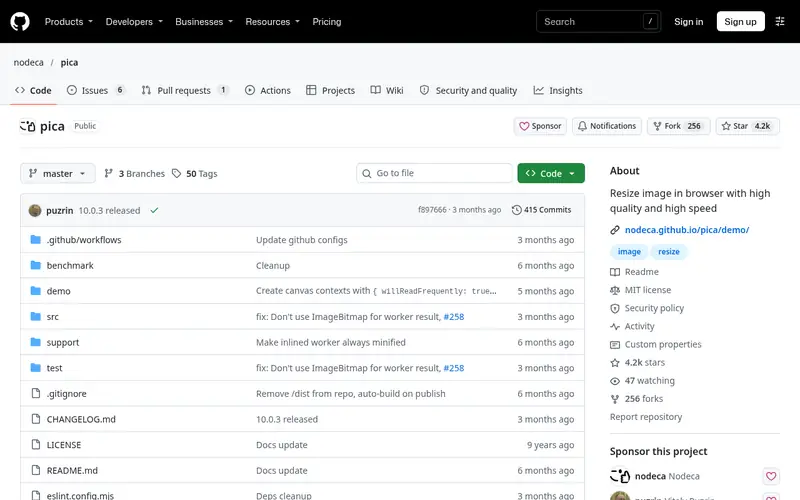
pica resizes images in the browser and is built for speed and quality. It uses a Lanczos-style filter and can use web workers and WebAssembly to keep resizing fast on large images. It is a common choice for thumbnail generation and preview scaling.
It is a resizing library first. It does not aim to be a full encoder, so format conversion and AVIF output are out of scope. If your problem is oversized dimensions rather than file size from encoding, pica is a strong fit. It also runs in Node.js for the same resizing work.
Licence is MIT. Use it when you need sharp, fast downscaling on the client. Pair it with an encoder library if you also need to change format or tune quality.
Standout: Fast resizing with good quality
Free (open source), as listed by the vendor (pica website). Confirm the current plan price before you buy.
Free plan. Plans change, so confirm on the vendor's pricing page before you buy.
Benefits
- Fast resizing with good quality
- no server round trip
Drawbacks
- Focused on resizing, not format conversion
- no AVIF encoding
Skip it if this limit matters to you: focused on resizing, not format conversion.
Verdict. A sensible pick for high-quality image resizing in the browser.
Alternatives in this guide: sharp, Compressor.js, @jsquash
imagemin
Best for batch optimization in build scripts
What it is and where it fits
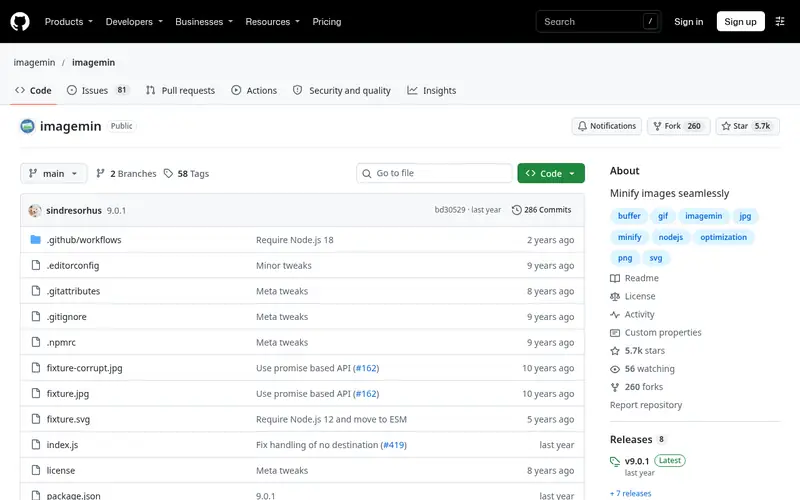
imagemin is a Node.js library that runs images through format-specific plugins such as imagemin-mozjpeg, imagemin-pngquant and imagemin-webp. It is usually wired into a build script or a bundler plugin to shrink assets before deploy.
The project has been around for years and is widely used, but its release cadence has slowed and some plugins depend on external binaries that need to be installed. Check recent commit activity and open issues before adopting it for a new project. For new server-side work, sharp covers similar ground with fewer moving parts.
Licence is MIT. It still fits existing build pipelines that already use it. For greenfield projects, weigh it against sharp and against bundler-native image plugins.
Standout: Plugin system for many formats
Free (open source), as listed by the vendor (imagemin website). Confirm the current plan price before you buy.
Free plan. Plans change, so confirm on the vendor's pricing page before you buy.
Benefits
- Plugin system for many formats
- works well in build pipelines
Drawbacks
- Release cadence has slowed
- plugins wrap external binaries
Skip it if this limit matters to you: release cadence has slowed.
Verdict. A sensible pick for batch optimization in build scripts.
Alternatives in this guide: sharp, Compressor.js, @jsquash
Who should use what
If you run a Node.js upload service, start with sharp. If you need compression inside a web form and want minimal code, use Compressor.js. If you need AVIF or precise codec control in the browser, use @jsquash. If your main problem is oversized dimensions rather than encoding, use pica. Teams maintaining an older build pipeline can keep imagemin, but should check its activity first.
Questions to settle before you buy
What to check before you buy
- Confirm whether compression runs on the server or in the browser, since that decides most of the shortlist.
- Check which output formats you need, especially AVIF and WebP, and whether the library encodes them.
- Review the licence and any native binary or WebAssembly payload the library adds.
- For browser libraries, confirm files stay on the device and are not sent to a third party.
- Check recent commit activity and open issues before adopting a library for a new project.
FAQ
Can I compress images in the browser without a server?
Yes. Compressor.js, pica and @jsquash all run in the browser. Files stay on the user's machine, which helps with privacy and removes upload cost. Output quality and format support depend on the library and the browser.
Is sharp usable in the browser?
No. sharp depends on libvips native binaries and runs in Node.js. For browser work, use a JavaScript or WebAssembly library such as @jsquash or Compressor.js, or send images to a server that runs sharp.
Which library supports AVIF?
sharp encodes AVIF on the server, and @jsquash/avif encodes it in the browser through WebAssembly. Check browser support for decoding AVIF before relying on it for display.
Do these libraries send my images anywhere?
The browser libraries in this list process files locally and do not upload them. Server libraries like sharp receive whatever you send to your own server. Avoid pasting secrets or production data into third-party web tools; prefer local or offline processing.
Is imagemin still maintained?
imagemin is still used, but its release cadence has slowed and some plugins rely on external binaries. Check the repository's recent commits and issues before starting a new project with it. sharp is a common alternative for server-side work.
Sources we checked
Method: how we score · editorial policy.
Change log. First published 27 Nov 2026.