Stage 01 · Write · Researched comparison
Best JavaScript Fuzzy Search Libraries in 2026
Fuse.js is the first pick for most teams. It runs in the browser and on Node.js, needs no setup, and handles typo-tolerant search on small to medium data sets. Choose MiniSearch when you want a small index with prefix search and a simple API. Choose FlexSearch when raw speed and low memory on large indexes matter more than a friendly API. All three are open source.

By Shihab Mia
Published 27 Nov 2026 · 7 tools compared
We run no ads and no affiliate links at launch. The order of a list follows our published method. See how we score.
Prices are the starting prices vendors list publicly. Plans change, so confirm the current price on the vendor page before you buy.
Key takeaways
- Fuse.js, MiniSearch, FlexSearch, uFuzzy, fuzzysort, Orama and match-sorter are all free and open source.
- Fuse.js is the easiest starting point but gets slower as the indexed data set grows.
- FlexSearch and Orama target larger indexes and faster queries; uFuzzy and fuzzysort are small and fast for short lists.
- These libraries run in the browser or on your own server, so search data stays local and is not sent to a third party.
Who each pick is for
- General typo-tolerant search with minimal setupFuse.js
- Small in-memory index with prefix and fuzzy matchingMiniSearch
- Fast search over large indexes with low memoryFlexSearch
- Tiny, fast fuzzy matching for short listsuFuzzy
- Fast fuzzy filtering of string lists in the browserfuzzysort
- Full-text and vector search with a typed schemaOrama
- Ranked filtering of already-loaded listsmatch-sorter
Comparison
| Tool | Best for | Standout feature | Listed starting price | Free plan or trial |
|---|---|---|---|---|
| 1Fuse.js | General typo-tolerant search with minimal setup | Simple API and good docs | Free (open source) | Free plan |
| 2MiniSearch | Small in-memory index with prefix and fuzzy matching | Compact index and small bundle | Free (open source) | Free plan |
| 3FlexSearch | Fast search over large indexes with low memory | High query speed | Free (open source) | Free plan |
| 4uFuzzy | Tiny, fast fuzzy matching for short lists | Very small footprint | Free (open source) | Free plan |
| 5fuzzysort | Fast fuzzy filtering of string lists in the browser | Simple API and fast on plain string arrays | Free (open source) | Free plan |
| 6Orama | Full-text and vector search with a typed schema | Schema, filters and facets in one library | Free (open source) | Free plan |
| 7match-sorter | Ranked filtering of already-loaded lists | Predictable ranking with sensible defaults | Free (open source) | Free plan |
How we picked
We picked libraries that do client-side or self-hosted fuzzy search in JavaScript and are actively maintained. We compared fit for the job (typo tolerance, prefix search, indexing, ranking), supported platforms, licence and price, and the main limits such as memory use and data-set size. We did not run benchmarks. Details come from vendor sites, documentation and project repositories. Prices and licences can change, so confirm on the official page before you commit.
The tools, one by one
Fuse.js
Best for general typo-tolerant search with minimal setup
What it is and where it fits
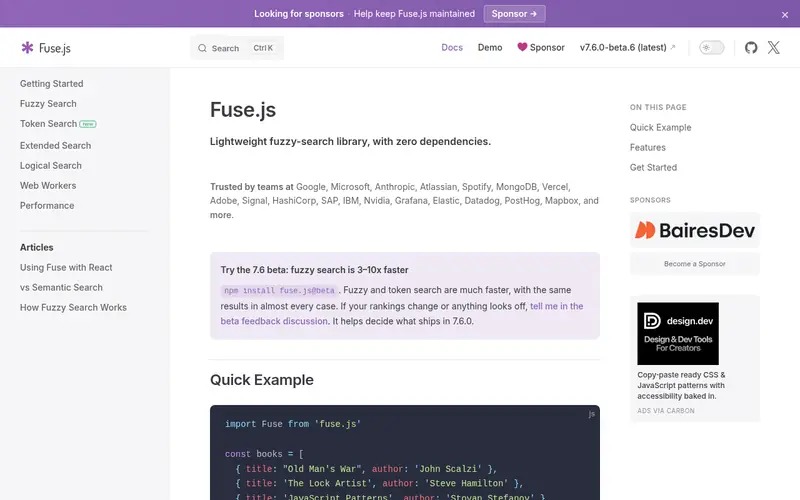
Fuse.js does approximate string matching with a configurable threshold, distance and location. You pass an array of objects or strings, set options like keys and threshold, and call search. It supports weighted fields, extended search syntax and logical operators. It works in the browser, in Node.js and in most bundlers.
The library is published under the Apache 2.0 license. It suits autocomplete, command palettes and small catalogs. Its main limit is scale: it scans the index per query, so very large collections get slow. If you index tens of thousands of records, test query latency first or look at FlexSearch or Orama.
Standout: Simple API and good docs
Free (open source), as listed by the vendor (Fuse.js website). Confirm the current plan price before you buy.
Free plan. Plans change, so confirm on the vendor's pricing page before you buy.
Benefits
- Simple API and good docs
- weighted keys and fuzzy threshold tuning
Drawbacks
- Slower on large data sets
- builds the full index in memory
Skip it if this limit matters to you: slower on large data sets.
Verdict. A sensible pick for general typo-tolerant search with minimal setup.
Alternatives in this guide: MiniSearch, FlexSearch, uFuzzy
MiniSearch
Best for small in-memory index with prefix and fuzzy matching
What it is and where it fits
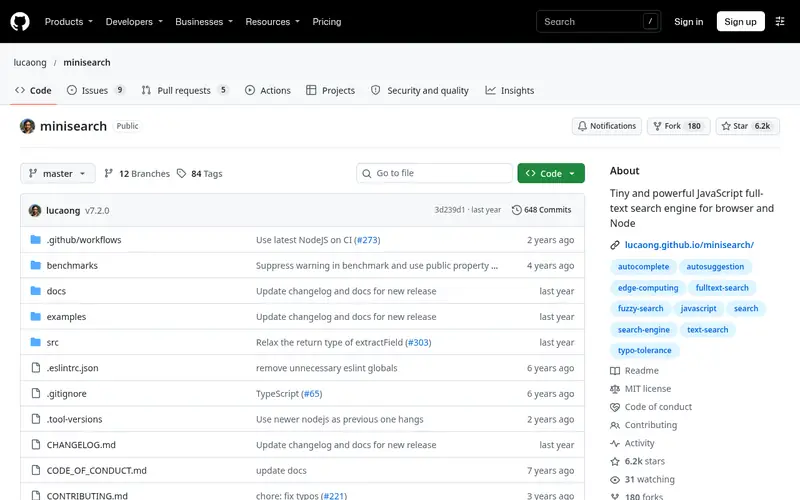
MiniSearch builds an inverted index in memory and supports prefix search, fuzzy matching with edit distance, field boosting and auto-suggestion. It serializes the index to JSON so you can cache it or load it later. It runs in browsers and Node.js and has no runtime dependencies.
It is MIT licensed. The API is smaller than Fuse.js and the index is more compact, which helps on mid-size data sets. The trade-off is that it is in-memory only, so you manage loading and saving the index yourself. Teams that want a lightweight index with predictable memory use should start here.
Standout: Compact index and small bundle
Free (open source), as listed by the vendor (MiniSearch website). Confirm the current plan price before you buy.
Free plan. Plans change, so confirm on the vendor's pricing page before you buy.
Benefits
- Compact index and small bundle
- supports prefix, fuzzy and field boosting
Drawbacks
- In-memory only
- no built-in persistence layer
Skip it if this limit matters to you: in-memory only.
Verdict. A sensible pick for small in-memory index with prefix and fuzzy matching.
Alternatives in this guide: Fuse.js, FlexSearch, uFuzzy
FlexSearch
Best for fast search over large indexes with low memory
What it is and where it fits
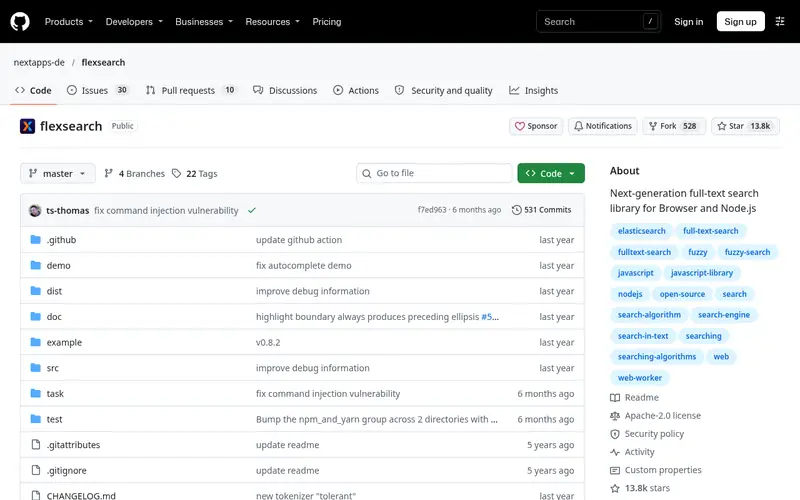
FlexSearch is built for speed. It offers several index modes, context-aware scoring, document indexing with multiple fields and a persistent index option. It runs in browsers, Node.js and workers, and it is designed to keep memory use low on large data sets.
It is Apache 2.0 licensed. The cost of that speed is configuration: you pick presets and options that affect both memory and result quality, and the API has changed across major versions. Read the docs for your exact version. It fits search over big lists where Fuse.js is too slow, and it rewards teams willing to tune.
Standout: High query speed
Free (open source), as listed by the vendor (FlexSearch website). Confirm the current plan price before you buy.
Free plan. Plans change, so confirm on the vendor's pricing page before you buy.
Benefits
- High query speed
- context-aware and multi-field indexing
Drawbacks
- Configuration is more involved
- API changes between versions
Skip it if this limit matters to you: configuration is more involved.
Verdict. A sensible pick for fast search over large indexes with low memory.
Alternatives in this guide: Fuse.js, MiniSearch, uFuzzy
uFuzzy
Best for tiny, fast fuzzy matching for short lists
What it is and where it fits
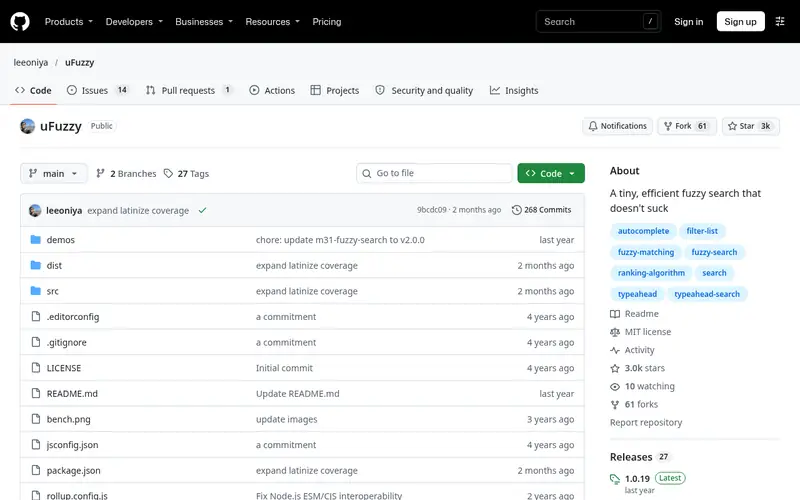
uFuzzy is a small fuzzy matcher aimed at short strings such as file names, command names and labels. It uses a regex-based approach with configurable term and boundary handling, and it returns match ranges you can highlight. It is a fraction of the size of a full search index.
It is MIT licensed and has no dependencies. It does not build an inverted index, so it is not the right tool for full-text search over long documents. It is a good fit for command palettes, file pickers and dropdown filters where the candidate list is short and you want low overhead.
Standout: Very small footprint
Free (open source), as listed by the vendor (uFuzzy website). Confirm the current plan price before you buy.
Free plan. Plans change, so confirm on the vendor's pricing page before you buy.
Benefits
- Very small footprint
- fast on lists of names and labels
Drawbacks
- Not a full-text index
- fewer ranking features
Skip it if this limit matters to you: not a full-text index.
Verdict. A sensible pick for tiny, fast fuzzy matching for short lists.
Alternatives in this guide: Fuse.js, MiniSearch, FlexSearch
fuzzysort
Best for fast fuzzy filtering of string lists in the browser
What it is and where it fits
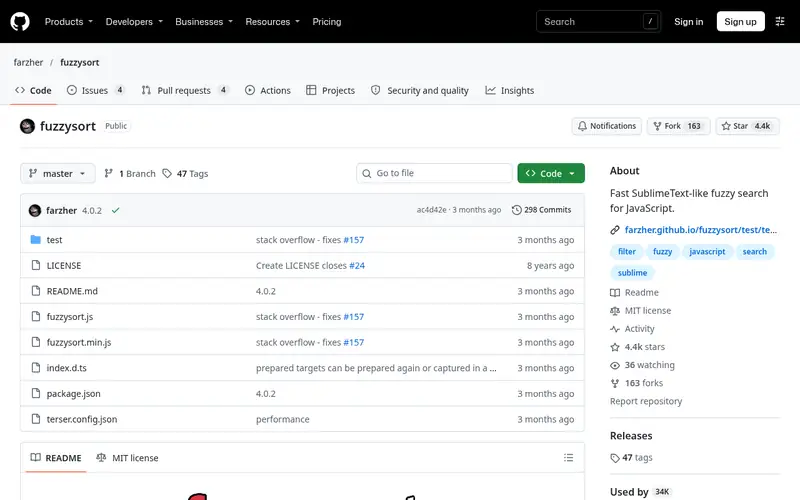
fuzzysort takes a query and an array of strings and returns ranked matches with index ranges for highlighting. It is designed for speed on plain string lists and has a small API surface. It runs in browsers and Node.js.
It is MIT licensed. Because it works on strings only, you map your objects to strings first or keep a parallel array. Ranking options are fewer than Fuse.js, so complex relevance tuning is limited. It suits quick filters, search boxes over tag lists and similar cases where the data is already strings.
Standout: Simple API and fast on plain string arrays
Free (open source), as listed by the vendor (fuzzysort website). Confirm the current plan price before you buy.
Free plan. Plans change, so confirm on the vendor's pricing page before you buy.
Benefits
- Simple API and fast on plain string arrays
- returns highlight ranges
Drawbacks
- String-only, no object keys
- limited ranking controls
Skip it if this limit matters to you: string-only, no object keys.
Verdict. A sensible pick for fast fuzzy filtering of string lists in the browser.
Alternatives in this guide: Fuse.js, MiniSearch, FlexSearch
Orama
Best for full-text and vector search with a typed schema
What it is and where it fits
Orama, formerly Lyra, is a search engine library with a typed schema, full-text search, filters, facets and vector search. It runs in the browser, on Node.js and at the edge, and it supports persistence and plugins. It is a step up from a plain fuzzy matcher when you need structured queries.
The core library is open source. Orama also offers a hosted cloud product with its own pricing, which you should check on the vendor site if you need managed search. For client-side use, the library alone is enough. Teams that only need typo tolerance on a small list may find it heavier than needed.
Standout: Schema, filters and facets in one library
Free (open source), as listed by the vendor (Orama website). Confirm the current plan price before you buy.
Free plan. Plans change, so confirm on the vendor's pricing page before you buy.
Benefits
- Schema, filters and facets in one library
- runs in browser and Node.js
Drawbacks
- Larger than minimal matchers
- more concepts to learn
Skip it if this limit matters to you: larger than minimal matchers.
Verdict. A sensible pick for full-text and vector search with a typed schema.
Alternatives in this guide: Fuse.js, MiniSearch, FlexSearch
match-sorter
Best for ranked filtering of already-loaded lists
What it is and where it fits
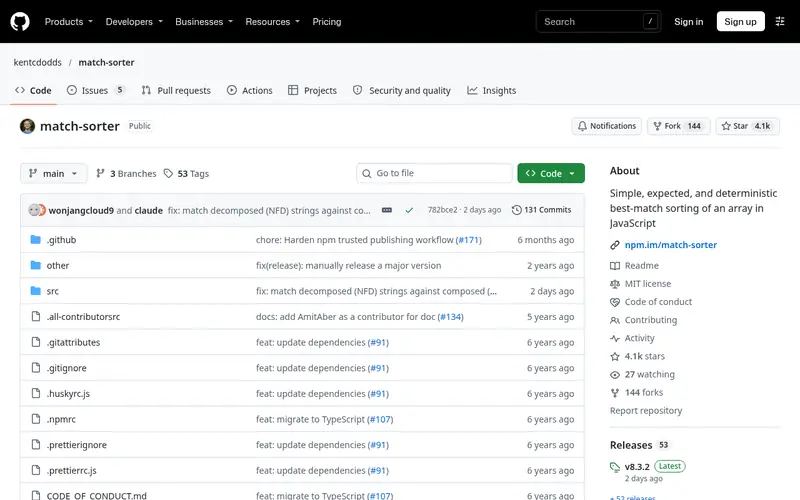
match-sorter ranks an array you already have. It sorts results by match quality using a set of ranking rules, and it handles diacritics and case. It is often used in React tables and lists where the data is already in memory.
It is MIT licensed and has no dependencies. Because it has no index, every query walks the full array. That is fine for hundreds or a few thousand rows and slow for large collections. It suits filtering a loaded table or a dropdown, not full-text search over a big corpus.
Standout: Predictable ranking with sensible defaults
Free (open source), as listed by the vendor (match-sorter website). Confirm the current plan price before you buy.
Free plan. Plans change, so confirm on the vendor's pricing page before you buy.
Benefits
- Predictable ranking with sensible defaults
- tiny and dependency-free
Drawbacks
- No index, so it scans the list per query
- not built for large data sets
Skip it if this limit matters to you: no index, so it scans the list per query.
Verdict. A sensible pick for ranked filtering of already-loaded lists.
Alternatives in this guide: Fuse.js, MiniSearch, FlexSearch
Who should use what
If you need typo-tolerant search on a small catalog and want the fastest start, use Fuse.js. If you want a compact in-memory index with prefix search and JSON serialization, use MiniSearch. If you have a large index and query speed is the priority, use FlexSearch or Orama. If you are filtering a short list of names, files or tags, use uFuzzy, fuzzysort or match-sorter. Match the tool to your data size and ranking needs, not to the feature list.
Questions to settle before you buy
What to check before you buy
- Measure your real data size and test query latency at that size, not on a toy list.
- Check bundle size and whether the library ships tree-shakeable ES modules.
- Confirm the licence fits your product, since all options here are open source but terms differ.
- Decide whether you need an index, prefix search, filters or vector search before picking.
- Verify the library is still maintained by checking recent commits and releases.
FAQ
Which JavaScript fuzzy search library is easiest to start with?
Fuse.js. You pass an array and an options object, then call search. The docs cover the main options, and it works in the browser and Node.js without extra setup. MiniSearch is a close second if you want a smaller index.
Do these libraries send my data to a server?
No. All seven run in the browser or in your own Node.js process. Your search data stays local unless you build a backend yourself. Orama also sells a hosted cloud service, but the open-source library runs locally.
Can I use these for large data sets?
It depends on the library. Fuse.js and match-sorter scan per query and slow down as data grows. FlexSearch and Orama are built for larger indexes. Test with your own data before committing, since result quality and speed vary by content.
Are these libraries free?
Yes. Fuse.js, MiniSearch, FlexSearch, uFuzzy, fuzzysort, Orama and match-sorter are all open source. Licences differ, so check each repository. Orama's hosted cloud product is separate and has its own pricing.
What is the difference between fuzzy search and full-text search?
Fuzzy search matches strings that are close to the query, tolerating typos and small differences. Full-text search indexes words and ranks documents by relevance. Some libraries here, such as Orama, do both. Others, such as uFuzzy, focus on fuzzy matching of short strings.
Sources we checked
Method: how we score · editorial policy.
Change log. First published 27 Nov 2026.