Stage 01 · Write · Researched comparison
Best JavaScript Excel Libraries in 2026
SheetJS Community Edition is the first pick for most teams that need to read and write many spreadsheet formats in Node.js or the browser. ExcelJS suits projects that need detailed cell styling, images and rich formatting on .xlsx files. write-excel-file is a lighter choice for generating styled .xlsx files in the browser or Node.js with a small API.

By Shihab Mia
Published 27 Nov 2026 · 5 tools compared
We run no ads and no affiliate links at launch. The order of a list follows our published method. See how we score.
Prices are the starting prices vendors list publicly. Plans change, so confirm the current price on the vendor page before you buy.
Key takeaways
- SheetJS Community Edition is free and open source under Apache-2.0, and it handles more formats than the other libraries here.
- ExcelJS is free and open source under MIT, with strong support for styling, conditional formatting and images on .xlsx files.
- write-excel-file and read-excel-file are free and open source under MIT and split writing and reading into two small packages.
- None of these libraries sends your data to a third party; they run in your process, so secrets stay local.
Who each pick is for
- Reading and writing many spreadsheet formats in Node.js and the browserSheetJS Community Edition
- Styled .xlsx reports with images, formats and conditional formattingExcelJS
- Generating styled .xlsx files with a small, simple APIwrite-excel-file
- Reading .xlsx files into typed rows in the browser or Node.jsread-excel-file
- Simple array-based reading and writing of .xlsx files in Node.jsnode-xlsx
Comparison
| Tool | Best for | Standout feature | Listed starting price | Free plan or trial |
|---|---|---|---|---|
| 1SheetJS Community Edition | Reading and writing many spreadsheet formats in Node.js and the browser | Broad format support including xlsx, xls, csv and ods | Free (open source) | Free plan |
| 2ExcelJS | Styled .xlsx reports with images, formats and conditional formatting | Rich styling API for fonts, fills, borders and number formats | Free (open source) | Free plan |
| 3write-excel-file | Generating styled .xlsx files with a small, simple API | Small API for columns, rows, cell types and styles | Free (open source) | Free plan |
| 4read-excel-file | Reading .xlsx files into typed rows in the browser or Node.js | Schema-based parsing with type conversion and validation | Free (open source) | Free plan |
| 5node-xlsx | Simple array-based reading and writing of .xlsx files in Node.js | Very small API that turns sheets into arrays and back | Free (open source) | Free plan |
How we picked
We picked libraries that are currently maintained and that genuinely read or write spreadsheet files in JavaScript. Criteria were fit for common jobs (parsing uploads, generating reports, styling output), support for Node.js and the browser, licence and price, and the main limits of each library. Sources are vendor pages, official documentation and project repositories. Prices and licence terms can change, so confirm them on the vendor site before you commit.
The tools, one by one
SheetJS Community Edition
Best for reading and writing many spreadsheet formats in Node.js and the browser
What it is and where it fits
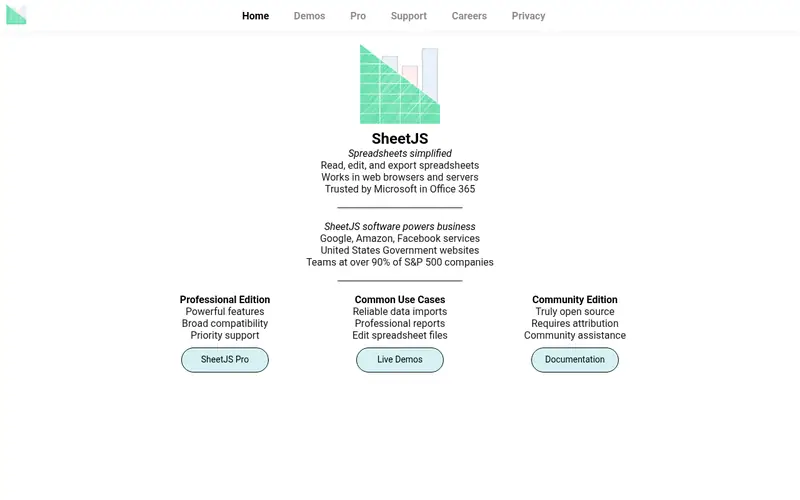
SheetJS Community Edition is the open-source core of the SheetJS project. It reads and writes .xlsx, .xls, .csv, .ods and several other formats. It runs in Node.js, in browsers and in other JavaScript runtimes. The library exposes a workbook object model, so you can parse a file, edit sheets and cells, then write the result back out.
The project distributes the current release from its own CDN at cdn.sheetjs.com. The maintainers state that the npm package is not the place to get the latest version, so check the installation instructions on the official site before you add it to a project. The community edition is Apache-2.0 licensed. Styling is limited compared with ExcelJS; if you need heavy formatting, check whether the community edition covers it or whether you need a different tool.
Choose SheetJS when format coverage matters more than styling, or when you need to read legacy .xls files. Skip it if your main job is producing heavily styled reports.
Standout: Broad format support including xlsx, xls, csv and ods
Free (open source), as listed by the vendor (SheetJS Community Edition website). Confirm the current plan price before you buy.
Free plan. Plans change, so confirm on the vendor's pricing page before you buy.
Benefits
- Broad format support including xlsx, xls, csv and ods
- works in Node.js and browsers
Drawbacks
- Styling support in the community edition is limited
- the project asks users to install from its own CDN rather than npm
Skip it if this limit matters to you: styling support in the community edition is limited.
Verdict. A sensible pick for reading and writing many spreadsheet formats in Node.js and the browser.
Alternatives in this guide: ExcelJS, write-excel-file, read-excel-file
ExcelJS
Best for styled .xlsx reports with images, formats and conditional formatting
What it is and where it fits
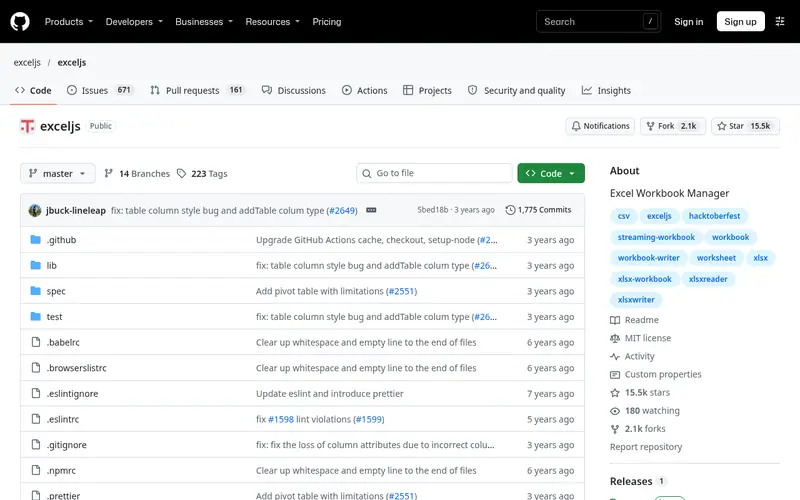
ExcelJS is an MIT-licensed library for reading and writing .xlsx and csv files. It runs in Node.js and can be bundled for browser use. Its main strength is formatting: you can set fonts, fills, borders, alignment, number formats, column widths, merged cells, images and conditional formatting rules.
The API is stream-friendly, so you can write large workbooks without holding everything in memory. Reading is also supported, including worksheet iteration. The project is maintained on GitHub, and the README documents the supported features and known gaps. It does not aim to cover legacy .xls files, so keep SheetJS in mind if you need those.
Pick ExcelJS when the output has to look right: invoices, reports, exports with headers and totals. Skip it for simple csv generation, where a smaller library is enough.
Standout: Rich styling API for fonts, fills, borders and number formats
Free (open source), as listed by the vendor (ExcelJS website). Confirm the current plan price before you buy.
Free plan. Plans change, so confirm on the vendor's pricing page before you buy.
Benefits
- Rich styling API for fonts, fills, borders and number formats
- supports images, merged cells and conditional formatting
Drawbacks
- Focused on .xlsx and csv rather than older formats
- the API is large and takes time to learn
Skip it if this limit matters to you: focused on .xlsx and csv rather than older formats.
Verdict. A sensible pick for styled .xlsx reports with images, formats and conditional formatting.
Alternatives in this guide: SheetJS Community Edition, write-excel-file, read-excel-file
write-excel-file
Best for generating styled .xlsx files with a small, simple API
What it is and where it fits
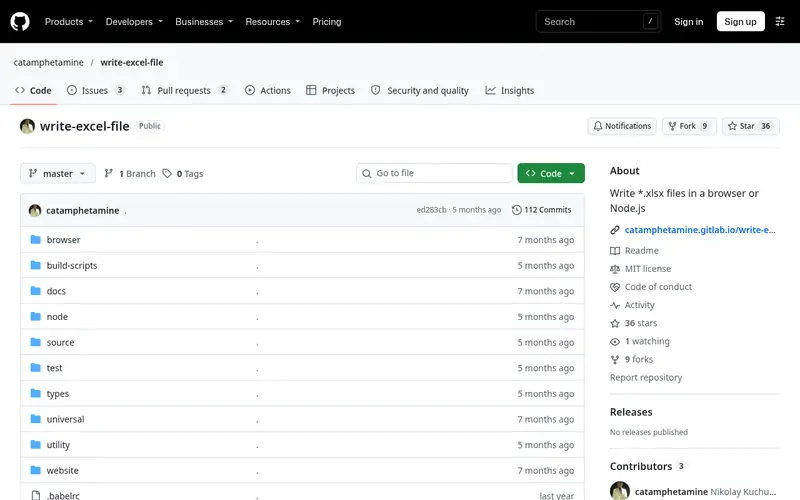
write-excel-file is an MIT-licensed library that writes .xlsx files. It is designed around a schema: you describe columns, then pass rows of data. Cell types include strings, numbers, dates, booleans and formulas. You can apply styles per column or per cell, set column widths and freeze rows.
It runs in the browser, where it can trigger a download, and in Node.js, where it writes to a stream or buffer. The package is small and the API is short, which makes it a good fit for export buttons and simple reports. It does not read files; the same author maintains read-excel-file for that job.
Choose it when you want quick, styled .xlsx exports without learning a large API. Skip it if you need to read workbooks or produce complex layouts with images and conditional formatting.
Standout: Small API for columns, rows, cell types and styles
Free (open source), as listed by the vendor (write-excel-file website). Confirm the current plan price before you buy.
Free plan. Plans change, so confirm on the vendor's pricing page before you buy.
Benefits
- Small API for columns, rows, cell types and styles
- works in browsers and Node.js
Drawbacks
- Write-only, so reading needs a separate library
- fewer advanced features than ExcelJS
Skip it if this limit matters to you: write-only, so reading needs a separate library.
Verdict. A sensible pick for generating styled .xlsx files with a small, simple API.
Alternatives in this guide: SheetJS Community Edition, ExcelJS, read-excel-file
read-excel-file
Best for reading .xlsx files into typed rows in the browser or Node.js
What it is and where it fits
pros_note: none
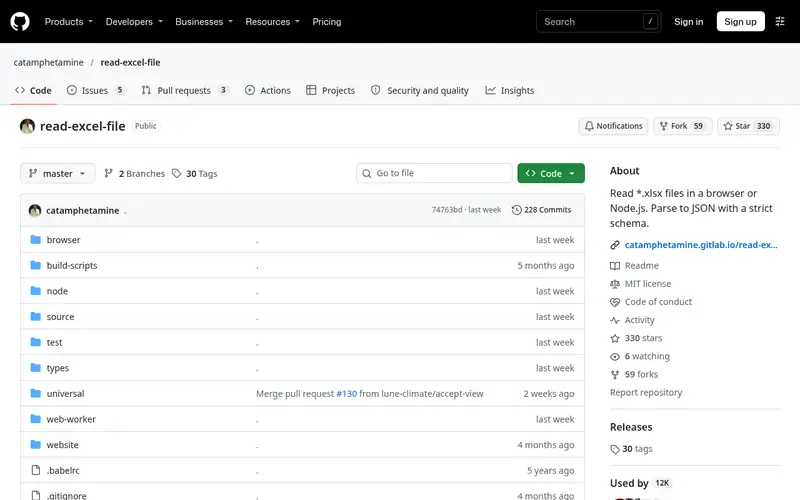
read-excel-file is an MIT-licensed library for reading .xlsx files. You define a schema that maps columns to types such as string, number, date and boolean, and the library converts and validates each row. Errors are reported per row and column, which helps when you import user-supplied files.
It works in the browser with a File object and in Node.js with a stream or buffer. It reads a single sheet at a time, chosen by name or index. The package is maintained by the same author as write-excel-file, and the two are often used together for import and export features.
Use it when you need typed, validated rows from an uploaded .xlsx file. Skip it if you need to read .xls, .ods or other formats, or if you need to preserve formatting on read.
Standout: Schema-based parsing with type conversion and validation
Free (open source), as listed by the vendor (read-excel-file website). Confirm the current plan price before you buy.
Free plan. Plans change, so confirm on the vendor's pricing page before you buy.
Benefits
- Schema-based parsing with type conversion and validation
- small package with browser and Node.js support
Drawbacks
- Read-only
- supports .xlsx rather than legacy .xls
Skip it if this limit matters to you: read-only.
Verdict. A sensible pick for reading .xlsx files into typed rows in the browser or Node.js.
Alternatives in this guide: SheetJS Community Edition, ExcelJS, write-excel-file
node-xlsx
Best for simple array-based reading and writing of .xlsx files in Node.js
What it is and where it fits
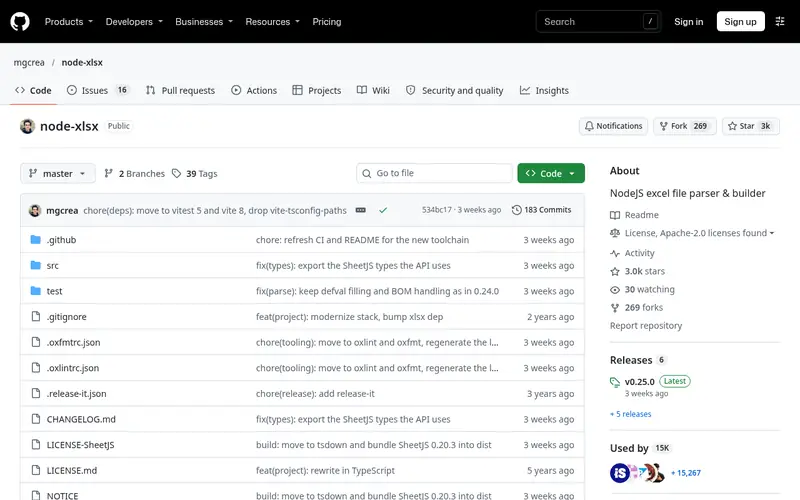
node-xlsx is an MIT-licensed wrapper around SheetJS that presents worksheets as arrays of arrays. You can parse a buffer into sheets, edit the arrays, and build a new buffer for writing. This makes it quick to use for data pipelines where the spreadsheet is just a transport format.
Because it wraps SheetJS, it inherits that project's format support and its distribution notes. The API is intentionally thin: there is no styling layer, so formatted output is not its job. It is aimed at Node.js server-side use.
Choose node-xlsx when you want the shortest path from an .xlsx buffer to plain arrays and back. Skip it when you need styled output, browser support or fine control over cell formatting.
Standout: Very small API that turns sheets into arrays and back
Free (open source), as listed by the vendor (node-xlsx website). Confirm the current plan price before you buy.
Free plan. Plans change, so confirm on the vendor's pricing page before you buy.
Benefits
- Very small API that turns sheets into arrays and back
- built on top of SheetJS
Drawbacks
- Little styling support
- aimed at Node.js rather than the browser
Skip it if this limit matters to you: little styling support.
Verdict. A sensible pick for simple array-based reading and writing of .xlsx files in Node.js.
Alternatives in this guide: SheetJS Community Edition, ExcelJS, write-excel-file
Who should use what
If you need to read many formats, including legacy .xls, start with SheetJS Community Edition. If your output must be styled with fonts, borders, images and conditional formatting, use ExcelJS. If you want a short API for export buttons in a web app, pair write-excel-file with read-excel-file for imports. If you are moving data between .xlsx and plain arrays on a Node.js server, node-xlsx is the quickest route.
Questions to settle before you buy
What to check before you buy
- Confirm the library reads and writes the exact formats you need, including legacy .xls if relevant.
- Check the licence terms for your use case.
- Test with real files from your users, including large sheets and odd date formats.
- Verify browser and Node.js support if you need both environments.
- Confirm how the package is distributed and pin a version you have tested.
FAQ
Do these libraries send my spreadsheet data anywhere?
No. They run inside your Node.js process or browser page, so file contents stay on your machine. That said, avoid pasting secrets or production data into third-party online converters; use a library in your own code instead.
Can I read .xls files with these libraries?
SheetJS Community Edition supports legacy .xls files. ExcelJS, write-excel-file, read-excel-file and node-xlsx focus on .xlsx and csv. Check the documentation for the exact formats before relying on one.
Which library is best for styled reports?
ExcelJS has the broadest styling API, including fonts, fills, borders, images and conditional formatting. write-excel-file covers simpler styling with a smaller API. SheetJS Community Edition has limited styling.
Are these libraries free for commercial use?
SheetJS Community Edition is Apache-2.0, and ExcelJS, write-excel-file, read-excel-file and node-xlsx are MIT. Read each licence before shipping.
Can I use these in the browser?
SheetJS, ExcelJS, write-excel-file and read-excel-file support browser use. node-xlsx is aimed at Node.js. Check bundle size and build setup for each.
Sources we checked
Method: how we score · editorial policy.
Change log. First published 27 Nov 2026.