Stage 01 · Write · Researched comparison
Best JavaScript Color Picker Libraries in 2026
Pickr is the first pick for most teams that need a full-featured, framework-agnostic color picker with themes and swatches. For React projects, react-colorful is the lighter choice with a small bundle and accessible controls. For a tiny dependency-free option, the native HTML input type=color covers basic needs with no library at all.

By Shihab Mia
Published 28 Nov 2026 · 6 tools compared
We run no ads and no affiliate links at launch. The order of a list follows our published method. See how we score.
Prices are the starting prices vendors list publicly. Plans change, so confirm the current price on the vendor page before you buy.
Key takeaways
- Pickr and iro.js are standalone libraries that work with plain JavaScript and most frameworks.
- react-colorful targets React only and ships as a small component set.
- Coloris and vanilla-picker are lightweight, dependency-free options for simple color selection.
- The native input type=color is free, built into browsers, and needs no third-party code.
Who each pick is for
- Framework-agnostic projects needing themes and swatchesPickr
- Projects wanting a customizable, modular color wheeliro.js
- React apps needing a small, accessible pickerreact-colorful
- Lightweight vanilla JS projects wanting a simple popup pickerColoris
- Dependency-free projects needing an inline or popup pickervanilla-picker
- Basic color selection with no library or dependencyNative input type=color
Comparison
| Tool | Best for | Standout feature | Listed starting price | Free plan or trial |
|---|---|---|---|---|
| 1Pickr | Framework-agnostic projects needing themes and swatches | Rich feature set with themes and swatch presets | Free (open source) | Free plan |
| 2iro.js | Projects wanting a customizable, modular color wheel | Modular build and a visual color wheel | Free (open source) | Free plan |
| 3react-colorful | React apps needing a small, accessible picker | Small bundle with no dependencies | Free (open source) | Free plan |
| 4Coloris | Lightweight vanilla JS projects wanting a simple popup picker | Small, dependency-free script with a clean popup UI | Free (open source) | Free plan |
| 5vanilla-picker | Dependency-free projects needing an inline or popup picker | No dependencies and works as a popup or inline element | Free (open source) | Free plan |
| 6Native input type=color | Basic color selection with no library or dependency | Built into browsers with no download | Free | Free plan |
How we picked
We picked libraries that are real, standalone color picker components and currently maintained. Criteria were fit for the job, framework and platform support, licence and price, and the main limits of each option. Sources are vendor pages, documentation and project repositories. Prices and free plan terms can change, so confirm details on the vendor site before you commit.
The tools, one by one
Pickr
Best for framework-agnostic projects needing themes and swatches
What it is and where it fits
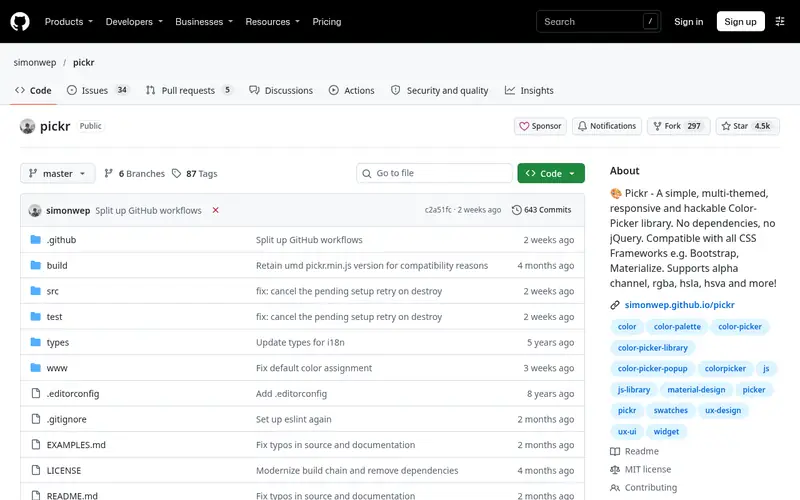
Pickr is a standalone color picker written in plain JavaScript. It supports HSV, RGB and HEX input, swatch presets, multiple themes and a set of event hooks. It can attach to a button or inline element, so it fits both modal and embedded layouts. It does not depend on a framework, which makes it usable in vanilla projects, Vue, React or Angular.
The project is MIT licensed and free to use. Because it is a standalone library, you add it as a script or npm package and initialize it yourself. Before adopting, check the repository for recent commits and open issues, since maintenance activity matters for long-term use. Teams that want a minimal footprint or a React-only component should look at the alternatives below.
Standout: Rich feature set with themes and swatch presets
Free (open source), as listed by the vendor (Pickr website). Confirm the current plan price before you buy.
Free plan. Plans change, so confirm on the vendor's pricing page before you buy.
Benefits
- Rich feature set with themes and swatch presets
- works with plain JS and most frameworks
Drawbacks
- Larger than minimal pickers
- check recent commit activity before adopting
Skip it if this limit matters to you: larger than minimal pickers.
Verdict. A sensible pick for framework-agnostic projects needing themes and swatches.
Alternatives in this guide: iro.js, react-colorful, Coloris
iro.js
Best for projects wanting a customizable, modular color wheel
What it is and where it fits
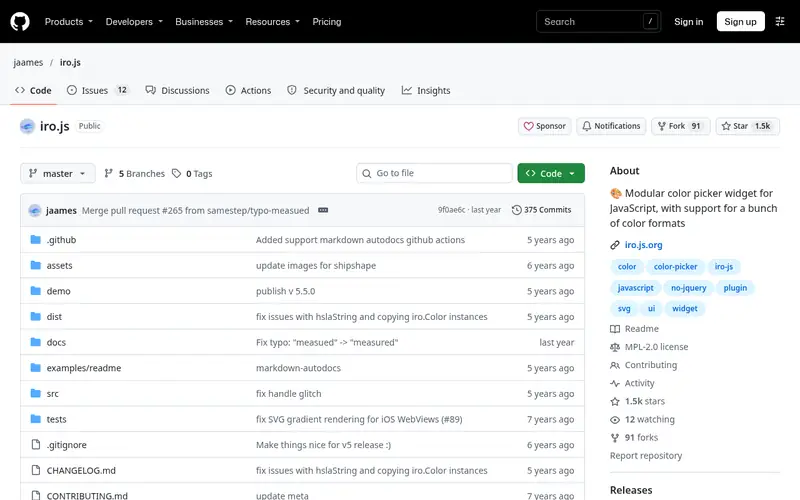
iro.js is a JavaScript color picker that centers on a color wheel and slider controls. It supports HSV and RGB color models and lets you compose the UI from individual components, so you can show only the wheel, only sliders, or a combination. It works in plain JavaScript and with frameworks through a direct API.
The library is MIT licensed and free. It ships as a modular package, so you can import only the parts you use. Configuration covers layout, color format and event callbacks. It suits design tools, theme editors and any interface where a wheel is a natural fit. Projects that need a compact square picker or a React-only component may prefer react-colorful or Coloris.
Standout: Modular build and a visual color wheel
Free (open source), as listed by the vendor (iro.js website). Confirm the current plan price before you buy.
Free plan. Plans change, so confirm on the vendor's pricing page before you buy.
Benefits
- Modular build and a visual color wheel
- framework-agnostic API
Drawbacks
- Wheel-first UI may not suit every layout
- smaller ecosystem than some rivals
Skip it if this limit matters to you: wheel-first UI may not suit every layout.
Verdict. A sensible pick for projects wanting a customizable, modular color wheel.
Alternatives in this guide: Pickr, react-colorful, Coloris
react-colorful
Best for react apps needing a small, accessible picker
What it is and where it fits
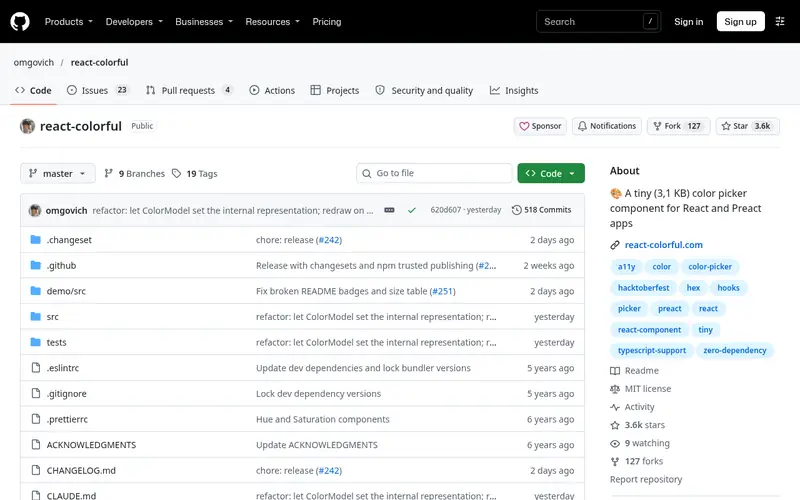
react-colorful is a color picker component built for React. It provides several picker variants, including hex, RGB, HSL and a compact wheel, and it has no runtime dependencies. The project documents a small bundle size and focuses on accessibility, with keyboard support and ARIA attributes on its controls.
It is MIT licensed and free. You install it as a package and import the component you need. Because it is React-specific, it does not help Vue, Svelte or plain JavaScript projects. It suits React apps that want a lightweight picker without pulling in a larger UI framework. Teams that need swatch presets or a full theme system should compare it with Pickr.
Standout: Small bundle with no dependencies
Free (open source), as listed by the vendor (react-colorful website). Confirm the current plan price before you buy.
Free plan. Plans change, so confirm on the vendor's pricing page before you buy.
Benefits
- Small bundle with no dependencies
- accessible keyboard and ARIA support
Drawbacks
- React only
- fewer built-in themes than some standalone pickers
Skip it if this limit matters to you: react only.
Verdict. A sensible pick for react apps needing a small, accessible picker.
Coloris
Best for lightweight vanilla JS projects wanting a simple popup picker
What it is and where it fits
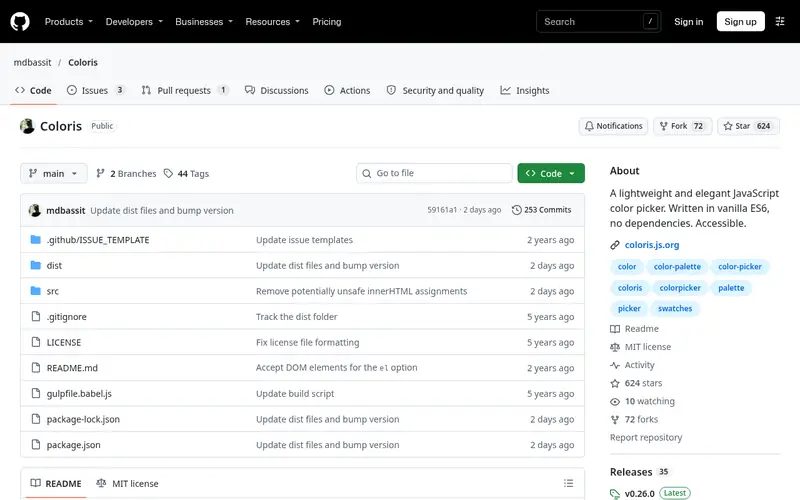
Coloris is a lightweight color picker written in vanilla JavaScript. It attaches to text inputs and opens a popup with a color area, hue slider and optional swatches. It needs no dependencies and works by including a script and stylesheet, which keeps setup short for plain HTML pages and small apps.
The project is MIT licensed and free. It supports HEX, RGB and HSL output and exposes options for theme, swatches and positioning. It is a good fit for forms and admin panels that need a simple picker without a framework. Projects that need a color wheel, modular UI or deep framework integration should look at iro.js or react-colorful instead.
Standout: Small, dependency-free script with a clean popup UI
Free (open source), as listed by the vendor (Coloris website). Confirm the current plan price before you buy.
Free plan. Plans change, so confirm on the vendor's pricing page before you buy.
Benefits
- Small, dependency-free script with a clean popup UI
- simple setup
Drawbacks
- Fewer advanced features than Pickr
- smaller community
Skip it if this limit matters to you: fewer advanced features than Pickr.
Verdict. A sensible pick for lightweight vanilla JS projects wanting a simple popup picker.
Alternatives in this guide: Pickr, iro.js, react-colorful
vanilla-picker
Best for dependency-free projects needing an inline or popup picker
What it is and where it fits
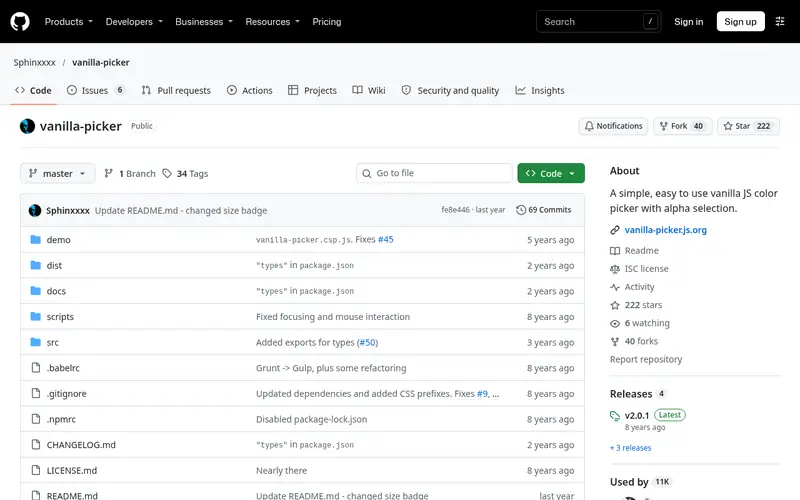
vanilla-picker is a color picker library with no dependencies. It can render as a popup attached to an element or as an inline picker inside the page. It supports RGB, HSL and HEX output and exposes events for change and selection, so you can wire it into forms or live previews.
It is MIT licensed and free. Setup is a script include plus a small initialization call. The visual design is plain, which suits projects that want to style the picker themselves or keep the UI minimal. It fits small sites, internal tools and legacy pages. Teams that need themes, swatches or a color wheel should compare it with Pickr and iro.js.
Standout: No dependencies and works as a popup or inline element
Free (open source), as listed by the vendor (vanilla-picker website). Confirm the current plan price before you buy.
Free plan. Plans change, so confirm on the vendor's pricing page before you buy.
Benefits
- No dependencies and works as a popup or inline element
- plain JS API
Drawbacks
- Basic visual design
- fewer built-in presets than larger libraries
Skip it if this limit matters to you: basic visual design.
Verdict. A sensible pick for dependency-free projects needing an inline or popup picker.
Alternatives in this guide: Pickr, iro.js, react-colorful
Native input type=color
Best for basic color selection with no library or dependency

What it is and where it fits
The HTML input type=color is a native form control supported by modern browsers. It opens the operating system or browser color dialog and returns a hex value through the value property and change event. There is nothing to install and no third-party code to load.
It is free and part of the platform. The trade-off is limited control: the look depends on the browser and OS, and you cannot add swatches, a color wheel or custom themes. It suits simple forms and settings pages where a basic picker is enough. Projects that need a consistent cross-browser UI or advanced features should use one of the libraries above.
Standout: Built into browsers with no download
Free, as listed by the vendor (Native input type=color website). Confirm the current plan price before you buy.
Free plan. Plans change, so confirm on the vendor's pricing page before you buy.
Benefits
- Built into browsers with no download
- simple value and change events
Drawbacks
- UI varies by browser and OS
- limited styling and no swatches
Skip it if this limit matters to you: UI varies by browser and OS.
Verdict. A sensible pick for basic color selection with no library or dependency.
Alternatives in this guide: Pickr, iro.js, react-colorful
Who should use what
A plain JavaScript or Vue project that needs themes and swatches should start with Pickr. A React app that wants a small, accessible component should use react-colorful. A small site or form that needs a simple popup picker with no dependencies fits Coloris or vanilla-picker. A design tool that wants a color wheel should look at iro.js. And if you only need a basic picker with no library at all, the native input type=color is enough.
Questions to settle before you buy
What to check before you buy
- Check that the library supports your framework or plain JavaScript setup.
- Confirm the bundle size and whether it has runtime dependencies.
- Review the licence and any attribution requirements.
- Check recent commit activity and open issues in the repository.
- Test keyboard access and screen reader behavior for your users.
FAQ
Do I need a library for a color picker?
No. The native input type=color works in modern browsers and needs no code beyond a form input. A library helps when you need a consistent cross-browser UI, swatches, a color wheel or framework integration.
Which library is best for React?
react-colorful is built for React and focuses on a small bundle and accessibility. Pickr and iro.js also work in React through their JavaScript APIs, but they are not React-specific components.
Are these libraries free?
All the libraries listed here are open source and free to use under their project licences. The native input type=color is part of the browser platform and is also free.
Can I use these pickers offline?
Yes. Once the library files are included in your project, the picker runs locally in the browser with no network calls. Avoid loading picker scripts from third-party CDNs on pages that handle sensitive data.
What about pasting colors into online tools?
Online color tools may send data to a server. Do not paste secrets, tokens or production data into third-party web pages. Prefer tools that run locally in the browser or offline when that is an option.
Sources we checked
Method: how we score · editorial policy.
Change log. First published 28 Nov 2026.