Stage 01 · Write · Researched comparison
Best Java Version Managers in 2026
SDKMAN is the first pick for most developers working on macOS or Linux who want one tool to install and switch JDKs, Maven, Gradle and more. jEnv suits developers who only need to switch between JDKs they already installed. asdf and mise fit teams that manage Java alongside Node, Python and other runtimes with a single tool.

By Shihab Mia
Published 22 Nov 2026 · 7 tools compared
We run no ads and no affiliate links at launch. The order of a list follows our published method. See how we score.
Prices are the starting prices vendors list publicly. Plans change, so confirm the current price on the vendor page before you buy.
Key takeaways
- SDKMAN installs and switches JDKs plus build tools on macOS, Linux and WSL, and it is free and open source.
- jEnv only switches between JDKs you install yourself; it does not download them.
- asdf and mise manage Java alongside other language runtimes through one config file per project.
- Some managers do not run natively on Windows, so check platform support before you commit.
Who each pick is for
- macOS and Linux developers who want one tool for JDKs and build toolsSDKMAN
- Developers who install JDKs themselves and only need switchingjEnv
- Polyglot developers who manage Java and other runtimes togetherasdf
- Developers who want a fast multi-runtime manager with Java supportmise
- Windows developers who already use a package managerChocolatey (javaruntime and related packages)
- macOS developers who want JDKs from their existing package managerHomebrew (openjdk and vendor formulae)
- Teams that want reproducible JDK versions inside containersDocker (JDK base images)
Comparison
| Tool | Best for | Standout feature | Listed starting price | Free plan or trial |
|---|---|---|---|---|
| 1SDKMAN | macOS and Linux developers who want one tool for JDKs and build tools | Installs and switches JDKs plus Maven, Gradle and Kotlin | Free (open source) | Free plan |
| 2jEnv | Developers who install JDKs themselves and only need switching | Lightweight and does one job | Free (open source) | Free plan |
| 3asdf | Polyglot developers who manage Java and other runtimes together | One tool and one `.tool-versions` file for many runtimes | Free (open source) | Free plan |
| 4mise | Developers who want a fast multi-runtime manager with Java support | Manages Java plus other tools in one place | Free (open source) | Free plan |
| 5Chocolatey (javaruntime and related packages) | Windows developers who already use a package manager | Installs JDK packages on Windows | Free | Free plan |
| 6Homebrew (openjdk and vendor formulae) | macOS developers who want JDKs from their existing package manager | Installs JDK formulae on macOS and Linux | Free (open source) | Free plan |
| 7Docker (JDK base images) | Teams that want reproducible JDK versions inside containers | Pins the exact JDK in an image | Free | Free plan |
How we picked
We picked tools that genuinely install or switch JDKs, or that developers commonly use to get JDKs onto a machine. Criteria were fit for the job, platform support, price and licence, and the main limits of each tool. Sources are vendor pages, official documentation and project repositories. Prices and free-plan terms change, so confirm them on the vendor site before you commit.
The tools, one by one
SDKMAN
Best for macOS and Linux developers who want one tool for JDKs and build tools
What it is and where it fits
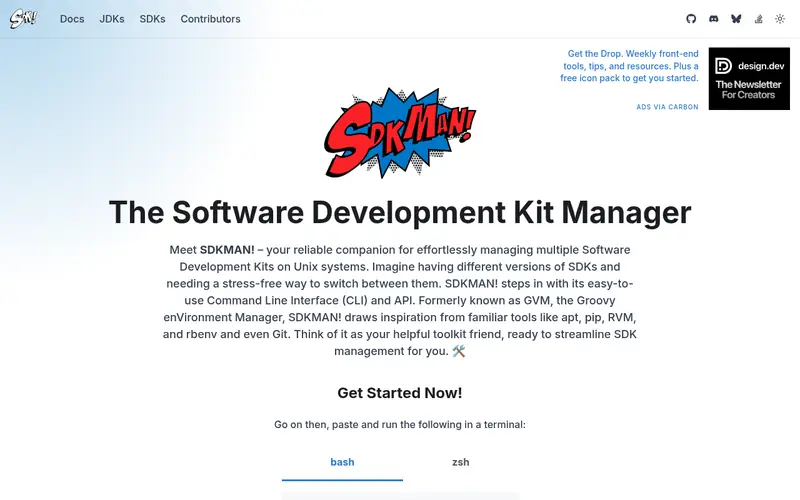
SDKMAN is a command-line tool that downloads candidate versions of the JDK and other JVM tools, then switches the active one by editing your shell environment. It runs on macOS, Linux and Windows Subsystem for Linux. You set a default version and can override it per shell session.
It covers many JDK distributions, including Temurin, Zulu, Corretto and GraalVM, so you can test code against different vendors. The project is open source and free, funded by community donations. The main gap is native Windows, where you need WSL or another manager. Skip it if you want a single tool that also manages non-JVM runtimes.
Standout: Installs and switches JDKs plus Maven, Gradle and Kotlin
Free (open source), as listed by the vendor (SDKMAN website). Confirm the current plan price before you buy.
Free plan. Plans change, so confirm on the vendor's pricing page before you buy.
Benefits
- Installs and switches JDKs plus Maven, Gradle and Kotlin
- simple `SDK use` and `SDK default` commands
Drawbacks
- No native Windows support outside WSL
- requires a shell setup step
Skip it if this limit matters to you: no native Windows support outside WSL.
Verdict. A sensible pick for macOS and Linux developers who want one tool for JDKs and build tools.
jEnv
Best for developers who install JDKs themselves and only need switching
What it is and where it fits
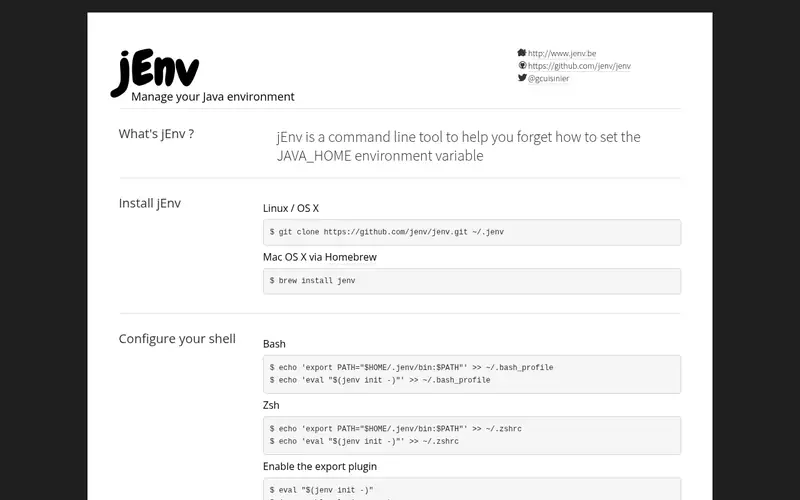
jEnv is a small command-line tool that switches between JDK installations already on your machine. You add each JDK path with `jenv add`, then set a global version or a per-directory version using a `.java-version` file. It changes `JAVA_HOME` and the `PATH` for you.
Because it does not download anything, you stay in control of which JDK builds you install and where they come from. That suits developers who already use a package manager or vendor installer. It runs on macOS and Linux. It is not the right pick if you want a tool to fetch JDKs for you, or if you work mainly on Windows.
Standout: Lightweight and does one job
Free (open source), as listed by the vendor (jEnv website). Confirm the current plan price before you buy.
Free plan. Plans change, so confirm on the vendor's pricing page before you buy.
Benefits
- Lightweight and does one job
- supports global, shell and per-directory versions
Drawbacks
- Does not download JDKs
- macOS and Linux focus
Skip it if this limit matters to you: does not download JDKs.
Verdict. A sensible pick for developers who install JDKs themselves and only need switching.
asdf
Best for polyglot developers who manage Java and other runtimes together
What it is and where it fits
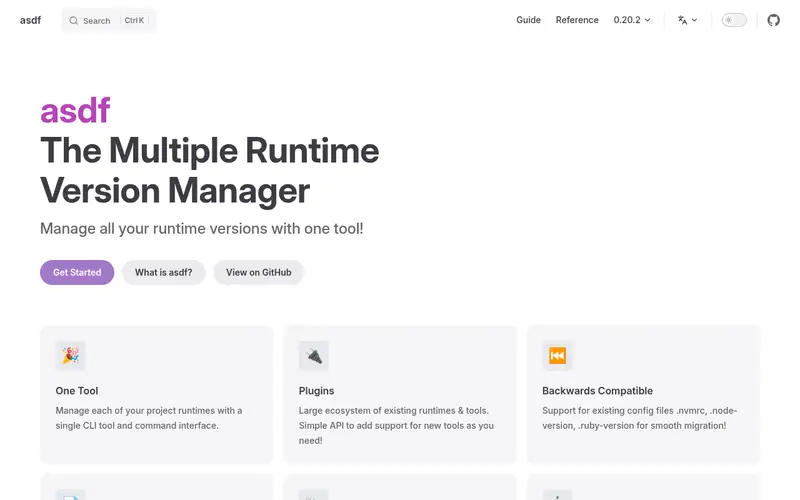
asdf is a multi-runtime version manager. A Java plugin lets you install and switch JDKs, and the same tool handles Node, Python, Ruby and others. A `.tool-versions` file in a project directory sets the versions for that project, so teams can share one config.
It runs on macOS and Linux, with community support for other environments. The Java plugin wraps JDK distributions, so the available builds depend on the plugin's maintained list. Setup takes more steps than a Java-only manager, and you need to learn the plugin model. Choose it when you already juggle several runtimes and want one config file. Skip it if you only touch Java and want the shortest path.
Standout: One tool and one `.tool-versions` file for many runtimes
Free (open source), as listed by the vendor (asdf website). Confirm the current plan price before you buy.
Free plan. Plans change, so confirm on the vendor's pricing page before you buy.
Benefits
- One tool and one `.tool-versions` file for many runtimes
- plugin for Java
Drawbacks
- Java support depends on a plugin
- setup is more involved than a Java-only tool
Skip it if this limit matters to you: java support depends on a plugin.
Verdict. A sensible pick for polyglot developers who manage Java and other runtimes together.
mise
Best for developers who want a fast multi-runtime manager with Java support
What it is and where it fits
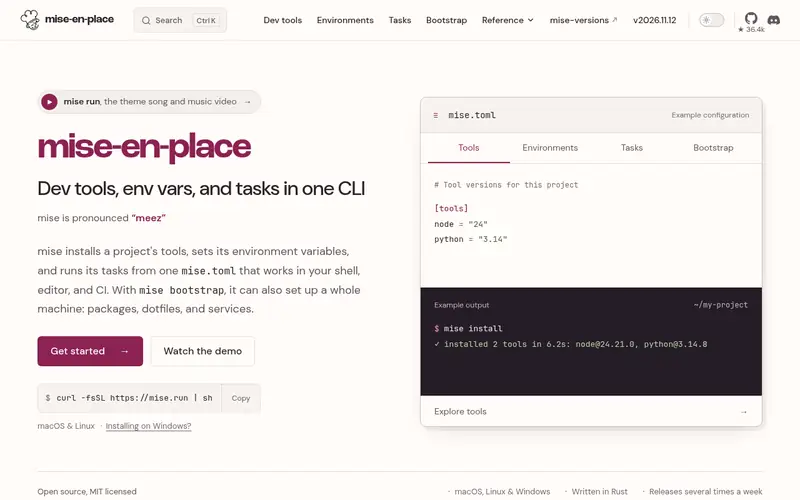
mise (formerly rtx) is a version manager for many runtimes, including Java. It reads per-project config files to set tool versions, and it can also run project tasks. It installs JDK builds and switches the active one, similar to asdf but with its own implementation.
It runs on macOS, Linux and Windows, which makes it one of the few multi-runtime managers with native Windows support. The project is open source and free. Because it is younger than asdf, some plugins and edge cases may be less settled. It suits developers who want one tool across operating systems. Check the current docs for Java backend support before you standardize on it.
Standout: Manages Java plus other tools in one place
Free (open source), as listed by the vendor (mise website). Confirm the current plan price before you buy.
Free plan. Plans change, so confirm on the vendor's pricing page before you buy.
Benefits
- Manages Java plus other tools in one place
- per-project config files
Drawbacks
- Newer than some alternatives
- some features still evolving
Skip it if this limit matters to you: newer than some alternatives.
Verdict. A sensible pick for developers who want a fast multi-runtime manager with Java support.
Chocolatey (javaruntime and related packages)
Best for windows developers who already use a package manager
What it is and where it fits
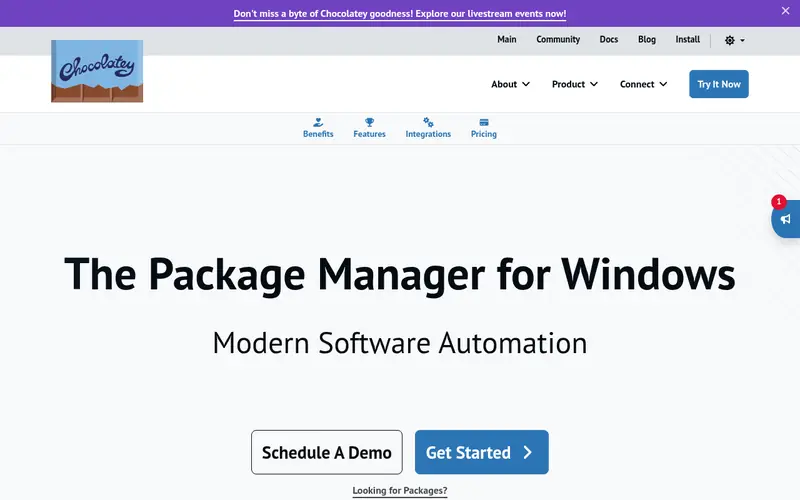
Chocolatey is a package manager for Windows. It can install JDK packages such as Temurin and Corretto, and it handles upgrades through the same commands. It is not a version switcher in the same sense as SDKMAN or jEnv, but Windows developers often use it to get JDKs onto the machine.
To switch between installed JDKs per project, you pair it with a switcher or set `JAVA_HOME` manually. The core tool is free and open source, with a paid tier for some features. It suits Windows teams that already standardize on Chocolatey for software installs. Skip it if you need per-directory switching out of the box.
Standout: Installs JDK packages on Windows
Free, as listed by the vendor (Chocolatey (javaruntime and related packages) website). Confirm the current plan price before you buy.
Free plan. Plans change, so confirm on the vendor's pricing page before you buy.
Benefits
- Installs JDK packages on Windows
- familiar package manager workflow
Drawbacks
- Not a per-project switcher by itself
- switching needs extra setup
Skip it if this limit matters to you: not a per-project switcher by itself.
Verdict. A sensible pick for windows developers who already use a package manager.
Homebrew (openjdk and vendor formulae)
Best for macOS developers who want JDKs from their existing package manager
What it is and where it fits
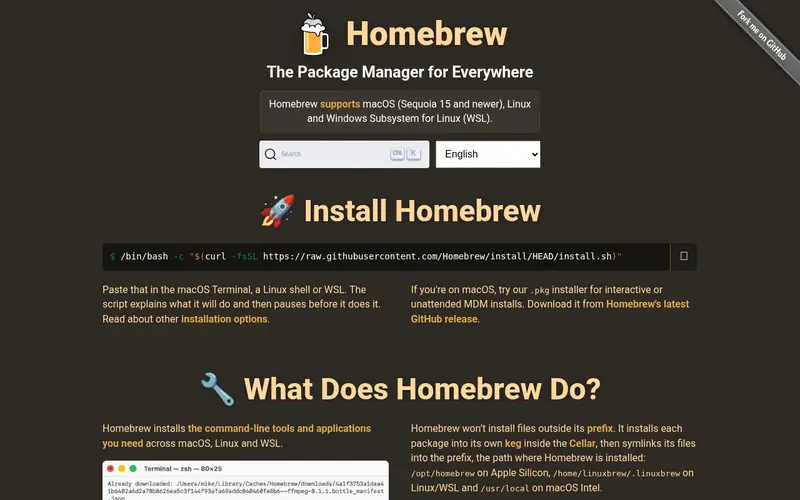
Homebrew is a package manager for macOS and Linux. Formulae such as `openjdk` and vendor-specific JDK formulae install Java onto the machine. Many developers already use brew for other tools, so adding a JDK is one command.
Homebrew does not switch the active JDK per project. You set `JAVA_HOME` or pair it with a switcher like jEnv. It is free and open source. It suits macOS developers who want to keep installs in one place. If you need per-directory version files and automatic switching, add a dedicated manager on top.
Standout: Installs JDK formulae on macOS and Linux
Free (open source), as listed by the vendor (Homebrew (openjdk and vendor formulae) website). Confirm the current plan price before you buy.
Free plan. Plans change, so confirm on the vendor's pricing page before you buy.
Benefits
- Installs JDK formulae on macOS and Linux
- integrates with existing brew workflow
Drawbacks
- Not a switcher by itself
- version pinning needs extra steps
Skip it if this limit matters to you: not a switcher by itself.
Verdict. A sensible pick for macOS developers who want JDKs from their existing package manager.
Docker (JDK base images)
Best for teams that want reproducible JDK versions inside containers

What it is and where it fits
Docker runs applications in containers. Using a JDK base image pins the Java version inside the image, so every machine and CI job runs the same build. You change the image tag to change the JDK version. This is a different approach from a host-level version manager.
Docker Desktop is free for personal use and small businesses, with paid tiers for larger organizations; check the current licensing terms. It runs on macOS, Windows and Linux. It suits teams that want reproducible builds and CI parity. It is not a replacement for a host switcher when you run tools directly on your machine.
Standout: Pins the exact JDK in an image
Free, as listed by the vendor (Docker (JDK base images) website). Confirm the current plan price before you buy.
Free plan. Plans change, so confirm on the vendor's pricing page before you buy.
Benefits
- Pins the exact JDK in an image
- same environment across machines
Drawbacks
- Not a host-level switcher
- adds container overhead
Skip it if this limit matters to you: not a host-level switcher.
Verdict. A sensible pick for teams that want reproducible JDK versions inside containers.
Who should use what
If you work on macOS or Linux and want one tool for JDKs plus Maven and Gradle, start with SDKMAN. If you install JDKs yourself and only need switching, jEnv is lighter. If you manage Java alongside Node or Python, asdf or mise keeps one config file per project. If you are on Windows and want native support, look at mise, or use WSL with SDKMAN.
Questions to settle before you buy
What to check before you buy
- Confirm the tool runs natively on your operating system, or that WSL is acceptable.
- Check that your preferred JDK distributions (Temurin, Zulu, Corretto, GraalVM) are available.
- Decide whether you need per-directory version files or only a global default.
- Check how the tool sets `JAVA_HOME` and whether it conflicts with your IDE or build tools.
- Review the licence and any paid tiers, and confirm the current terms on the vendor site.
FAQ
What is a Java version manager?
A Java version manager installs JDKs and switches the active one. Some, like SDKMAN, download JDKs for you. Others, like jEnv, only switch between JDKs you installed yourself. They change `JAVA_HOME` and the `PATH` so the right `java` and `javac` run.
Can I use these tools on Windows?
SDKMAN needs WSL on Windows. mise runs natively on Windows. jEnv is macOS and Linux focused. Chocolatey and Docker work on Windows but serve different roles: package installs and container pinning rather than per-shell switching.
Do I need a version manager if I use Docker?
Not always. If you build and run everything in containers, the JDK version is pinned in the image. A host-level manager still helps when you run IDEs, build tools or scripts directly on your machine and need to switch JDKs there.
Are these tools free?
Most are free and open source, including SDKMAN, jEnv, asdf and mise. Chocolatey, Homebrew and Docker have free tiers with paid options for some features or larger organizations. Check current terms on each vendor site.
How do I switch versions per project?
Tools like jEnv, asdf and mise read a per-directory config file, such as `.java-version` or `.tool-versions`, and switch automatically when you enter the directory. SDKMAN switches per shell session with `SDK use`. Pick based on whether you want automatic per-directory switching.
Sources we checked
Method: how we score · editorial policy.
Change log. First published 22 Nov 2026.