Stage 01 · Write · Researched comparison
Best Java Image Processing Libraries in 2026
TwelveMonkeys ImageIO is the first pick for most teams. It extends the built-in ImageIO with plugins for formats Java does not read out of the box, such as TIFF, WebP, HEIC and PSD, and it suits server-side apps that need reliable decoding. For simple resizing and thumbnails, Thumbnailator is a lighter choice. For computer vision work, the OpenCV Java bindings cover the widest range of algorithms.

By Shihab Mia
Published 27 Nov 2026 · 6 tools compared
We run no ads and no affiliate links at launch. The order of a list follows our published method. See how we score.
Prices are the starting prices vendors list publicly. Plans change, so confirm the current price on the vendor page before you buy.
Key takeaways
- TwelveMonkeys ImageIO is free and open source, and it plugs into the ImageIO API that ships with the JDK.
- Thumbnailator is free and open source and handles resizing, rotation and watermarking with a fluent API.
- OpenCV Java bindings are free under the Apache 2.0 license, but they need native libraries installed per platform.
Who each pick is for
- Reading extra image formats through the standard ImageIO APITwelveMonkeys ImageIO
- Simple resizing, thumbnails and watermarks with little codeThumbnailator
- Computer vision and heavy pixel-level processingOpenCV Java bindings
- Computer vision in pure Java with no native dependenciesBoofCV
- Scientific image analysis and microscopy workflowsImageJ
- Immutable image pipelines in Scala and Java projectsScrimage
Comparison
| Tool | Best for | Standout feature | Listed starting price | Free plan or trial |
|---|---|---|---|---|
| 1TwelveMonkeys ImageIO | Reading extra image formats through the standard ImageIO API | Adds TIFF, WebP, HEIC, PSD and other readers to ImageIO | Free (open source) | Free plan |
| 2Thumbnailator | Simple resizing, thumbnails and watermarks with little code | Fluent builder API that is quick to read | Free (open source) | Free plan |
| 3OpenCV Java bindings | Computer vision and heavy pixel-level processing | Very large algorithm set for filtering, detection and geometry | Free (open source) | Free plan |
| 4BoofCV | Computer vision in pure Java with no native dependencies | Pure Java, so deployment is simple | Free (open source) | Free plan |
| 5ImageJ | Scientific image analysis and microscopy workflows | Large plugin ecosystem for scientific analysis | Free (open source) | Free plan |
| 6Scrimage | Immutable image pipelines in Scala and Java projects | Immutable API that is easy to chain | Free (open source) | Free plan |
How we picked
We picked libraries that genuinely handle image work in Java and are currently maintained or widely used. Criteria were fit for the named job, supported platforms, license and price, deployment complexity, and known limits such as native dependencies or read-only formats. Sources are vendor sites, project repositories and official documentation. Prices and licenses can change, so confirm on the vendor or repository page before you commit.
The tools, one by one
TwelveMonkeys ImageIO
Best for reading extra image formats through the standard ImageIO API
What it is and where it fits
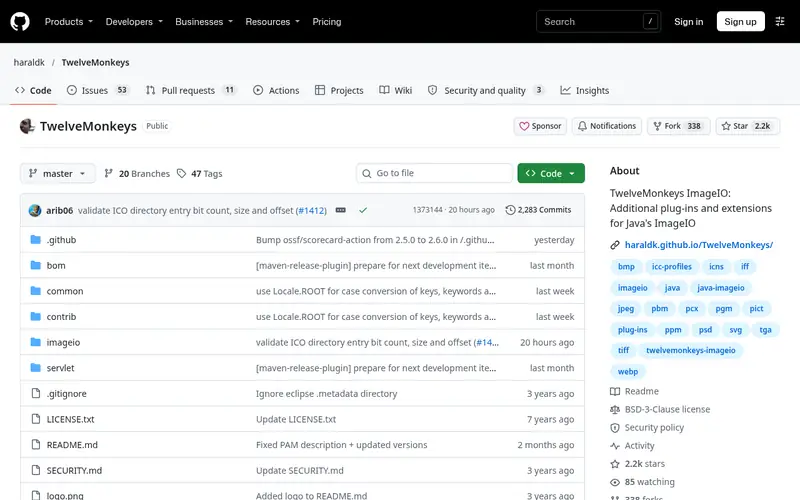
TwelveMonkeys ImageIO is a set of plugins for the javax.imageio framework in the JDK. You add the jars to the classpath and ImageIO can then read formats the default JDK readers do not support, including TIFF, WebP, HEIC, PSD, BMP variants and others. It runs anywhere the JVM runs, so it fits desktop, server and Android-adjacent back ends.
The project is free and open source under the BSD 3-Clause license. There is no paid tier. The main limit is scope: it is a decoding and format library, so it does not do resizing, filters or computer vision. Some formats are read-only, so check the format table in the repository before you plan on writing a given type. Skip it if you only ever handle PNG and JPEG, where the JDK already works.
Standout: Adds TIFF, WebP, HEIC, PSD and other readers to ImageIO
Free (open source), as listed by the vendor (TwelveMonkeys ImageIO website). Confirm the current plan price before you buy.
Free plan. Plans change, so confirm on the vendor's pricing page before you buy.
Benefits
- Adds TIFF, WebP, HEIC, PSD and other readers to ImageIO
- works with existing ImageIO code
Drawbacks
- Focused on decoding and format support, not on image effects
- some formats are read-only
Skip it if this limit matters to you: focused on decoding and format support, not on image effects.
Verdict. A sensible pick for reading extra image formats through the standard ImageIO API.
Alternatives in this guide: Thumbnailator, OpenCV Java bindings, BoofCV
Thumbnailator
Best for simple resizing, thumbnails and watermarks with little code
What it is and where it fits
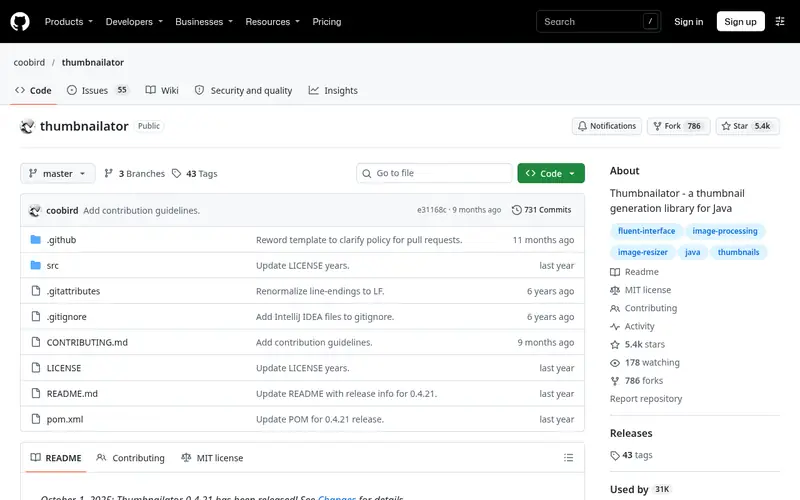
Thumbnailator is a small library for producing thumbnails and resized images. A single chained call can resize, rotate, crop, add a watermark and write the result as JPEG or PNG with a chosen quality. It uses ImageIO underneath, so it benefits from TwelveMonkeys if you add it. It runs on any standard JVM.
The license is MIT, so it is free for commercial use. The library is stable rather than fast-moving, so check the repository for recent commits if you need active maintenance. It does not cover advanced filters, color management or computer vision. Skip it if you need precise control over resampling kernels or work with scientific image data.
Standout: Fluent builder API that is quick to read
Free (open source), as listed by the vendor (Thumbnailator website). Confirm the current plan price before you buy.
Free plan. Plans change, so confirm on the vendor's pricing page before you buy.
Benefits
- Fluent builder API that is quick to read
- handles quality and format settings in one call
Drawbacks
- Limited to common operations, not a full imaging toolkit
- development pace is slow
Skip it if this limit matters to you: limited to common operations, not a full imaging toolkit.
Verdict. A sensible pick for simple resizing, thumbnails and watermarks with little code.
Alternatives in this guide: TwelveMonkeys ImageIO, OpenCV Java bindings, BoofCV
OpenCV Java bindings
Best for computer vision and heavy pixel-level processing
What it is and where it fits
OpenCV is a computer vision library with official Java bindings. The Java API covers image loading, filtering, color conversion, feature detection, contour analysis and more. It runs on Windows, Linux and macOS, but you must ship or install the native OpenCV libraries for each target platform.
OpenCV is free under the Apache 2.0 license. There is no paid tier for the core library. The main limits are deployment complexity and API coverage: some newer functions appear in C++ before Java. Skip it for simple resizing, where a smaller library is easier to deploy. It suits teams that need real vision algorithms and can manage native dependencies.
Standout: Very large algorithm set for filtering, detection and geometry
Free (open source), as listed by the vendor (OpenCV Java bindings website). Confirm the current plan price before you buy.
Free plan. Plans change, so confirm on the vendor's pricing page before you buy.
Benefits
- Very large algorithm set for filtering, detection and geometry
- strong documentation and community
Drawbacks
- Requires native libraries per platform
- the Java API lags the C++ API in places
Skip it if this limit matters to you: requires native libraries per platform.
Verdict. A sensible pick for computer vision and heavy pixel-level processing.
Alternatives in this guide: TwelveMonkeys ImageIO, Thumbnailator, BoofCV
BoofCV
Best for computer vision in pure Java with no native dependencies
What it is and where it fits
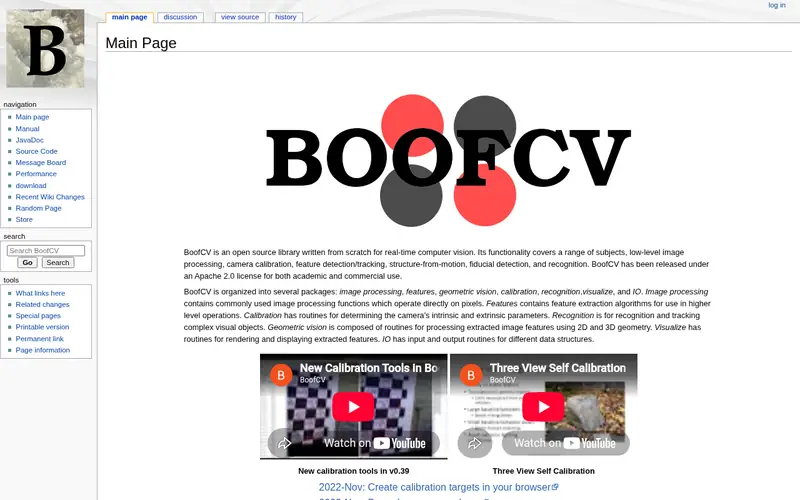
BoofCV is a computer vision library written in Java. It covers camera calibration, feature detection and matching, stereo vision, image processing and geometric transforms. Because it is pure Java, it avoids the native library packaging that OpenCV requires, which simplifies builds and containers.
The project is free and open source under the Apache 2.0 license. It runs on any JVM. The trade-off is breadth: OpenCV has more algorithms and more community material. BoofCV is a good fit when you want vision features without native dependencies, or when you target environments where loading native code is awkward.
Standout: Pure Java, so deployment is simple
Free (open source), as listed by the vendor (BoofCV website). Confirm the current plan price before you buy.
Free plan. Plans change, so confirm on the vendor's pricing page before you buy.
Benefits
- Pure Java, so deployment is simple
- covers calibration, features and geometric vision
Drawbacks
- Smaller algorithm set than OpenCV
- fewer third-party tutorials
Skip it if this limit matters to you: smaller algorithm set than OpenCV.
Verdict. A sensible pick for computer vision in pure Java with no native dependencies.
Alternatives in this guide: TwelveMonkeys ImageIO, Thumbnailator, OpenCV Java bindings
ImageJ
Best for scientific image analysis and microscopy workflows
What it is and where it fits
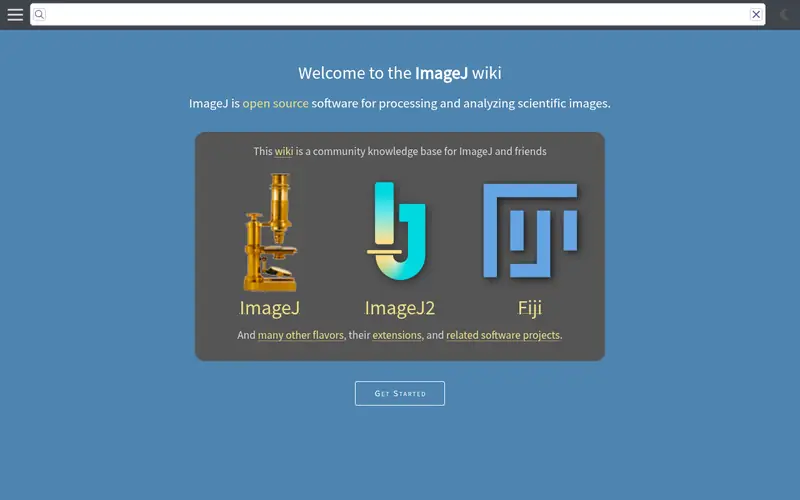
ImageJ is an image processing program and library aimed at scientific imaging. It handles TIFF stacks, region measurements, particle analysis and many microscopy formats through plugins. It runs on the JVM and can be used as a library inside other Java applications, though much of its design assumes an interactive workflow.
The project is free and open source. ImageJ2 and related projects continue development. The main limit is fit: it is built for analysis and measurement, not for building a photo pipeline in a web app. Skip it for consumer image resizing. It suits labs and research teams that need reproducible measurements and broad scientific format support.
Standout: Large plugin ecosystem for scientific analysis
Free (open source), as listed by the vendor (ImageJ website). Confirm the current plan price before you buy.
Free plan. Plans change, so confirm on the vendor's pricing page before you buy.
Benefits
- Large plugin ecosystem for scientific analysis
- strong support for TIFF and multi-dimensional stacks
Drawbacks
- Oriented toward research use, not general app imaging
- the UI-first design takes adapting for server use
Skip it if this limit matters to you: oriented toward research use, not general app imaging.
Verdict. A sensible pick for scientific image analysis and microscopy workflows.
Alternatives in this guide: TwelveMonkeys ImageIO, Thumbnailator, OpenCV Java bindings
Scrimage
Best for immutable image pipelines in Scala and Java projects
What it is and where it fits
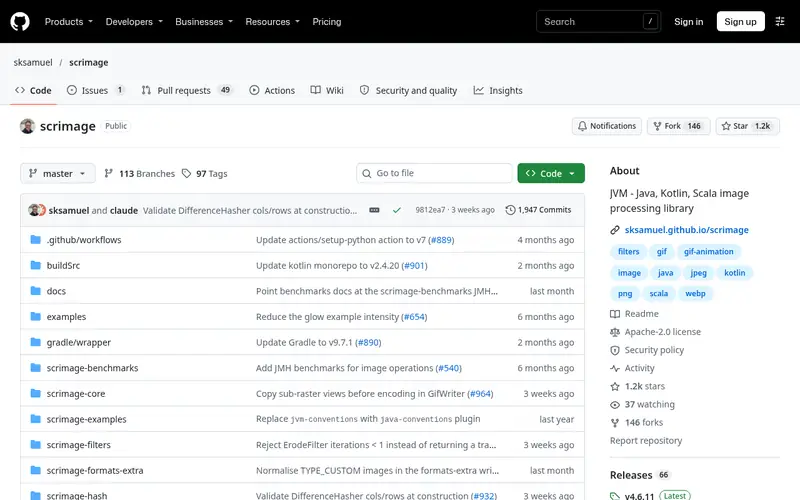
Scrimage is an image library written in Scala that is usable from Java. It provides an immutable image model with operations for scaling, cropping, filters, captions and format conversion. It bundles format support and can read and write common types.
The license is Apache 2.0, so it is free. The main consideration for Java teams is the Scala runtime dependency, which adds jars and build complexity. It runs on a standard JVM. It is a reasonable pick if you already use Scala or want an immutable pipeline style. Skip it if your team wants zero non-Java dependencies.
Standout: Immutable API that is easy to chain
Free (open source), as listed by the vendor (Scrimage website). Confirm the current plan price before you buy.
Free plan. Plans change, so confirm on the vendor's pricing page before you buy.
Benefits
- Immutable API that is easy to chain
- includes filters, scaling and format writers
Drawbacks
- Written in Scala, which adds a dependency for Java-only teams
- smaller community than core options
Skip it if this limit matters to you: written in Scala, which adds a dependency for Java-only teams.
Verdict. A sensible pick for immutable image pipelines in Scala and Java projects.
Alternatives in this guide: TwelveMonkeys ImageIO, Thumbnailator, OpenCV Java bindings
Who should use what
If you need to read TIFF, WebP or HEIC files in a server app, start with TwelveMonkeys ImageIO on top of the JDK. If you only need thumbnails and resizing, Thumbnailator gets there with less code. If your work involves detection, calibration or pixel-level analysis, choose OpenCV Java bindings, or BoofCV when native libraries are a problem. For scientific measurement and microscopy formats, ImageJ is the fit.
Questions to settle before you buy
What to check before you buy
- Confirm the library reads and writes every format your pipeline needs, not just the common ones.
- Check the license text against your distribution model, especially for native dependencies.
- Test deployment on each target OS if the library ships native code.
- Look at recent commits and release dates to judge maintenance activity.
- Measure memory use on large images, since decoding full-size files can be costly.
FAQ
Do I need a library if the JDK already has ImageIO?
The JDK ImageIO covers PNG, JPEG, GIF, BMP and WBMP. It does not read TIFF, WebP, HEIC or PSD by default. Add TwelveMonkeys ImageIO when you need those formats. For resizing, the JDK has Java2D but no high-level resize API, so a small library saves code.
Which library is best for resizing only?
Thumbnailator is the simplest for resizing and thumbnails. Both it and the alternatives are free and open source. If you need precise control over resampling, Java2D gives you that directly without an extra library.
Can I use OpenCV from Java without native libraries?
No. The OpenCV Java bindings call into native OpenCV libraries, so you must install or bundle them for each platform. If you need pure Java vision code, BoofCV is the alternative. Plan for container image size and platform builds if you choose OpenCV.
Are these libraries free for commercial use?
Most are free and open source. TwelveMonkeys uses BSD 3-Clause, Thumbnailator uses MIT, and OpenCV, BoofCV and Scrimage use Apache 2.0. ImageJ is free and open source as well. Read the exact license file in each repository, since terms and notices differ.
Which library should I choose for scientific image analysis?
ImageJ is built for scientific imaging, with support for TIFF stacks, region measurements, particle analysis and many microscopy formats through plugins. It suits labs and research teams that need reproducible measurements. For general app imaging, TwelveMonkeys ImageIO or Thumbnailator are simpler fits.
Sources we checked
Method: how we score · editorial policy.
Change log. First published 27 Nov 2026.