Stage 01 · Write · Researched comparison
Best Java Game Engines in 2026
libGDX is the first pick for most teams. It targets desktop, Android, iOS and HTML5 from one codebase and has a large, active community. jMonkeyEngine suits developers who want a full 3D engine with a scene graph and editor. LWJGL is the better choice if you want low-level OpenGL, Vulkan or OpenAL bindings and plan to build your own engine layer.

By Shihab Mia
Published 28 Nov 2026 · 6 tools compared
We run no ads and no affiliate links at launch. The order of a list follows our published method. See how we score.
Prices are the starting prices vendors list publicly. Plans change, so confirm the current price on the vendor page before you buy.
Key takeaways
- libGDX is the most common starting point for 2D and 3D Java games that ship to desktop, mobile and web.
- jMonkeyEngine and LITIENGINE are full engines; LWJGL is a set of native bindings, not an engine on its own.
- All six options are free and open source, so cost is not the deciding factor.
- KorGE is written in Kotlin, so pick it only if your team is comfortable with Kotlin rather than plain Java.
Who each pick is for
- Cross-platform 2D and 3D Java gameslibGDX
- 3D Java games with a scene graphjMonkeyEngine
- Developers building their own engine on native APIsLWJGL
- 2D JavaFX games with simple setupFXGL
- 2D tile-based Java gamesLITIENGINE
- Kotlin developers building 2D gamesKorGE
Comparison
| Tool | Best for | Standout feature | Listed starting price | Free plan or trial |
|---|---|---|---|---|
| 1libGDX | Cross-platform 2D and 3D Java games | One codebase for desktop, Android, iOS and HTML5 | Free (open source) | Free plan |
| 2jMonkeyEngine | 3D Java games with a scene graph | Full 3D engine with scene graph and physics integration | Free (open source) | Free plan |
| 3LWJGL | Developers building their own engine on native APIs | Direct bindings to OpenGL, Vulkan, OpenAL and GLFW | Free (open source) | Free plan |
| 4FXGL | 2D JavaFX games with simple setup | Built on JavaFX, so it works with existing Java UI skills | Free (open source) | Free plan |
| 5LITIENGINE | 2D tile-based Java games | Purpose-built for 2D tile maps and sprite animation | Free (open source) | Free plan |
| 6KorGE | Kotlin developers building 2D games | Kotlin-first API with coroutines | Free (open source) | Free plan |
How we picked
We picked projects that are real, standalone and currently maintained, and that genuinely serve Java game development at different levels of the stack. Criteria were fit for the job, supported platforms, licence and price, and the main limits each project documents. Sources are official project sites, documentation and repositories. Prices and licences can change, so confirm details on the vendor or project site before you commit.
The tools, one by one
libGDX
Best for cross-platform 2D and 3D Java games
What it is and where it fits
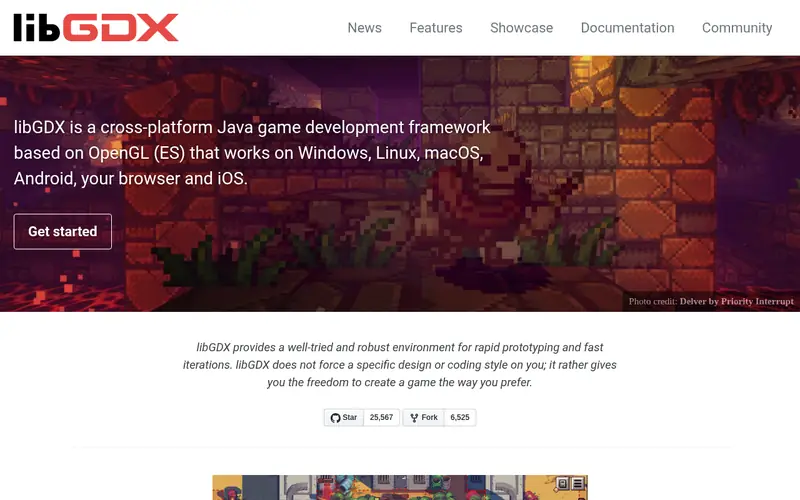
libGDX is a Java game development framework. It provides graphics, audio, input, file handling and math utilities, and it abstracts the platform so the same project runs on Windows, macOS, Linux, Android, iOS and HTML5. Rendering goes through OpenGL ES, with backends for desktop GL and WebGL.
It is a framework rather than a full engine. You write the game loop and scene logic yourself, often with libraries such as Ashley for entity-component-system work or Box2D for physics. There is no official visual editor, so level and asset workflows are up to you.
The project is open source under the Apache 2.0 licence and free to use in commercial games. Its size and long track record make it the safest default for Java teams. Skip it if you want a bundled editor and scene graph out of the box.
Standout: One codebase for desktop, Android, iOS and HTML5
Free (open source), as listed by the vendor (libGDX website). Confirm the current plan price before you buy.
Free plan. Plans change, so confirm on the vendor's pricing page before you buy.
Benefits
- One codebase for desktop, Android, iOS and HTML5
- large community and many third-party libraries
Drawbacks
- No built-in editor
- you assemble your own toolchain
Skip it if this limit matters to you: no built-in editor.
Verdict. A sensible pick for cross-platform 2D and 3D Java games.
Alternatives in this guide: jMonkeyEngine, LWJGL, FXGL
jMonkeyEngine
Best for 3D Java games with a scene graph
What it is and where it fits
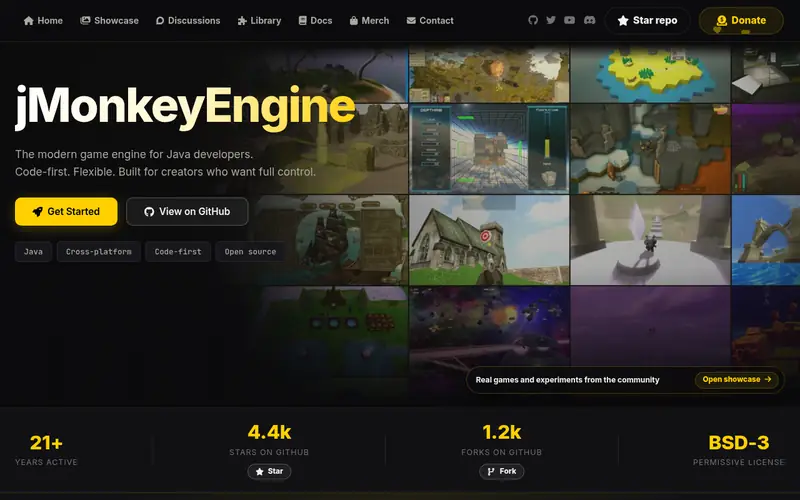
jMonkeyEngine is a 3D game engine written in Java. It offers a scene graph, shader support, lighting, physics through integrations such as jBullet and Minie, and audio. It runs on desktop platforms and Android.
The engine ships with an SDK that includes a scene composer, material editor and project templates. That makes it closer to a complete engine than libGDX, at the cost of a steeper learning curve for its conventions.
It is open source under the BSD licence and free for commercial use. Choose it for 3D projects where you want engine structure and tooling. Skip it for simple 2D games, where libGDX or FXGL is a lighter fit.
Standout: Full 3D engine with scene graph and physics integration
Free (open source), as listed by the vendor (jMonkeyEngine website). Confirm the current plan price before you buy.
Free plan. Plans change, so confirm on the vendor's pricing page before you buy.
Benefits
- Full 3D engine with scene graph and physics integration
- SDK with scene editor and asset tools
Drawbacks
- Smaller community than libGDX
- 2D support is less mature than its 3D path
Skip it if this limit matters to you: smaller community than libGDX.
Verdict. A sensible pick for 3D Java games with a scene graph.
LWJGL
Best for developers building their own engine on native APIs
What it is and where it fits
LWJGL (Lightweight Java Game Library) provides Java bindings to native libraries used in games: OpenGL, Vulkan, OpenAL, GLFW and others. It handles memory and native calls so you can drive graphics and audio APIs from Java.
It is a foundation, not an engine. There is no scene graph, asset pipeline or game loop. Teams use it when they need control over rendering or are porting an existing engine design. Minecraft is a well-known example of a game built on it.
LWJGL is open source under the BSD licence and free. It suits experienced developers who want low-level control. Most teams shipping a game should start with a higher-level engine and drop to LWJGL only when they need to.
Standout: Direct bindings to OpenGL, Vulkan, OpenAL and GLFW
Free (open source), as listed by the vendor (LWJGL website). Confirm the current plan price before you buy.
Free plan. Plans change, so confirm on the vendor's pricing page before you buy.
Benefits
- Direct bindings to OpenGL, Vulkan, OpenAL and GLFW
- used by many large Java projects
Drawbacks
- Not a game engine
- you build rendering, input and audio layers yourself
Skip it if this limit matters to you: not a game engine.
Verdict. A sensible pick for developers building their own engine on native APIs.
Alternatives in this guide: libGDX, jMonkeyEngine, FXGL
FXGL
Best for 2D JavaFX games with simple setup
What it is and where it fits
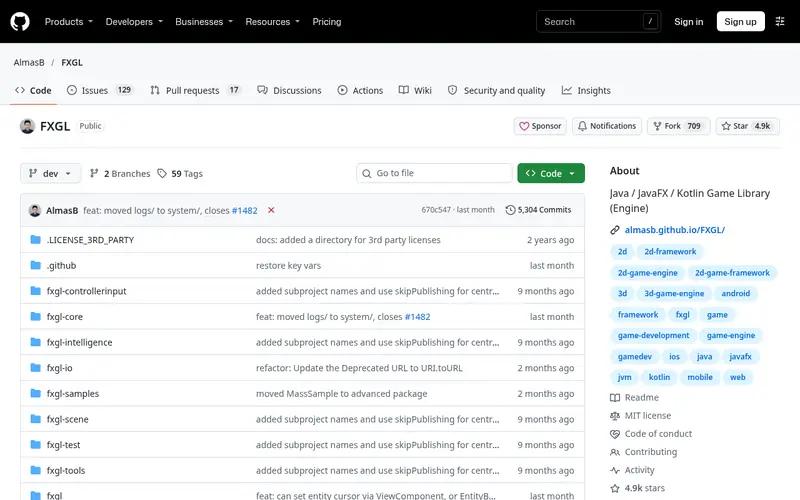
FXGL is a 2D game framework built on JavaFX. It provides a game loop, entity-component system, input, collision, particle effects and UI, and it runs on desktop and Android. Because it builds on JavaFX, teams already using that stack can reuse their knowledge.
Setup is simple: a Maven or Gradle dependency and a main class. That makes it a good fit for prototypes, teaching and small 2D games. It is less suited to large 3D projects or teams that do not want a JavaFX dependency.
The project is open source under the MIT licence and free. Choose it for small 2D games and JavaFX-based tools. Skip it if you need a full 3D pipeline or a large plugin ecosystem.
Standout: Built on JavaFX, so it works with existing Java UI skills
Free (open source), as listed by the vendor (FXGL website). Confirm the current plan price before you buy.
Free plan. Plans change, so confirm on the vendor's pricing page before you buy.
Benefits
- Built on JavaFX, so it works with existing Java UI skills
- simple project setup and entity system
Drawbacks
- Tied to the JavaFX runtime
- 3D support is limited
Skip it if this limit matters to you: tied to the JavaFX runtime.
Verdict. A sensible pick for 2D JavaFX games with simple setup.
Alternatives in this guide: libGDX, jMonkeyEngine, LWJGL
LITIENGINE
Best for 2D tile-based Java games
What it is and where it fits
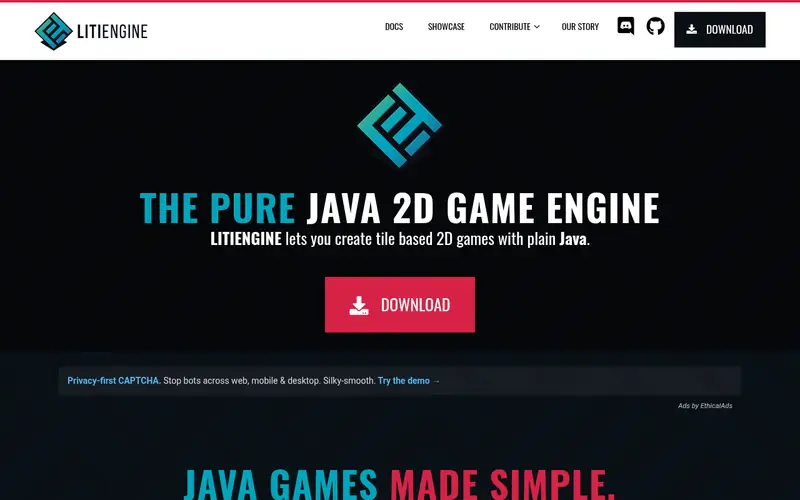
LITIENGINE is a free 2D Java game engine. It focuses on tile-based maps, sprite animation, entity management and a game loop, and it includes tooling for map editing. It targets desktop Java.
The engine is aimed at 2D action and role-playing style games rather than 3D. Its scope is narrower than libGDX or jMonkeyEngine, which keeps the API smaller but also means fewer third-party add-ons and tutorials.
It is open source and free. It suits solo developers and small teams building 2D tile games who want engine structure without a heavy 3D stack. Skip it for 3D projects or teams that need a large community for support.
Standout: Purpose-built for 2D tile maps and sprite animation
Free (open source), as listed by the vendor (LITIENGINE website). Confirm the current plan price before you buy.
Free plan. Plans change, so confirm on the vendor's pricing page before you buy.
Benefits
- Purpose-built for 2D tile maps and sprite animation
- includes a map editor and utilities
Drawbacks
- Smaller community
- narrower scope than general-purpose engines
Skip it if this limit matters to you: smaller community.
Verdict. A sensible pick for 2D tile-based Java games.
Alternatives in this guide: libGDX, jMonkeyEngine, LWJGL
KorGE
Best for kotlin developers building 2D games
What it is and where it fits
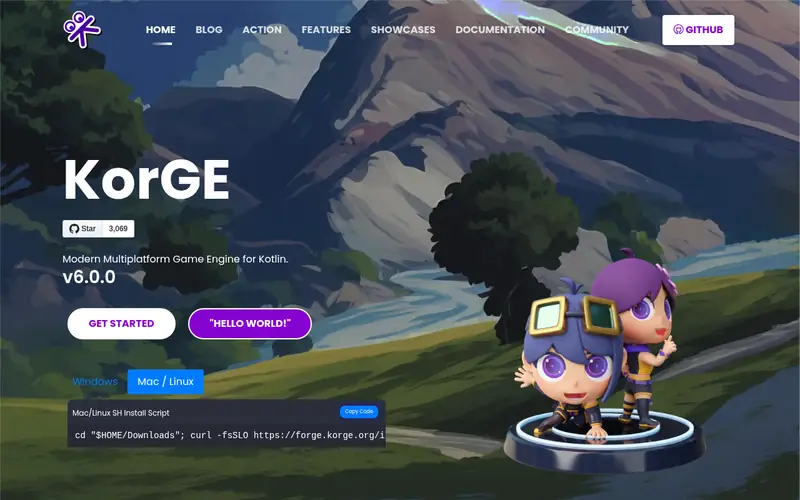
KorGE is a 2D game engine written in Kotlin. It runs on the JVM, Android, iOS, JavaScript and native targets, and it uses Kotlin coroutines for game logic. It includes rendering, audio, input and asset handling.
It is the odd entry on a Java list because its API is Kotlin. Java teams can call it, but the idioms and documentation assume Kotlin. If your team already writes Kotlin, it is a modern option with multi-platform output.
KorGE is open source and free. Choose it for Kotlin 2D projects that need to reach several platforms. Skip it if your team is Java-only or you need the largest possible community.
Standout: Kotlin-first API with coroutines
Free (open source), as listed by the vendor (KorGE website). Confirm the current plan price before you buy.
Free plan. Plans change, so confirm on the vendor's pricing page before you buy.
Benefits
- Kotlin-first API with coroutines
- targets JVM, Android, iOS, JS and native
Drawbacks
- Kotlin rather than Java
- smaller ecosystem than libGDX
Skip it if this limit matters to you: kotlin rather than Java.
Verdict. A sensible pick for kotlin developers building 2D games.
Alternatives in this guide: libGDX, jMonkeyEngine, LWJGL
Who should use what
Teams shipping a 2D or 3D game to desktop, mobile and web should start with libGDX. Developers who want a full 3D engine with a scene editor should look at jMonkeyEngine. Engineers building custom rendering or porting an engine design should use LWJGL. Small 2D projects on JavaFX fit FXGL, tile-based 2D games fit LITIENGINE, and Kotlin teams should consider KorGE.
Questions to settle before you buy
What to check before you buy
- Confirm the engine supports every platform you plan to ship on, including mobile and web.
- Check the licence terms for commercial distribution and asset requirements.
- Verify the project has recent commits and releases, not just an active website.
- Confirm the documentation covers the features you need, such as physics or tile maps.
- Test a small prototype before committing your team to the API and tooling.
FAQ
Is libGDX a game engine or a framework?
libGDX is a framework. It provides rendering, audio, input and platform abstraction, but you write the game loop and scene logic. Many teams add libraries for physics and entity systems to fill the gaps.
Do I need to pay for a Java game engine?
No. All six options here are free and open source, including libGDX, jMonkeyEngine, LWJGL, FXGL, LITIENGINE and KorGE. Check each licence for commercial use terms, but none requires a paid licence.
Can these engines build games for Android and iOS?
libGDX and KorGE target Android, iOS and other platforms. jMonkeyEngine and FXGL target desktop and Android. LWJGL and LITIENGINE are desktop-focused, so check platform support before you start.
Should I use LWJGL directly?
Only if you need low-level control over OpenGL, Vulkan or audio, or you are building your own engine. For most games, a higher-level engine saves time and handles platform differences for you.
Is KorGE usable from Java?
KorGE is written in Kotlin and its API and documentation assume Kotlin. Java code can call it, but you will get the most from it if your team already writes Kotlin.
Sources we checked
Method: how we score · editorial policy.
Change log. First published 28 Nov 2026.