Stage 01 · Write · Researched comparison
Best Java Decompilers to Inspect Bytecode in 2026
JD-GUI is the first pick for most developers who want to open a .class or .jar file and read the source quickly, because it is free, open source and runs as a standalone desktop app. CFR suits command-line work and scripting, while IntelliJ IDEA's built-in decompiler fits teams already working inside that IDE. Each option reads compiled bytecode and reconstructs Java source you can inspect.

By Shihab Mia
Published 22 Nov 2026 · 6 tools compared
We run no ads and no affiliate links at launch. The order of a list follows our published method. See how we score.
Prices are the starting prices vendors list publicly. Plans change, so confirm the current price on the vendor page before you buy.
Key takeaways
- JD-GUI, CFR, Procyon and Fernflower are free and open source; JEB Decompiler is paid.
- Standalone GUI tools are best for quick inspection, while IDE plugins keep decompiled code next to your project.
- Decompiled output is reconstructed, not original source, so treat it as a reading aid and check licence terms before reuse.
- Decompilers run locally, so class files stay on your machine; avoid uploading proprietary jars to unknown web decompilers.
Who each pick is for
- Quick standalone inspection of class and jar filesJD-GUI
- Command-line and scripted decompilationCFR
- Reading decompiled code inside the IDEIntelliJ IDEA decompiler
- Decompiling modern Java features from the command lineProcyon
- Open-source decompiler engine and CLIFernflower
- Deep analysis of obfuscated or Android bytecodeJEB Decompiler
Comparison
| Tool | Best for | Standout feature | Listed starting price | Free plan or trial |
|---|---|---|---|---|
| 1JD-GUI | Quick standalone inspection of class and jar files | Simple drag-and-drop GUI | Free (open source) | Free plan |
| 2CFR | Command-line and scripted decompilation | Single jar, runs anywhere Java runs | Free | Free plan |
| 3IntelliJ IDEA decompiler | Reading decompiled code inside the IDE | Built into a full IDE | See vendor pricing page | Free trial (30 days) |
| 4Procyon | Decompiling modern Java features from the command line | Strong support for newer language constructs | Free (open source) | Free plan |
| 5Fernflower | Open-source decompiler engine and CLI | Widely used decompiler engine | Free (open source) | Free plan |
| 6JEB Decompiler | Deep analysis of obfuscated or Android bytecode | Strong analysis of difficult bytecode | See vendor pricing page | No free plan |
How we picked
We compared tools on fit for reading Java bytecode, supported platforms, licence and price, whether they run locally, and their main limits such as handling of newer or obfuscated bytecode. Sources are vendor pages, project documentation and public repositories. Prices and licence terms change, so confirm details on the vendor site before you commit.
The tools, one by one
JD-GUI
Best for quick standalone inspection of class and jar files
What it is and where it fits
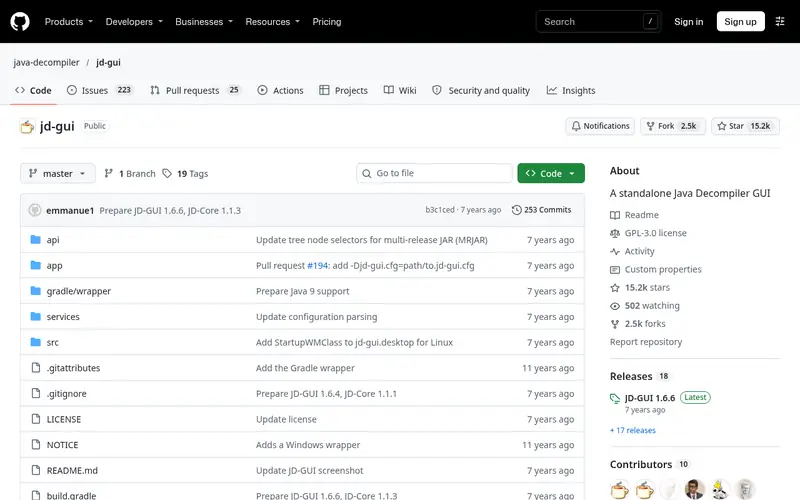
JD-GUI is a standalone graphical decompiler. You open a .class file or a .jar, and it shows a tree of packages and classes with reconstructed Java source in a viewer. It runs on Windows, macOS and Linux as a desktop application. The project is open source and free to use.
It is the fastest route for a developer who just wants to see what is inside a compiled library without setting up an IDE or a build. The viewer supports search and lets you save decompiled source. The main limit is that JD-GUI has seen slower updates than some command-line decompilers, and some newer language constructs may decompile imperfectly. Developers who need scripted or batch decompilation should pair it with a CLI tool.
Standout: Simple drag-and-drop GUI
Free (open source), as listed by the vendor (JD-GUI website). Confirm the current plan price before you buy.
Free plan. Plans change, so confirm on the vendor's pricing page before you buy.
Benefits
- Simple drag-and-drop GUI
- Opens whole jars and browses packages
Drawbacks
- Limited handling of newer bytecode features
- Desktop app only, no CLI
Skip it if this limit matters to you: limited handling of newer bytecode features.
Verdict. A sensible pick for quick standalone inspection of class and jar files.
Alternatives in this guide: CFR, IntelliJ IDEA decompiler, Procyon
CFR
Best for command-line and scripted decompilation
What it is and where it fits
CFR is a command-line Java decompiler distributed as a single jar file. You run it with java -jar cfr.jar and point it at a class file or jar. It prints decompiled source to standard output or writes files, which makes it easy to use in scripts and build pipelines. It is free to download and use.
CFR is a common choice when you need to decompile many classes at once or fold the step into automation. It aims to support recent Java versions and language features. There is no graphical interface, so you work from a terminal. Output for heavily obfuscated or unusual bytecode can be imperfect, as with any decompiler. Developers who prefer a visual browser should use a GUI tool instead.
Standout: Single jar, runs anywhere Java runs
Free, as listed by the vendor (CFR website). Confirm the current plan price before you buy.
Free plan. Plans change, so confirm on the vendor's pricing page before you buy.
Benefits
- Single jar, runs anywhere Java runs
- Handles modern bytecode well
Drawbacks
- No GUI
- Output quality varies with obfuscated code
Skip it if this limit matters to you: no GUI.
Verdict. A sensible pick for command-line and scripted decompilation.
Alternatives in this guide: JD-GUI, IntelliJ IDEA decompiler, Procyon
IntelliJ IDEA decompiler
Best for reading decompiled code inside the IDE

What it is and where it fits
IntelliJ IDEA ships with a built-in Java decompiler, based on the Fernflower engine, that runs when you open a class file or navigate to a library class without attached sources. You can step through decompiled code with the same navigation, search and debugging tools you use for your own project. It runs on Windows, macOS and Linux.
The decompiler is part of the IDE. IntelliJ IDEA Community Edition is free and open source, while the Ultimate edition is a paid product with a free trial; check the vendor pricing page for current terms. The advantage is context: decompiled code sits beside your project. The limit is that you must use this IDE, and the most complete feature set sits behind the paid tier. Developers committed to another editor should pick a standalone tool.
Standout: Built into a full IDE
See vendor pricing page, as listed by the vendor (IntelliJ IDEA decompiler website). Confirm the current plan price before you buy.
Free trial (30 days). Plans change, so confirm on the vendor's pricing page before you buy.
Benefits
- Built into a full IDE
- Jump-to-source navigation on libraries
Drawbacks
- Full features need a paid licence
- Tied to one IDE
Skip it if this limit matters to you: full features need a paid licence.
Verdict. A sensible pick for reading decompiled code inside the IDE.
Procyon
Best for decompiling modern Java features from the command line
What it is and where it fits
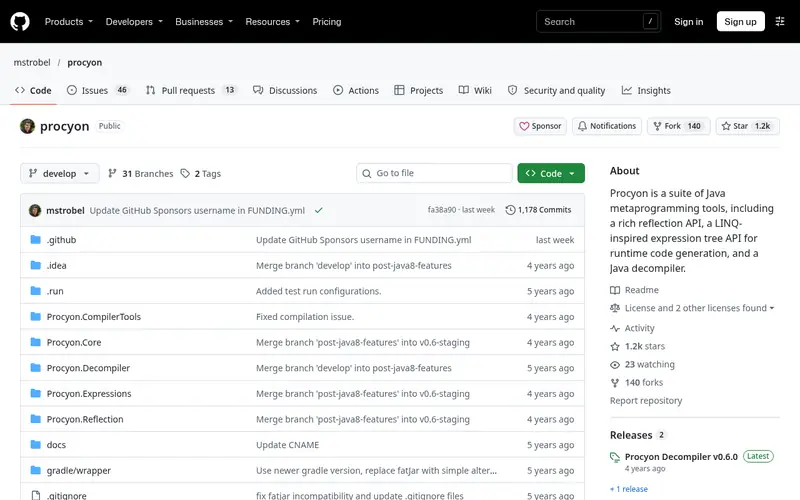
Procyon is an open-source Java decompiler suite. It includes a command-line decompiler that takes class files and produces Java source, and it is known for handling newer language features such as lambdas and switch expressions reasonably well. It runs anywhere a Java runtime is available.
The project is free and open source. It has no official graphical interface, so you run it from a terminal or call it from code. Development has been slower in recent years, so very new bytecode versions may not always be supported. It works well as a second opinion when another decompiler produces confusing output. Developers who want an actively updated GUI should look at JD-GUI instead.
Standout: Strong support for newer language constructs
Free (open source), as listed by the vendor (Procyon website). Confirm the current plan price before you buy.
Free plan. Plans change, so confirm on the vendor's pricing page before you buy.
Benefits
- Strong support for newer language constructs
- Includes a command-line decompiler
Drawbacks
- Project updates are infrequent
- No official GUI
Skip it if this limit matters to you: project updates are infrequent.
Verdict. A sensible pick for decompiling modern Java features from the command line.
Alternatives in this guide: JD-GUI, CFR, IntelliJ IDEA decompiler
Fernflower
Best for open-source decompiler engine and CLI
What it is and where it fits
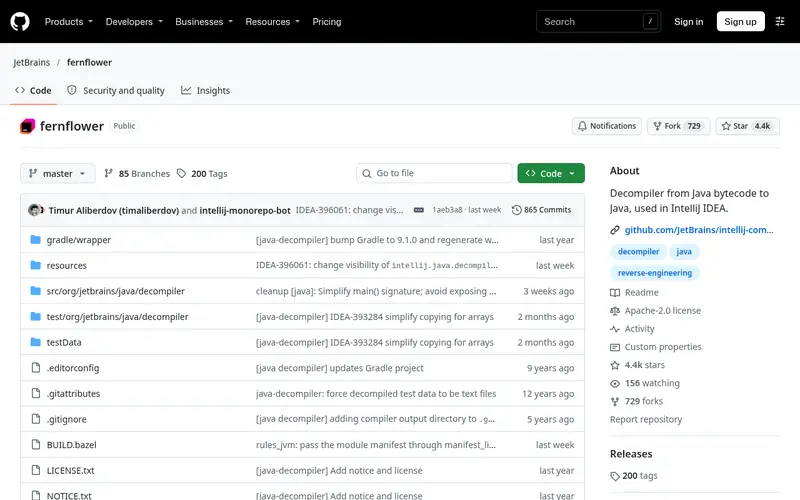
Fernflower is an open-source Java decompiler that also serves as the engine behind several IDE integrations. It is distributed as a jar you can run from the command line to decompile class files and jars into source. It runs on any platform with a Java runtime.
Because it is an engine as much as a tool, its documentation and interface are plain. You invoke it with arguments and read the output files. It is free and open source. The main drawback is that the standalone project is not heavily documented, and output quality depends on the bytecode. It suits developers who want a free engine to embed or script, rather than a polished desktop app.
Standout: Widely used decompiler engine
Free (open source), as listed by the vendor (Fernflower website). Confirm the current plan price before you buy.
Free plan. Plans change, so confirm on the vendor's pricing page before you buy.
Benefits
- Widely used decompiler engine
- Command-line jar for batch work
Drawbacks
- Minimal documentation
- Interface is basic
Skip it if this limit matters to you: minimal documentation.
Verdict. A sensible pick for open-source decompiler engine and CLI.
Alternatives in this guide: JD-GUI, CFR, IntelliJ IDEA decompiler
JEB Decompiler
Best for deep analysis of obfuscated or Android bytecode
What it is and where it fits
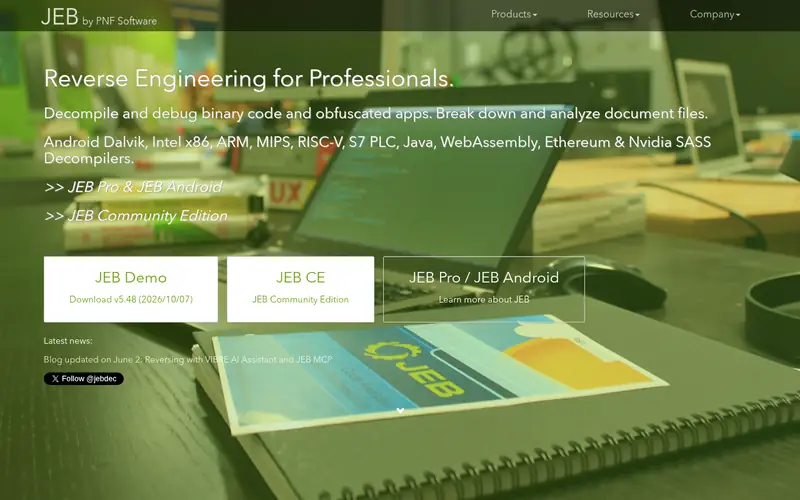
JEB Decompiler is a commercial reverse-engineering platform from PNF Software. Its Java and Dalvik decompilers are aimed at analysts who need to work through obfuscated code, Android apps and related formats. It runs as a desktop application on Windows, macOS and Linux, with a scriptable API.
JEB is a paid product with tiered licences; check the vendor pricing page for current editions and prices. It is heavier than a simple viewer and is built for security and reverse-engineering work rather than casual inspection of a library. The cost and learning curve make it a poor fit for developers who only need to peek at a class file occasionally. Teams doing regular analysis of protected code are the intended audience.
Standout: Strong analysis of difficult bytecode
See vendor pricing page, as listed by the vendor (JEB Decompiler website). Confirm the current plan price before you buy.
No free plan. Plans change, so confirm on the vendor's pricing page before you buy.
Benefits
- Strong analysis of difficult bytecode
- Supports Android and native formats
Drawbacks
- Commercial licence
- Steeper learning curve
Skip it if this limit matters to you: commercial licence.
Verdict. A sensible pick for deep analysis of obfuscated or Android bytecode.
Alternatives in this guide: JD-GUI, CFR, IntelliJ IDEA decompiler
Who should use what
If you occasionally open a jar to see how a library works, JD-GUI gives you a free desktop viewer with no setup. If you need to decompile many classes in a script or build step, CFR or Fernflower fit a command-line workflow. If you already live in IntelliJ IDEA, its built-in decompiler keeps decompiled code beside your project. If you analyze obfuscated or Android bytecode as part of security work, JEB Decompiler's commercial platform is built for that job.
Questions to settle before you buy
What to check before you buy
- Confirm the tool supports the Java bytecode version you are decompiling.
- Check the licence terms before you reuse any decompiled source in your own project.
- Verify platform support: Windows-only tools will not help on macOS or Linux.
- Decide whether you need a GUI, a command-line tool for scripts, or an IDE plugin.
- Keep proprietary jars local and avoid uploading them to unknown web decompilers.
FAQ
Are Java decompilers legal to use?
Decompiling is often allowed for interoperability, debugging and study, but the rules depend on the software licence and local law. Check the licence of the code you are inspecting and your organization's policy before you decompile or reuse output.
What is the difference between a decompiler and a disassembler?
A decompiler reconstructs Java source from bytecode, while a disassembler shows bytecode instructions such as javap output. Decompiled source is easier to read but is a reconstruction, so it may not match the original exactly.
Can decompilers recover the original source code?
No. Decompilers rebuild approximate source from bytecode. Comments, local variable names and formatting are usually lost, and obfuscated code may decompile poorly. Treat the output as a reading aid, not the original file.
Do I need a paid decompiler?
For most inspection tasks, free and open-source tools such as JD-GUI, CFR and Fernflower are enough. Paid tools like JEB Decompiler target deeper analysis of obfuscated or Android bytecode, where their extra features matter.
Is it safe to use online Java decompilers?
Online decompilers require uploading class files to a third party. For proprietary or sensitive code, prefer tools that run locally on your machine, such as JD-GUI or CFR, so the bytecode never leaves your system.
Sources we checked
Method: how we score · editorial policy.
Change log. First published 22 Nov 2026.