Stage 01 · Write · Researched comparison
Best Java CLI Frameworks in 2026
picocli is the first pick for most teams building a Java command-line app. It handles annotations, subcommands, help text and ANSI color, and it works as a single dependency. Choose JCommander if you want a small, annotation-driven parser with a long track record. Choose Spring Shell if you are already on Spring and want an interactive shell with command completion.

By Shihab Mia
Published 27 Nov 2026 · 6 tools compared
We run no ads and no affiliate links at launch. The order of a list follows our published method. See how we score.
Prices are the starting prices vendors list publicly. Plans change, so confirm the current price on the vendor page before you buy.
Key takeaways
- picocli, JCommander, Apache Commons CLI, Airline and JLine are free and open source, so there is no licence cost.
- Spring Shell is open source too, but it pulls in the Spring container and suits interactive shells more than one-shot commands.
- picocli and JCommander both generate usage help from annotations, which cuts boilerplate in larger command trees.
- JLine is a line-editing and terminal library, not a full argument parser, so pair it with a parser when you need both.
Who each pick is for
- Annotation-driven parsing with subcommands and help textpicocli
- Small annotation-based parsers with minimal setupJCommander
- Classic option parsing inside Apache-centric projectsApache Commons CLI
- Interactive shells in Spring Boot applicationsSpring Shell
- Annotation-driven CLIs with shell completion generationAirline
- Line editing, history and terminal handling in interactive CLIsJLine
Comparison
| Tool | Best for | Standout feature | Listed starting price | Free plan or trial |
|---|---|---|---|---|
| 1picocli | Annotation-driven parsing with subcommands and help text | Rich annotation model with nested subcommands | Free (open source) | Free plan |
| 2JCommander | Small annotation-based parsers with minimal setup | Simple annotation API that is quick to adopt | Free (open source) | Free plan |
| 3Apache Commons CLI | Classic option parsing inside Apache-centric projects | Part of the widely used Apache Commons family | Free (open source) | Free plan |
| 4Spring Shell | Interactive shells in Spring Boot applications | Interactive shell with command completion and history | Free (open source) | Free plan |
| 5Airline | Annotation-driven CLIs with shell completion generation | Generates bash and zsh completion scripts | Free (open source) | Free plan |
| 6JLine | Line editing, history and terminal handling in interactive CLIs | Handles line editing, history and tab completion | Free (open source) | Free plan |
How we picked
We picked projects that are real, currently maintained and genuinely used to build Java command-line interfaces. Criteria were fit for the job, supported platforms, licence and price, dependency weight, and the main limits of each. Sources are vendor pages, official documentation and project repositories. Prices and licences can change, so confirm details on the vendor or repository page before you commit.
The tools, one by one
picocli
Best for annotation-driven parsing with subcommands and help text
What it is and where it fits
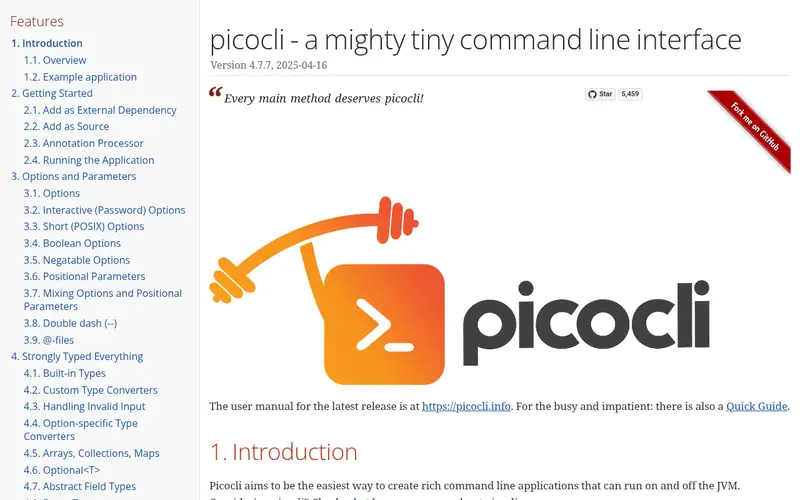
picocli is a single-jar command-line framework for Java. You declare options, positional parameters and subcommands as annotated fields or methods, and picocli parses arguments, validates them and prints usage help. It supports command hierarchies, argument groups, type conversion, and completion scripts for bash and zsh. It runs on any JVM and also works with GraalVM native image.
The project is Apache-2.0 licensed and free to use. It has no paid tier and no usage limits. The main cost is learning time: the feature set is large, and teams that only need a handful of flags may find the annotation model heavier than a hand-written parser. Skip it if you want zero dependencies and a very small command surface.
Standout: Rich annotation model with nested subcommands
Free (open source), as listed by the vendor (picocli website). Confirm the current plan price before you buy.
Free plan. Plans change, so confirm on the vendor's pricing page before you buy.
Benefits
- Rich annotation model with nested subcommands
- generates usage help and ANSI color
Drawbacks
- Many features to learn
- annotation-heavy code can feel dense
Skip it if this limit matters to you: many features to learn.
Verdict. A sensible pick for annotation-driven parsing with subcommands and help text.
Alternatives in this guide: JCommander, Apache Commons CLI, Spring Shell
JCommander
Best for small annotation-based parsers with minimal setup
What it is and where it fits
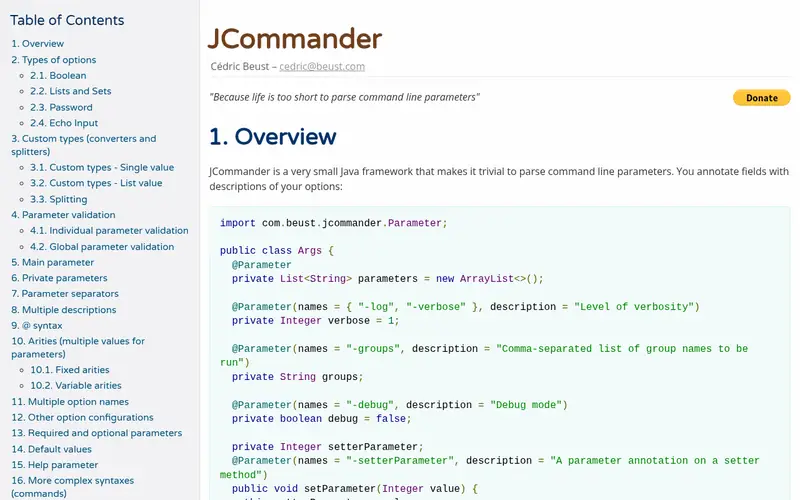
JCommander is an annotation-based command-line parser for Java. You annotate fields with `@Parameter`, hand the object to a `JCommander` instance and call `parse`. It supports required and optional parameters, type conversion, password parameters that hide input, and basic usage output. It is a small library with few transitive dependencies.
The project is Apache-2.0 licensed and free. It does not provide subcommand trees as deep as picocli's, and its help output is plainer. It suits small tools, internal scripts and projects that already depend on it. Teams starting a large multi-command CLI should compare it against picocli before committing.
Standout: Simple annotation API that is quick to adopt
Free (open source), as listed by the vendor (JCommander website). Confirm the current plan price before you buy.
Free plan. Plans change, so confirm on the vendor's pricing page before you buy.
Benefits
- Simple annotation API that is quick to adopt
- long-standing project with stable behavior
Drawbacks
- Smaller feature set than picocli
- less active development in recent years
Skip it if this limit matters to you: smaller feature set than picocli.
Verdict. A sensible pick for small annotation-based parsers with minimal setup.
Alternatives in this guide: picocli, Apache Commons CLI, Spring Shell
Apache Commons CLI
Best for classic option parsing inside Apache-centric projects
What it is and where it fits
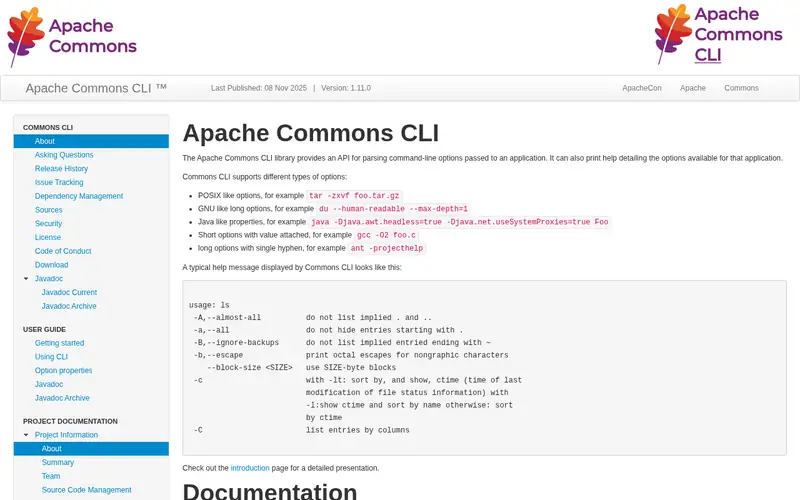
Apache Commons CLI is a long-running option parser from the Apache Commons project. You build an `Options` object, define `Option` entries, then parse an argument array into a `CommandLine`. It supports short and long option names, option groups, and a `HelpFormatter` that prints usage text.
It is Apache-2.0 licensed and free. The API is programmatic rather than annotation-based, so you write more setup code than with picocli or JCommander. Subcommand support is limited compared with newer frameworks. It fits projects already standardized on Apache Commons libraries and simple tools where a few options are enough.
Standout: Part of the widely used Apache Commons family
Free (open source), as listed by the vendor (Apache Commons CLI website). Confirm the current plan price before you buy.
Free plan. Plans change, so confirm on the vendor's pricing page before you buy.
Benefits
- Part of the widely used Apache Commons family
- straightforward programmatic API
Drawbacks
- No annotation model
- help formatting is manual
Skip it if this limit matters to you: no annotation model.
Verdict. A sensible pick for classic option parsing inside Apache-centric projects.
Alternatives in this guide: picocli, JCommander, Spring Shell
Spring Shell
Best for interactive shells in Spring Boot applications
What it is and where it fits
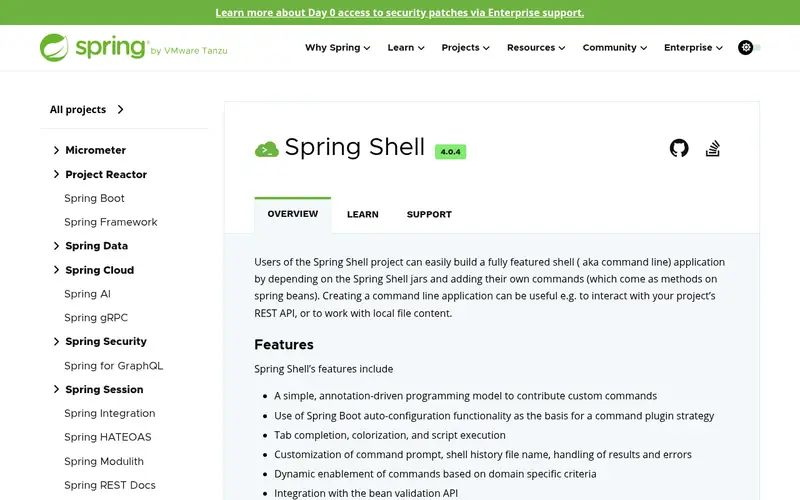
Spring Shell builds interactive command-line applications on top of Spring. You annotate methods with `@ShellMethod`, and the framework provides a prompt, tab completion, command history and built-in help. It can run as a standalone app or inside a Spring Boot application, and it supports scripting commands from a file.
It is Apache-2.0 licensed and free. The trade-off is weight: it brings in the Spring context and related libraries, which is a lot for a tool that parses arguments once and exits. It suits teams already running Spring Boot that want an admin or operations shell. For a plain CLI that runs and exits, a lighter parser is usually a better fit.
Standout: Interactive shell with command completion and history
Free (open source), as listed by the vendor (Spring Shell website). Confirm the current plan price before you buy.
Free plan. Plans change, so confirm on the vendor's pricing page before you buy.
Benefits
- Interactive shell with command completion and history
- integrates with the Spring container
Drawbacks
- Heavy dependency footprint
- overkill for one-shot command-line tools
Skip it if this limit matters to you: heavy dependency footprint.
Verdict. A sensible pick for interactive shells in Spring Boot applications.
Alternatives in this guide: picocli, JCommander, Apache Commons CLI
Airline
Best for annotation-driven CLIs with shell completion generation
What it is and where it fits
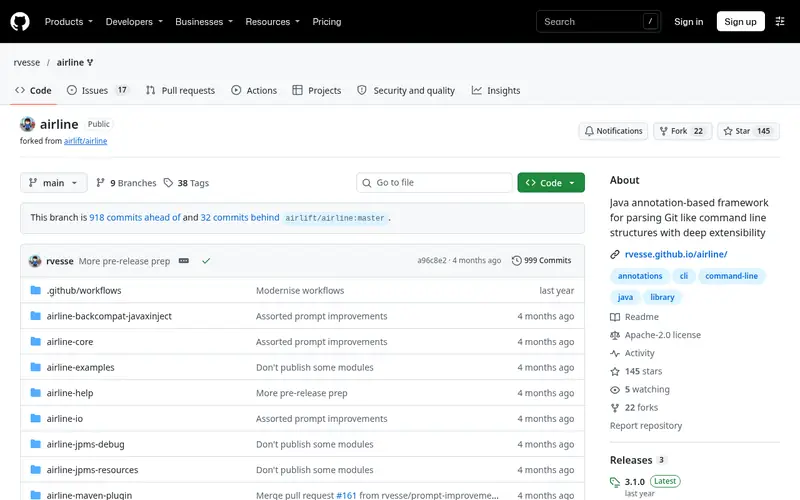
Airline is an annotation-based command-line framework from the rvesse project. You annotate fields and methods to define commands, options and arguments, and Airline builds the parser and help output. It can generate shell completion scripts for bash and zsh, and it supports command groups and nested commands.
It is Apache-2.0 licensed and free. The community is smaller than picocli's, so examples and answers are harder to find. It suits teams that want completion generation and a clean annotation model and are comfortable reading the project documentation directly. Check the repository for current release activity before adopting it for a long-lived tool.
Standout: Generates bash and zsh completion scripts
Free (open source), as listed by the vendor (Airline website). Confirm the current plan price before you buy.
Free plan. Plans change, so confirm on the vendor's pricing page before you buy.
Benefits
- Generates bash and zsh completion scripts
- supports command groups and help
Drawbacks
- Smaller community than picocli
- fewer tutorials and examples
Skip it if this limit matters to you: smaller community than picocli.
Verdict. A sensible pick for annotation-driven CLIs with shell completion generation.
Alternatives in this guide: picocli, JCommander, Apache Commons CLI
JLine
Best for line editing, history and terminal handling in interactive CLIs
What it is and where it fits
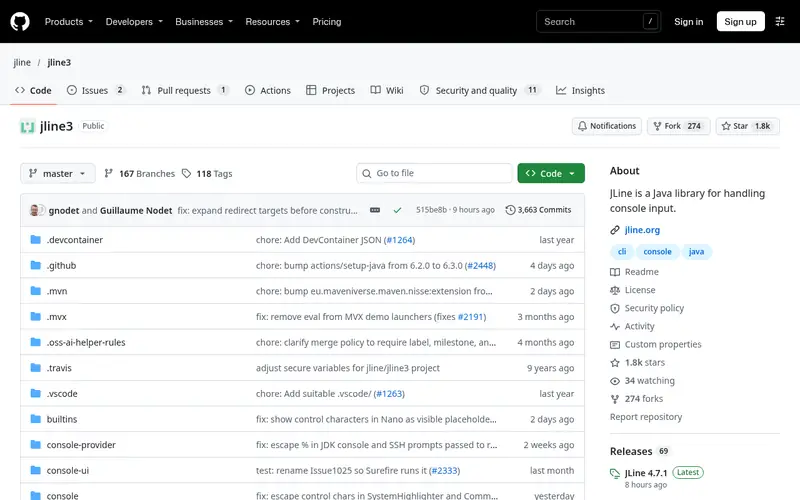
JLine is a terminal and line-editing library for Java. It provides an interactive prompt with line editing, command history, tab completion and key bindings, and it handles terminal differences across platforms. Projects use it as the input layer of an interactive shell, often alongside a separate argument parser.
It is BSD-3-Clause licensed and free. JLine does not parse options or generate usage help, so it is not a replacement for picocli or JCommander. It suits tools that need a rich interactive prompt, such as database clients or REPLs. For a non-interactive command that reads arguments and exits, JLine adds little.
Standout: Handles line editing, history and tab completion
Free (open source), as listed by the vendor (JLine website). Confirm the current plan price before you buy.
Free plan. Plans change, so confirm on the vendor's pricing page before you buy.
Benefits
- Handles line editing, history and tab completion
- works across common terminals
Drawbacks
- Not an argument parser on its own
- needs a parser for option handling
Skip it if this limit matters to you: not an argument parser on its own.
Verdict. A sensible pick for line editing, history and terminal handling in interactive CLIs.
Alternatives in this guide: picocli, JCommander, Apache Commons CLI
Who should use what
A team building a new multi-command CLI with help text and completion should start with picocli. A developer adding a few flags to an internal tool will find JCommander or Apache Commons CLI quicker to adopt. A Spring Boot shop that wants an operations shell should look at Spring Shell. A tool that needs a rich interactive prompt, such as a REPL or database client, should pair JLine with a parser. Airline fits teams that want generated shell completion and a compact annotation model.
Questions to settle before you buy
What to check before you buy
- Confirm the licence matches your distribution model, especially for commercial or closed-source tools.
- Check whether you need subcommands, and whether the framework supports nested command trees.
- Test help output and error messages, since users see those first.
- Check native-image support if you plan to ship a GraalVM binary.
- Verify the project's recent release activity before depending on it long term.
FAQ
Is picocli free to use?
Yes. picocli is open source under the Apache-2.0 licence and has no paid tier. You can use it in commercial and closed-source projects. The project is funded through community contributions, and the documentation is available on the official site.
Can I use these frameworks with GraalVM native image?
picocli documents native-image support and reflection configuration. Spring Shell runs on Spring Boot, which has its own native-image guidance. JCommander, Apache Commons CLI, Airline and JLine are plain libraries, so native-image support depends on how your code uses reflection. Check each project's documentation for current guidance.
What is the difference between a parser and a shell library?
A parser such as picocli, JCommander or Apache Commons CLI turns an argument array into typed values and prints usage help. A shell library such as JLine or Spring Shell provides an interactive prompt, history and completion. Some tools need both, so pair a parser with a shell library.
Do these frameworks work outside Spring?
Yes. picocli, JCommander, Apache Commons CLI, Airline and JLine are standalone libraries with no Spring dependency. Spring Shell is built on Spring and expects the Spring container, so it is the exception.
Which framework should I avoid for a simple tool?
Spring Shell is a poor fit for a tool that parses arguments once and exits, because it brings in the Spring container. JLine is also unnecessary for non-interactive commands. For a small tool, JCommander or Apache Commons CLI keeps the dependency footprint low.
Sources we checked
Method: how we score · editorial policy.
Change log. First published 27 Nov 2026.