Stage 01 · Write · Researched comparison
Best Java Build Tools in 2026
Gradle is the first pick for most teams because it handles large multi-module builds and gives fine control over the build lifecycle. Maven suits teams that want a stable, convention-first setup with a huge plugin ecosystem. Apache Ant remains a fit for legacy builds that need explicit, script-style steps, while Bazel fits very large monorepos that need fast, cached, reproducible builds across languages.

By Shihab Mia
Published 22 Nov 2026 · 7 tools compared
We run no ads and no affiliate links at launch. The order of a list follows our published method. See how we score.
Prices are the starting prices vendors list publicly. Plans change, so confirm the current price on the vendor page before you buy.
Key takeaways
- Gradle and Maven are both free and open source, so licence cost is not the deciding factor between them.
- Gradle uses Groovy or Kotlin DSL build scripts; Maven uses declarative XML with strong conventions.
- Bazel and Gradle Enterprise add paid commercial options; confirm current prices on the vendor pages.
- All tools here run on Windows, macOS and Linux, and none require pasting secrets into a third-party web page.
Who each pick is for
- Large multi-module Java projects needing flexible build logicGradle
- Teams that want convention-first builds with stable XML configurationApache Maven
- Legacy and custom builds that need explicit scripted stepsApache Ant
- Very large multi-language monorepos needing cached, reproducible buildsBazel
- Scala and mixed Scala-Java projects that need incremental compilationsbt
- JVM projects that want a fast, Scala-based build with simple configsMill
- Ant builds that need dependency managementApache Ivy
Comparison
| Tool | Best for | Standout feature | Listed starting price | Free plan or trial |
|---|---|---|---|---|
| 1Gradle | Large multi-module Java projects needing flexible build logic | Fast incremental builds and build cache | Free (open source) | Free plan |
| 2Apache Maven | Teams that want convention-first builds with stable XML configuration | Strong conventions and a large plugin ecosystem | Free (open source) | Free plan |
| 3Apache Ant | Legacy and custom builds that need explicit scripted steps | Simple, explicit XML targets | Free (open source) | Free plan |
| 4Bazel | Very large multi-language monorepos needing cached, reproducible builds | Strong build caching and reproducibility | Free (open source) | Free plan |
| 5sbt | Scala and mixed Scala-Java projects that need incremental compilation | Strong Scala support with incremental compilation | Free (open source) | Free plan |
| 6Mill | JVM projects that want a fast, Scala-based build with simple configs | Fast builds with caching | Free (open source) | Free plan |
| 7Apache Ivy | Ant builds that need dependency management | Adds dependency resolution to Ant | Free (open source) | Free plan |
How we picked
We picked tools that are maintained and that genuinely build or support Java builds. Criteria were fit for the job, supported platforms, licence and pricing model, and the main limits each tool imposes. Sources are vendor pages, official documentation and project repositories. Prices and commercial tiers change, so confirm current terms on the vendor site before you commit.
The tools, one by one
Gradle
Best for large multi-module Java projects needing flexible build logic
What it is and where it fits
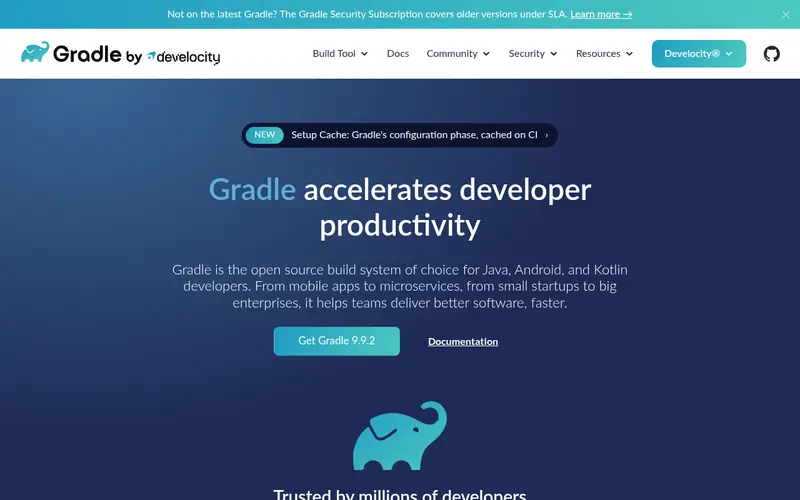
Gradle is an open-source build automation tool that runs on the JVM. It builds Java, Kotlin, Groovy and Android projects, and runs on Windows, macOS and Linux. Build scripts use either the Kotlin DSL or the Groovy DSL, and the tool ships a dependency resolver, a wrapper for pinning the build version, and a local and remote build cache.
The plugin model covers compilation, testing, packaging and publishing. Gradle is free under the Apache 2.0 licence. Commercial products such as Gradle Enterprise and Develocity are sold separately; check the vendor pricing page for those. Teams that want a strict, declarative standard with less script flexibility may prefer Maven.
Standout: Fast incremental builds and build cache
Free (open source), as listed by the vendor (Gradle website). Confirm the current plan price before you buy.
Free plan. Plans change, so confirm on the vendor's pricing page before you buy.
Benefits
- Fast incremental builds and build cache
- Kotlin and Groovy DSL for custom logic
Drawbacks
- Build scripts can grow complex
- steeper learning curve than Maven
Skip it if this limit matters to you: build scripts can grow complex.
Verdict. A sensible pick for large multi-module Java projects needing flexible build logic.
Alternatives in this guide: Apache Maven, Apache Ant, Bazel
Apache Maven
Best for teams that want convention-first builds with stable XML configuration
What it is and where it fits
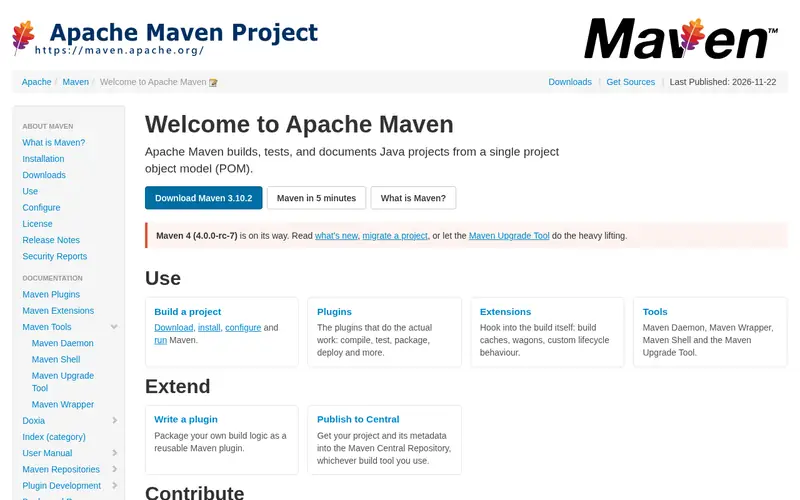
Maven is an open-source build and project management tool from the Apache Software Foundation. It uses a Project Object Model in XML and a fixed directory layout, so most Java projects build the same way. It runs on Windows, macOS and Linux and requires a JDK.
Dependencies come from local and remote repositories, and the central repository is the default source. Plugins handle compilation, testing, packaging and deployment. Maven is free under the Apache 2.0 licence. Its convention-first design is a strength for standard projects and a limit for builds that need unusual logic, where Gradle or Ant may fit better.
Standout: Strong conventions and a large plugin ecosystem
Free (open source), as listed by the vendor (Apache Maven website). Confirm the current plan price before you buy.
Free plan. Plans change, so confirm on the vendor's pricing page before you buy.
Benefits
- Strong conventions and a large plugin ecosystem
- predictable project layout
Drawbacks
- XML configuration is verbose
- less flexible for non-standard build logic
Skip it if this limit matters to you: XML configuration is verbose.
Verdict. A sensible pick for teams that want convention-first builds with stable XML configuration.
Alternatives in this guide: Gradle, Apache Ant, Bazel
Apache Ant
Best for legacy and custom builds that need explicit scripted steps
What it is and where it fits
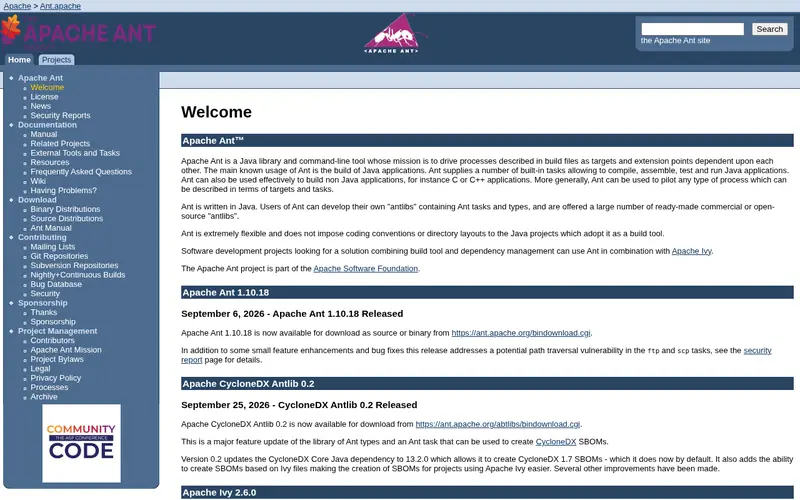
Ant is an open-source Java build tool from the Apache Software Foundation. Build files are XML with named targets and tasks, and the tool does not impose a directory layout or a lifecycle. It runs on Windows, macOS and Linux and needs a JDK.
Ant has no built-in dependency manager, so projects often pair it with Apache Ivy for dependency resolution. It is free under the Apache 2.0 licence. Ant is still maintained, but new projects usually start with Maven or Gradle. Ant fits teams maintaining older builds that depend on explicit, step-by-step scripts.
Standout: Simple, explicit XML targets
Free (open source), as listed by the vendor (Apache Ant website). Confirm the current plan price before you buy.
Free plan. Plans change, so confirm on the vendor's pricing page before you buy.
Benefits
- Simple, explicit XML targets
- no imposed project layout
Drawbacks
- No built-in dependency management
- builds can become long and manual
Skip it if this limit matters to you: no built-in dependency management.
Verdict. A sensible pick for legacy and custom builds that need explicit scripted steps.
Alternatives in this guide: Gradle, Apache Maven, Bazel
Bazel
Best for very large multi-language monorepos needing cached, reproducible builds
What it is and where it fits
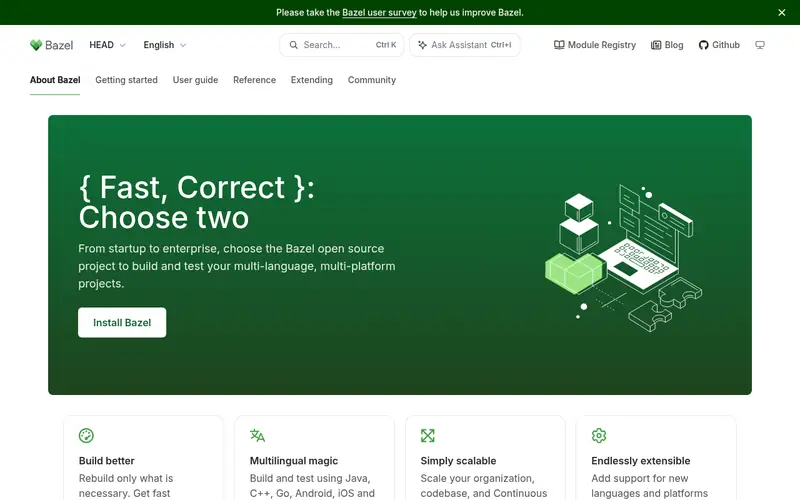
Bazel is an open-source build and test tool from Google. It uses Starlark build files and supports Java alongside C++, Go, Python and other languages. It runs on Windows, macOS and Linux. Bazel emphasizes hermetic builds, remote caching and parallel execution.
Bazel is free under the Apache 2.0 licence. Google also offers paid commercial services around it; see the vendor pricing page for those. The tool has a steep learning curve and is usually overkill for a single Java service. It fits organizations with large monorepos that need consistent, cached builds across many projects.
Standout: Strong build caching and reproducibility
Free (open source), as listed by the vendor (Bazel website). Confirm the current plan price before you buy.
Free plan. Plans change, so confirm on the vendor's pricing page before you buy.
Benefits
- Strong build caching and reproducibility
- handles many languages in one repo
Drawbacks
- Complex setup
- Java rules add concepts beyond typical Maven or Gradle builds
Skip it if this limit matters to you: complex setup.
Verdict. A sensible pick for very large multi-language monorepos needing cached, reproducible builds.
Alternatives in this guide: Gradle, Apache Maven, Apache Ant
sbt
Best for scala and mixed Scala-Java projects that need incremental compilation
What it is and where it fits
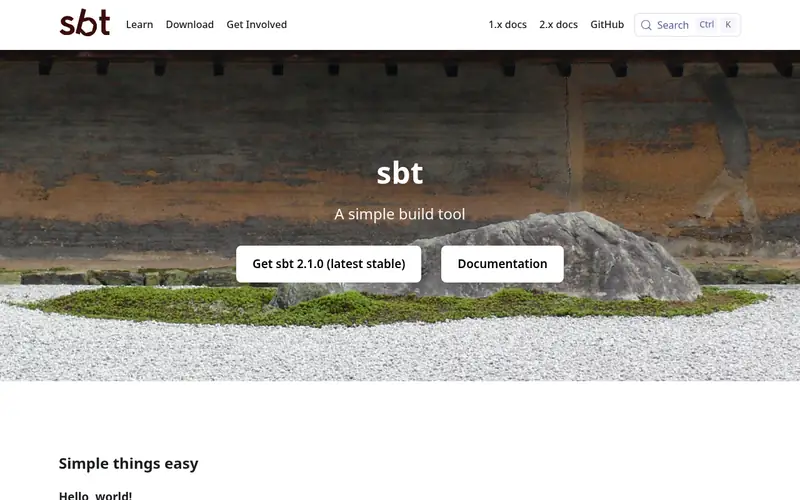
sbt is an open-source build tool aimed at Scala and Java projects. Build definitions are written in Scala, and the tool provides incremental compilation, a dependency resolver and an interactive shell. It runs on Windows, macOS and Linux and needs a JDK.
sbt is free under the Apache 2.0 licence and is maintained by the Scala Center and contributors. It handles mixed Scala and Java codebases well. Pure Java teams usually find Maven or Gradle simpler, because sbt build files require knowing Scala syntax.
Standout: Strong Scala support with incremental compilation
Free (open source), as listed by the vendor (sbt website). Confirm the current plan price before you buy.
Free plan. Plans change, so confirm on the vendor's pricing page before you buy.
Benefits
- Strong Scala support with incremental compilation
- interactive shell for build tasks
Drawbacks
- Build definitions use Scala, which adds a learning curve
- less common for pure Java teams
Skip it if this limit matters to you: build definitions use Scala, which adds a learning curve.
Verdict. A sensible pick for scala and mixed Scala-Java projects that need incremental compilation.
Alternatives in this guide: Gradle, Apache Maven, Apache Ant
Mill
Best for jVM projects that want a fast, Scala-based build with simple configs
What it is and where it fits
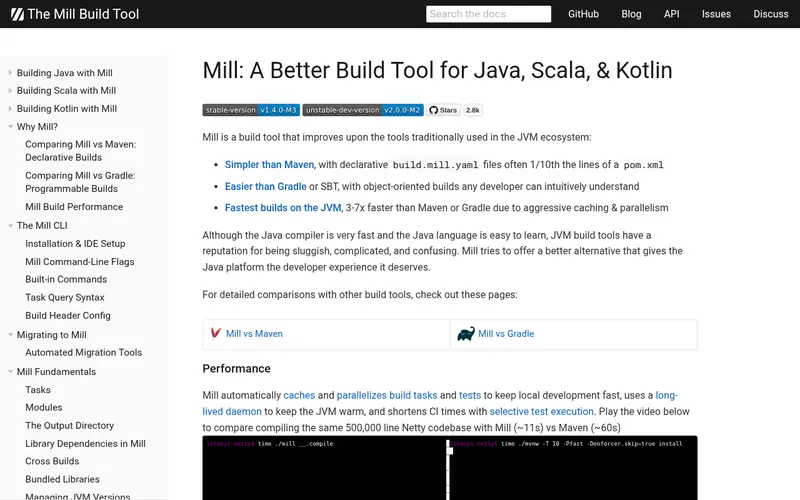
Mill is an open-source build tool for JVM projects, including Java, Scala and Kotlin. Build definitions are written in a Scala-based configuration, and the tool focuses on speed, caching and clear module structure. It runs on Windows, macOS and Linux and needs a JDK.
Mill is free under the MIT licence. It is actively developed and published on its own site and repository. Its plugin ecosystem is smaller than Maven's or Gradle's, so teams that depend on niche plugins should check coverage first. It suits developers who want a lean build tool and are comfortable with code-based configuration.
Standout: Fast builds with caching
Free (open source), as listed by the vendor (Mill website). Confirm the current plan price before you buy.
Free plan. Plans change, so confirm on the vendor's pricing page before you buy.
Benefits
- Fast builds with caching
- build files are plain code with a smaller surface than some alternatives
Drawbacks
- Smaller community than Maven or Gradle
- fewer third-party plugins
Skip it if this limit matters to you: smaller community than Maven or Gradle.
Verdict. A sensible pick for JVM projects that want a fast, Scala-based build with simple configs.
Alternatives in this guide: Gradle, Apache Maven, Apache Ant
Apache Ivy
Best for ant builds that need dependency management
What it is and where it fits
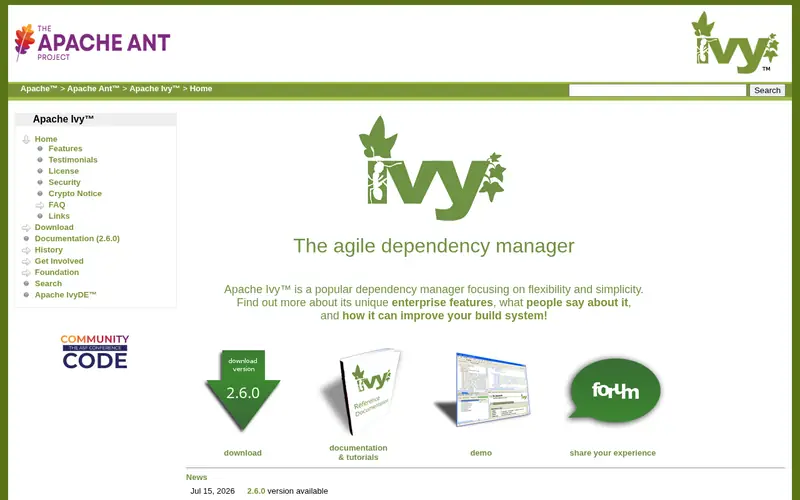
Apache Ivy is an open-source dependency manager that works with Ant. It resolves, reports and publishes dependencies, and it reads Maven-style repositories. It runs on Windows, macOS and Linux and needs a JDK plus Ant.
Ivy is free under the Apache 2.0 licence. It is not a full build tool on its own; it extends Ant builds with dependency handling. Teams on Ant that need transitive dependencies often add Ivy. New Java projects that want dependency management and a full lifecycle usually start with Maven or Gradle instead.
Standout: Adds dependency resolution to Ant
Free (open source), as listed by the vendor (Apache Ivy website). Confirm the current plan price before you buy.
Free plan. Plans change, so confirm on the vendor's pricing page before you buy.
Benefits
- Adds dependency resolution to Ant
- flexible configuration
Drawbacks
- Not a standalone build tool
- tied to Ant workflows
Skip it if this limit matters to you: not a standalone build tool.
Verdict. A sensible pick for ant builds that need dependency management.
Alternatives in this guide: Gradle, Apache Maven, Apache Ant
Who should use what
Teams starting a new Java service with standard needs should use Maven for its conventions and broad plugin support. Large multi-module projects that need custom build logic and caching should use Gradle. Organizations with big multi-language monorepos should evaluate Bazel. Teams maintaining older Ant builds can keep Ant and add Ivy for dependencies. Scala-heavy teams should look at sbt, and developers who want a lean code-based build can try Mill.
Questions to settle before you buy
What to check before you buy
- Confirm the tool is actively maintained and has releases in the last year.
- Check that your IDE and CI system support the build tool version you plan to use.
- Review the plugin or extension ecosystem for tasks you rely on, such as coverage or packaging.
- Confirm the licence and any commercial tier costs on the vendor page.
- Test build times and caching on a copy of your real project before migrating.
FAQ
Is Gradle or Maven better for Java?
Neither is universally better. Gradle offers flexible build scripts and fast incremental builds. Maven offers strong conventions and a large plugin ecosystem with simpler XML. Choose Gradle for complex, multi-module builds and Maven for standard projects where predictability matters most.
Are these Java build tools free?
Gradle, Maven, Ant, Bazel, sbt, Mill and Ivy are all open source and free to use. Some vendors sell commercial products around these tools, such as hosted build services. Check the vendor pricing page for those add-ons.
Can I use these build tools on Windows, macOS and Linux?
Yes. All the tools listed run on Windows, macOS and Linux and require a JDK. Bazel also supports other languages and platforms. Check version requirements for your JDK before installing.
Do I need to paste project data into a website to use them?
No. These are command-line build tools that run locally or in your CI system. You do not need to send source code or credentials to a third-party web page. Keep secrets in environment variables or a secrets manager.
When should I use Bazel instead of Maven or Gradle?
Bazel fits very large monorepos with many languages and a need for cached, reproducible builds. For a single Java service or a small set of modules, Maven or Gradle involves less setup and fewer new concepts.
Sources we checked
Method: how we score · editorial policy.
Change log. First published 22 Nov 2026.