Stage 01 · Write · Researched comparison
Best HTML to Markdown Converters in 2026
Pandoc is the first pick for most developers who need reliable HTML to Markdown conversion across many formats and platforms. It suits people who work on the command line and want one tool for many document types. Turndown is the better fit for JavaScript projects that need conversion inside an app or build step. html2text is a solid choice for Python pipelines and scripted batch jobs.

By Shihab Mia
Published 22 Nov 2026 · 5 tools compared
We run no ads and no affiliate links at launch. The order of a list follows our published method. See how we score.
Prices are the starting prices vendors list publicly. Plans change, so confirm the current price on the vendor page before you buy.
Key takeaways
- Pandoc is free, open source and runs on Windows, macOS and Linux, converting HTML to Markdown plus many other formats.
- Turndown is a free, open-source JavaScript library for browser and Node.js use, with customizable rules.
- html2text is a free, open-source Python package aimed at scripted and batch conversion.
- Browser-based converters are convenient but you should not paste secrets, tokens or production data into third-party web pages.
Who each pick is for
- Command-line conversion across many document formatsPandoc
- HTML to Markdown inside JavaScript apps and build stepsTurndown
- Scripted HTML to Markdown conversion in Pythonhtml2text
- Python projects that need customizable HTML to Markdown rulesmarkdownify
- Go programs that convert HTML to Markdownhtml-to-markdown
Comparison
| Tool | Best for | Standout feature | Listed starting price | Free plan or trial |
|---|---|---|---|---|
| 1Pandoc | Command-line conversion across many document formats | Handles HTML to Markdown and dozens of other formats | Free (open source) | Free plan |
| 2Turndown | HTML to Markdown inside JavaScript apps and build steps | Works in the browser and in Node.js | Free (open source) | Free plan |
| 3html2text | Scripted HTML to Markdown conversion in Python | Simple Python API and command-line use | Free (open source) | Free plan |
| 4markdownify | Python projects that need customizable HTML to Markdown rules | Custom converters for specific tags | Free (open source) | Free plan |
| 5html-to-markdown | Go programs that convert HTML to Markdown | Native Go library and CLI | Free (open source) | Free plan |
How we picked
We picked tools that genuinely convert HTML to Markdown and are currently maintained. Criteria included fit for the job, supported platforms, price and licence, privacy of pasted data, and known limits. Sources are vendor pages, official documentation and project repositories. Prices and free-plan details can change, so confirm them on the vendor site before you commit.
The tools, one by one
Pandoc
Best for command-line conversion across many document formats
What it is and where it fits
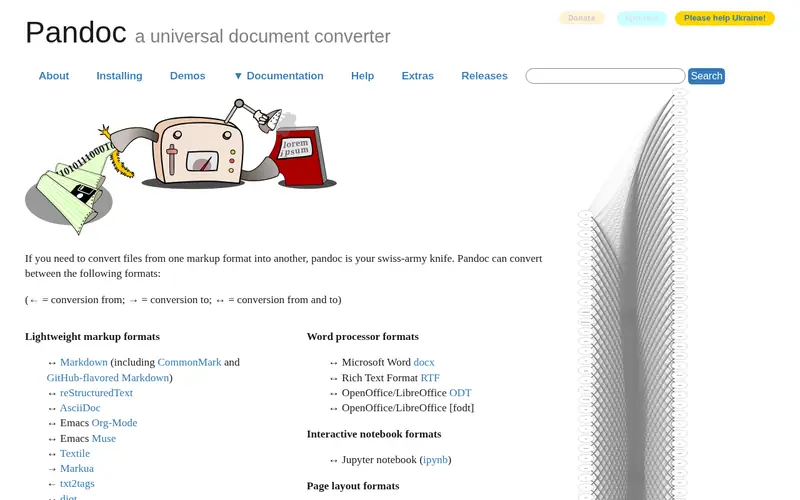
Pandoc is a universal document converter that reads HTML and writes Markdown, among many other format pairs. It runs on Windows, macOS and Linux and is distributed as a free, open-source project under the GPL. You call it from the command line, for example converting a saved HTML file to Markdown with a single command.
For this job it is strong when you already have HTML files on disk or in a pipeline and want consistent output. It supports several Markdown variants, so you can target CommonMark, GitHub-flavored Markdown or other flavors. The main limit is that complex HTML, such as deeply nested tables, may not map cleanly to Markdown and needs manual cleanup. Developers who want a single tool for many conversion directions should start here. Those who need conversion inside a JavaScript app should look at a library instead.
Standout: Handles HTML to Markdown and dozens of other formats
Free (open source), as listed by the vendor (Pandoc website). Confirm the current plan price before you buy.
Free plan. Plans change, so confirm on the vendor's pricing page before you buy.
Benefits
- Handles HTML to Markdown and dozens of other formats
- runs on Windows, macOS and Linux
Drawbacks
- Large feature set has a learning curve
- output needs tuning for some HTML
Skip it if this limit matters to you: large feature set has a learning curve.
Verdict. A sensible pick for command-line conversion across many document formats.
Alternatives in this guide: Turndown, html2text, markdownify
Turndown
Best for hTML to Markdown inside JavaScript apps and build steps
What it is and where it fits
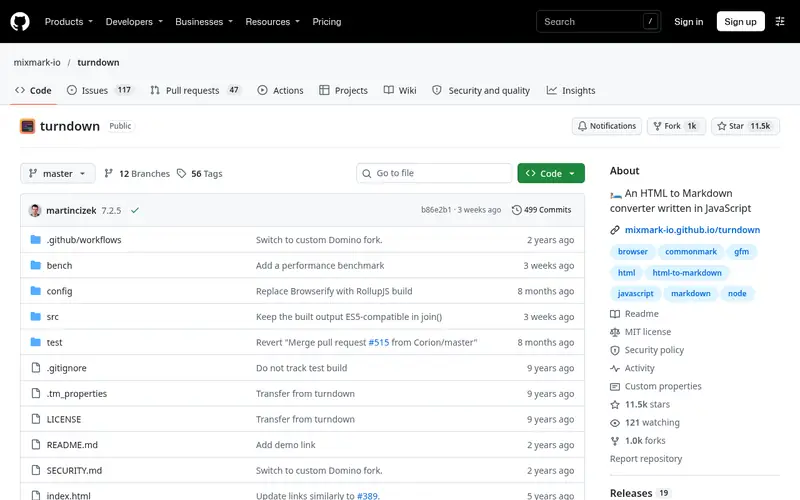
Turndown is a JavaScript library that converts HTML into Markdown. It runs in the browser and in Node.js, so it fits web apps, editor integrations and build scripts. The project is free and open source under the MIT license and is published on npm.
You pass it an HTML string or a DOM node and get Markdown back. It ships with a set of conversion rules and lets you add or override rules for elements it does not handle the way you want. This makes it flexible for sites with unusual markup. The tradeoff is that you own the integration: there is no command-line binary or hosted service. If your HTML is very irregular, expect to write custom rules. It is the natural pick for front-end and Node.js developers who need conversion embedded in their own code.
Standout: Works in the browser and in Node.js
Free (open source), as listed by the vendor (Turndown website). Confirm the current plan price before you buy.
Free plan. Plans change, so confirm on the vendor's pricing page before you buy.
Benefits
- Works in the browser and in Node.js
- conversion rules can be customized
Drawbacks
- You write the integration code yourself
- very messy HTML may need custom rules
Skip it if this limit matters to you: you write the integration code yourself.
Verdict. A sensible pick for HTML to Markdown inside JavaScript apps and build steps.
Alternatives in this guide: Pandoc, html2text, markdownify
html2text
Best for scripted HTML to Markdown conversion in Python
What it is and where it fits
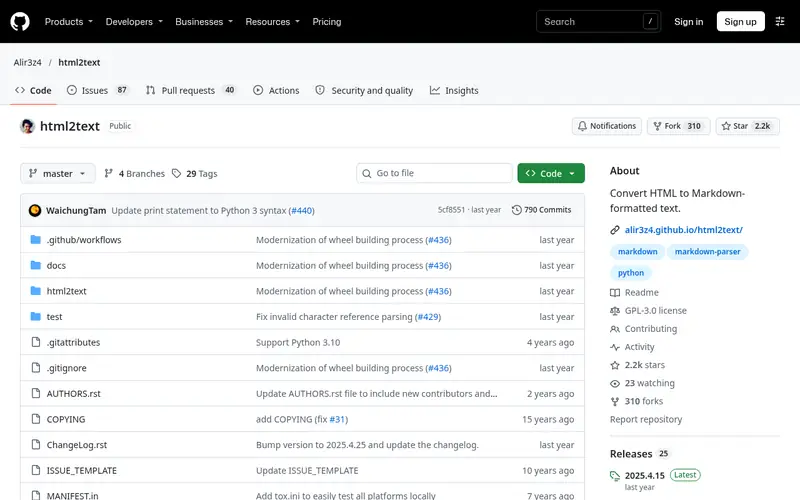
html2text is a Python package that turns HTML into Markdown-style text. It is free and open source under the GPL. You can use it as a library in Python scripts or as a command-line tool that reads HTML and writes text output.
It is a practical choice for batch jobs, data pipelines and one-off scripts where Python is already in use. Options let you control things like link handling, image handling and body width. The output is readable plain text with Markdown markup, which suits email digests and terminal output as well as documentation. The main limits are that it is Python-only and that heavily structured HTML, such as complex tables, may not convert perfectly. Developers working outside Python should pick a different tool.
Standout: Simple Python API and command-line use
Free (open source), as listed by the vendor (html2text website). Confirm the current plan price before you buy.
Free plan. Plans change, so confirm on the vendor's pricing page before you buy.
Benefits
- Simple Python API and command-line use
- configurable output options
Drawbacks
- Python-only
- output formatting may need adjustment for complex pages
Skip it if this limit matters to you: python-only.
Verdict. A sensible pick for scripted HTML to Markdown conversion in Python.
Alternatives in this guide: Pandoc, Turndown, markdownify
markdownify
Best for python projects that need customizable HTML to Markdown rules
What it is and where it fits
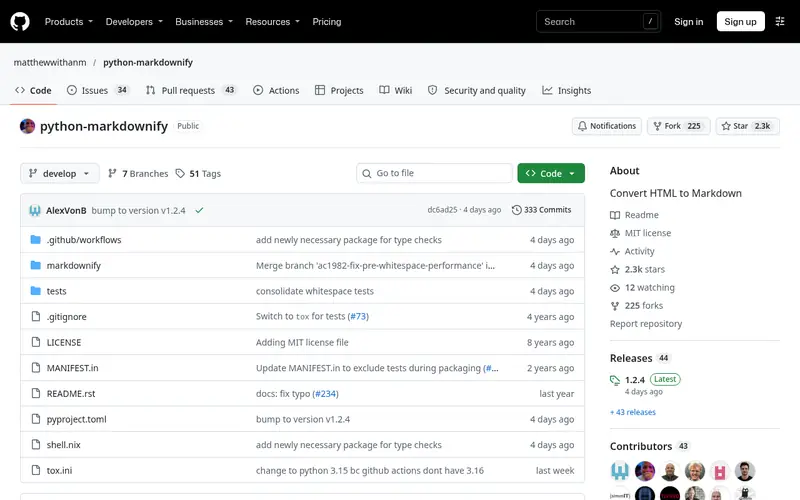
markdownify is a Python library that converts HTML to Markdown. It is free and open source under the MIT license and is installed from PyPI. It focuses on doing one job well: taking an HTML string and returning Markdown.
The library lets you register custom converters for individual tags, which helps when you need specific output for elements like tables or code blocks. It is a good fit for Python web apps that store content as HTML and need a Markdown export, or for scripts that clean up pasted content. It does not aim to convert whole document formats the way Pandoc does, and it is Python-only. If you want fine control over tag-level output in a Python codebase, it is worth comparing with html2text.
Standout: Custom converters for specific tags
Free (open source), as listed by the vendor (markdownify website). Confirm the current plan price before you buy.
Free plan. Plans change, so confirm on the vendor's pricing page before you buy.
Benefits
- Custom converters for specific tags
- clean Python API
Drawbacks
- Python-only
- smaller feature set than full document converters
Skip it if this limit matters to you: python-only.
Verdict. A sensible pick for python projects that need customizable HTML to Markdown rules.
html-to-markdown
Best for go programs that convert HTML to Markdown
What it is and where it fits
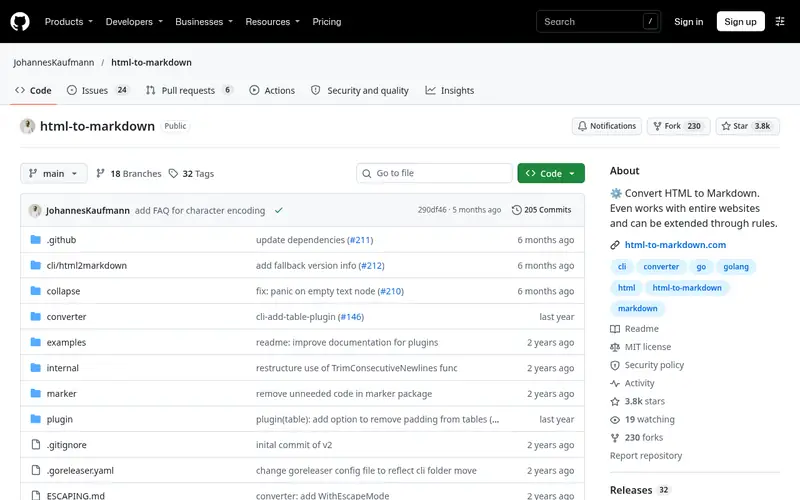
html-to-markdown is a Go library and command-line tool for converting HTML into Markdown. It is free and open source under the MIT license. It is aimed at Go developers who need conversion inside a service, CLI or batch process.
The package handles common elements such as headings, lists, links, images and code blocks, and it offers plugin options for custom handling. Because it is written in Go, it compiles to a single binary and fits well in server-side pipelines and container images. The limit is language scope: it is not a general document converter and does not target other formats. Go teams that want conversion without a runtime dependency beyond their own binary should consider it. Developers in other languages should use a tool native to their stack.
Standout: Native Go library and CLI
Free (open source), as listed by the vendor (html-to-markdown website). Confirm the current plan price before you buy.
Free plan. Plans change, so confirm on the vendor's pricing page before you buy.
Benefits
- Native Go library and CLI
- handles common HTML structures
Drawbacks
- Go-only
- edge-case HTML may need plugin rules
Skip it if this limit matters to you: go-only.
Verdict. A sensible pick for go programs that convert HTML to Markdown.
Who should use what
If you work on the command line and convert many document types, use Pandoc. If you are building a JavaScript app or build step, use Turndown. If your pipeline is in Python, compare html2text and markdownify, choosing markdownify when you need tag-level custom rules. If you write Go services, use html-to-markdown. For a quick one-off conversion of public content, a browser-based converter works, but keep sensitive data out of hosted pages and prefer local or offline tools when privacy matters.
Questions to settle before you buy
What to check before you buy
- Confirm the tool converts in the direction you need: HTML input, Markdown output.
- Check the output Markdown flavor matches your target, such as CommonMark or GitHub-flavored Markdown.
- Verify the licence and whether it fits commercial use in your project.
- Test it on your own messy HTML, especially tables, nested lists and code blocks.
- For hosted web converters, avoid pasting secrets, tokens or production data, and prefer local or offline tools where possible.
FAQ
What is the best HTML to Markdown converter overall?
Pandoc is the most general choice for command-line use across platforms and formats. For code integration, Turndown in JavaScript and html2text or markdownify in Python are common picks. The right answer depends on your language and whether you need batch conversion or in-app conversion.
Can I convert HTML to Markdown in the browser?
Yes. Turndown runs in the browser as a library, and some hosted editors offer conversion. Hosted pages process your content on a third party's servers, so do not paste secrets, tokens or production data. Prefer tools that run locally in the browser or offline when the content is sensitive.
Are these converters free?
Most are free and open source, including Pandoc, Turndown, html2text, markdownify and html-to-markdown. Check each project's licence before commercial use, and confirm current terms on the vendor or repository page.
Why does converted Markdown look wrong for tables?
Markdown has limited table support, and complex HTML tables often do not map cleanly. Base converters may drop or flatten nested tables. Some libraries let you add custom rules for table handling, but you may still need manual cleanup for heavily structured pages.
Do I need a command-line tool or a library?
Use a command-line tool like Pandoc when you convert files in a terminal or pipeline. Use a library like Turndown, html2text or html-to-markdown when conversion happens inside your application code. Many teams use both for different tasks.
Sources we checked
Method: how we score · editorial policy.
Change log. First published 22 Nov 2026.