Stage 01 · Write · Researched comparison
Best Haskell Build Tools in 2026
Cabal is the first pick for most Haskell developers because it is the official build tool shipped with GHC and works with any package on Hackage. Stack suits teams that want pinned, reproducible dependency sets with less setup. GHCup is the right starting point for anyone installing a Haskell toolchain, since it manages GHC, Cabal and Stack versions side by side.

By Shihab Mia
Published 28 Nov 2026 · 6 tools compared
We run no ads and no affiliate links at launch. The order of a list follows our published method. See how we score.
Prices are the starting prices vendors list publicly. Plans change, so confirm the current price on the vendor page before you buy.
Key takeaways
- Cabal and Stack are both free and open source, and they can be used in the same project directory.
- GHCup installs and switches GHC, Cabal, Stack and Haskell Language Server versions without touching system packages.
- hpack generates .cabal files from a package.yaml, so it is an add-on to Cabal rather than a replacement.
- haskell.nix ties builds to a Nix derivation, which gives strong reproducibility but requires Nix knowledge.
Who each pick is for
- General Haskell projects that use Hackage packagesCabal
- Reproducible builds with curated dependency snapshotsStack
- Installing and switching Haskell toolchainsGHCup
- Nix users who need pinned, reproducible Haskell buildshaskell.nix
- Generating .cabal files from a package.yamlhpack
- Editor tooling that works with Cabal and Stack projectsHaskell Language Server
Comparison
| Tool | Best for | Standout feature | Listed starting price | Free plan or trial |
|---|---|---|---|---|
| 1Cabal | General Haskell projects that use Hackage packages | Official build tool shipped with GHC | Free (open source) | Free plan |
| 2Stack | Reproducible builds with curated dependency snapshots | Pinned snapshots give repeatable builds | Free (open source) | Free plan |
| 3GHCup | Installing and switching Haskell toolchains | Manages GHC, Cabal, Stack and HLS versions | Free (open source) | Free plan |
| 4haskell.nix | Nix users who need pinned, reproducible Haskell builds | Builds are pinned through Nix | Free (open source) | Free plan |
| 5hpack | Generating .cabal files from a package.yaml | Less repetitive package metadata | Free (open source) | Free plan |
| 6Haskell Language Server | Editor tooling that works with Cabal and Stack projects | Works with common editors through LSP | Free (open source) | Free plan |
How we picked
We picked tools that build, install or support Haskell projects and are currently maintained. Criteria were fit for the job named in the slug, platform support, licence and price, whether the tool works offline or locally, and the main limits a developer will hit. Sources are vendor pages, project documentation and public repositories. Prices and features change, so confirm details on the vendor site before you commit.
The tools, one by one
Cabal
Best for general Haskell projects that use Hackage packages
What it is and where it fits
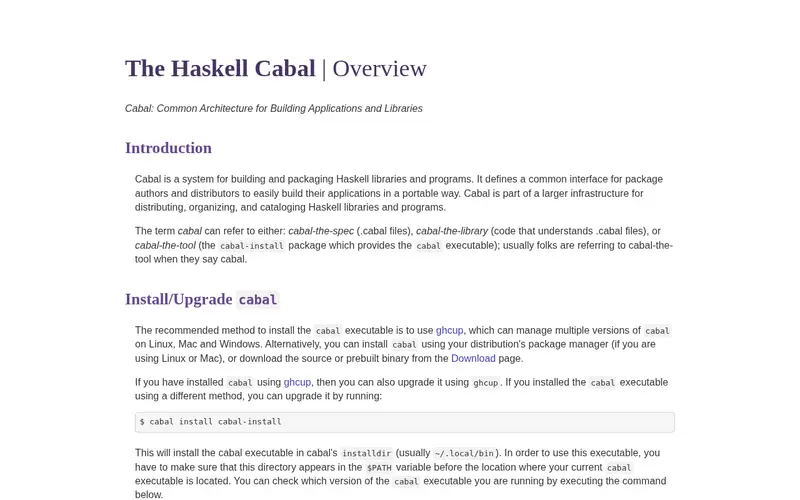
Cabal is the standard build and packaging tool for Haskell. It reads a .cabal file that lists libraries, executables, test suites and benchmarks, then compiles them with GHC. Dependencies are resolved against Hackage, and the solver picks versions that satisfy all constraints. It runs on Linux, macOS and Windows, and it is distributed with GHC, so most installations already have it.
Cabal supports multiple project packages in one directory through a cabal.project file, and it can pin index states and constraints for repeatable builds. There is no account or licence fee. The main limit is that version pinning is manual: you write constraints or freeze files yourself. Teams that want curated dependency sets usually pair Cabal with Stack or haskell.nix. Skip Cabal if you need a fully pinned environment out of the box.
Standout: Official build tool shipped with GHC
Free (open source), as listed by the vendor (Cabal website). Confirm the current plan price before you buy.
Free plan. Plans change, so confirm on the vendor's pricing page before you buy.
Benefits
- Official build tool shipped with GHC
- resolves dependencies from Hackage directly
Drawbacks
- No built-in snapshot pinning
- solver can be slow on large dependency sets
Skip it if this limit matters to you: no built-in snapshot pinning.
Verdict. A sensible pick for general Haskell projects that use Hackage packages.
Alternatives in this guide: Stack, GHCup, haskell.nix
Stack
Best for reproducible builds with curated dependency snapshots
What it is and where it fits
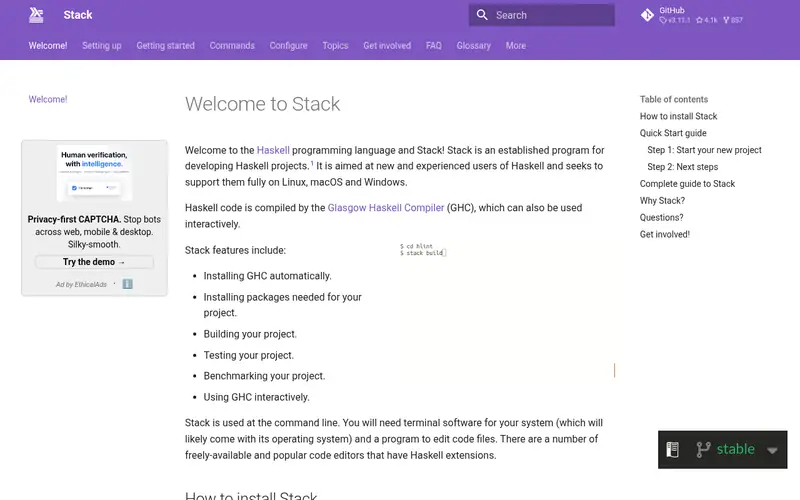
Stack is a build tool built around Stackage snapshots. A snapshot fixes the versions of a large set of packages that are known to compile together, so a project that builds on one machine should build the same way on another. Stack also downloads and manages the GHC version a project needs, which removes a common setup step.
It runs on Linux, macOS and Windows. Projects use a stack.yaml file, and packages that are not in the snapshot are added under extra-deps. Stack can also build plain Cabal packages. The trade-off is currency: snapshots are updated regularly but may not include the newest Hackage releases, so you sometimes wait or add overrides. Stack is a good fit for application teams and CI pipelines that value stable, pinned builds over always-newest dependencies.
Standout: Pinned snapshots give repeatable builds
Free (open source), as listed by the vendor (Stack website). Confirm the current plan price before you buy.
Free plan. Plans change, so confirm on the vendor's pricing page before you buy.
Benefits
- Pinned snapshots give repeatable builds
- Manages GHC versions per project
Drawbacks
- Snapshot packages can lag behind Hackage
- Some packages need extra-deps entries
Skip it if this limit matters to you: snapshot packages can lag behind Hackage.
Verdict. A sensible pick for reproducible builds with curated dependency snapshots.
Alternatives in this guide: Cabal, GHCup, haskell.nix
GHCup
Best for installing and switching Haskell toolchains
What it is and where it fits
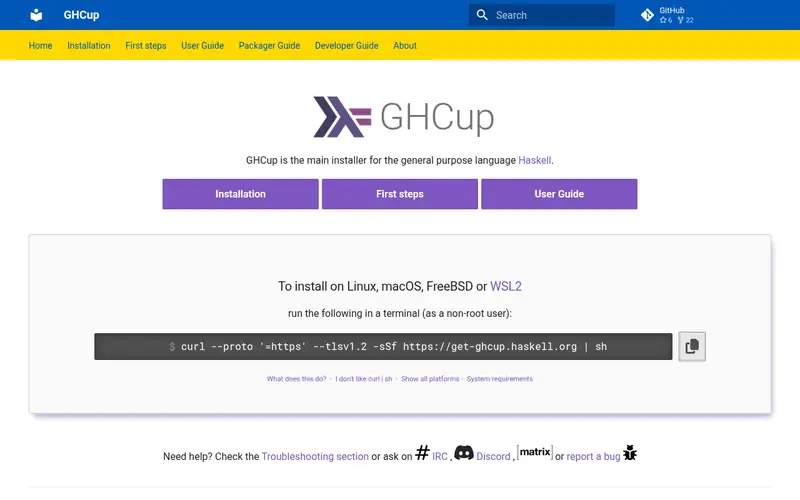
GHCup is a toolchain installer and version manager for Haskell. It installs GHC, Cabal, Stack and the Haskell Language Server, and it lets you switch between multiple GHC versions. On Unix systems it installs into a user directory without root access, and it supports Linux, macOS and Windows.
It is the recommended install path on the official Haskell site. GHCup keeps metadata about available versions and can set a default toolchain while keeping older versions available for projects that need them. It does not build your project itself; it prepares the tools that do. If you already manage GHC through a system package manager or Nix, GHCup may be redundant. For most individual developers it is the simplest way to get a working setup.
Standout: Manages GHC, Cabal, Stack and HLS versions
Free (open source), as listed by the vendor (GHCup website). Confirm the current plan price before you buy.
Free plan. Plans change, so confirm on the vendor's pricing page before you buy.
Benefits
- Manages GHC, Cabal, Stack and HLS versions
- Installs without root on Unix systems
Drawbacks
- Command-line only
- Adds a layer between you and system packages
Skip it if this limit matters to you: command-line only.
Verdict. A sensible pick for installing and switching Haskell toolchains.
Alternatives in this guide: Cabal, Stack, haskell.nix
haskell.nix
Best for nix users who need pinned, reproducible Haskell builds
What it is and where it fits
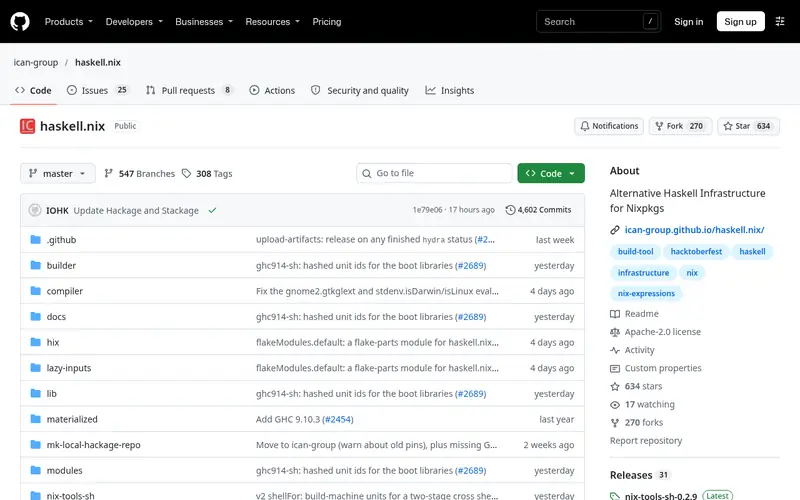
haskell.nix is a set of Nix expressions for building Haskell packages. It generates Nix derivations from Cabal or Stack projects, so builds are pinned by the Nix store and can be reproduced exactly. It supports multiple GHC versions, cross-compilation and building packages that are not in Stackage.
It runs wherever Nix runs, which covers Linux and macOS well and Windows through WSL. There is no cost beyond your Nix installation. The main limit is the learning curve: you need to understand Nix flakes or expressions to use it, and error messages can be harder to read than Cabal's. It suits teams already using Nix for the rest of their infrastructure, especially those that need bit-for-bit reproducible CI artifacts. Skip it if your team does not use Nix.
Standout: Builds are pinned through Nix
Free (open source), as listed by the vendor (haskell.nix website). Confirm the current plan price before you buy.
Free plan. Plans change, so confirm on the vendor's pricing page before you buy.
Benefits
- Builds are pinned through Nix
- Handles cross-compilation and multiple GHC versions
Drawbacks
- Requires Nix knowledge
- Setup is heavier than Cabal or Stack
Skip it if this limit matters to you: requires Nix knowledge.
Verdict. A sensible pick for nix users who need pinned, reproducible Haskell builds.
hpack
Best for generating .cabal files from a package.yaml
What it is and where it fits
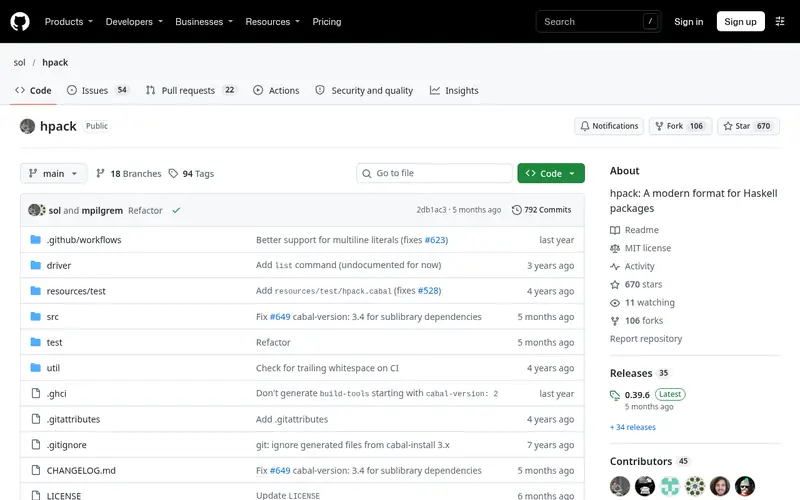
hpack is a small tool that generates a .cabal file from a package.yaml description. It reduces repetition in package metadata, and Stack runs it automatically when a package.yaml is present. It runs on Linux, macOS and Windows and is distributed as a Haskell package.
hpack does not replace Cabal or Stack; it produces the .cabal file that Cabal reads. The generated file should be committed or regenerated as part of the build. The main limit is that you maintain two representations of the same metadata, and hand edits to the .cabal file are overwritten on the next run. It suits projects with many modules and executables where the .cabal file becomes long. Projects with a small, stable .cabal file gain little from adding it.
Standout: Less repetitive package metadata
Free (open source), as listed by the vendor (hpack website). Confirm the current plan price before you buy.
Free plan. Plans change, so confirm on the vendor's pricing page before you buy.
Benefits
- Less repetitive package metadata
- Used automatically by Stack
Drawbacks
- Another file format to learn
- Generated .cabal file must be kept in sync
Skip it if this limit matters to you: another file format to learn.
Verdict. A sensible pick for generating .cabal files from a package.yaml.
Haskell Language Server
Best for editor tooling that works with Cabal and Stack projects
What it is and where it fits
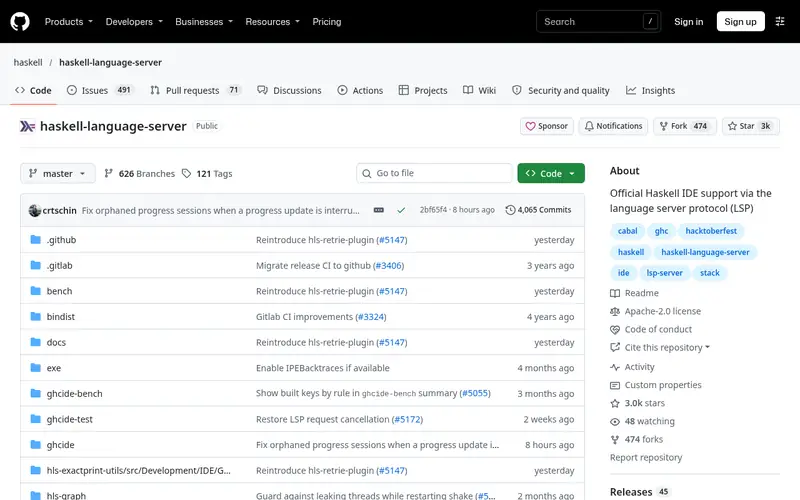
Haskell Language Server (HLS) is an implementation of the Language Server Protocol for Haskell. It provides diagnostics, completion, go-to-definition and type information in editors that support LSP, including VS Code, Neovim, Emacs and others. It reads Cabal and Stack project files to understand a project's dependencies and GHC version.
It runs on Linux, macOS and Windows, and GHCup can install it alongside GHC. HLS does not replace Cabal or Stack; it relies on them to configure the build environment. On large projects, startup and type-checking can be slow, and it needs a GHC version it supports. It is worth installing for day-to-day editing, but it does not solve build reproducibility. Use it alongside Cabal or Stack rather than instead of them.
Standout: Works with common editors through LSP
Free (open source), as listed by the vendor (Haskell Language Server website). Confirm the current plan price before you buy.
Free plan. Plans change, so confirm on the vendor's pricing page before you buy.
Benefits
- Works with common editors through LSP
- Reads Cabal and Stack project files
Drawbacks
- Not a build tool itself
- Can be slow on large projects
Skip it if this limit matters to you: not a build tool itself.
Verdict. A sensible pick for editor tooling that works with Cabal and Stack projects.
Who should use what
If you are starting from nothing, install GHCup first and let it set up GHC and Cabal. For a typical application, Cabal is enough, and adding hpack helps when the .cabal file grows long. If your team needs pinned dependency sets and simpler CI, use Stack. If your infrastructure already runs on Nix and you need exact reproducibility, use haskell.nix. Add Haskell Language Server in your editor regardless of which build tool you choose.
Questions to settle before you buy
What to check before you buy
- Confirm the tool supports the GHC versions your project targets.
- Check whether dependency pinning is built in or needs manual constraints.
- Verify the tool runs on your operating system and CI platform.
- Decide whether you need offline or local builds, and test that path.
- Read the licence terms if you redistribute the toolchain.
FAQ
Is Cabal or Stack better for Haskell?
Neither is universally better. Cabal is the official tool and tracks Hackage closely. Stack uses pinned Stackage snapshots for repeatable builds. Many teams use Cabal for libraries and Stack for applications, and both can coexist in one repository.
Do I need GHCup if I already have GHC?
Not always. GHCup helps when you need multiple GHC versions or want to install Cabal, Stack and HLS together. If your system package manager gives you the GHC version you need, you can skip it.
Can I use hpack without Stack?
Yes. hpack is a standalone tool that generates a .cabal file from package.yaml. Stack runs it automatically, but you can run it yourself in a Cabal-only project.
Is haskell.nix a replacement for Cabal?
No. haskell.nix generates Nix derivations from Cabal or Stack projects. You still describe your package with a .cabal file, and Nix handles the build environment and pinning.
Does Haskell Language Server build my project?
No. HLS provides editor features and reads your Cabal or Stack configuration. Building and testing still go through Cabal or Stack.
Sources we checked
Method: how we score · editorial policy.
Change log. First published 28 Nov 2026.